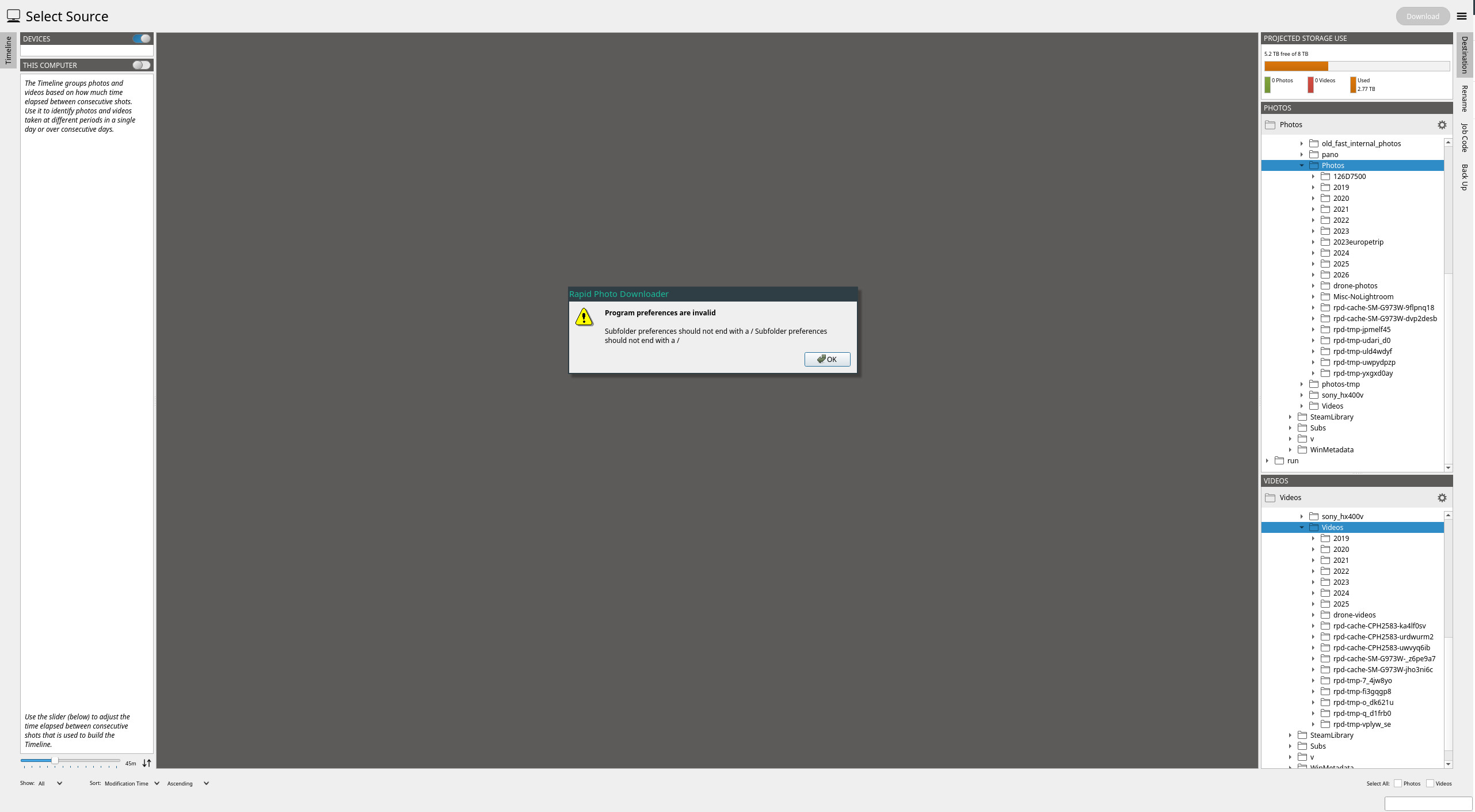
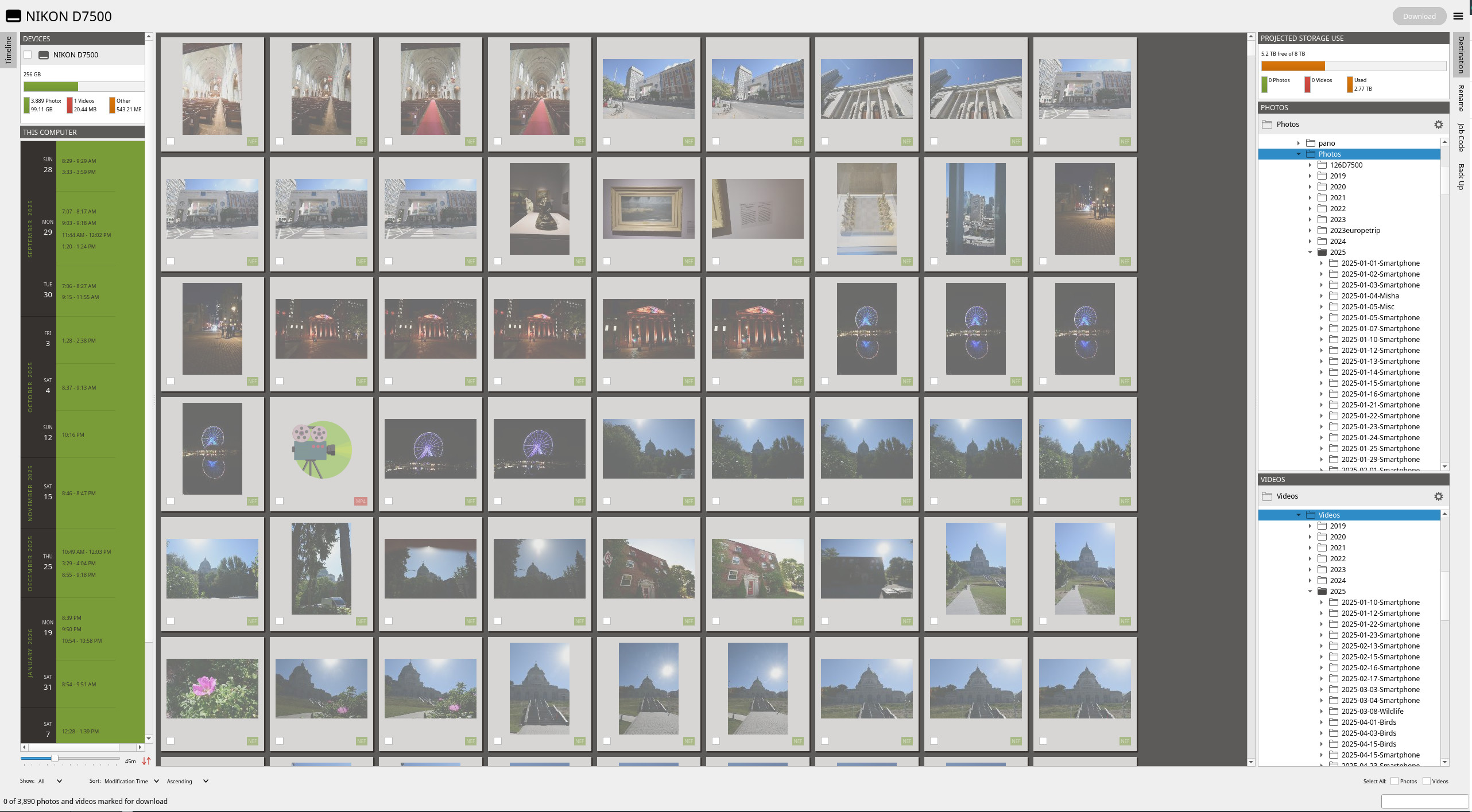
In my case (Manjaro) this didn’t work out of the box, I missed intltool dependency.
❯ uv run rapid-photo-downloader
  × Failed to build `rapid-photo-downloader @ file:///home/bill/tools/rapid-photo-downloader`
  ├─▶ The build backend returned an error
  ╰─▶ Call to `hatchling.build.build_editable` failed (exit status: 1)

      [stderr]
      Traceback (most recent call last):
        File "<string>", line 11, in <module>
          wheel_filename = backend.build_editable("/home/bill/.cache/uv/builds-v0/.tmp6Gavsr", {}, None)
        File "/home/bill/.cache/uv/builds-v0/.tmpmcdqLK/lib/python3.14/site-packages/hatchling/build.py", line 83, in build_editable
          return os.path.basename(next(builder.build(directory=wheel_directory, versions=["editable"])))
                                  ~~~~^^^^^^^^^^^^^^^^^^^^^^^^^^^^^^^^^^^^^^^^^^^^^^^^^^^^^^^^^^^^^^^^^
        File "/home/bill/.cache/uv/builds-v0/.tmpmcdqLK/lib/python3.14/site-packages/hatchling/builders/plugin/interface.py", line 149, in build
          build_hook.initialize(version, build_data)
          ~~~~~~~~~~~~~~~~~~~~~^^^^^^^^^^^^^^^^^^^^^
        File "/home/bill/.cache/uv/builds-v0/.tmpmcdqLK/lib/python3.14/site-packages/hatch_gettext/plugin.py", line 371, in initialize
          self.do_work(build_data)
          ~~~~~~~~~~~~^^^^^^^^^^^^
        File "/home/bill/.cache/uv/builds-v0/.tmpmcdqLK/lib/python3.14/site-packages/hatch_gettext/plugin.py", line 345, in do_work
          self.translate_files()
          ~~~~~~~~~~~~~~~~~~~~^^
        File "/home/bill/.cache/uv/builds-v0/.tmpmcdqLK/lib/python3.14/site-packages/hatch_gettext/plugin.py", line 302, in translate_files
          self._translate_file(self._po_dir, in_file, path_to_translate)
          ~~~~~~~~~~~~~~~~~~~~^^^^^^^^^^^^^^^^^^^^^^^^^^^^^^^^^^^^^^^^^^
        File "/home/bill/.cache/uv/builds-v0/.tmpmcdqLK/lib/python3.14/site-packages/hatch_gettext/plugin.py", line 72, in _translate_file
          process = subprocess.run(cmd, text=True, capture_output=True)
        File "/usr/lib/python3.14/subprocess.py", line 555, in run
          with Popen(*popenargs, **kwargs) as process:
               ~~~~~^^^^^^^^^^^^^^^^^^^^^^
        File "/usr/lib/python3.14/subprocess.py", line 1039, in __init__
          self._execute_child(args, executable, preexec_fn, close_fds,
          ~~~~~~~~~~~~~~~~~~~^^^^^^^^^^^^^^^^^^^^^^^^^^^^^^^^^^^^^^^^^
                              pass_fds, cwd, env,
                              ^^^^^^^^^^^^^^^^^^^
          ...<5 lines>...
                              gid, gids, uid, umask,
                              ^^^^^^^^^^^^^^^^^^^^^^
                              start_new_session, process_group)
                              ^^^^^^^^^^^^^^^^^^^^^^^^^^^^^^^^^
        File "/usr/lib/python3.14/subprocess.py", line 1990, in _execute_child
          raise child_exception_type(errno_num, err_msg, err_filename)
      FileNotFoundError: [Errno 2] No such file or directory: 'intltool-merge'


hint: Build failures usually indicate a problem with the package or the build environment%
In case someone else has this issue, I solved by installing intltool.
And even in more detail, in my case, I created a conda environment to do this to not affect at system level (intltool is only needed at build time).
cd rapid-photo-downloader
conda create -n rpd_temp intltool
…accept, install, etc.
conda activate rpd_temp
uv run rapid-photo-downloader
et voilà.
In my case rapid-photo-downloader started this way lamented a lack of exiftool, no idea why (I have it at system level).
I’ve installed it explicity in the conda environment and then it worked.