7 Likes
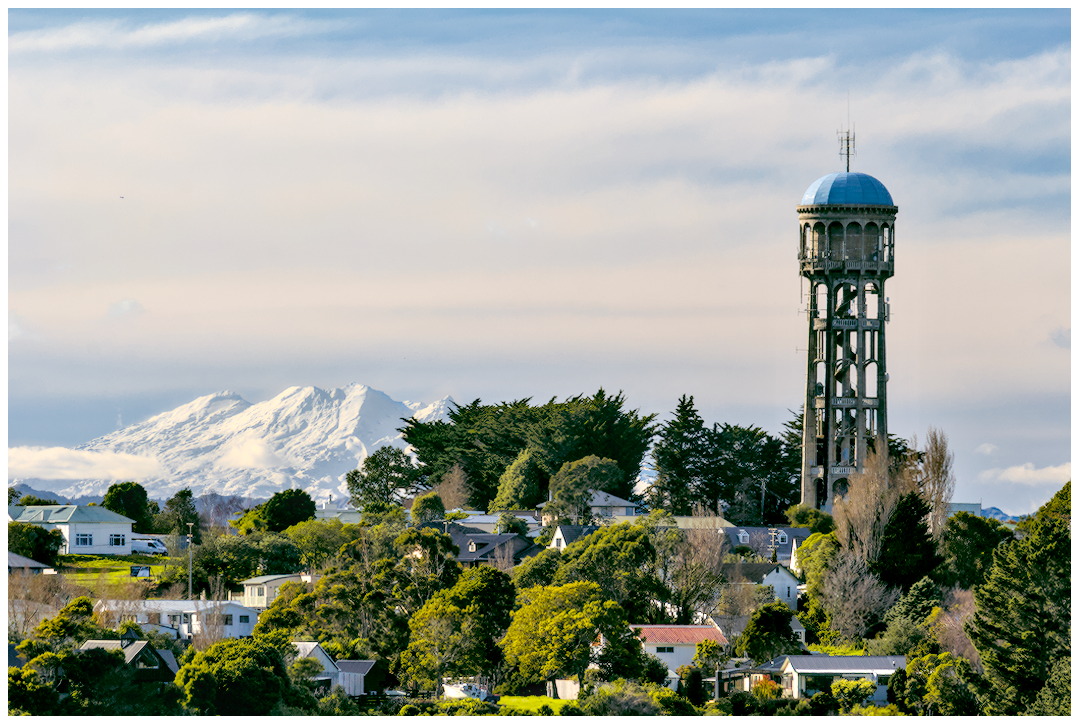
Not sure if I loaded your XMP correctly, but your edit looks dark to me. Is your monitor calibrated? Unless editing for HDR (which I rarely try), my monitor is around 150-160 nits.
Quite a few factors contribute to “pop”, I think. At least for me microcontrast is one important factor, thus, I usually use Richardson-Lucy deconvolution to bring out details (instead of sharpening). I’m not sure what lens was used, but f/11 might be too much and loosing details due to diffraction (f/8 is the smallest I usually use for landscape).
I like natural look, not a fan of saturated, so here’s one from my usual workflow. Somehow I like your composition, the large sky with a hint of blue at the top gives me the openness of the scene/sky so I didn’t crop.
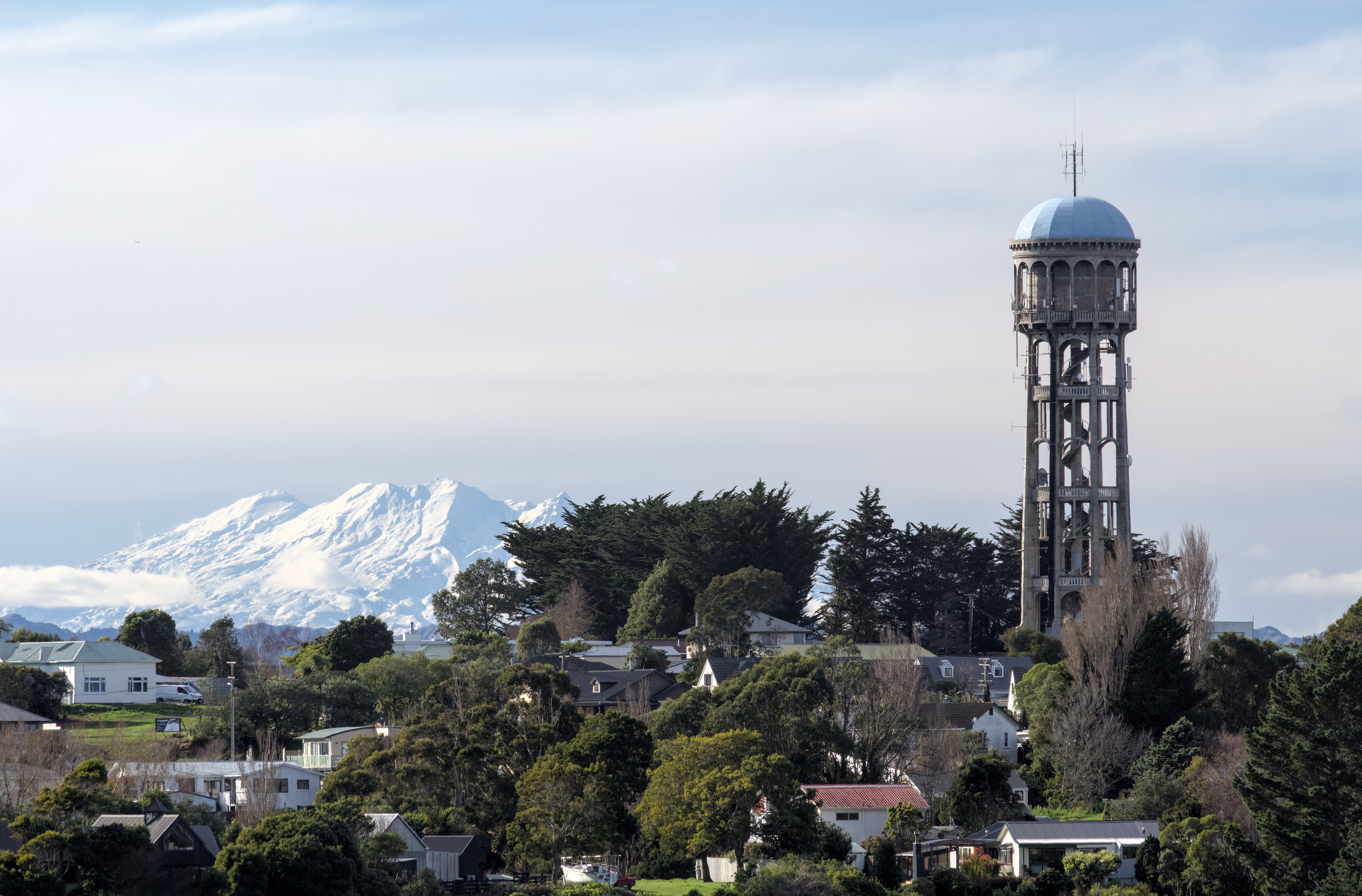
2026-07-07_14-36-17.cr2.xmp (9.5 KB)
2 Likes
Here’s my first version,
I made it considerably lighter. +1.5EV
No fan of white mountains as they are in the distance, tried to keep them soft as probably the scene was lighted with soft warm winter light.
Not sure about the crop, tried to make the mountains the subject…
Removed small airplane, straightened, added frame.
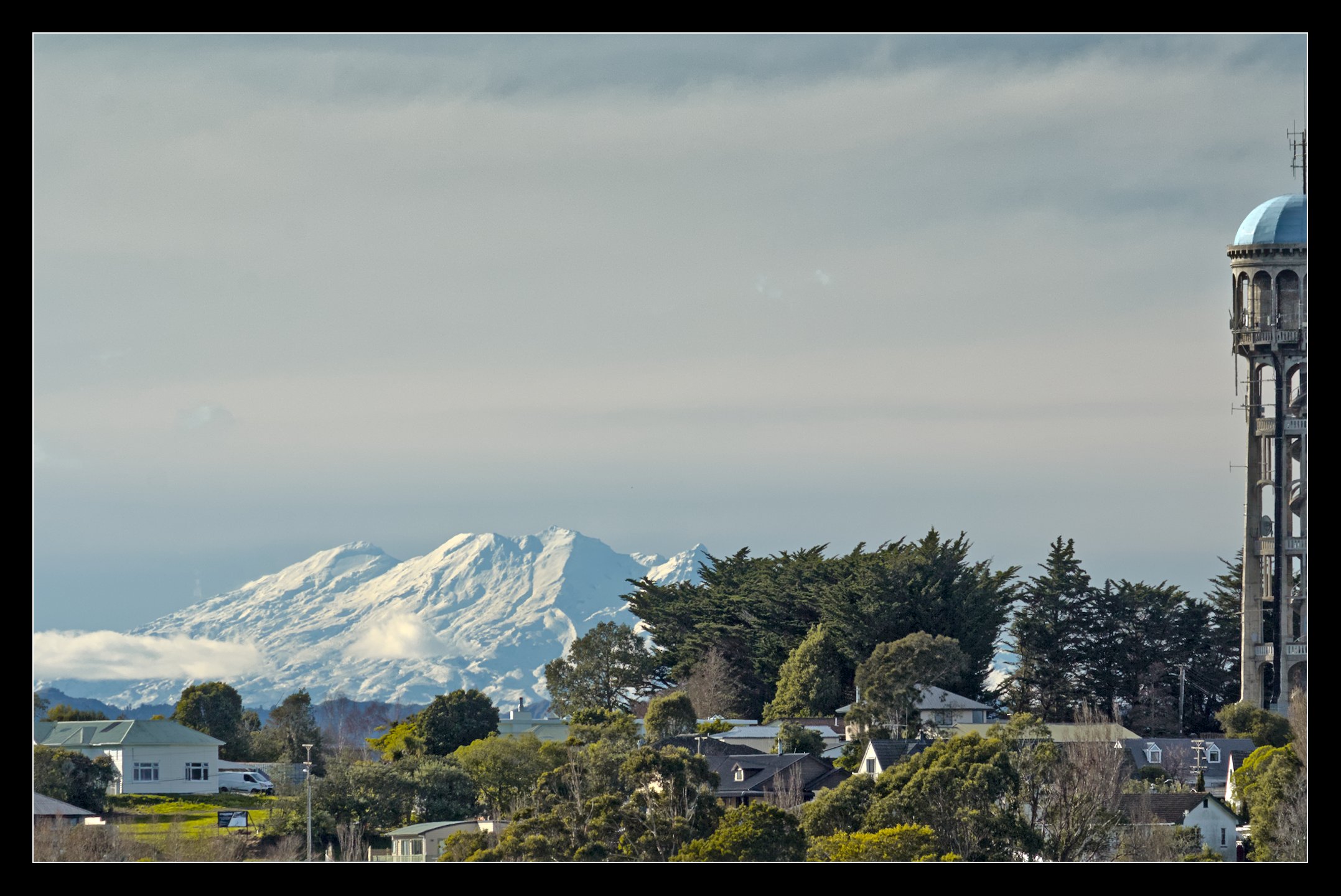
2026-07-07_14-36-17.cr2.xmp (117.9 KB)
Considered making two photo’s out of it, one for the water-tower and one for the mountains.
1 Like
2 Likes
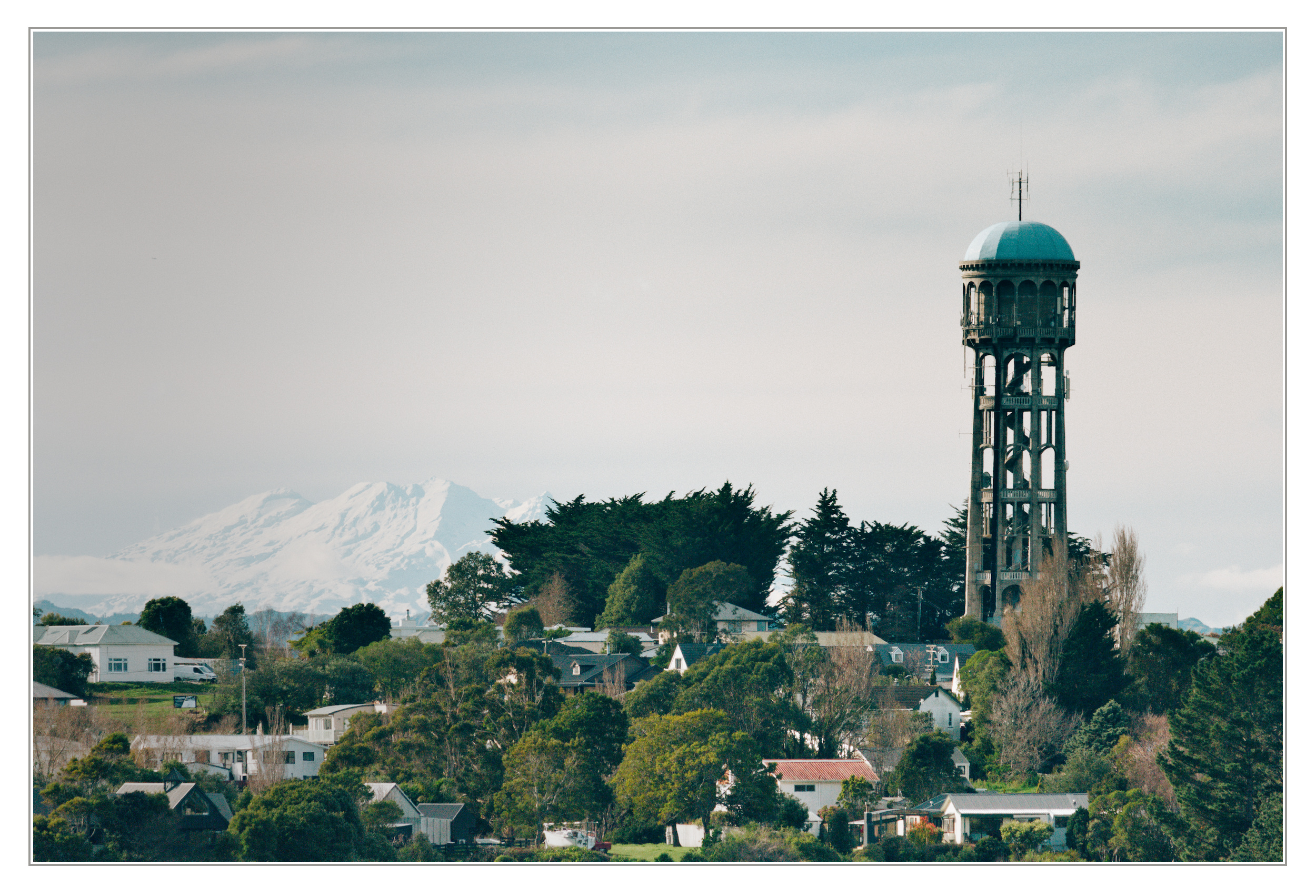
I gave this one a go, but I must say, my take is completely lacking in color!
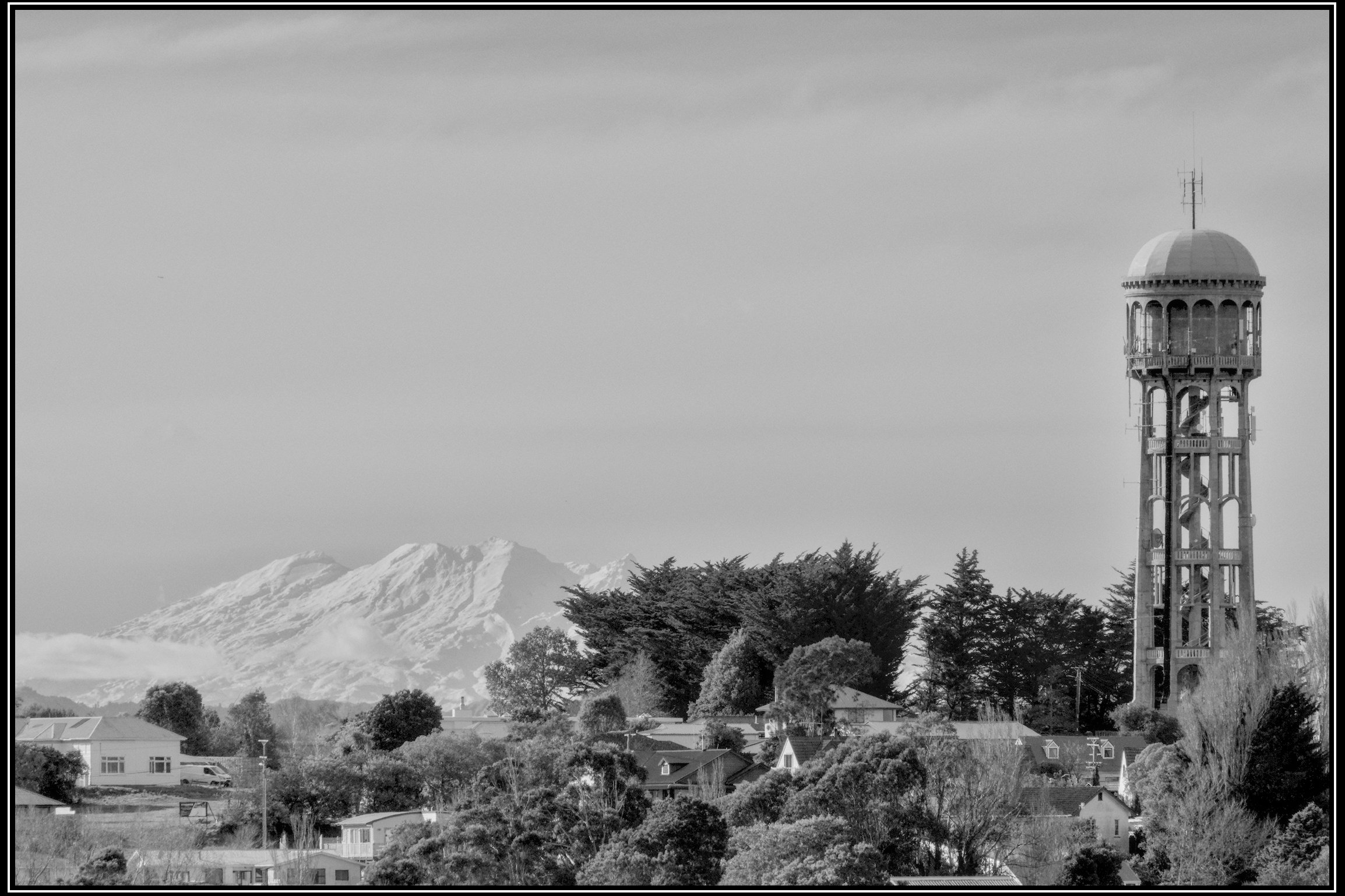
2026-07-07_14-36-17.cr2.xmp (17.5 KB)
I wonder if you might have been happier using a polarizer here. 
2 Likes
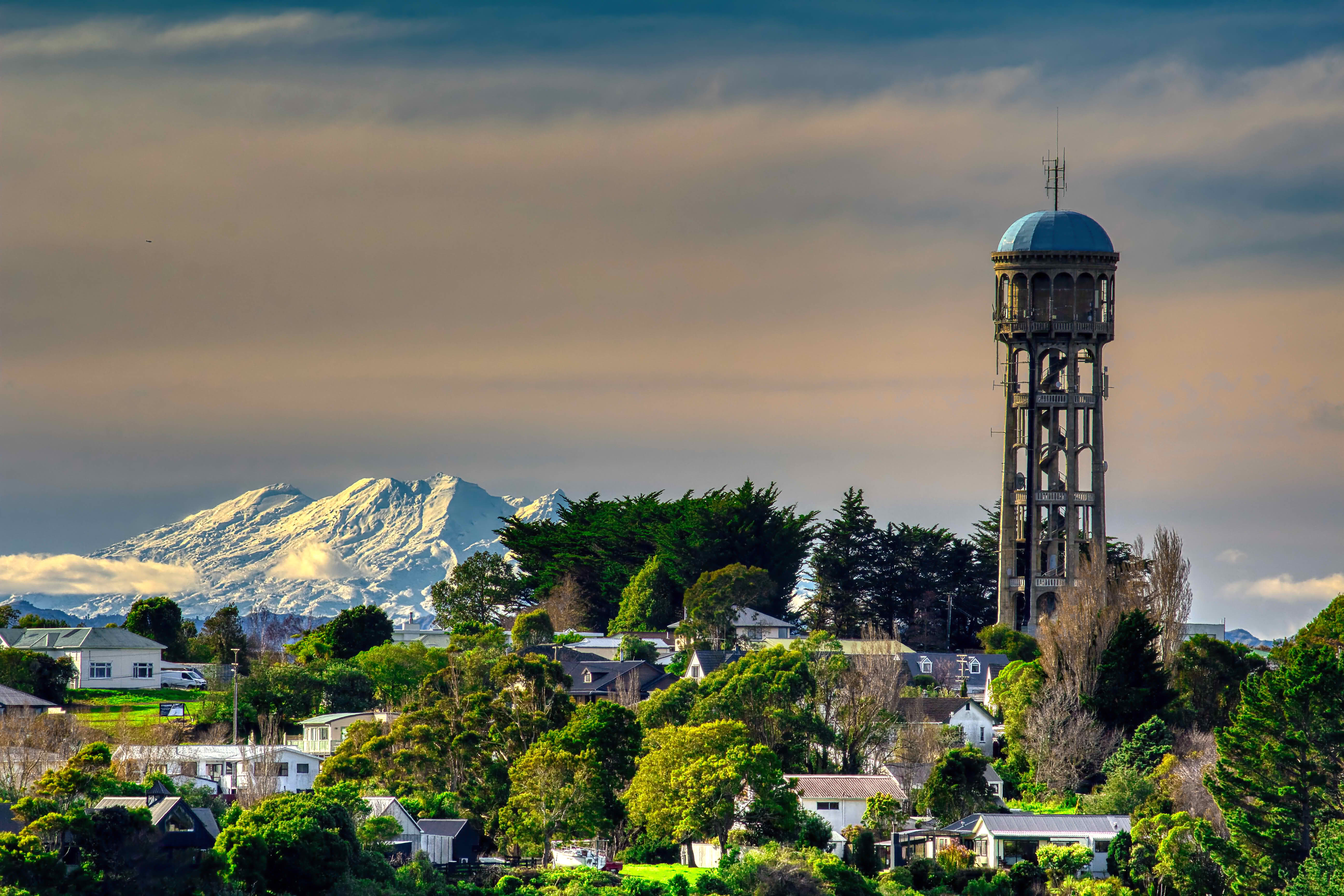
My aim was to have a natural look (or what I think is a natural look ^^ ) and have some details of that nice mountain.
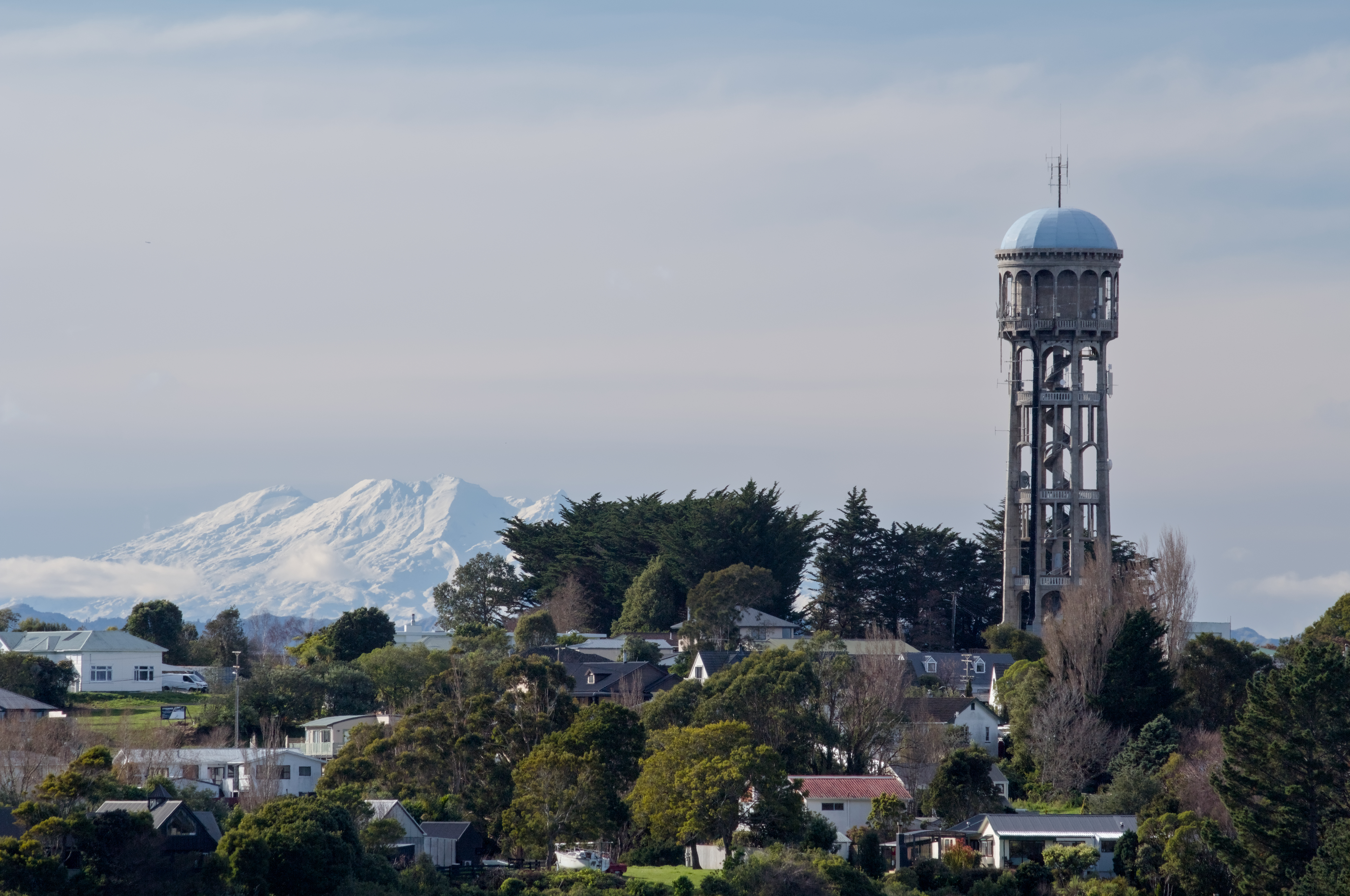
2026-07-07_14-36-17.cr2.xmp (12.9 KB)
2 Likes
Thanks to all of you for your help and sorry about the delayed reply!
I’ve recently discovered the clarity setting under contrast equaliser, which (in many cases) gives the image the boost it needs.
Nice,
Tip, check out what some of us did more to your photo. There often really is much more to it than just clarity.
In order to do this you may want to make one or more duplicates of your photo in dt and attach one or more .xmp files to the duplicate(s).
Have fun…
Essentially just added a loan of global contrast and then fine-tuned with exposure bands. A bright and interesting specular region (the mountain) looks great in HDR! I also added some selective saturation and color balance. Could’ve gone further with local adjustments and a little clarity on the mountain perhaps, but I feel this looks quite nice a natural as it stands.
AVIF + Gain map attached along with an HDR Finisher project file (zipped) in case you want to see the precise adjustments.
very nice shot!
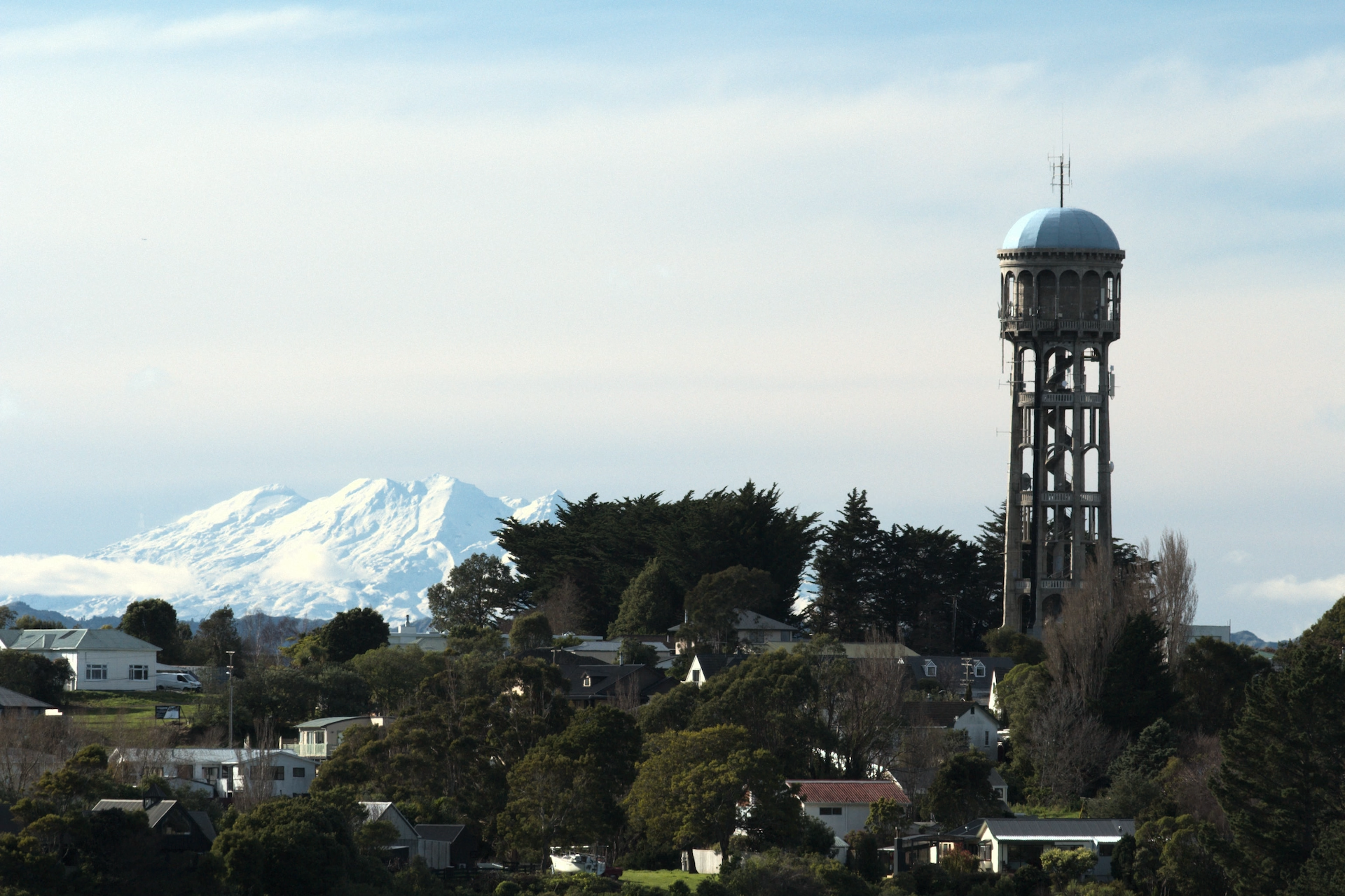
mountains-2026-07-07_14-36-17.hdrfinisher.zip (3.5 KB)
1 Like
Here is a pretty simple edit. I set the grey of the tower to be middle grey to maximize contrast there, and then adjusted the color contrast and luma contrast with contrast equalizer. I also used tone equalizer to bring the mountains back from being washed out.
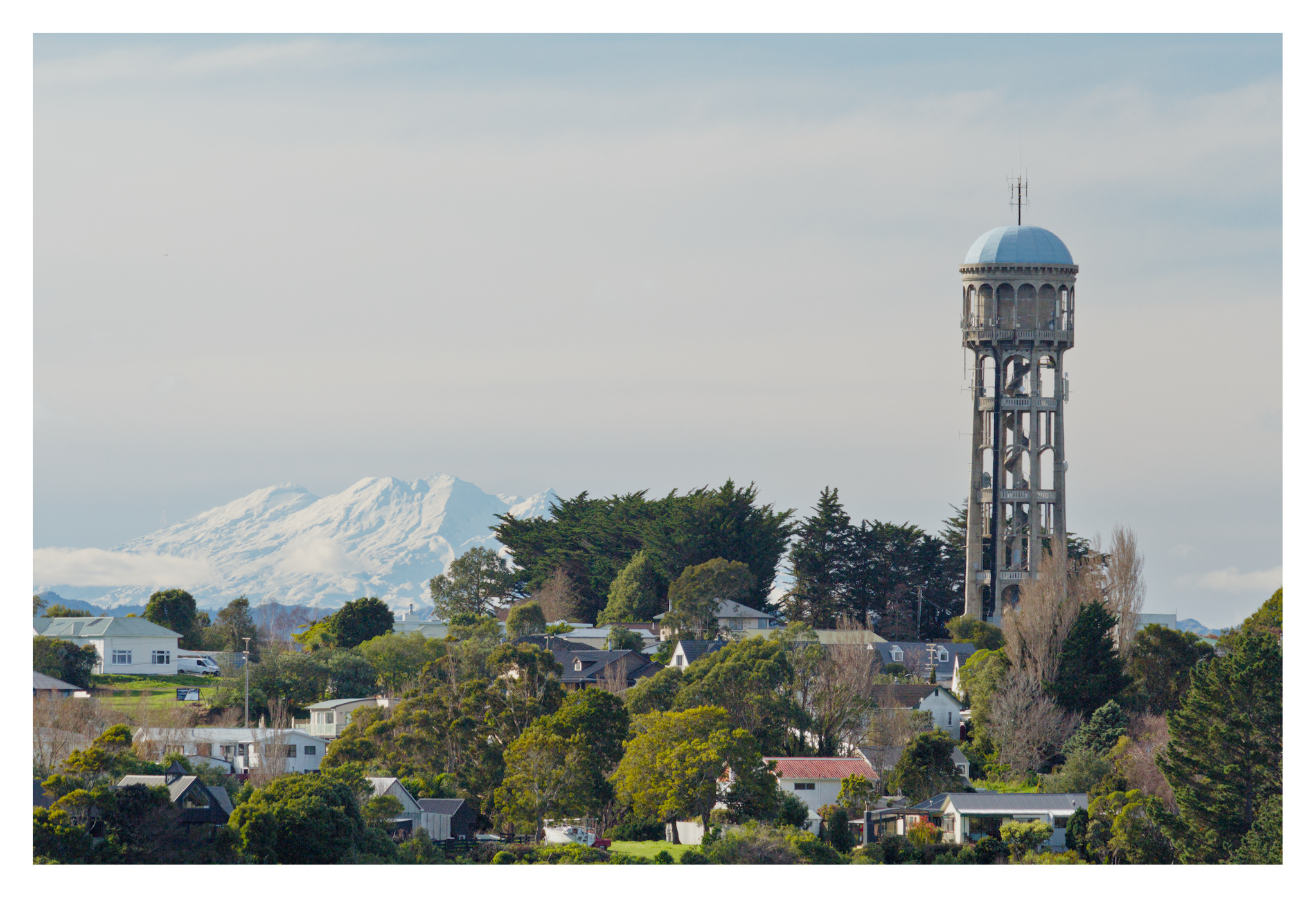
2026-07-07_14-36-17.cr2.xmp (15.9 KB)
1 Like