Is it possible to select all photos which use a certain module?
Is it possible to compress the history stack for all photos of the filmroll automatically? Maybe there is a workaround to analyze the xmp file with grep?
Is it possible to select all photos which use a certain module?
Is it possible to compress the history stack for all photos of the filmroll automatically? Maybe there is a workaround to analyze the xmp file with grep?
Hi,
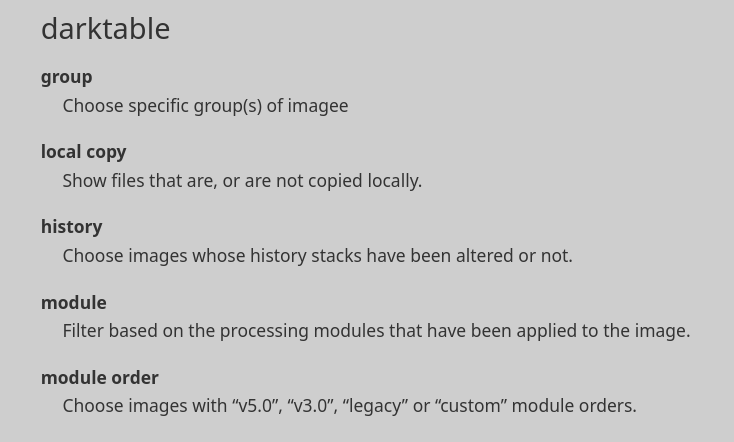
For the 1st point, have a look here in the documentation:
module
Filter based on the processing modules that have been applied to the image.
A good look at the interface and/or the manual would have provided answers to both questions…
(yes, and yes, btw)
True! 
For the 2nd question, have a look here in the same doc.
compress history
Compress the history stack of the selected image. If any module appears multiple times in the history stack, these occurrences will be compressed into a single step in the history. Beware: this action can not be undone!
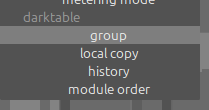
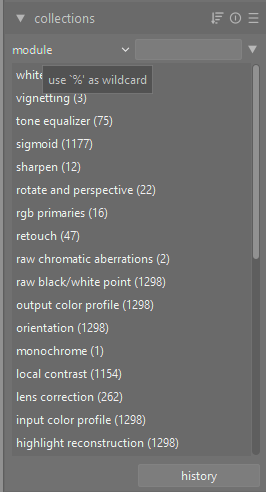
You can only seem to use module in the actual collections module, not in a new collection rule. Not sure if there’s a technical reason for this but it seems like an oversight that it wouldn’t be usable in a collection rule as well.
I think you are looking at the “collection filters” module, not the “collections” module.
I didn’t ask this. I know how to do it with 1 photo, but I want to do it with a “group” or a filmroll.
The answer is on the manual.
Did you even try using that funtion in the lighttable with multiple images selected?
You mean selecting a number of photos in the lightroom, then open the history stack module in the right column and click on compress history is not what you need to do?
If then, I did not understand what you were asking, sorry for that.
Or it does not work?