Oh, I forgot that JPEG XL supports lossless compression. That could be an interesting way to store stuff indeed. Lossless means that in case of compatibility issues you can still convert a few of them into temporary files for whatever you’re attempting to do at any given moment. That deserves investigation.
No idea which parameters convert used by default, but it accepted to produce a .jxl out-of-the-box without complaining.  … Or perhaps not. Both
 file and identify seem to say that it just re-encoded them as slightly better-compressed PNGs, ignoring the extension I gave.  Let’s
Let’s sudo apt install libjxl-tools.
Gosh, I tried using the highest “effort” and quality settings (--quality 100 --effort 9 --brotli_effort 11) and it takes ages to perform the conversion.  Several minutes and still not done. And it does not seem to use more than a CPU at a time… OK, seven minutes, still no picture converted. Aborting. Retrying with just the quality settings… Not much better, but at least it ended at some point. I guess that version is a bit old, too.
Read 4293x6332 image, 122258006 bytes, 64.9 MP/s
Encoding [Container | Modular, lossless, effort: 7 | 648-byte Exif | 2378-byte XMP],
Compressed to 56781351 bytes including container (16.711 bpp).
4293 x 6332, 0.29 MP/s [0.29, 0.29], 1 reps, 12 threads.
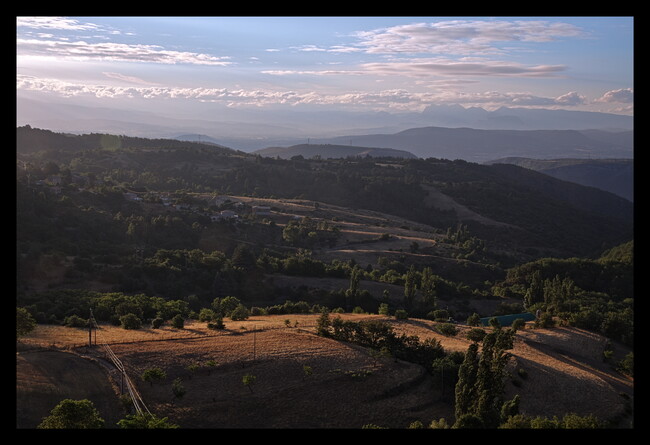
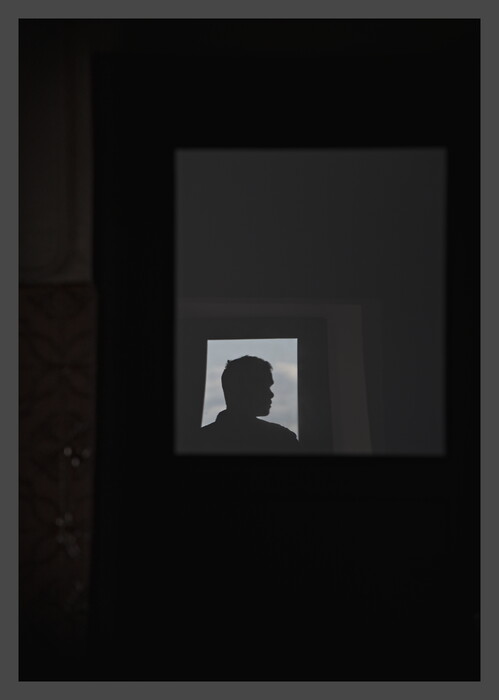
It divided the weight of the black-and-white pic by a factor of about two, but was not as miraculous as that for the other samples. And currently I have to run GIMP to view them.  Not extremely motivating so far, but worth the attempt.
Also, that version of cjxl’s help says nothing about converting from .jxl back into something else. 
Sidenote: Using identify on my TIFFs yielded a warning, which I did not get for PNGs:
Wrong data type 9 for “ISOSpeedRatings”; tag ignored.
The CLI’s help explicitly has “16f” for floating-point numbers, and says “per channel”, so I think the 32 is for integers:
  -b<8|16|16f|32>  Specify bit depth per channel.
                   8   = 8-bit integer.  Applies to JPEG, PNG and TIFF. Default for JPEG and PNG.
                   16  = 16-bit integer. Applies to TIFF and PNG. Default for TIFF.
                   16f = 16-bit float.   Applies to TIFF.
                   32  = 32-bit float.   Applies to TIFF.
Interestingly, the “default for…” mentions do not always match what the old RawPedia page says. 
That makes sense. Not sure what RT uses internally, though.
I’m still using the default version coming from Ubuntu’s repository’s, and it does not yield deprecation warnings yet nor provides the magick executable (at the cost, probably, of having fewer features, but it is OK for the basic stuff that I generally do). But yeah I heard about the warnings from a colleague running MacOS (and I was like “nooooo my scripts will have to be adapted”).
For online publication, I re-run the CLI and use JPG_SUBSAMPLING=2 + JPG_QUALITY=88 with a bounding box of 1750×1750 px and it looks OK-ish (my family never told me “What the hell, this is all blurry and ugly”, and I even set some of those as randomized wallpapers for my parents’ computer  ). But for the long term, the thing is that there’s no way to guess what I’ll want to do.
Sorry for hijacking this thread, but this is an interesting topic, and my initial question basically matches the thread’s title.
 However,
  )
)