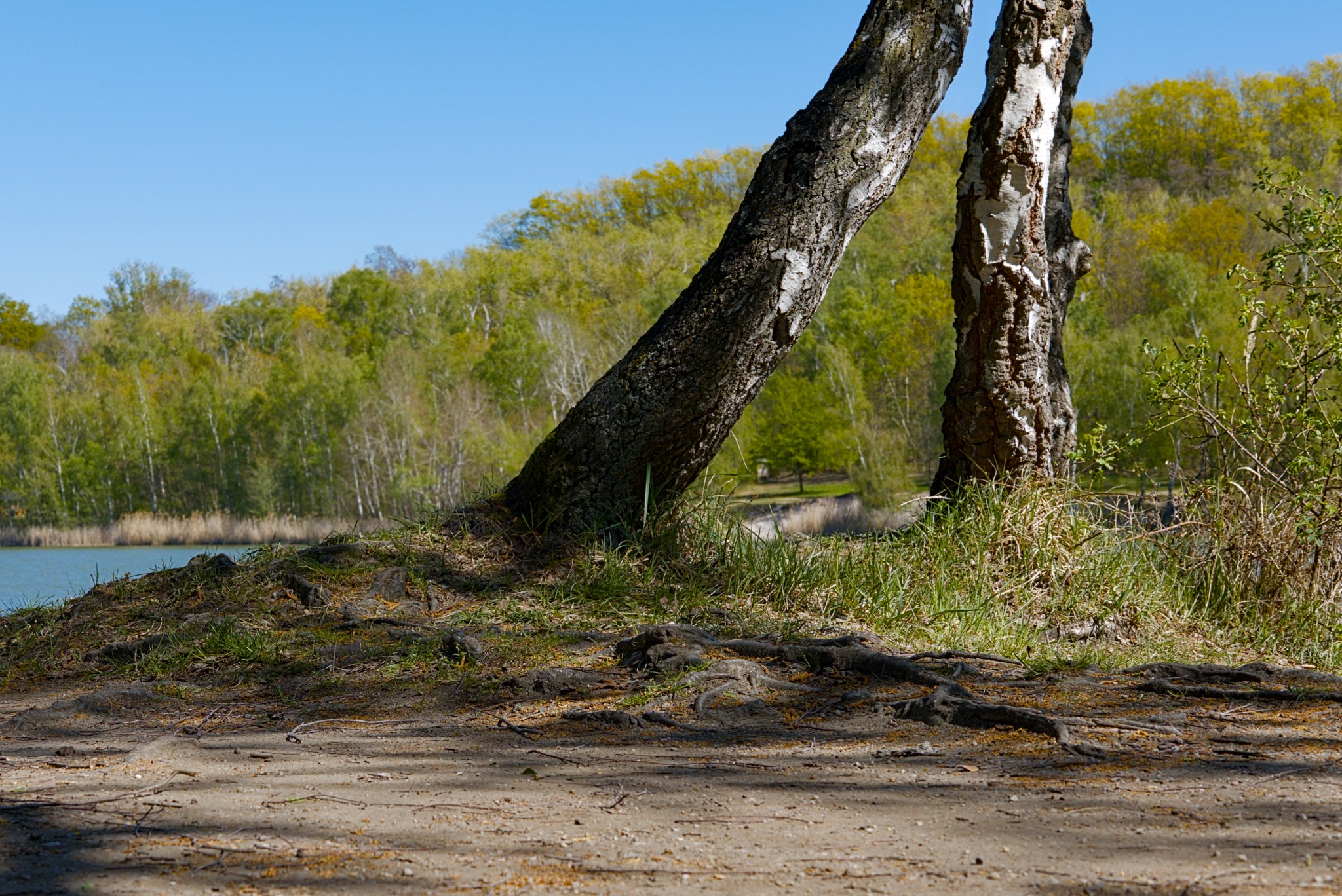
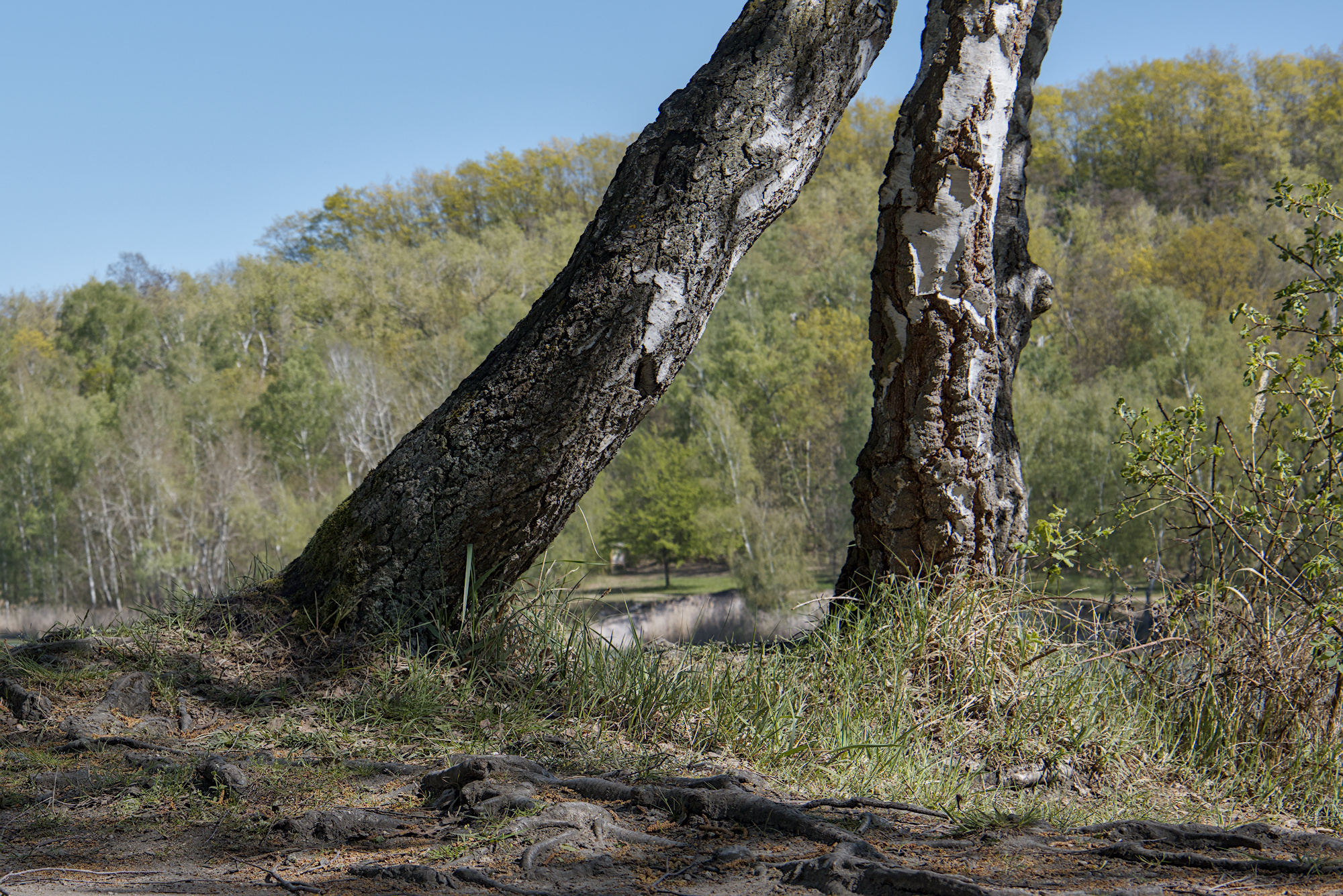
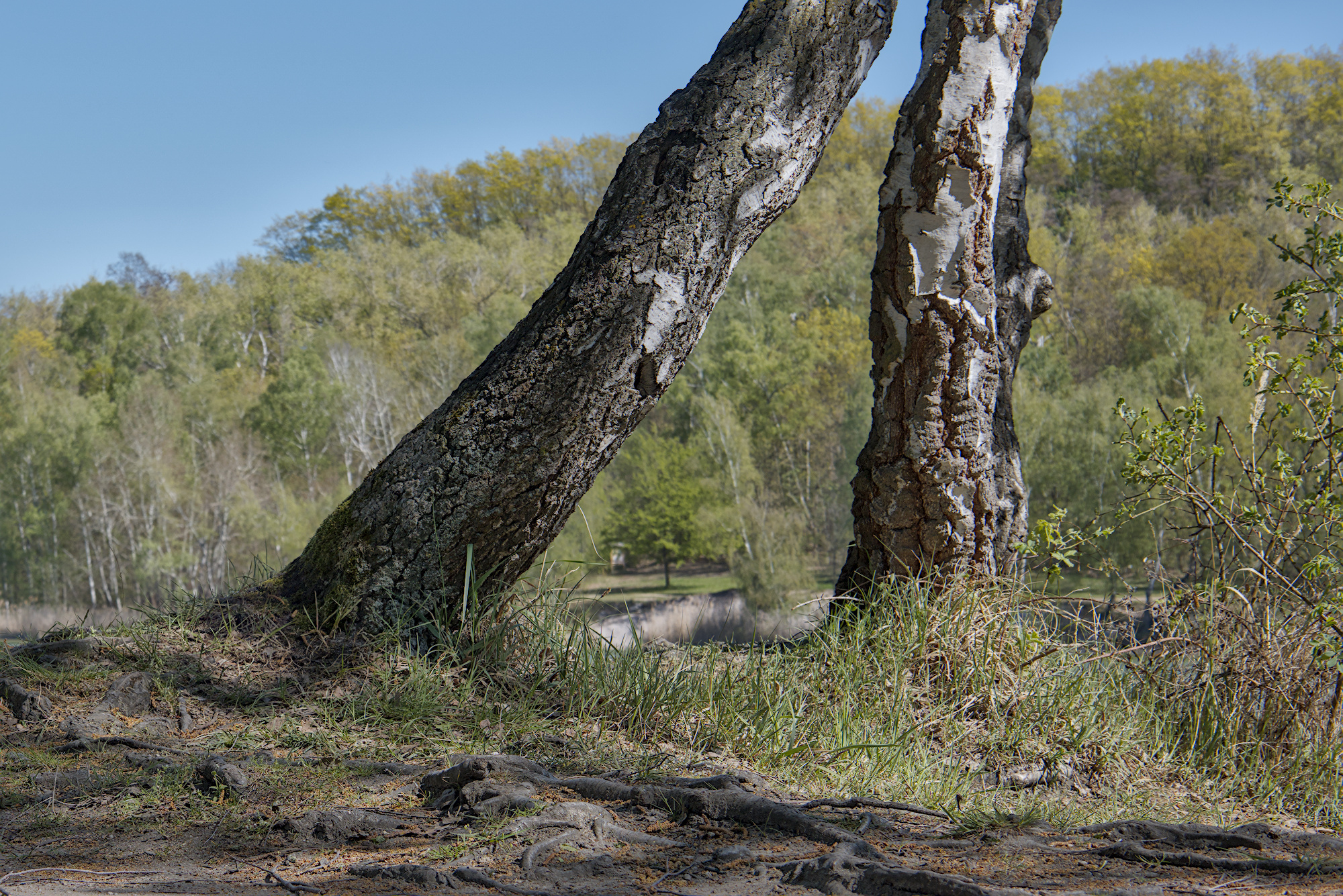
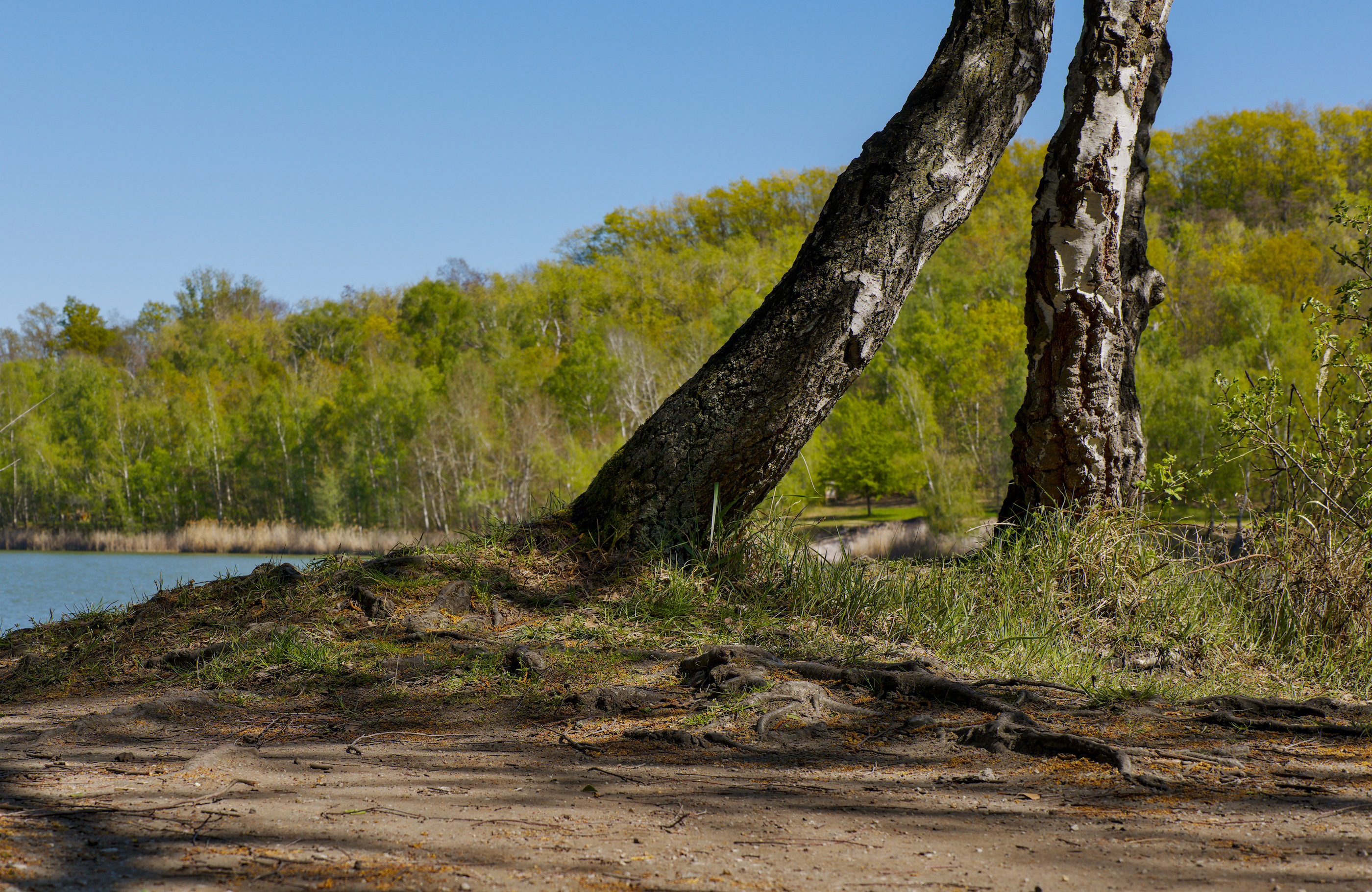
I want to add more texture to the dark areas of both trees and their roots. I don’t want to brighten the image, but rather make more details visible. Is this possible, given that the roots are slightly out of focus? Which module would be suitable?
Try this:
In defuse an sharpen choose dehase;
select draw & parametric mask;
with the gray value selected “g”, then select the range picker and mark a square on the trunk of the tree;
activate the display mask and see if the dark part of the trunk and the roots are selected;
The dehase will be applied just to the selected areas, check if this looks to be of your liking.
Also, here is the xmp file of my own test. IMG_2529.CR3.xmp (7.1 KB)
You could try the HDR preset of local contrast and then lower opacity until it suits your taste…
Edit…
I didn’t do any real color grading just basic modules and the LC module…you can turn it on and off to see what it gives you and also tweak the sliders and opacity to customize it…
I find the old school shadow and highlights module is good at bring out the detail and texture of shadows with a single click to activate the module. IMG_2529.CR3.xmp (9.1 KB)
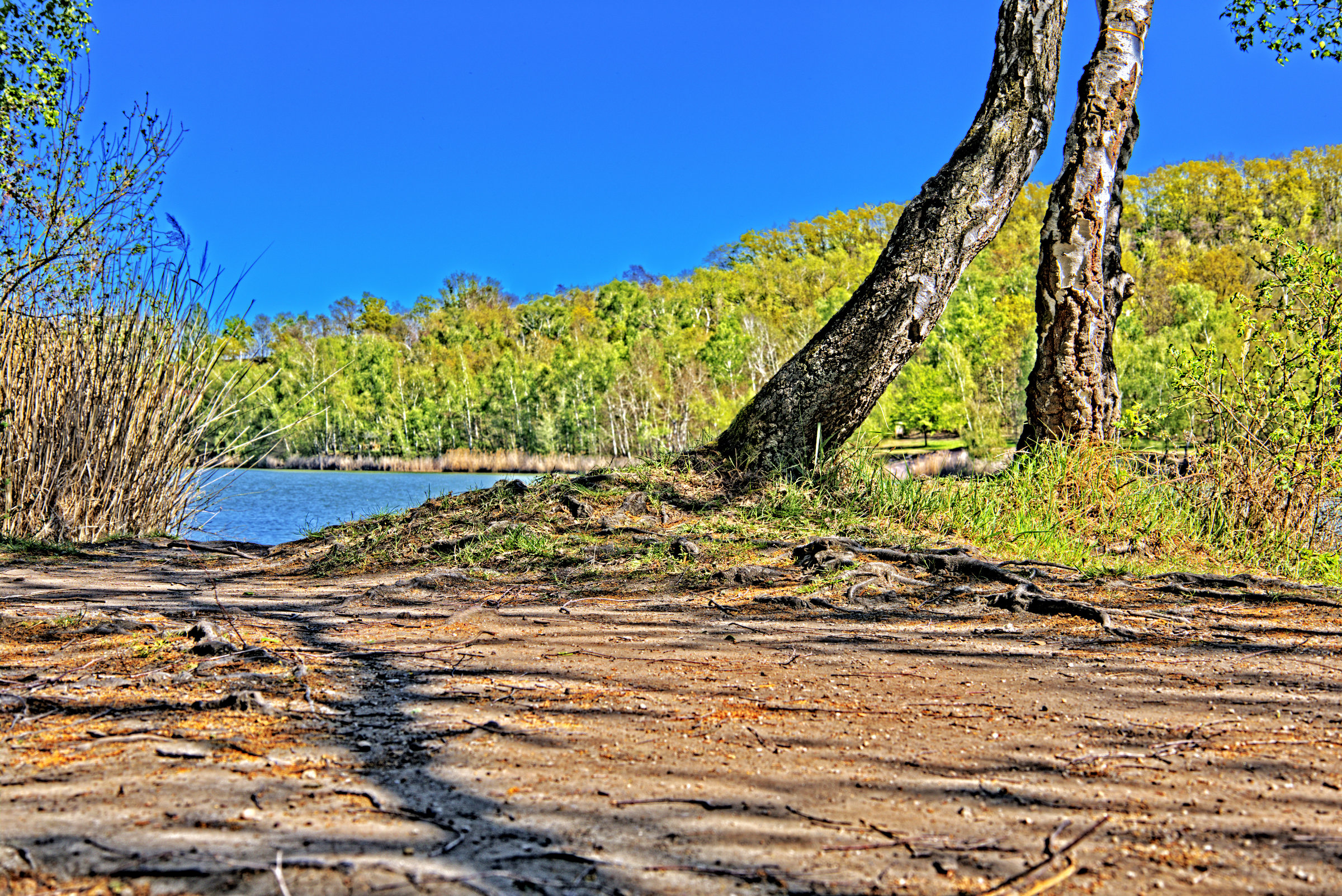
Terry already mentioned S/H which arguably is one of the best ways to get details back in the shadow areas. Decided to do another approach since there’s a 1000 ways to reach Sundy when it comes to pushing details in shadows. Decide to use a contrast mast (dup, invert desat overlay with a s slight blur on top layer is the traditional contast mask method) but use Luma Invert overlay instead of desat overlay and didn’t at first blur. Chose to further enhance creating a convolution layer (created it by dupping the original, running G’MIC’s Sharpen by gradient in the lower layer then merging the two layers. The resulting convolution layer I set to grain merge to push details into the image. Also auto-balanced and leveled as well as pushed the colors to beyond the norm (it’s what I do ). Had to address the emboss effect in the tree light by blurring the convolution layer selectively at that line (smudge tool). Not a perfect way to do this, but a lazy way.