Since yesterday Darktable crashes quite quickly without any work to be done. Just culling through images. Working on MacOS 26.4.1.
Thanks in advance and Kind Regards,
Uwe
Since yesterday Darktable crashes quite quickly without any work to be done. Just culling through images. Working on MacOS 26.4.1.
Thanks in advance and Kind Regards,
Uwe
Start it from terminal and have a look if you get some information there.
darktable -d common
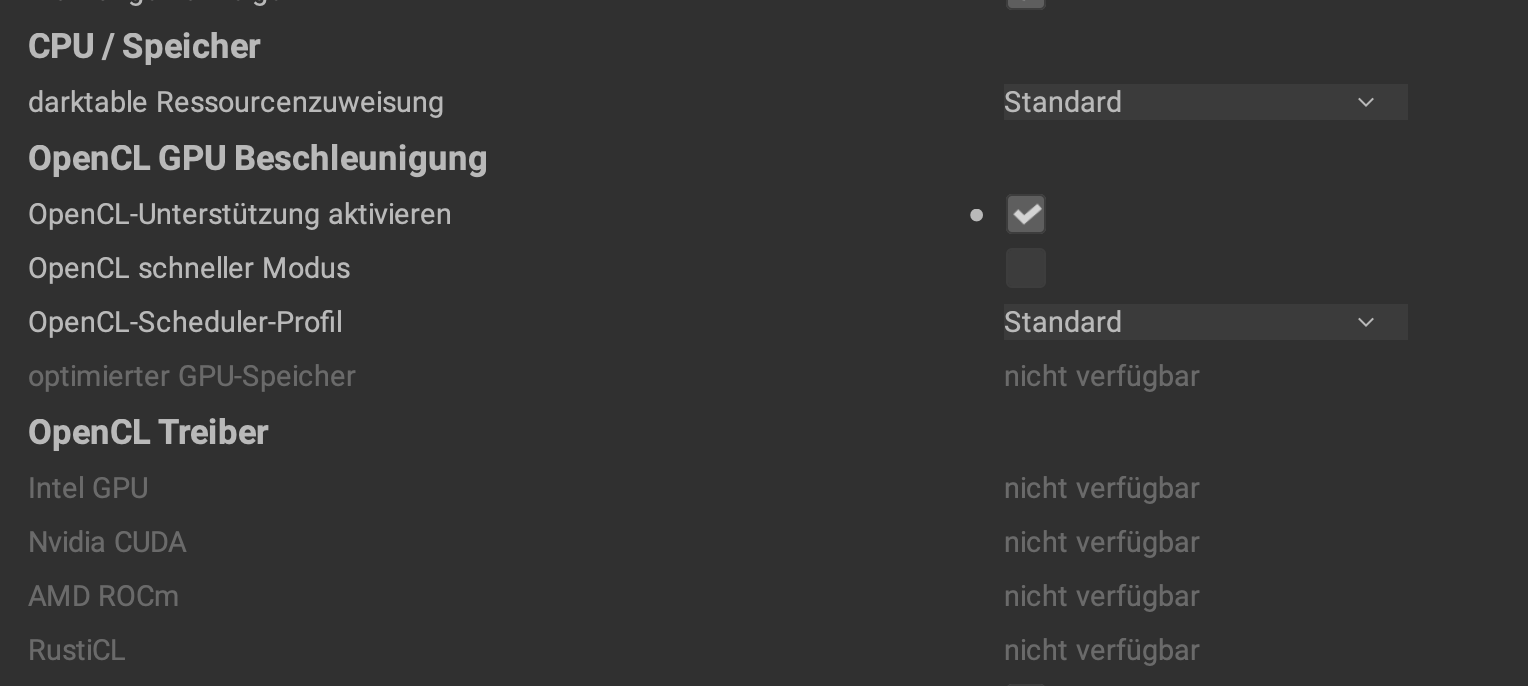
My blind guess would be, that it is OpenCL related. Maybe change the profile, for testing.
Change which profile?
a) if start fromm terminal: how? I am not into code at all, I must admit - do I open terminal and type : darktable -d common ? Hitting enter afterwards? This does nothing on my side. What am I missing?
b) if I would get some information, what to do with it? Save it? Copy and paste here?
It crashes quite quickly-no time change any profile.
I updated to MacOS 26.5…
Thanks in advance and Kind Regards
Uwe
Argh, I would have thought it’s the same under MacOS. I’m on Linux, and yes typing the command and pressing Enter should be enough. 
Any Mac users around? Do one have to switch to the program folder before ?
Try switch darktable Ressourcenzuweisung to klein. If that doesn’t help switch off OpenCL for further testing.
On Mac, to start an application in the Applications folder is a little different. You have to use:
open -n /Applications/darktable.app --args -d common
open terminal, the paste: /Applications/darktable.app/Contents/MacOS/darktable -d common
So it’s the same, but you have to be in the folder or type the whole path. 
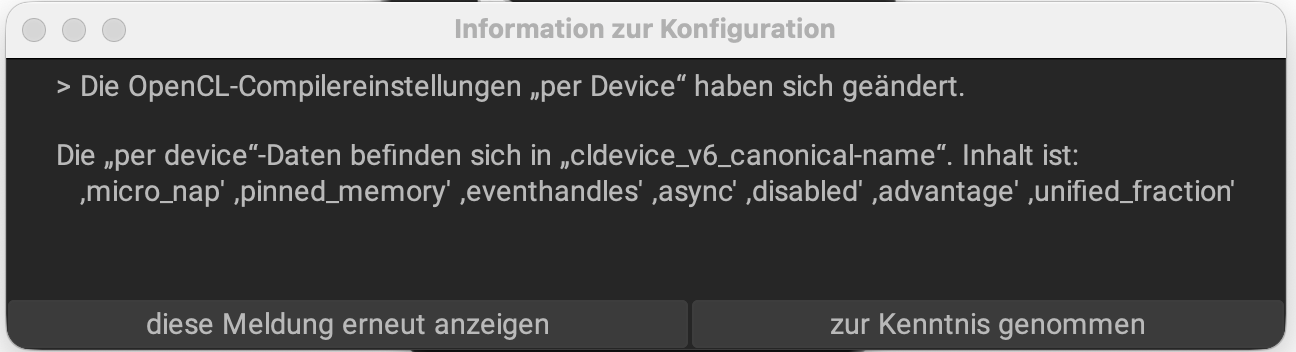
So if I do that, Darktable starts and shows the image of some changed OpenCl settings, have no clue what to do except to click on : zur Kenntnis genommen
This didn’t come before? It should after the update? Does it run stable when you run it like that or is it crashing? If it crashes, what’s the output of the terminal.
Well, I deleted all xmp files in that folder which I was culling through and restarted Darktable via Terminal as suggested. So far it runs stable - I quit and started it as Mac usual - so far not that issue anymore. If it would crash again, for what would I have to look at in terminal?
That had been the last lines before it crashed again without any real “work” except change from Leuchttisch to Dunkelkammer
Assertion failed: (CAIRO_REFERENCE_COUNT_HAS_REFERENCE (&surface->ref_count)), function cairo_surface_reference, file cairo-surface.c, line 939.
zsh: abort /Applications/darktable.app/Contents/MacOS/darktable -d common
uweroder@MacStudiovonUwe ~ %
My Darktable 5.6.0 still crashes - it seems to be less trouble, starting from terminal, though. Any idea on what I can do to prevent it from crashing?
Thanks in advance and Kind Regards
Uwe
MacOS offers a report when a program crashes. You could paste the first e.g. 50 lines from that report here, maybe this gives a hint to the experts.
Thanks, next time it crashes, I will do so.
Kind Regards
Uwe
Good advice, thanks @geni1105! Even better: @Uwe open an issue on github and attach the whole report.
Yes - please open a github issue. This might be another version of the problem we have for windows users related to “show loading screen between images”, not sure though from current information.
I registered at Github, now where do I start?
Do I start here?
github.com/darktable-org/darktable/issues
Thanks in advance and Kind Regards
Uwe
Yes, thanks @Uwe!
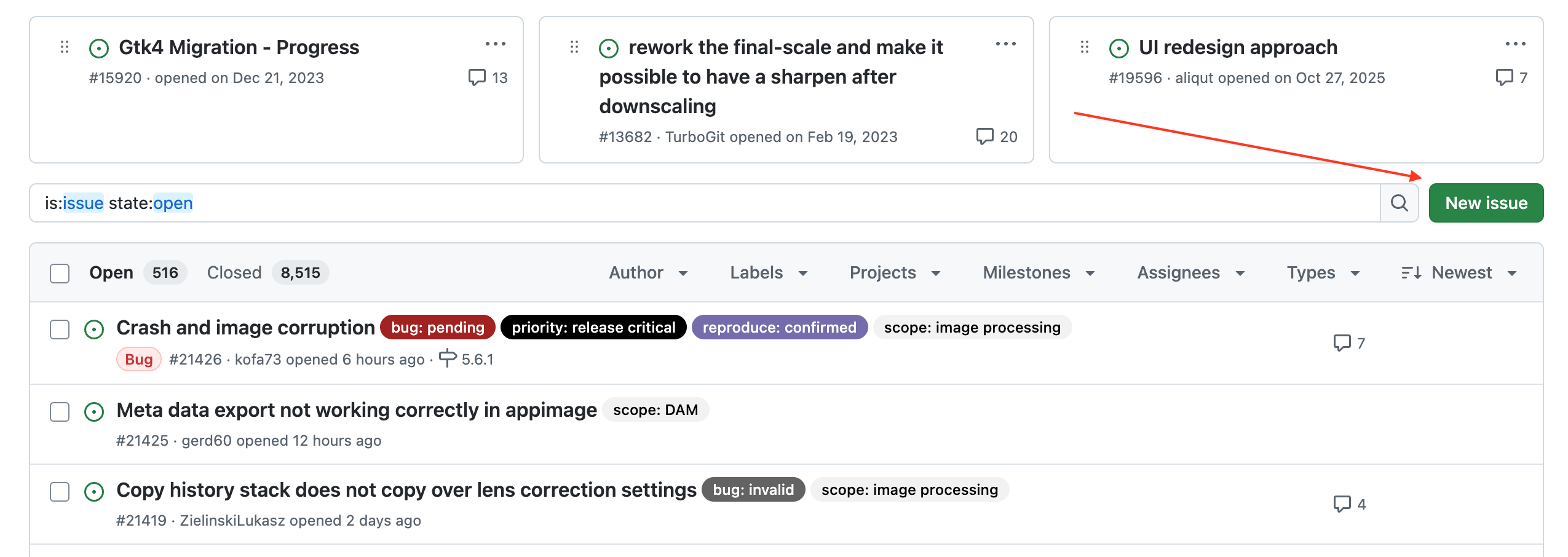
Login, click on “New issue”, describe the problem and attach the error report:
The more information you provide to help reproduce the issue, the easier it will be to track it down.
I can’t wait to get a crash 
It occurs sometimes without doing anything, sometimes while switching from Leuchttisch to Dunkelkammer, sometimes during export process so overall quite often. As mentioned: waiting for it now.
Thanks and I’ll be back here
Uwe