Update/solution:
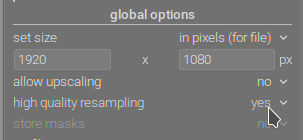
what is described below is a consequence of the editor processing a downsampled image, thus not always reflecting the export. The equivalent setting for scaled-down exports is disabling high quality resampling:
Another option is to review the image at 100% resolution.
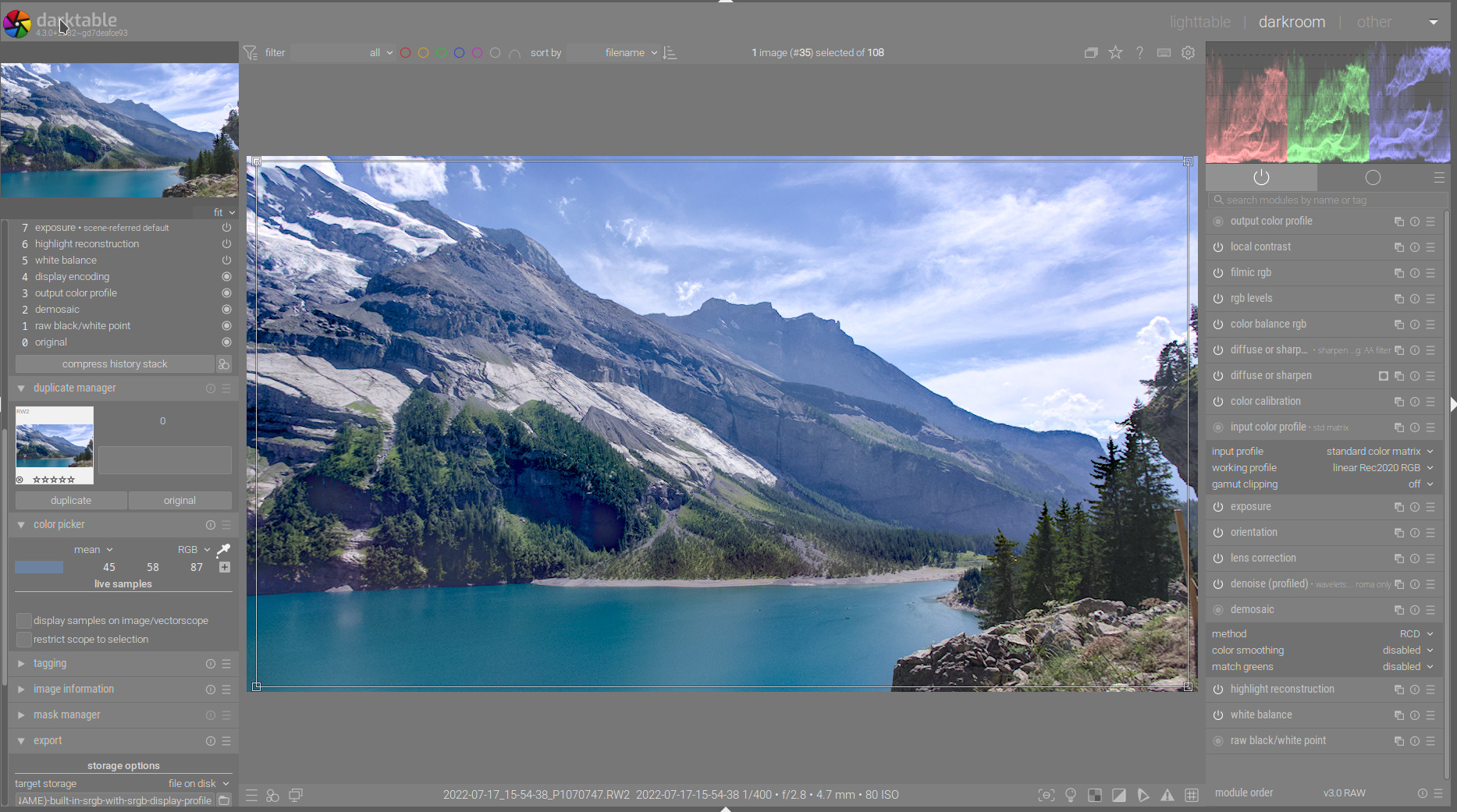
I’ve developed a raw (sorry about the extreme settings). I noticed that the exported files lack contrast, so tried exporting with several profiles (I normally use the built-in sRGB and the built-in method, but now also tried with LCMS and the srgb v4 profile from color.org).
No matter what I do, the reimported files have washed-out blacks. (The files with ‘elle-srgbv1’ in the name were exported using Elle’s v2 (sRGB TRC) profile, of course.)
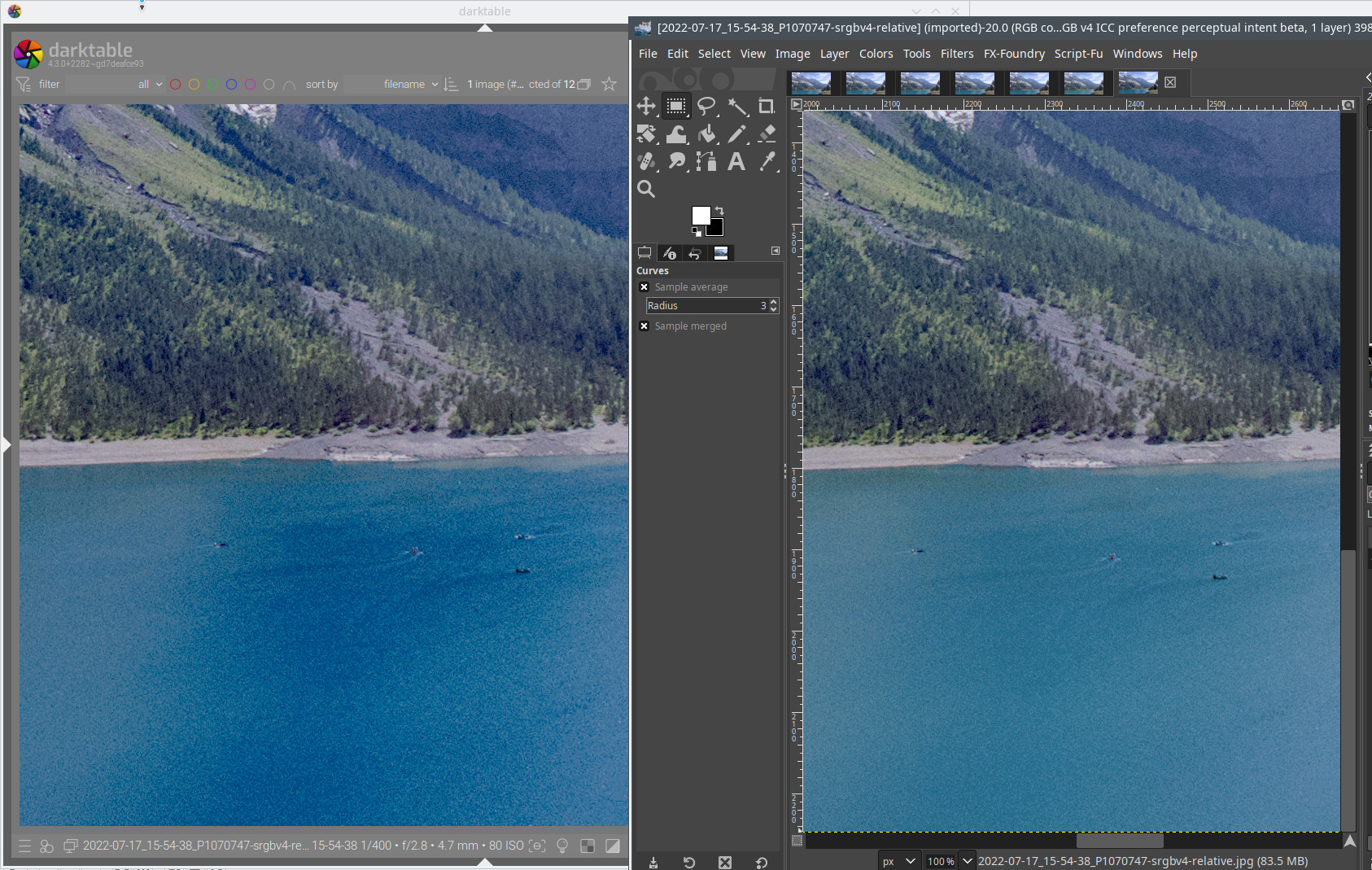
On the left: snapshot of the raw; on the right: JPG. The effect is also there if I zoom in to 100%.
The sRGB v4 version, when opened in Gimp, does not show the overblown blues that I see in darktable:
Comparing the raw as shown in darktable’s editing area, and one of the JPGs exported using the relative intent loaded into the GIMP (you can safely skip to 0:45 and skip the part where I try to align the layers):
Update:
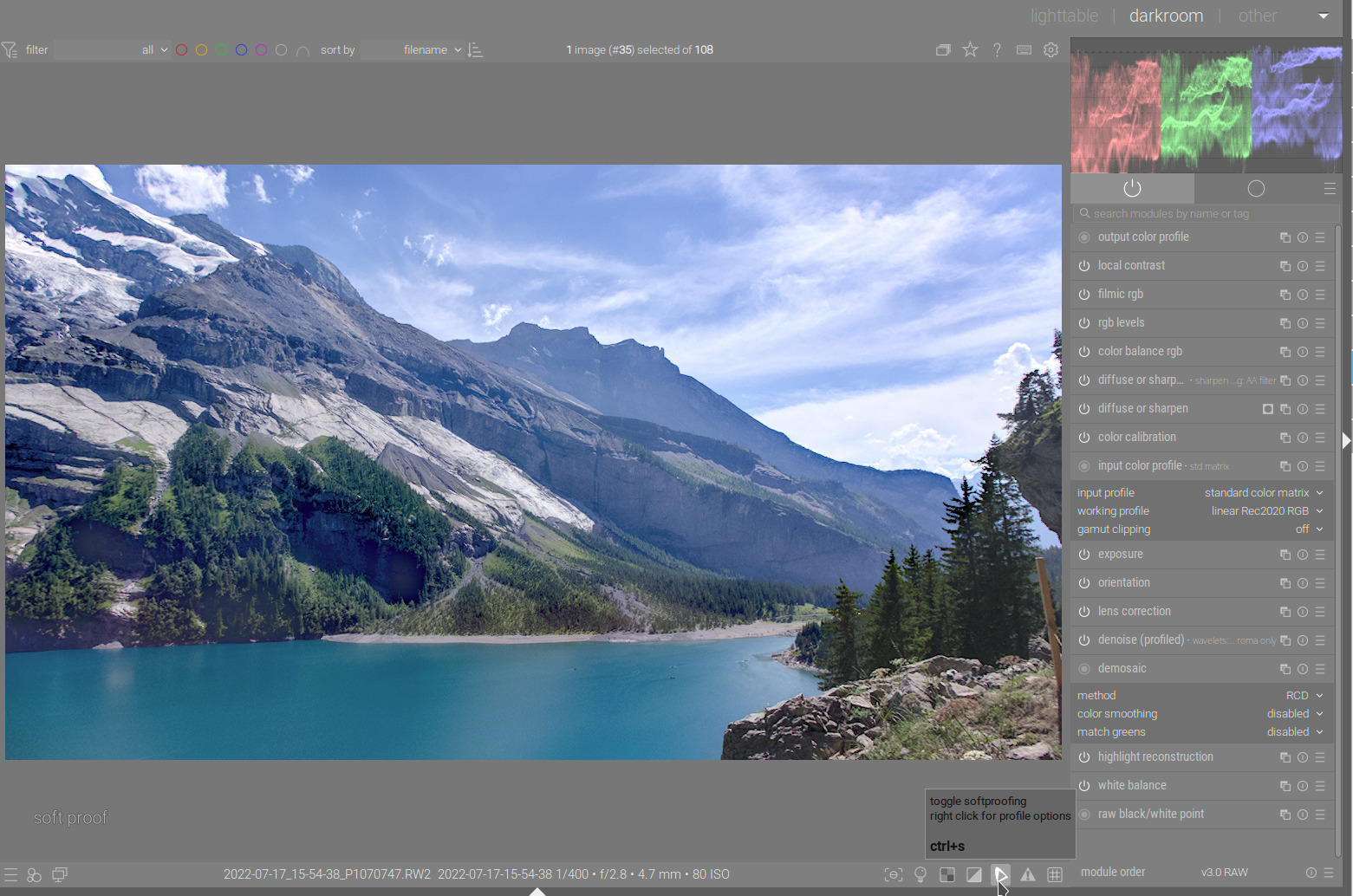
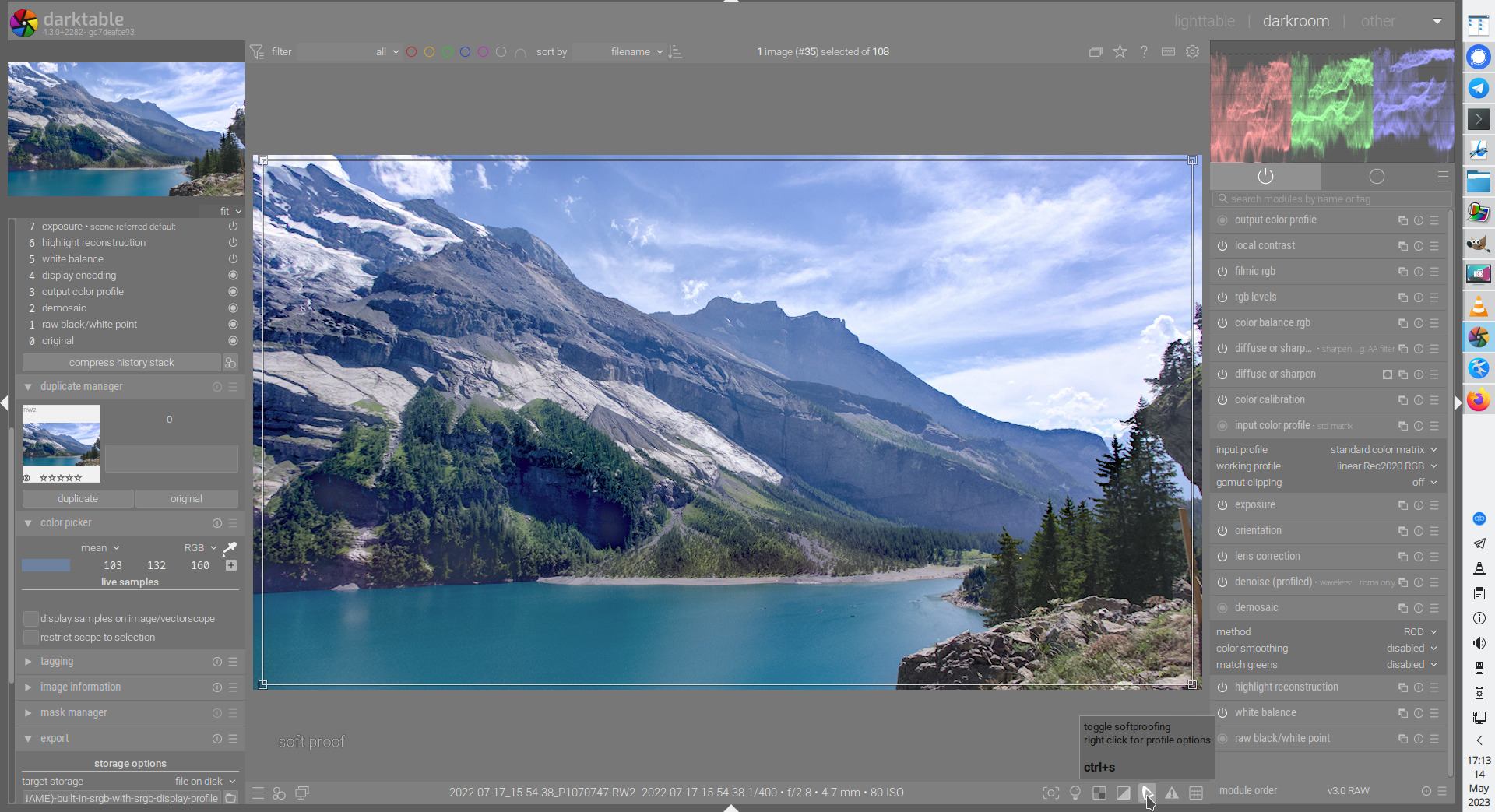
the histogram and picker changes are due to the histogram/picker colour space being set to the soft-proofing colour space if soft proofing is activated. So what I described below is a (documented) feature, not a problem:
So, ignore the stuff below.
One more thing I noticed:
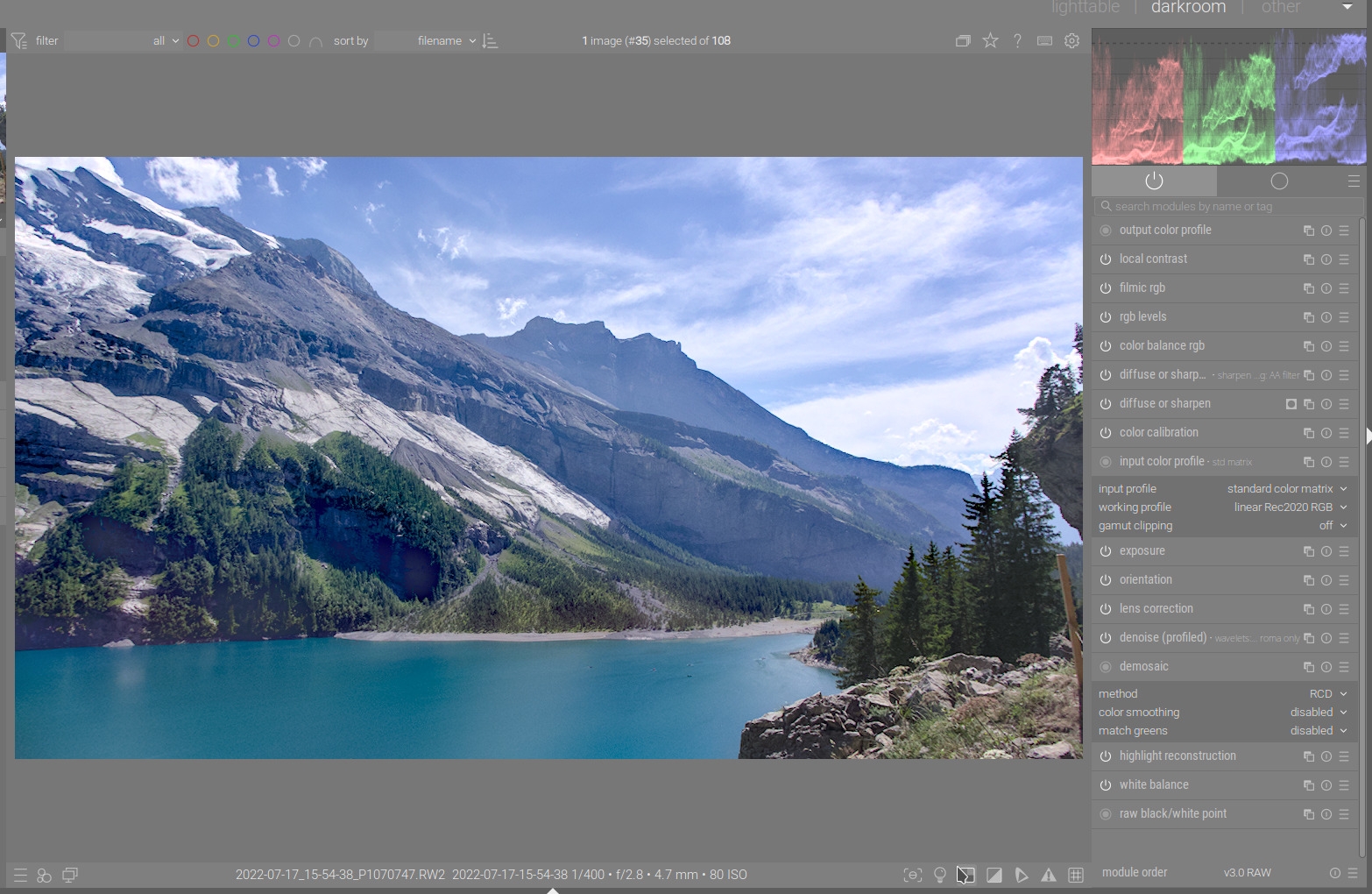
When I enable softproofing with sRGB, the greens and blues completely shift off from the bottom of the RGB parade. The image display does not change, though:
Which setting are you exporting with for the high quality… I found on my setup that using yes gave a fairly washed out or at least more so than using no… if using DT’s srgb. I will need to see if the same happens with the color.org icc exports…
Otherwise
When i set GIMP up to be using the same display profile as DT and exported using v4 color org. The files seemed fairly similar in GIMP and DT… I made sure to say keep the embedded profile and didn’t let GIMP change it…
EDIT:
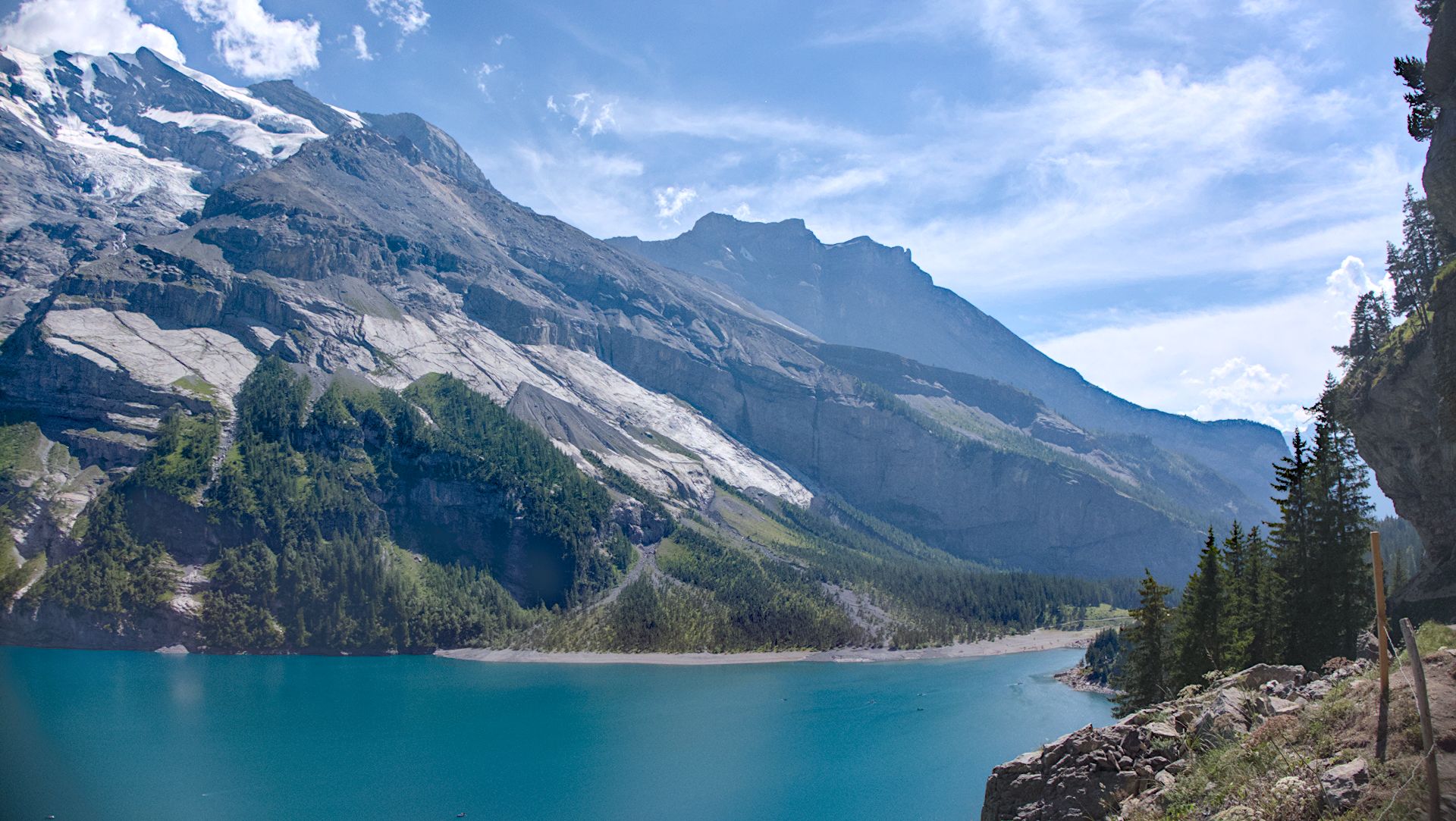
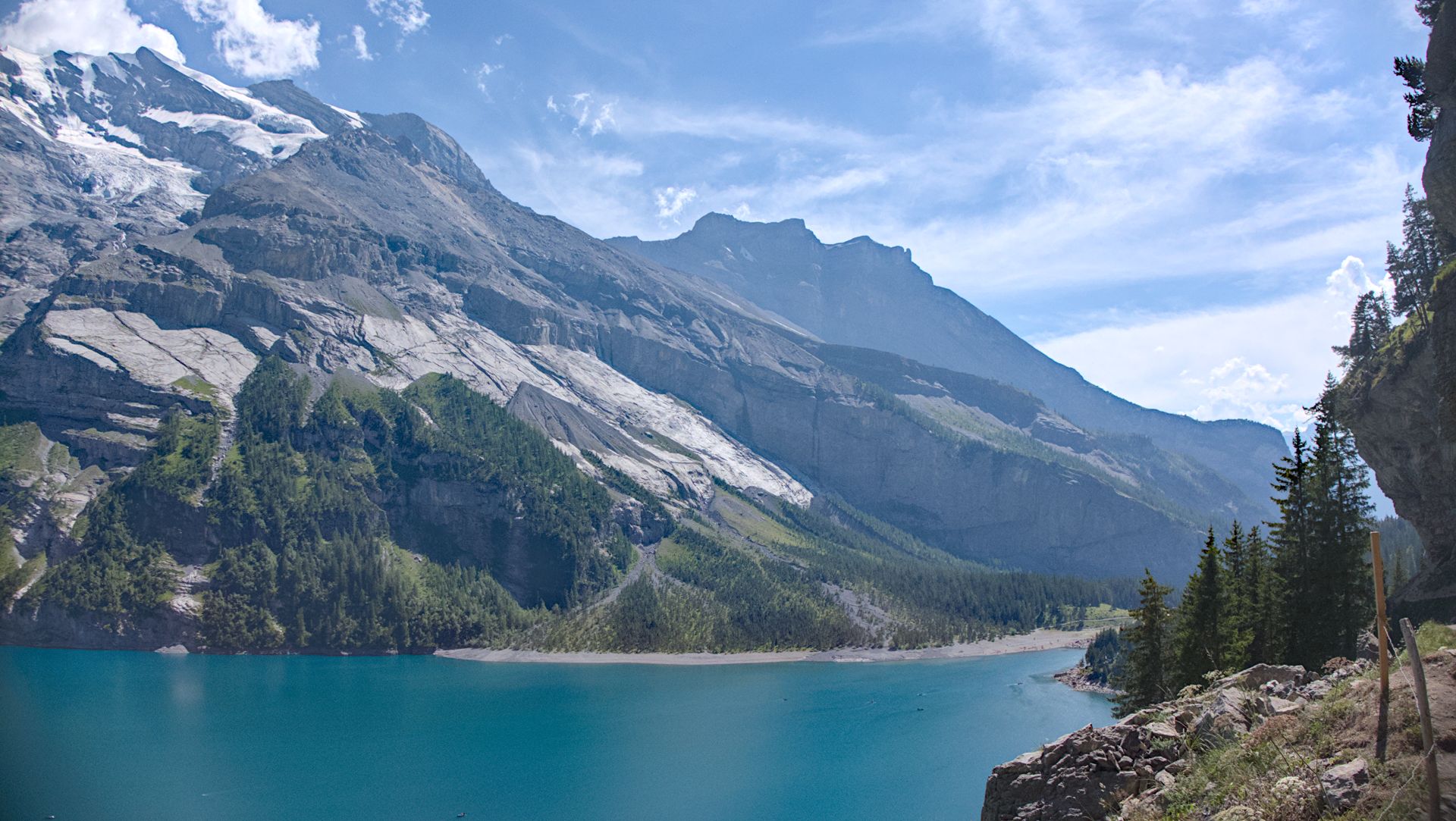
Here are my exports… could compare to yours…
DT srgb with yes and no for HQ reconstruction (EDIT this should read resampling not reconstruction) …no comparison of perceptual or relative as that profile doesn’t support…
You mean resampling. Yes, I see the difference. This is an unfortunate consequence of a compromise to keep the editor responsible (doing all processing on a scaled-down image, rather than at full resolution, and then scaling down). I’ve forgotten about that. Thanks for the reminder.