Ahh I see. I am experiencing the same white balance difficulties, so maybe including the wb coefficients would be benefitial? Perhaps a collapsible sub-menu called WB adjustments or something?
Nothing really happens when I load up the preset.
Is there some way of increasing the saturation in a node after the filmsim one?
I’ve been searching for a simple HSL tool or something, but cannot find any means of increasing the saturation besides the Color node, which seemingly can’t be added a second time after the filmsim.
I agree that there might be something wrong with the order of operations, as it affect the grain.
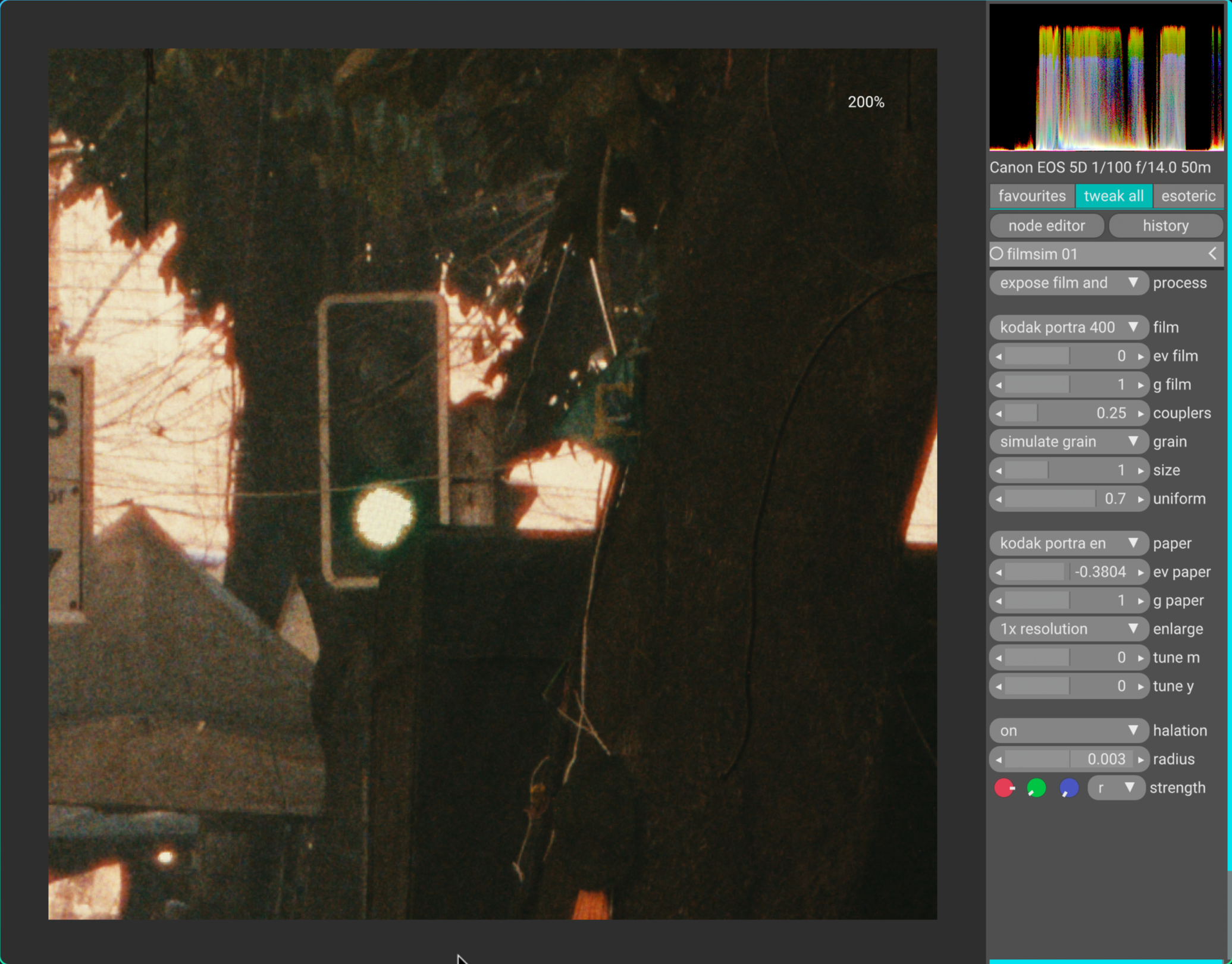
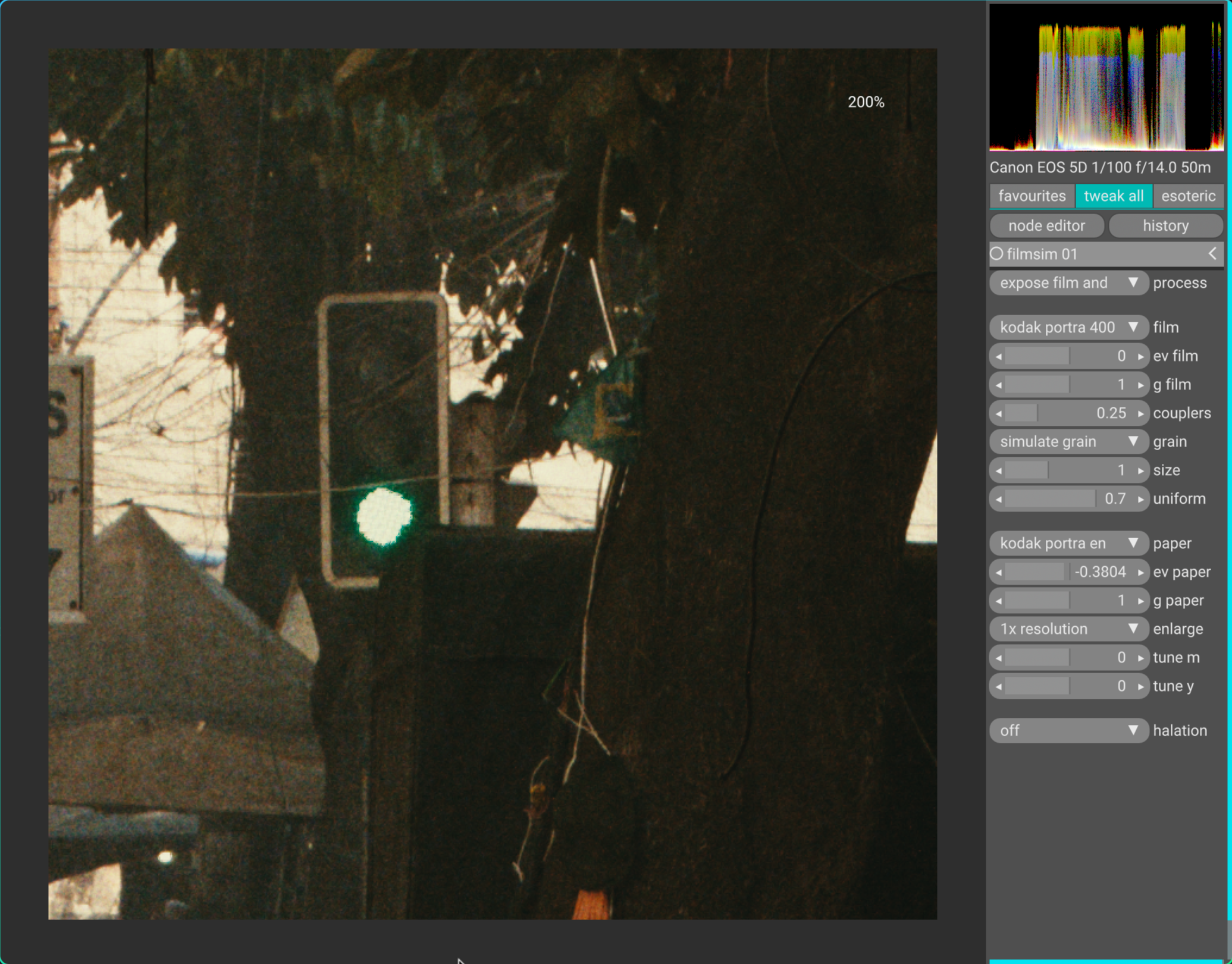
Also, I notice that the halation stays unaffected when changing the film exposure. Halation in film-negatives is very exposure dependent - only the brightest of exposures manages to burn all the way in and get reflected as halation.
@arctic 's original implementation seems to only affect high contrast and high exposure areas, not the totality of the image.
I might try to do a halation comparison between the python script and the VKDT when I have the time.
The original is in a different league imho. I’t does grain and halation in a way that to my eye is way closer to film. Those things are also important to the film look.
Unfortunately it’s also in a different league in terms of being incredibly slow and cumbersome to use!
Ok the only way I could make this work, more or less, was via vkdt. I tried very hard with ART but it kept complaining about wrong input values or so.
In vkdt nightly appimage read-icc does not seem to work any more, or it works differently now. It shows the icc profile values but then the next time I am starting vkdt, it picks srgb as the display profile. Why did you break this @hanatos? Well and I could not make the appimage run on/with (x)wayland, only on kde-plasma-x11. However, I don’t know which gpu vkdt uses, Nvidia or Intel. I feels like it’s using Intel.
Edit: I made the original work meanwhile. Turns out, I had to detach the mail tools window from the program window in order to see the run button.
These are lots of tools to play around with for a long time…
What about color management in the original python tool? My laptop has more or less a P3 screen - if I choose DisplayP3 as output color space, will I see in about accurate colors? Sorry, I didn’d read the whole thread, maybe someone already asked this?
grain is added after halation, and also the halation is applied to linear raw input and the formulas are equivalent to the python. i mean it seems to make sense to try and put some extra protection for low/mid luminance areas, but the python also doesn’t have it.
the one thing i can see is slightly different is couplers vs halation.
Several issues can cause this message, 2 of them are the presence of old data in the cache (so, clean your ART cache first) and the ART script not finding your AGX python environment.
But I think colors are in about correct if output profil and monitor color space are appriximately the same. The trouble is only that when I save a pic from agx-emulsion, no profile is embedded in the file. Maybe I can fix that.
Edit: I got everything working now, agx-emulsion, ART and vkdt. Color management in vkdt works too although its a bit clumsy. However, I am getting different results with the three apps. ART and agx-emulsion are more similar, vkdt seems to have a yellow cast or so, of course it is possible to fix that with the white balance but the source files are not so different and have very similar white balances. I will post examples later.
ah. i had to rewrite it in a proper language because the arch linux packaging system was rightfully complaining that the python version introduced a numpy dependency. seemed a bit heavy for a matrix multiplication.
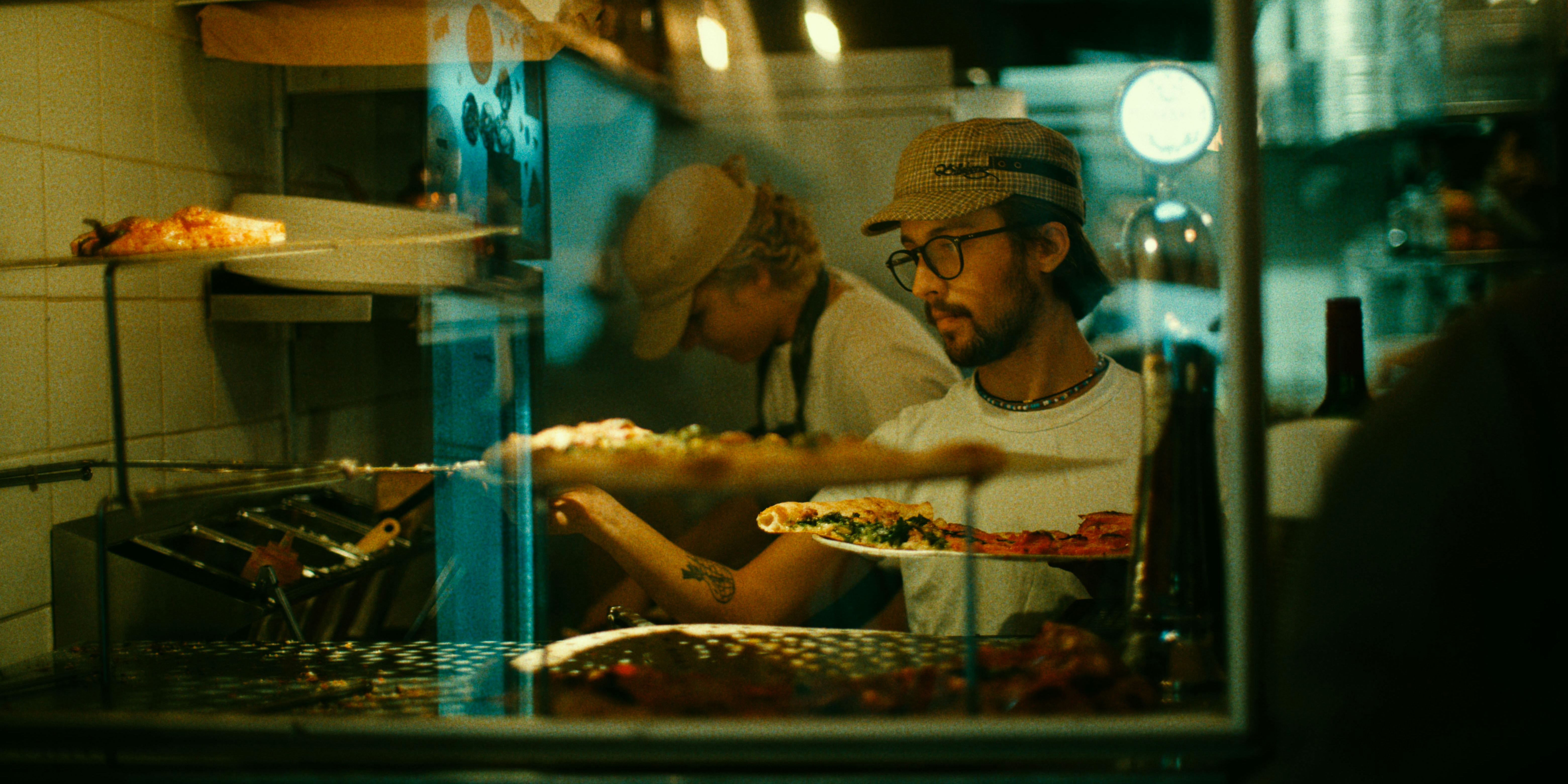
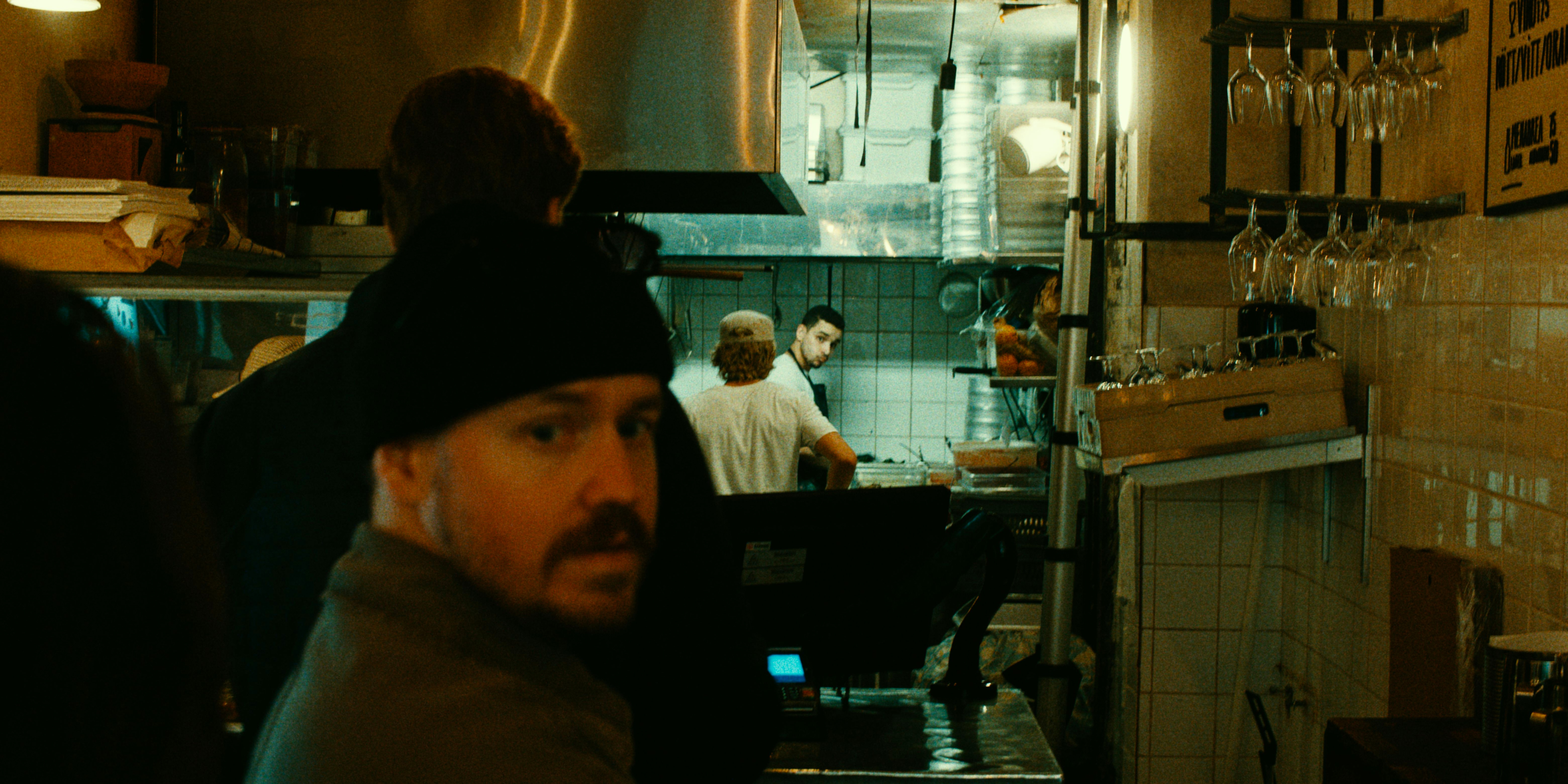
this is all super interesting, it really is probably the best film emulation tool, besides the ones that you can find in Baselight or maybe Genesis but i’m also getting weird brown and yellow greens, especially with portra, the example images are all very different from the samples (uv agx version and vkdt)
I also get weird colors (too much reds) with AgX in ART. Using Kodak Gold 200 alleviates the problem a bit, but not enough. What helps is increasing Dir couplers amount and reducing Film gamma factor.