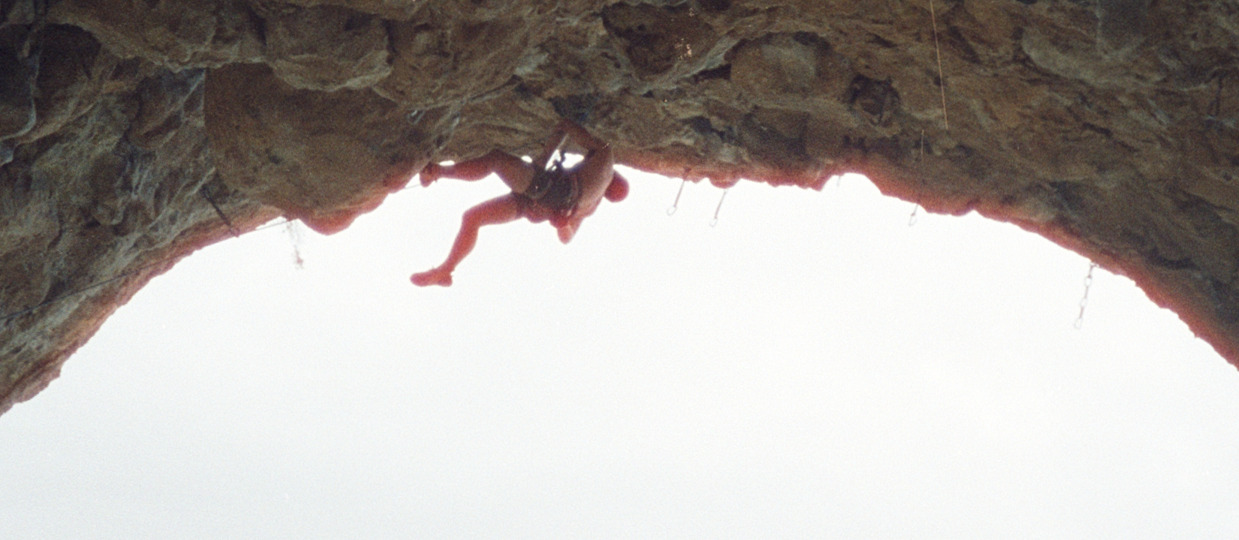
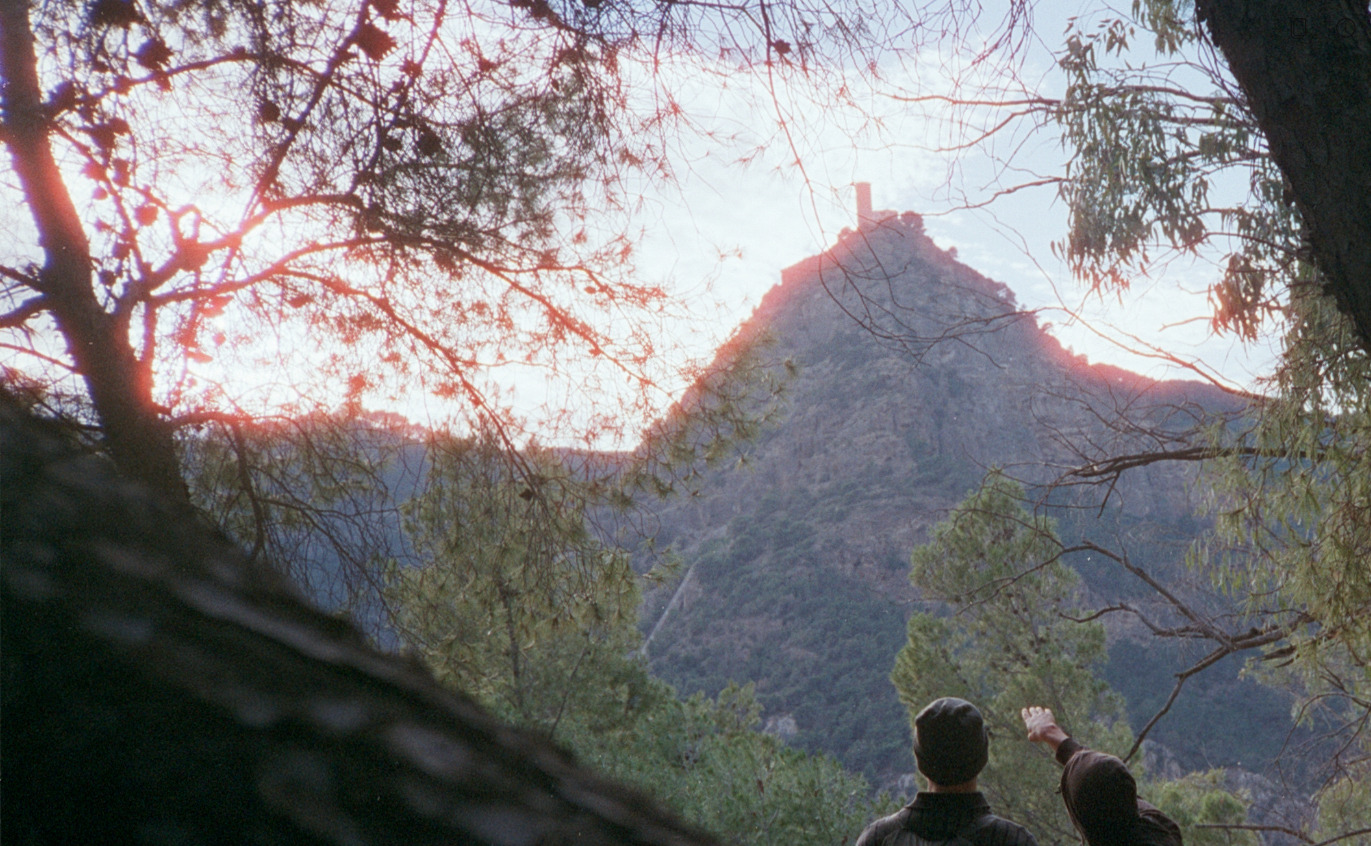
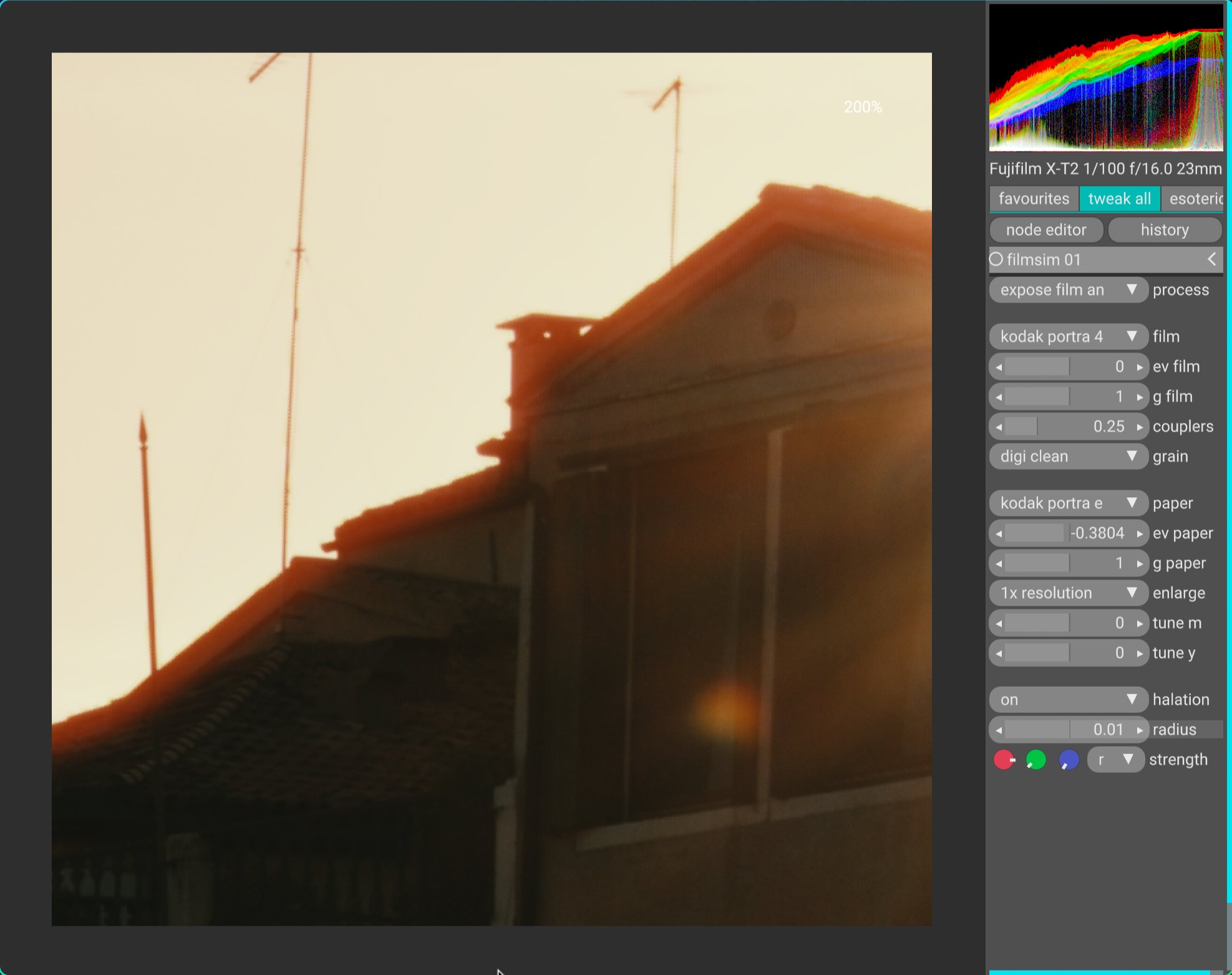
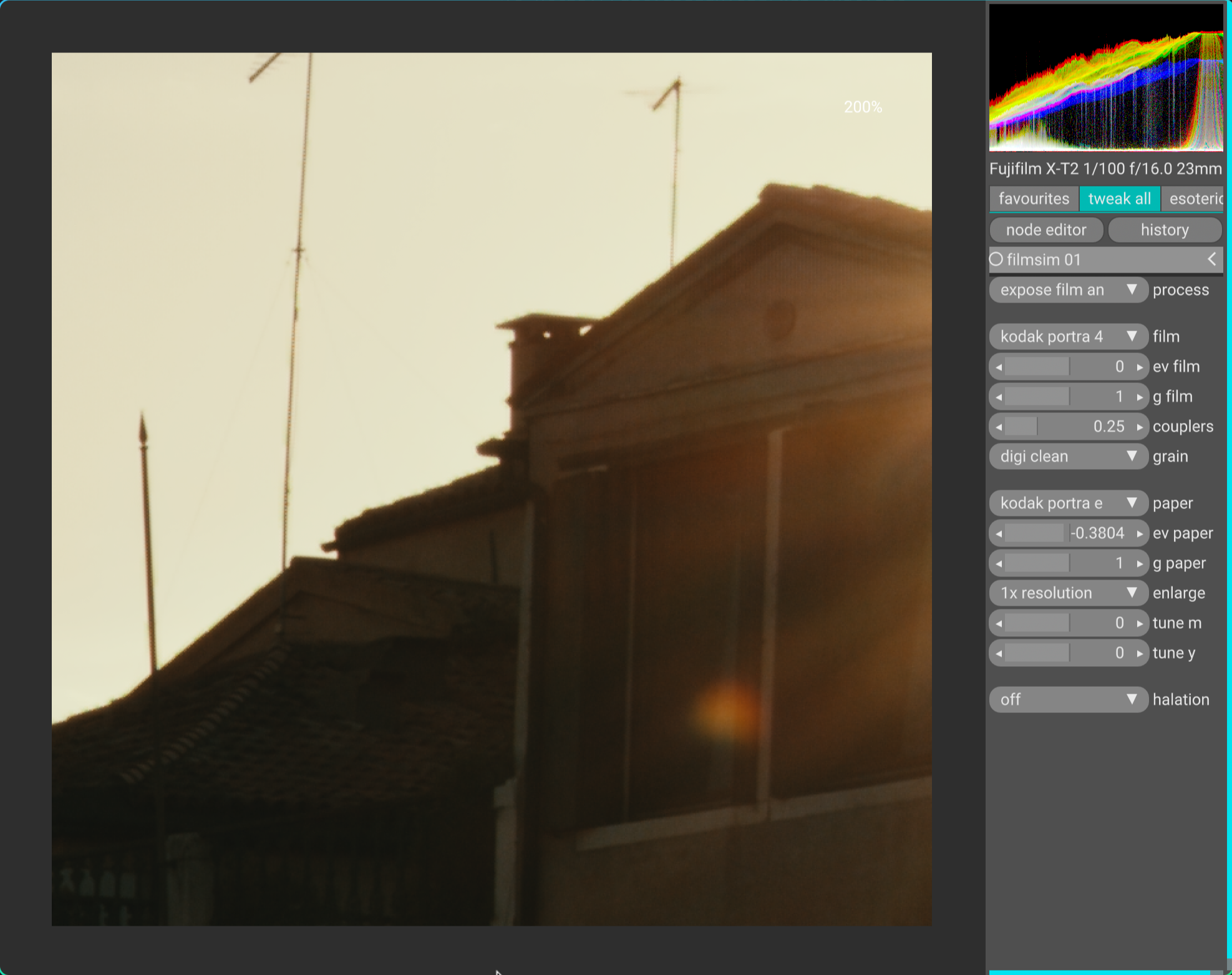
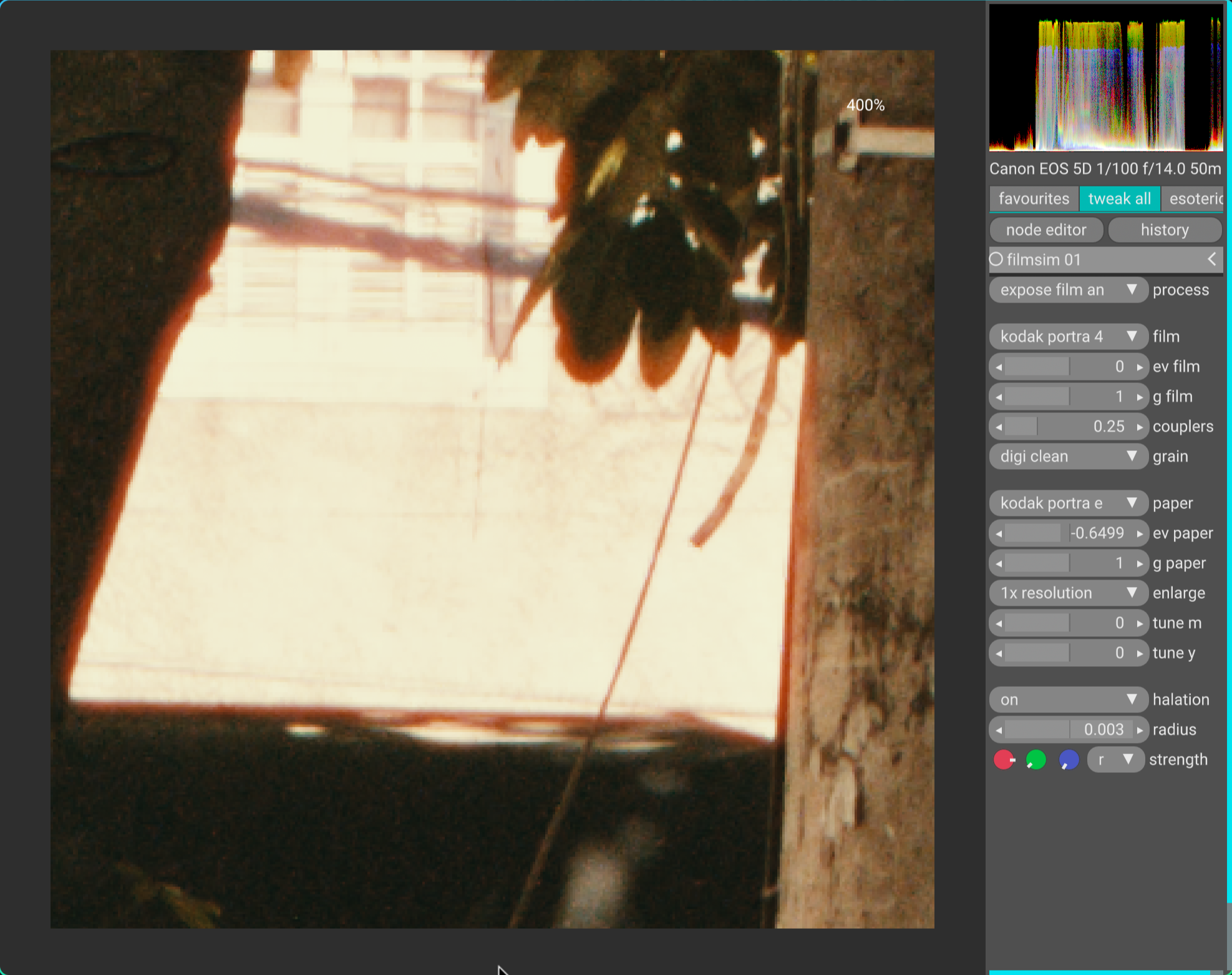
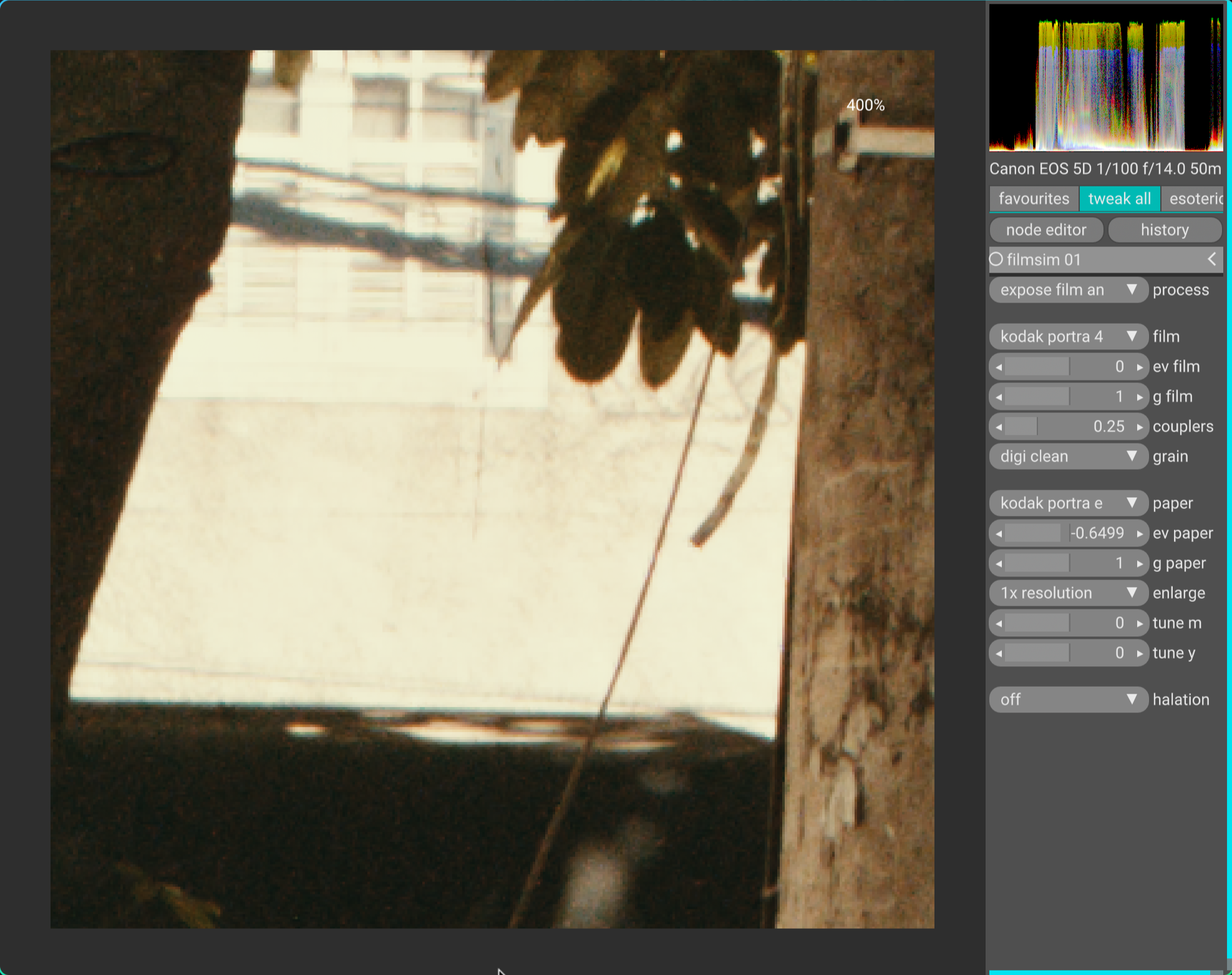
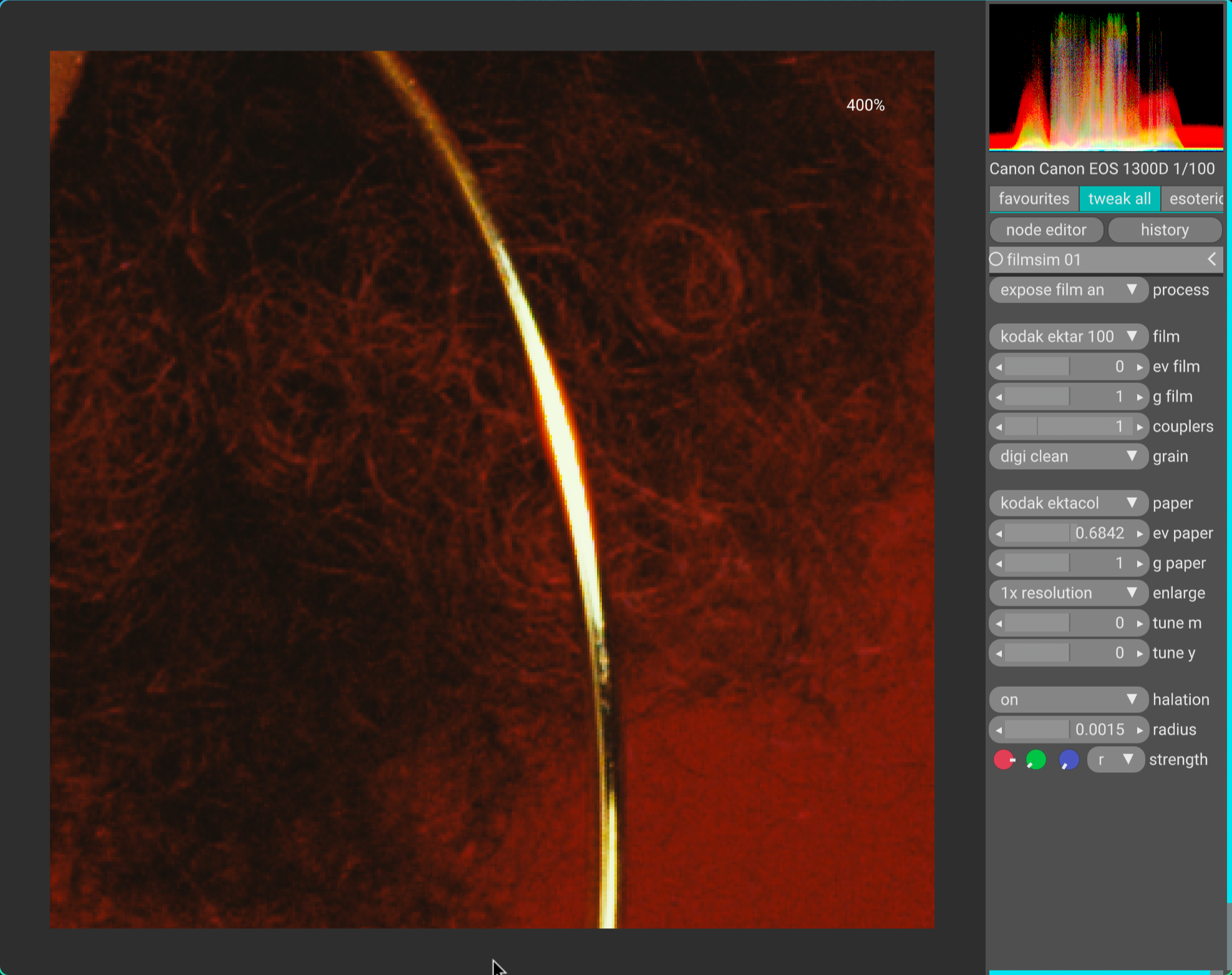
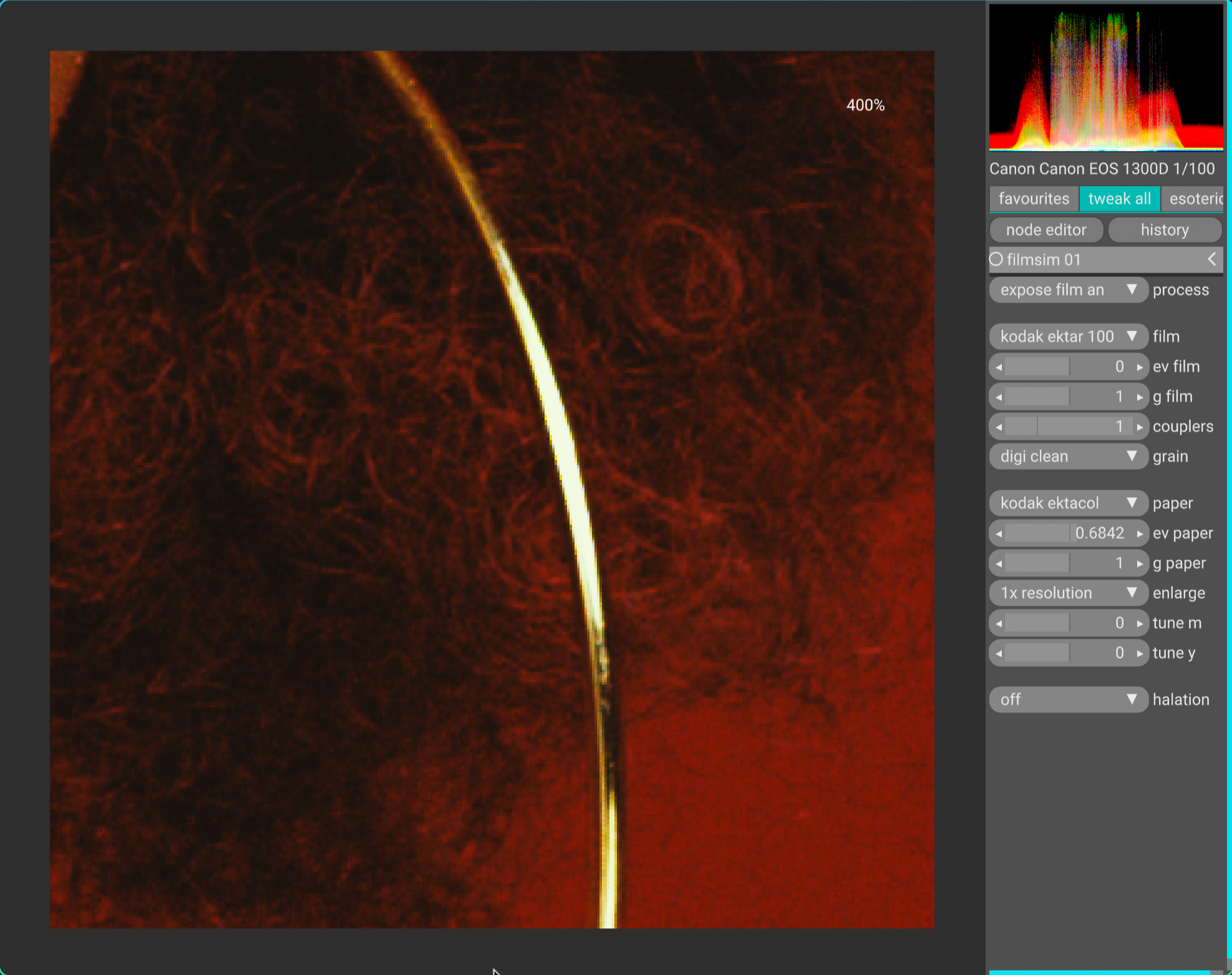
Looks very promising! Grain is definitely more pleasing.
Halation also looks more usable without the midtone degredation.
The glow seems a bit sharp on the edges though - perhaps it needs a bit more falloff?
Looks very promising! Grain is definitely more pleasing.
Halation also looks more usable without the midtone degredation.
The glow seems a bit sharp on the edges though - perhaps it needs a bit more falloff?
It looks like the git repo has not been updated for some time. Is the original project still being worked on, or is the discussion now around other projects incorporating / extending it?
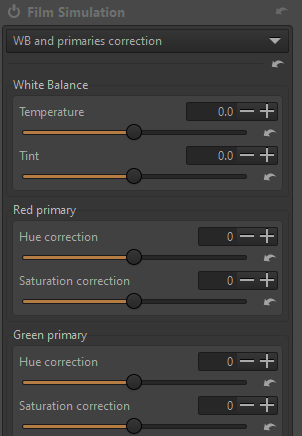
I wonder if an rgb primaries style colour adjuster in this would help?, to just fix weird colours without having to know which simulation parameter to tweak
Maybe, but I prefer to tweak everything in one place if possible - AgX parameters.
in agx in darktable (the not film simulator), a primaries section was added to allow for quick tweaks, same as in sigmoid
I know, I follow DT development, though I stopped using it. Too complicated for my taste, I prefer how ART allows for quick edits with great results.
I haven’t used it but there might be a primaries ctl in ART… in case someone needs it… so many features have been added to ART with these scripts…
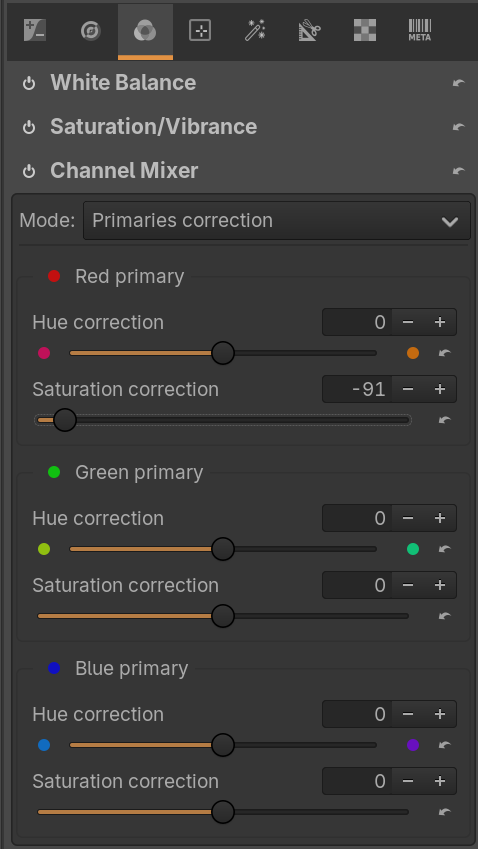
ART has global Primaries correction in Channel Mixer tool (Colors tab). And local adjustments via CTL script Rel. Color Filter… in Color/Tone Correction.
yes, does seem to get new features from other editors pretty quickly
I tried this one for a quick edit and indeed it allows to tame reds in AgX when using some Kodak film/paper combinations.
Hey @arctic, I am in the process of looking for a topic I can write my bachelor thesis about and I was really interested in writing about properly simulating the exposure of analog film digitally. Looking through the internet I could never find someone who had already done this, Only by accident I stumbled upon your project and was blown away by this process you have developed here and by the results as well. This really is something else.
After playing around with this a bit i am wondering: how can I save/export images?
RawTherapee comes with Film Simulation built-in which is just what you’re looking for.
It uses a type of PNG image called a HaldCLUT and you can download more from the internet and add them to RT.
Some here: Pat David: Film Emulation in RawTherapee
Store them here:
C:\Users<username>\AppData\Local\RawTherapee5\HaldCLUT
hope this helps …
File  Save Selected Layers…
You can also use vkdt to access another implementation of @arctic’s work.
I agree. It’s unique.
First, heartfelt thanks to everyone involved in this project.
Next, and this is not meant as criticism, but your research is seriously insufficient.
The technique itself is not unique — it has been tackled many times before. At its core, this method isn’t limited to film; it’s essentially a re-shoot (virtual camera) simulation.
What makes this project “unique” and valuable is that a surprisingly large portion of what’s going on has been made public. Of course not everything is disclosed.
Here are 2 examples of spectrum-based film-simulation work where at least some hints are publicly available:
This was developed for a Japanese game project and performed film simulation based on film spec sheets.
This was developed for TCAMv2 & TCAMv3.
Also related is “Smooth Spectra (SIGGRAPH 2022)”:
In every example, these methods do not perfectly reproduce what you would capture with a film camera. They can be applied toward that goal, but many pieces of information are missing to reach a finished, high-fidelity simulation.
In the current implementation, layers saved via the GUI are exported as 8-bit output.
As suggested, you can either use vkdt, modify the experimental GUI to write non-8-bit output when saving layers, or process the image directly by calling the functions defined in the Python program.
Hi @ghost and welcome to the forum.
So what is lacking in the research and implementation? Can you elaborate?
Sorry, I forgot to include the video link for C-105 Vision.
This is it: Colour Online: Creating the look for Netflix’s ‘Tribes of Europa’
Thanks - My point was specifically about Bruno’s claim that “I could never find someone who had already done this” despite planning a thesis. If my comment violated the forum’s policy or was otherwise inappropriate, I apologize.