Thank you for creating this integration with agx-emulsion. I feel like a whole new box of goodies was addded in there.
The integration works wonders. I do have a question though: is it safe to modify the JSON script and add/remove parameters surfaced on the UI? Is there a limit to how many controls can be show on the screen? Since agx does have quite a few under the hood. I wonder if I could default some parameters internally in the JSON, without surfacing them on the UI as an alternative.
It was a bit annoying to get the MS C++ devevelopment tools, I discovered that I needed to select the Desktop development with C++ in the workload screen, but that’s not an ART issue, just me ranting.
Thanks again for this integration and making it a state-of-the-ART tool.
Hey guys.
I saw that this error seems to be recurrent on MacOS. Should I install an older version of Python? I appear to have 3.13.0 installed on OS 15.5 Sequoia.
The AgX LUT interface loads, no crashes, just the error and no image update when moving the sliders.
It there a recommended workflow for this tool? I mean some of the sliders inside agxemulsion have a similar effect as some sliders outside of this module? When to use which?
Hi,
There are exposure and black point sliders for convenience. They do the same as the sliders in the exposure module, but they are applied immediately before the film simulation pipeline, so they will not interfere with other tools that come earlier. For example, changing exposure compensation in the exposure tool will possibly alter the behaviour of the tone equaliser and the parametric masks in the local editing modules. If all you want is to make the image brighter to compensate the effect of the film simulation, I would use the slider at the beginning of that module.
Hi,
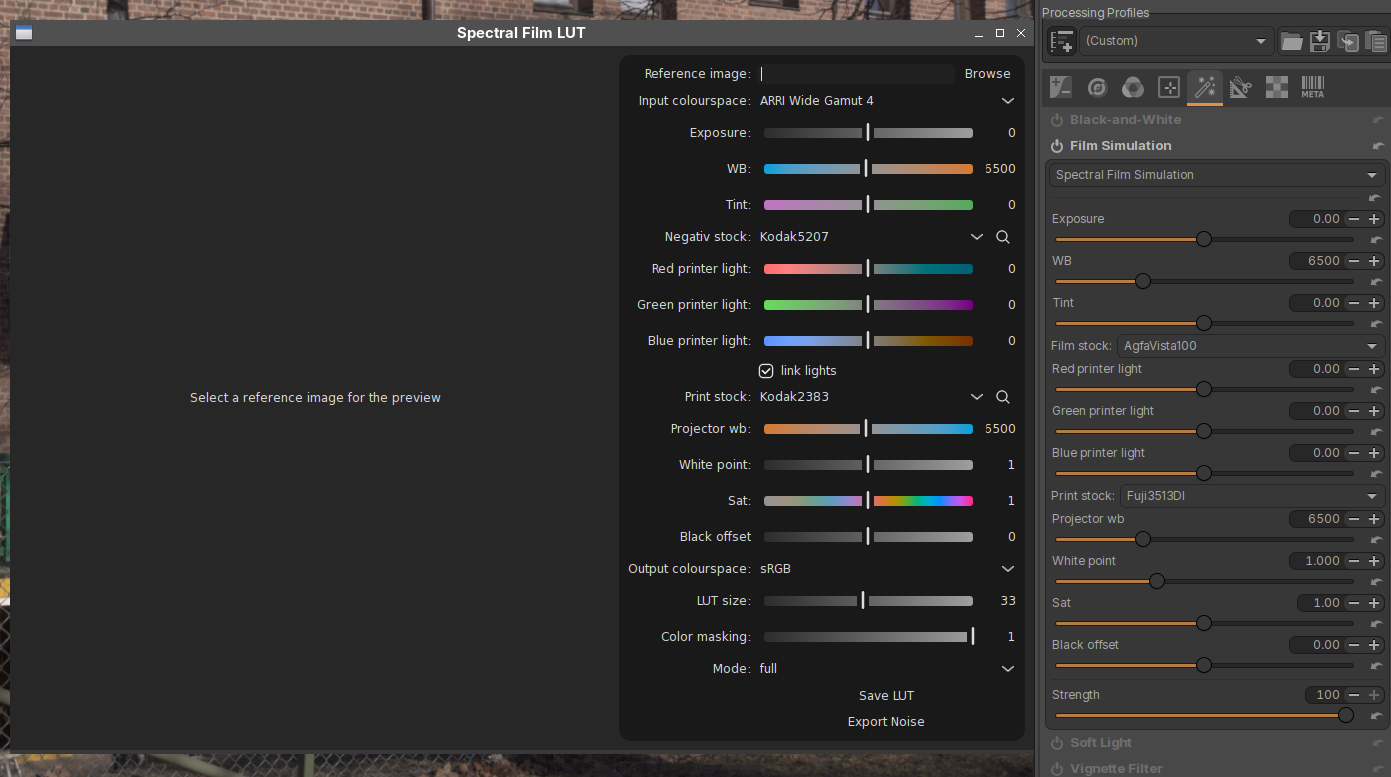
there’s another project providing spectral film simulations that has been recently mentioned here, called Spectral Film LUT.
I’ve played with it a little bit yesterday, and it can be easily integrated in ART with the “external 3dLUT” mechanism (described here for the original agx-emulsion).
If anybody is interested, here are quick instructions:
install Spectral Film LUT. I’m going to use a Python virtualenv below:
pull the latest sources from the ART github repo. Open the file ART/tools/extlut/ART_spectral_film.json and modify the following line to use the Python interpreter from the virtualenv above:
Hello Alberto, I followed your steps. Those in 1. worked fine.
Then I pulled the latest version of ART from GitHub, but in ART/tools/extlut I see only 2 files: agx_emulsion_mklut.py and ART_agx_film.json, but no ART_spectral_film.json.
Just a note, the file spectral_film_mklut.py needs to be copied to the HaldCLUT folder as well in order to avoid a misconfig error when starting the ART_spectral_film.json LUT.
There’s a lot to choose from, 40 or so film stocks and 30 or so print stocks, wow!
I think I’m going to like this one, but it certainly will take time to explore all those parameters, especially all the combinations one can make. Good addition to ART, Alberto, thanks!
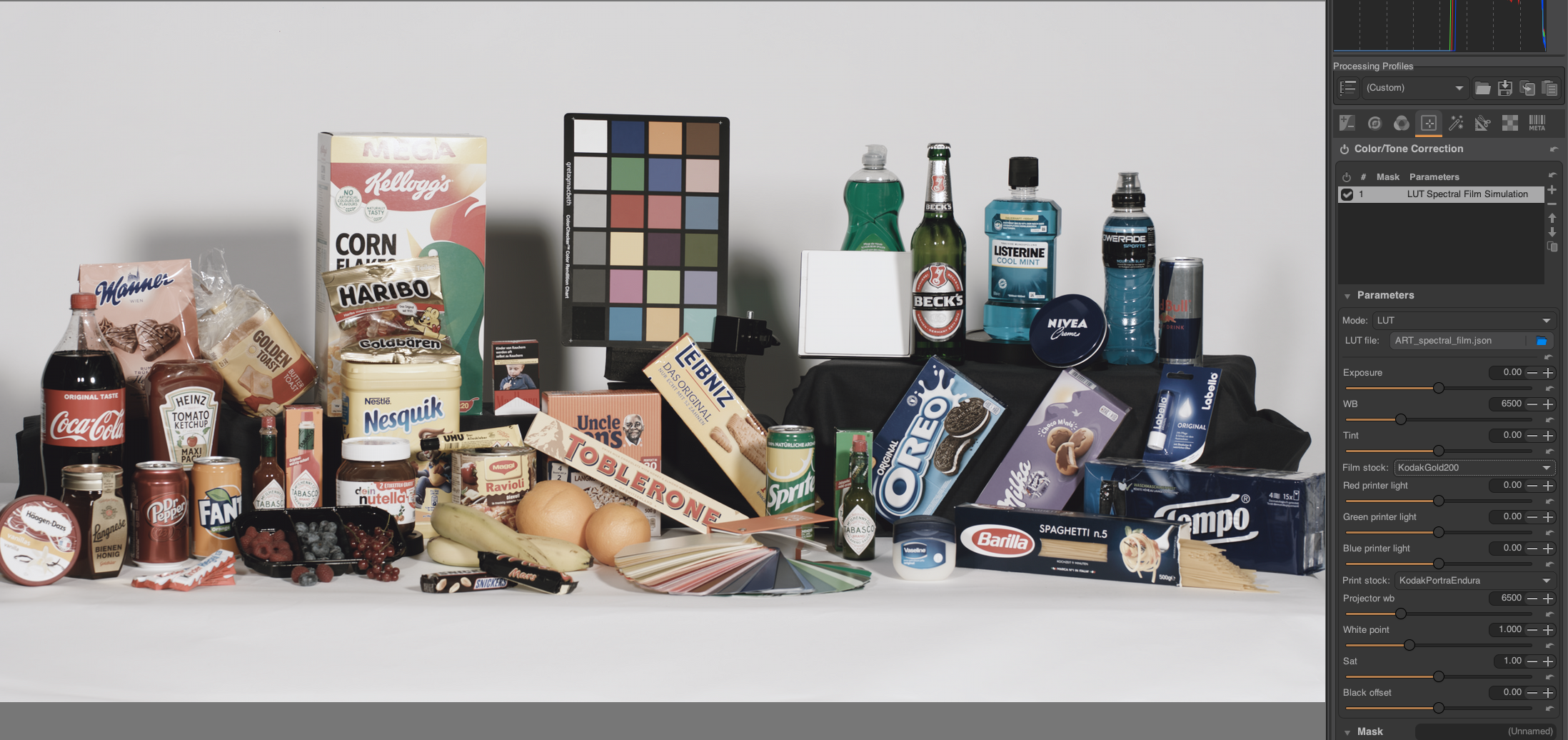
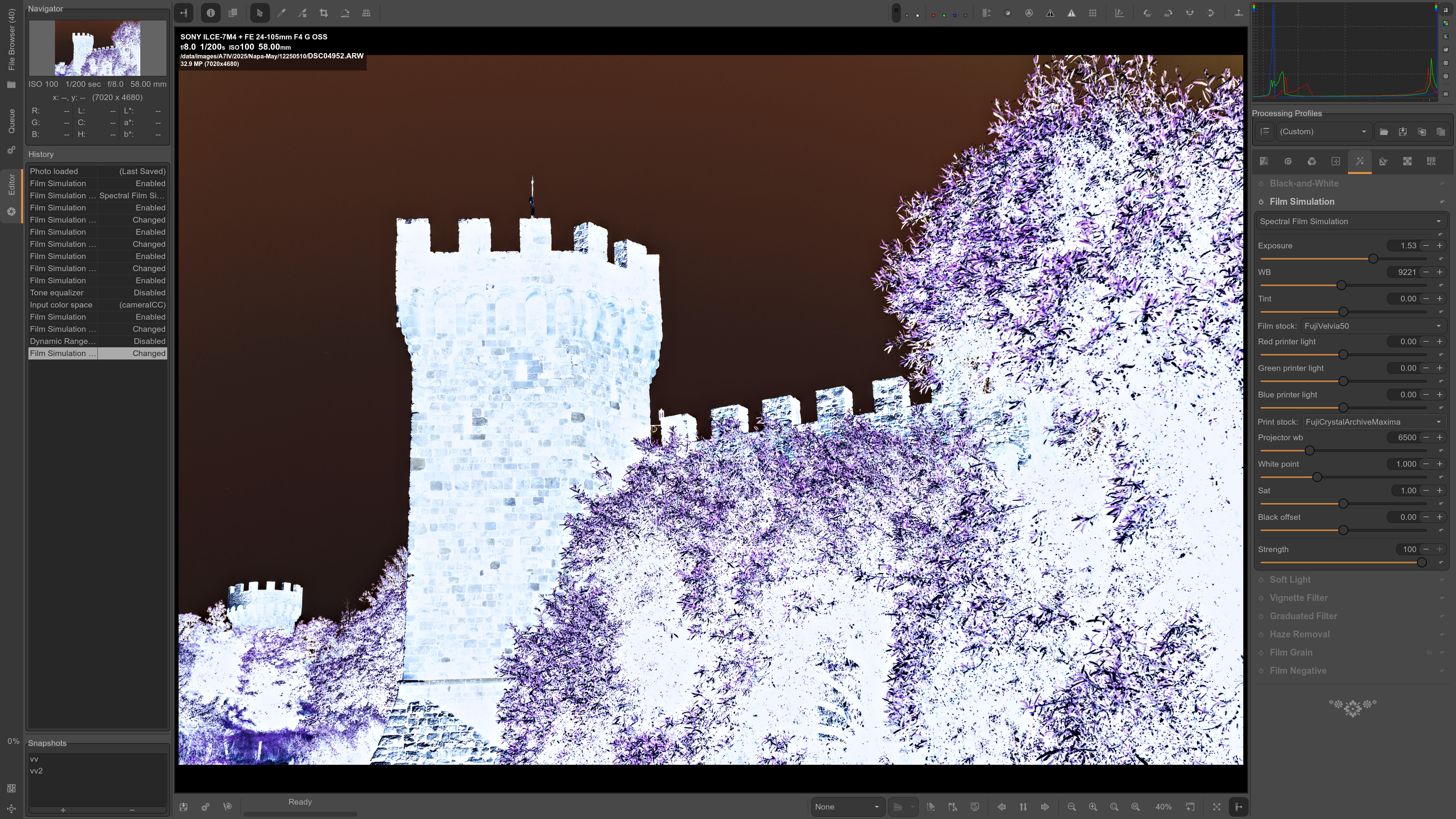
Here’s a screenshot with Fuji Superia Reala film and Fuji Crystal Archive paper.