I think this discussion belongs into it’s own thread. With dt I think it will not happen as the current design is a conscious choice.
4 Likes
Until there is a developer willing to implement there is probably not much use in discussing it…
I mean, most editing software(blender, davinci, photoshop, lightroom, etc) supports plugins, why not darktable? All those problems have already been thought out or solved everywhere else.
2 Likes
Yeah…I agree.
I’m happy hugin works seamlessly with it 
1 Like
Are you talking modules? (as the plugin system discussed below) or also a places for sharing styles, presets etc?
Currently for presets, styles, spektrafilm data packs, ai models etc in one place. I think this would simplify stuff as there would be one place to load and store stuff to and from.
I have been working on a darktable marketplace… https://discuss.pixls.us/t/a-marketplace-for-darktable but the reactions and enthousiasme was not overwhelming…
2 Likes
Yes, of course - I am just not sure, if it really runs on somebody else’s machine, please try:
https://www.dropbox.com/scl/fo/z2m5ytkgnpdwdqez3pk7u/AH3b5wC7NfWgzykcx_TXNzk?rlkey=cabokbzpjt6iawnt069ulkfcd&st=nbg7nycd&dl=0
Caution: this build supports the iMac’s Display P3 monitor (wider gamut than the usual sRGB support), so you need to set the display profile to “Display P3 RGB” instead of the default “system display profile”. And it’s based on the current master, so may contain bugs and work in progress - but for me it’s stable.
1 Like
Hi, I’m not sure if this is right place to post about this, but latest build on GitHub - piratenpanda/dt-spektrafilm-builds: Automated builds of darktable with the spektrafilm module · GitHub seems to be broken (at least on linux) I don’t see the option to “allow spektrafilm to download data packs” in security tab and when I place manually downloaded data pack in the right place and turn on spektrafilm module it seems to detect them but makes no changes to the image. I also tried to compile manually from GitHub - piratenpanda/dt-spektrafilm-builds: Automated builds of darktable with the spektrafilm module · GitHub and the effect was the same.
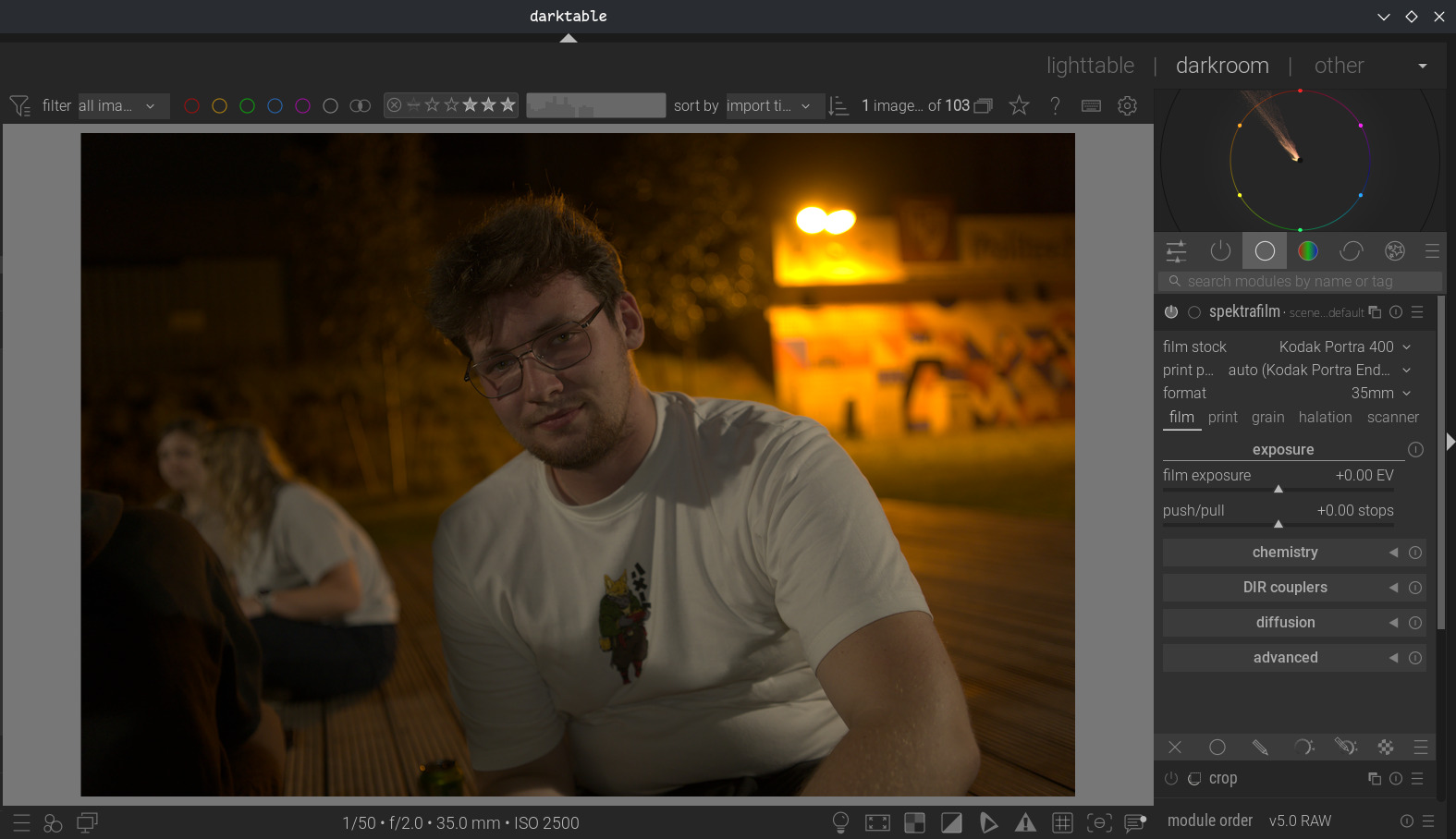
I meant GitHub - piratenpanda/darktable: darktable is an open source photography workflow application and raw developer · GitHub at the end.
Can do that, but I’m entirely unsure how and if there is a benefit?
I simply
- use XCode’s command line tools
- have installed homebrew (currently on 6.0.x) and darktable’s dependencies
- set a few environment variables to help the build process find openmp
- fetch darktable master
- fetch your spektrafilm PR and merge it to master
- use the scripts 2_build_hb_darktable_default.sh and 3_make_hb_darktable_package.sh to build
- that’s it usually
I have installed the dependencies manually and incrementally as needed over the last years, and not upgraded recently (not used 1_install_hb_dependencies.sh). Probably that’s the reason why I am not affected by homebrew abandoning Intel Macs - I am aware, that this may break anytime …
Yes this has been removed long ago, sorry. Must have missed deleting this on my repo. Also no manual packs are working anymore, delete all and download from the module itself
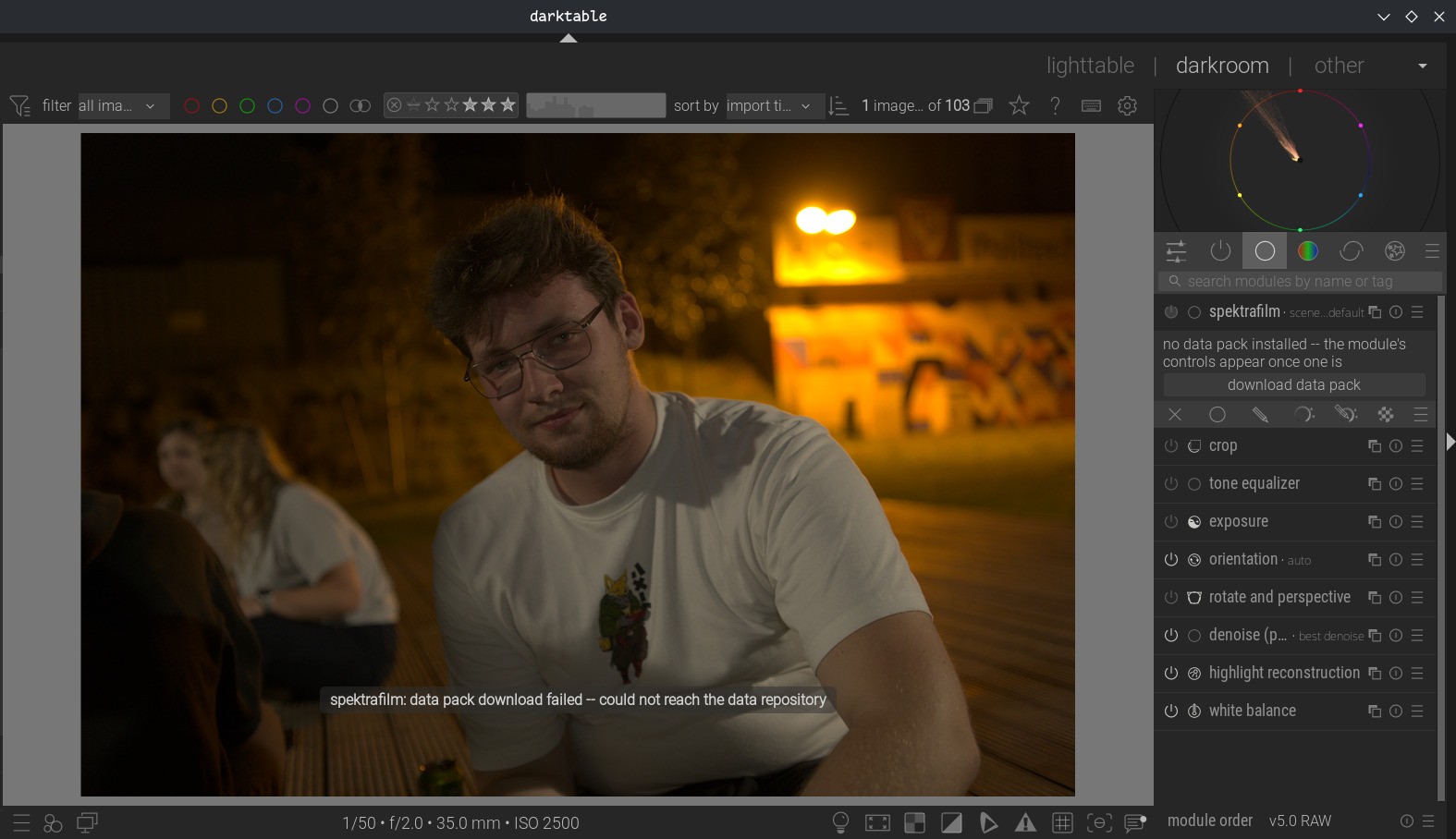
Do you still have my repo in your darktablerc file?
Yes, I do. Should I delete it?
No change accordingly Spektrafilm darktable module implementation discussion - #511 by piratenpanda
Sorry I can’t edit any of the first posts
Oh, sorry I didn’t notice it in the thread. Thanks.
I thought you would send it in dmg format. However the app you posted successfully was download and is running. the only thing I had to do was use xattr -c command to make it run and it did.
My display setup is also same P3
Thank you @geni1105
Obviously the module does run much faster in my mac than the VB.
2 Likes
For myself I do not need the dmg, that’s why I never created one so far. But I learned that just uploading the app package prevents it from being executable, so I simply zipped it. Anyway, have created a dmg now, hope it works.
1 Like
@geni1105
Thank you. Your app file did also worked for me.
In the passed I tried to build DT but never was successful. Either Xcode, brew or macport would fail to complete. I have lots of app that gets created and updated thru macport or brew and did not wanted to drastically change their default settings.
I am grateful that you shared the dmg and app for us.
BTW, earlier today I found out no longer nightly build are available for x86Mac.
I was warned earlier this year that in Sept 26 support for x86 no longer will be available.
I hope the new release of DT later this December will be available for x86.
Otherwise me and other x86mac users will be left out of this wonderful app updates.
Forgive me if this has already been discussed, but if there’s a way in the darktable implementation of this, now or later, to separate the print stage so it can be used on its own (the inverse of “Print paper: none (scan the film)” that would be very welcome.
I work with film scans a lot and would love the flexibility this would offer. Piping film scans through the full film emulation pipeline is less than ideal, obviously.