Yes this has been discussed. As it’s not implemented in the reference (a stable branch that is) I did not implement it. I’ll think about this as soon as Andrea implements this in the original spektrafilm app.
It is a feature in the experimental branch of spektrafilm, if you want to try it out -GitHub - andreavolpato/spektrafilm at experimental · GitHub
(found the thread - Simulate darkroom printing from analog film scans - #6 by arctic)
Thanks! Good to know. I get far with NegPy, but for those times a specific look is requested, this would be hard to beat.
I am running that (via uvx --python 3.13 --from git+https://github.com/andreavolpato/spektrafilm.git@experimental spektrafilm). Slightly confused, which workflow would that be?
input>convert-film>print>scan, that skips the film sim part, runs the print simulation, theres a pop-up if you hover your mouse over the workflow bit.

but this isnt the right thread to troubleshoot this haha
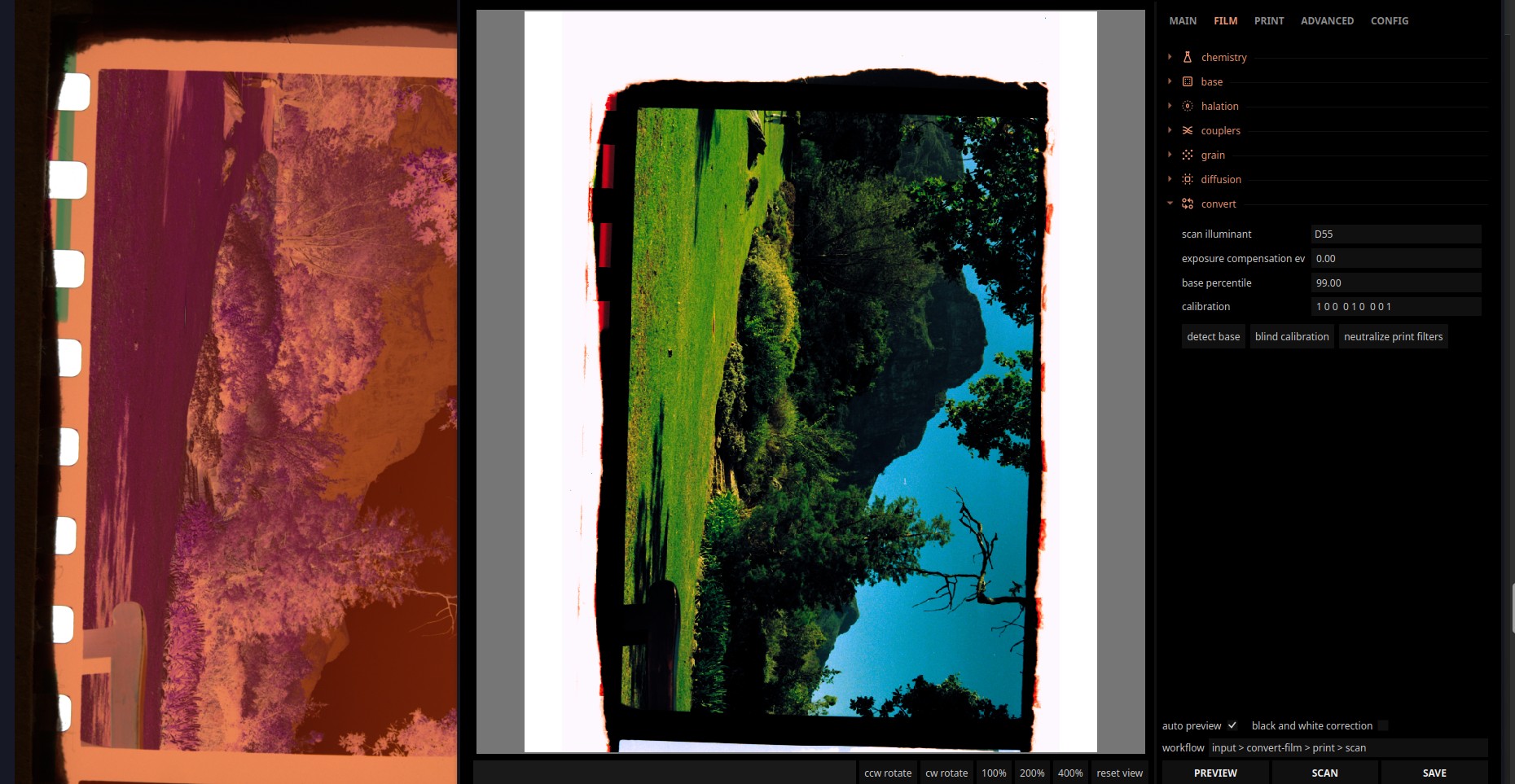
(picture by @europlatus from the playraw category)
Right. Sorry, I maybe wasn’t entirely clear: I meant without the negative inversion. And even with this workflow selected and a negative input, changing film stock seems to affect the image.
What I’m referring to as my wish in the darktable module is any positive input image being able to bypass the film part of the pipeline and just use the paper settings.
The printing stage is affected by the selected film stock, to quote andrea - “spektrafilm uses the densitometric data to infer the CMY density on the film” - so changing the film stock affects the output.
And yeah, that is not possible in the experimental version; I am not entirely sure how the RA-4 process works outside of negative printing, so if the physical accuracy of the model is key, well… no idea how that would work  And youre basically left with what amounts to some curves adjustments and diffusion
That makes sense, yes! I guess wanting only half of what in reality is an interconnected process isn’t entirely reasonable. 
Thanks for tagging me!
The inversion in that screenshot looks to have produced some lovely rich colours on that negative. I haven’t been following this thread at all, so sorry if this is a daft question, but will this proposed module be a more advanced alternative to Negadoctor, where you can simply develop negatives as well as give them a different film “look”?
Haha no, my post was, at least for the time being, a bit offtopic - at least regarding the Darktable module itself.
The module and main version of the python app can emulate film+print very well, and the python app, in its experimental version, has a setting where you can skip the film emulation step and just virtually print your negatives. You can choose the print paper, and ideally a matching film stock, so the print is more accurate, though nothing is forcing you to go the creative way and mismatch things.
Thanks for the explanation. So it’s still more oriented around printing and emulation, rather than just scanning and “developing” a neg, e.g. for screen output or archival purposes?
Spektrafilm (and the darktable port, to be less off-topic here haha) emulates a full pipeline of a scanned RA-4 print of a negative film image. It is made to be viewed digitally. The bonus of the experimental version is that you can skip the film emulation part and use your negatives as an input, so if you want your images look like RA-4 print scans, you can. Printing is a step in the pipeline, but I do not think it is the physical goal (you probably dont want to emulate a scanned print and then print it again, physically… words are hard, I am sure you know what I mean)
You can find more here Spectral film simulations from scratch
1 Like
While playing around enabling/disabling modules on an edit I found out spektrafilms halation reacts funnily to negative RGB values (at least thats what I think it is). I don’t think this needs fixing as the other tonemappers don’t take kindly to those as well.
Setup:
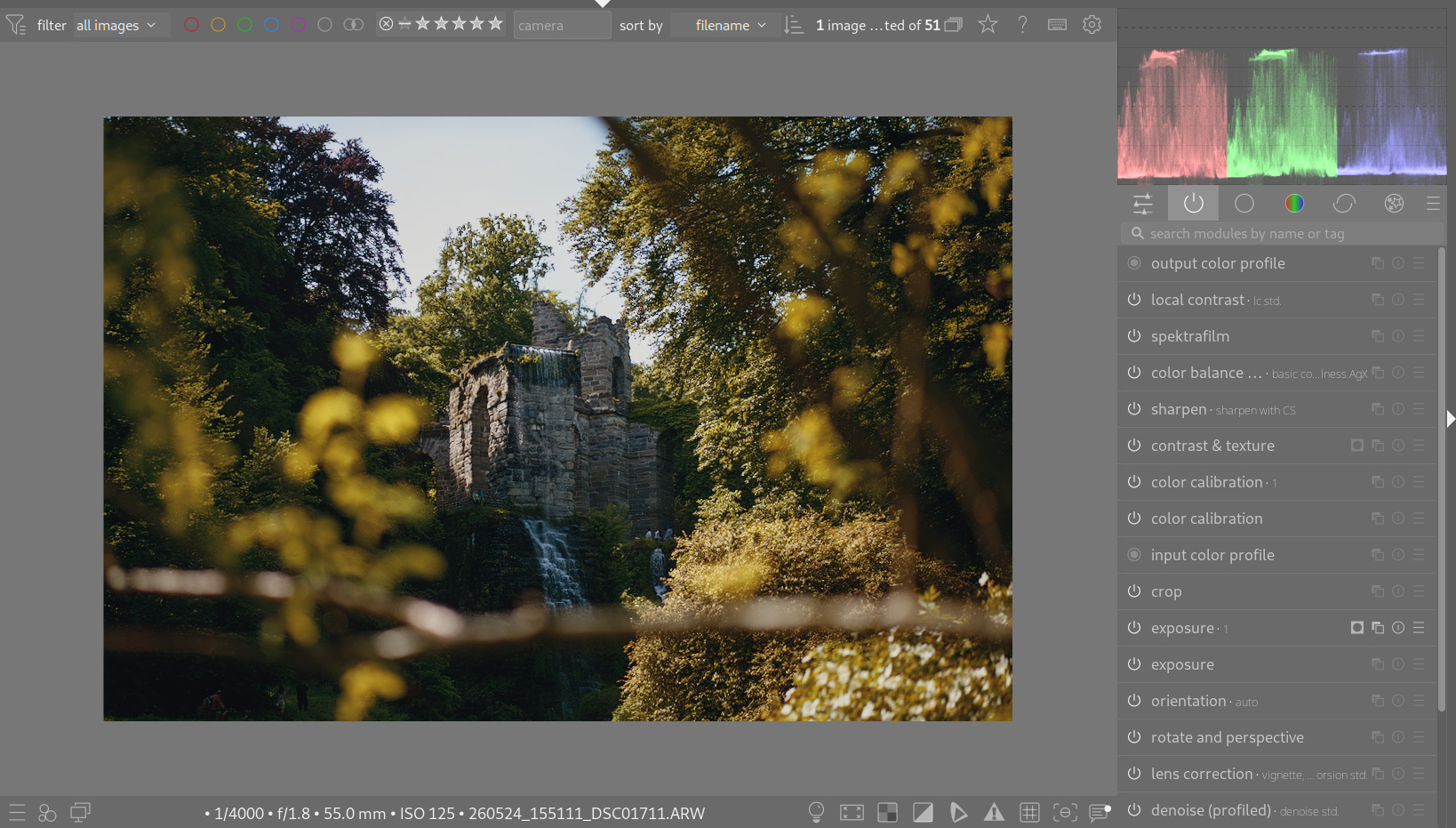
First instance of CC disabled, leading to the second one in channel mixer mode pushing some values to (I guess) negative:
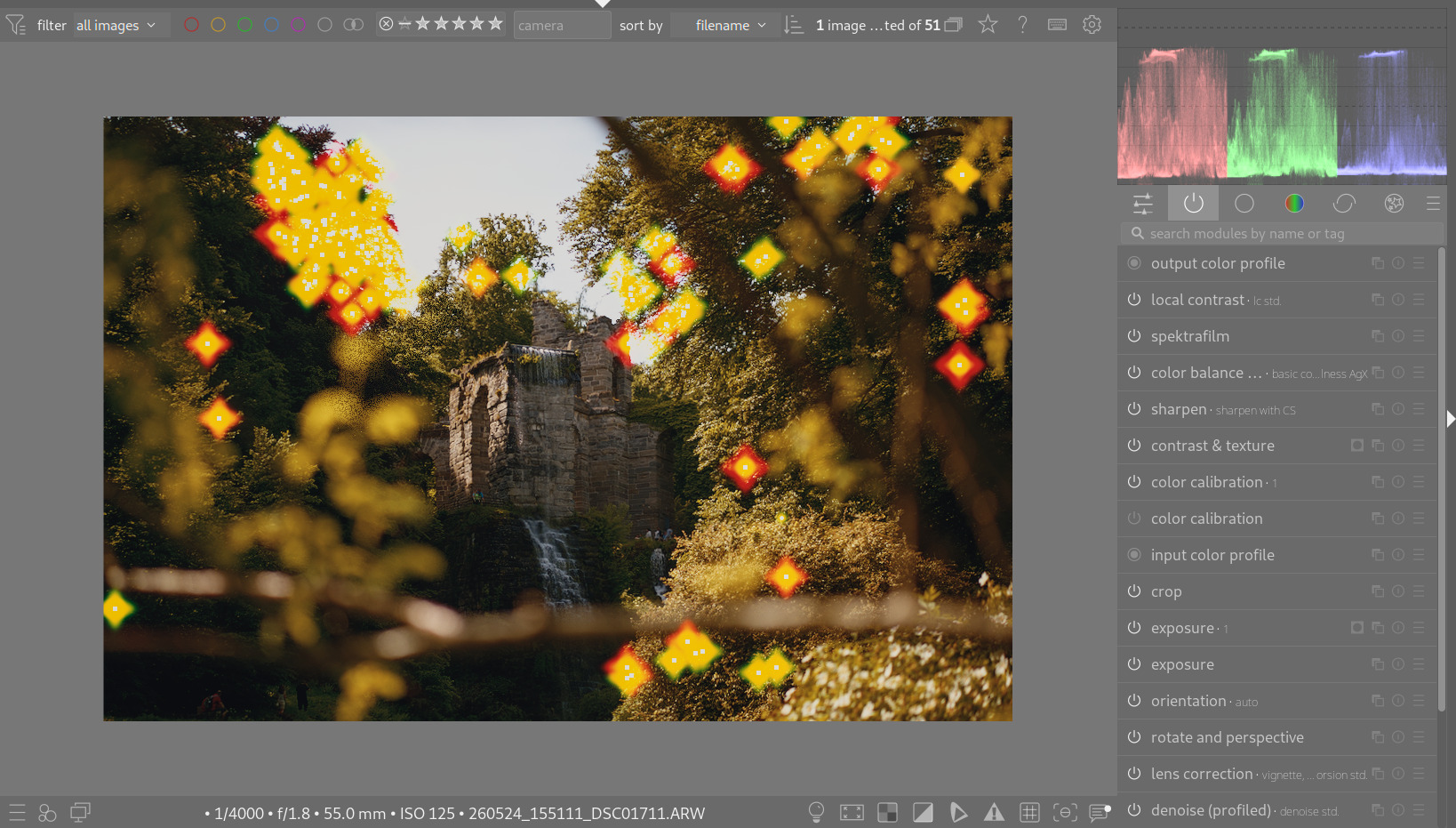
1 Like
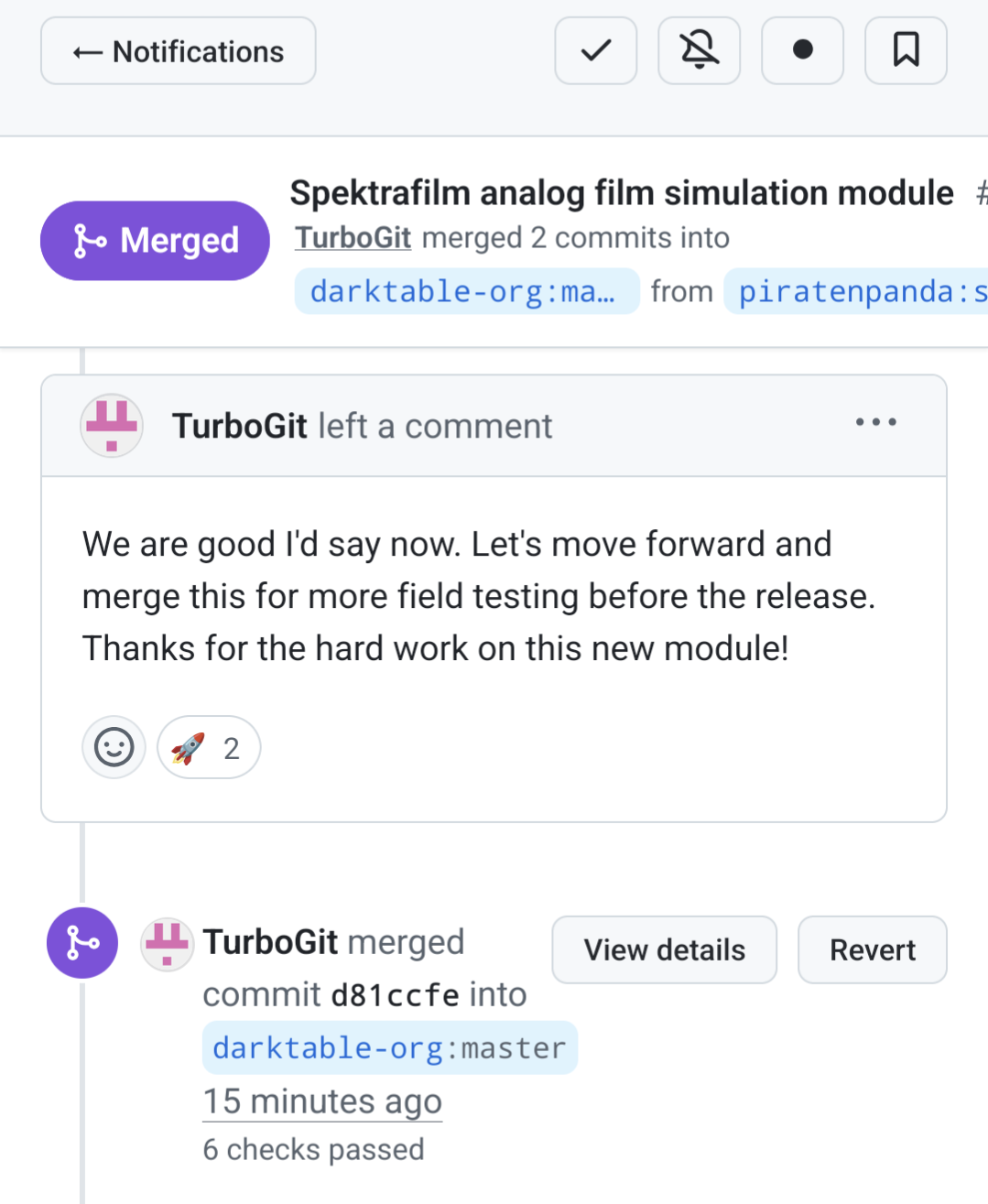
and were are finally merged! Thanks to all who helped with this 
20 Likes
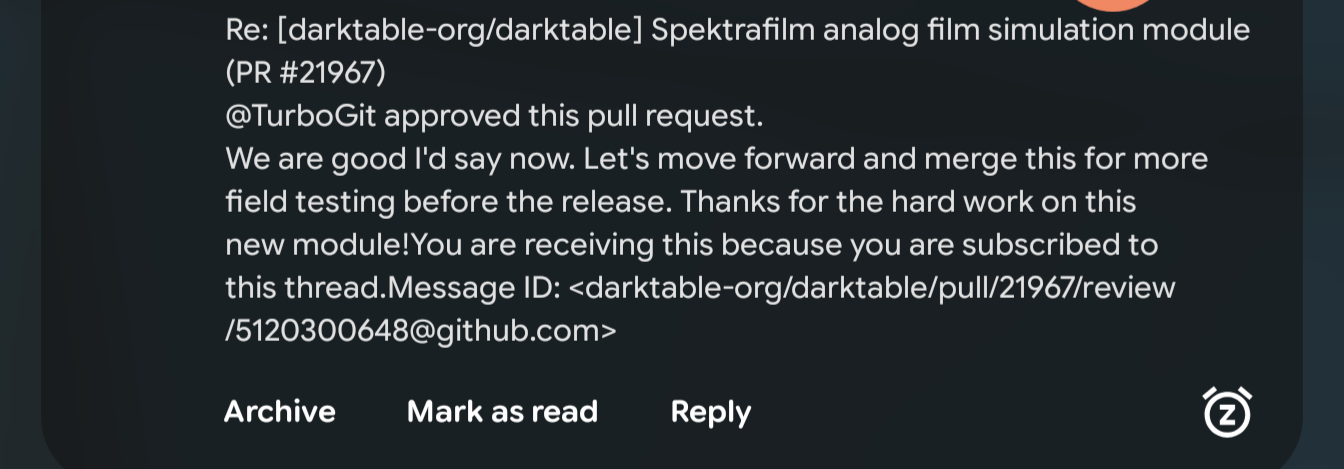
I’m booting my fresh Linux just for this🙂 the timing couldn’t be any better!
Thank you for the amazing work everyone!
6 Likes

Congrats!! Now… more testing… And more anticipation towards the 21st of December!!
3 Likes
Great news, finally merged, this is so great!
Thank you @piratenpanda for your hard work on this module and a big thank you to all who helped with testing, suggestions, and presets!
4 Likes
Builds for Linux, Windows and Mac (same build setup as nightly) from the current master-snapshot: Release Darktable nightly build 20260905 · anoderay/darktable · GitHub
4 Likes
Today would be a good day, if you guys wanted, to buy spektrafilms creator @arctic a coffee to celebrate the merge: https://buymeacoffee.com/andreavolpato
10 Likes