

2 Likes
Then yours is 1000! 
1 Like

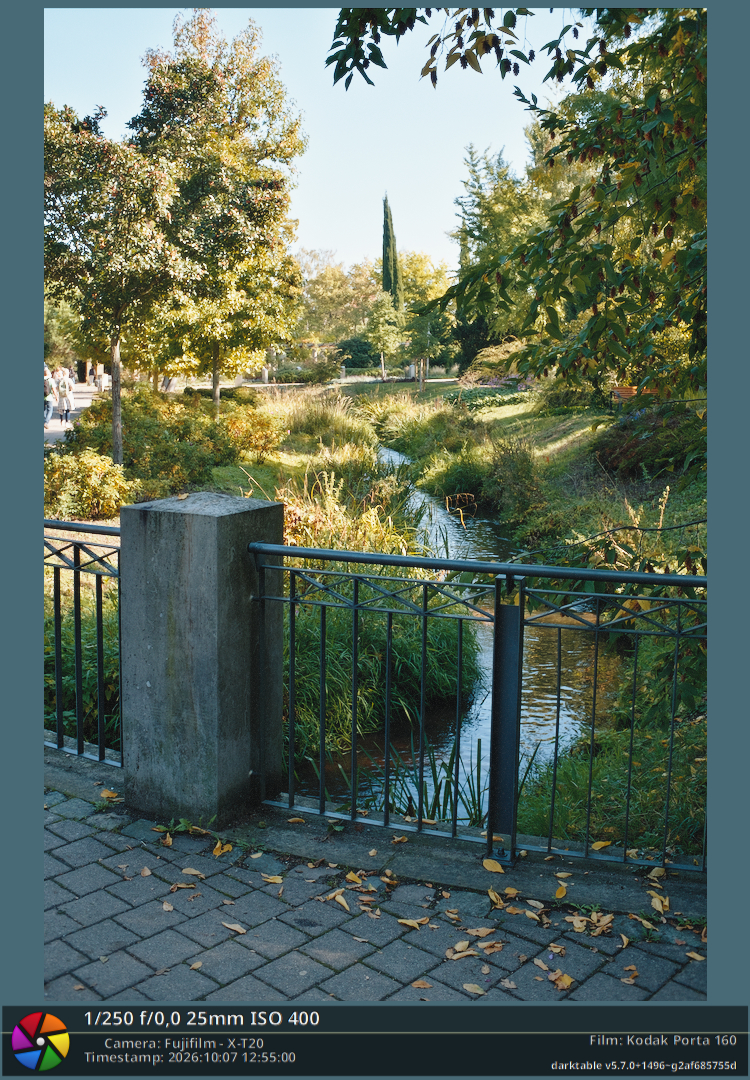
I found this weird grain bug while using the 500T stock, happens both with the hanatos and “beta” arctic2026 spectral upsamplers. I tried to see if it also happens with the other stocks but it looks like it only happens with 500T.
It also affects exports - exporting without/with hq resampling. Feels like the grain adds some non-neutral warmth to the image that shows with the HQ processing/zooming.
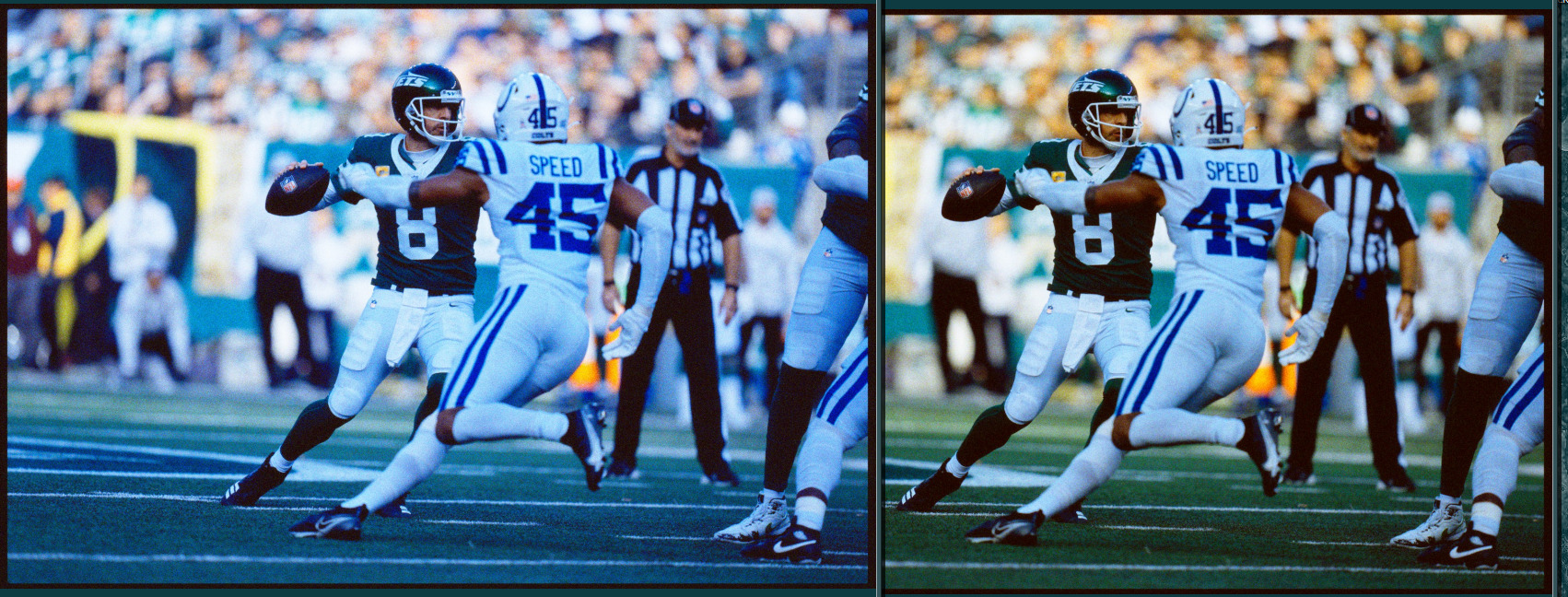
Edit: Oh this something that is much more visible in the scan the film workflow - when using it the intended way, with a print paper active, its obvious that grain is very strong in the blue channel and therefore adds some coolness to the image - which means that once inverted in negadoctor, the image gets more warm? Combine that with the darktable image/window resampling…
Edit2: I tried it in the python reference and it looks fine there, the grain doesnt “impede” any extra character on the image - both in the main and experimental versions. The values in pack.json and the default spektrafilm rms settings are the same (9,13,30), the other values are identical too - I changed the rms granularity in the pack.json file to 9,13,15 as a test and it basically fixes the issue, so… I have no idea what causes this bug in darktable.
2 Likes
Hopeful fix in spektrafilm: don't clamp grain USM output at the density floor by piratenpanda · Pull Request #22744 · darktable-org/darktable · GitHub
1 Like
I have noticed another bug with the grain - if I have a style or a preset made with a spektrafilm look, and apply it to two photos with the same orientation/resolution, the grain pattern will be identical - both in the darktable view (easily seen with a snapshot) and in the exported photos, both with and without hq resampling. The seed is probably not “regenerated”?
I just noticed the PR merge from 15 hours ago - I will rebuild and try again, just to be sure
– Yeah, it still applies (5.7.0+1523), the grain pattern is identical, see the images here.
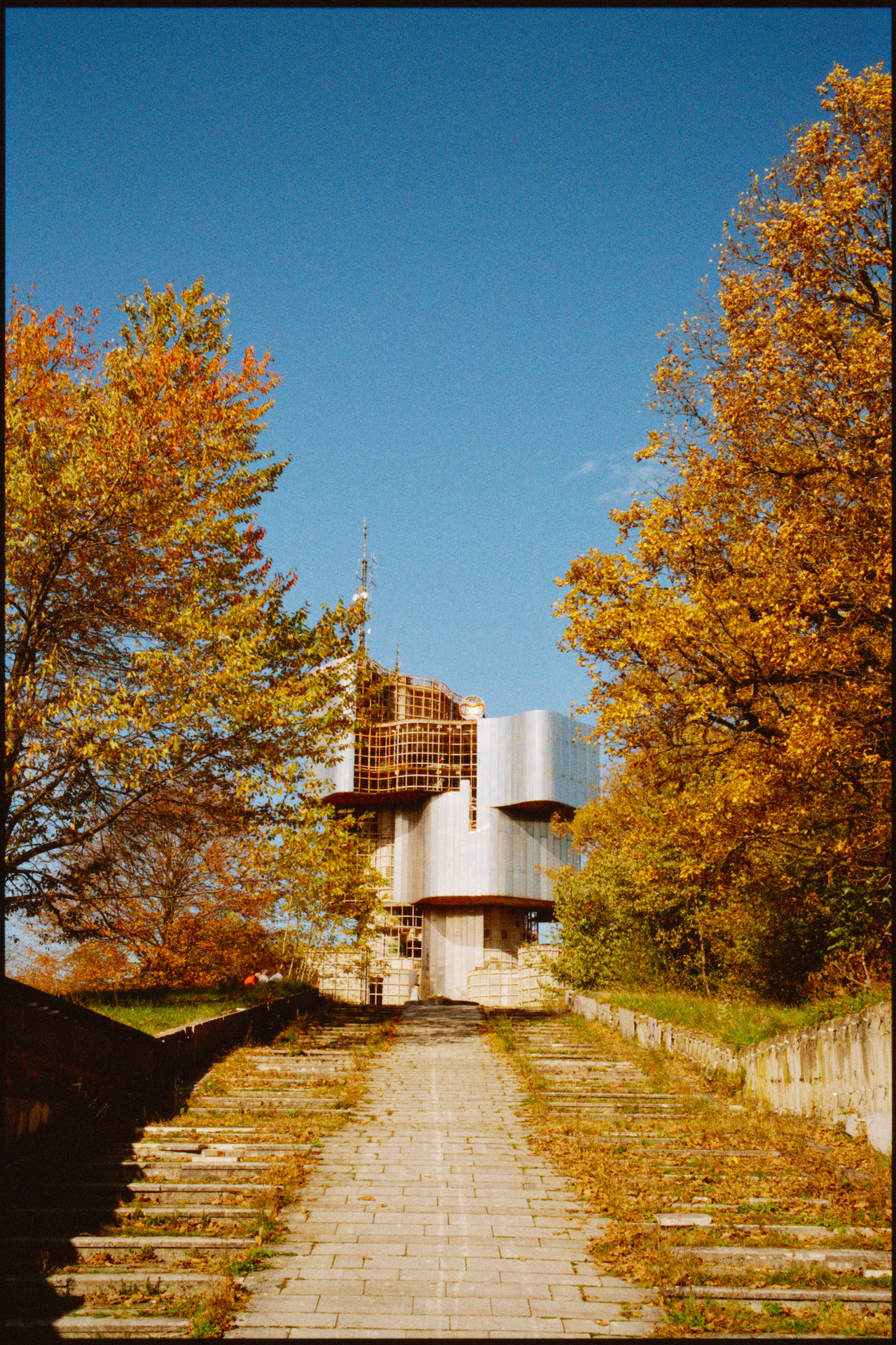
And re: the 500T bug - the difference is still visible, but it is less pronounced than before. The spektrafilm+negadoctor workflow makes the difference much more visible, if its of any help, here is a style - I recommend switching off high quality processing, applying the style, and then switching on the high quality processing, that shows the difference clearly.
Frame Tungsten 500T.dtstyle (7.7 KB)
1 Like
Do you want a per image seed? Can be done.
1 Like
I think that it should be regenerated for every image, having the same grain pattern between images gives me Lightroom grain flashbacks - makes it feel more like it is just a grain overlay instead of the image being “rebuild” with grain.
1 Like
Which would you prefer?
piece->pipe->image.id: trivial to add. Duplicates get different grain, and the pattern changes if the image is re-imported.- Hash of filename + EXIF datetime (or similar): stays stable across re-imports and machines, but duplicates share grain.
The first option sounds better to me, grain should be random, everytime.
2 Likes
I’ve just started to use spektrafilm, so what I say it may be expected, but I still want to report what I found, because it does not look good, in my opinion.
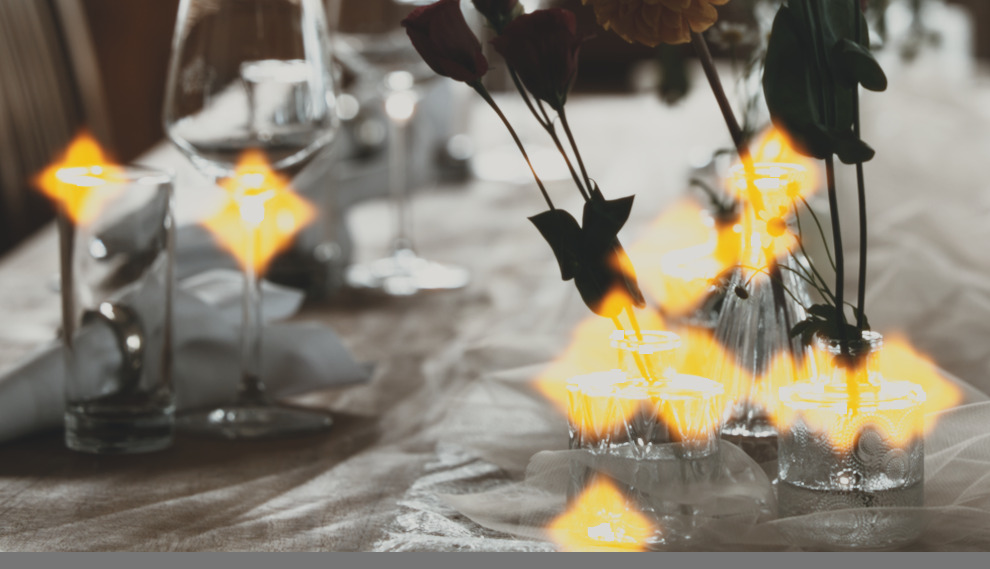
I get very strong halation when I lift the highlights. Visually does not see very pleasant, so I think it may be a problem.
I took the screenshots using the default settings (film stock Kodak gold 200, with any other film stock I get similar results). Only disabling halation will remove this artifact, any other settings in halation will just only decrease a little bit the size, but still much too big.
I can provide raw file, if you wish.
before:
“color balance rgb”: everything 0
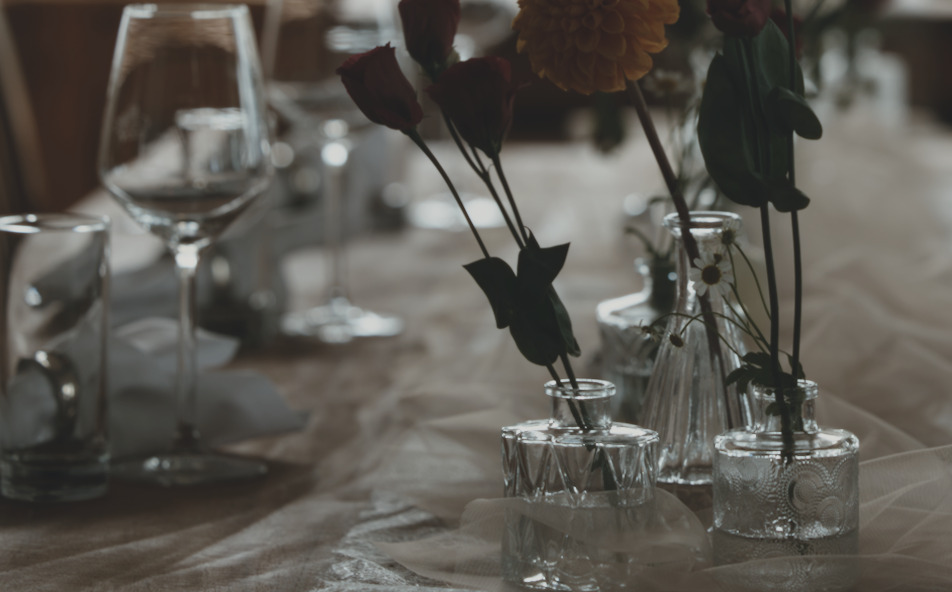
after:
“color balance rgb”: (master tab), strongly increase highlights = 73%, everything else 0
Good source of random seed are mouse movements and keyboard strokes. I don’t know if it is possible in darktable…
Another idea: combine piece->pipe->image.id with system time , do a hash and you have a seed.
1 Like
The highlights push pushes crazy values into spektrafilm - it has been briefly talked about here - spektrafilm - broken halation and diffusion with RW2 · Issue #22588 · darktable-org/darktable · GitHub
You just have to embrace the disco  - Spektrafilm darktable module implementation discussion - #824 by bazdesh
1 Like
Thanks for info! I’ve just joined the party! 
2 Likes
Grain Update here spektrafilm: salt grain and glare seeds with the image id by piratenpanda · Pull Request #22771 · darktable-org/darktable · GitHub
still investigating the 500T issue (it seems the code is the same as the reference).
Claude suggests a correction factor but then we would deviate from the reference
1 Like
Yeah, no deviations
Maybe the darktables “low quality” process (as in - image zoomed out and high quality resampling disabled) is “at fault” - that the actual tone of the image, affected by the high amount of grain in the blue channel, is lost, because the grain is just not detailed enough without the magnification/high resolution process; and after enabling the hq resampling, it actually comes through. Hard to test and compare, but if the maths is right…
Edit: Tried the new merged grain update and it works, its now different, thanks!
Don’t go this route, don’t do it yourself, use one of the established libraries. Getting good random values is a rabbit hole
I agree, but I’m talking about something slightly different here. I proposed only a seed for a RNG, and not a RNG itself.
Established libraries are PRNGs and can generate pretty good random numbers (for our use), but they need a seed, a starting point for the generation itself.
No need to overcomplicate things. Salt from the imageid as in master now is fine