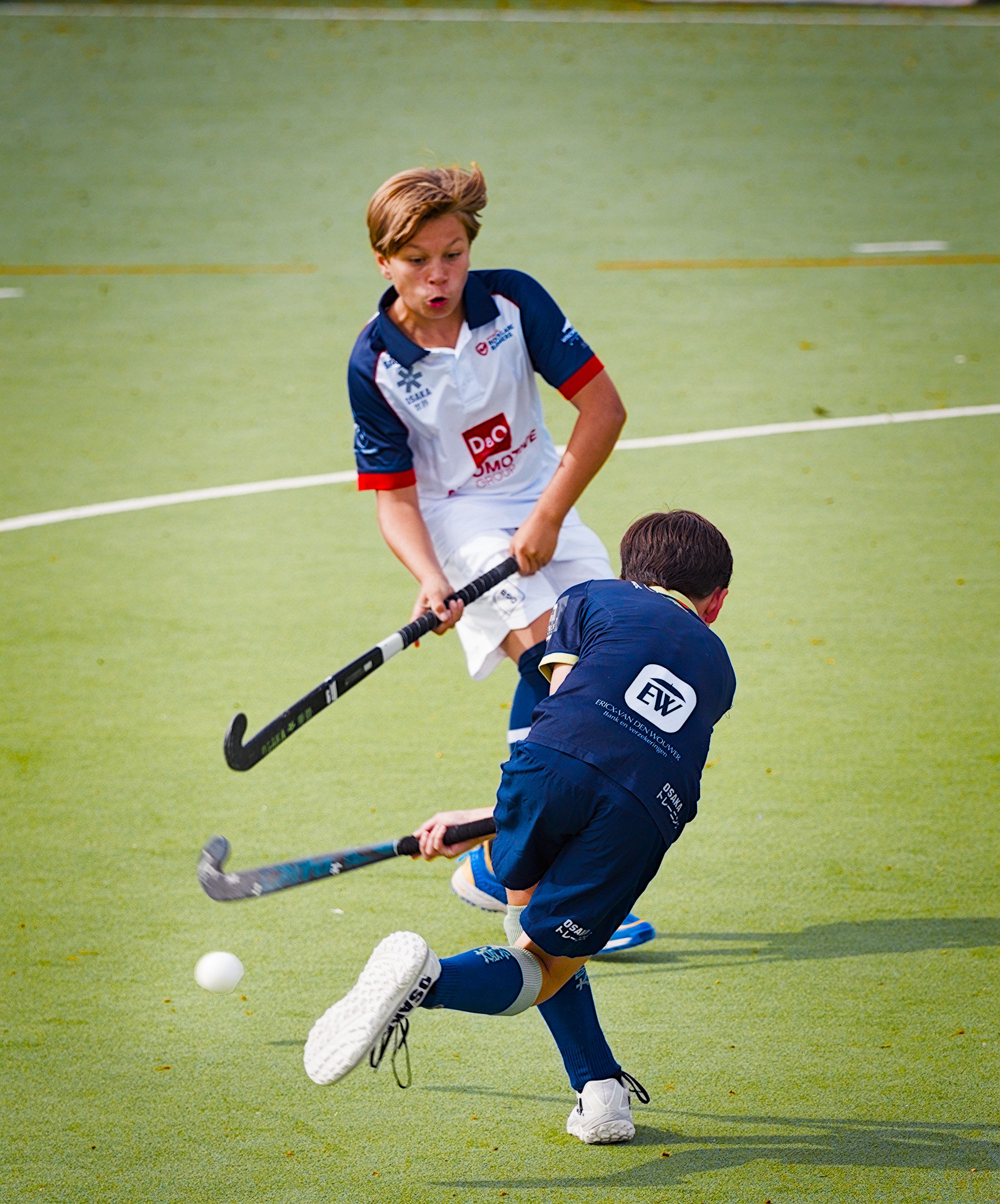
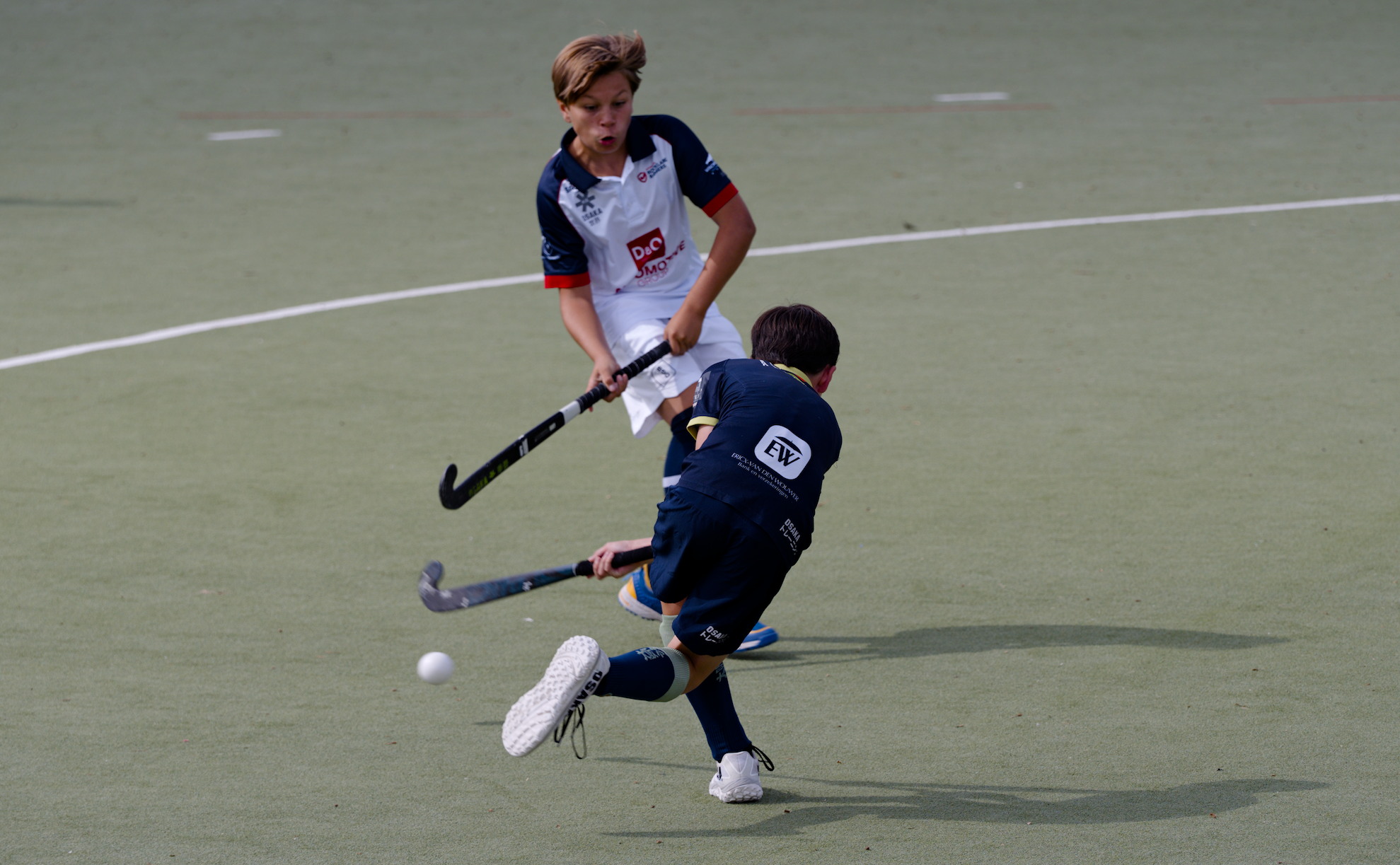
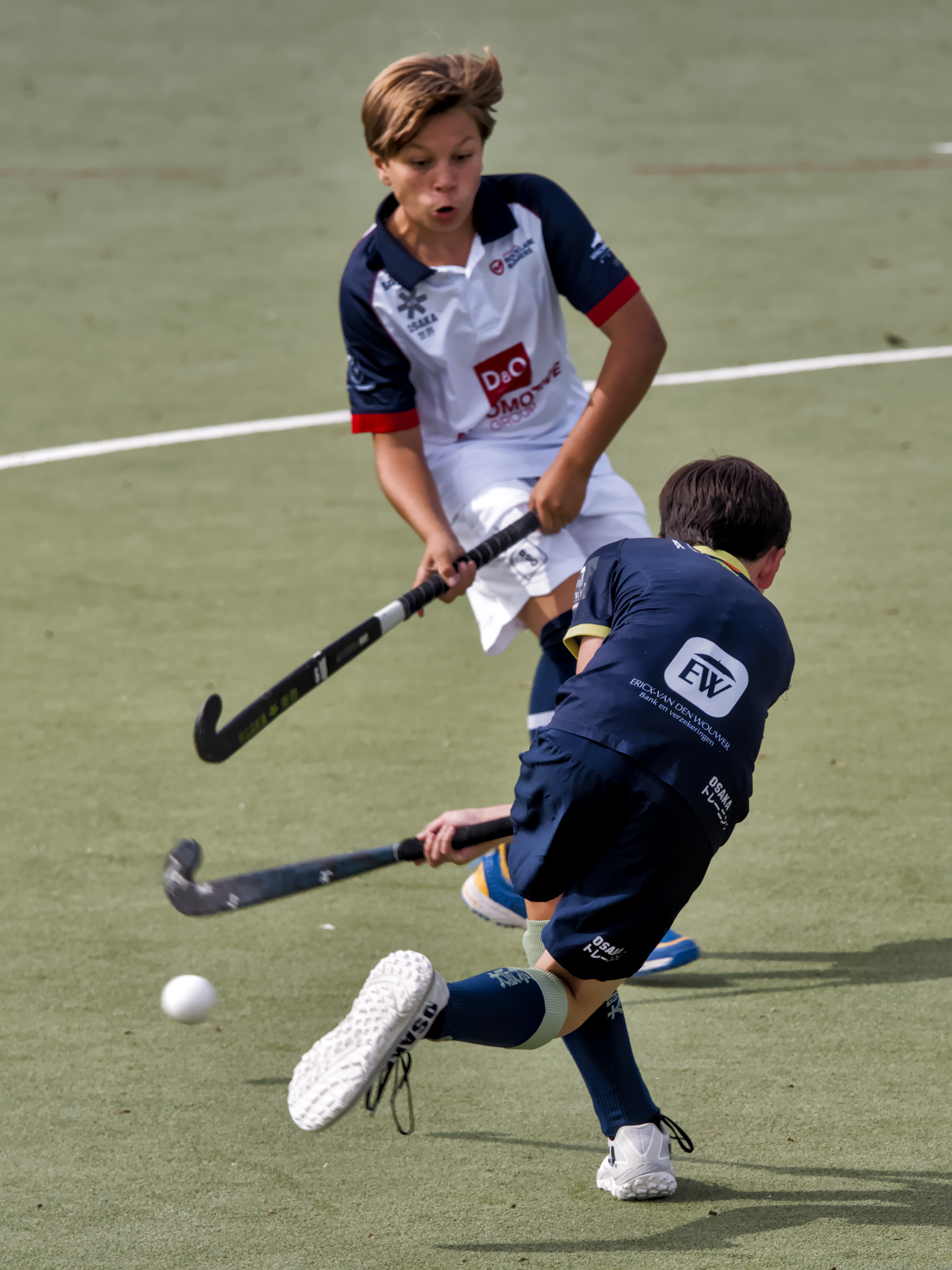
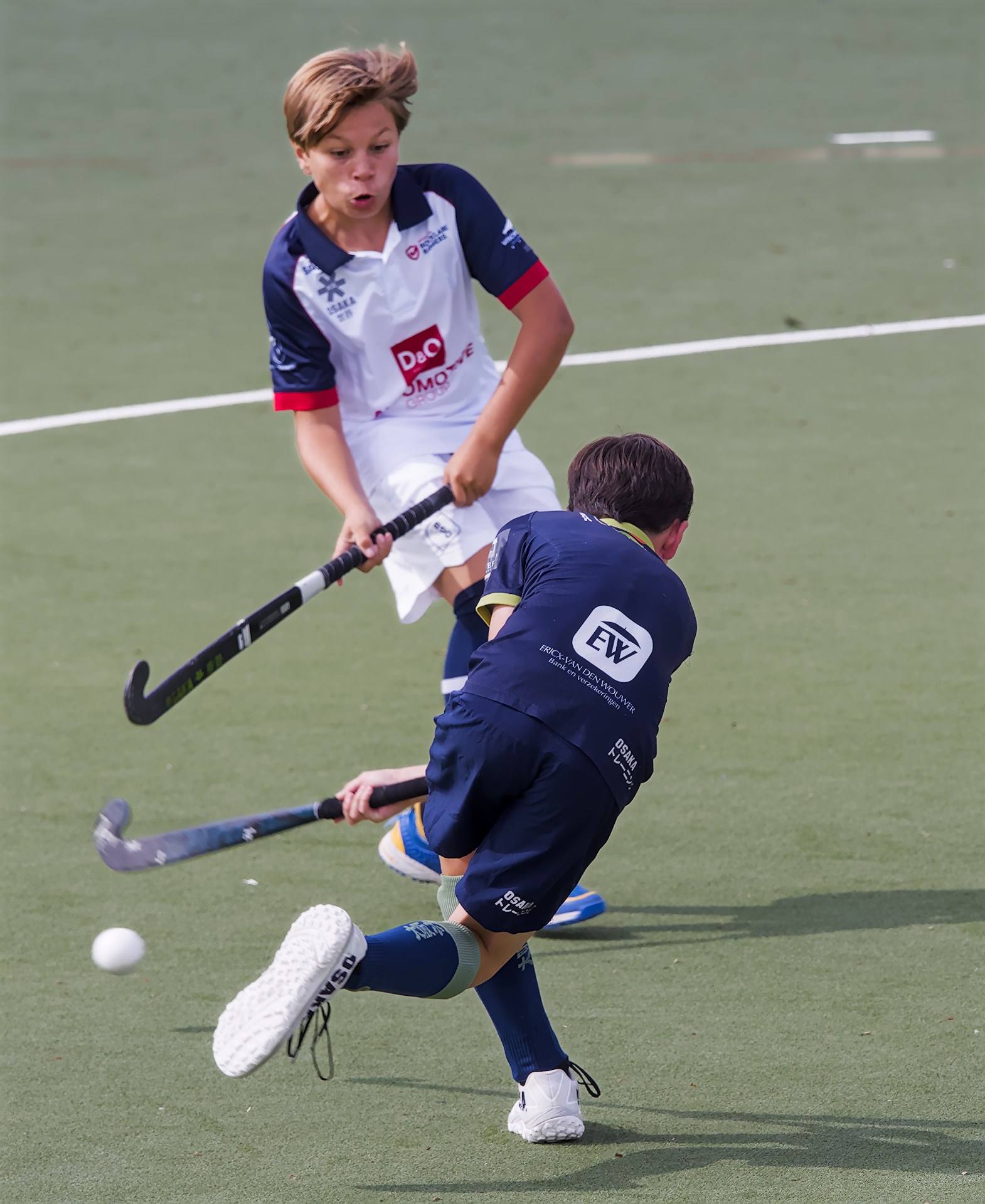
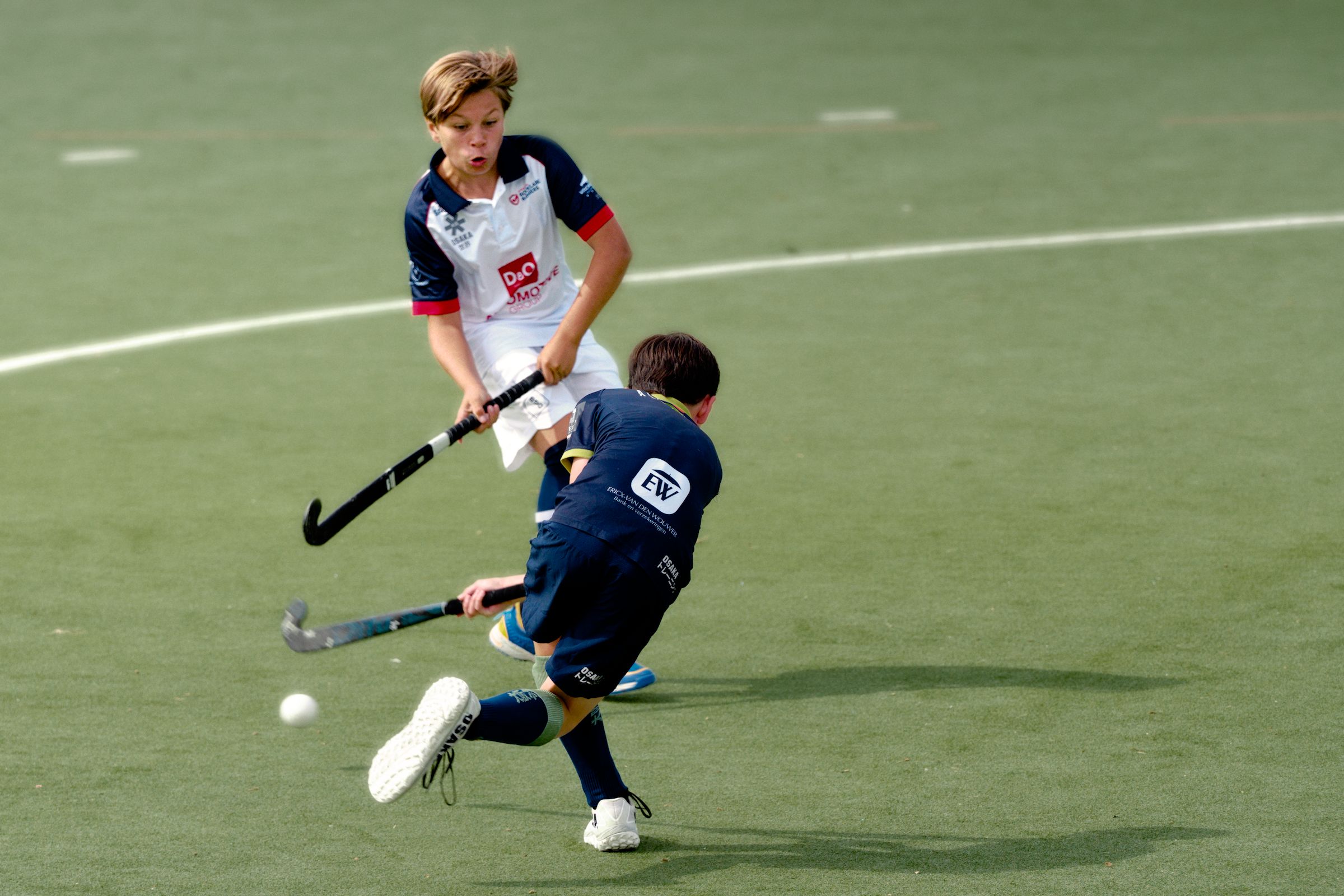
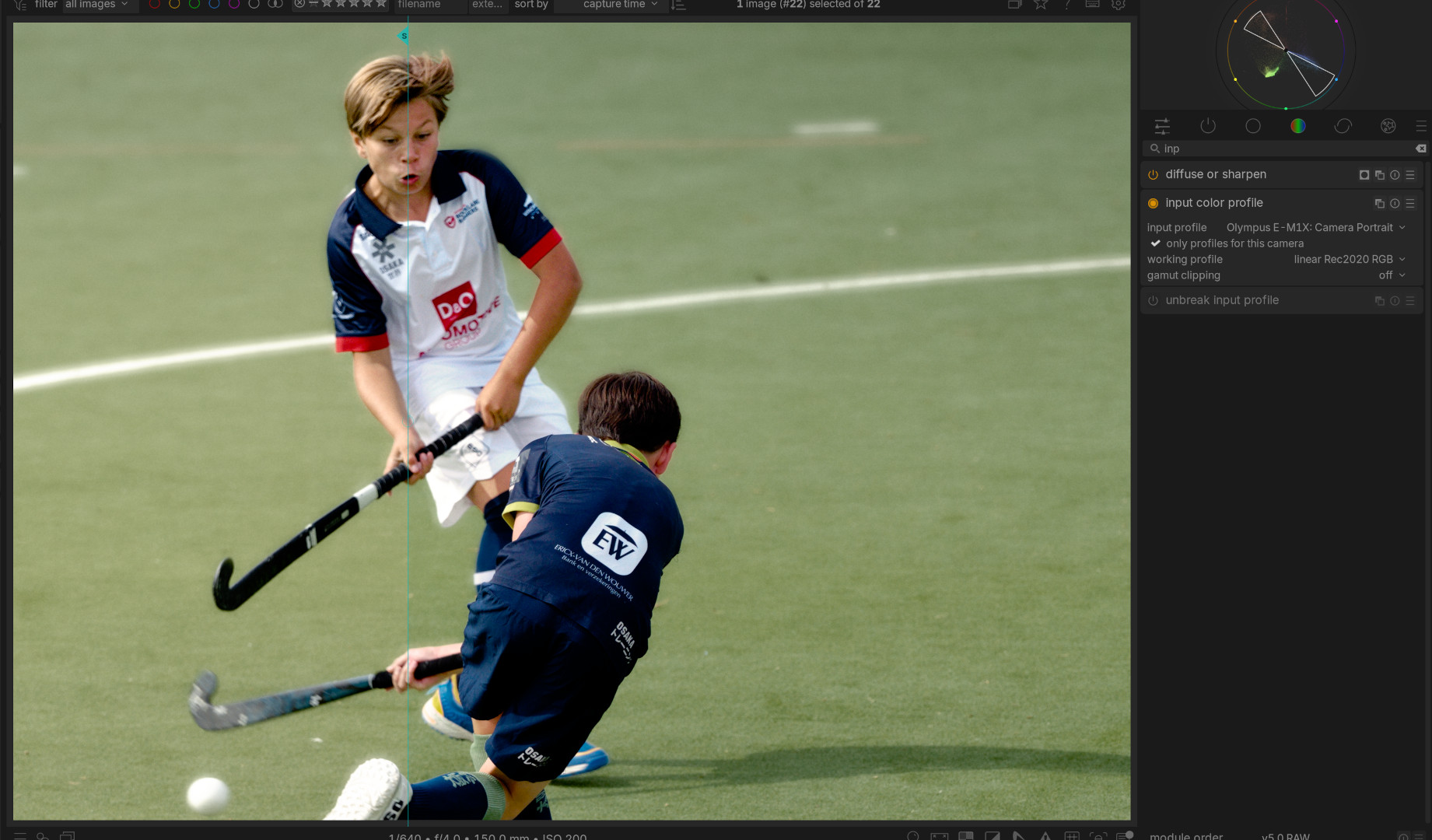
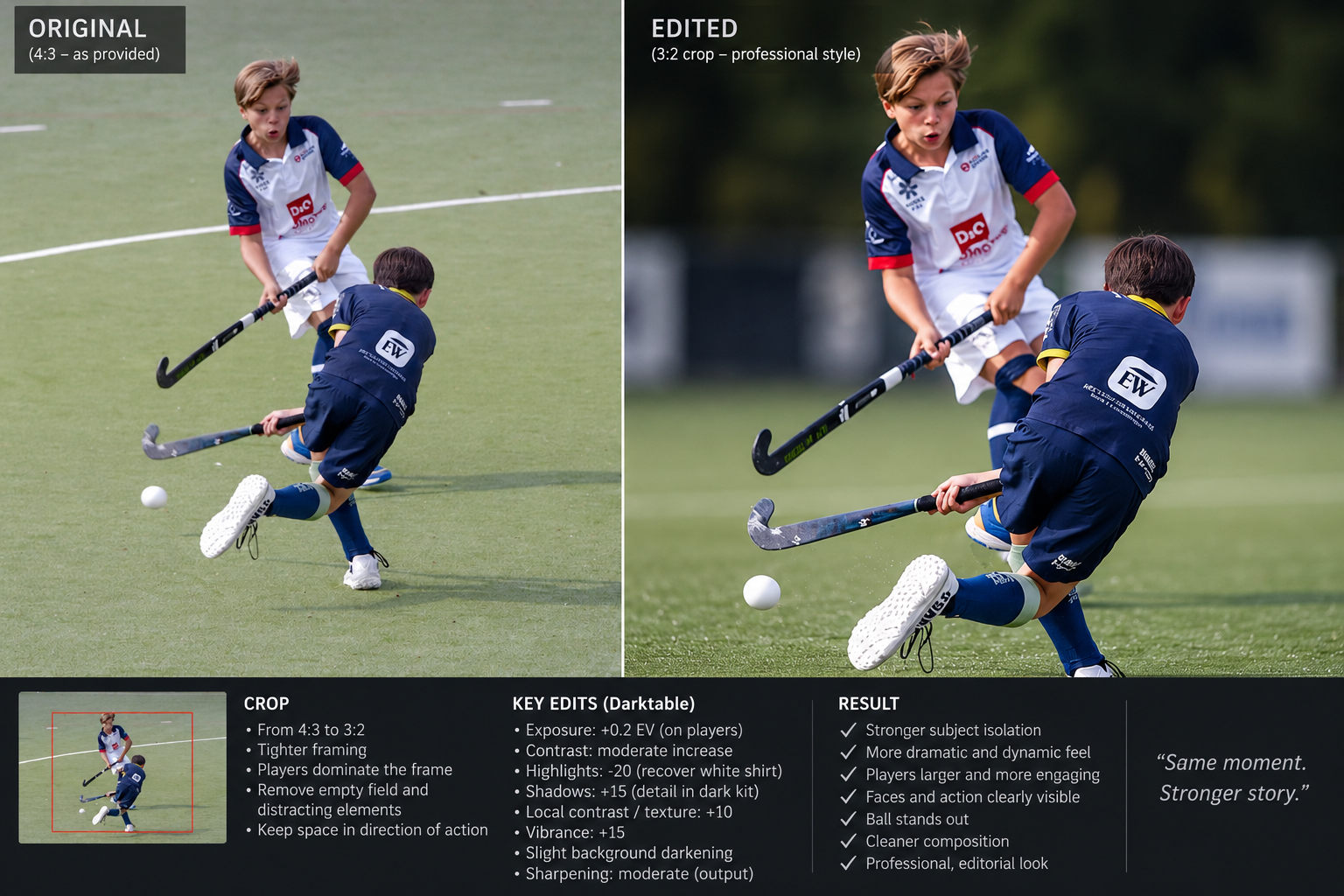
I asked AI to do the work here is what it explained, not certain that that is the way to go, it changed perspective and background, that is something of its own mind:
I am not sure what you want to do here… AI generated a completely new photo than the one you provided.
First you need to get to the level the players are at, not shoot from above, that would provide the necessary subject isolation, the rest is just some basic raw editing.
I agree what IA did with repositioning the players is not the concern. And yes that day I could not get on the field, rules apply, that hard ball to your face is dangerous and no nets.
AI produced a more crispy look, I just wonder what to do exactly to get there as example so I can experiment further.
They sound like LR instructions to me… with some insinuation of some local editing with masking… the ground level and tight crop sure do improve things but I think you could loosely follow the verbal instructions and see if you get close and if not then there is more to it than the reply shared with you…
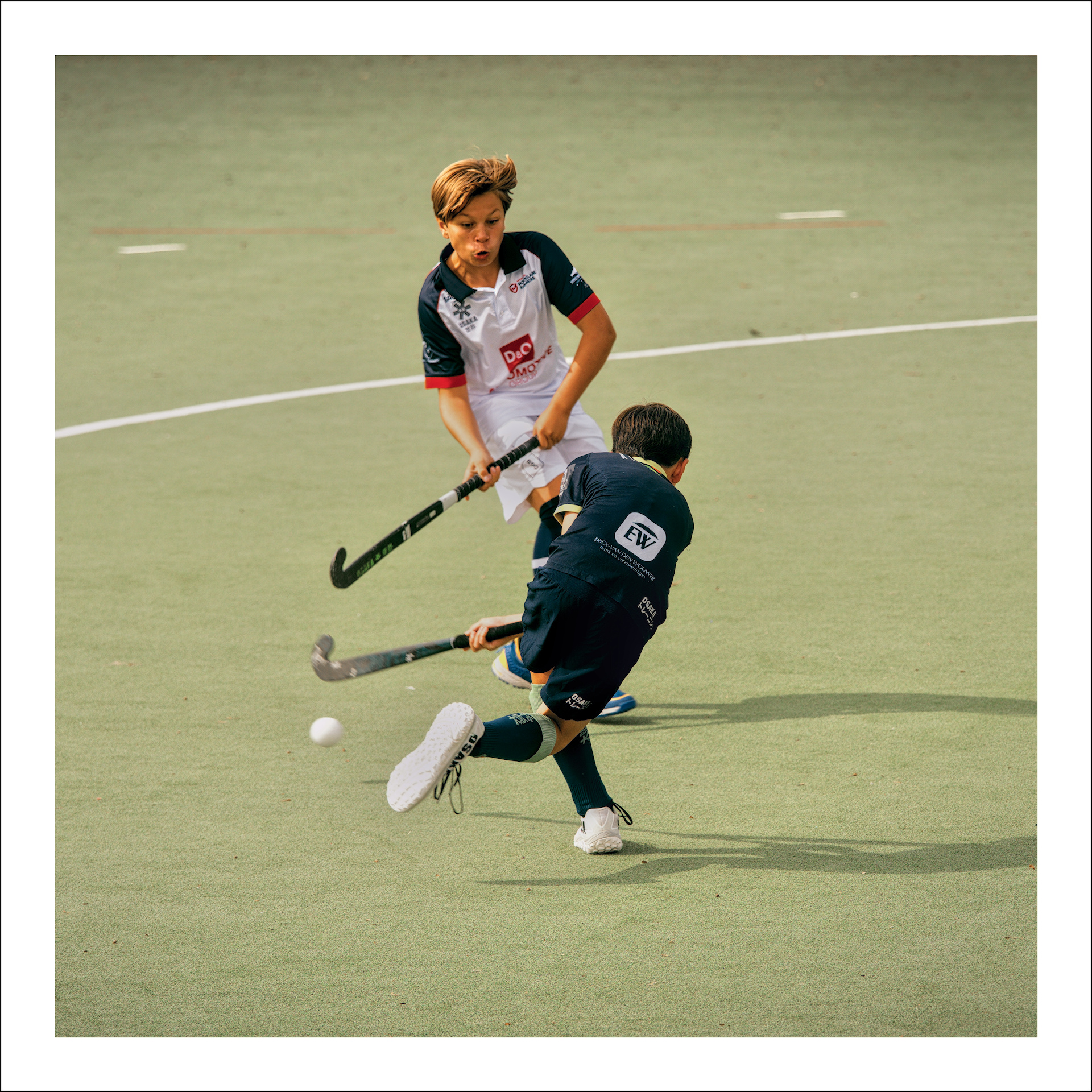
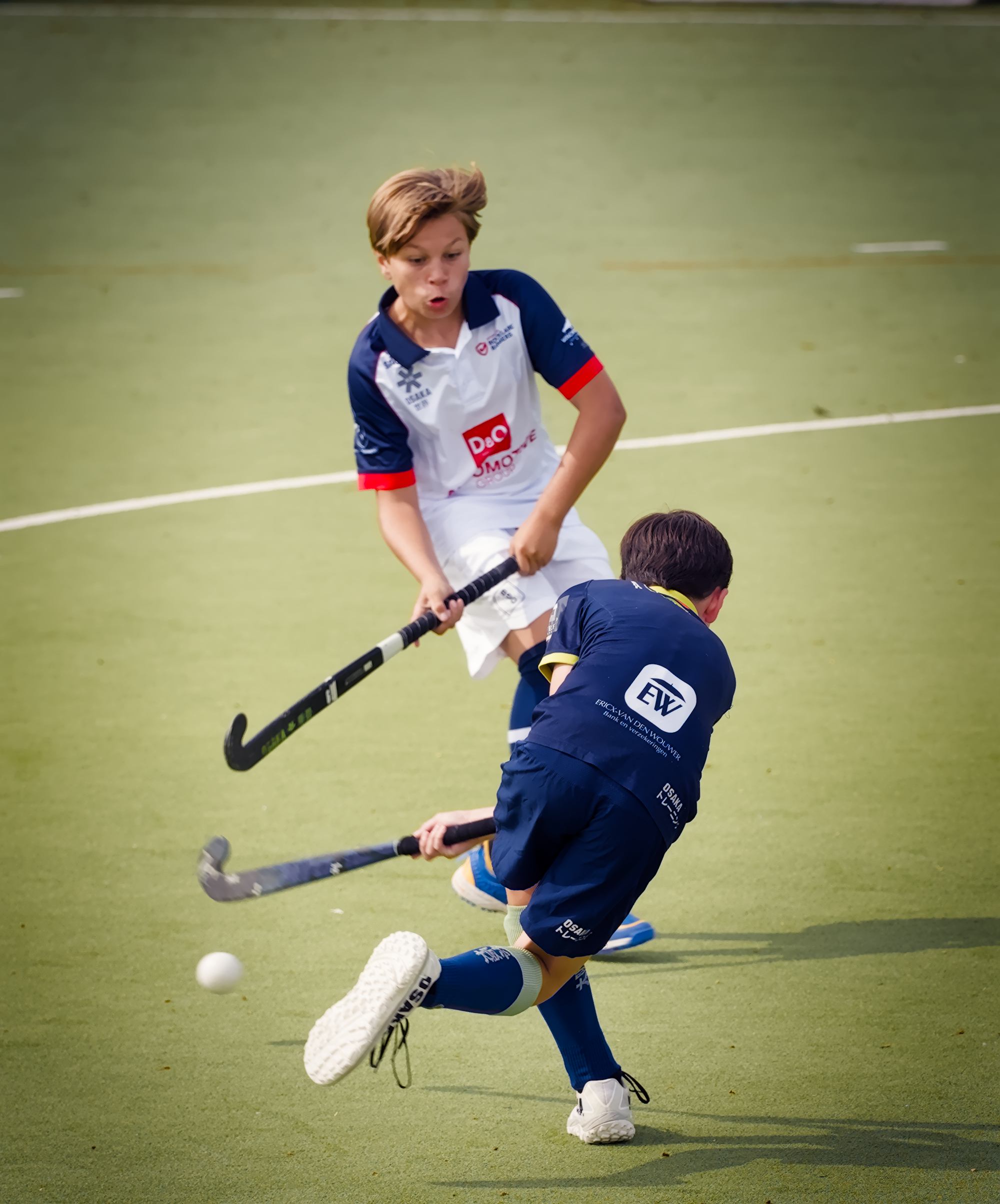
I had to try again, although I think I prefer my first try. It’s really hard not to turn the kid in white into an orange blob skin tone wise, very tricky color correction altogether. @redgoblin83 was this shot outside? The light is weird, even standard daylight in CC completely messes up the colors.
P9120703.ORF.xmp (18.9 KB)
Color look up table module is great for this photo. You are able to very quickly adjust the brightness and saturation of the skintone/outfits and playing surface.
Just a note: AI is not going to give good instructions for darktable generally; There just isn’t enough material to train on. Also, my xmp is messy, so good luck figuring out what I am doing
I would just try to look at the edited images you like and write down somethings you like: saturation/punchiness, emphasis on the players, the “zoom” or crop, the sharpening, etc.
Then for those things that you note down, just look up tutorials or in the darktable manual to figure out how to accomplish those things.
This is a learning process. It is a journey. It is not an easy preset situation most of the time.
Here is my edit in DT 5.6. Mainly cropping. This is a picture for a newspaper and not an advertisement, so therefore it should not be manipulated or prettied up in my view.
In my view the use of AI in news photographs is unethical as it generates new images rather than being a record of truth. AI generated images have been used by both sides of the conflict in Gaza to create false narratives. Maybe Adobe’s next slogan will be skip the news and just create it with AI. P9120703.ORF.xmp (15.5 KB)
I suspect the large green playing surface modified the color of the daylight and made it challenging to get a pleasing color. I like the color @dark_photon achieved.
 .
.