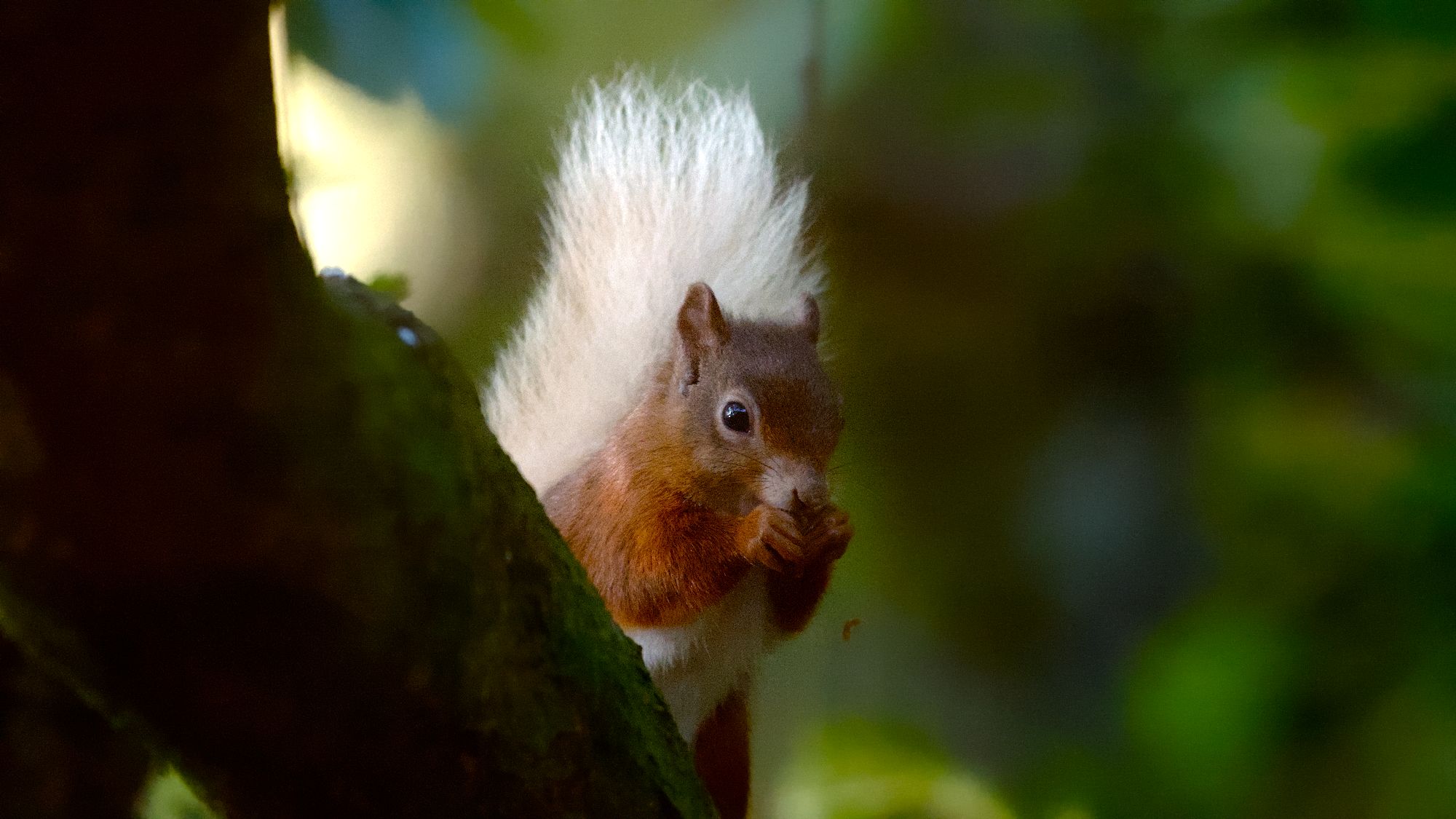
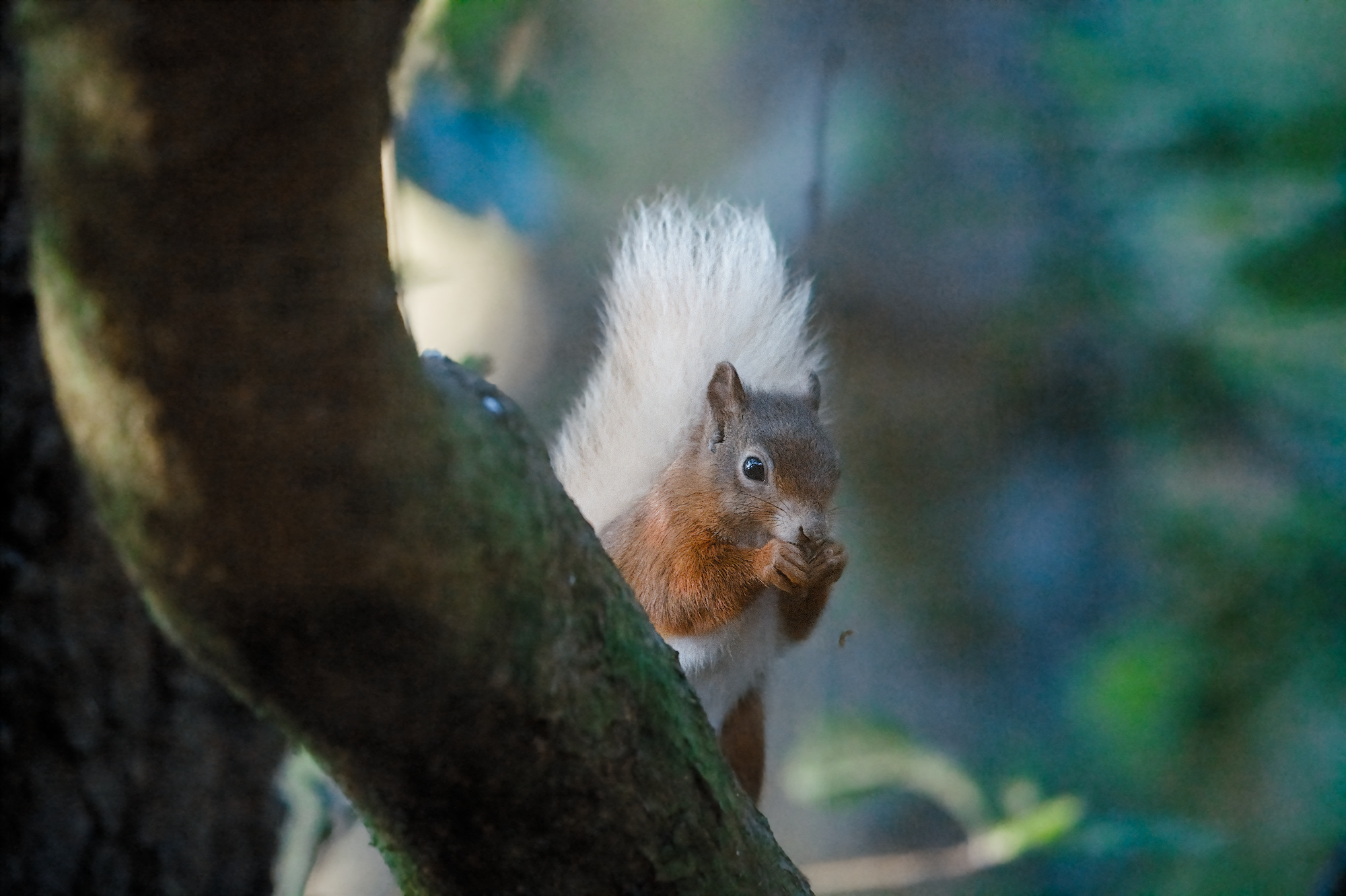
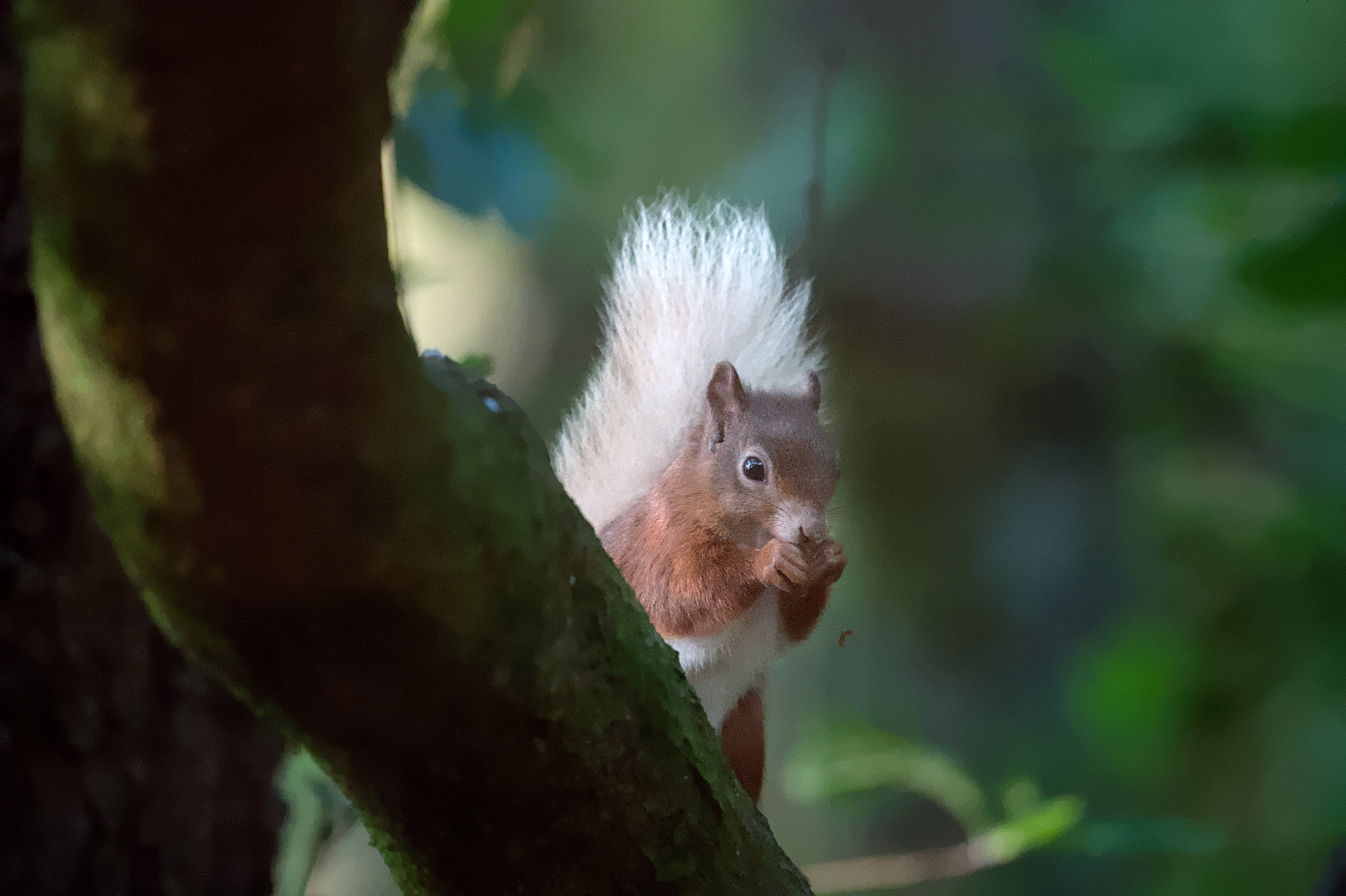
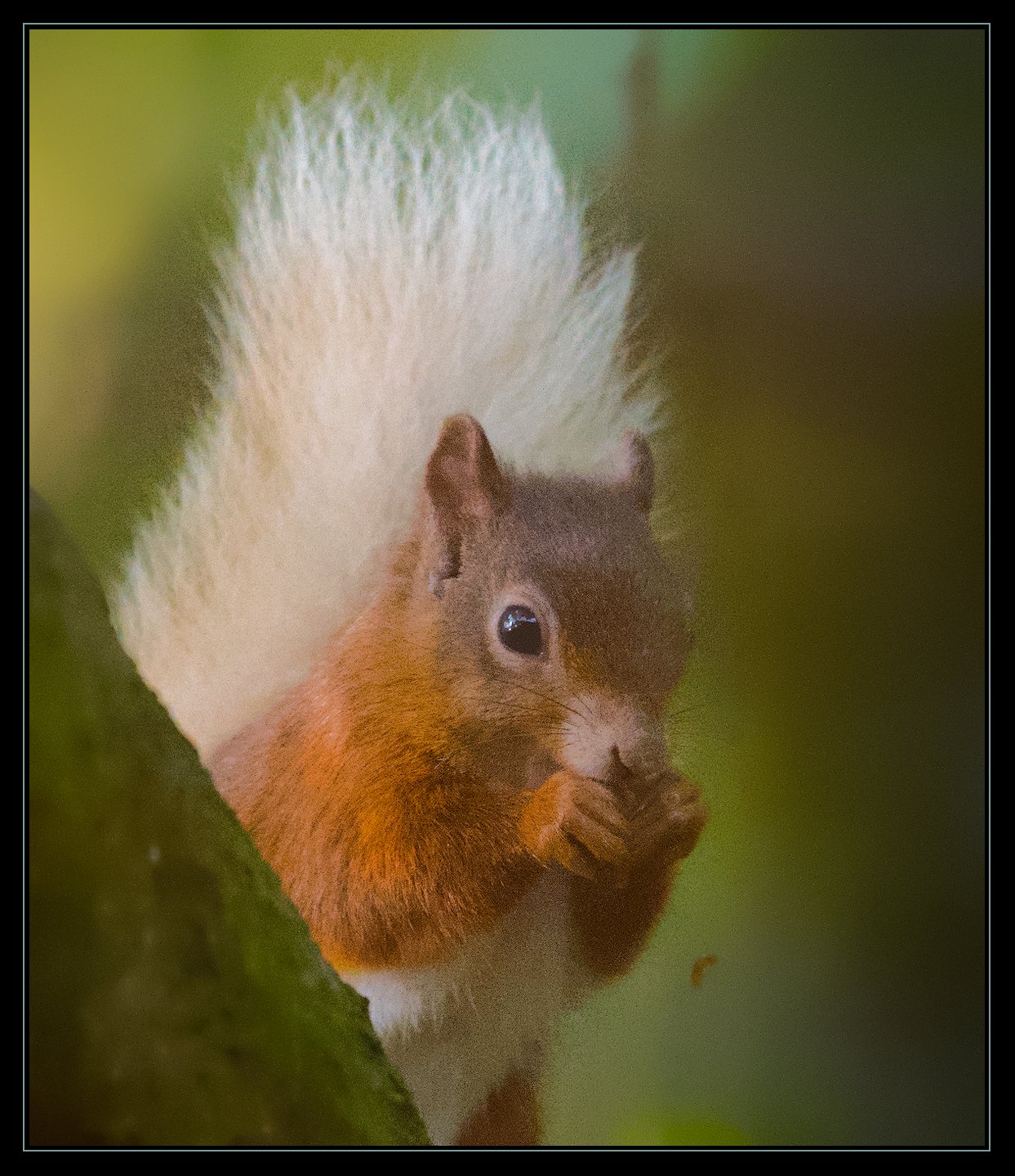
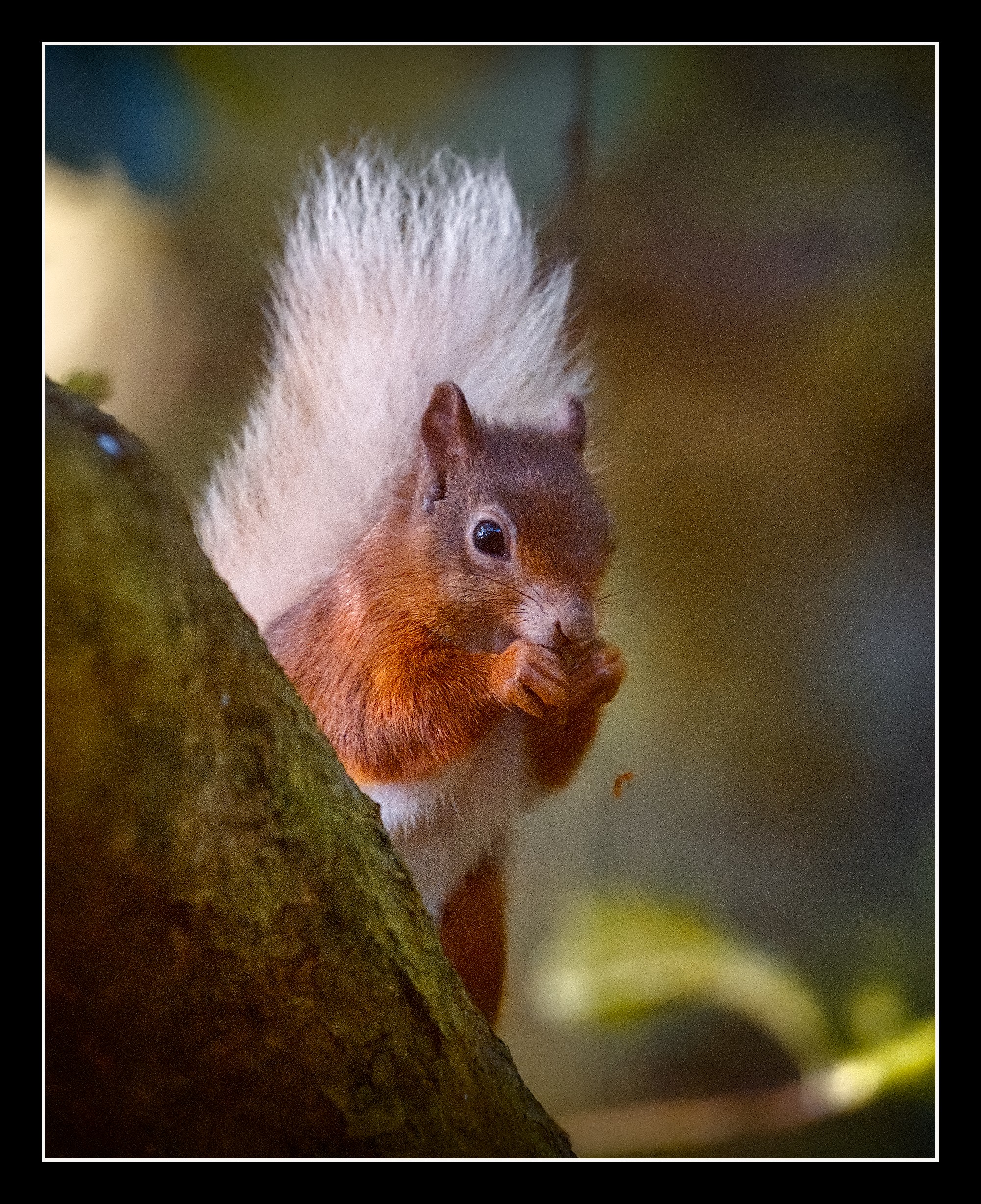
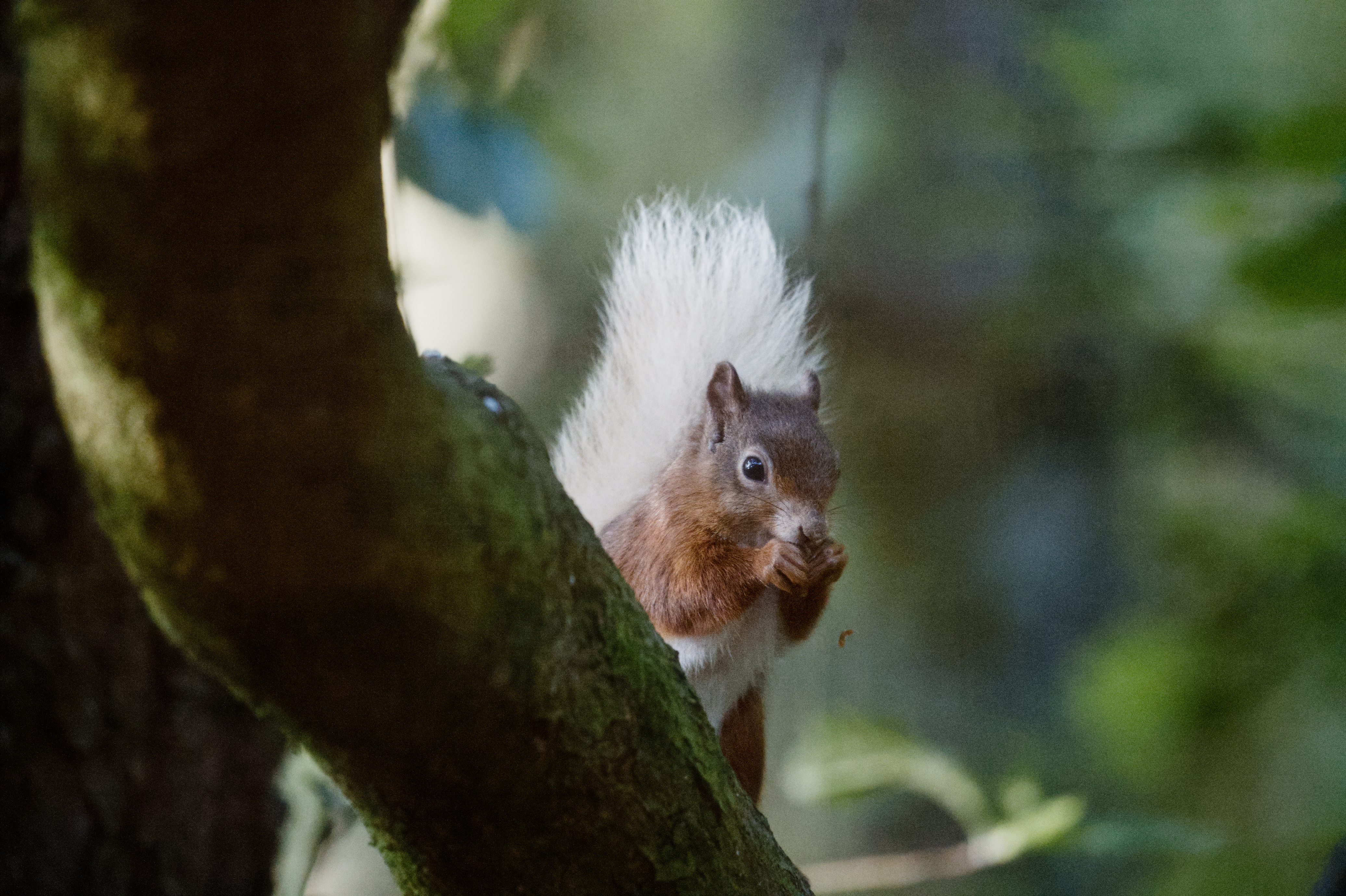
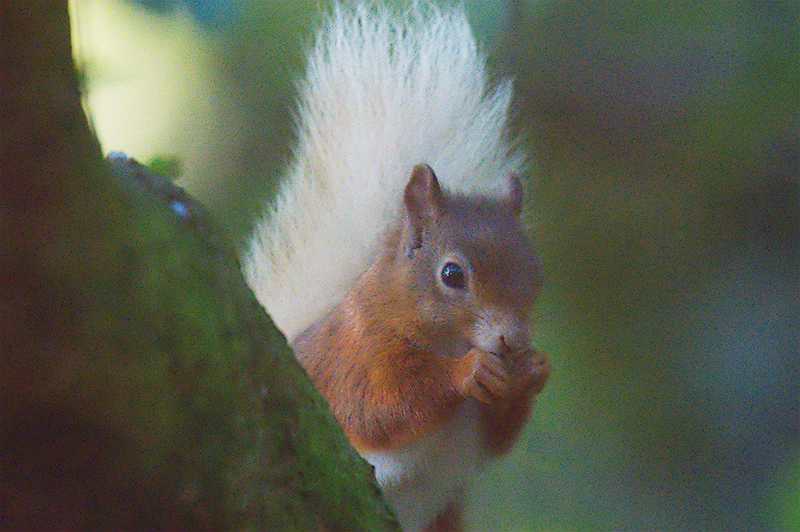
Maybe better to explain my process as not all of you are on dt5.6.
denoise, only chroma noise
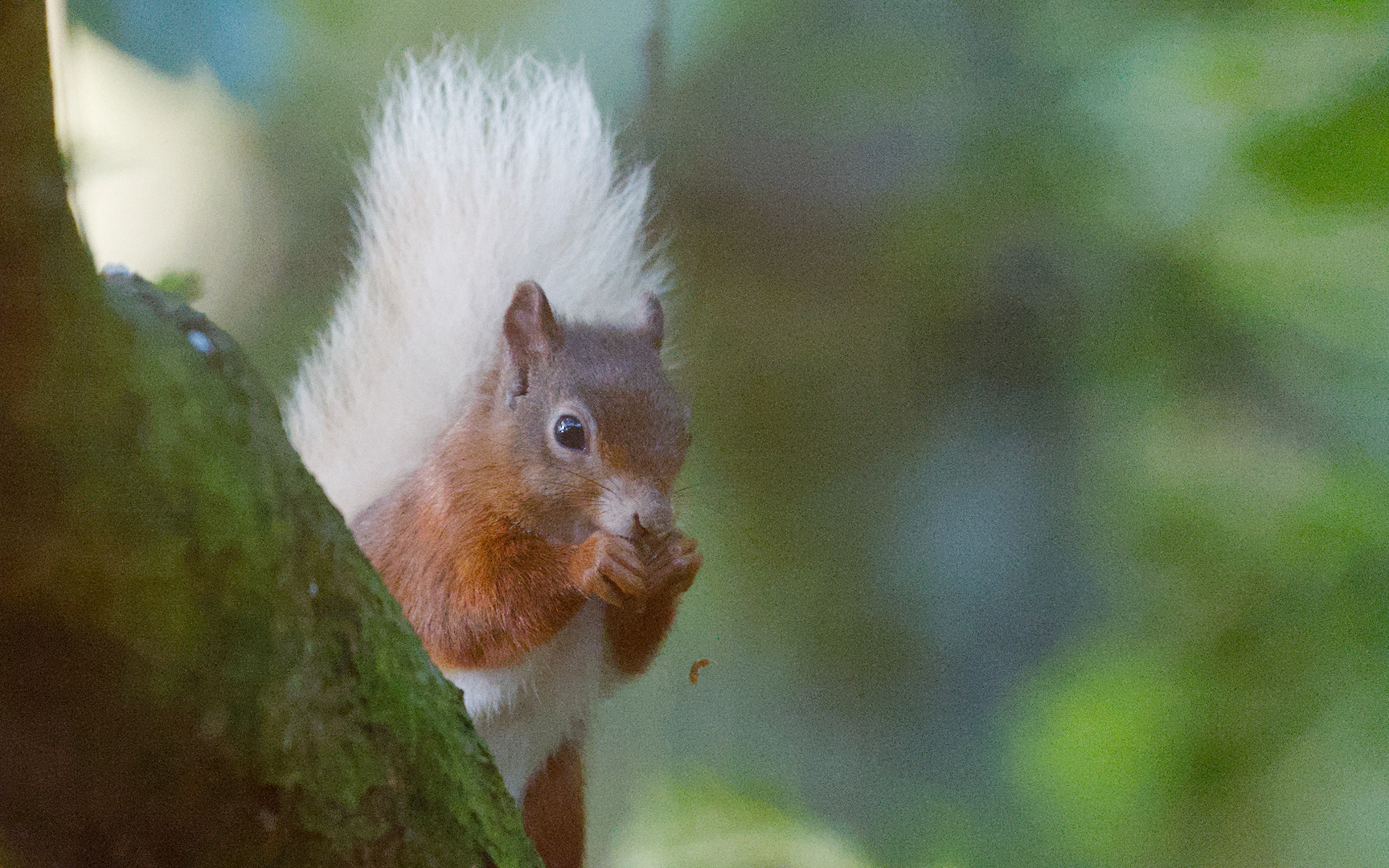
denoise squirrel and background separately, used manual masking, extra denoise on eye only
retouched away ugly color blob in right upper corner
raised exposure
strong vignette with exposure module and elliptic mask
tweaked color calib to warmer color as picture was taken at 7am in morning
DoS, sharpness, normal only on squirrel
Had contr equa only on squirrel at 50% but switched it of as it accentuated the noise too much to my liking
enhancing with color balance rgb
agx on cam settings, bit tweaked
loc contr only squirrel highlight protected
framing taking replacing white line with mint green from picture
Fun to do, find the noise very hard at ISO 14.400. As said I’m no expert at this.
Indeed quite difficult to work with. Tried using the new denoise model but still the results weren’t perfect. I guess it’s one of the few photography fields where getting a new up to date camera would solve a lot of issues. As a landscape/cityscape photographer I’m relieved that this isn’t the type of files I come home with, I’d be very frustrated
Thanks for doing that is something I’m wanting to study
There is a theory that releasing Pine Martins is the way to preserve the Red Squirrel against the Grey the heavier grey squirrel cannot escape onto lighter branches from the pine martin who also would cause them to snap
Mind you with Bumble bee conservation I understand the situation is reversed with the European species being the problem in the Americas
Yeah of course but he seems to be eating, there would probably be a little motion blur around his mouth but nothing major compared to the blur caused by the denoising. Of course we say this in hindsight, in the moment it’s hard expose properly a lot of the times due to quickly changing variables
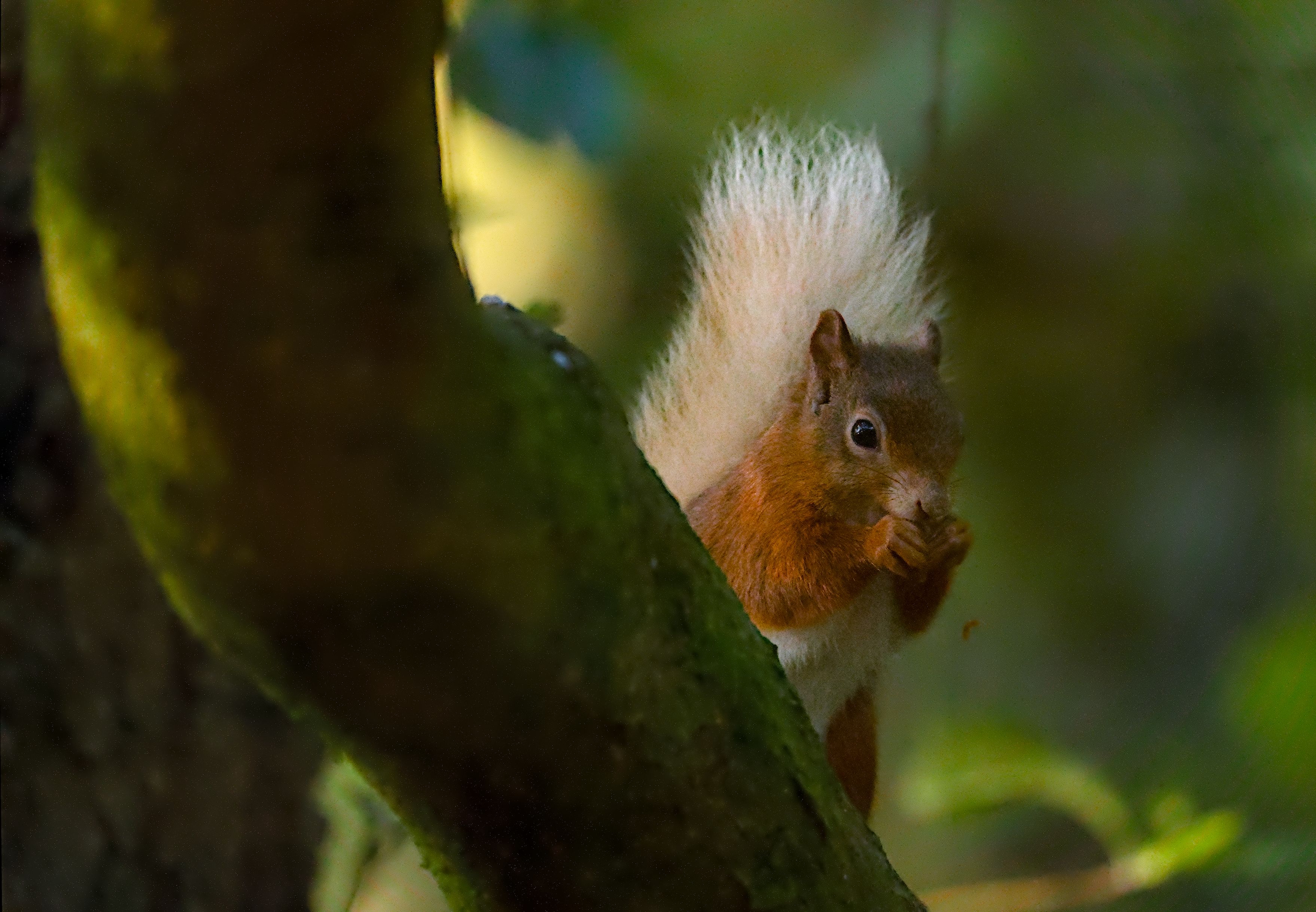
I just wavelet-denoised right out of demosaic, then cranked up output sharpen a bit. I also added a bit of HSL saturation to get some color contrast, and a crop for compositional effect.
 I was really interested in comparing denoising on your image as well. I’m at the moment not at home, but will give it a try later on.