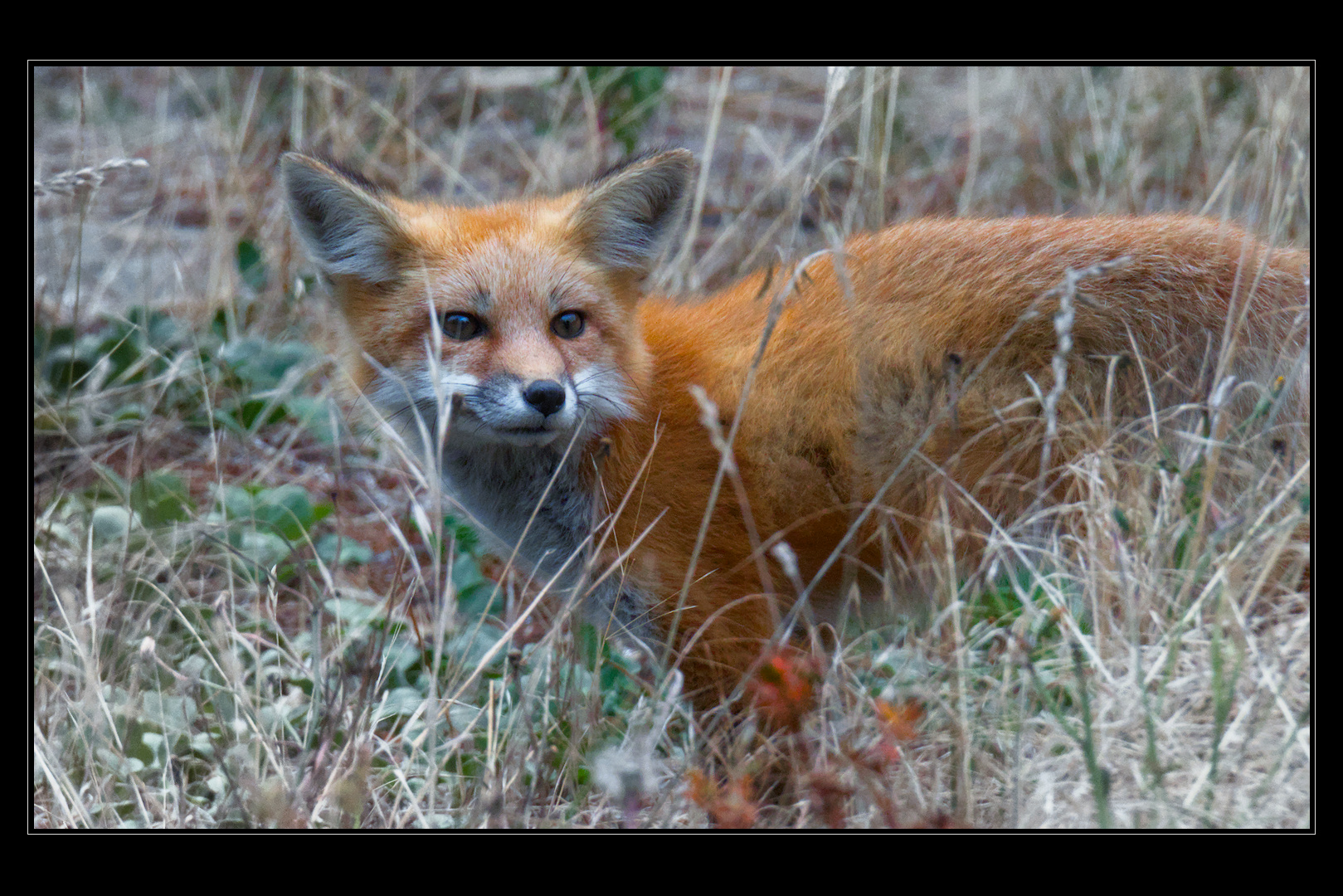
I’ve figured out how to load the AgX module into darktable and now I’m diving into your edit. Love the look btw and I’m interested in hearing your thought process.
Mind explaining why you used certain modules before doing AgX? I’d like to pick apart each step, so if I happen to ask something very basic feel free to just redirect me to a “darktable basics” tutorial or something xD
I apologize for the beefy reply here. But here we go!
When I pull up your xmp file and view the edit history stack, I notice you aren’t using sigmoid, filmic, agx, or legacy. Does that mean you usually don’t use an auto-applied pixel workflow? If that’s the case, then when you loaded my raw file into darkroom, your edit stack began at 11. orientation?
If the previous is true, your first edit was highlight reconstruction. I wasn’t able to notice any difference with this module on/off. How come you enabled it? I also didn’t notice a difference astrophoto denoise made.
Next you made a big exposure adjustment. Why did you choose to bring the exposure up this high? Was my shot substantially underexposed to begin with?
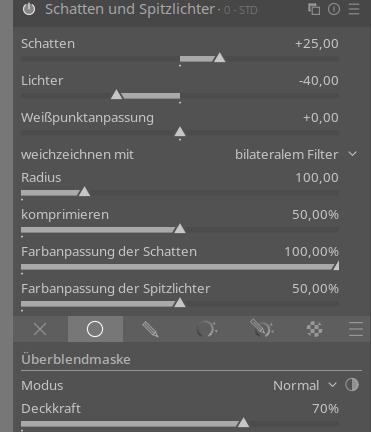
Shadows and highlights. Looks like you left the default values here. Guessing this is part of your typical workflow?
Next you did denoise (profiled). Did you create your own preset and name it minimal?
Rotate and perspective. When making this edit, I’m guessing you just right clicked and dragged along the picture? Were you dragging along where you thought the ground was level?
Contrast equalizer. Happen to know any guides on this module? I’ll look around after writing this. I don’t fully understand the inner workings going on here. What’s the reason behind adjusting contrast based on luma, chroma, and edges? I’m not even sure what each of these represent… I have some serious learning to do on this one.
Sharpen. Normal workflow?
Crop. Nice crop to concentrate on the subject. Makes total sense.
Exposure (again). This is a cool edit! I love how you used this module to bring out the eyes some more. I’ll have to mess around with it to see if I can replicate this. Looks like you used a drawn mask with two shapes used.
White balance. Looks like you adjusted the valves in the module to reduce the saturation. How come not just use color balance rgb and bring the saturation down? To me it looks like this achieves the same effect.
Agx. I also have a lot to learn in this module. Mind explaining what you adjusted in each slider? I should also read up on the documentation and experiment with this.
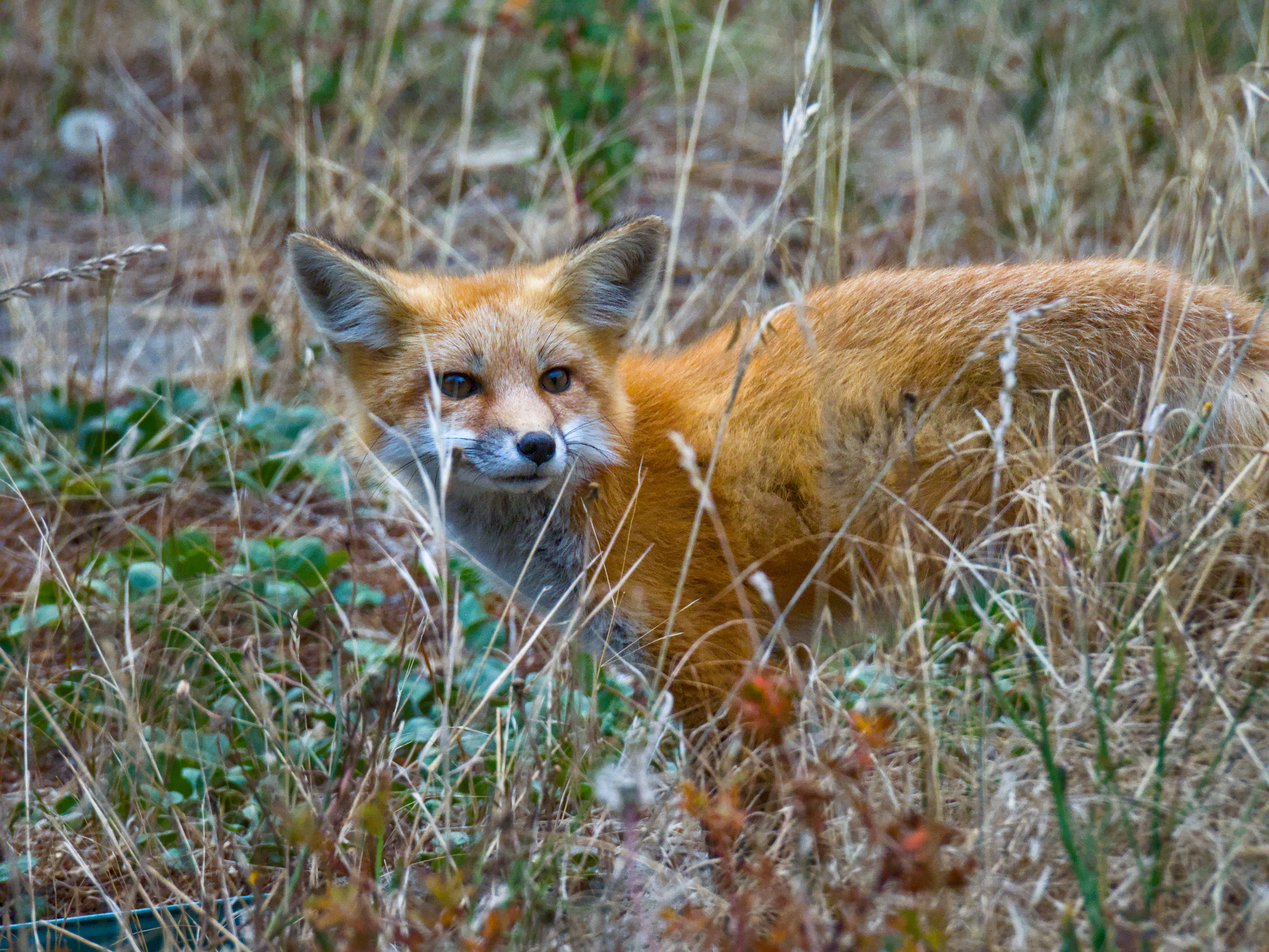
Exposure (again x2). Looks like you darkened the foreground a bit in order to bring the subject out more. A drawn parametric mask was used. Then you used exposure again to bring the fox’s face out more.
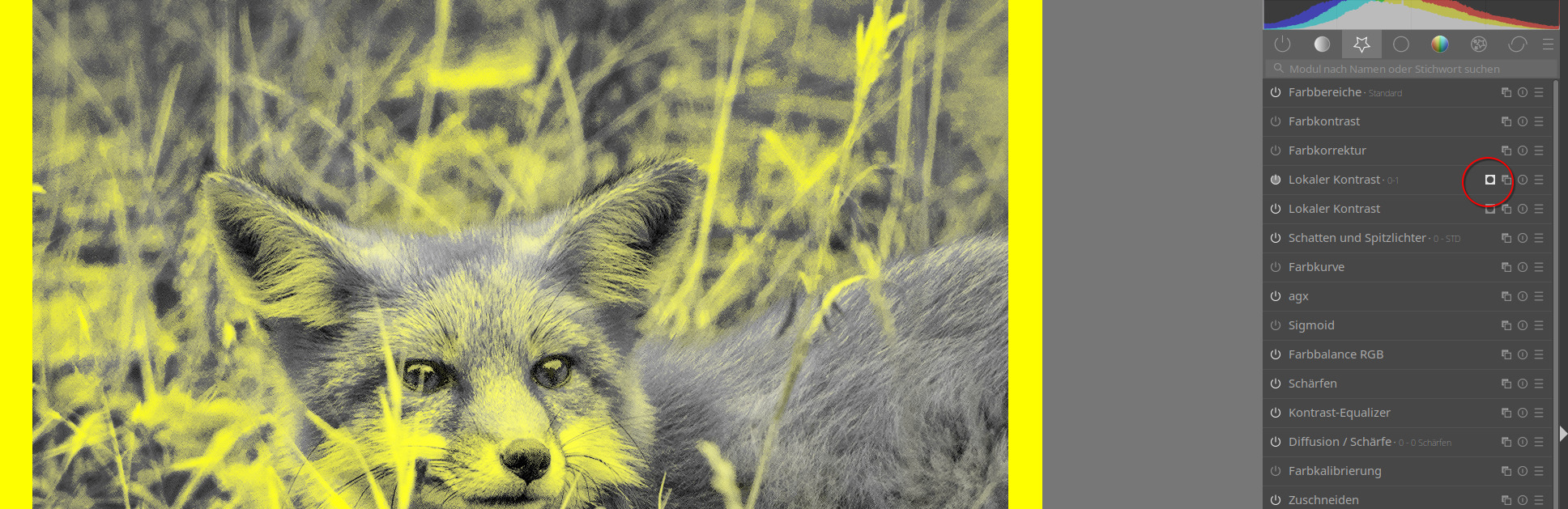
Local contrast. Normal workflow? Looks like you increased the detail and highlights, and reduced the midtone range. All done in order to bring the subject out more, I assume? It also looks like you used a mask, but I’m having trouble figuring out what the mask was selecting. Mind sharing? You then did another instance of local contrast with a drawn mask. Same question as before: was the mask selected around the subject? Are you working on blurring the background here?
Vignetting. Great tool for concentrating on the subject.
Color zones. I’ll need to dive more into this module on my own. It looks like this was used to make the shot more colorful.
Framing. I like this edit too; however, I notice when I pull your edit into darkroom, the framing looks different from what you have posted here. I can provide a screenshot of my viewpoint if you’d be interested.
Graduated density. Used to darken the background in order to pull the subject out more. This is another module I’ll have to tinker around with more.
And now we arrive at your beautiful completed edit! Can’t wait to pick this apart some more in my free time and see what else I can learn. Thanks for any explanations you can provide and for submitting your edit here 
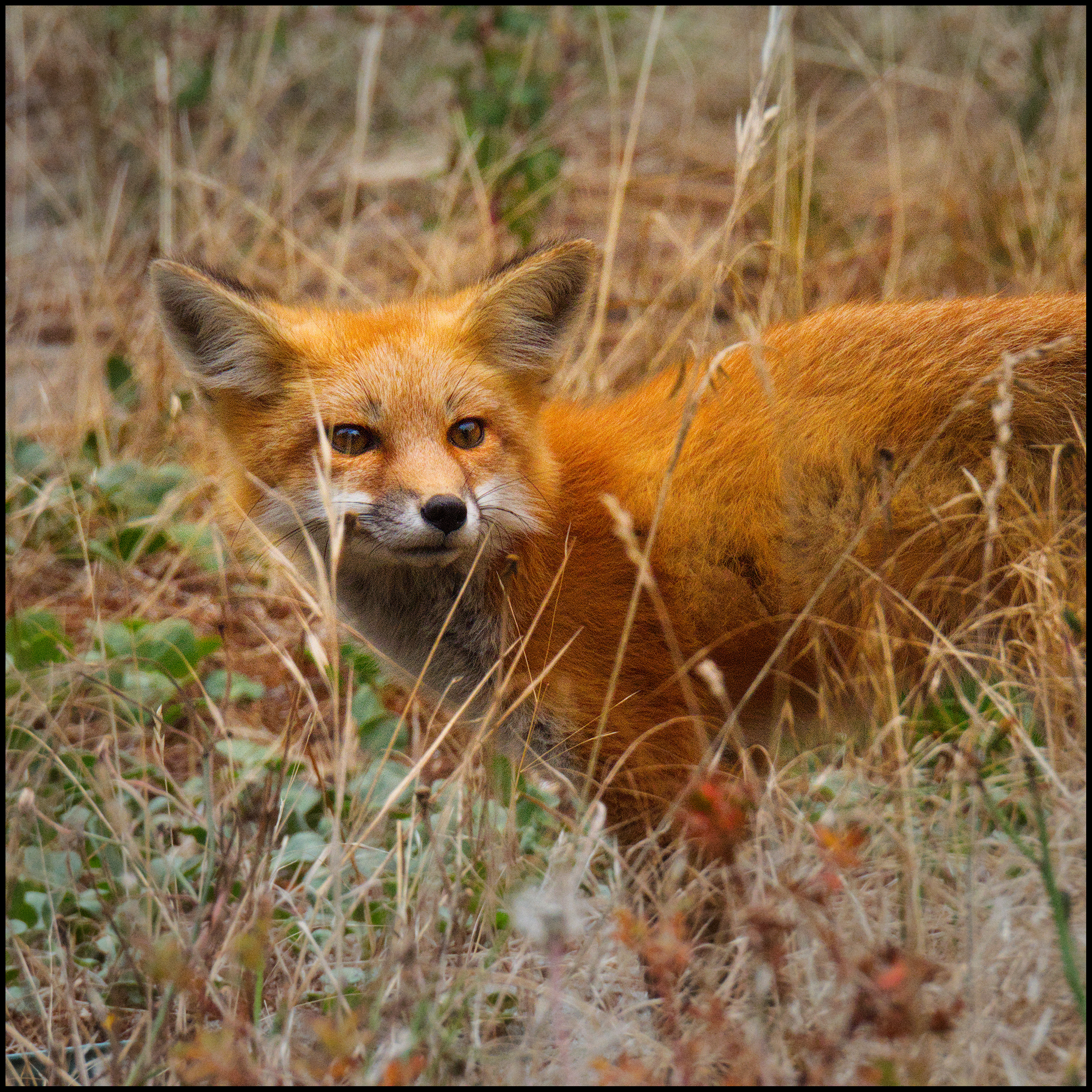


 I usually try to expose to the right, so shoot every photo as bright as possible without burned out areas. (And still can’t understand why there is no exposure mode on all the cameras I know, which does exactly that). Still my standard value for exposure module is +0,750. So I would say your photo is right exposed, and it is part of my workflow.