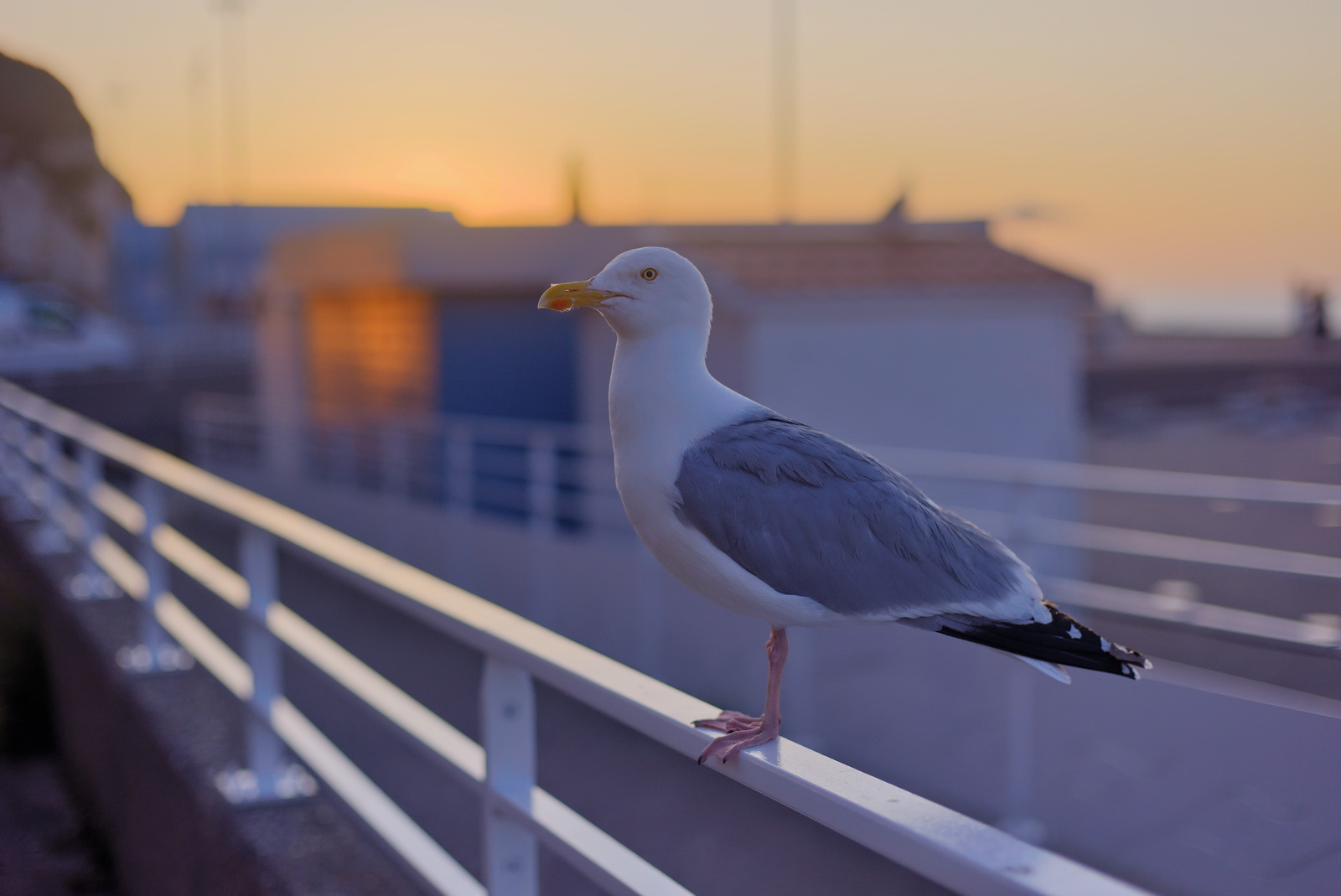
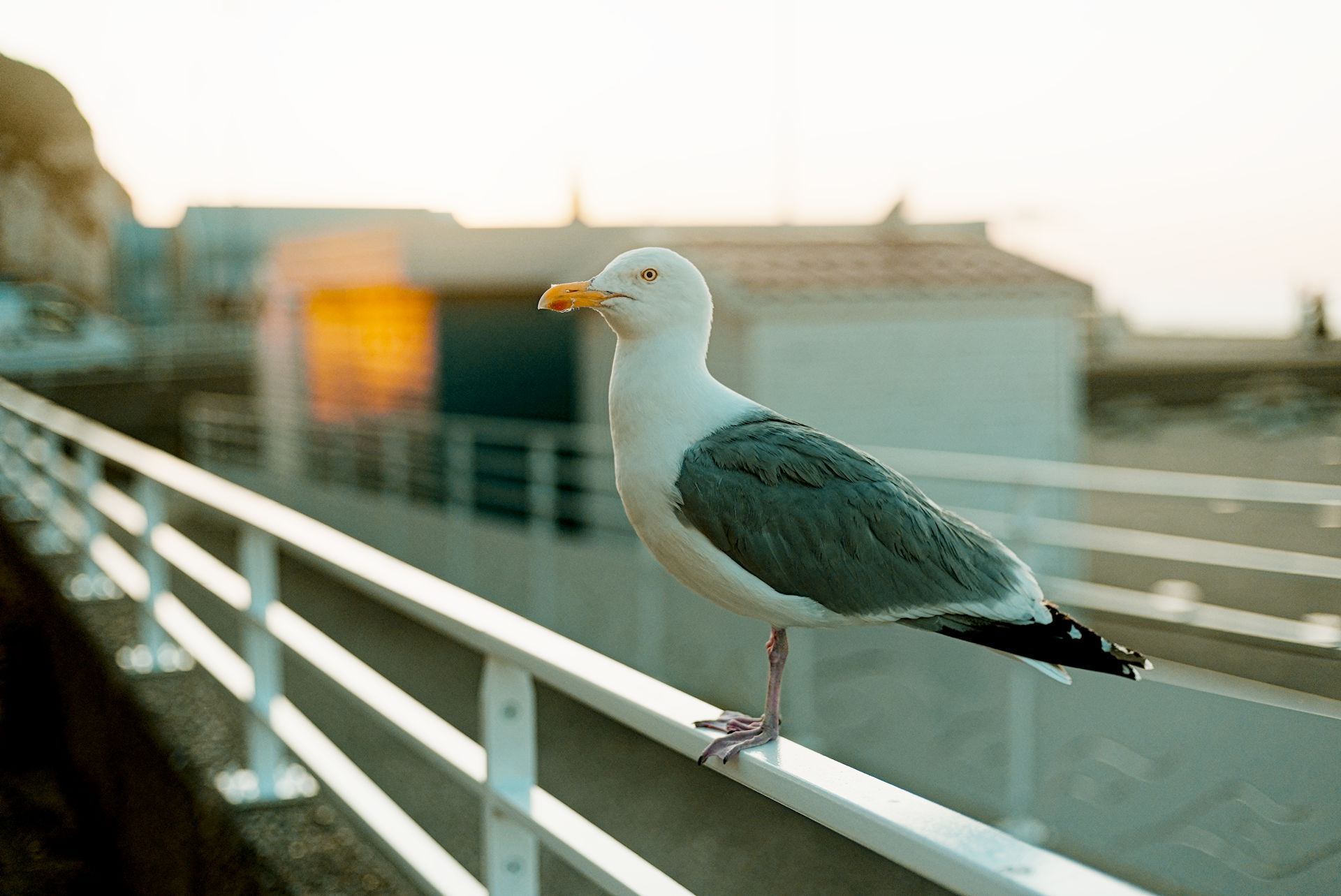
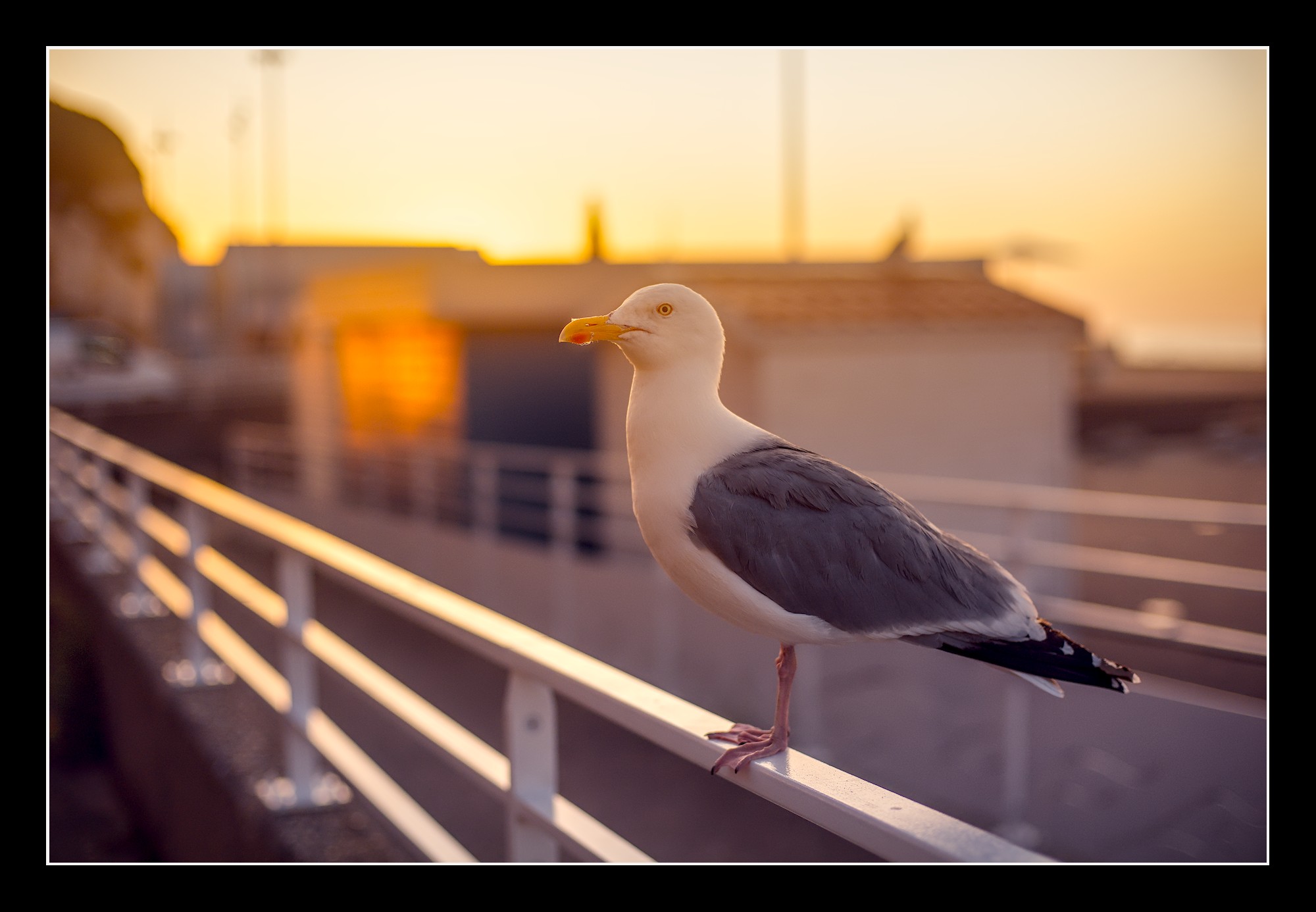
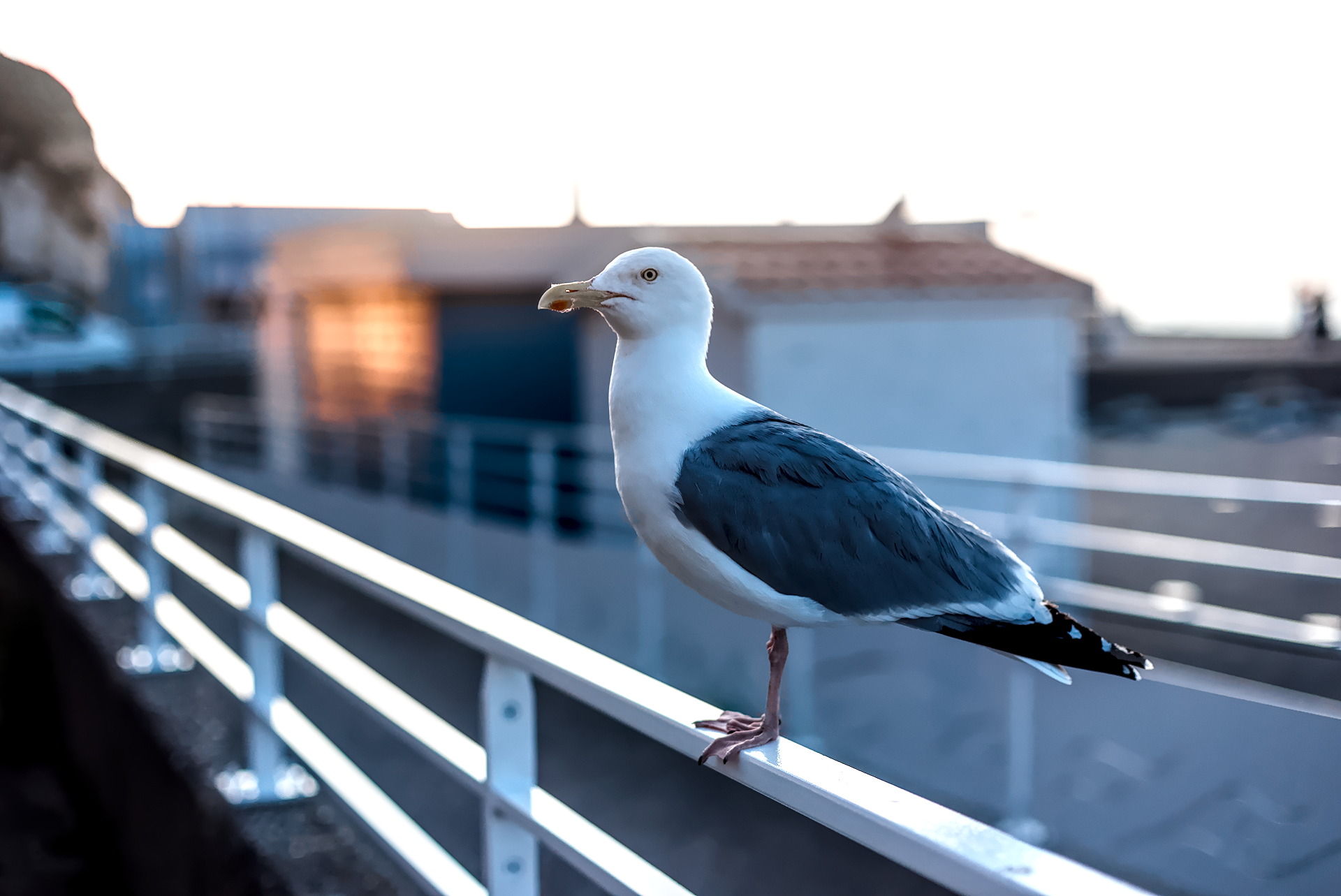
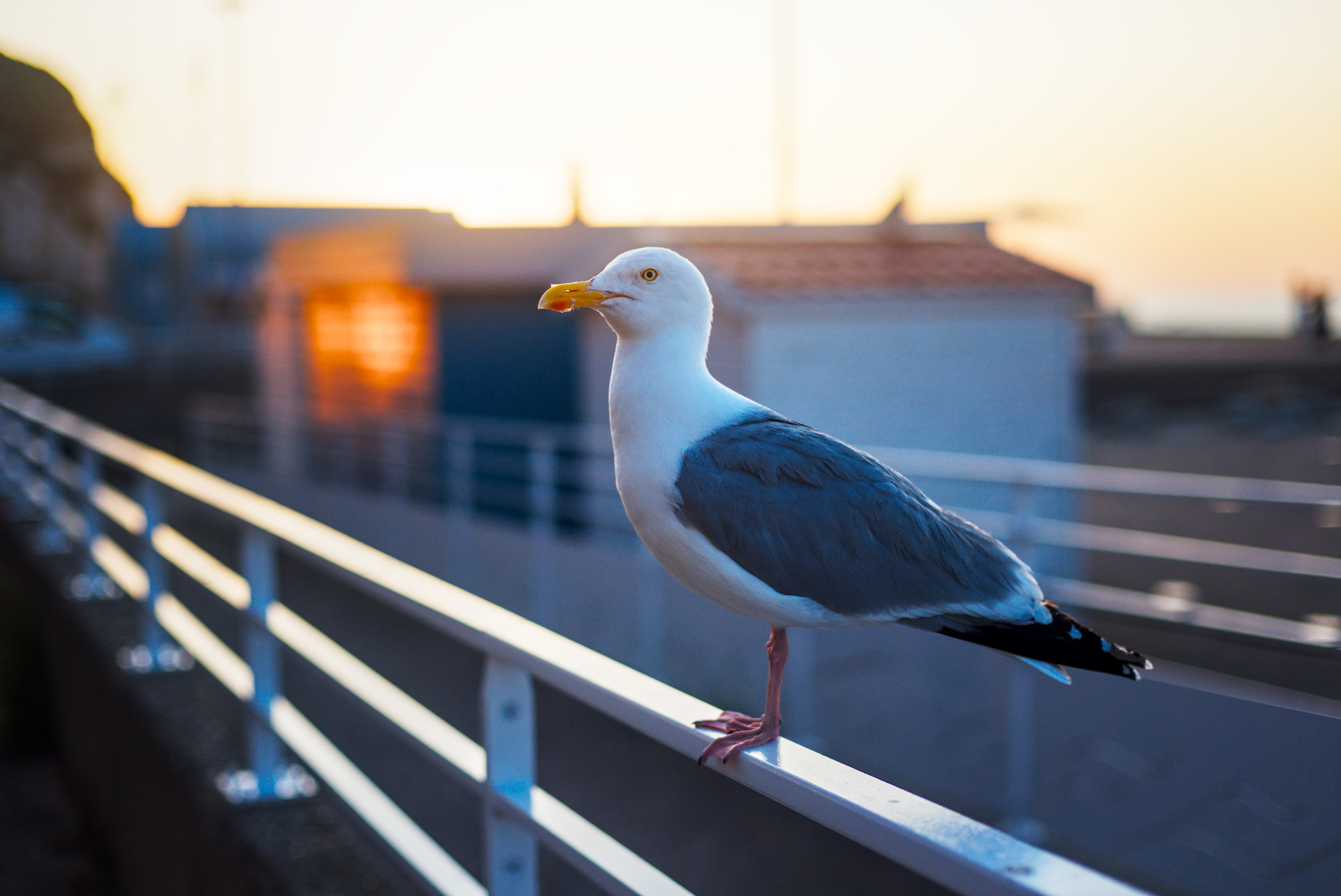
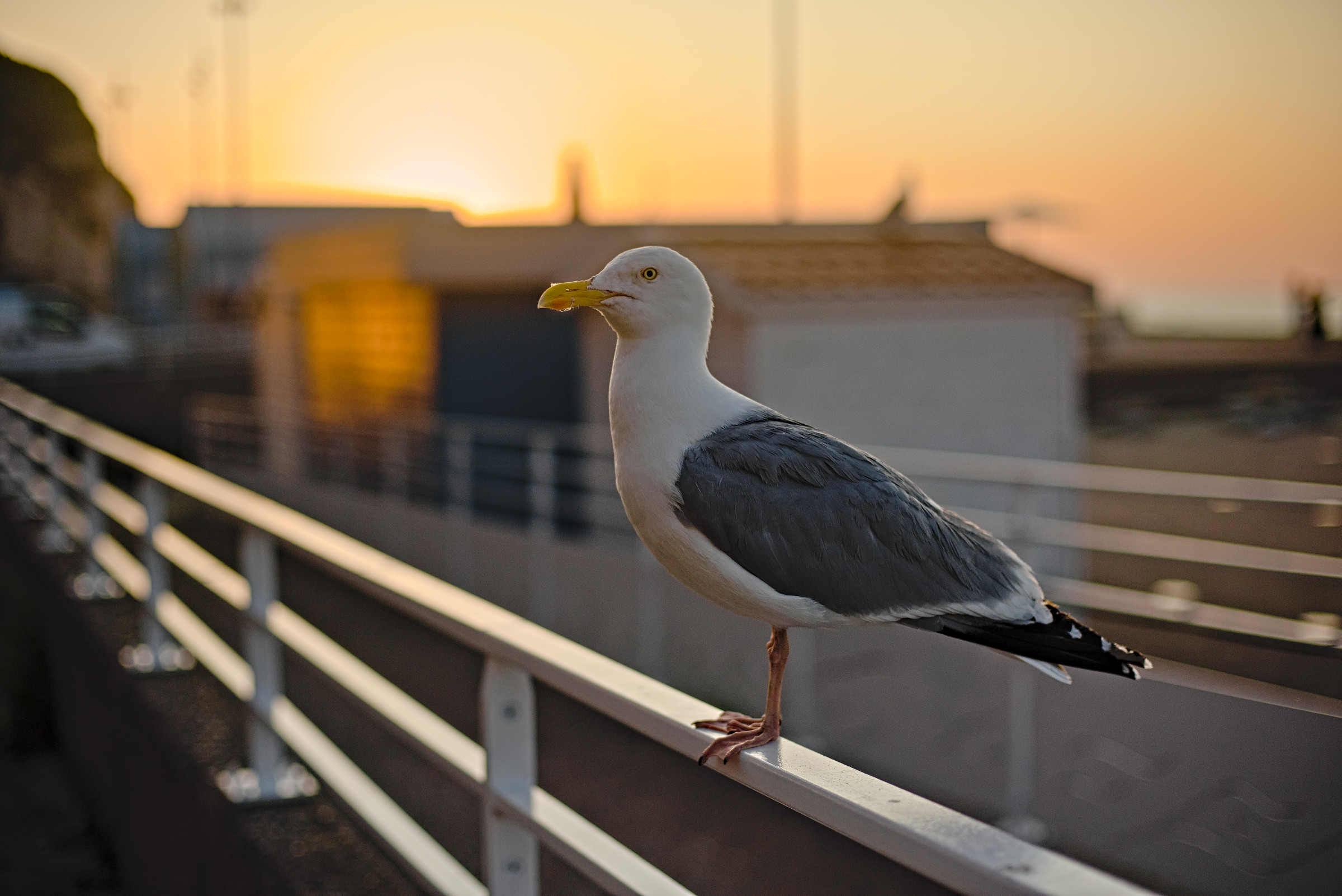
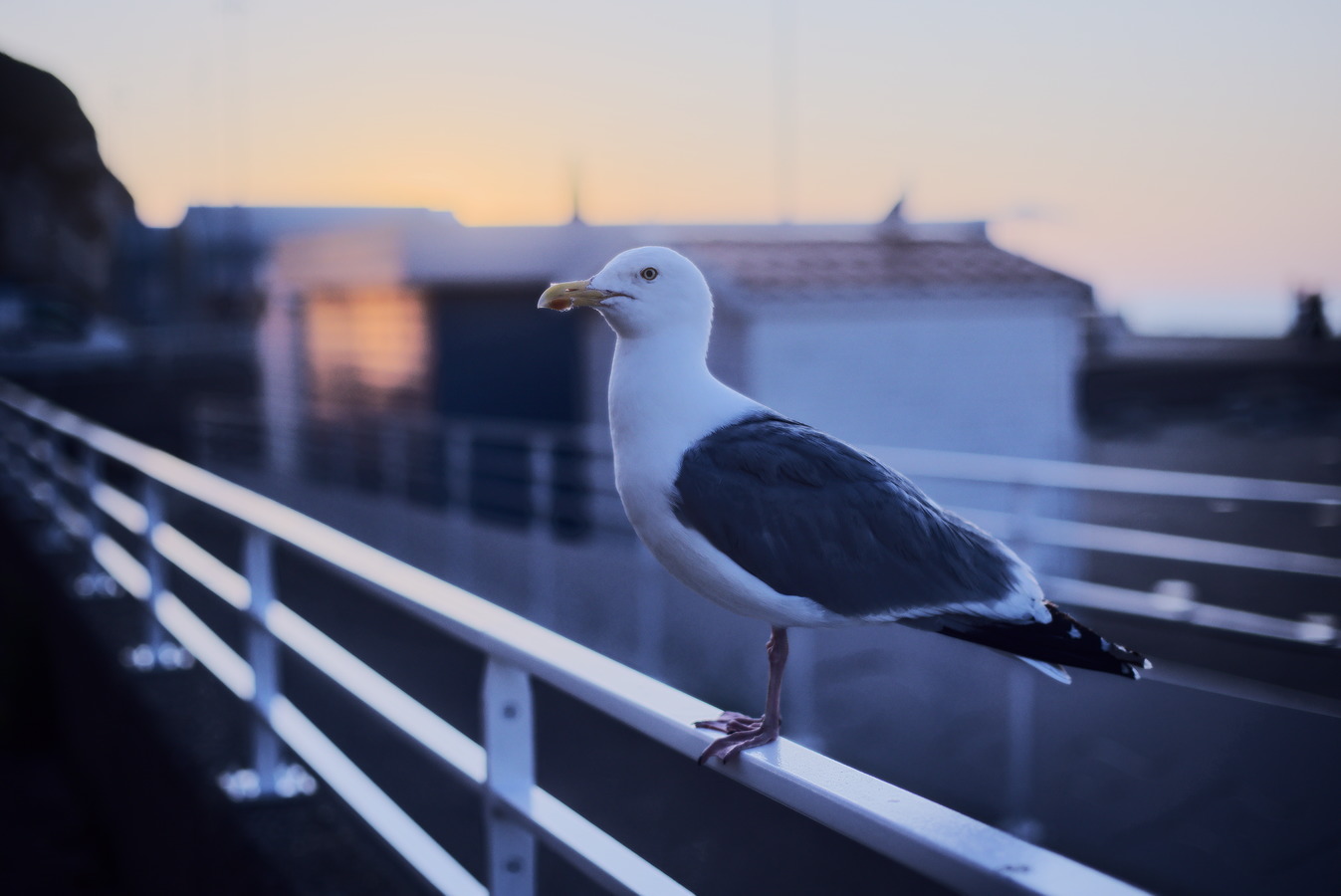
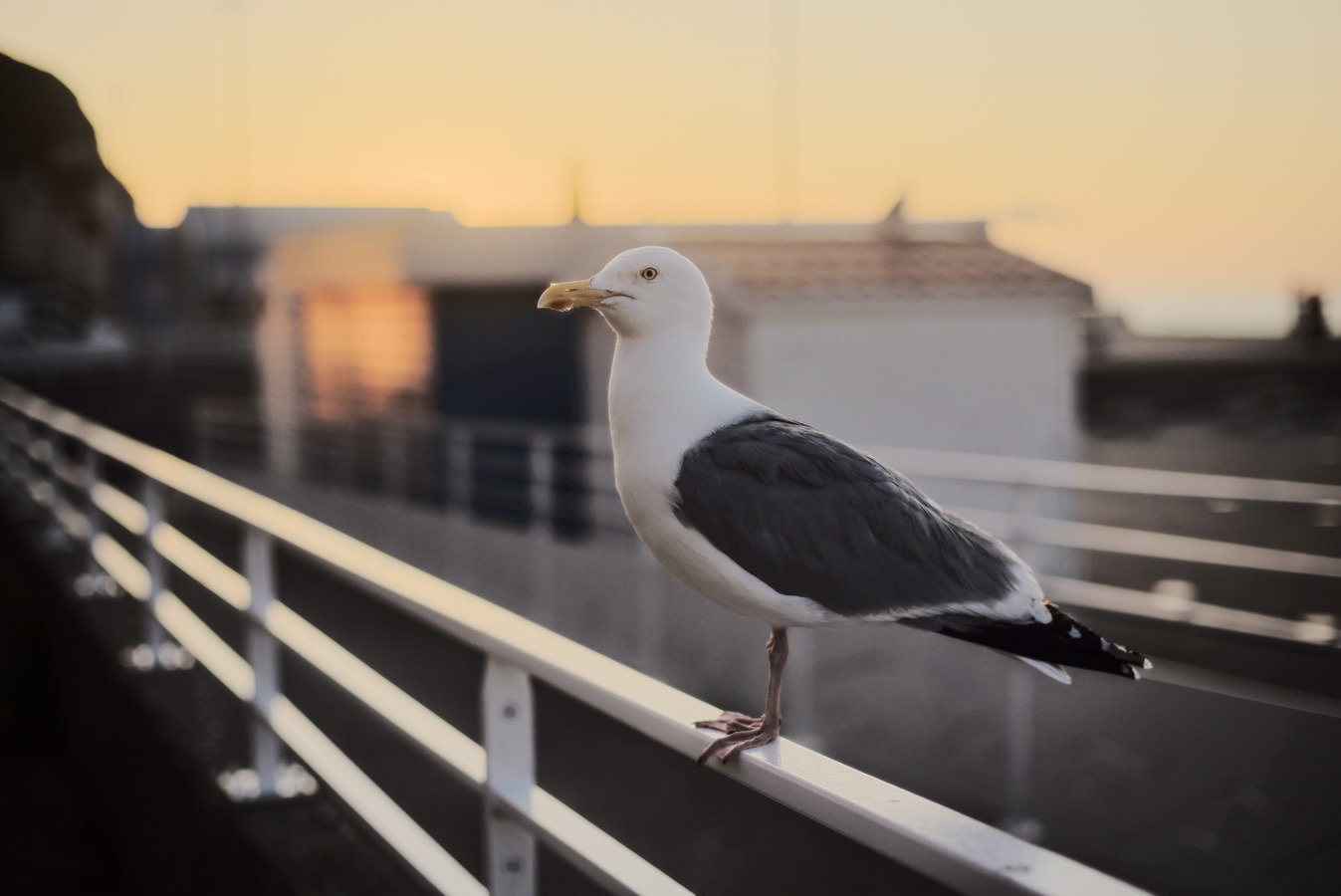
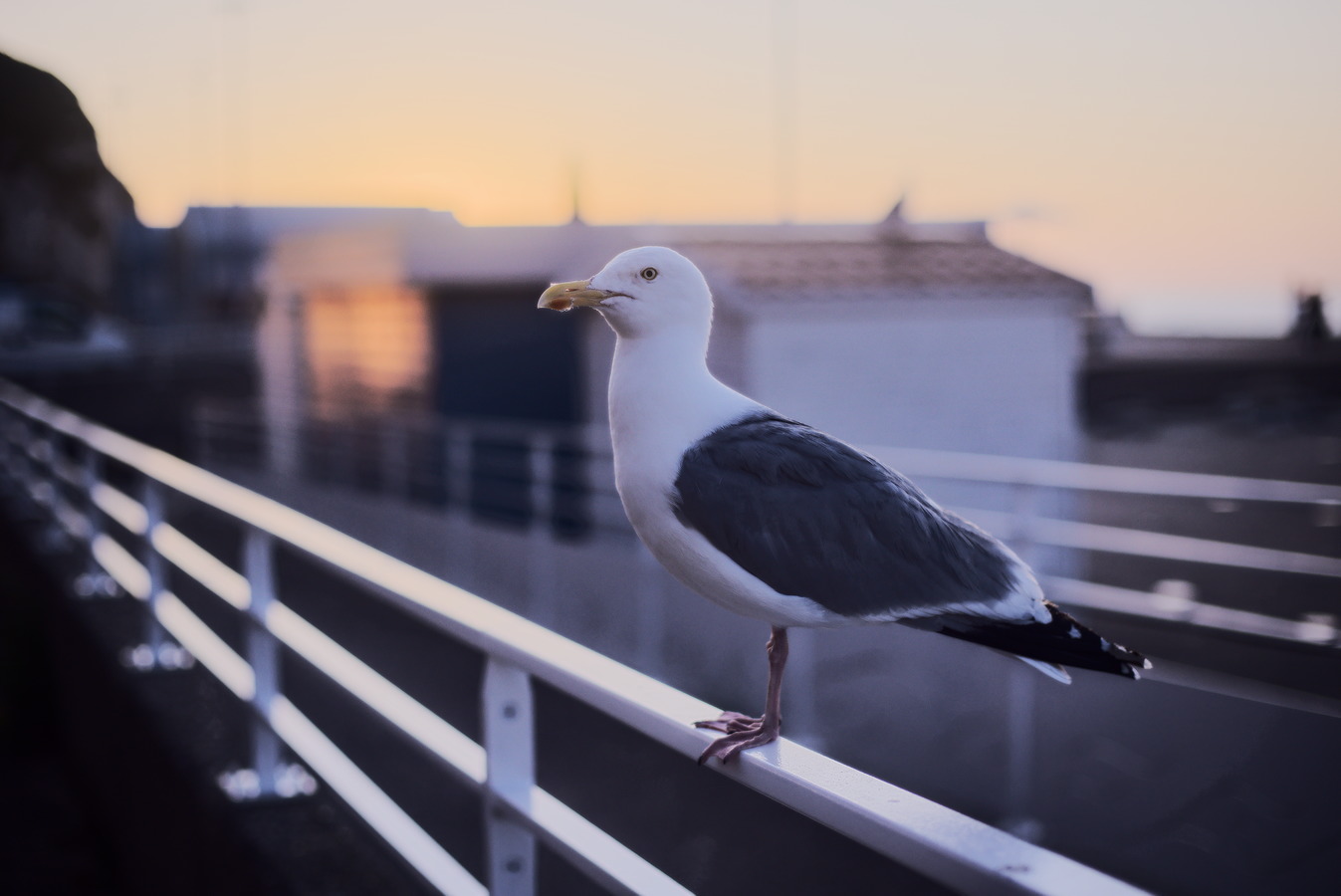
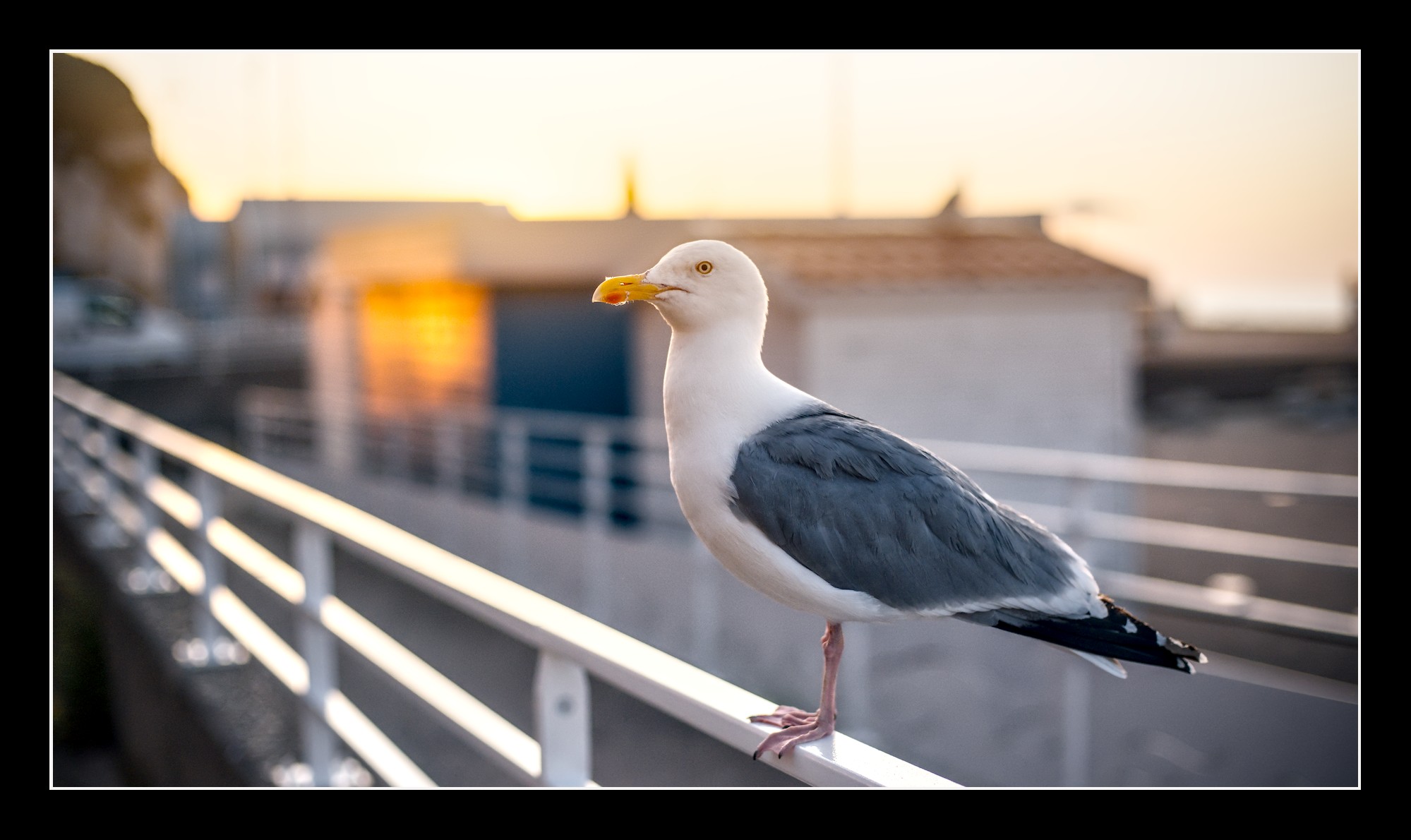
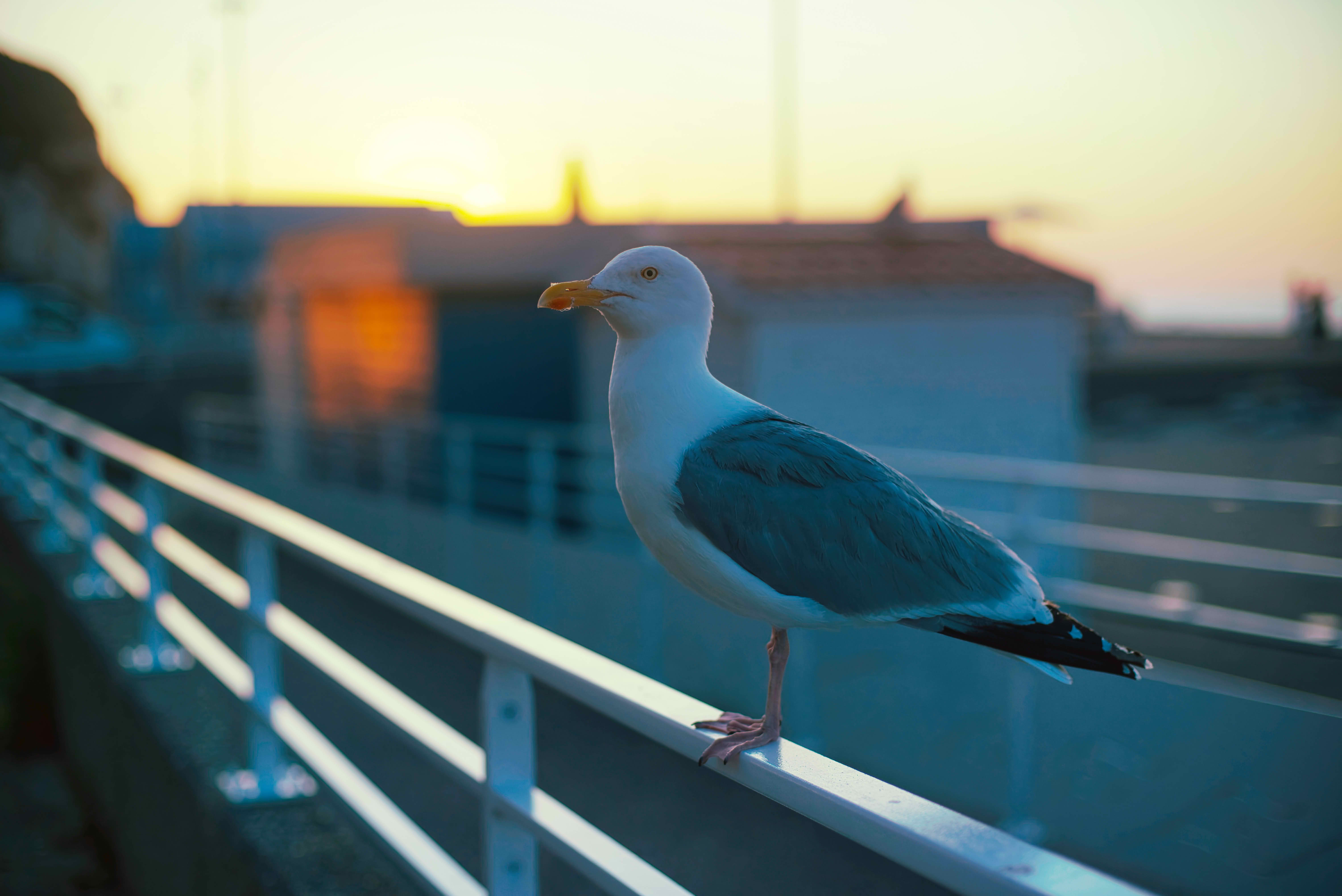
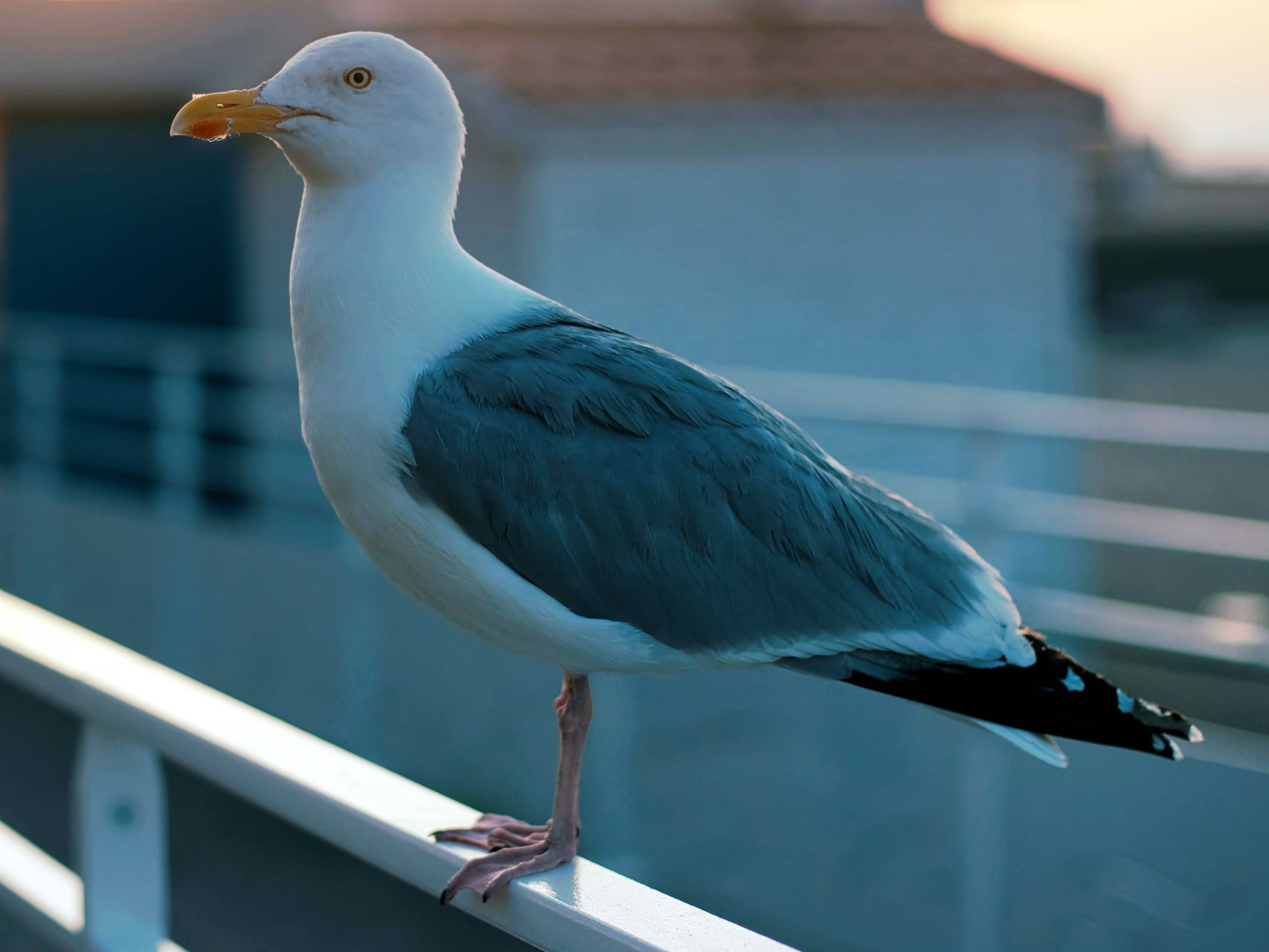
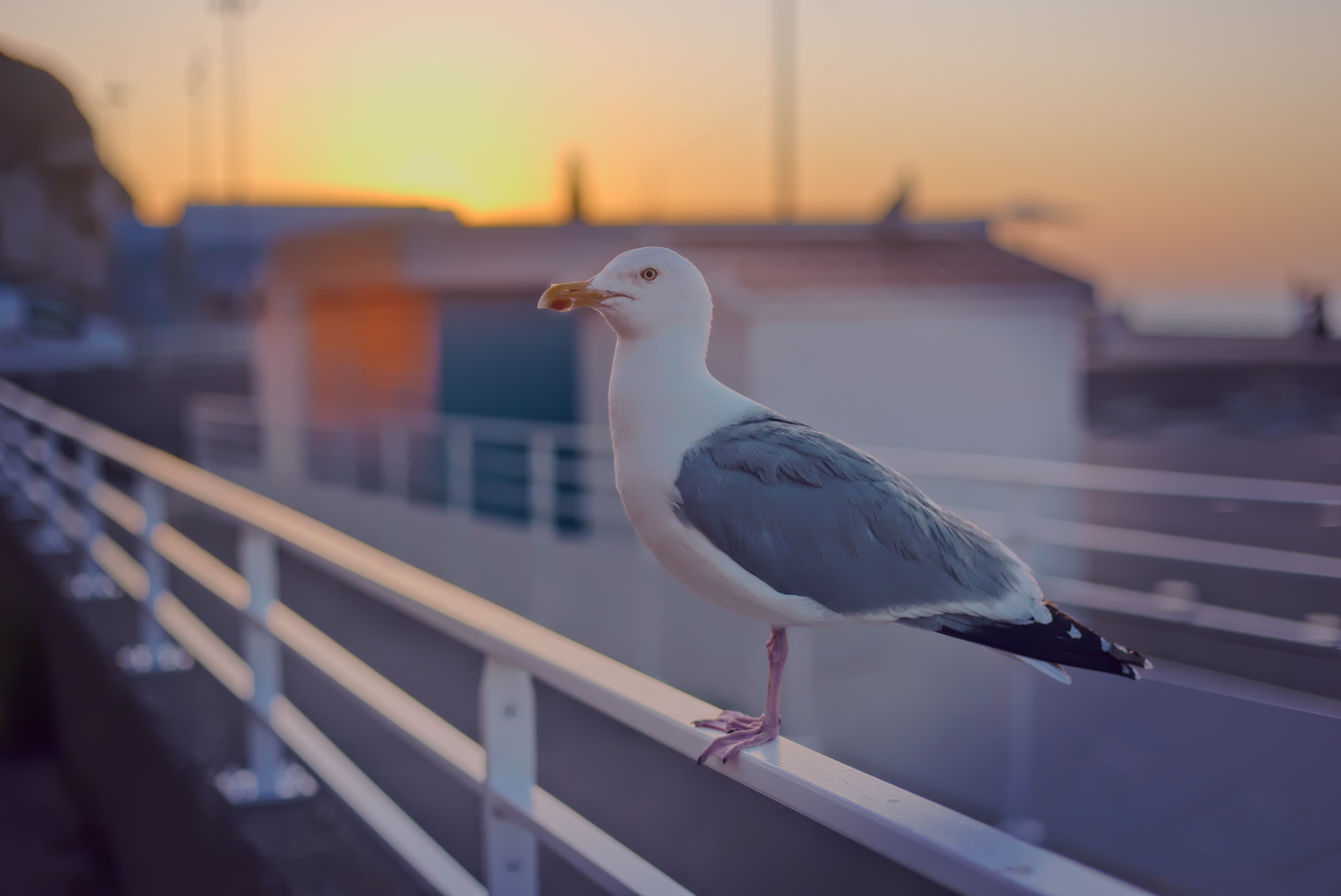
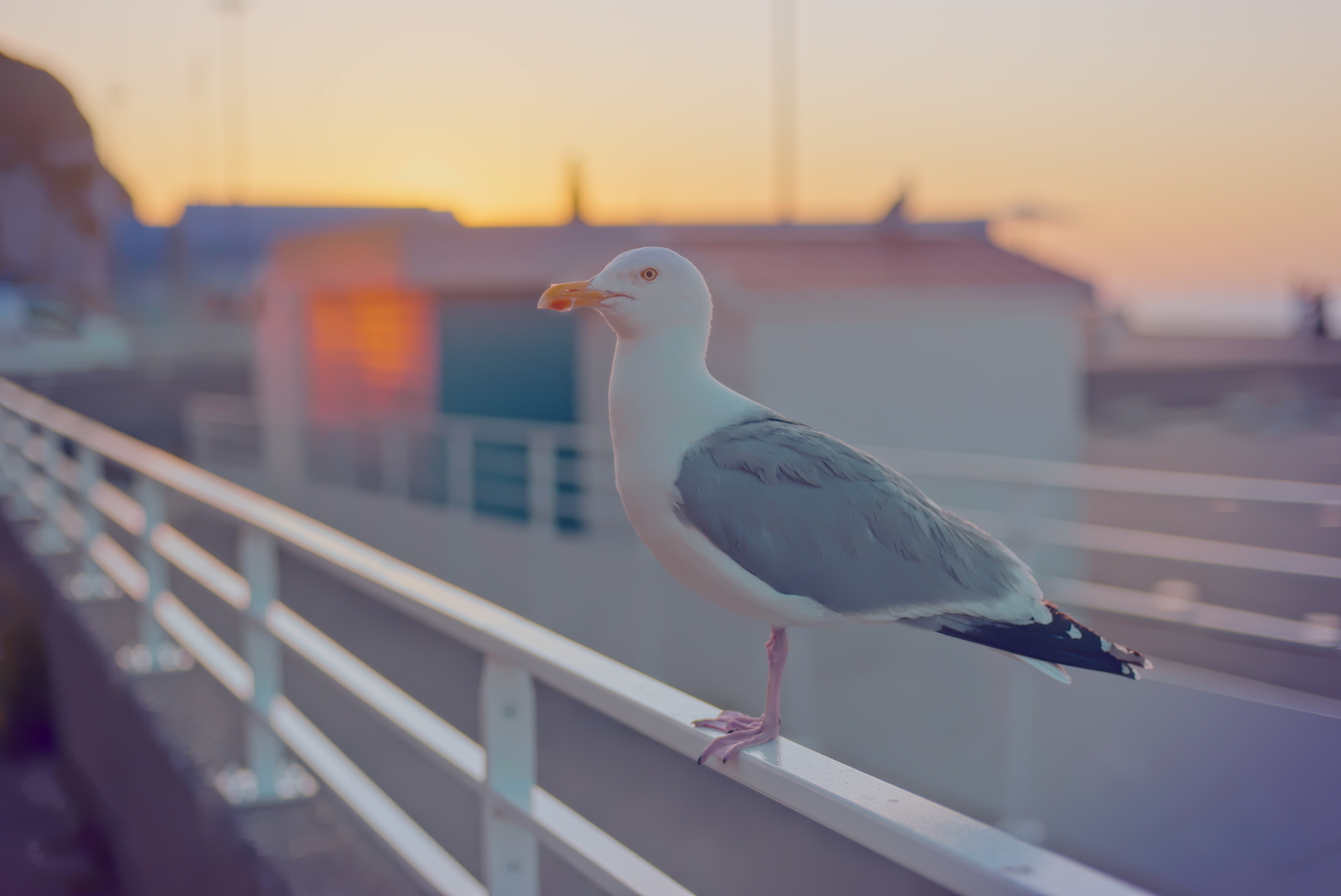
Made the time to read through some of @jdc’s tutorials and posts about the RawTherapee Game Changer workflow.
I’m quite certain I’ve misunderstood a lot of things. But sure enough, some of the default settings (with log encoding, for instance) seem to allow to easily have something usable.
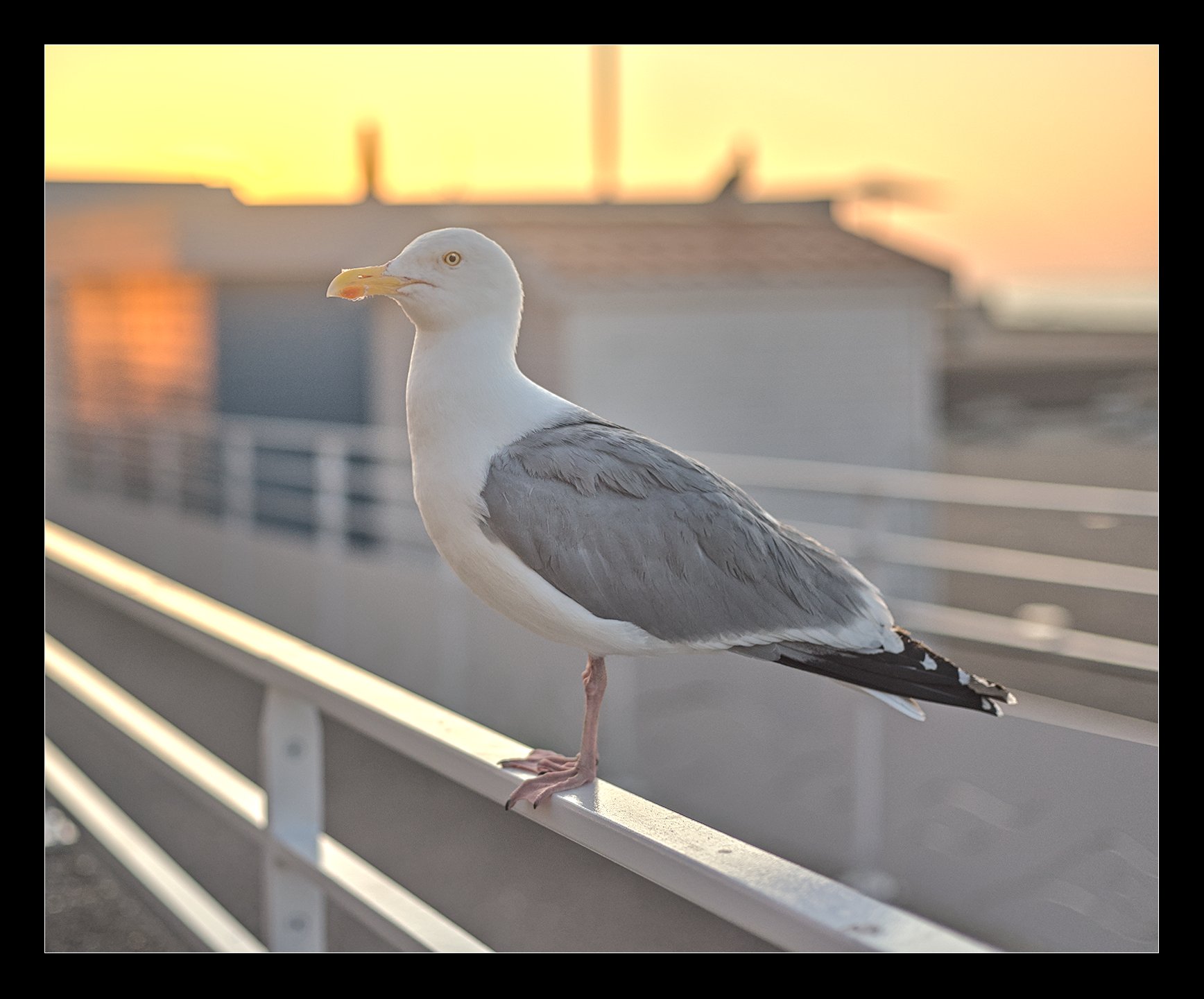
Here’s a contre-jour shot, of a, huh huh, seagull in Normandy, about a year ago, in very early Summer, during sunset (it was a very warm day, the sun was still visible and I deliberately underexposed to preserve the reds).
I further applied a HaldCLUT based off of the github repo that contains the X-Trans III film simulations.
Not too happy about how the most saturated areas emanating from the hidden sun seem to reach posterization. Something to do with the highlights reconstruction method?
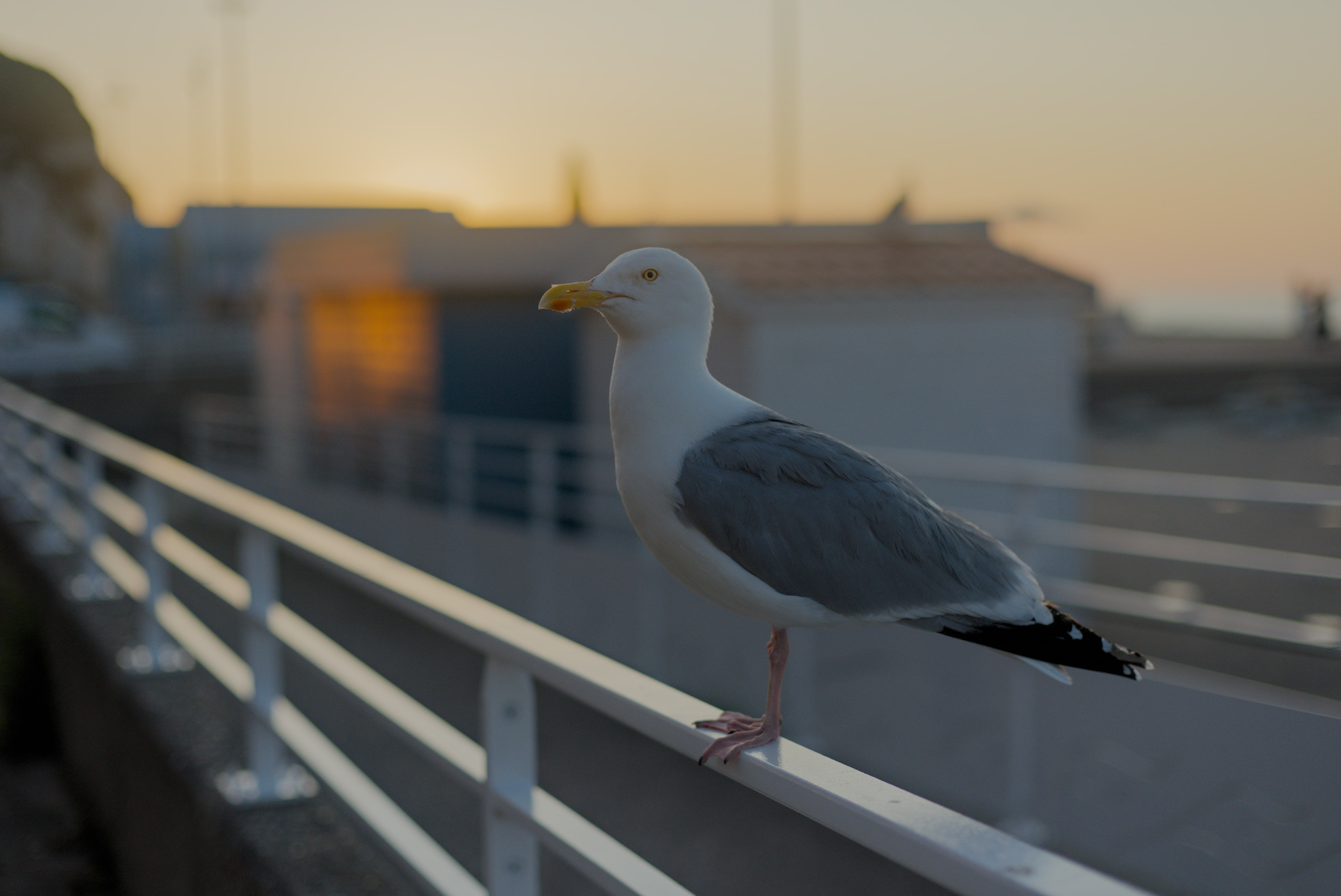
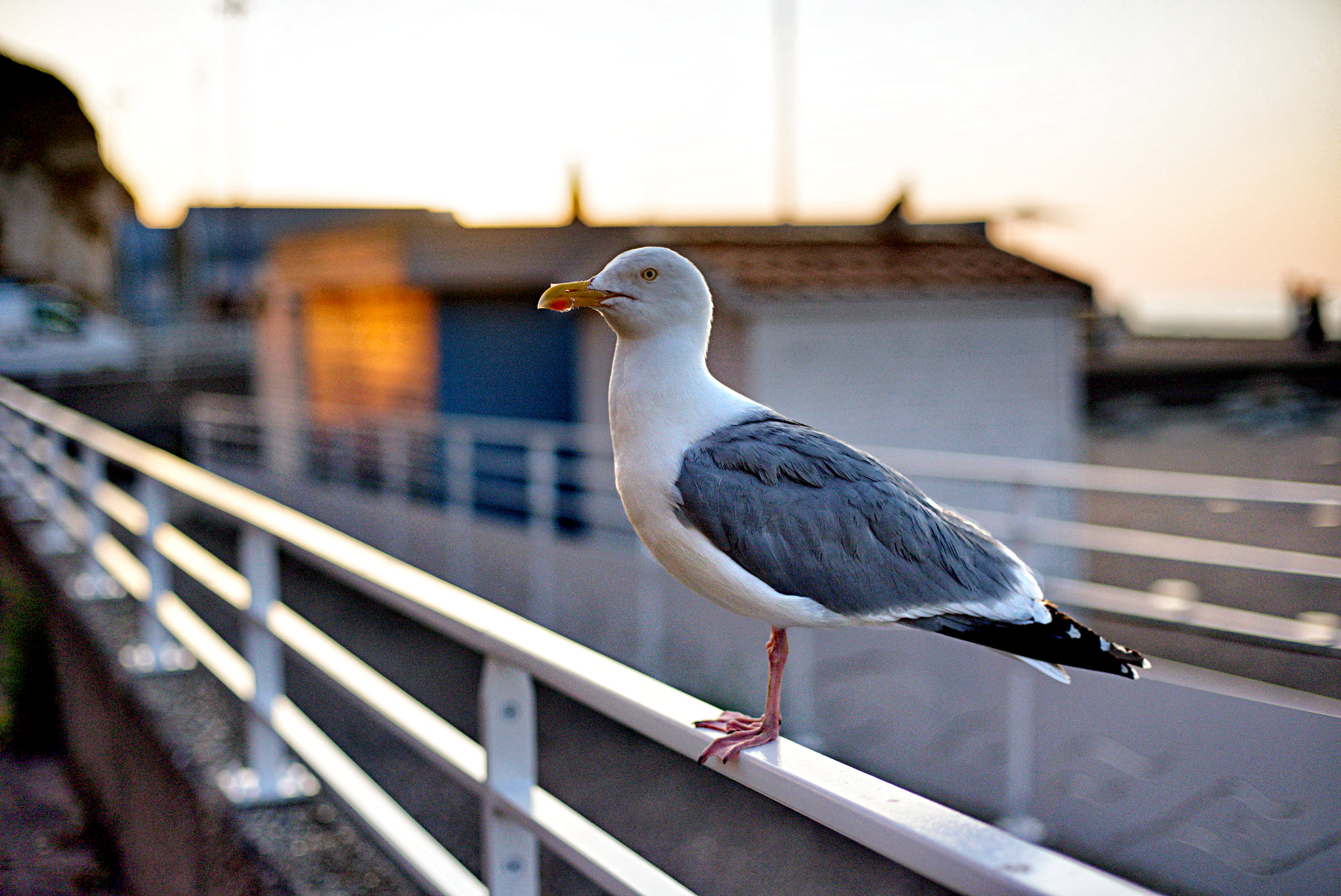
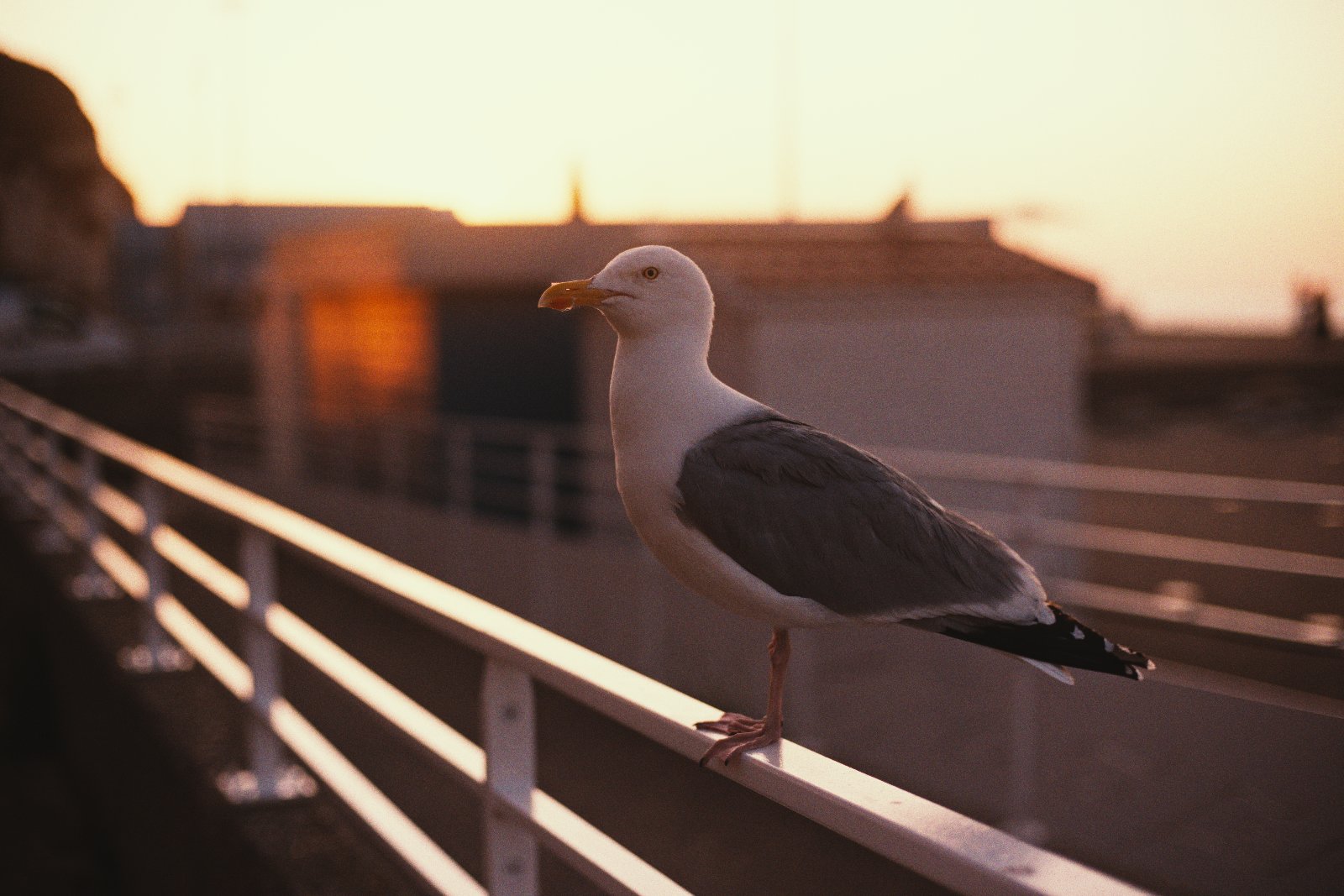
I am not satisfied with my edit of this shot. Its processed in DT 5.4. When I opened the picture it looked really green. I wonder if this is just me having the green look or if others see this as well. D75_7687.NEF.xmp (18.6 KB)
Seems like it was almost shot with uniwb so I think this is where all the green comes from in DT…I just turned off CC and did and autowb and the starting wb seemed better and the green was gone…
I hadn’t mentioned in-camera UniWB, indeed, my bad.
My intention: for these shots where it’s easy to blow some chans in the highlights, I resort to UniWB. This way, the in-cam histogram is sort of reliable.
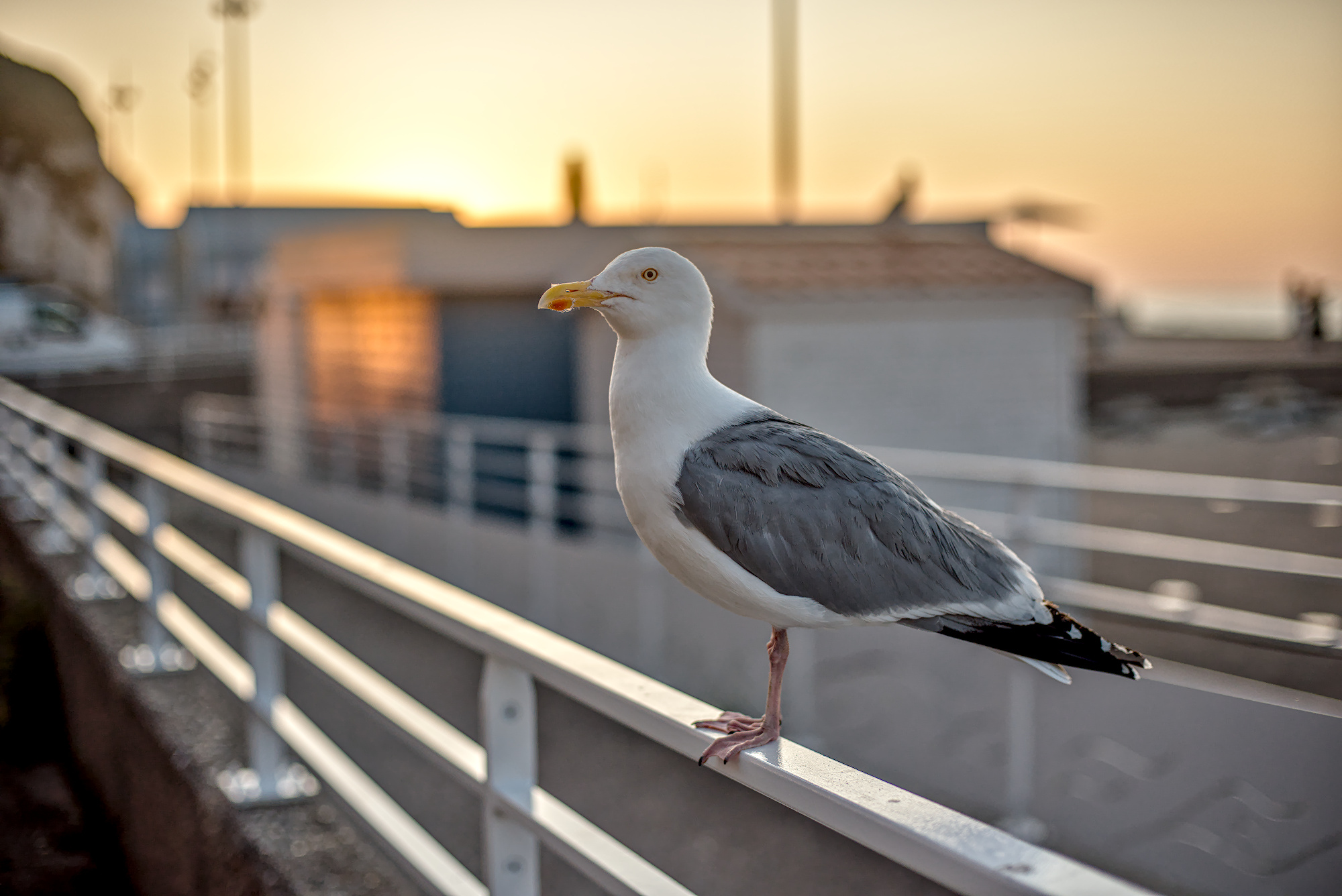
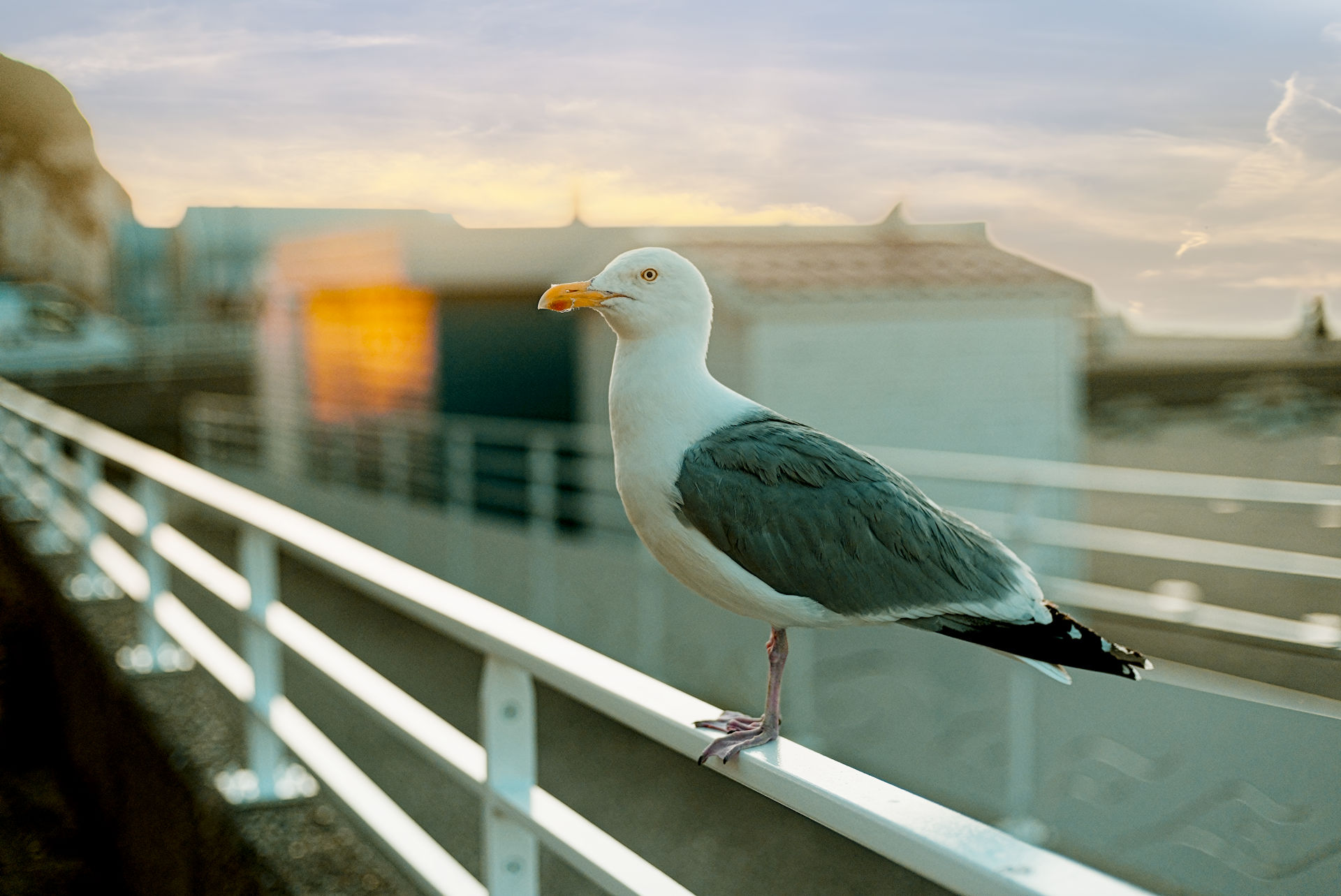
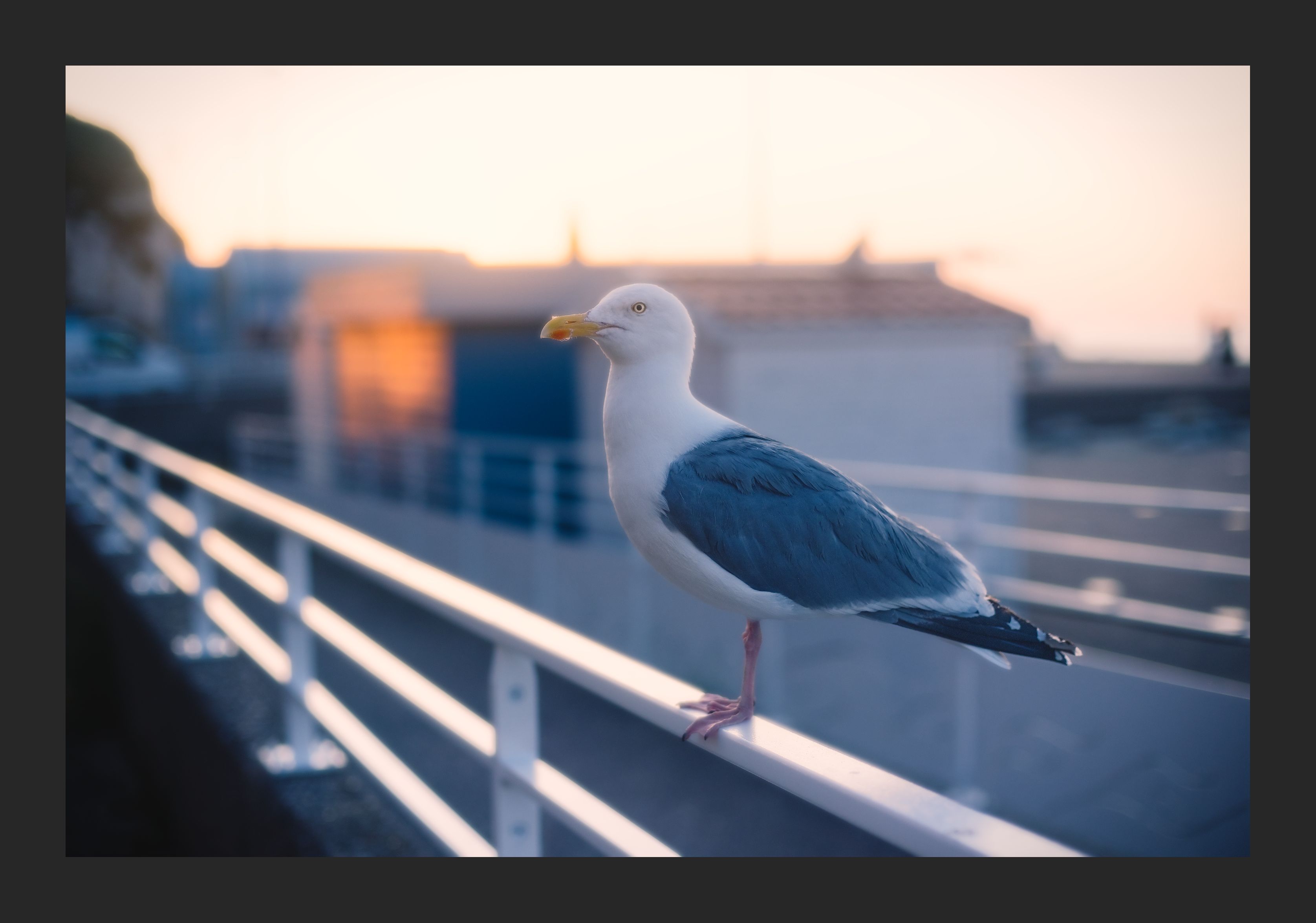
Here’s an attempt using RawTherapee (dev version). It uses the principles of the new workflow except that I have done the pre-tone mapping with the Tone Equalizer in the Exposure tab rather than using The “Equalization & pre-tone mapping” tool in the Selective Editing tab. There’s no particular reason for that apart from the fact that it’s a workflow I’m used to. Using GHS in Selective Editing would probably result in better contrast but I need to play around with it a bit more. Maybe @jdc could help here.
I just saw your message and I’m taking two quick shots, without trying to make them perfect. It’s actually difficult to determine the effect of the sky, the seagull, the barrier, and the overall exposure in this image. It’s a matter of perspective.
In both cases, I used WB temperature correlation and GHS, either in Full-image (first) mode with deltaE or in Global mode (second). I also used Abstract Profile and Color Appearance.
I realize I used the current version in the Pull-Request (secam16), but the differences should be minor. Pull Request - secam16
I made sure the colors were within the output profile ‘sRGB gamma sRGB’ gamut. This has a clear impact on overall contrast and color rendering. sRGB is not Rec2020.
I kept some settings from @nonophuran
I’ve come across your other Playraw with the ‘UniWB’ setting, so I understand why default Colour Calibration is green.
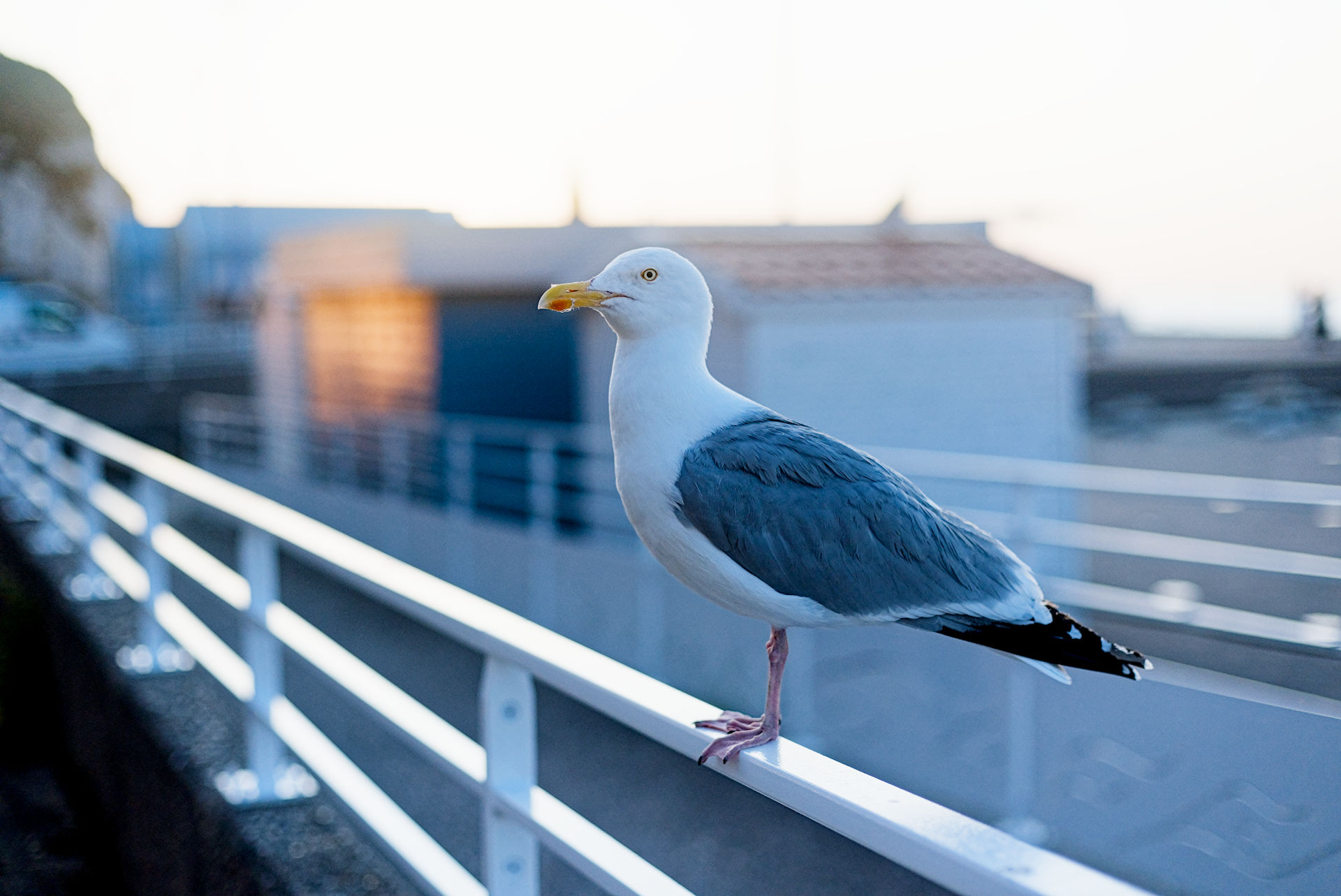
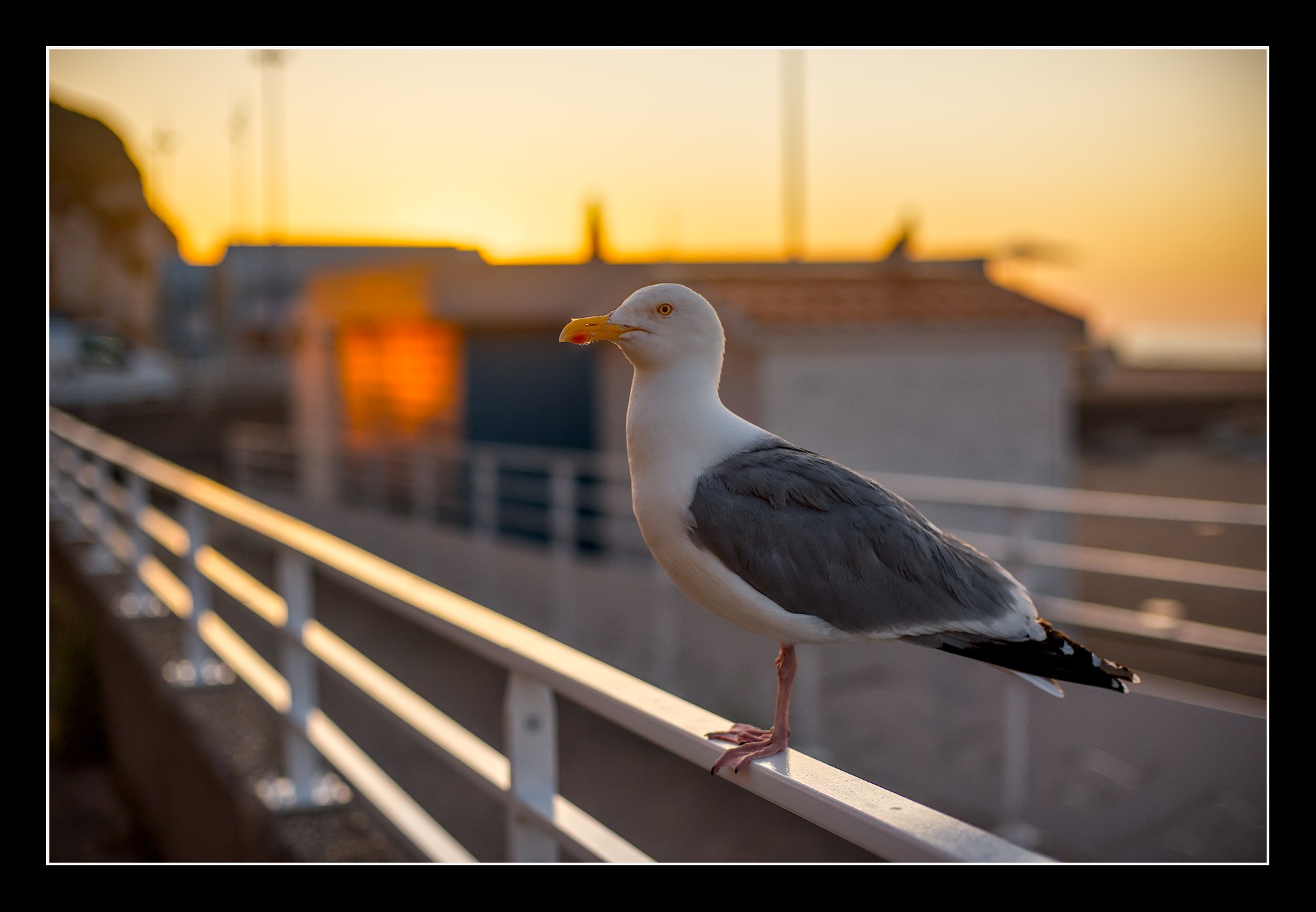
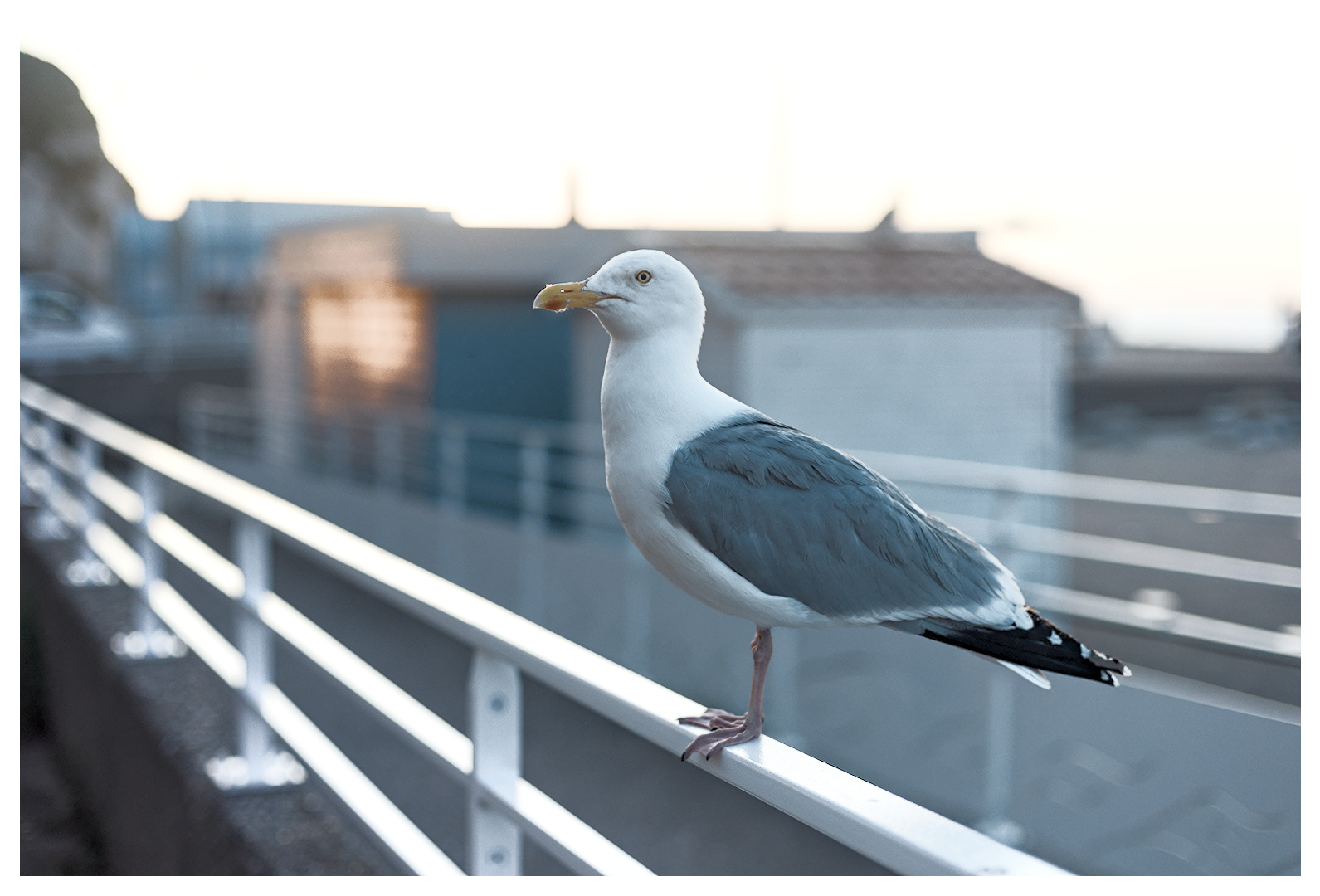
Nice to edit this one. I did a little experiment with DorS, to try to accentuate a ‘glow’ around the bird but keeping sharp edges. Not sure if it’s worked well.
Also some colour grading with CB-RGB and RGB primaries.