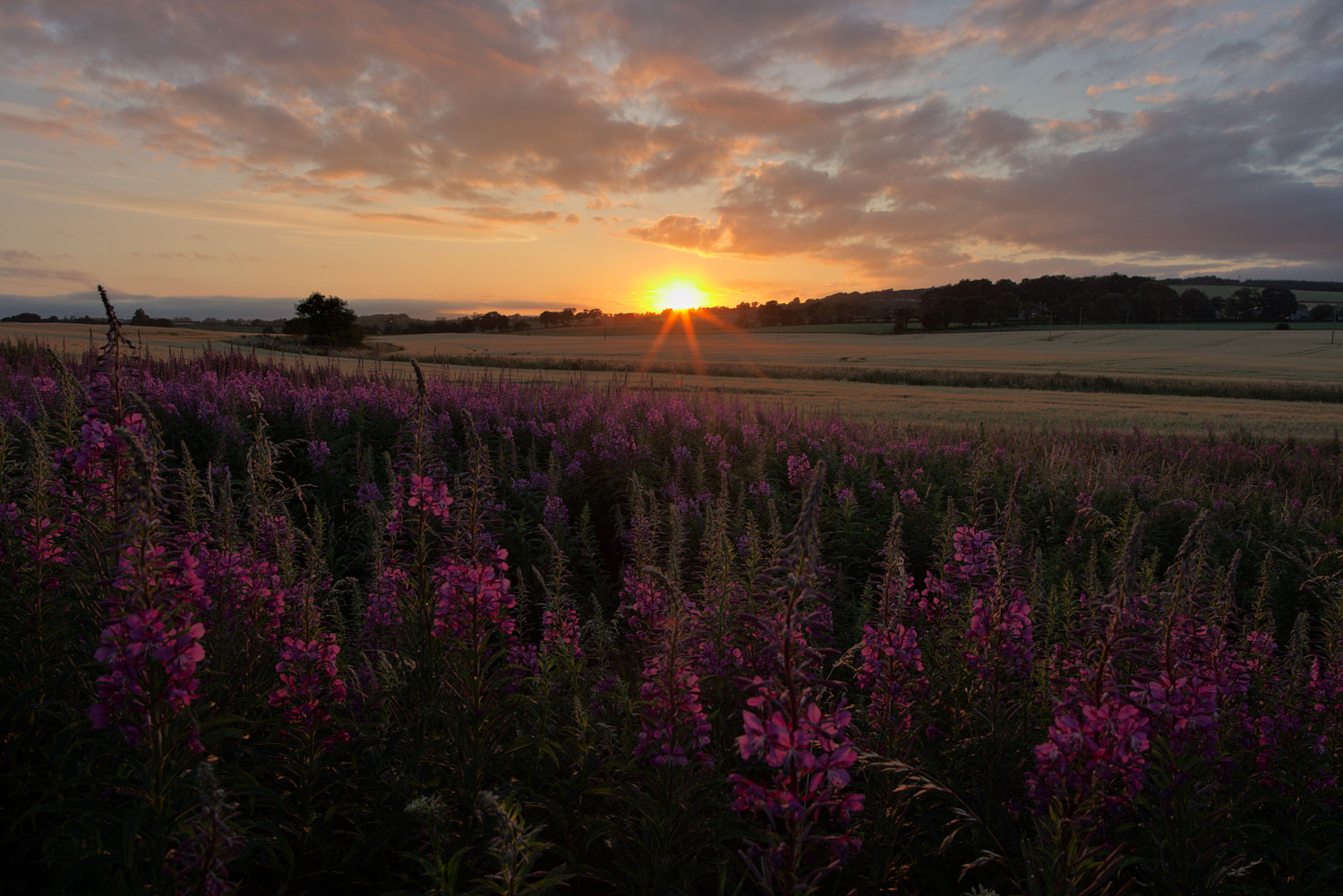
Apologies to all concerned! Having read with interest " Game Changer – How to Process a Sunset", I could not resist trying to process this same image in GIMP. So here is my 5 minute edit - all comments, criticisms welcome.
3 Likes
I am intrigued that you choose to edit raw images in GIMP. I presume you use an intermediate program to convert the raw file to a pixel image for GIMP to tackle. Is that correct?
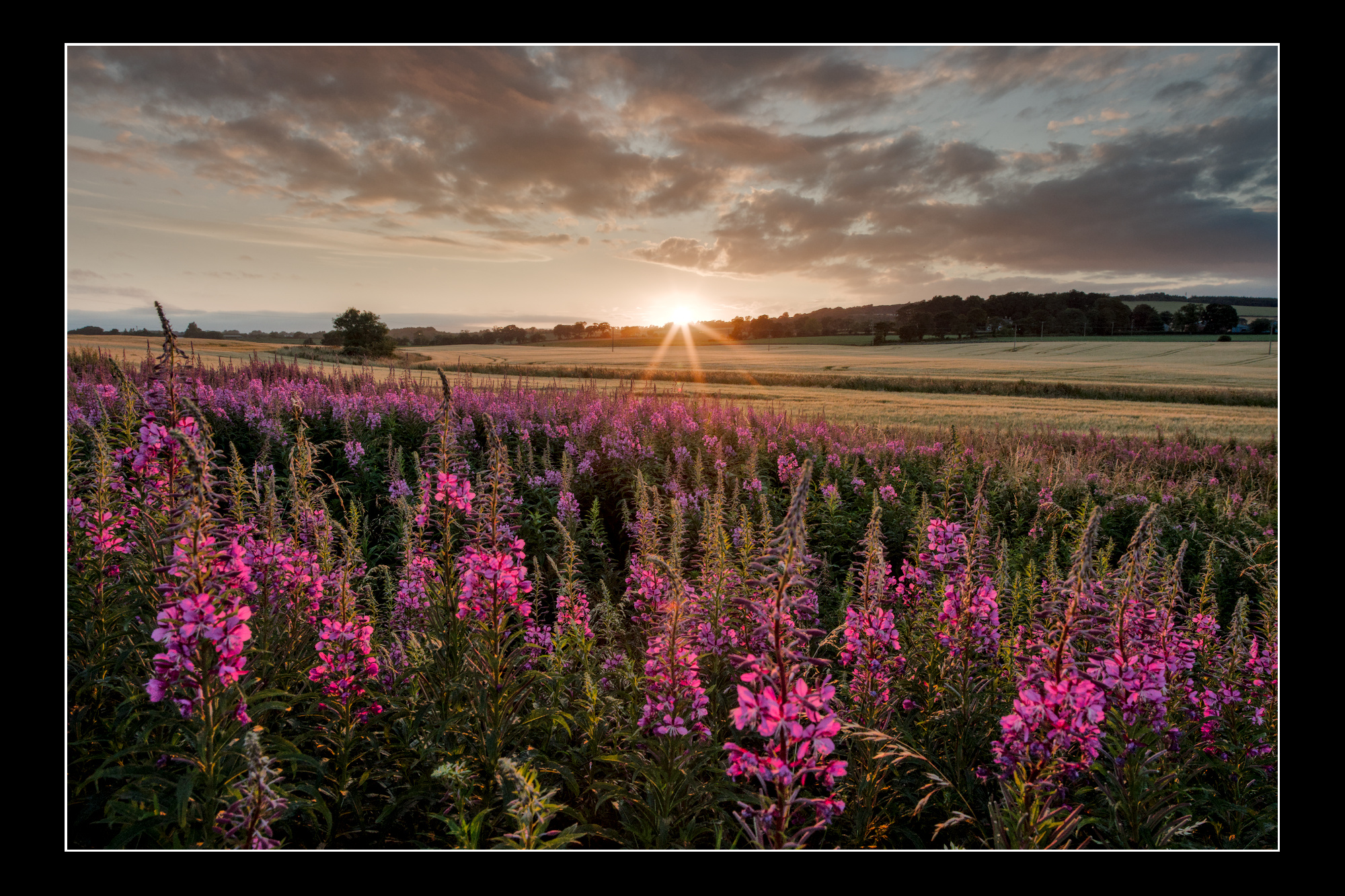
Since this image has been offered as a playraw before I will post my edit in DT 5.3 using AgX. I used two instances of exposure with a gradient mask before the AgX module. I then used an instance of tone curve after AgX with a gradient mask to tame the sky and the foreground.
IMGP2426.DNG.xmp (17.9 KB)
2 Likes
IMGP2426.DNG.xmp (13.6 KB)

1 Like
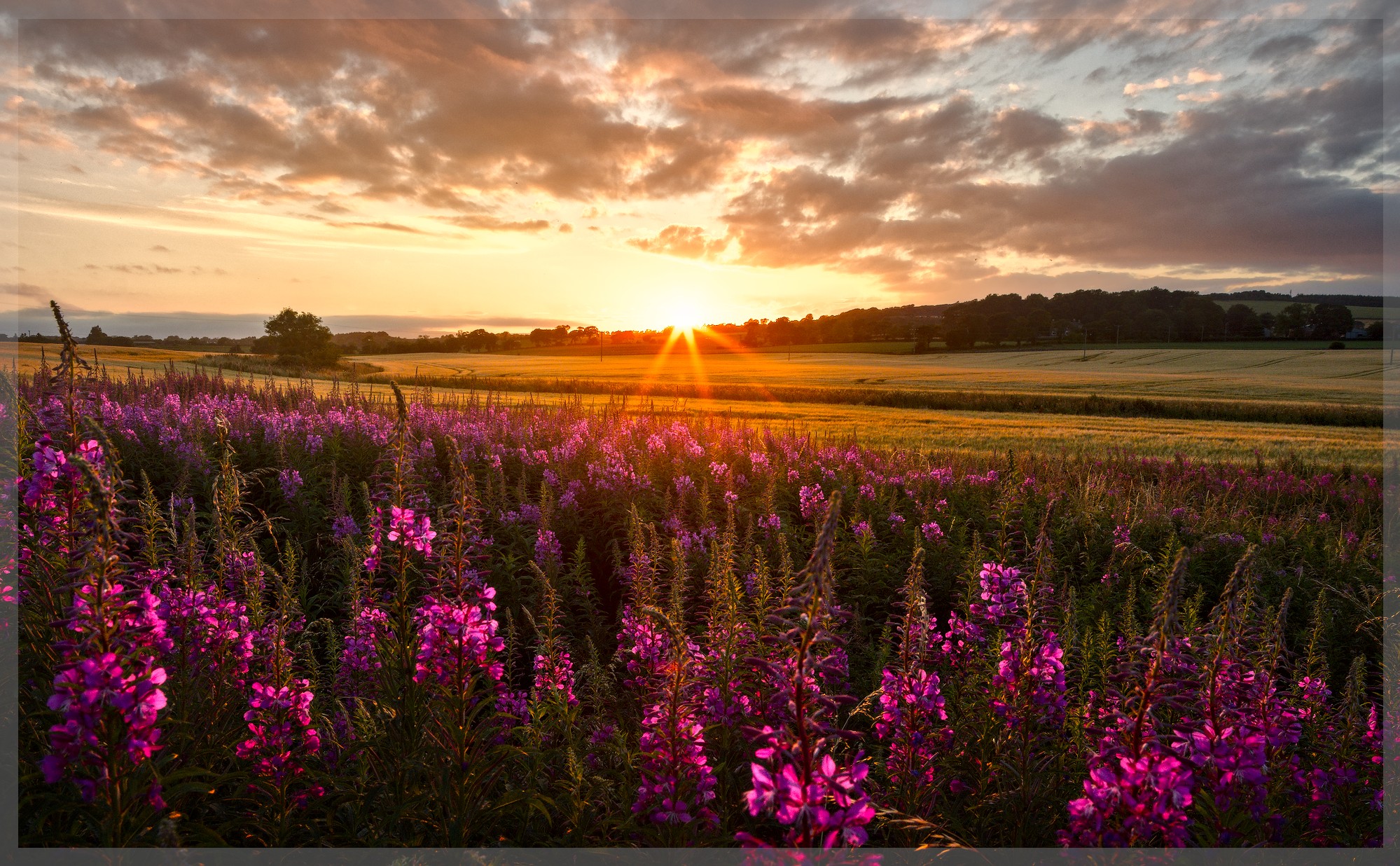
If there’s already a PlayRaw thread, why not continue there? It’s interesting, though, how different current edits are from those in that thread (and how we overlooked problems like a green Sun, totally yellow-shifted sunset etc. in those edits).
2 Likes
Correct. I use Filmulator to convert to .tif. Almost always I can use it’s default settings, which makes it a one-click operation.
2 Likes
You asked, so here is my critique:
For me especially, the foreground is to dark and dull. There is the sun which still shines on it.
ANyway I think your edit all in all would definitely profit from more exposure.
The second part I don’t like is the area around the sun. Until @kofa came to save me a lot of editing time with his AgX modul, I often spent ages to get nice transitions. On your edit, there are more some steps, not a transition. A white center, a yellow surrounding and then with the orange part a kind of transition starts. This looks somewhat unnatural - at least for me.
What I like: The over all look is natural. No strange HDR feeling. Sharpness and local contrast are fitting, as well as the natural colours.
2 Likes
Many thanks for the reply.
The foreground: I wanted to show some detail, but not distract from the glorious sky. Your comments about the area around the sun are well taken.
2 Likes
May I ask the same question as @Terry ? Why are you using GIMP for your RAW development?
Even so I’m a big GIMP lover, I was never tempted to do so.
For me, it is like hammering a nail in the wall with a combination pliers. This tool is definitely more flexible and mighty than a hammer. But getting a nail in the wall, a hammer is the better tool.
Don’t get me wrong I’m quite sure you can get the same results as with a RAW editor. But I think with a RAW editor, it’s easier to get to that result.
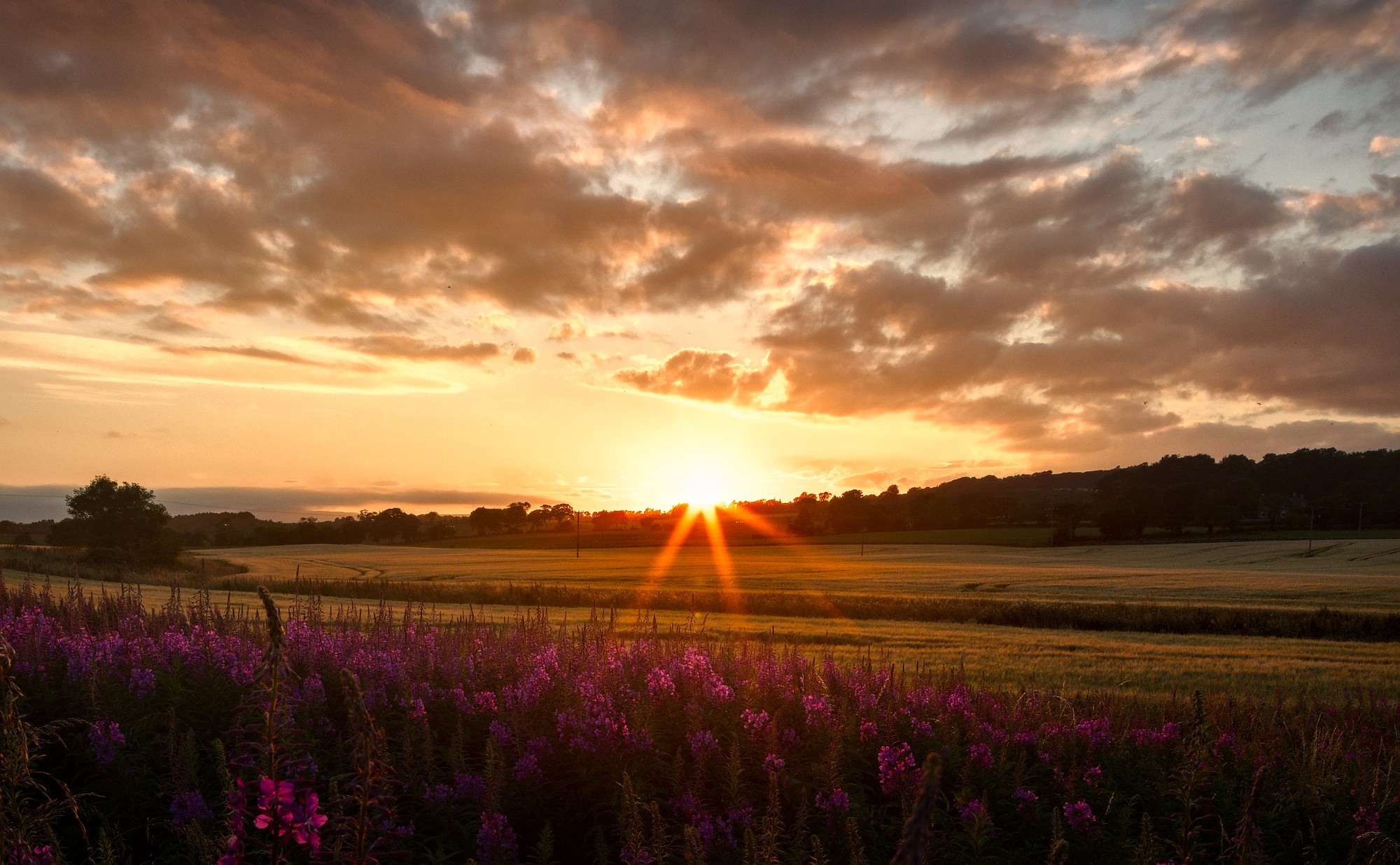
That’s a legit goal. But then, I would give the foreground not so much place, but would make the sky the star - more like that (I adapted a bit the darker mood of your edit):
3 Likes
Firstly, I am very familiar with GIMP having used it for many years.
Secondly, I have a number of plug-ins which I have created to speed up the mechanical side of processing, particularly luminosity and saturation mask plug-ins, (which is why I am still using GIMP 2.10.38 with Python 2.7 support).
Lastly, it is difficult to teach an old dog new tricks - and this dog is very old!
I would like to have interactive parametric masks in GIMP 2.10, which I think is possible using GTK, but as yet I have not summoned up the courage to try coding it.
Your crop of the foreground is an excellent idea. It focuses the attention on the sky whilst retaining the context of the image.
3 Likes
All more than valid points my friend. I was just interested into the reasons.
Thanks for satisfying my curiosity. 
1 Like
Your welcome - it is good to have feedback.
1 Like
Thanks for your reply David. There was a time when I used a combination of Rawtherapee and GIMP to edit my raw files. But then when I discovered darktables drawn and parametric masking options 99% of my need for GIMP disappeared. I am also finding the new AgX module in DT a game changer. But as long as you are enjoying your editing use whatever program you enjoy. I certainly would never knock GIMP or Rawtherapee. Both great programs. I use GIMP as my preferred program for photo restoration when I scan old prints and films.
2 Likes
I guess the community has learned a thing or two and got some nice new tools as well  Kind regards Jetze
I think that would be a bit unfair. Even though there are indeed some horrible edits in this thread, we should as well honour that there are as well some very good renders.
By the way, I would say, it’s a poor artist that blames his tools. Yes the tools are making things easier and quicker but that doesn’t mean that you couldn’t get a similar result at that time, which the mentioned good renders proof.
1 Like