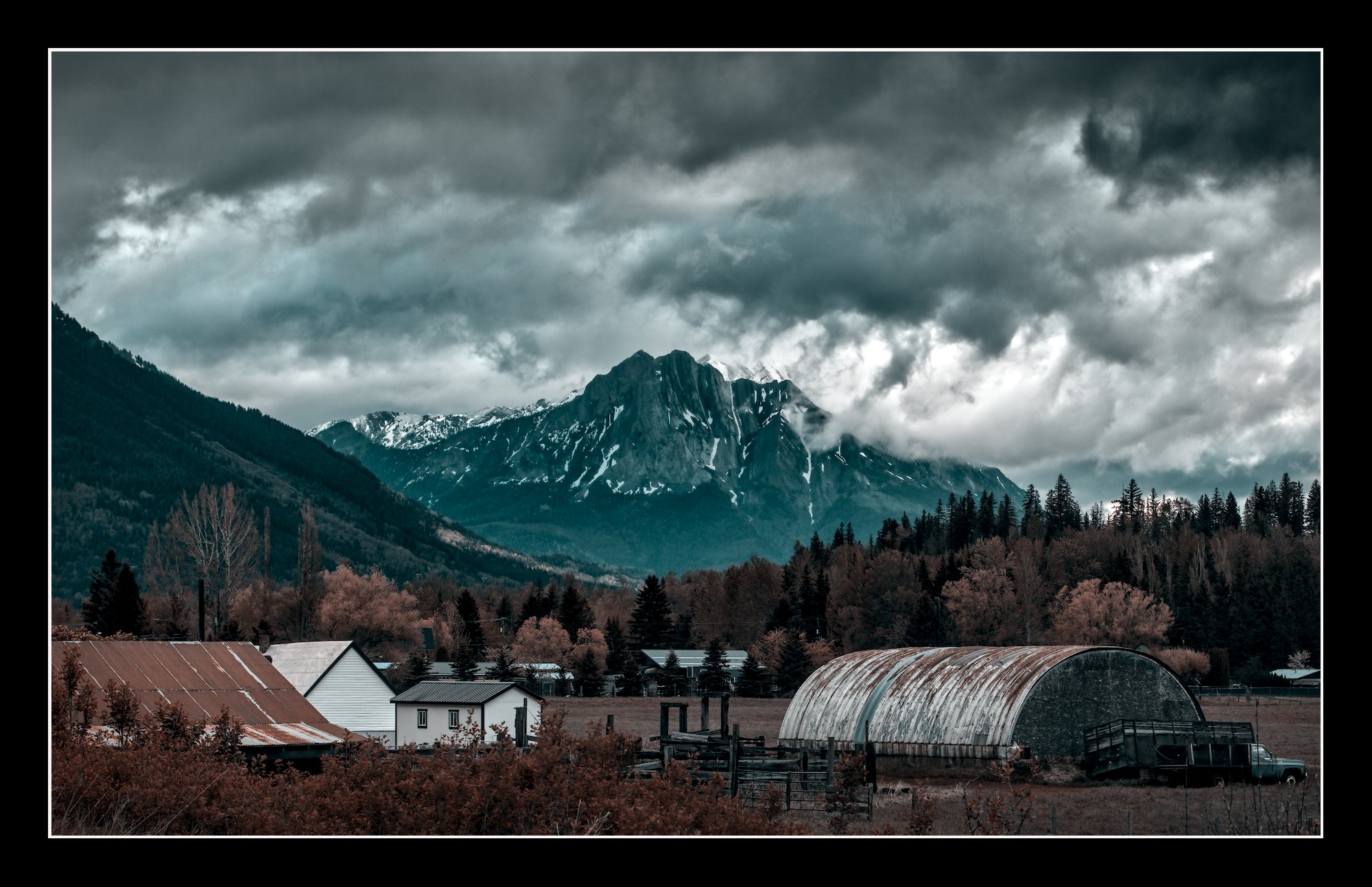
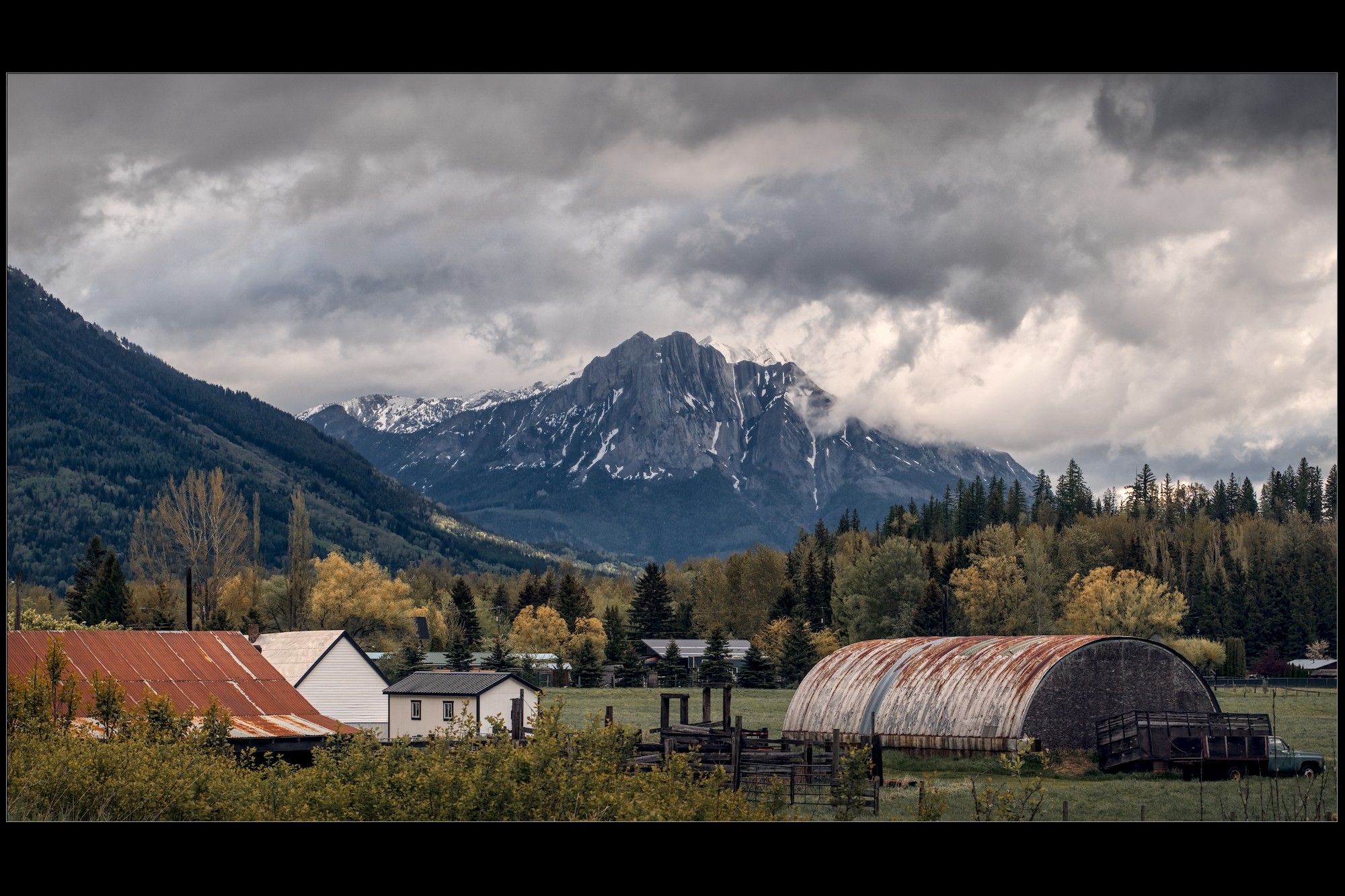
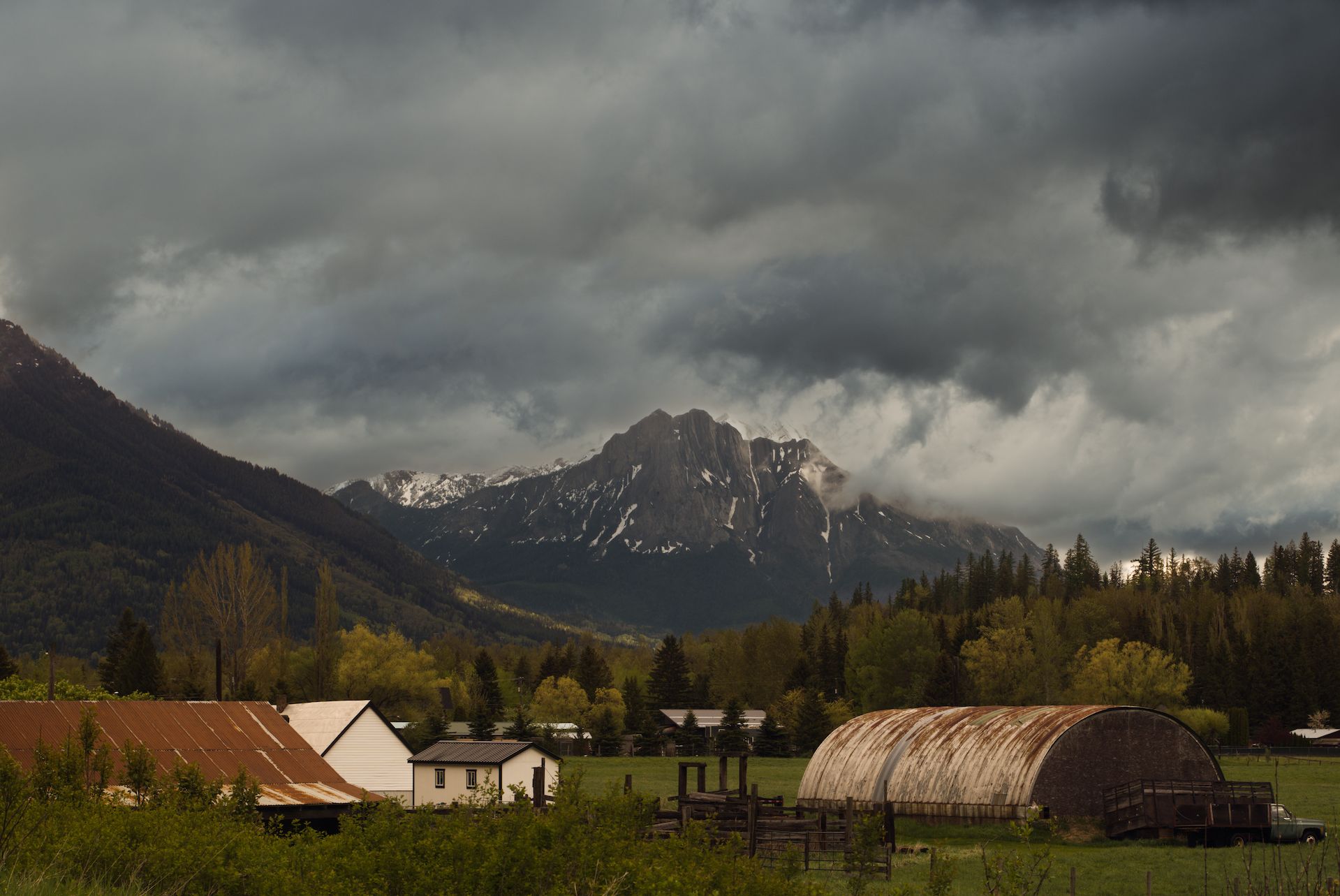
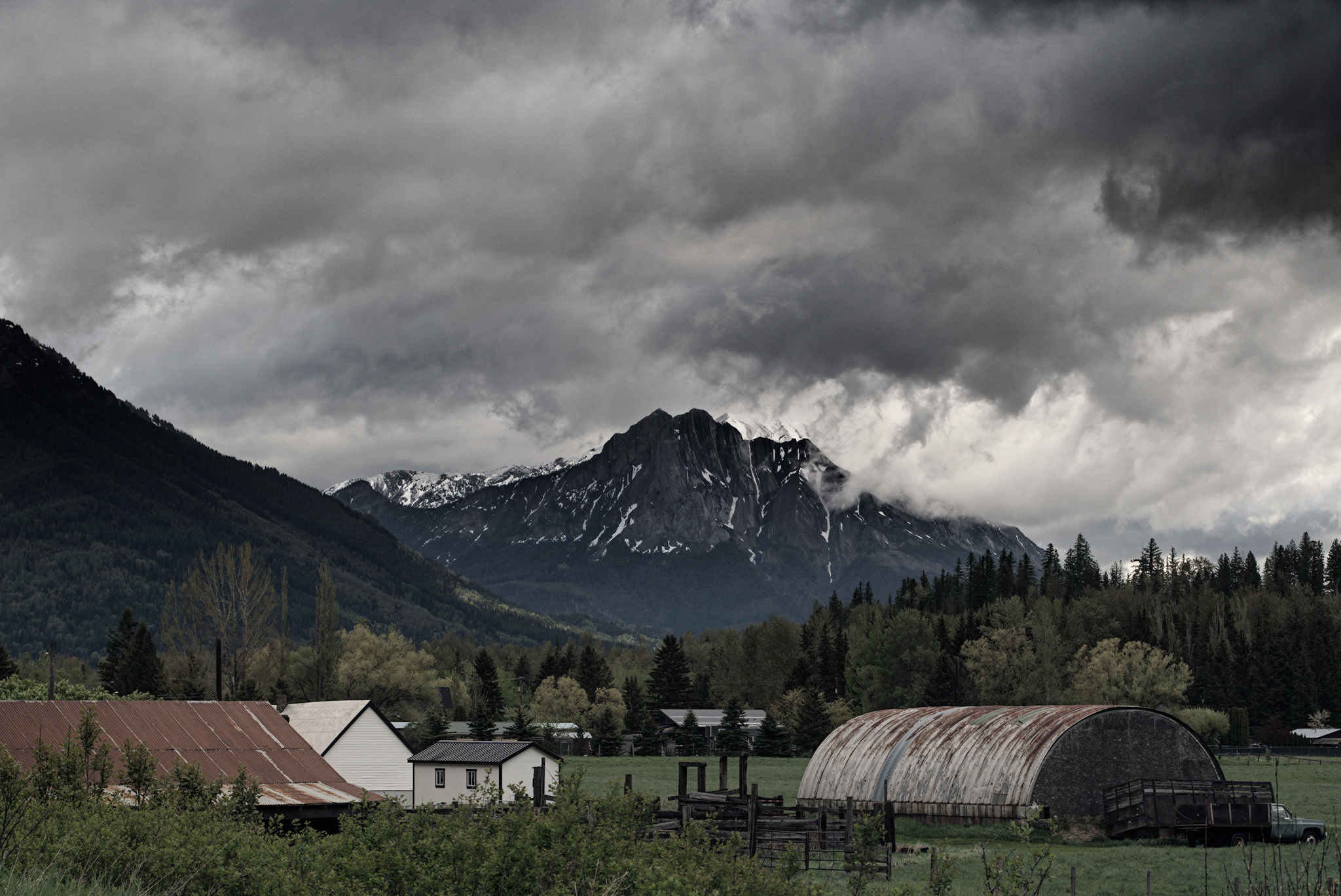
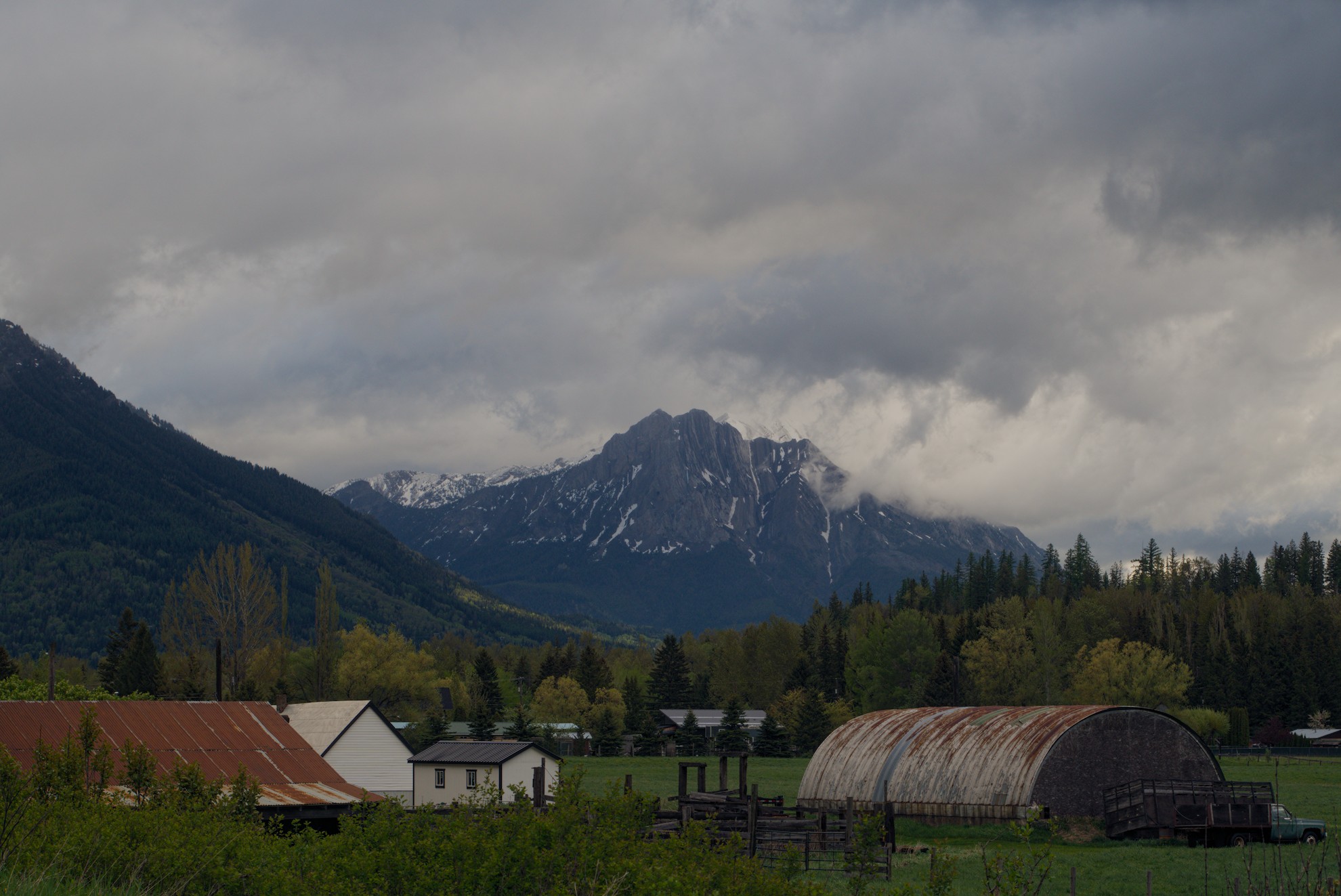
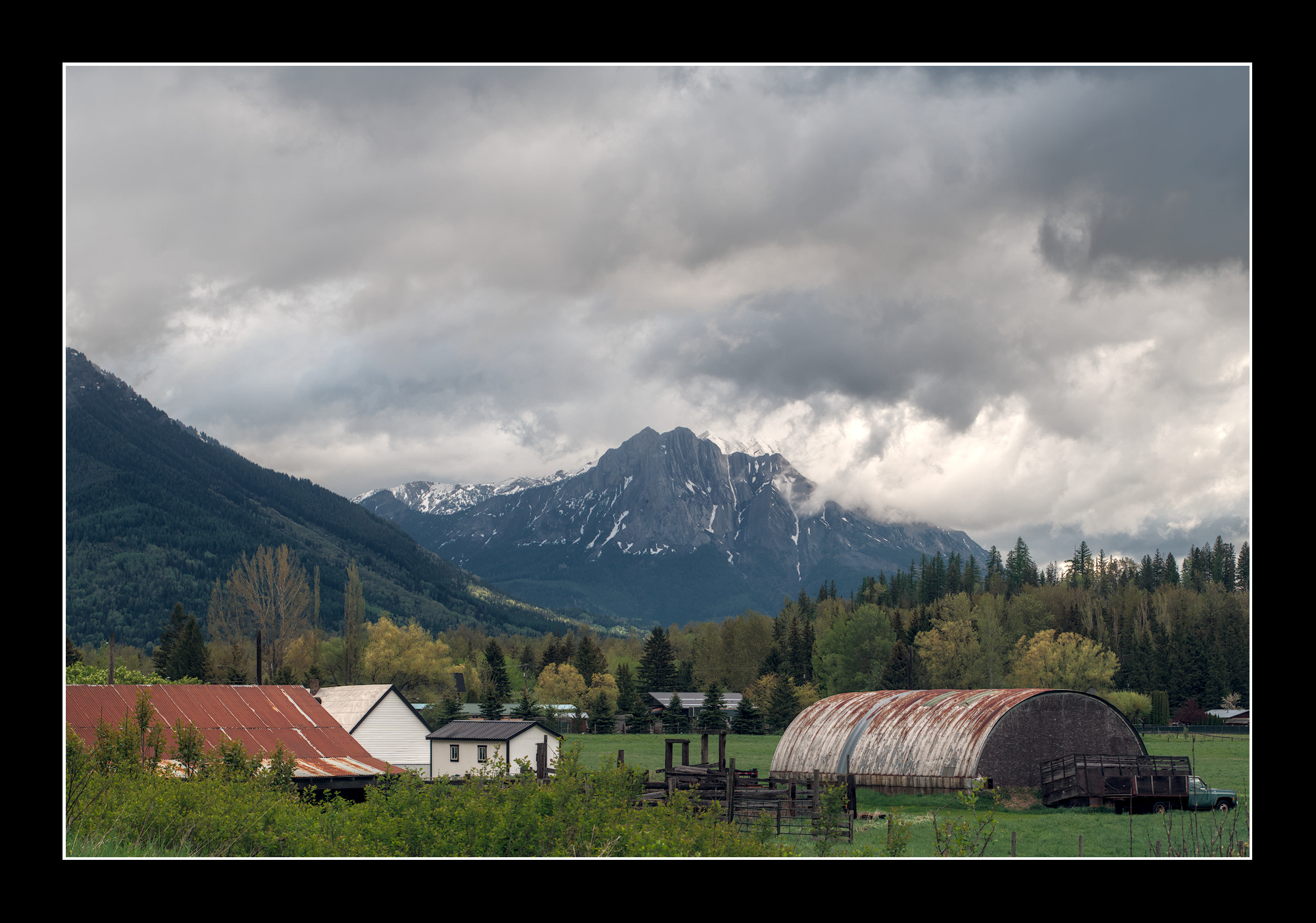
I’ve taken this shot before on a previous visit to the town of Fernie, BC, but I wanted to try it again during my recent trip back there.
I got really lucky with the weather that morning as it was raining pretty sporadically throughout the trip. I think I’ve used a couple of masked color RGB 4 ways, or exposure in this…can’t remember.
But I’d like to see what you can do with it. No limits to interpretation or software. Have fun with it if possible.
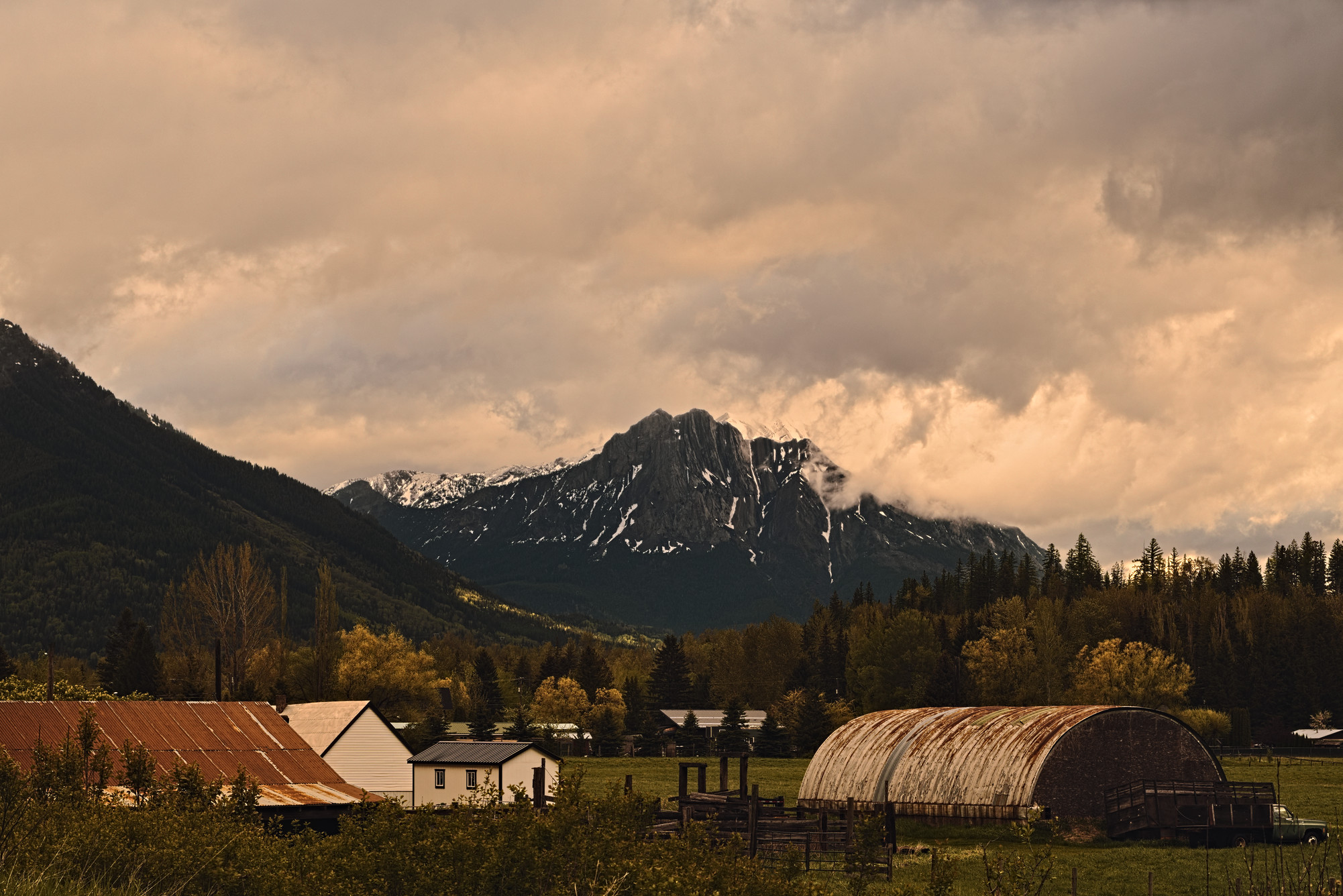
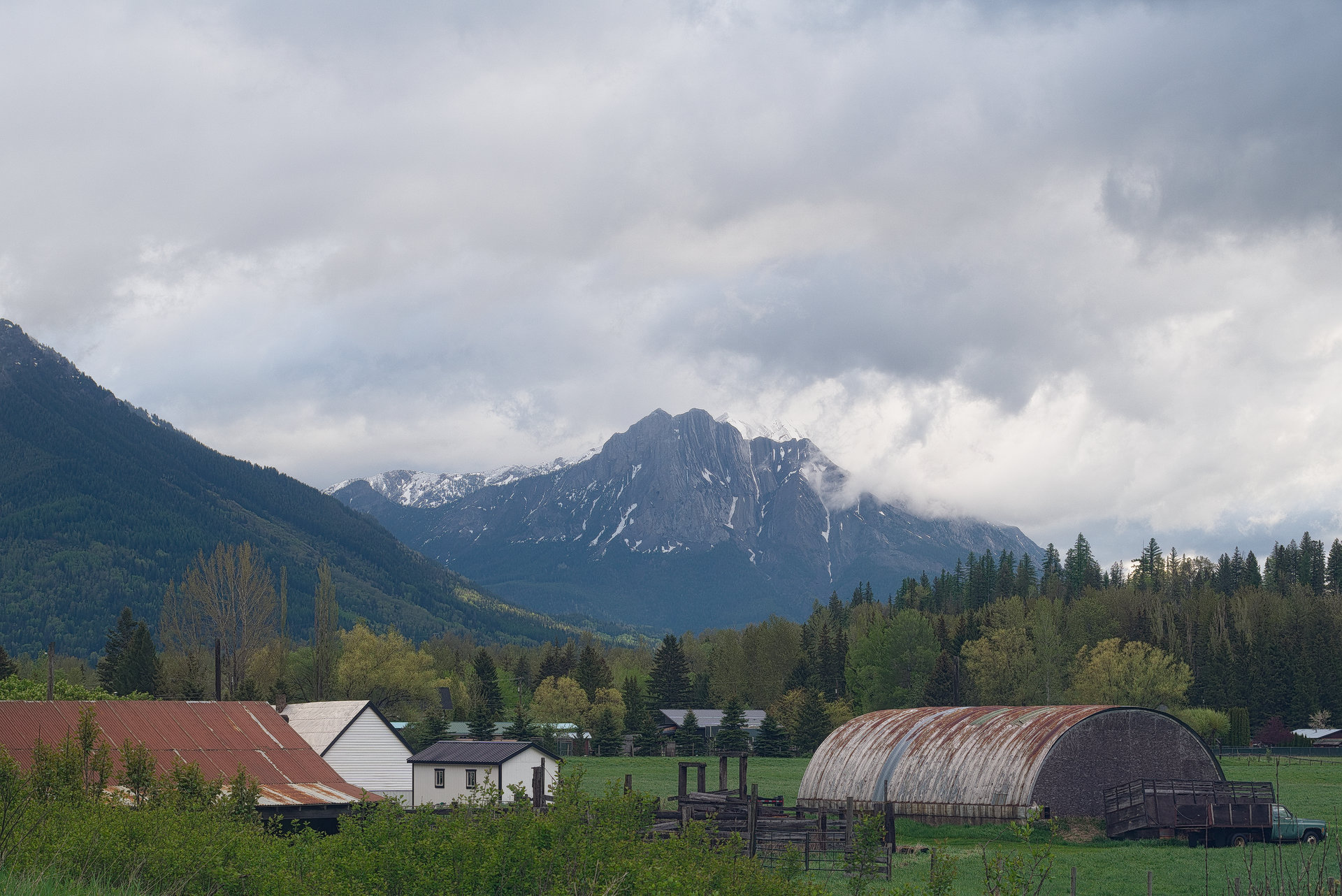
I wondered why the camera WB was so yellow. Maybe because the scene was taken during sunrise somewhere behind the clouds? Anyway, it doesn’t look too bad
I’ve noticed many of my edits lately have what I can only refer to as a ‘piss yellow’ tint.
I may have manually set my camera WB some time ago for some reason or another. I’ll check next time I’m out.
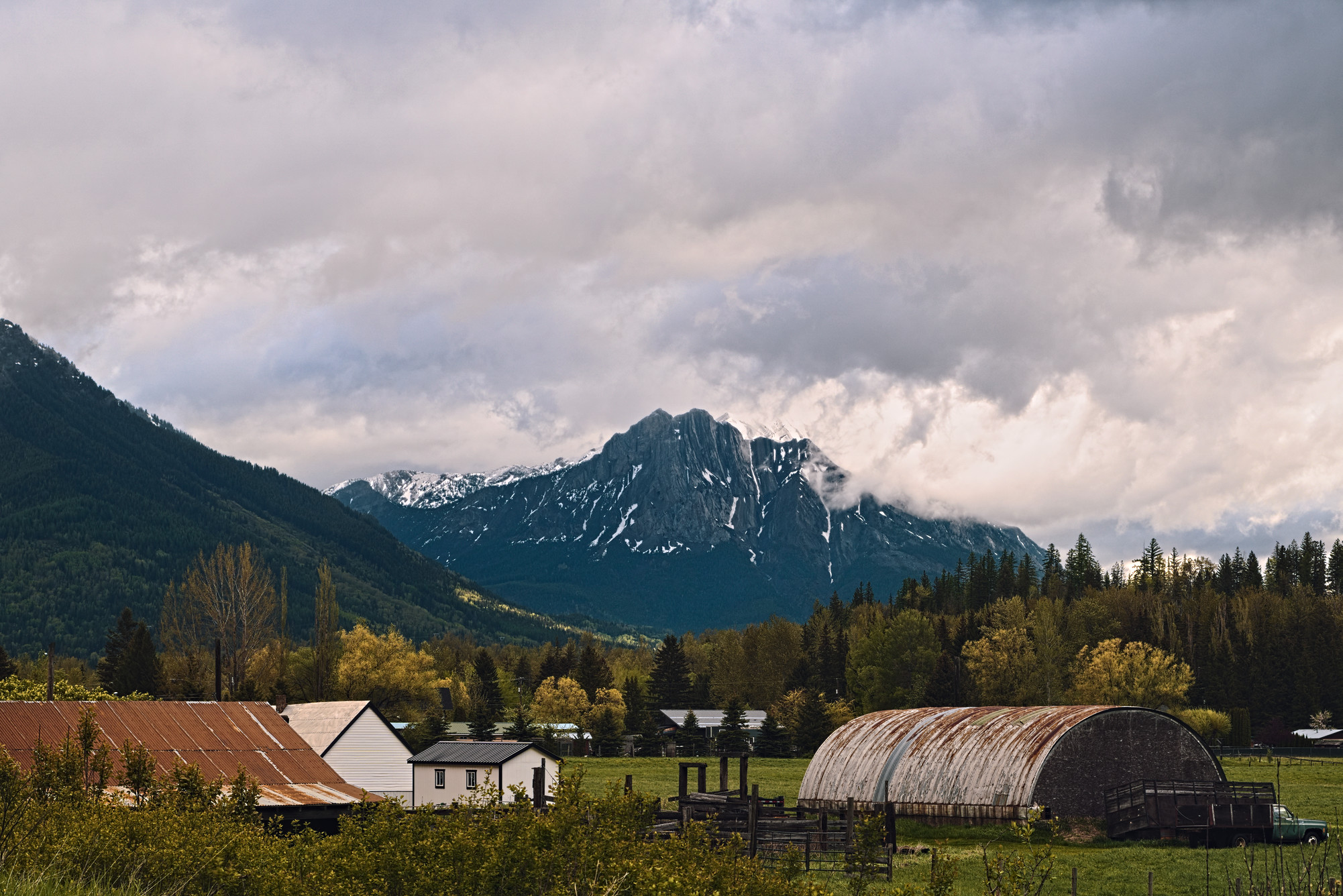
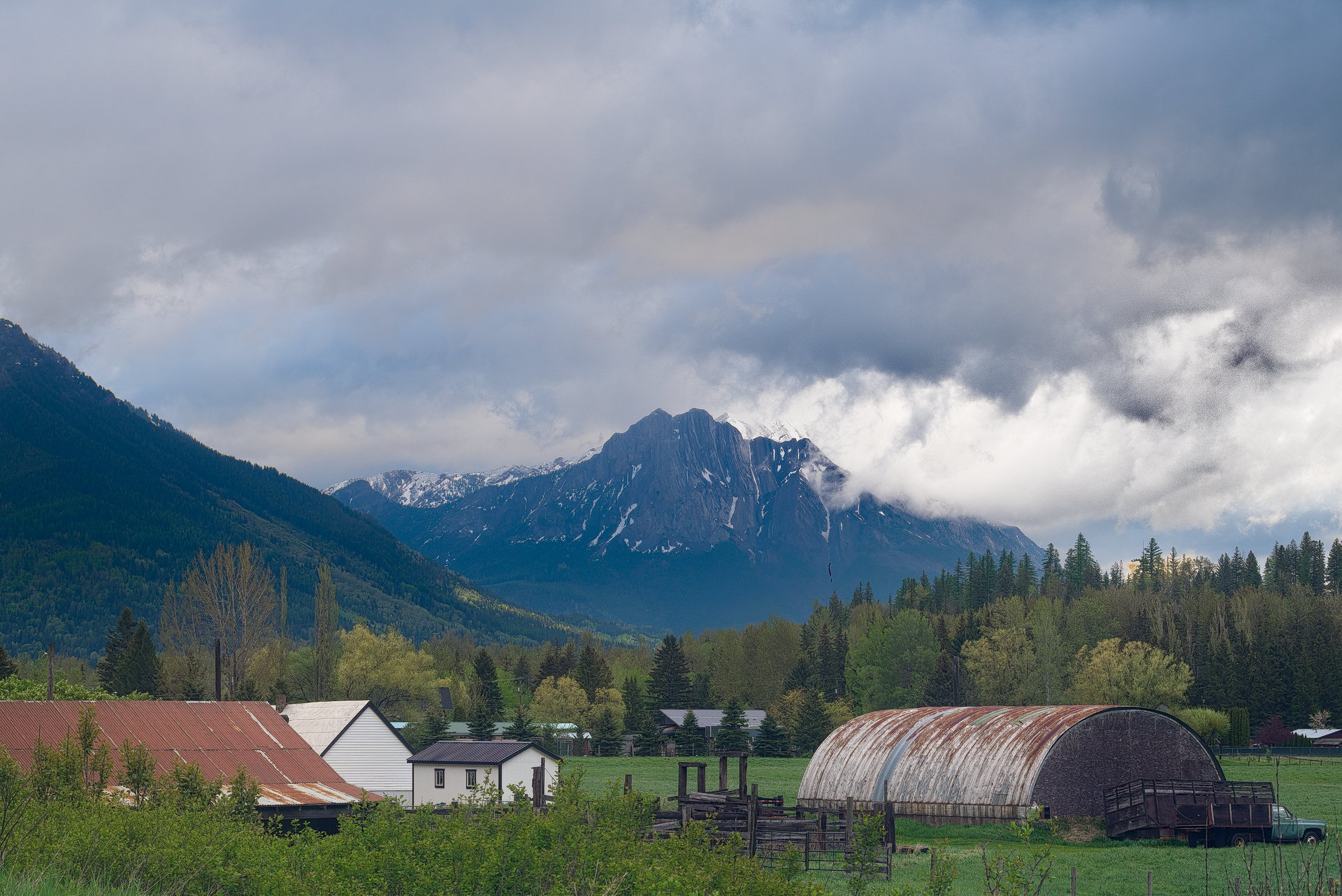
A nice image to play with. The WB threw me off initially. I disabled the color calibration module and and just used the WB module to auto sample the scene. I preferred that result.
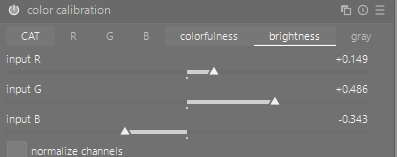
I then activated the color calibration module and set it to bypass and used the module to adjust brightness levels of the channel. I got this idea from a recent Playraw on this forum and thought this image lent itself to the experimentation with the CC module. I found it a useful way to lift the brightness of the green grass without washing out the whole picture.
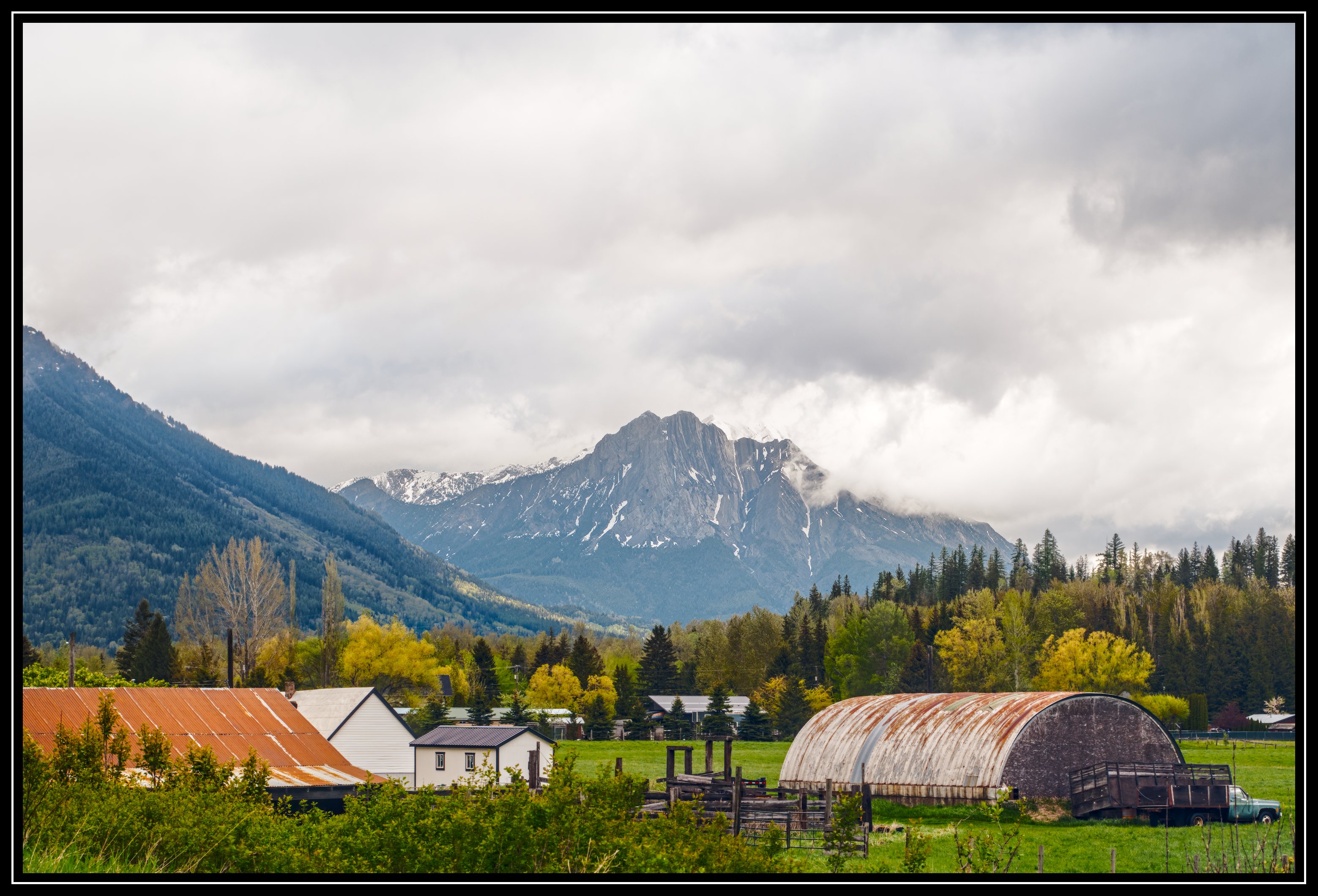
How beautiful… The impending storm caused the colors to become slightly desaturated (this often happens before a storm). To clarify: Don’t confuse this with the fact that colors become saturated after a storm, but not before, when the scene’s brightness level is usually reduced by the storm clouds.
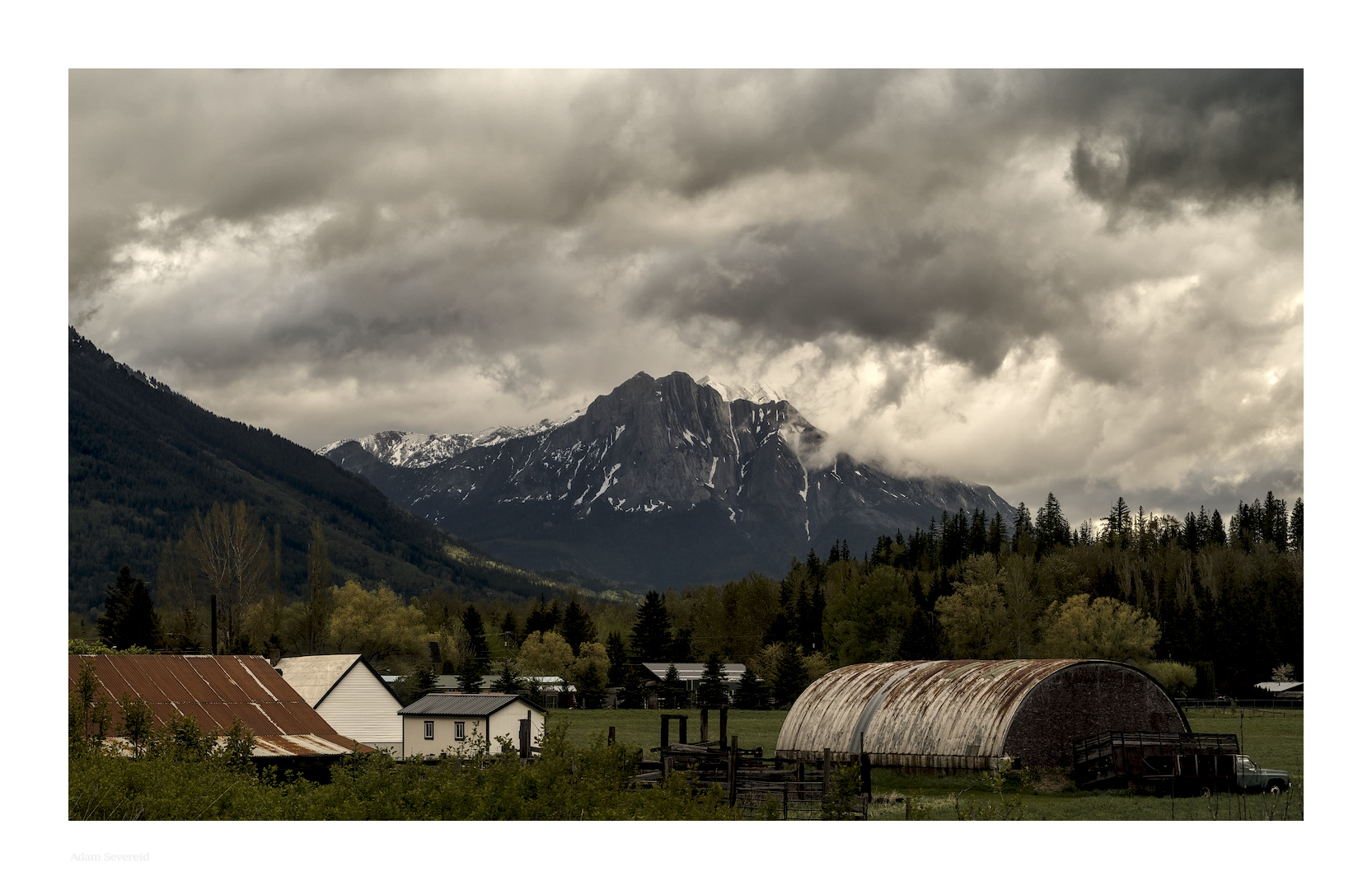
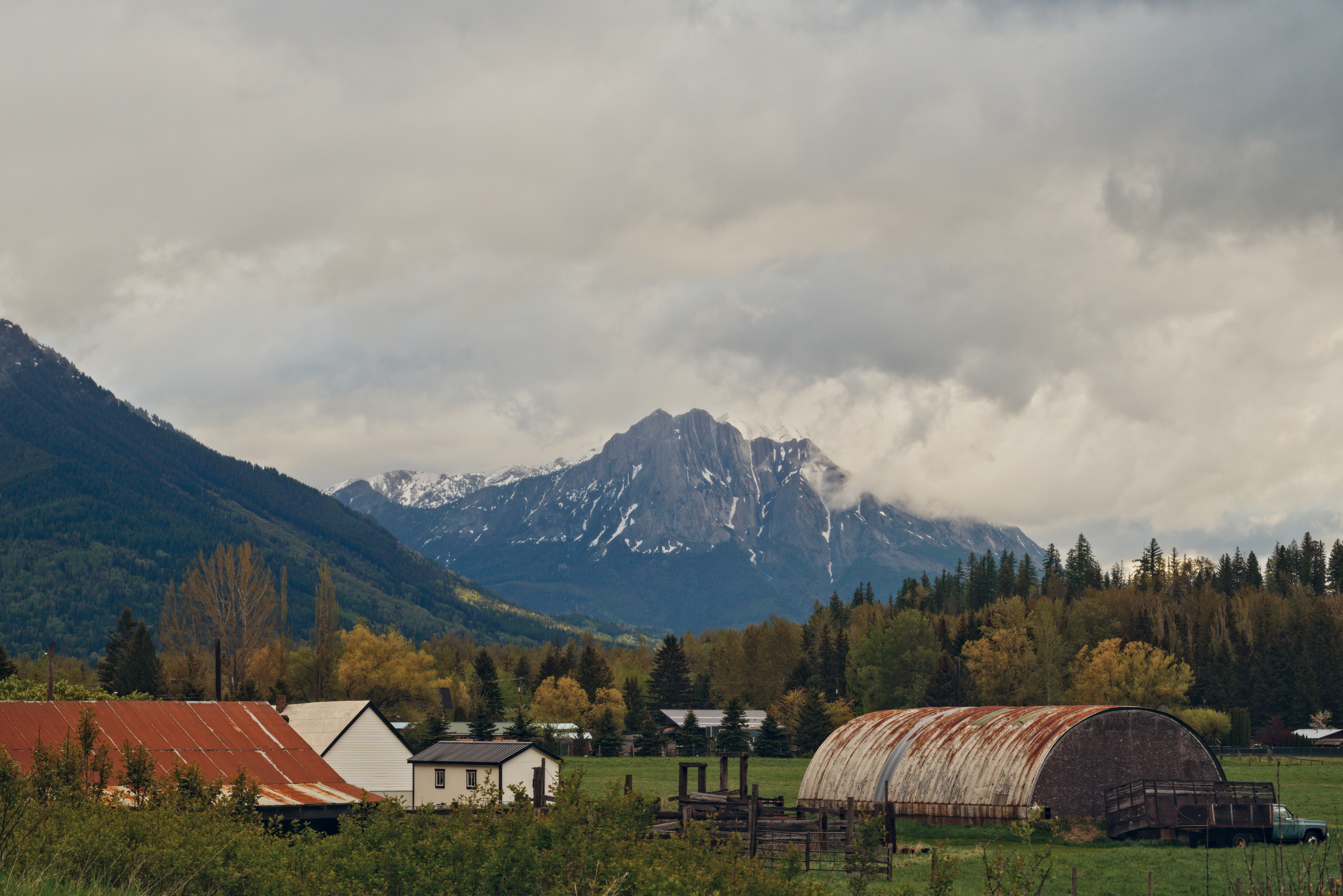
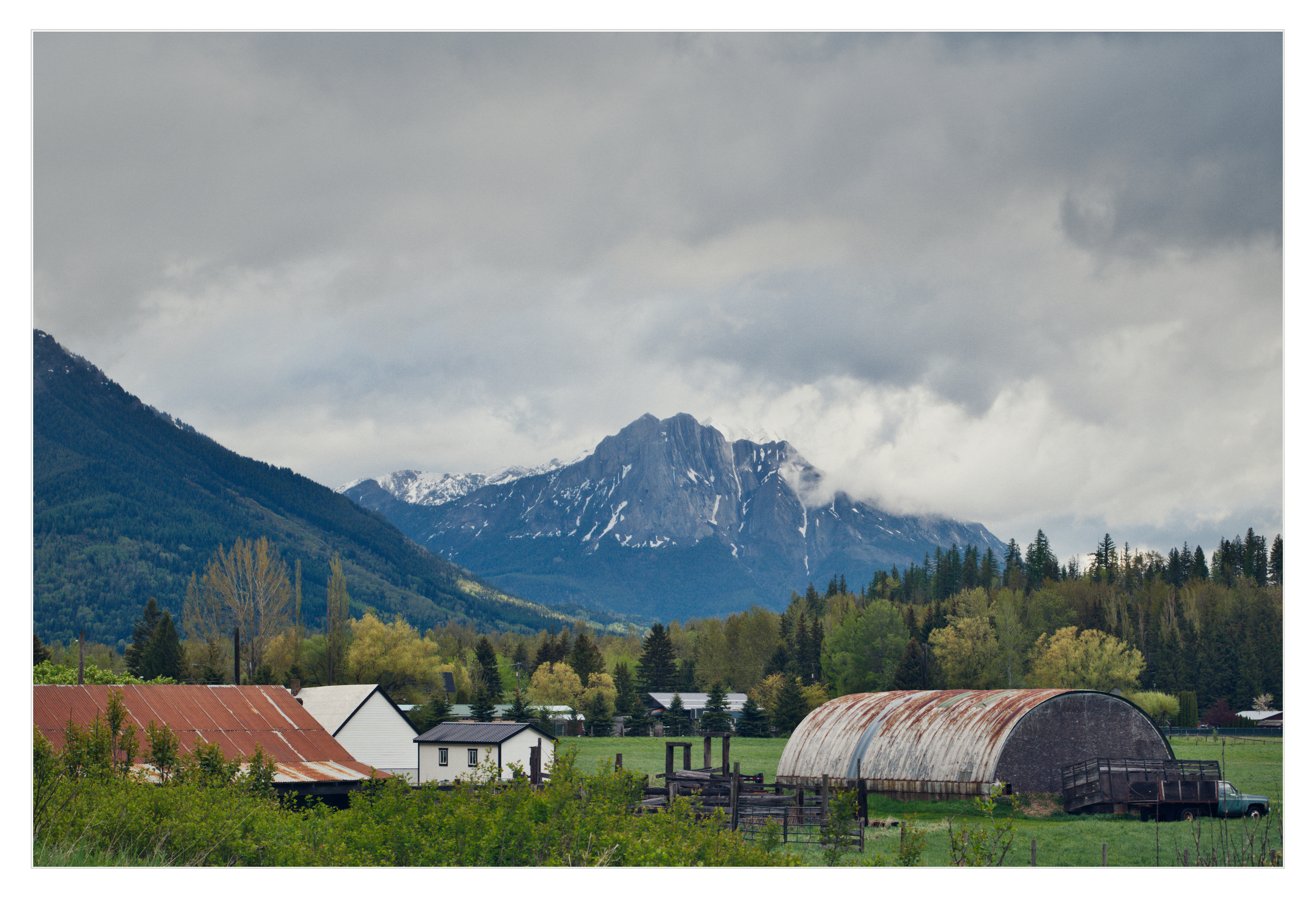
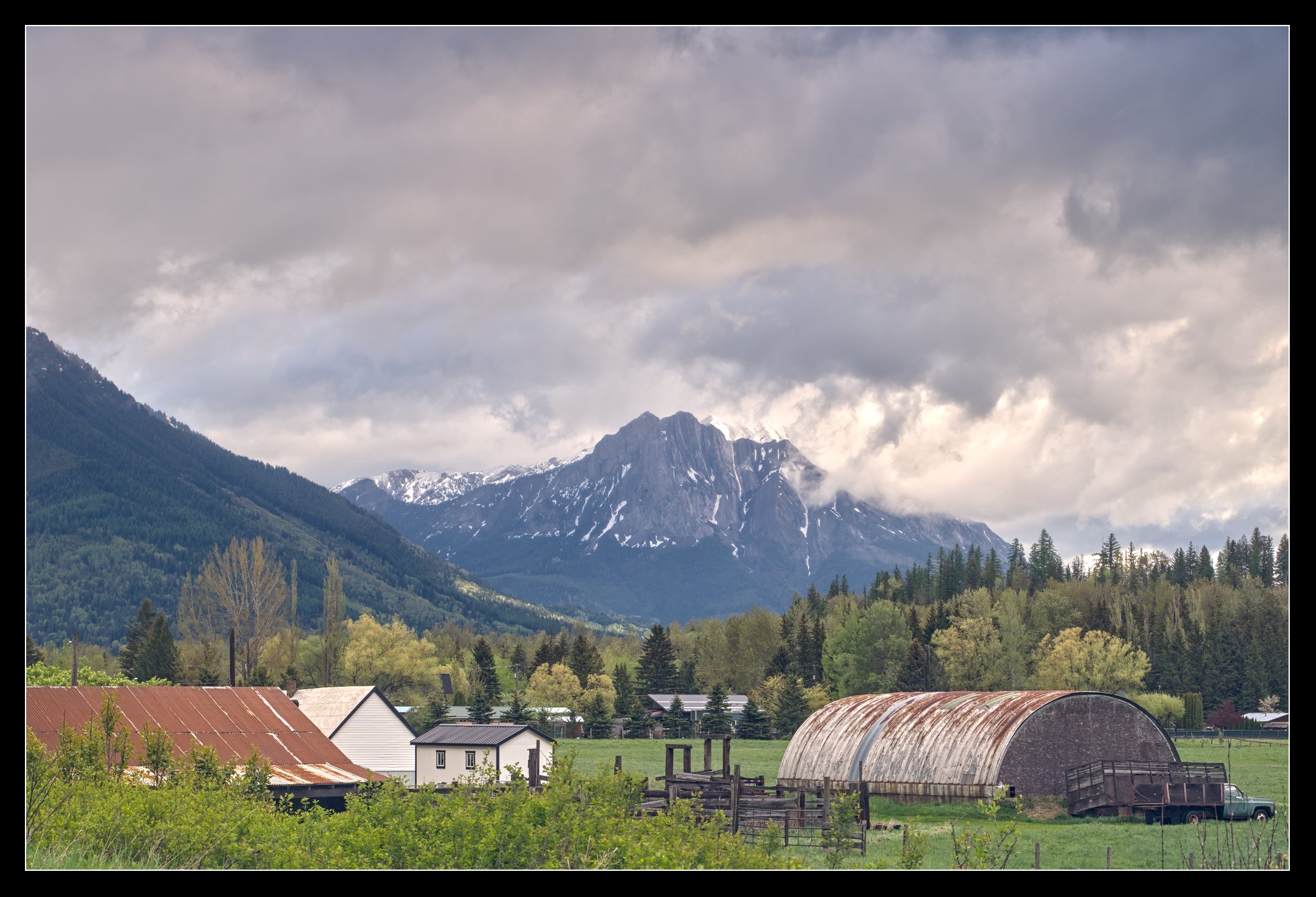
 :
: