Hi all,
I’ve been experimenting with continuum subtraction (my first time doing it) through the python script and also manually applying the pixelmath. My subtracted images have a lot of artifacts left in them, especially around stars, where the PSFs don’t overlap each other identically for whatever reason (seeing, guiding, different filter responses… camera+scope was the same).

When recombined with the RGB that infortunately messes with the stars and even with color correction, they look like they have a bunch of chromatic abberation.
I also have a lot of general noise in my narrowband data, but I’ll put that down to not having enough exposure time.
I’ve even tried on unclipped versions, incase I overexposed star centers. It didn’t make a difference.
If I reduce the scale factor, so the center of the stars are visibly still bright (but might not have star profiles…), starnet++ does a reasonable job removing the stars at that point so it’s somewhat usable. I’m talking a very dramatic reduction in the scale factor (1/3 of what I’d normally use), which obviously results in a much more subtle narrowband highlight in the recomposited image.
But back on the “optimized” scale factor version, starnet++ still leaves the holes, which is not ideal
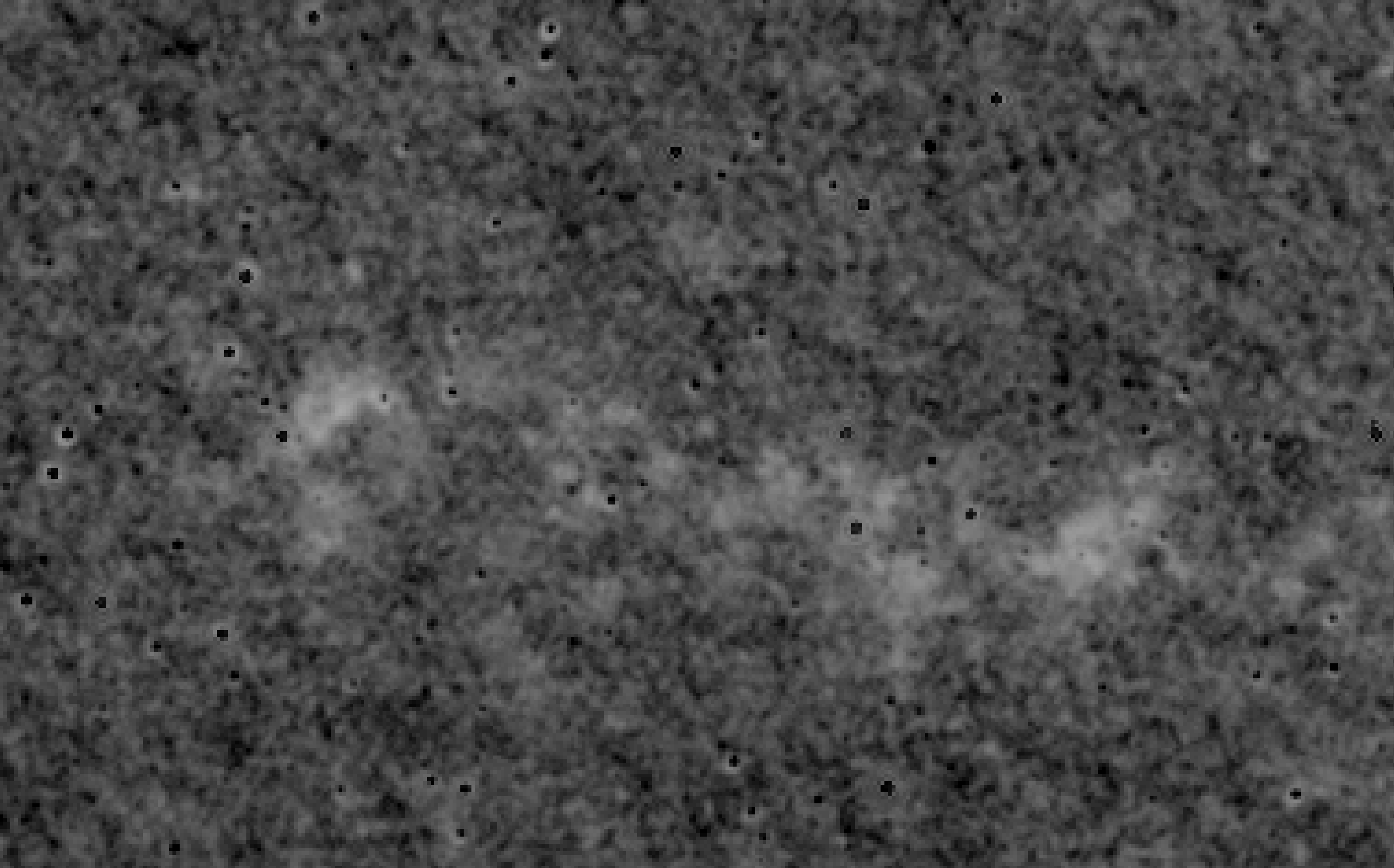
does anybody have any additional techniques, besides creating manual masks, to pave over the artifacts?