I’d like to preface this post by saying that I don’t really know what I’m talking about, I’m by no means technical enough to understand all the details of demosaicing, or how colours all calculated from raw data, so please excuse any “Dunning-Kruger-y” in this post.
Something strange that I notice, and was driving me mad was that seemingly whenever I changed the demosaicing algorithm, my photos would take on a slightly different colour cast.
My I thought that this was some quirk in the algorithms, but I then noticed that what was happening was that I had set white balance to auto temperature correlation.
To investigate, I set the WB manually, then started switching between demosaicing algorithms, and didn’t notice any colour changes between the algorithms, leading me to conclude that it is the temperature correlation calculation changing with different demosaicing algorithms.
For example, when using AMaZE, the image visually has a more “Neutral” feel, and in my opinion, looks pretty good. But when switching to LMMSE, the image has a very distinct green colour cast. This is confirmed by looking at the calculated values in the WB module: The LMMSE image has the tint more towards the green than the AMaZE image. Again, once turning off Auto WB there is no perceivable difference between the two images. While in the example provided I’m showing AMaZE vs LMMSE, there is still a further difference when using RCD+VNG4 vs AMaZE vs LMMSE
I’m mostly curious as to the WHY this is happening. Its not particularly difficult, and probably best practice, to manually select the white balance, when when editing large amounts for photos, such as for a wedding, the auto white balance is usually a pretty good starting point.
AMaZE:
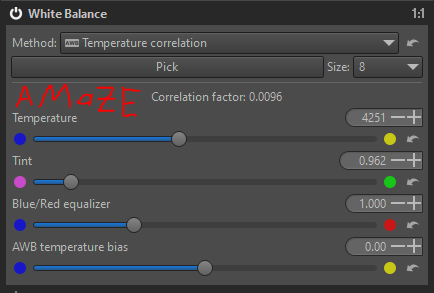
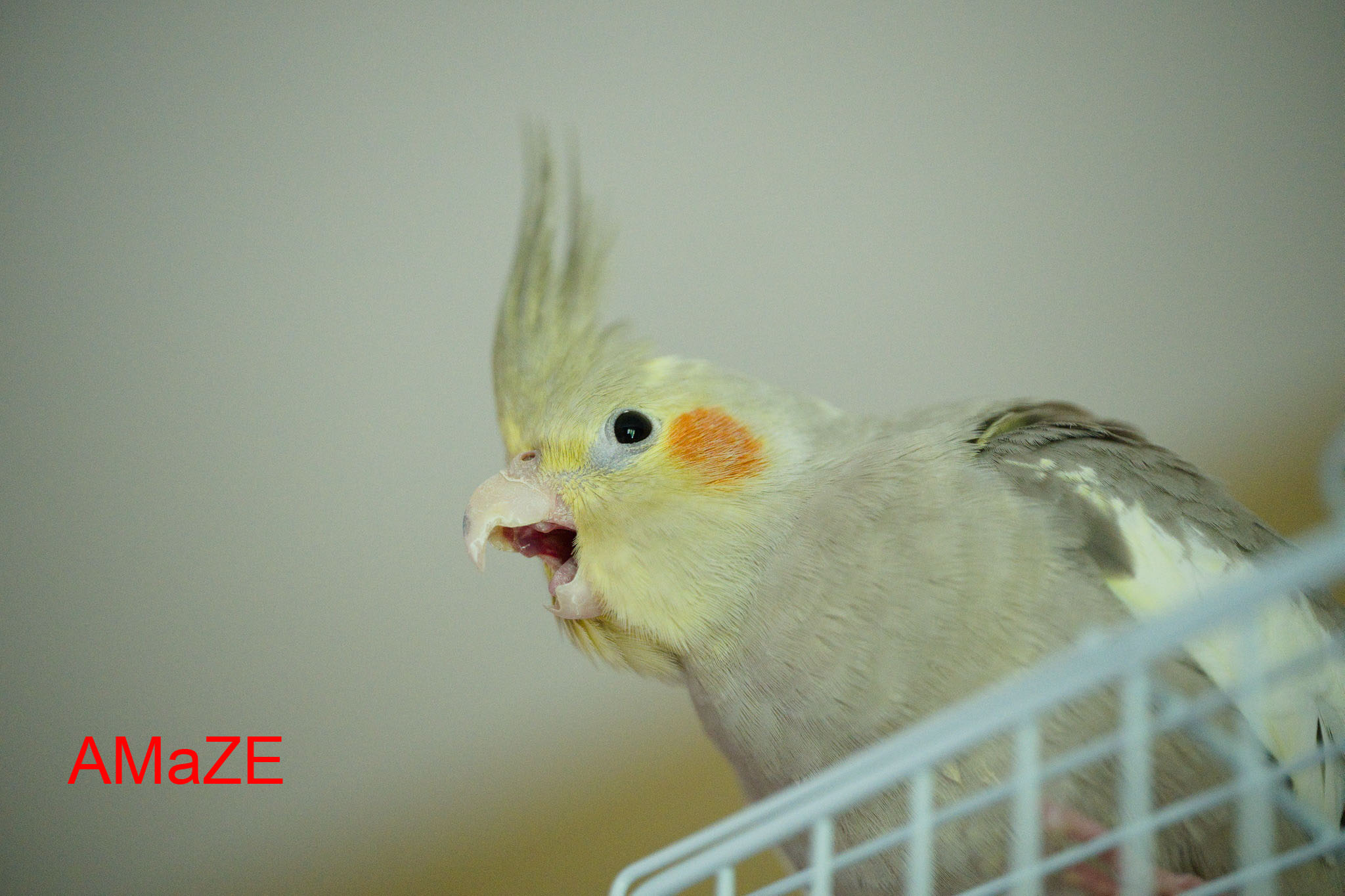
AMaZE_20220916_019327_DSC0750.jpg.out.pp3 (14.3 KB)
LMMSE:

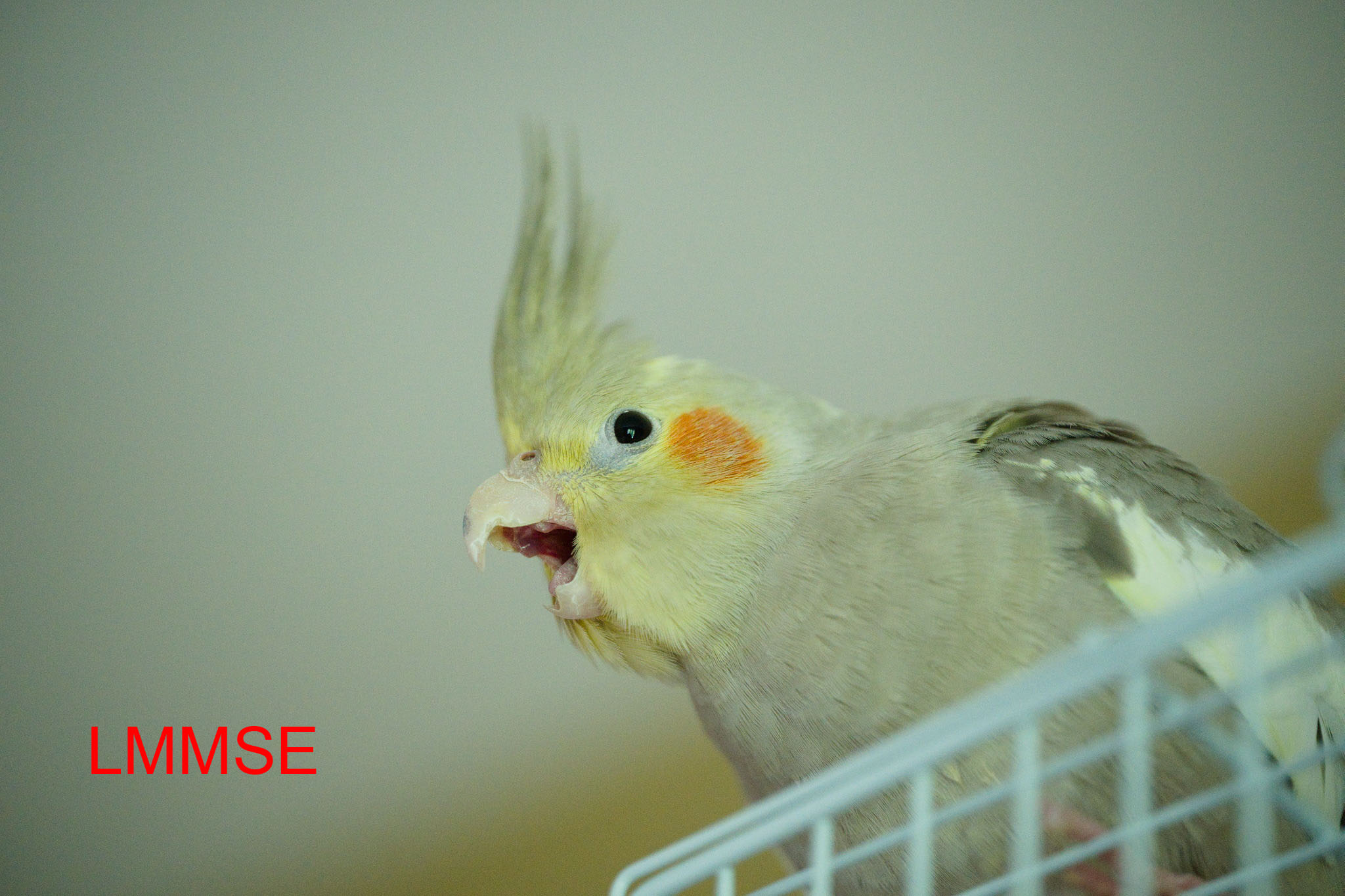
LMMSE_20220916_019327_DSC0750.jpg.out.pp3 (14.3 KB)
raw (DNG) file:
20220916_019327_DSC0750.dng (65.4 MB)