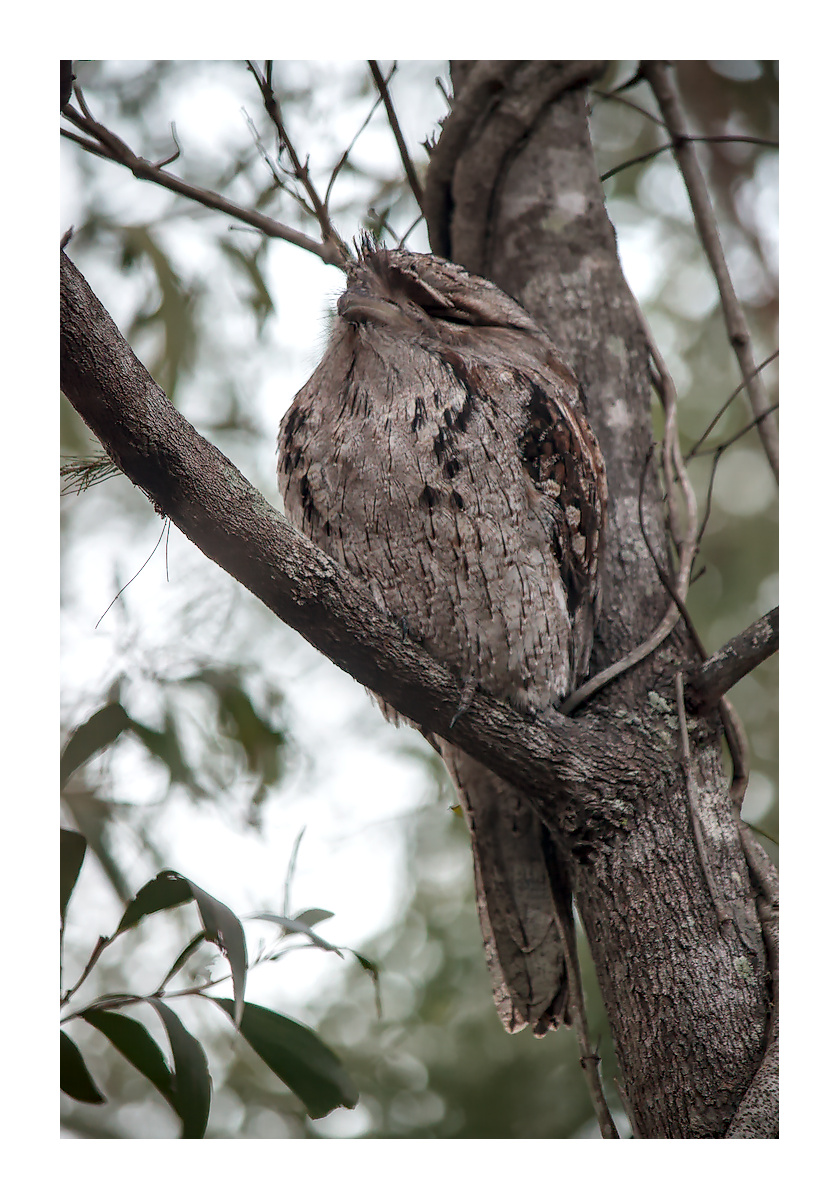
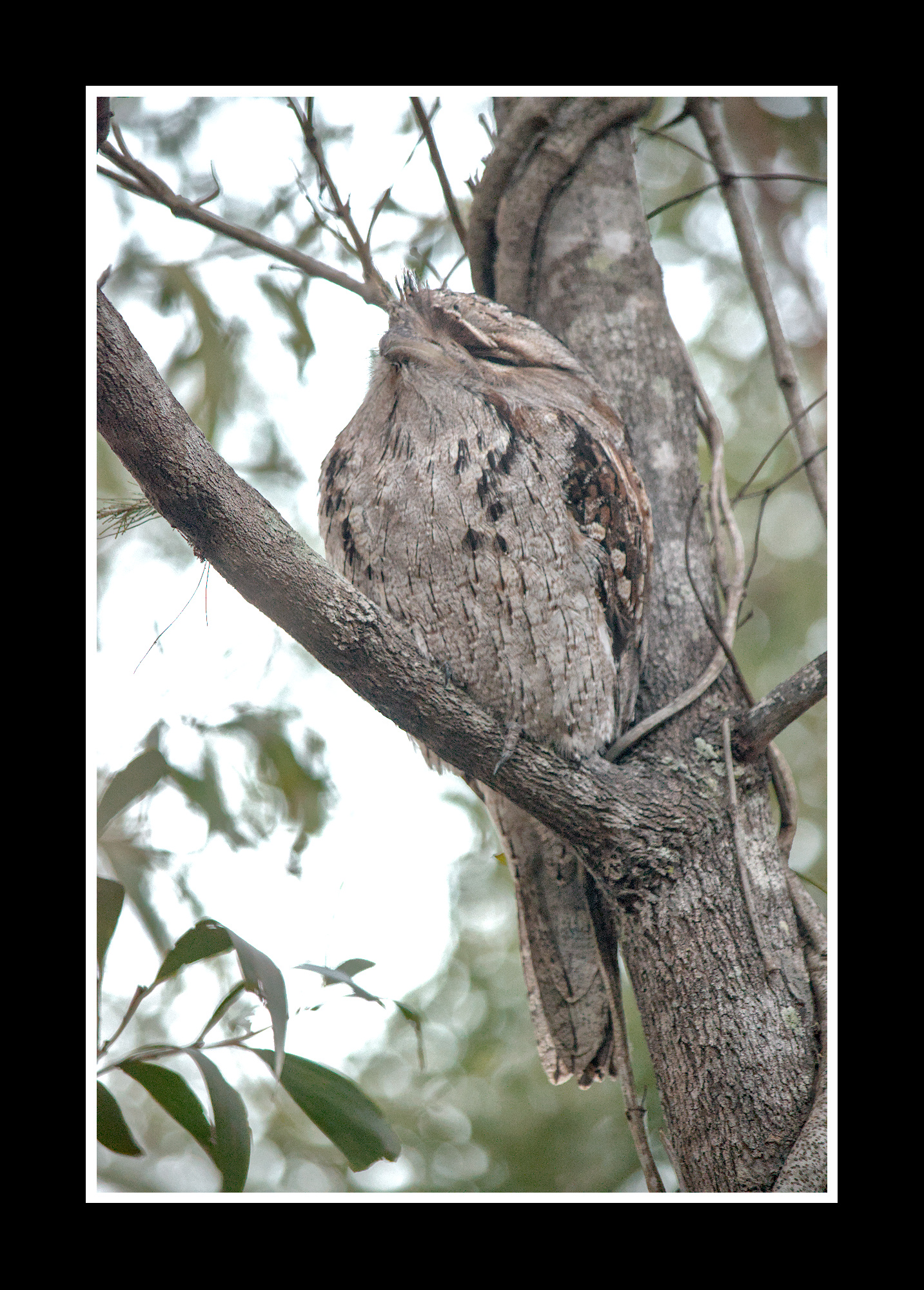
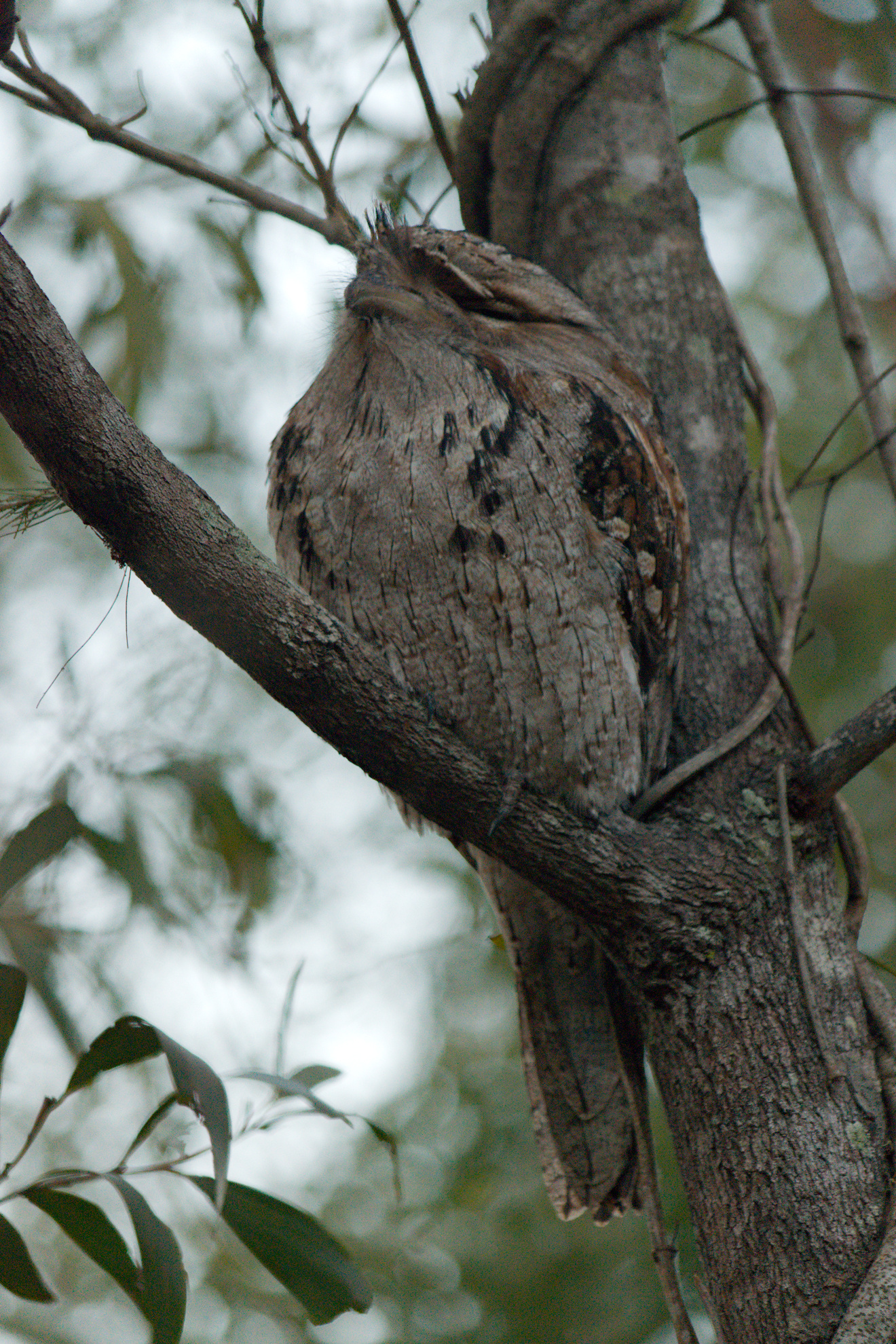
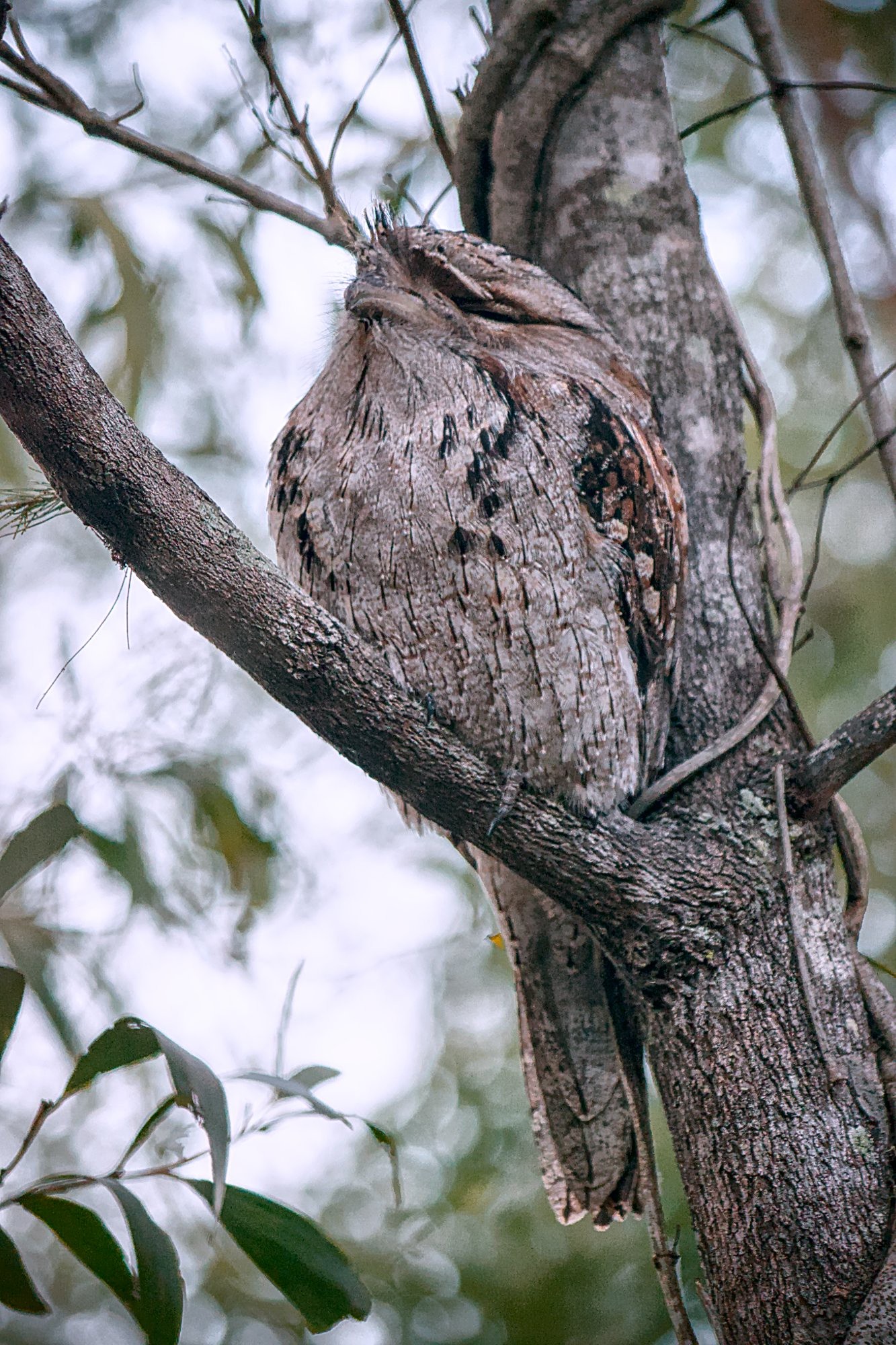
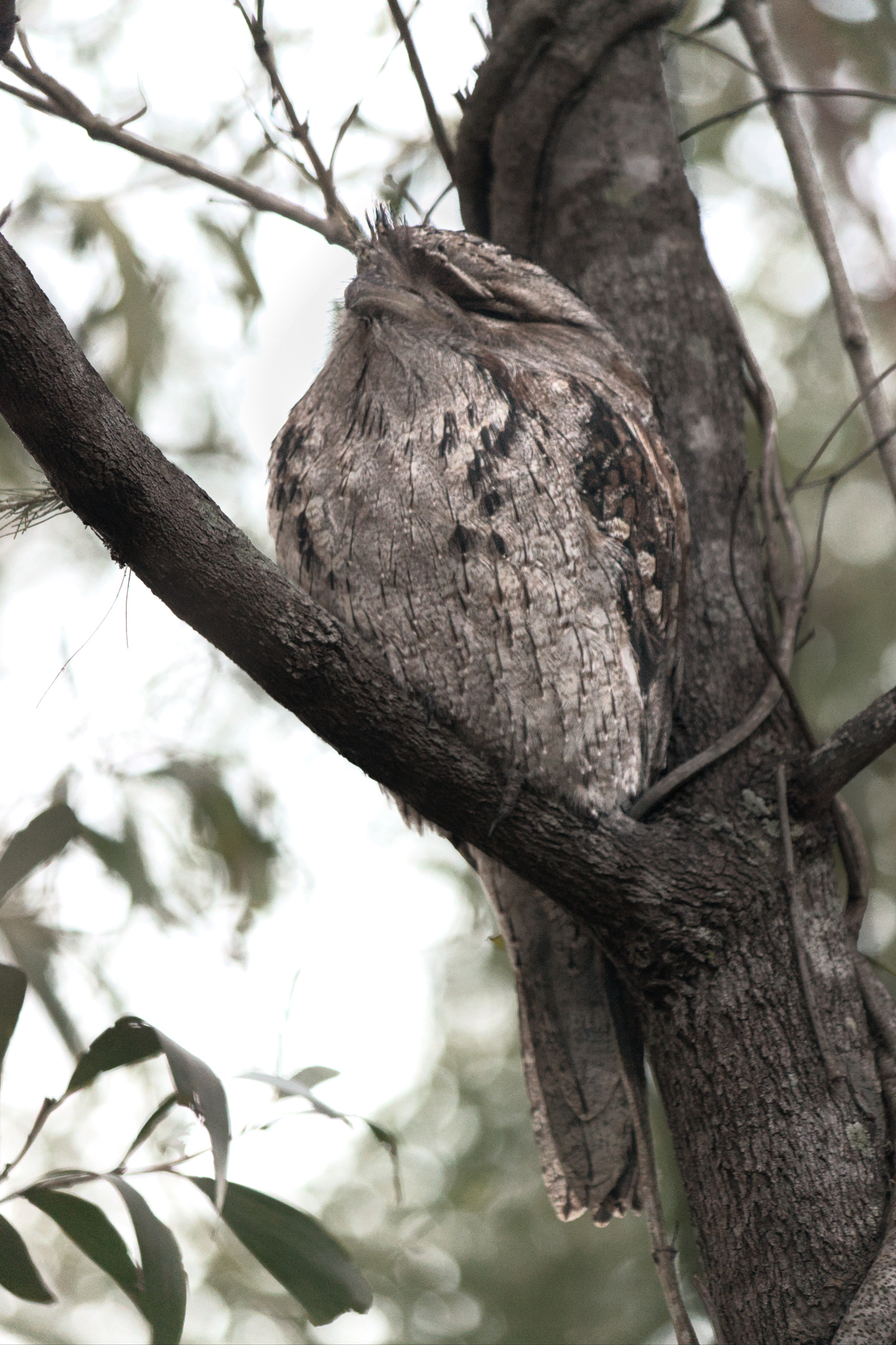
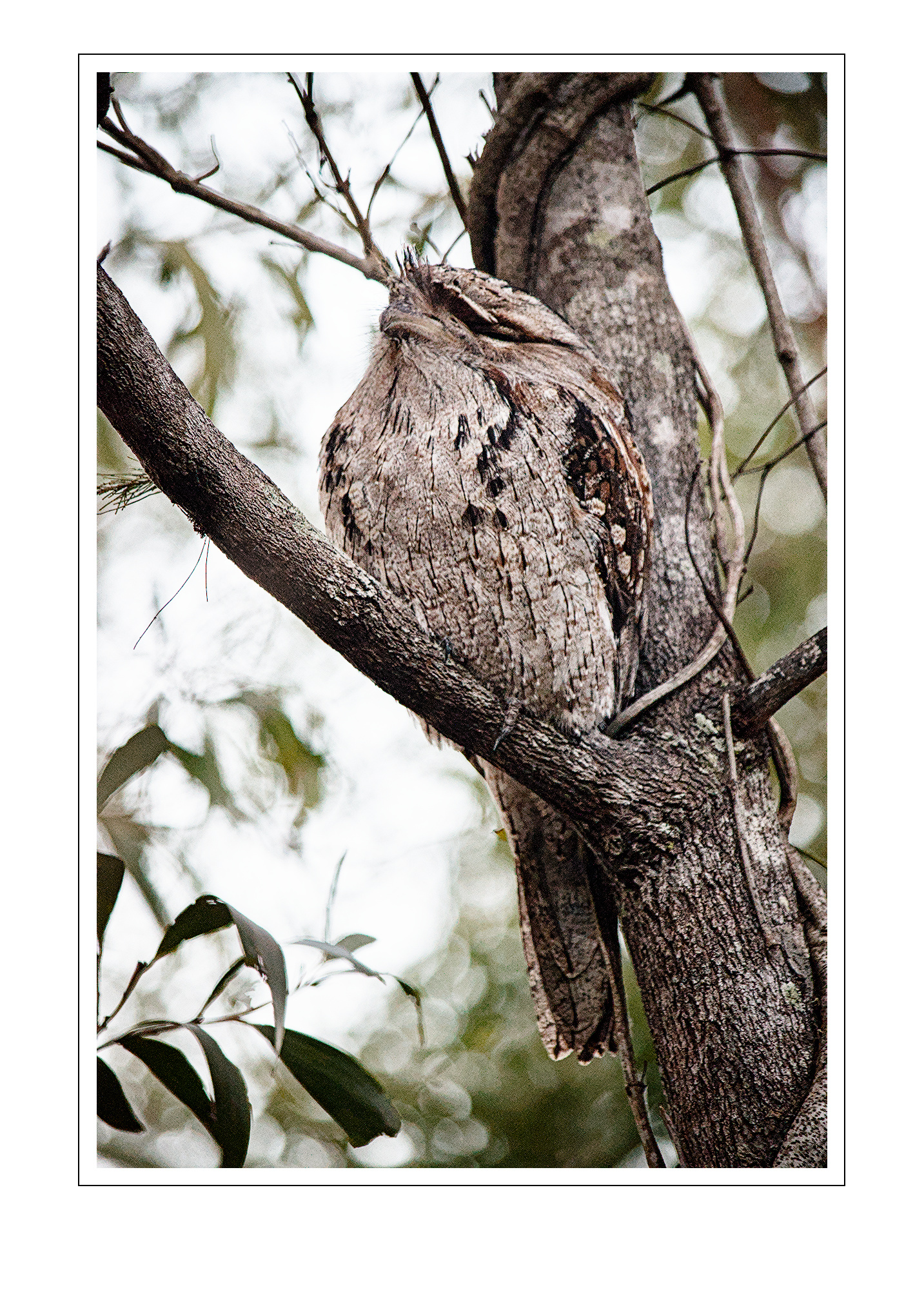
I’m not out capturing at the moment for health reasons. So I have been digging into the past, and it is just a couple of months shy of 10 years since this capture. At the time, the darktable version available to me did not correctly support my Nikon D3300 (colour cast). Now, darktable is vastly improved and this is what I have come up with for this Tawny Frogmouth. (xmp file withheld deliberately).
I’d be delighted to see others’ efforts (need not be darktable), or hear some critique.
You’d need to purge the xmp metadata from the jpeg file as well if you don’t want to share the edit history. Maybe you left it intentional, but this is an often overlooked feature that the exported files per default carry the edit history. You can simply load these instead of the xmp file in lighttable. I personally love this functionality because it adds an extra backup which directly shows the result of the edit.
I hope you don’t mind the possible streisand effect this post might cause, but i really think it’s a feature which deserves some awareness.
Hi Martin, I hope your health improves soon. Here is my version with DT. I lightened around the eyes a little and tried to increase the colourfulness with color zones.
Thank you, all. @Popanz - the colours on the day were muted - an overcast sky and a general green-ish cast from the foliage. Your second version is probably less true to the original scene, but more appealing to the eye @Thomas_Do - thanks for the compliment! I like the punchy contrast of yours!
Saw this thread come up in the summary email and thought “hey, why not?” So, here’s where I got the image to in DT using my usual workflow for my wildlife shots. It could be warmed up a tad more, but you stated that it was from quite a cool day, so I left it fairly cool.