Yes. Even 10 is a double, but 10.647 is not a integer. So, integer is a smaller subset of double. At least in context of G’MIC because it’s pretty much double within evaluation of math, but float for pixel values.
I see. Sorry about that, just english/french translation not registering correctly in my head.
I’ll keep that in mind and clean the floor with v next time 
Right, but note that int(u(100)) may return 100 (with a very low probability compared to other numbers), which is a problem since not all numbers have the same probability of appearance.
While v(100) ensures that all integers in [0,100] are equiprobable.
When implementing the function v(), I realized that having a random generator that is able to generate equiprobable integers in a specified range is indeed a quite tricky task (and the corresponding code is not as simple as u(), which explain the timing difference!).
1 Like
Is this the thing? I’m only used to ints or floats.
@David_Tschumperle On another subject, i asked the question in a previous post : Is there any reason why there is no hex pattern option for spline?
I wish there was one for the “chaos pattern”.
Yes, it’s that. G’MIC uses doubles only within math parser. When I say int in context of G’MIC, I refer to all integer numbers permitted under double. Output of your images are in float, not double. It might not be important for you to know this, but it’s something you should keep in mind when tracking down bugs in more advanced filters.
Some real world use cases of knowing this:
- rep_bin2dec
This command is essentially BIGBIN to BIGINT conversion (It’s possible to convert 90000+ binary to decimal with this). As images pixels are only in float, that’s the reason I used base 10M as 16777216(?) is the largest representable float without skipping and the next one would be 2 greater than one. And double-based multiplication allows me to overflow over float and use it to output over float.
- rep_find_factors_of
The only reliable way to output doubles here is to use set while in the math parser as you’re not copying from pixel values
You know what ?
It was this exact phrase that made me want to play with lines and contours in G’MIC again. And after much experimentation on the subject, I’m happy to announce that I’ve managed to make a fun new filter, added to the G’MIC-Qt plug-in 
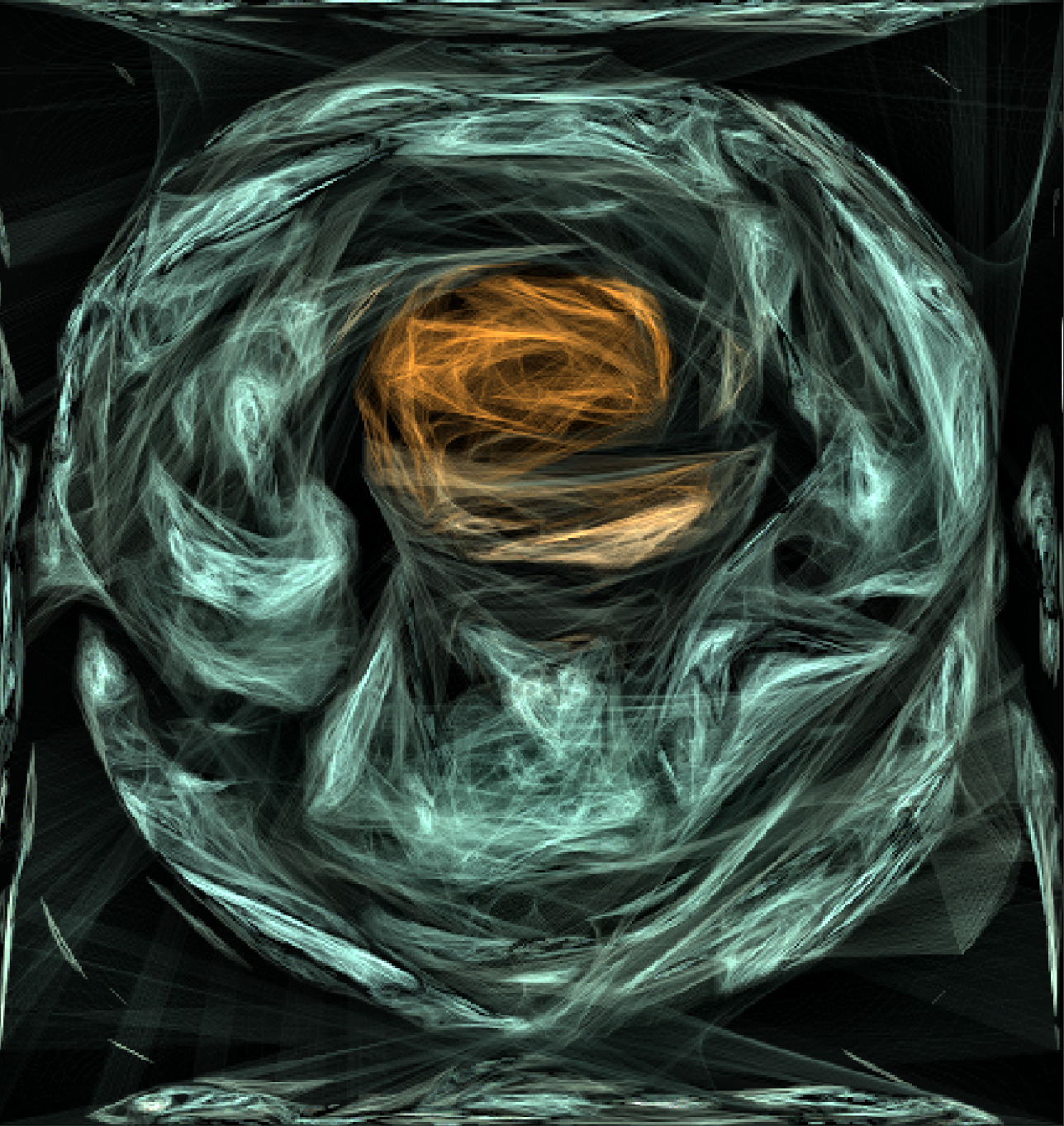
The Artistic / Stringify filter transforms an image into a set of colored lines. And what’s more, it uses the edgels command, which I personally find very cool and which I’m probably the only one to use So, thanks @prawnsushi for giving me this play idea!


And what’s more, it didn’t even take very long to write:
3 Likes
Ah, I wanted to write that one lol. It’s beautiful.
Sad News (with default settings in gmic_qt standalone ) :
[gmic]./fx_stringify/*foreach/*repeat/ *** Error *** Command 'foreach': Invalid selection '[122--1]' (contains index 122, not in range -122...121).
[gmic_qt]./error/ When running command 'debug fx_stringify 2,32,20,1,100,32,20,25,0,0,0,0,0,50,50', this error occurred:
[gmic_qt]./error/ *** Error in ./fx_stringify/*foreach/*repeat/ *** Command 'foreach': Invalid selection '[122--1]' (contains index 122, not in range -122...121).
If i change smoothness to 1 or 5+ it works.
Fixed, thanks!
1 Like
Stringify:
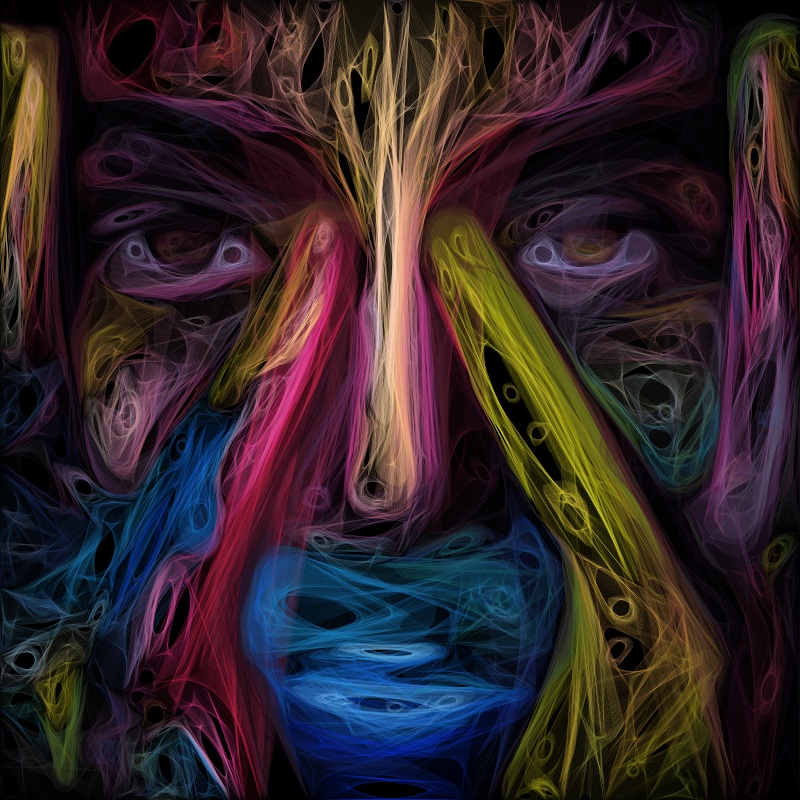
Looks badass
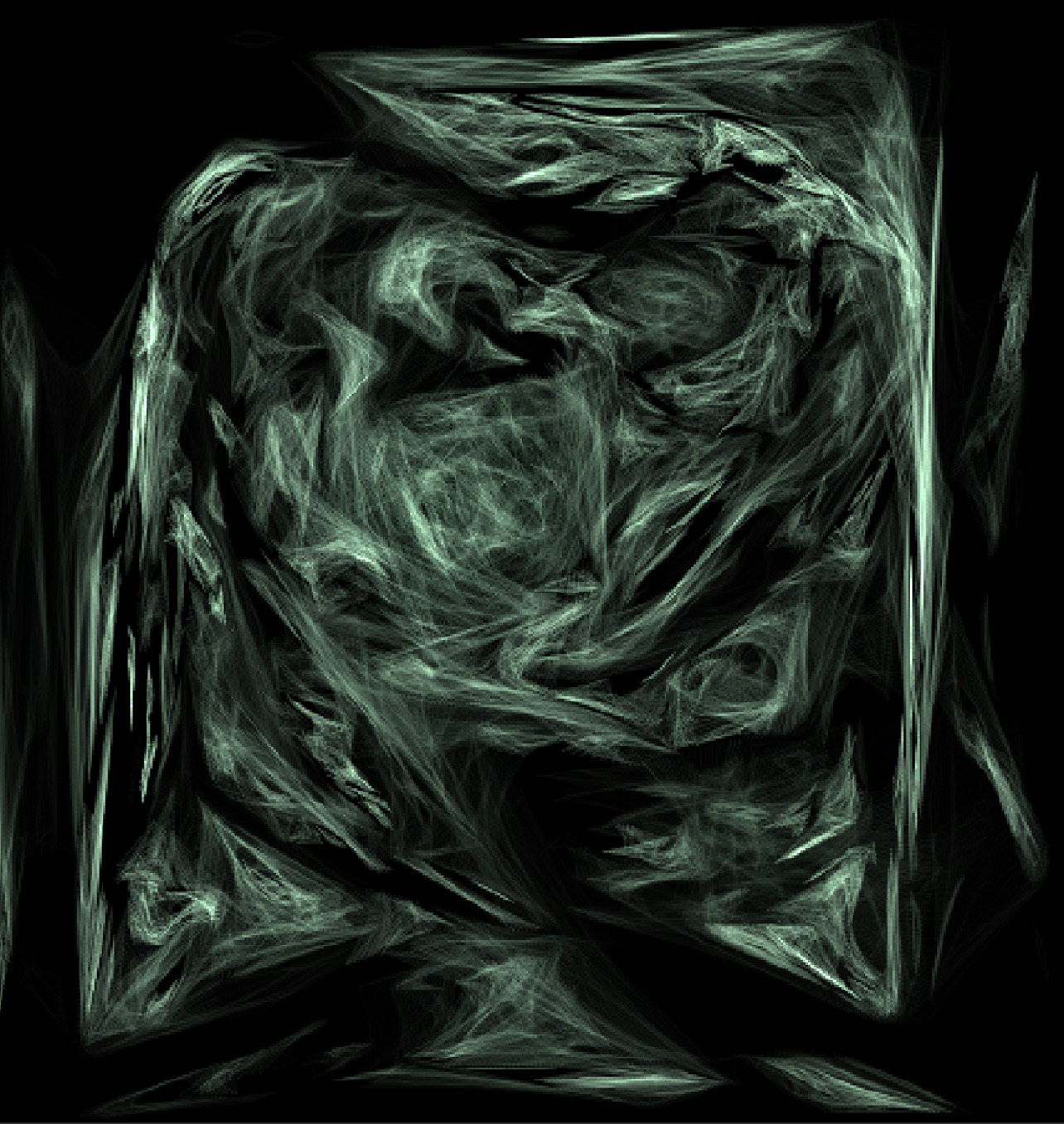
After 10+ applications, Gmicky wasn’t feeling too well. But it looked so smoking cool
4 Likes
Got this error with these settings after moving threshold to 0 :
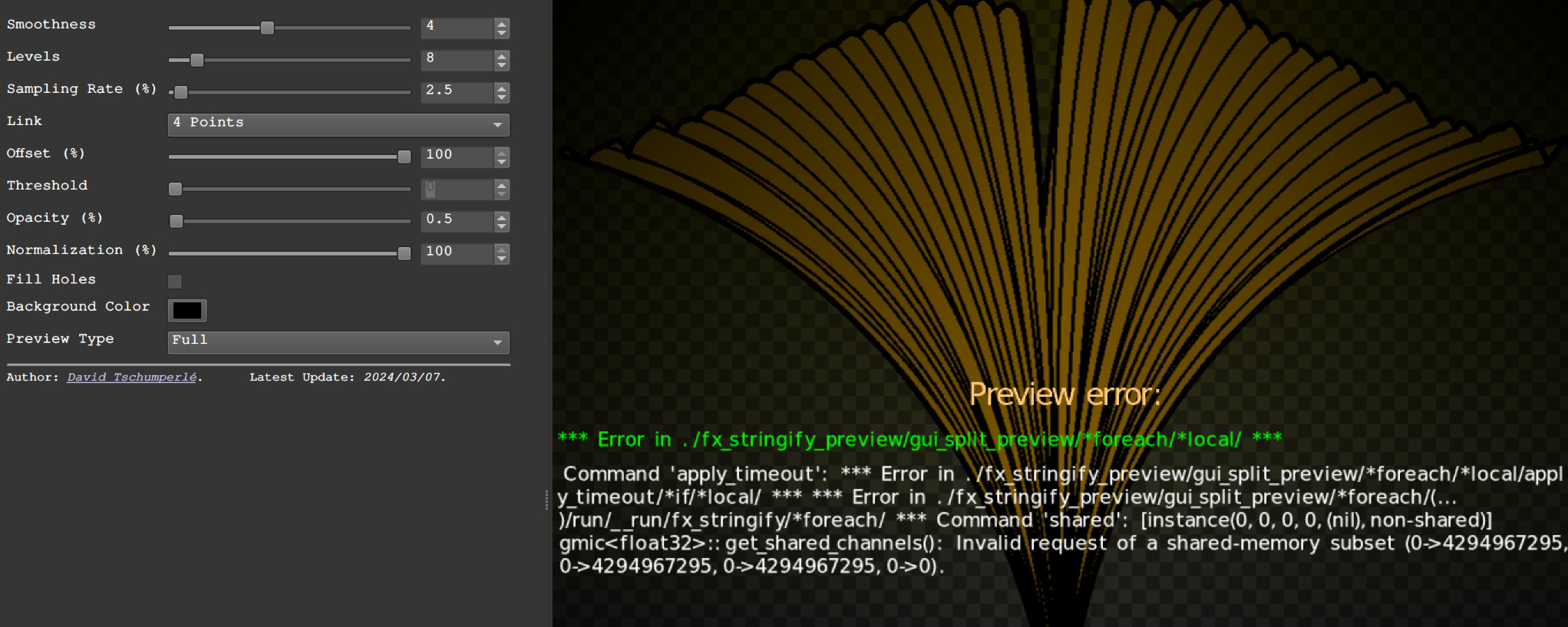
Otherwise it looks cool (even though the black disappeared) :
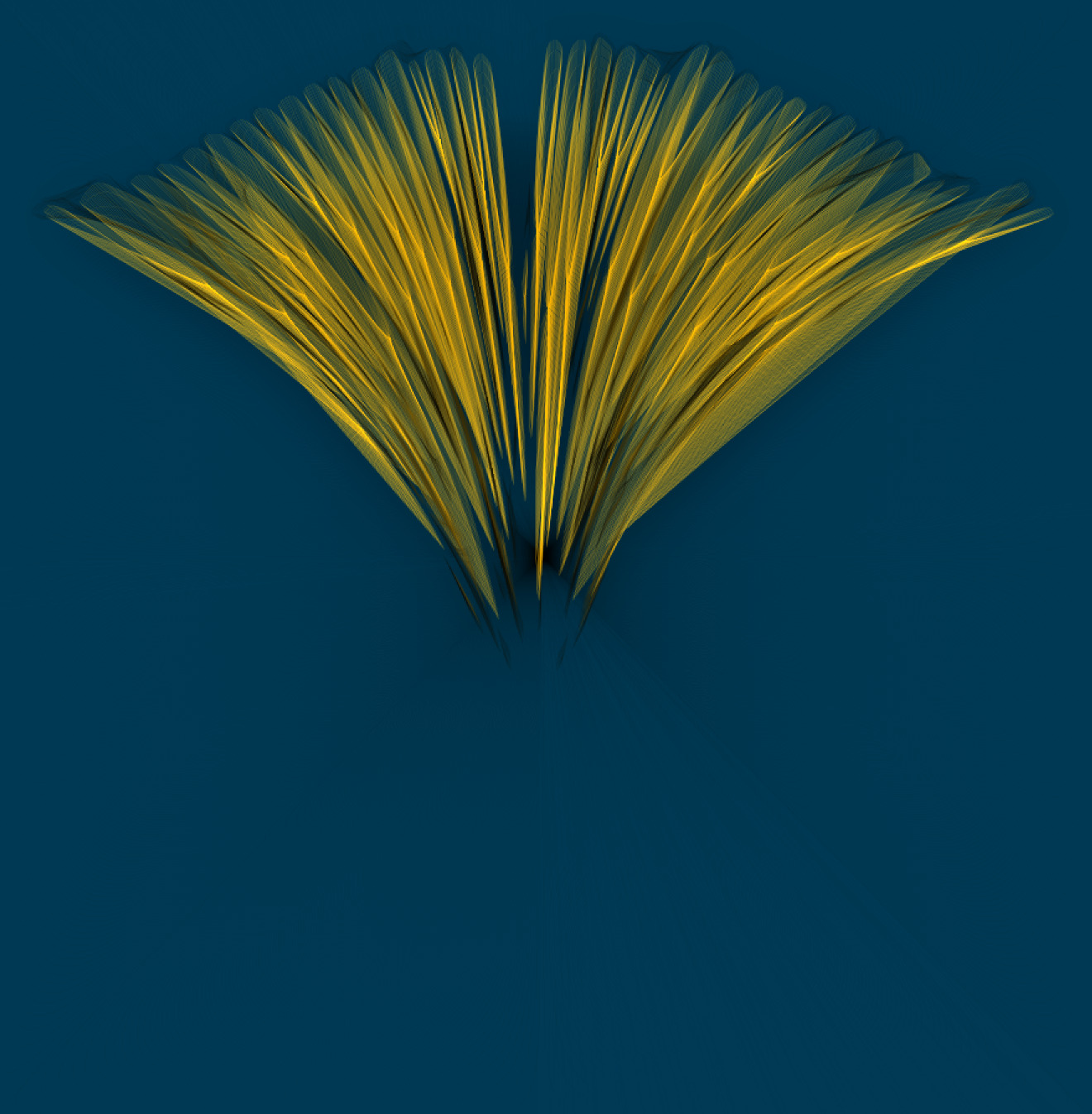
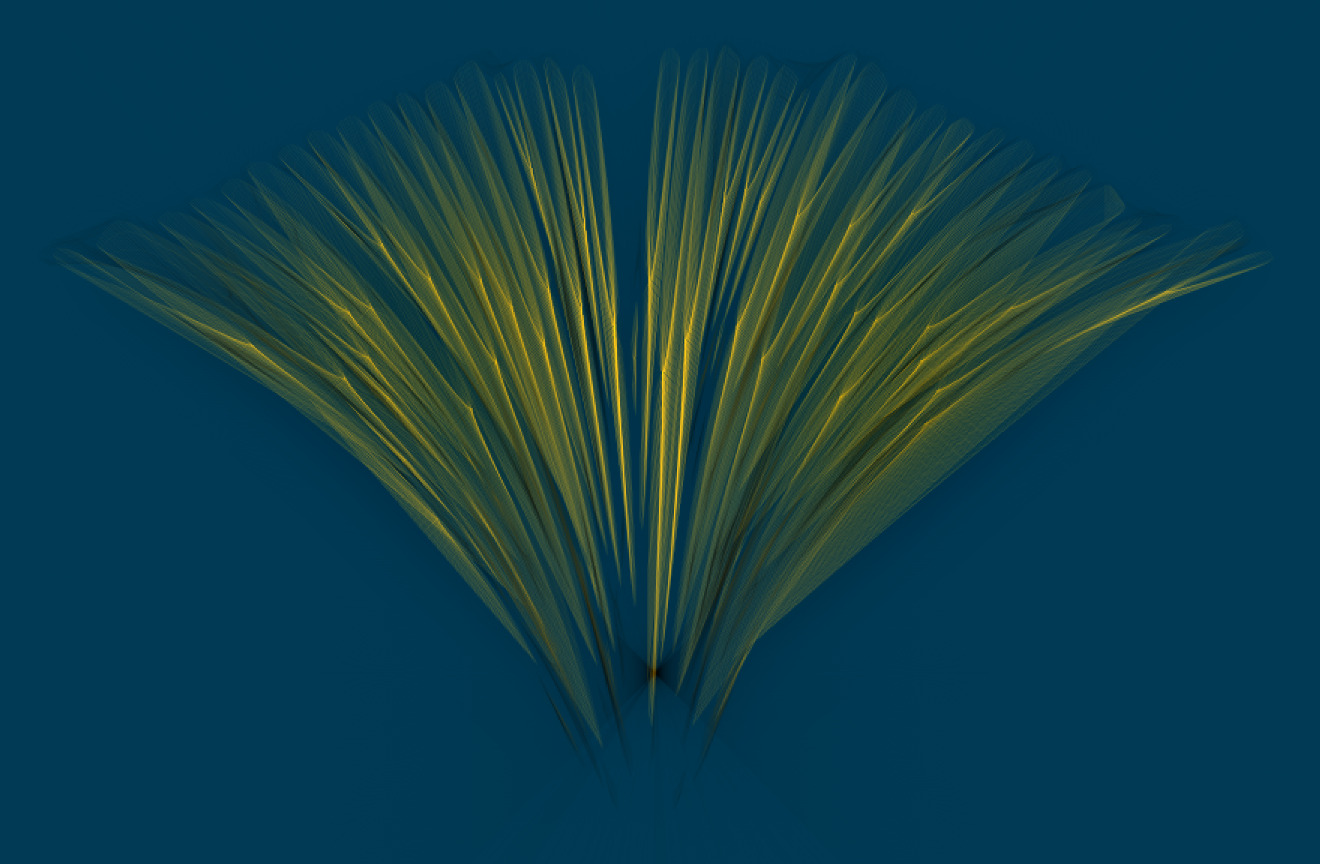
Yes, drawing a spline with a coherent pattern is actually hard to do, and I didn’t really need it, so I didn’t go into it too deeply. It’s not just about drawing consecutive segments with a pattern (doing this won’t work correctly).
Thanks, fixed.
(will be available in a few moment as a filter update).
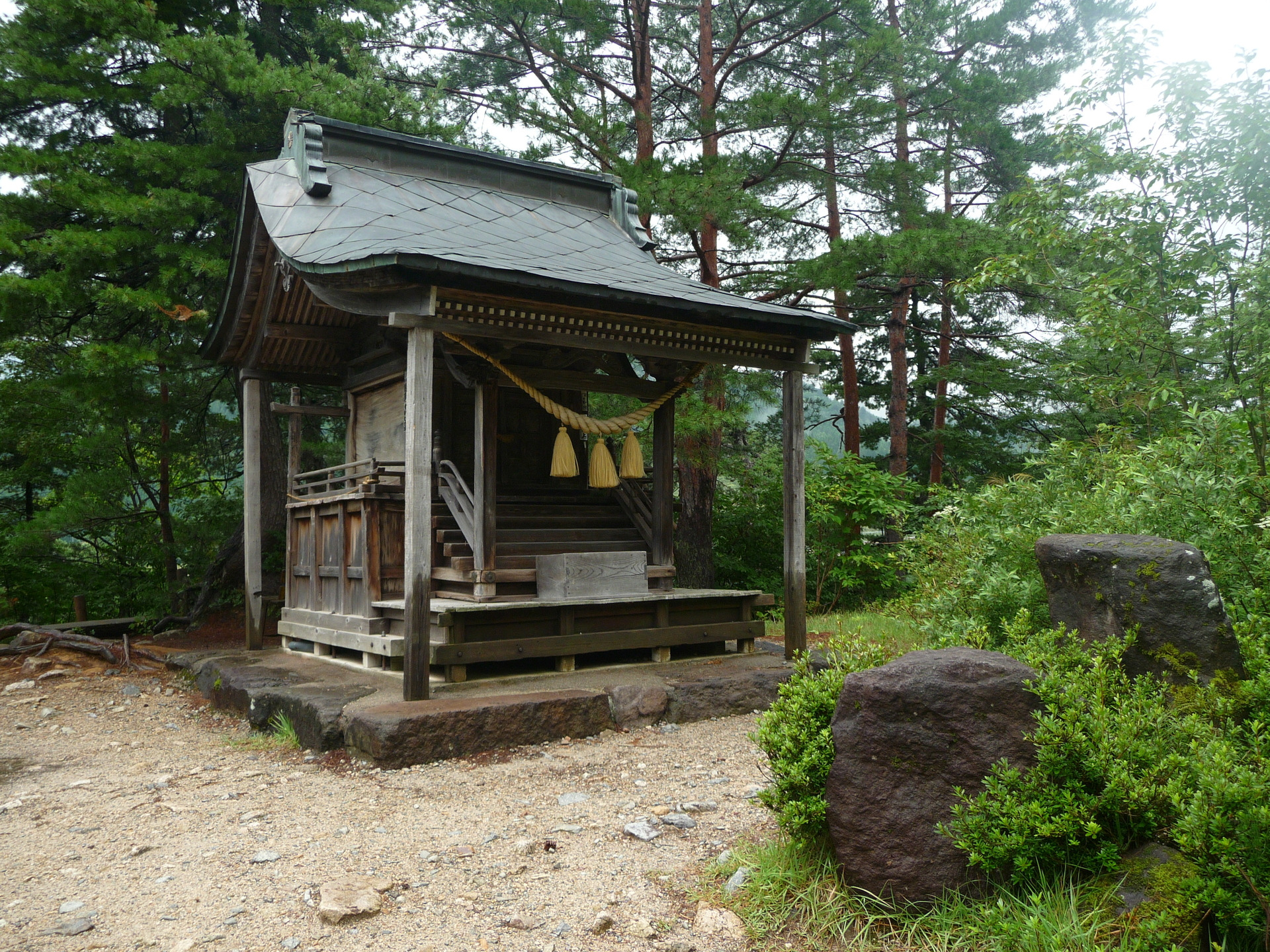
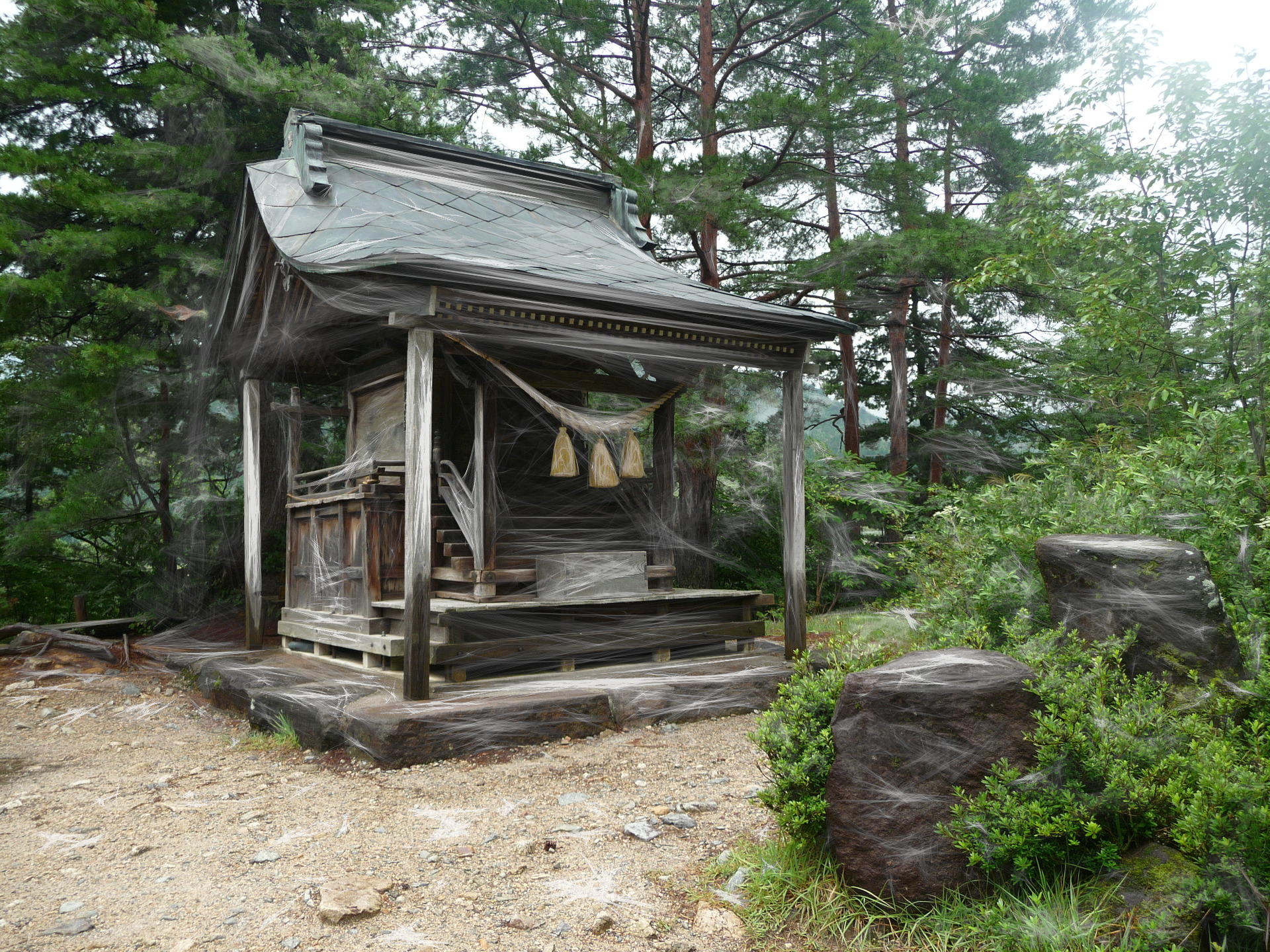
The resize command will “expand” the second image according to the 1st if the second is smaller :
gmic run 'sp tiger,900 sp lena,500 +resize[-1] ..,..,1,3,0,0,0.5,0.5 '
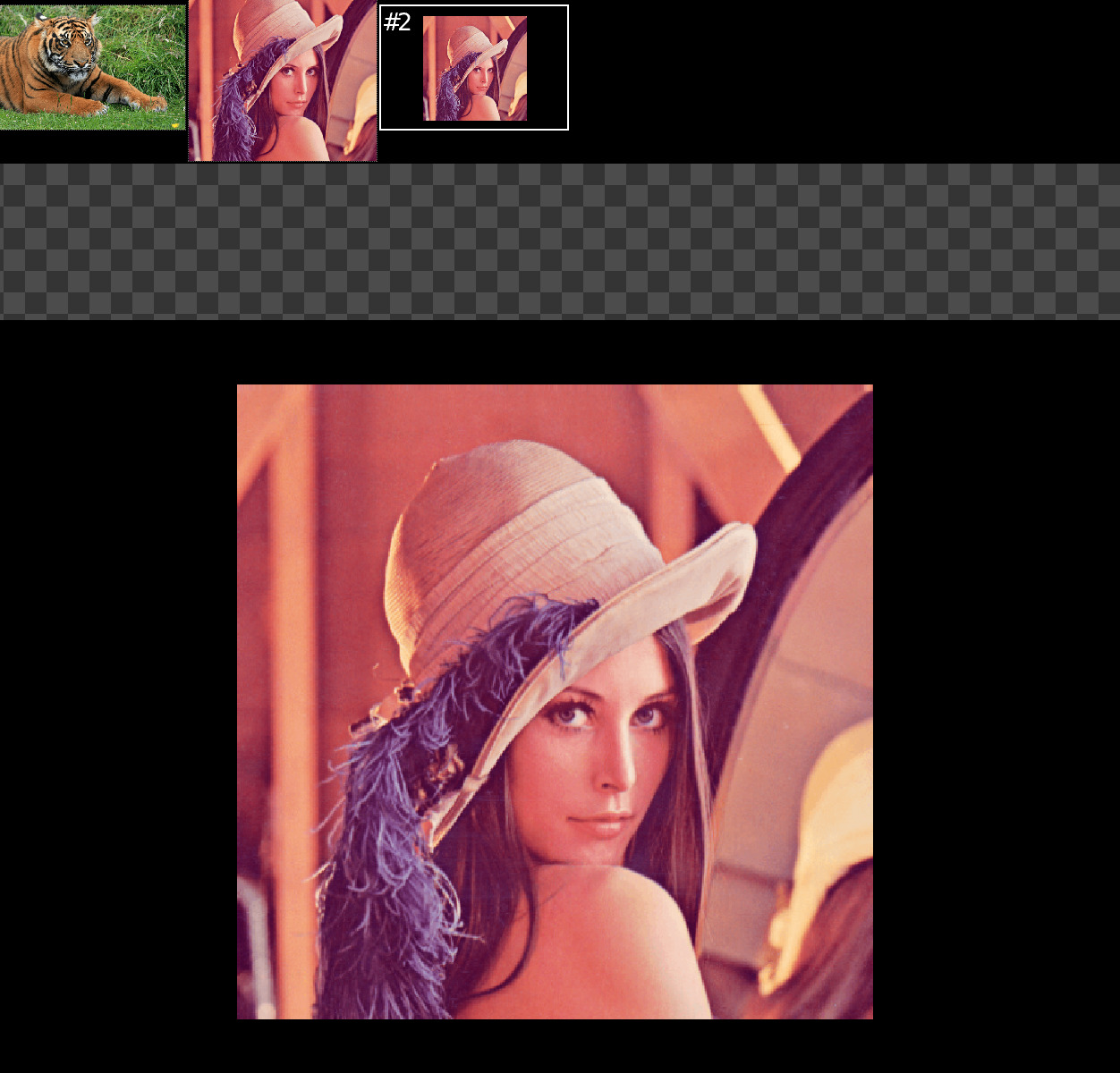
But it will crop it if the height is the same :
gmic run 'sp tiger,512 sp lena,512 +resize[-1] ..,..,1,3,0,0,0.5,0.5 '
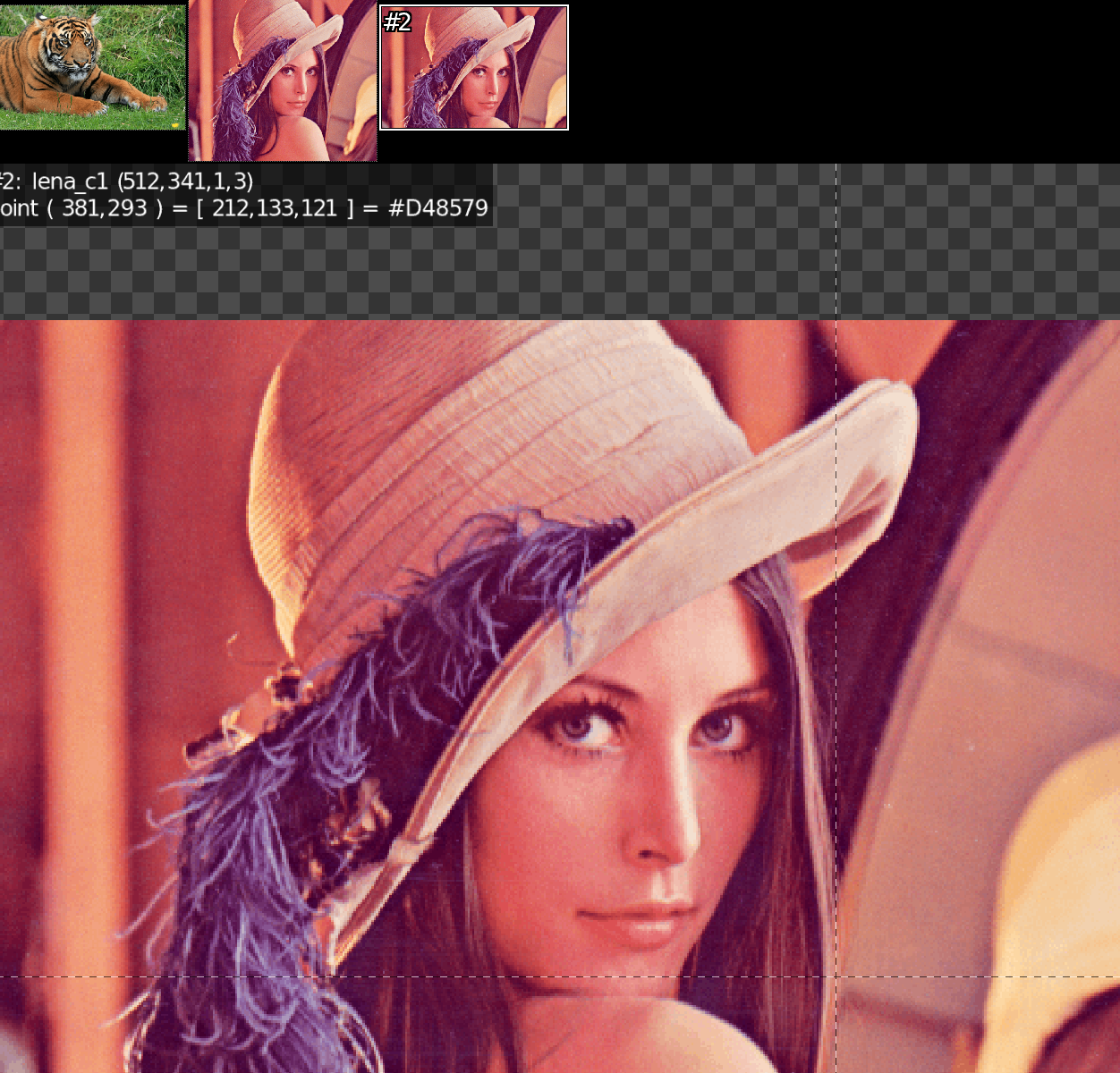
Is there a command which works like expand_xy but will take the size of another image as w or h arguments?
Like +expand_xy[-1] [0],[0]' ?
The second resize works that way because you chose interpolation=0, which means none. If tiger is shorter than lena, lena will be cropped and centred (due to 0.5,0.5). Expand would add padding on all sides, resulting in an output with {[w_1+w_0*2,h_1+h_0*2]} dimensions.
Yes, i was just asking if there was an expand command that would expand to the size of another image, without resizing.
That’s probably not hard to do so i can do it by myself, it’s just that i don’t know if it already exists.
(I tried rescale because there is a padding mode, but it also resizes.)
Expand the size without resizing ? How is this possible ? 
Without resizing the original content. lol.
It’s just that i think resizing (zooming?) and expanding (framing?) are different things 
No, actually the expand_xy is just a call to the resize function, with interpolation=0:
#@cli expand_xy : size>=0,_boundary_conditions={ 0:dirichlet | 1:neumann | 2:periodic | 3:mirror }
#@cli : Expand selected images along the xy-axes.
#@cli : Default value: 'boundary_conditions=0'.
#@cli : $ image.jpg expand_xy 30,0
expand_xy : check "$1>=0 && ${2=0}>=0 && $2<=3"
  e[^-1] "Expand image$? along the xy-axes with size $1 and "${"arg0 $2,dirichlet,neumann,periodic,mirror"}"
          boundary conditions."
  foreach { r {[w,h]+2*$1},100%,100%,0,$2,0.5,0.5,0.5 }
1 Like
I see, no wonder i get the same results then!
I’ll try to make my own little expand_to_img command. Just for fun I don’t really need it, but who knows?
Another quick question :
rotate 30,2,1,50%,50%
Could you tell me what the 50%,50% params actually do for rotate? Because in my case it sometimes crop the image content.
Without them, it doesn’t crop.
I thought it was just to define the rotation point?