In the Lighttable, skull images keep appearing, but when I click on them, the photos open normally. How can I fix this?
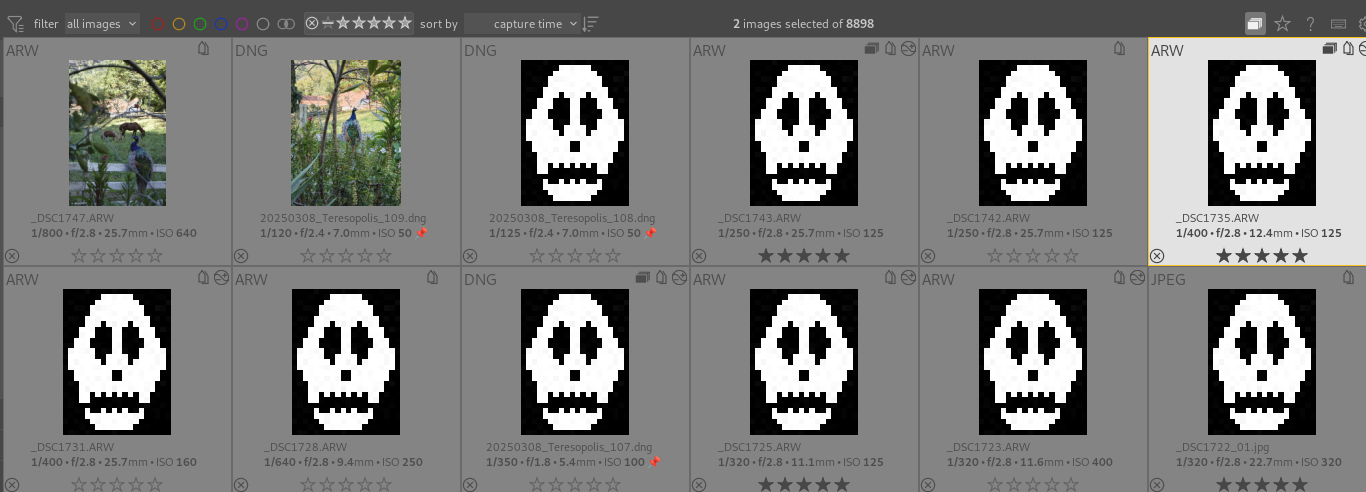
Close darktable, open a terminal and run darktable-generate-cache.
2 Likes
If it keeps happening, where are your images stored? Your database? What OS? What version of dt?
1 Like
Or is it possible that in the settings (“lighttable” page) “enable disk cache for thumbnails” is unchecked? In that case, darktable must regenerate the thumbnails at every run…
1 Like
Yes, it is still happening.
- The images are on my SSD.
- Linux system (Fedora)
- Darktable version 5.2
Thank you very much!! I think that was it. It’s already working!