Worked with Adobe Photoshop Elements 2.0 since forever
Because it did everything I needed
Because I found it mostly intuitive and not with a steep learning curve
Will nearly always gravitate to a program or something obviously based on KISS
NOW:
Elements is way past Adobe’s support time
Adobe wants to require everyone to move Cloud-based subscription(s); not interested
Similar to Photoshop 2023, even the interface for Photoshop Elements presently being offered has been designed to offer a myriad of options – most of which, in my world, have no bearing on my purposes for using Elements
www.searched for alternatives, and decided to give GIMP a try
THE ISSUE
First thing noticed: Unnecessary key strokes (which I use predominantly vs the mouse and the wasted motion of going back-and-forth); for example, Elements 2.0 would open directly to the workspace; if one wanted to use NEW or OPEN, that was just a click or one-or-two keystrokes away; might be a good exercise for developers to see what are the least and simplest amount of keystrokes a action takes
Second: PRINT SCREEN saves the image to the clipboard; going to Elements, one could merely Paste that onto the work area and get on with it; GIMP does not have that capability – at least that I’m aware of presently
That’s it for today. Thank you for any information – appreciated
Gimp is not PS… Some things are different, a Gimp user is also lost in an Adobe product. As someone said, the problem isn’t to learn Gimp but to unlearn Adobe.
You can use Edit > Keyboard shortcuts to redefine plenty of shortcuts to start tools/actions/filters (however, inside tools, keystrokes are hard-wired).
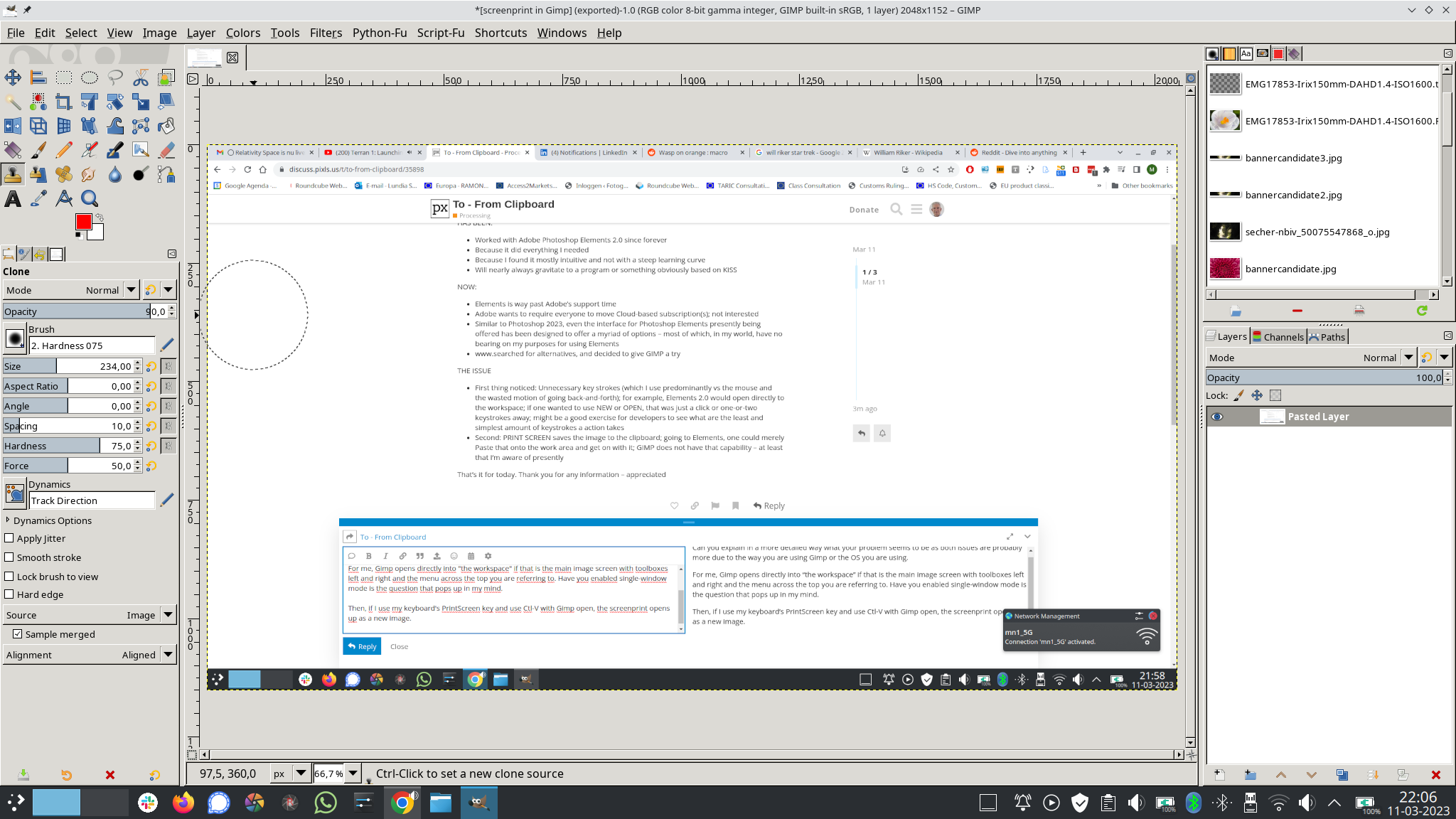
If your PrintScreen puts something in the clipboard then in Gimp you can use one of the Edit > Paste * variants (so Ctrl-V for the default one) to include this in the current image) or File > Create >From clipboard (for a new image). Gimp also has its own built-in ScreenShooter (File > Create > Screenshot).
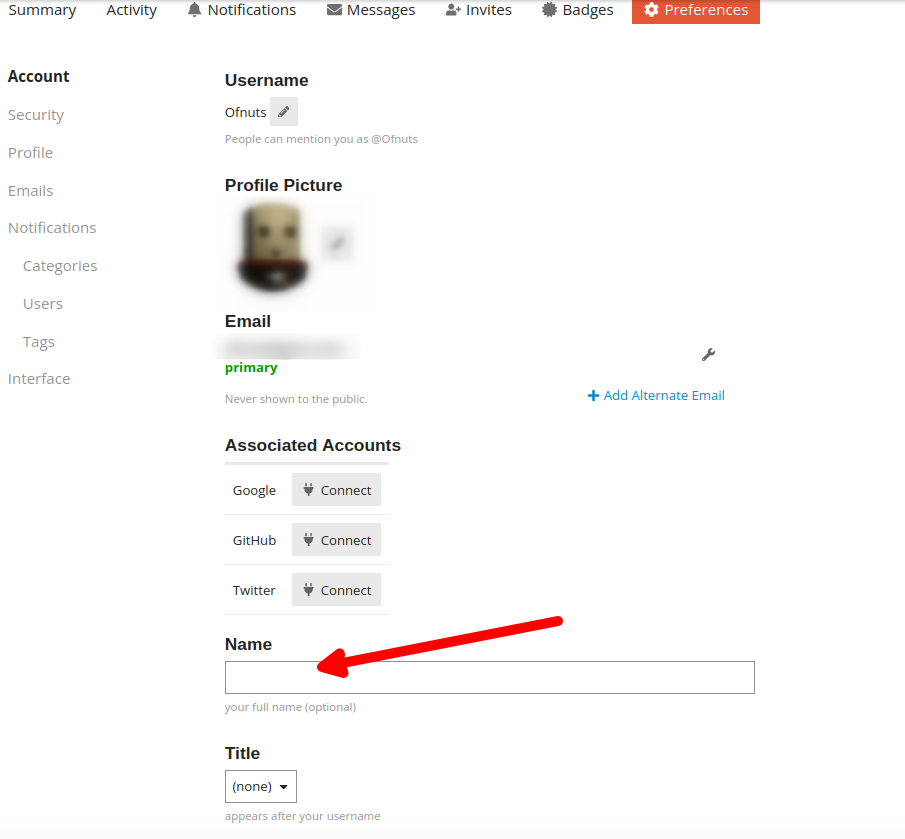
Is there some particular reason why my Password shows up in a posted message? Good grief! Have never had that happen in any of the numerous forums throughout my life . . .
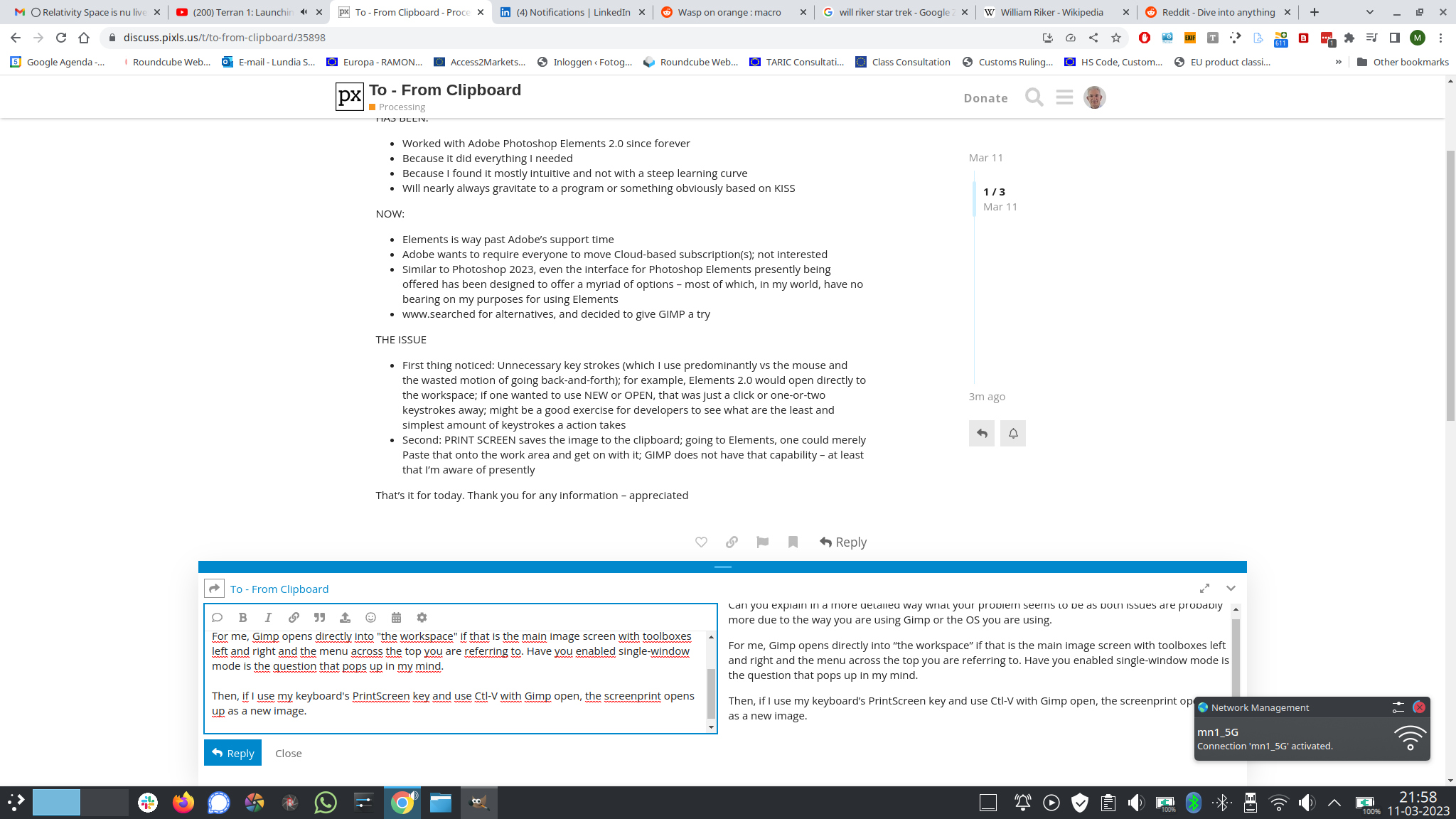
Can you explain in a more detailed way what your problem seems to be as both issues are probably more due to the way you are using Gimp or the OS you are using.
For me, Gimp opens directly into “the workspace” if that is the main image screen with toolboxes left and right and the menu across the top you are referring to. Have you enabled single-window mode is the question that pops up in my mind.
Then, if I use my keyboard’s PrintScreen key and use my screen capture program to copy to the clipboard, Ctrl-V in Gimp open, the screenprint opens up as a new image.
So what exactly are you experiencing, what OS are you using and why did you expect Gimp to behave like some obsolete Windows program? Gimp is not some el-cheapo Adobe copy, it is powerful software with a ditto learning curve.
Welcome to the forum. I use GIMP all the time to to edit screenshots in the clipboard. I just right click on the canvas in Gimp and hit the edit option and have it open as a new image or a new layer within the current image. I own most Adobe products but prefer GIMP and Darktable for my editing purposes. Gimp is very intuitive given time and you can customise keyboard shortcuts to match what you are use to. Always refer to the online GIMP manual for advice. Good luck.