The RAW CA module can affect SONY ARW images. Mainly the brownish earthy tones shift.
Raw CA module disabled:
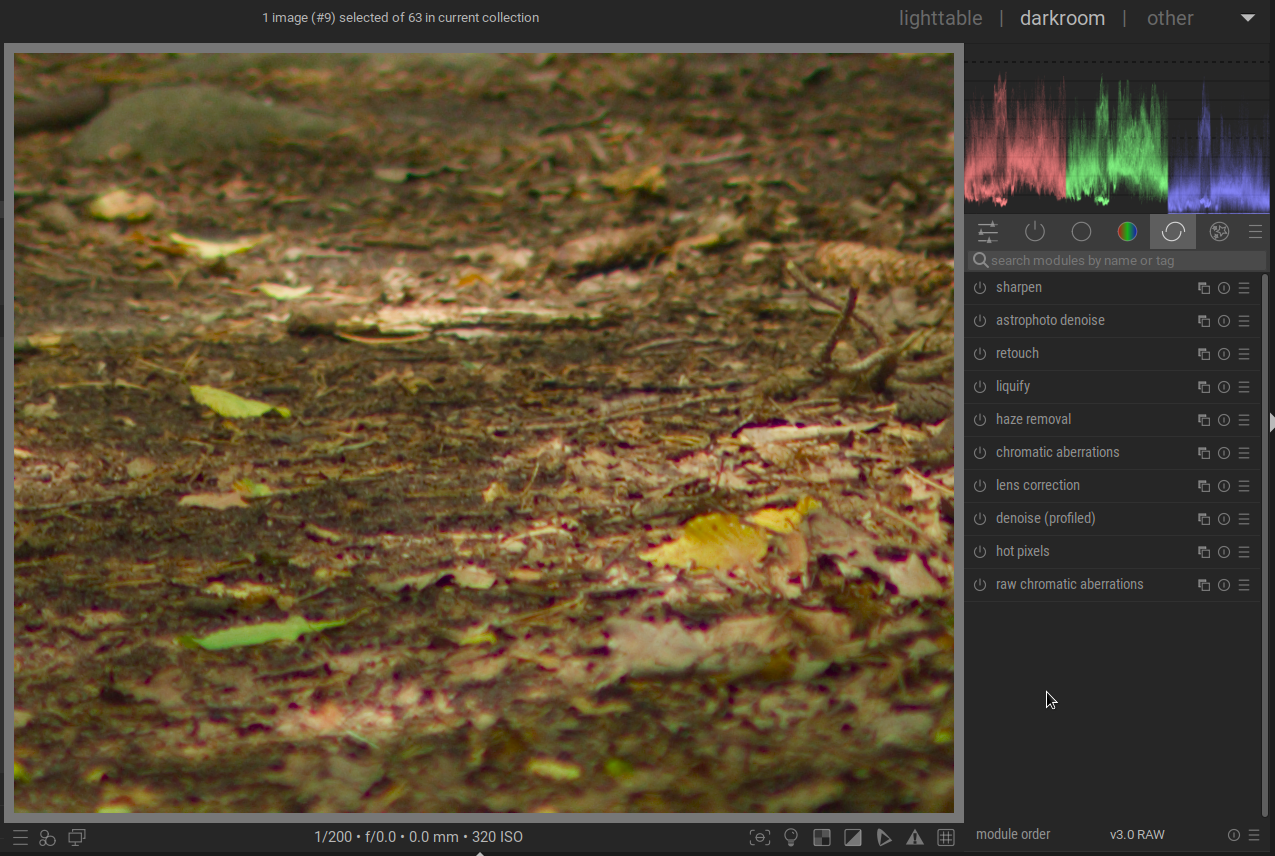
Raw CA module enabled:
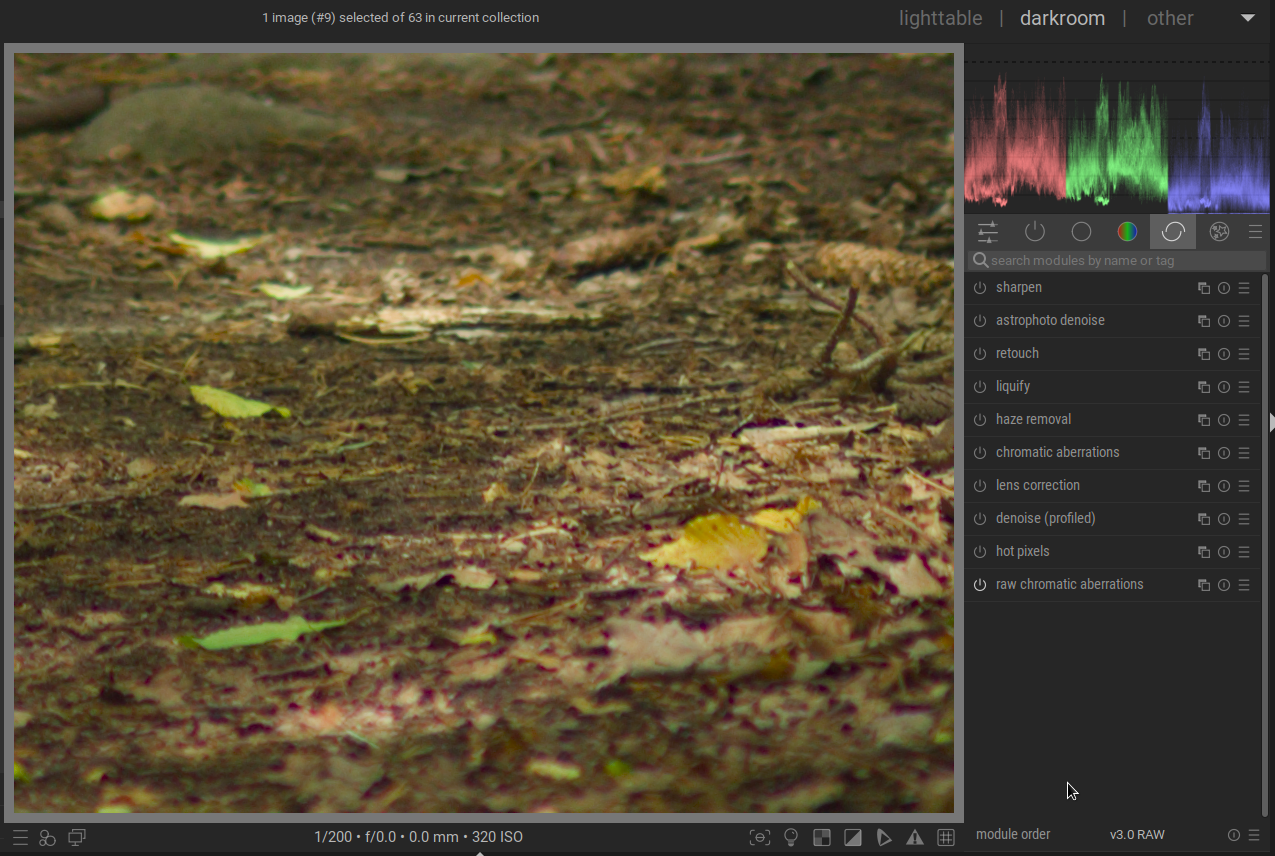
Is there a way to workaround this behavior?
The RAW CA module can affect SONY ARW images. Mainly the brownish earthy tones shift.
Raw CA module disabled:
Is there a way to workaround this behavior?
Use a lens profile to correct CA instead of the RAW CA module.
I’m afraid there is no lens profile available for a 40 years old Nikkor.
Although creating calibration data specifically for your lens(es), as mentioned by Mica, is probably best, you seem to have only turned this module on.
This module has more options then just ON or OFF.
Have you tried the avoid colourshift option, maybe in combination with a different iteration amount?
Yea, I have. There is no change at all with the color shift option (which is OK as per the documentation). Increasing the number of iterations makes the color shift a tad worse.
Creating a new Lensfun profile could be fun. I’ve yet to find suitable environment to take the test shots tho.
While it’s not really a fix, I’d imagine that a slight tweak to the shadow colour in the 4 ways tab of colour balance rgb might shift those tones back without too much trouble. Not sure without trying though.
How does the CA module perform… are you maybe able to make use of that as an option??
The raw chromatic aberrations algorithm in darktable was copied from RawTherapee, and the exact same issue occurs there. It was discussed a few years ago in this thread: Please help me to understand new Chromatic Aberration controls (and a few other questions) - #35 by heckflosse
This very issue stopped me from using the module entirely. And given that the chromatic aberrations module frequently introduces terrible artifacts and there’s no lens profile that would help me, I’ve simply given up.
The CA module works but requires extensive masking to preserve any red/purple details. Masking tends to be exhausting.
It’s not perfect but the details mask can assist to select edges and detail and or refinement of another mask approach… also it’s a bit of a hack but using the blue channel of the gray tab set to 1 and then low opacity with that details mask can dumb CA down a lot especially for tree branches and the like