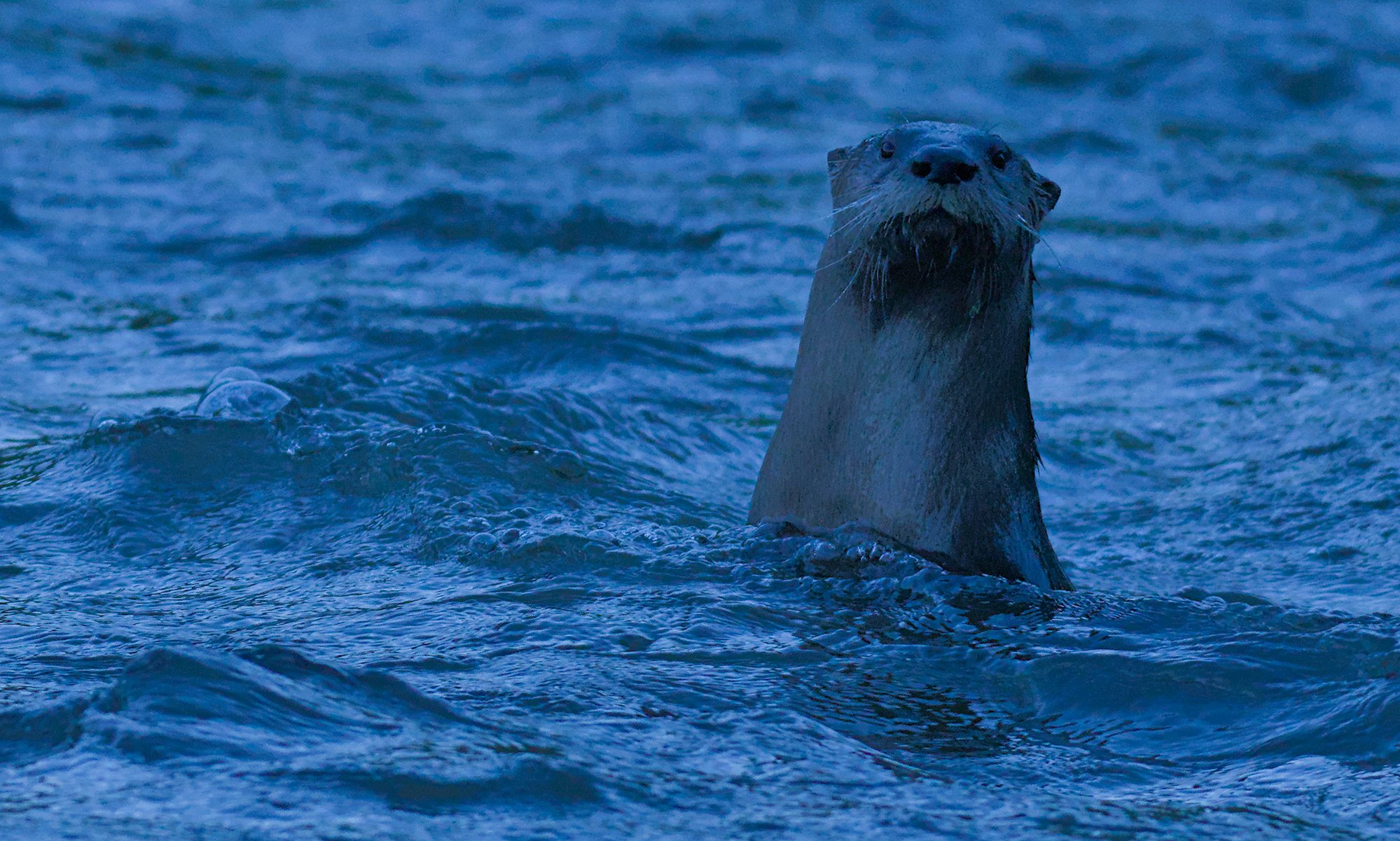
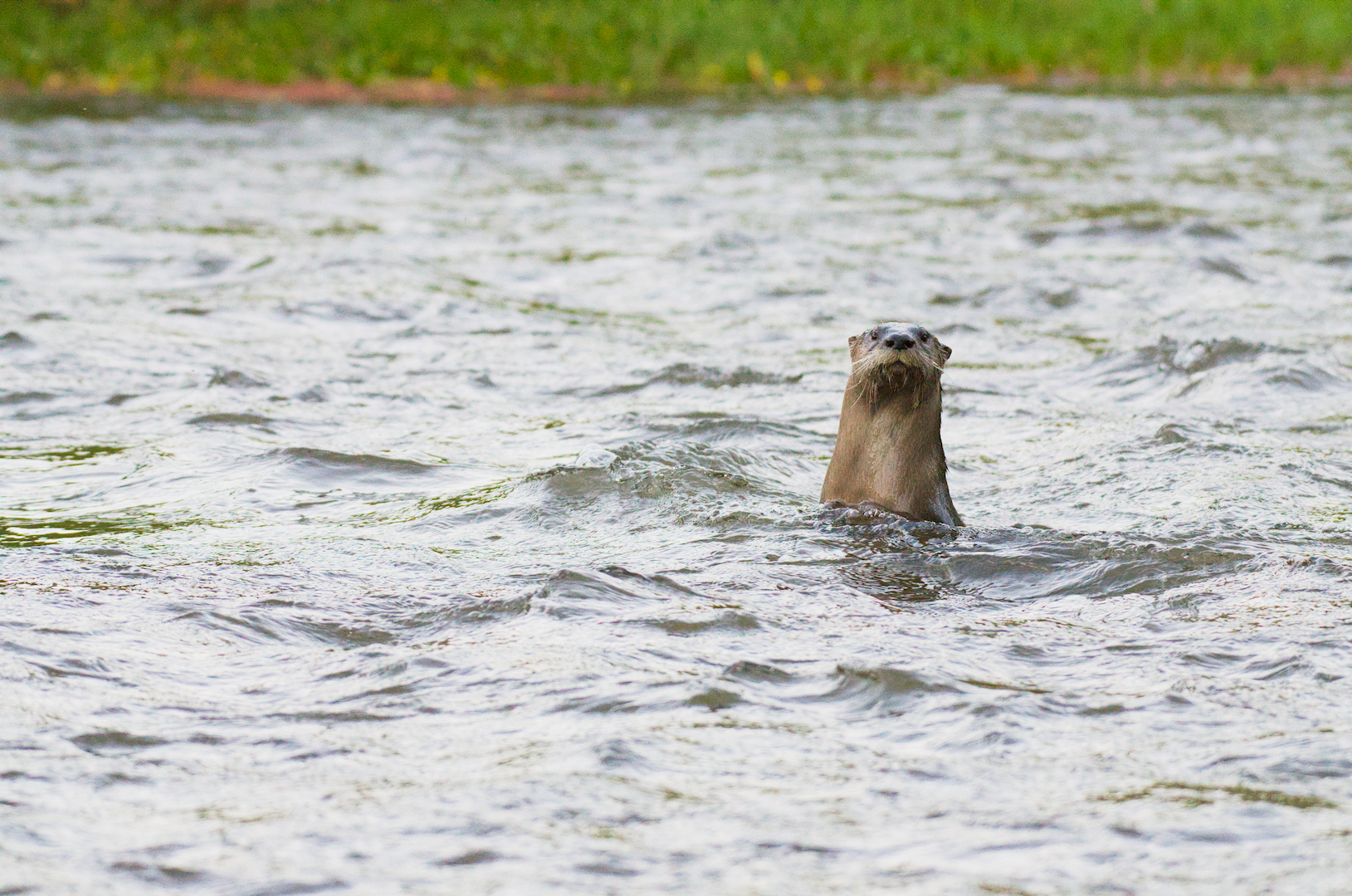
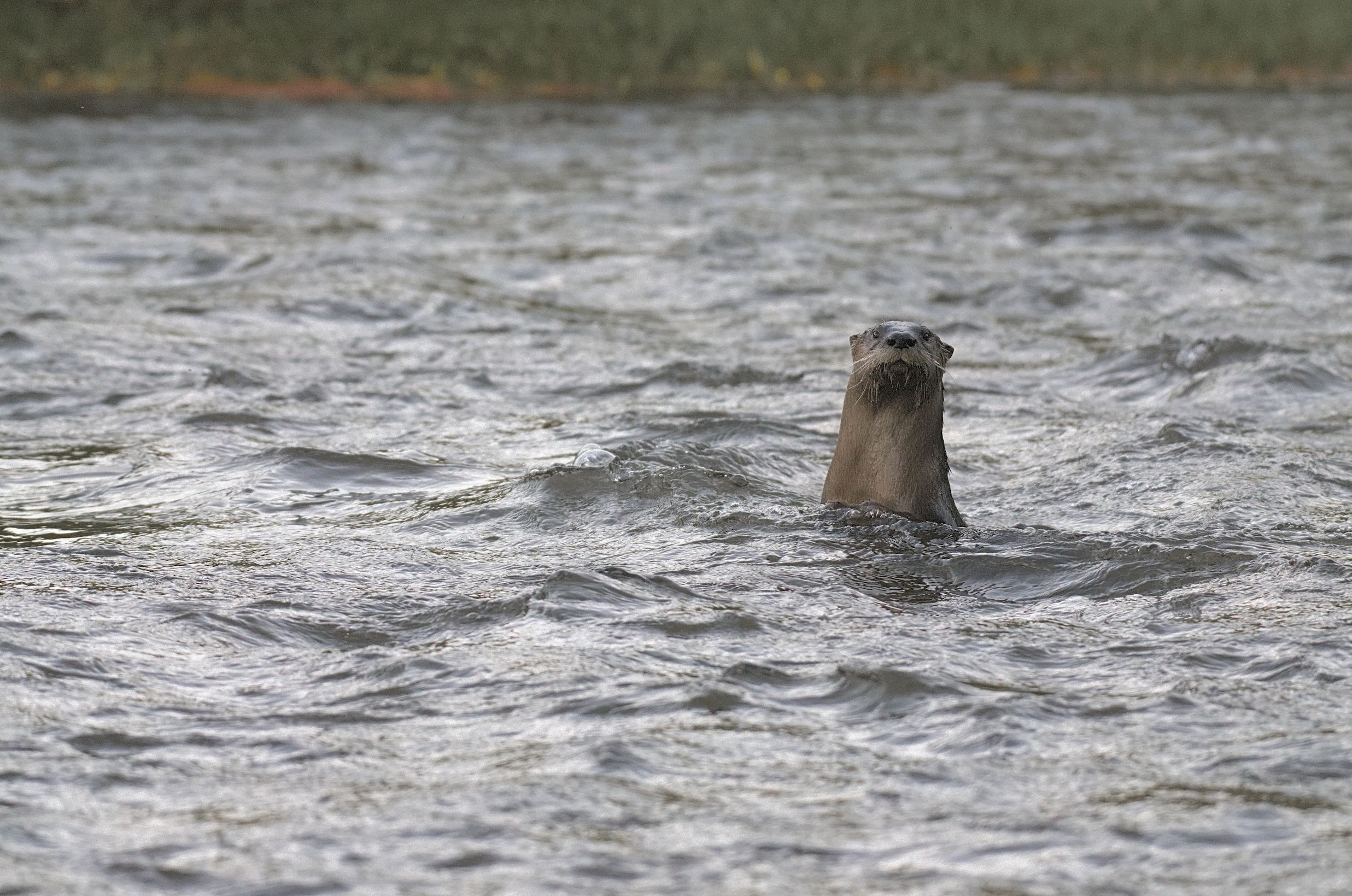
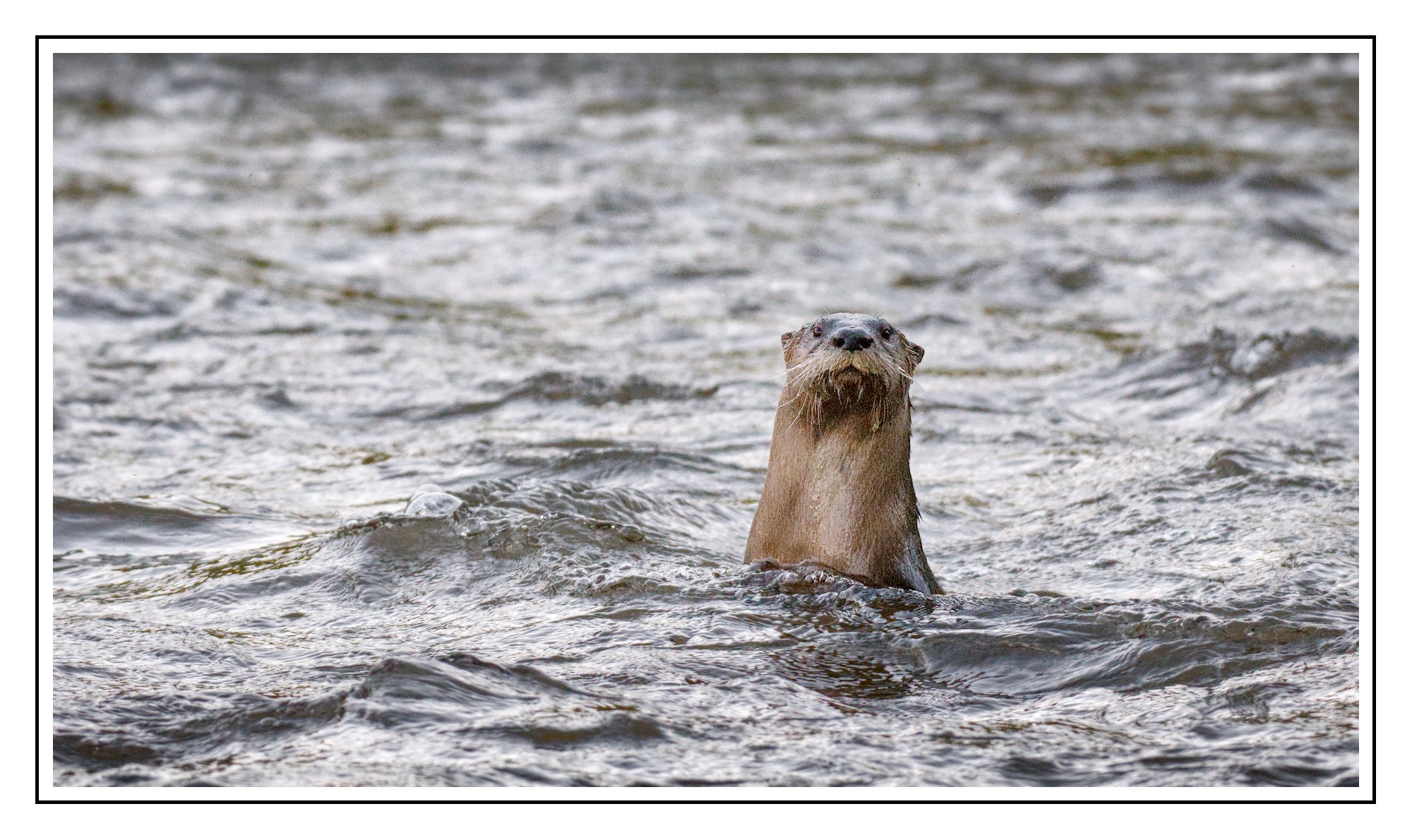
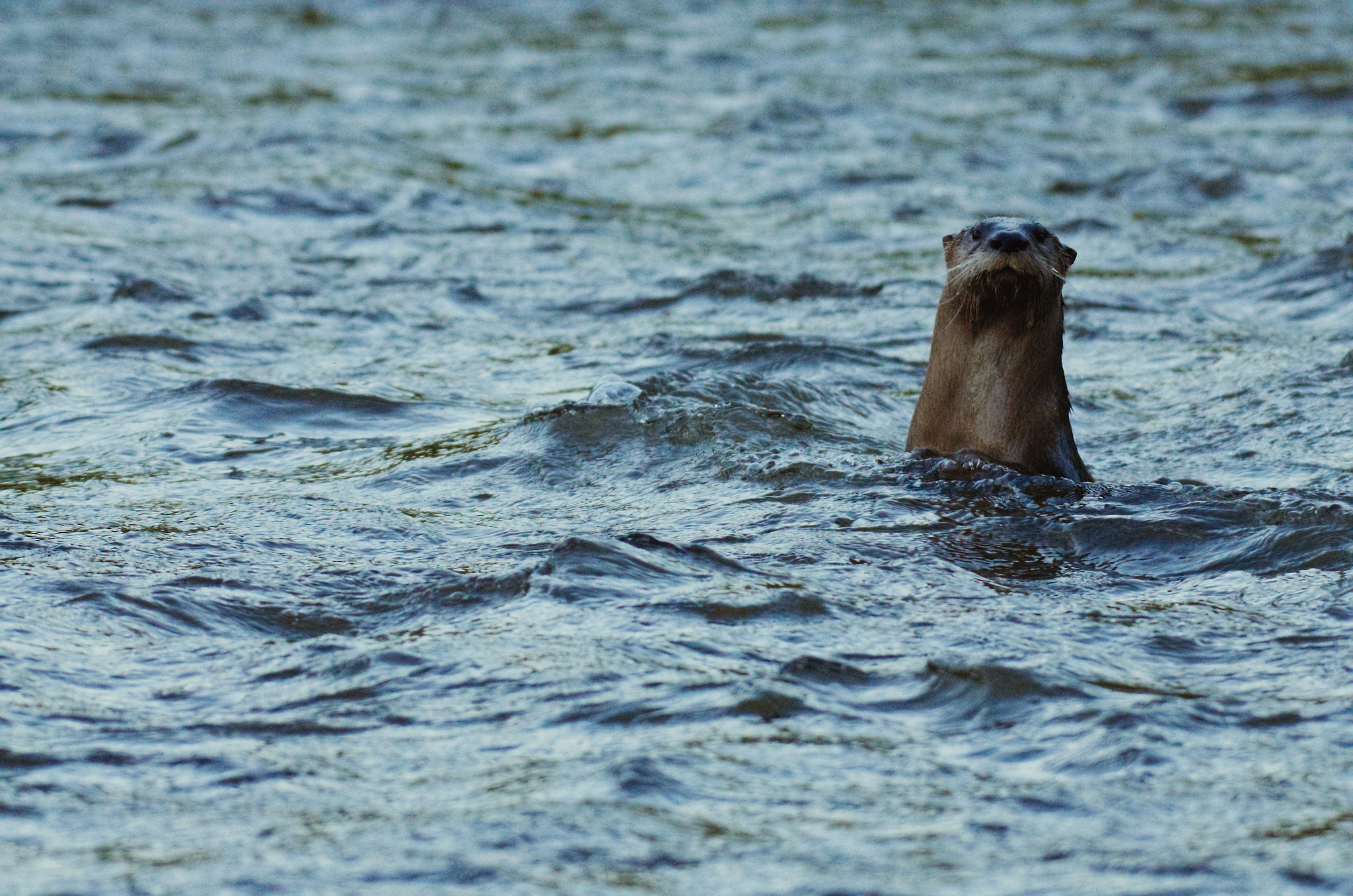
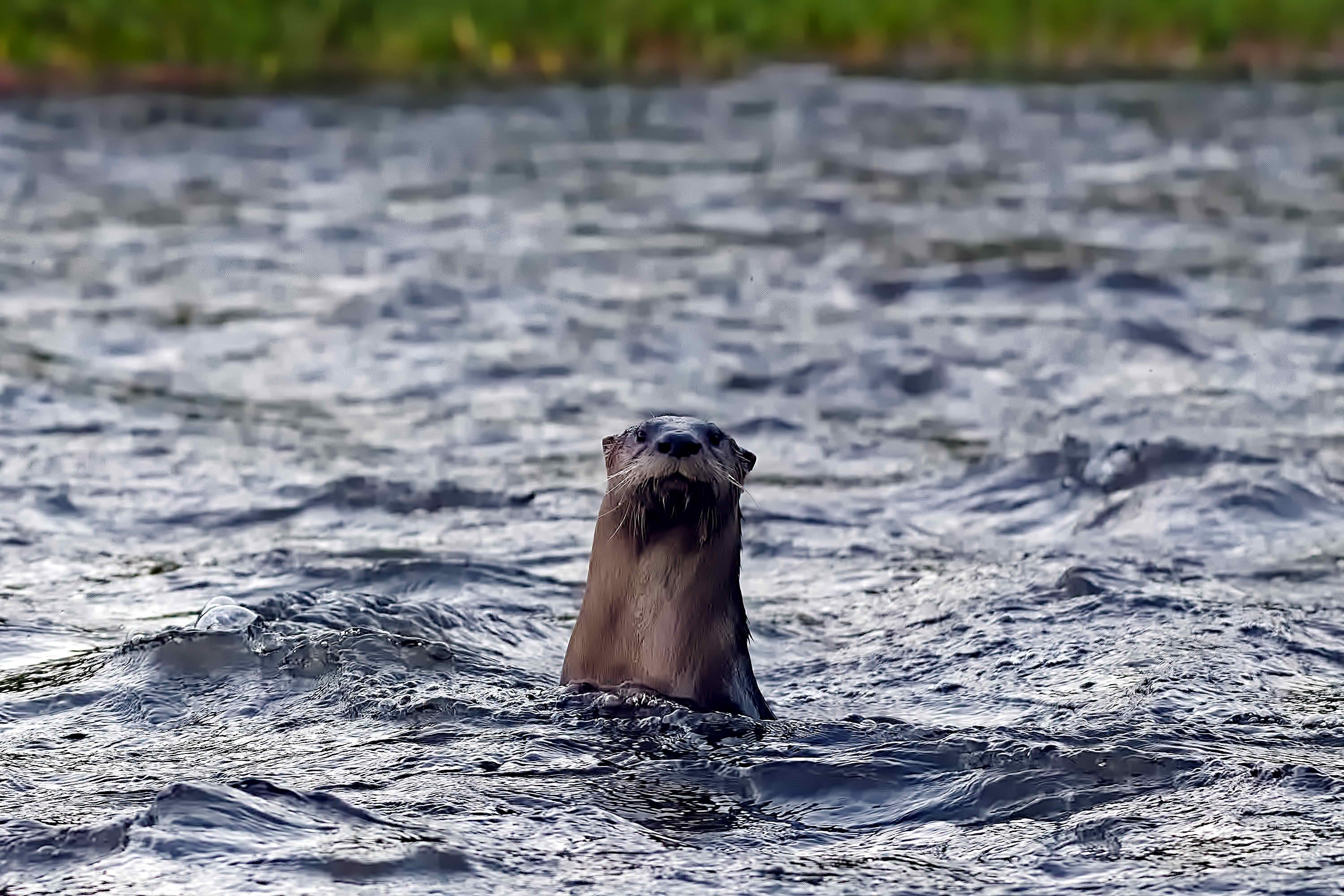
I’d like to see how you guys bring more color into this photo. Right now everything feels blue.
_DSC3615.NEF (20.1 MB)
This file is licensed Creative Commons, By-Attribution, Share-Alike.
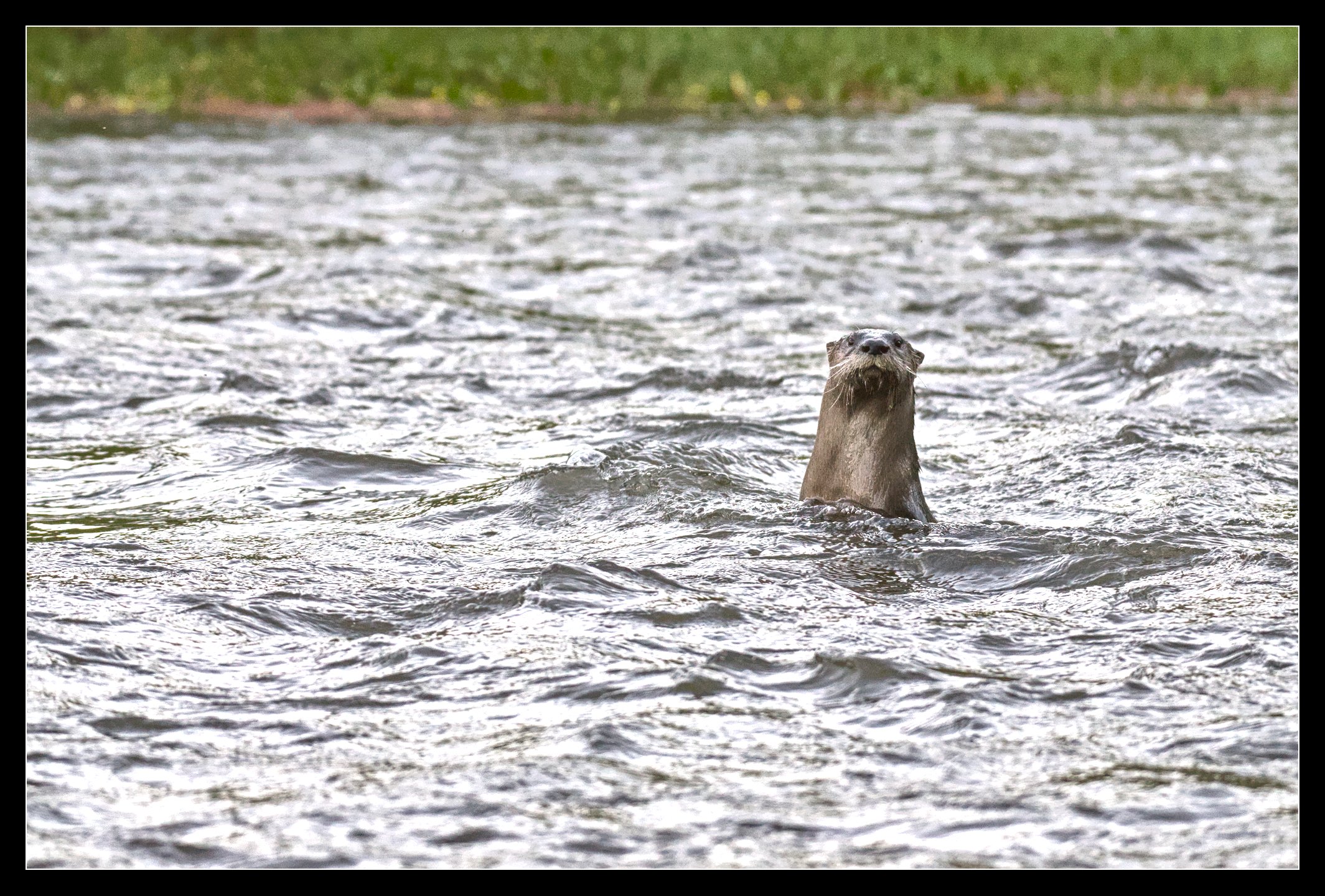
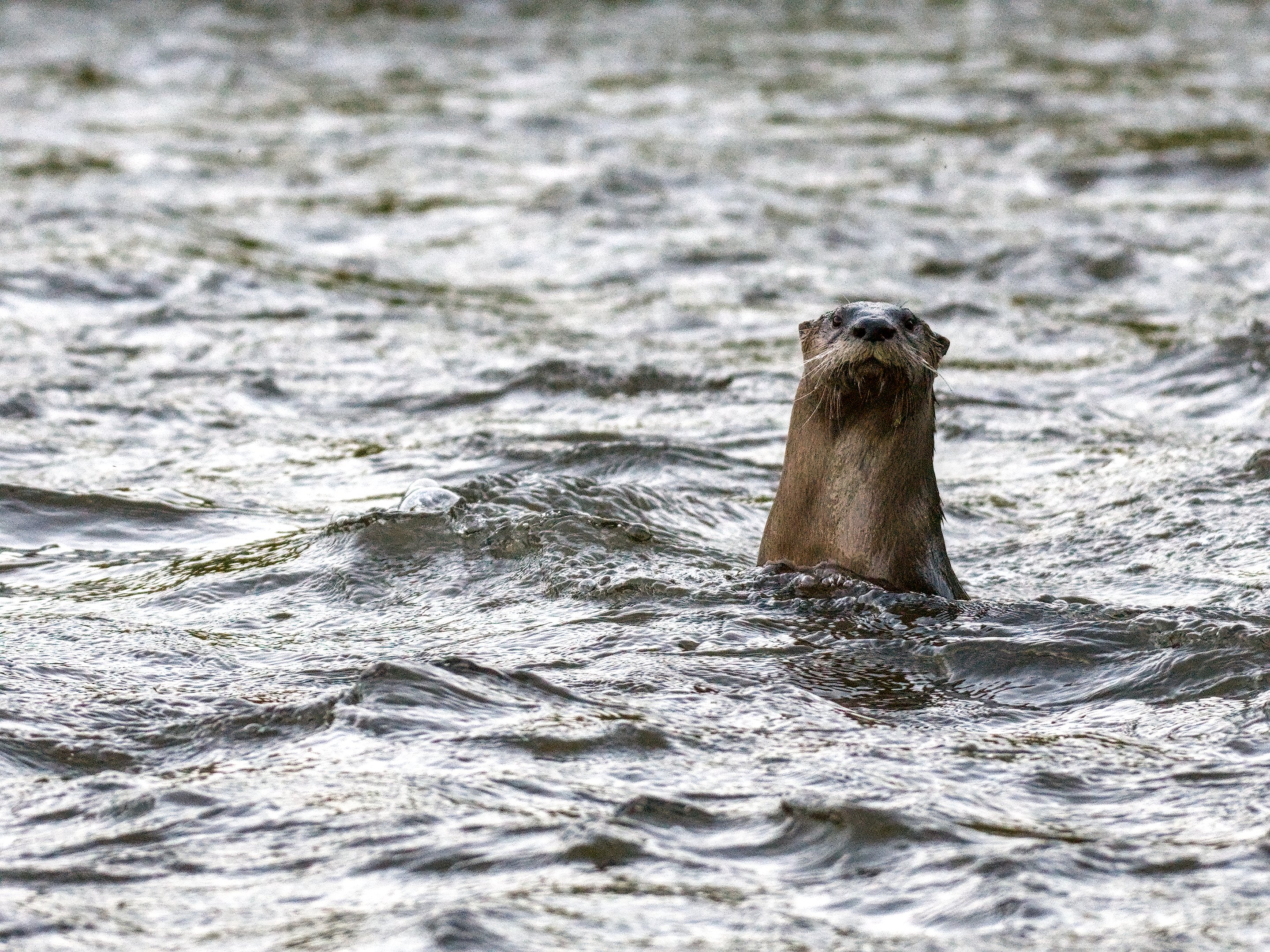
Here’s my attempt:
_DSC3615.NEF.xmp (10.7 KB)
I’d like to see how you guys bring more color into this photo. Right now everything feels blue.
_DSC3615.NEF (20.1 MB)
This file is licensed Creative Commons, By-Attribution, Share-Alike.
Here’s my attempt:
_DSC3615.NEF.xmp (10.7 KB)
Ah, the camera white balance setting was slightly off. Doesn’t affect the raw data though so it’s ok.
Thanks for pointing the white balance setting being off. I’ve noticed all of my photos turning out much darker than usual. I had a suspicion that something might be out of wack.
Oh there’s a big exposure bias in the exposure module too. Could that be playing into that as well?
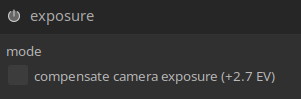
That’s usually something like ‘-0.7’ but if you activate the tickbox here it becomes much darker.
Are you talking about in my own edit? If so, I did not activate that tick box in the exposure module
No, it’s just an observation of the raw metadata. I’m not sure if that would make the camera jpeg darker.
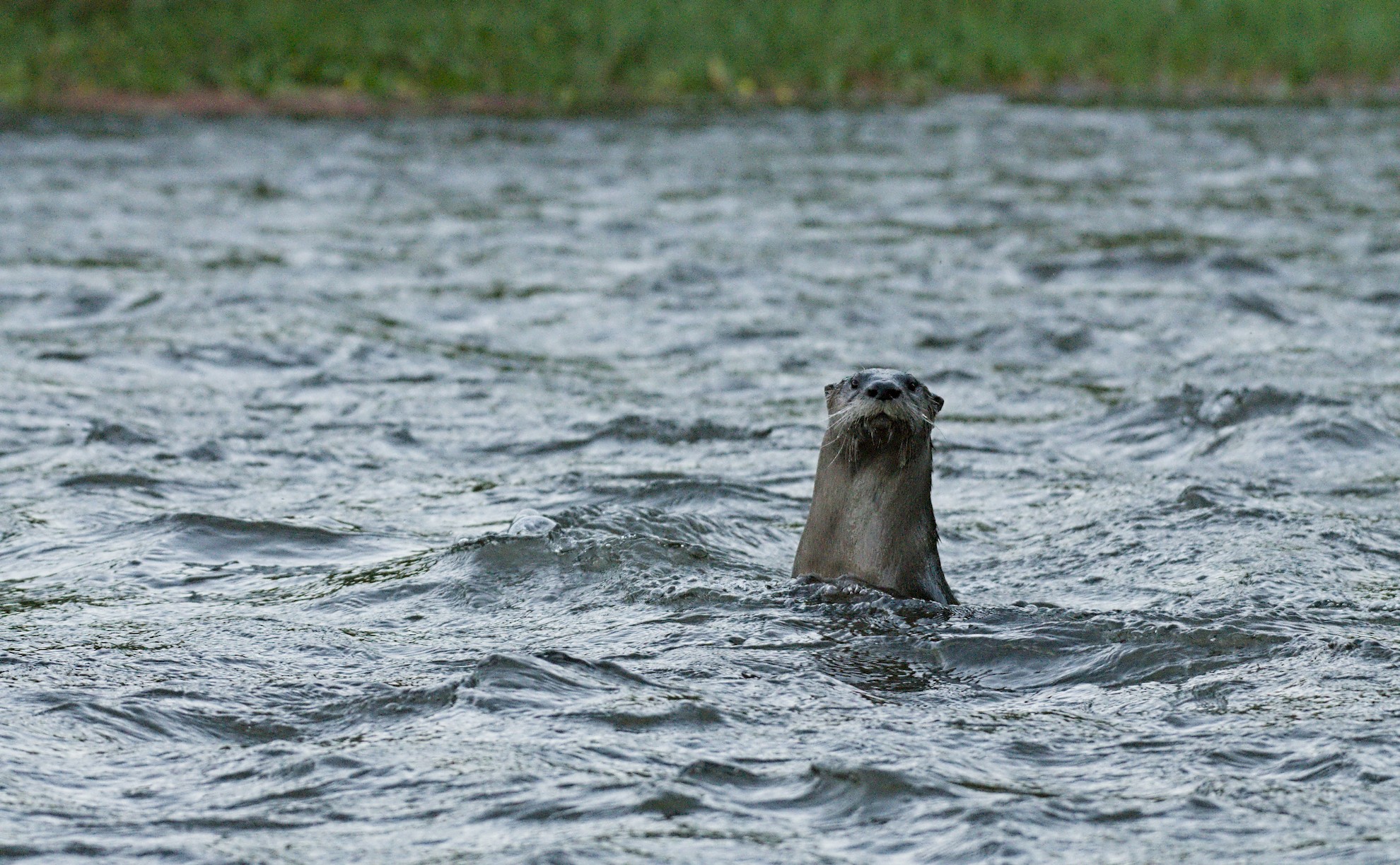
_DSC3615.NEF.xmp (13.4 KB)
Lest you did not know, your camera was set to incandescent, hence everything turning blue.
I set the color calibration CCT value at 5860 K to correct.
Too much blue!
Putting some algae in the water should fix it