valdivar
(Asensio)
1
Hello there.
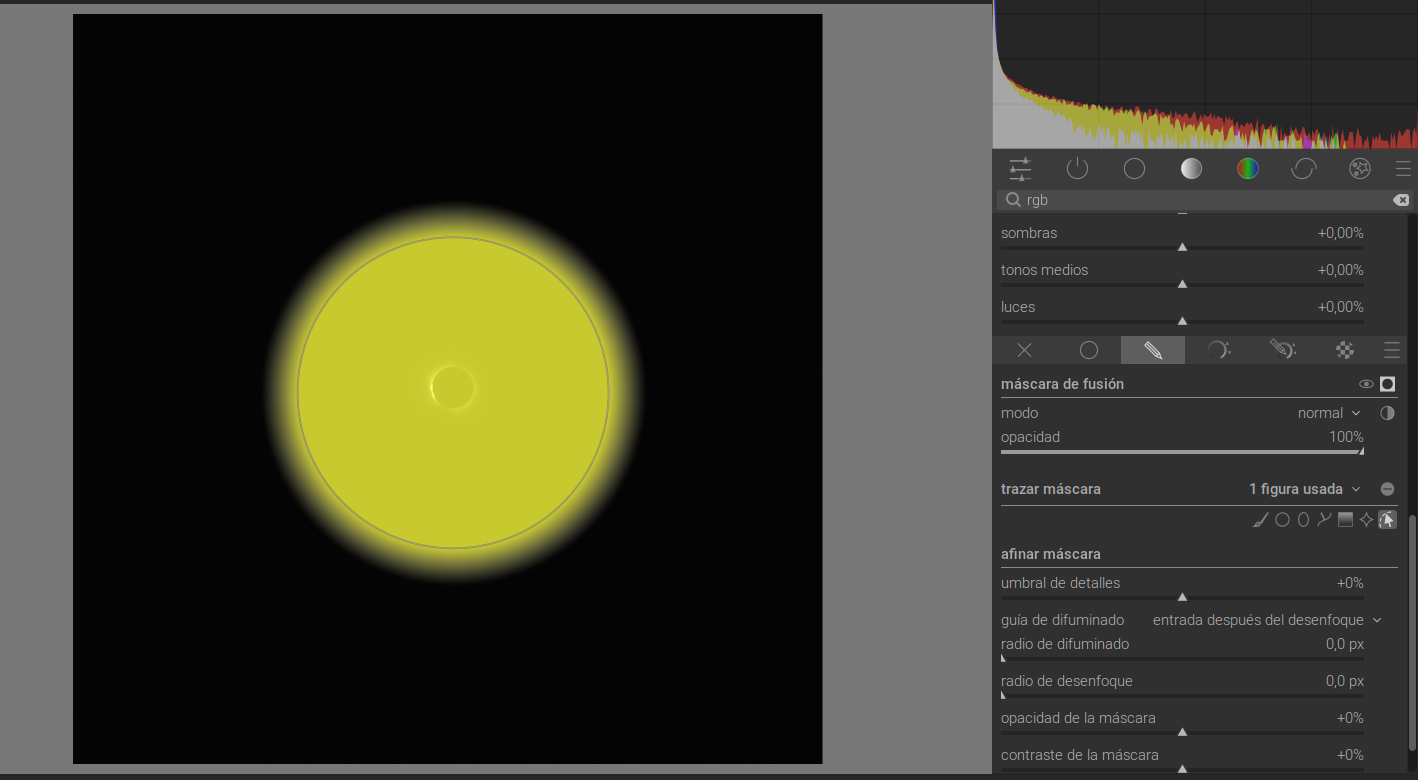
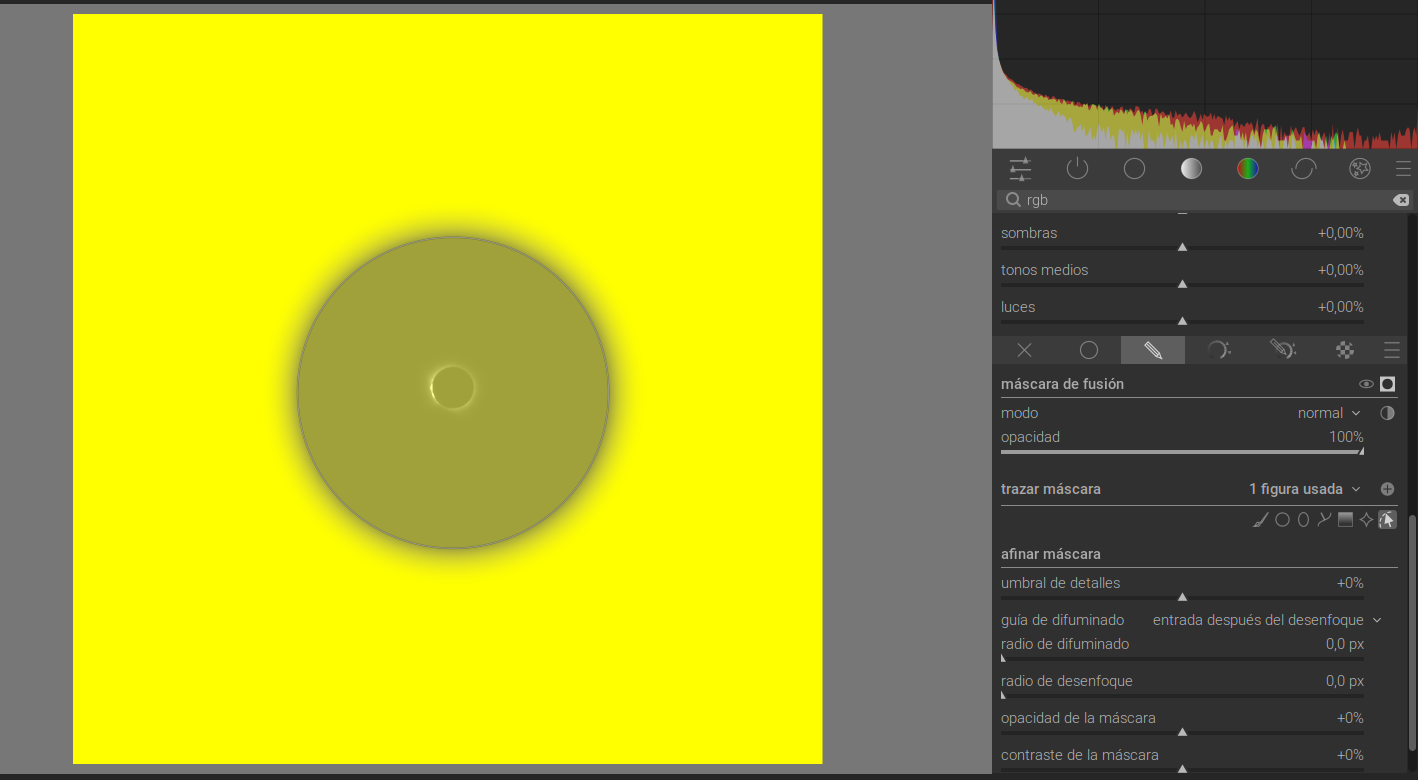
It has been a while since I’m using darktable and i have found a problem while inverting the polarity in masks that I did’n have before.
When I invert polarity, i dosn’t seem to make it properly, since the are that shouldn’t be in yellow appears in yellow but with less opacity.
I put some pictures here of the problem.
Maybe someone knows what is happening
gwbarn
2
Your drawn shape is less than 100% opacity. Hold ctrl + mouse scroll up to change it. This setting is quite persistent for new masks.
You should change the opacity with ctrl + mouse wheel before you place your next shape, as I assume this is ‘remembering’ lower than 100% now.
It should save that default opacity when you close darktable.
8 Likes
valdivar
(Asensio)
3
That was exactly the problem, thank u very much, rlly!
3 Likes