I am a newbie to SIRIL 1.4 RC1 - but have figured out how to stack and a few of the image processing options. I downloaded Starnet++ command line and moved it to my applications folder. In SIRIL, under preferences I tried to point to the location for starnet but it is greyed out. What am I doing wrong?
Hi Paul, can you let me know what operating system your computer is using. The installation for starnet++ is different depending on which one you are using.
I have a MacBook Pro M1 running Sequoia 15.6.1.
I finally got the preferences to be able to point to the starnet++ file but it says I don’t have permissions to run it. I changed all permissions to Read/Write. Still won’t run. Appreciate the help.
I get this message: You don’t have permission to execute this file: /Applications/StarNetv2CLI_MacOS/starnet++
SUCCESS! - ChatGPT to the rescue. gave me the exact code to type in the terminal window to make it work
Great news! I was about to link a tutorial from nebula photos where he installs a ton of different software on a mac. https://youtu.be/yDgnvHST1QE?si=8JVNszwBdKnJlvzs&t=4507
1 Like
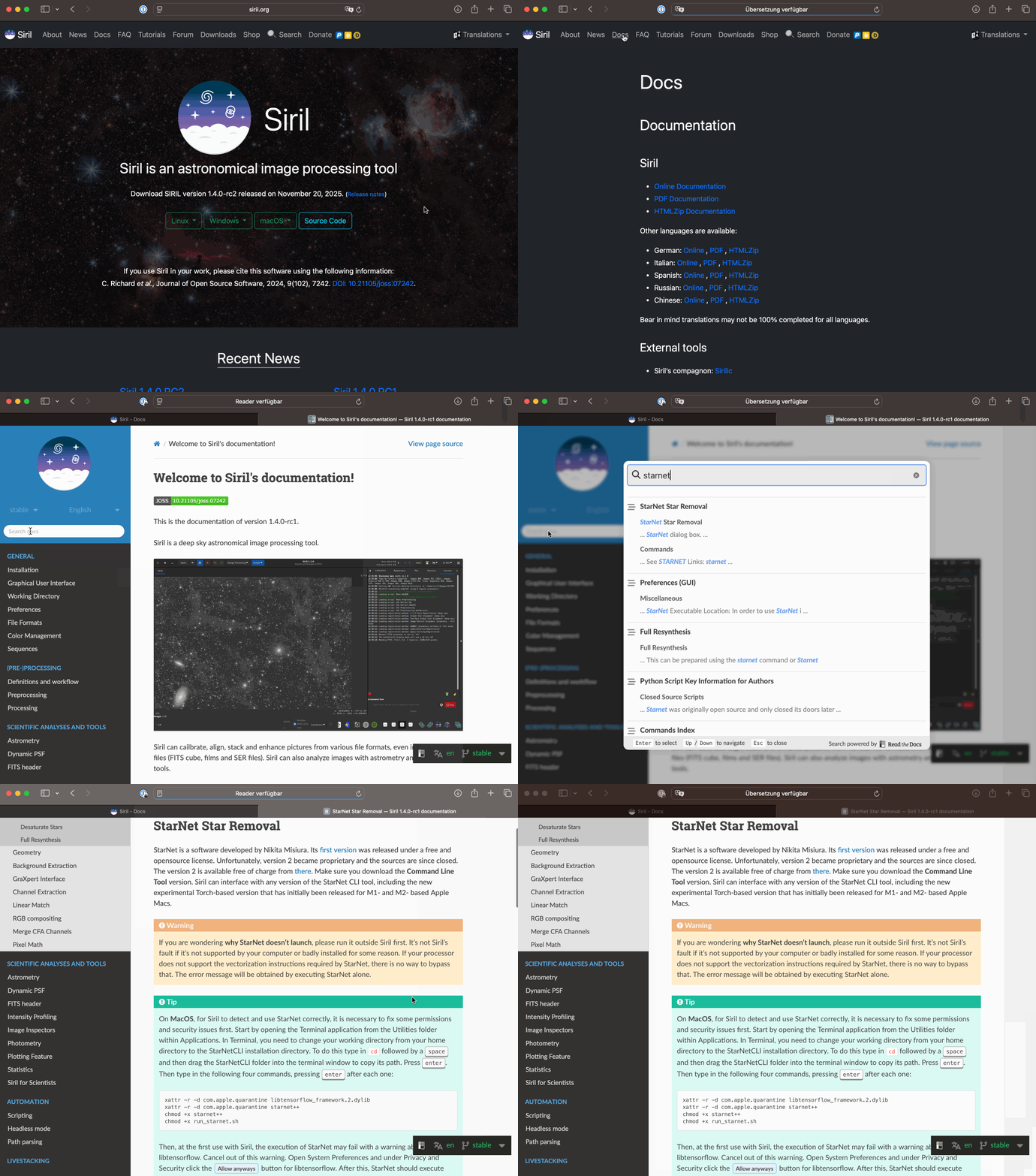
Before chatGPT, the good practice is the official documentation where everything is explained. Step by step.
1 Like
Unfortunately, the docs didn’t help with either of the issues I had. Thanks.
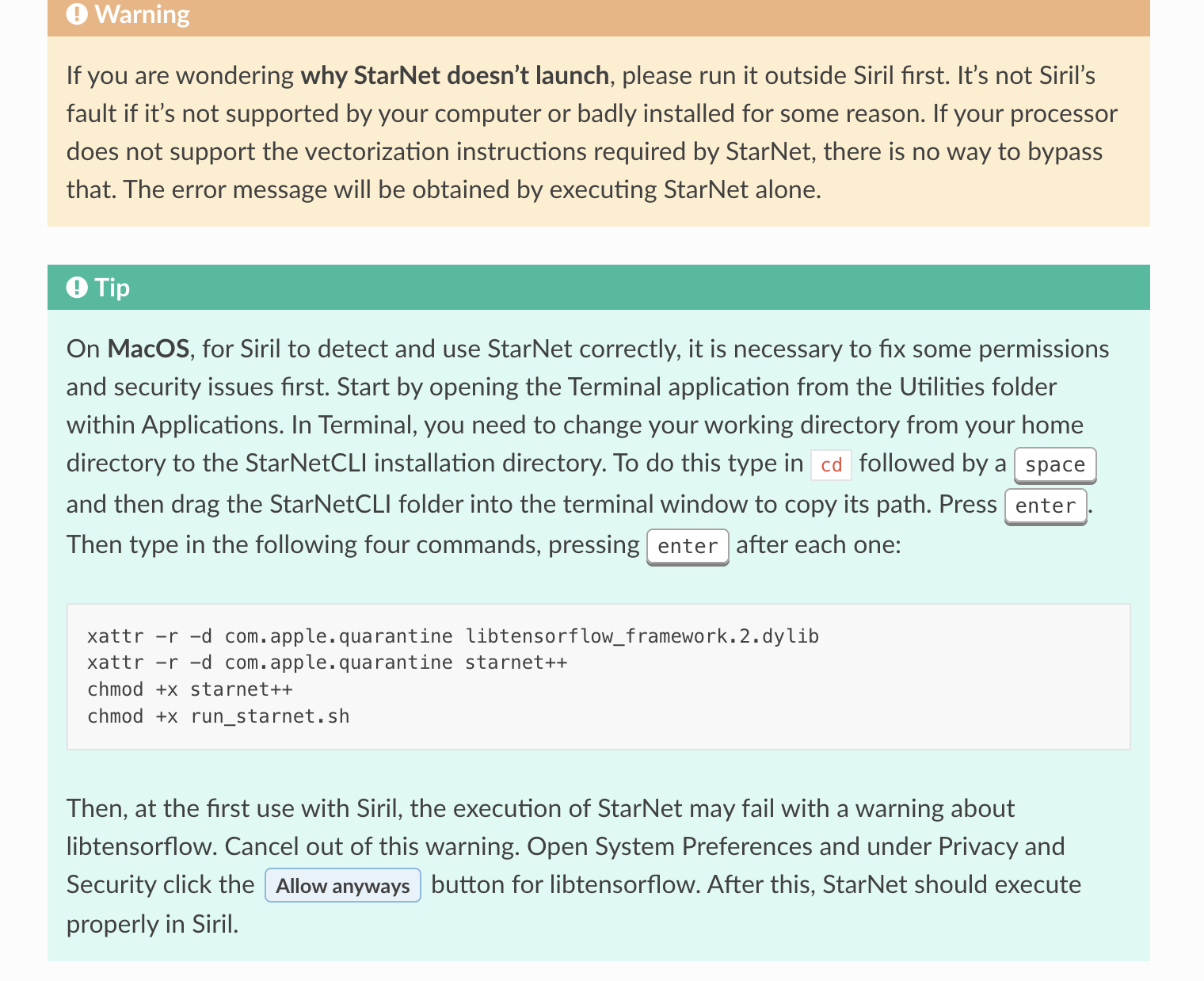
I looked on the online doc and did not see these steps. Apparently ChatGPT did, as those are the steps it gave me. I just down loaded the docs and was looking at page 57-58 for this information on Misc - Starnet++ and don’t see what you copied. Admittedly, I have not read the entire manual - probably should - thanks!
You do not need to read the entire manual. There is a search function:
2 Likes