Tuscany autumn scene editing inspiration

Hello, fellow photographers,

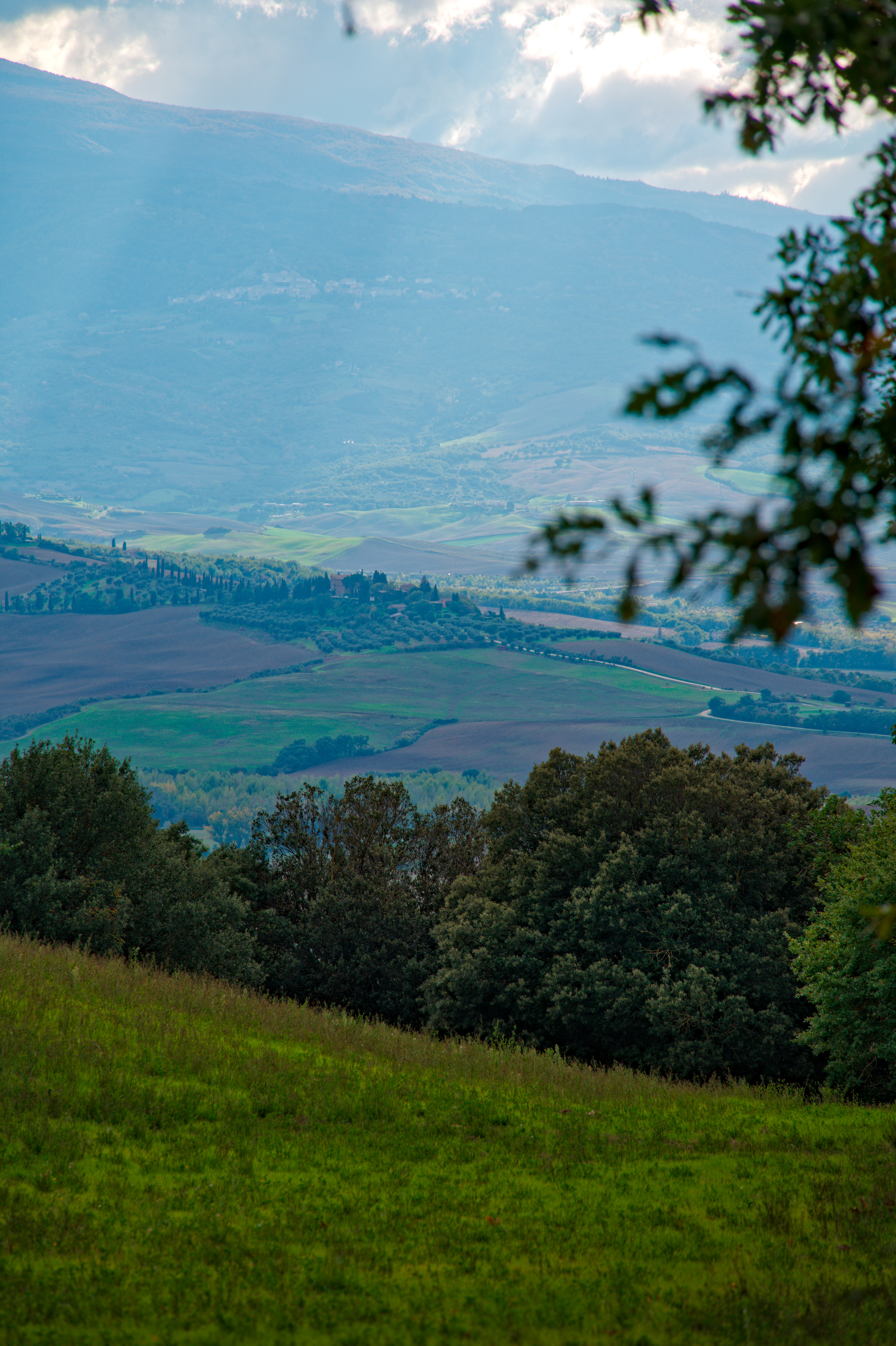
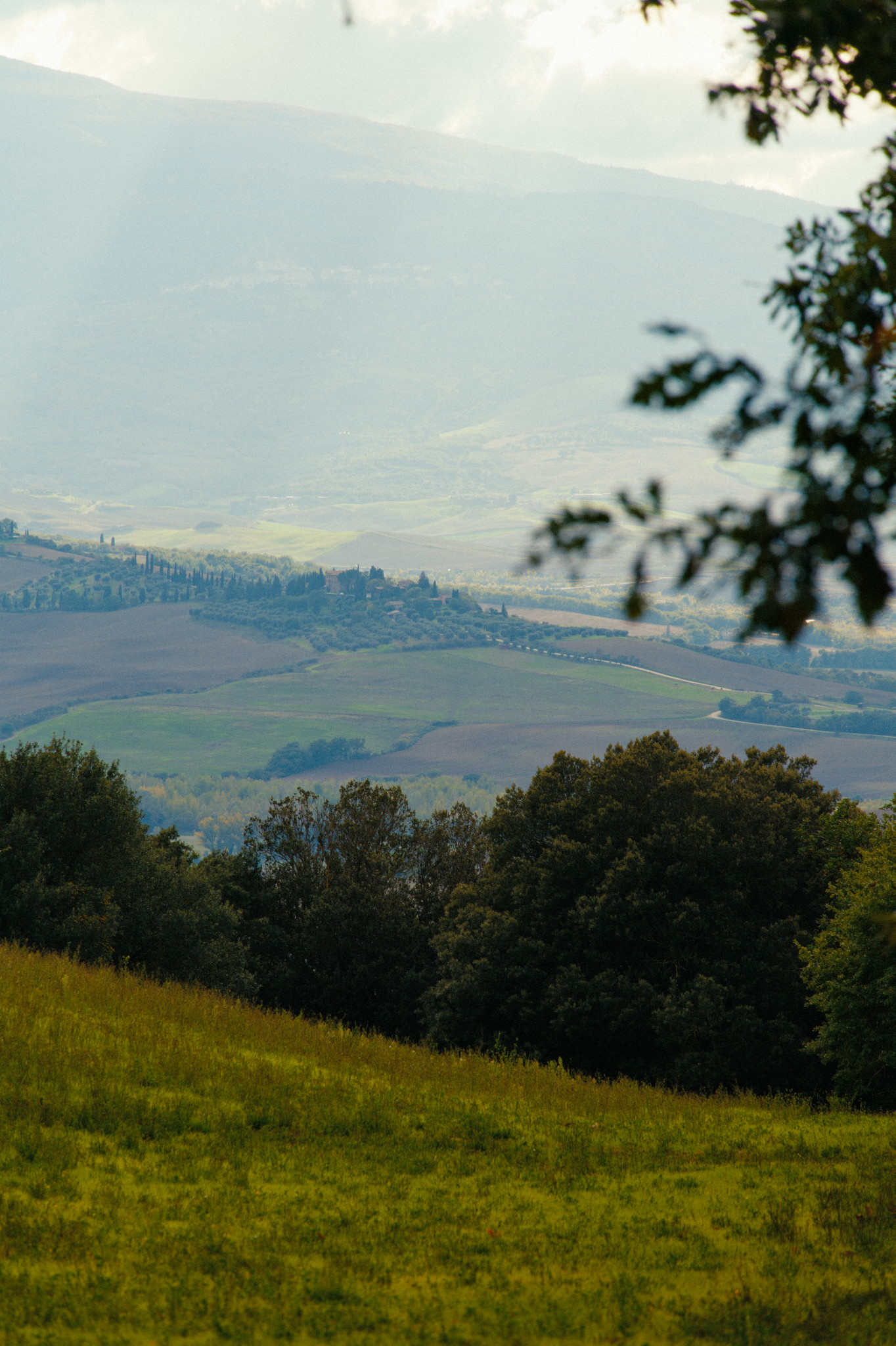
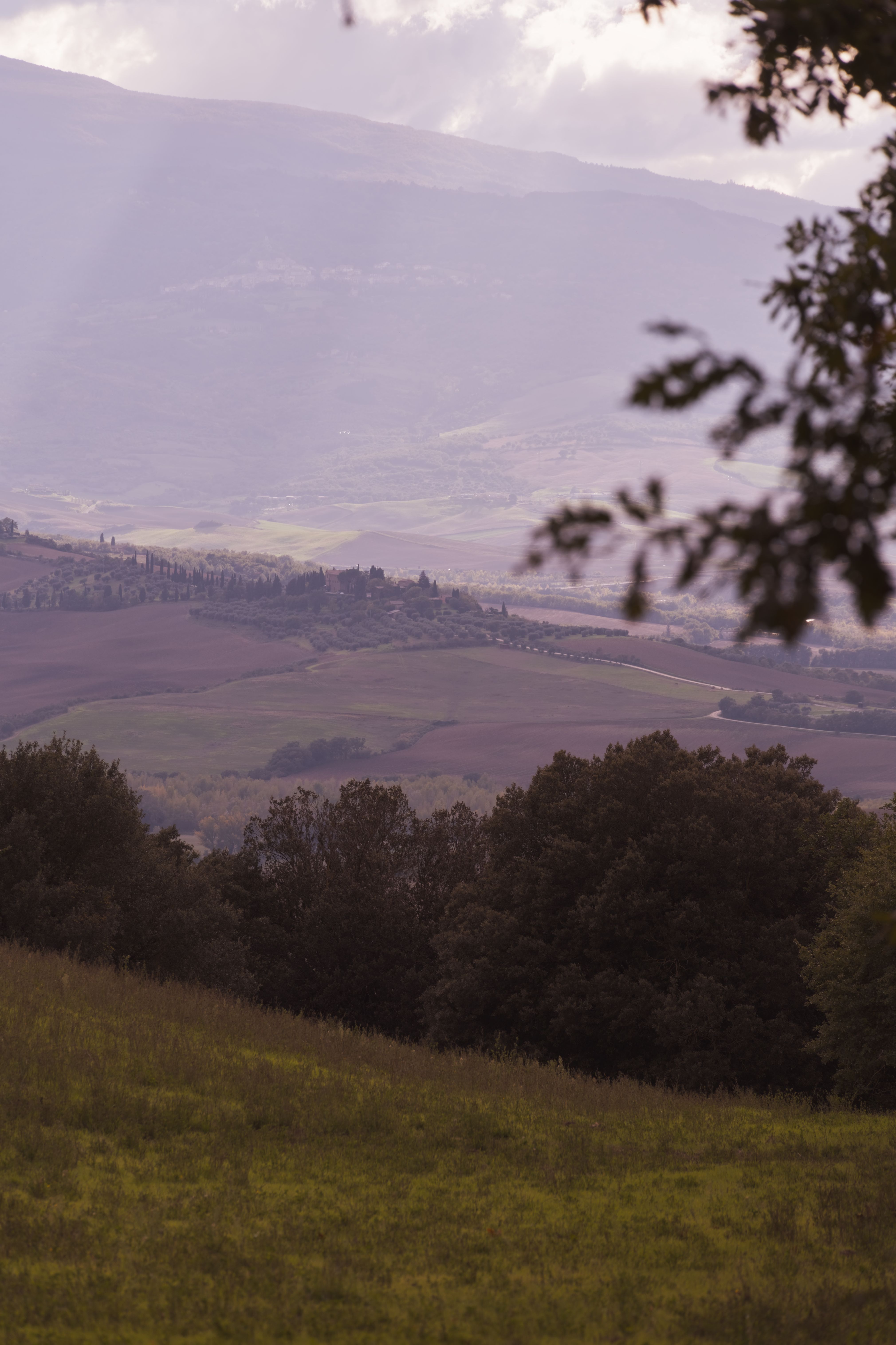
I took this scene in tuscany in autumn 2024 and I think it turned out OK composition wise with those lines separating the layers. But I’m struggling to find a good editing approach.

I would like to give it some more color (autumn look) and contrast but also want to emphasize the depth in the scene. After some fiddling around I got results of course but always feel something is missing to make it great.

Of course editing is always up to someones taste and what you want to tell with a photo but maybe you can play around and give me some inspiration. I’m mainly using darktable, 5.2 at the moment but I’m also open to the new AgX way of darktable 5.4. Also don’t hesitate to show me your results in RawTherapee or ART (or any other tool I may not even know) if you use those.

Thanks in advance!
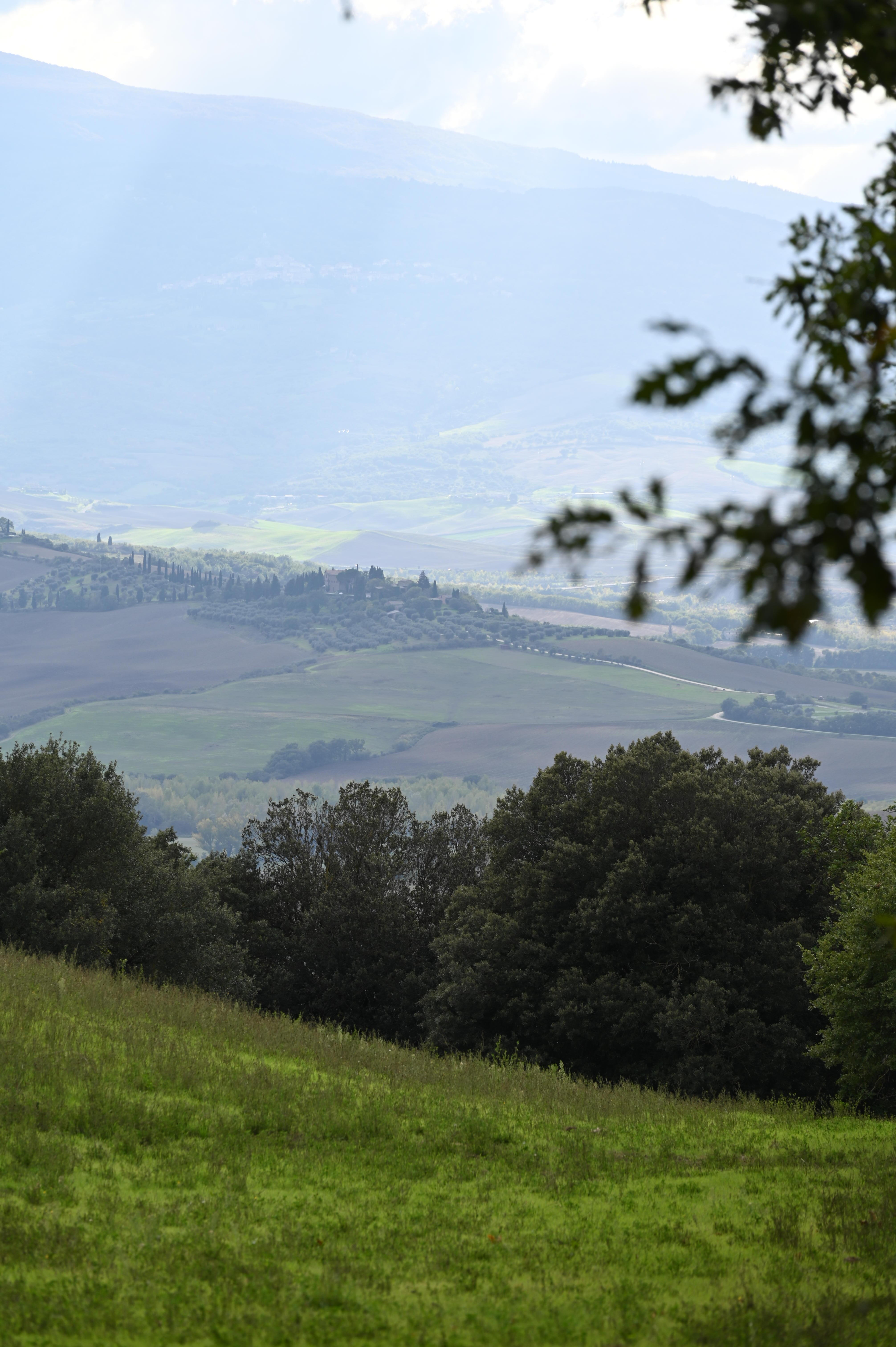

DSC_8708.NEF (27.4 MB)

Files may be used under the conditions of CC BY-NC-SA
3 Likes

Very green for autumn!? I guess that is the Tuscany autumn colors.

I was surprised as well by how green it was for mid/end of October.

Then that is the the autumn feel for Tuscany. I am working on it to artificially make it more reddish, Personally,I do not like to do and will not do on any of my own images.

1 Like

Appreciated, but you can also just show me whatever style or editing you think is reasonable. Doesn’t have to be an artificial autumn look. That was not what I was trying to force.

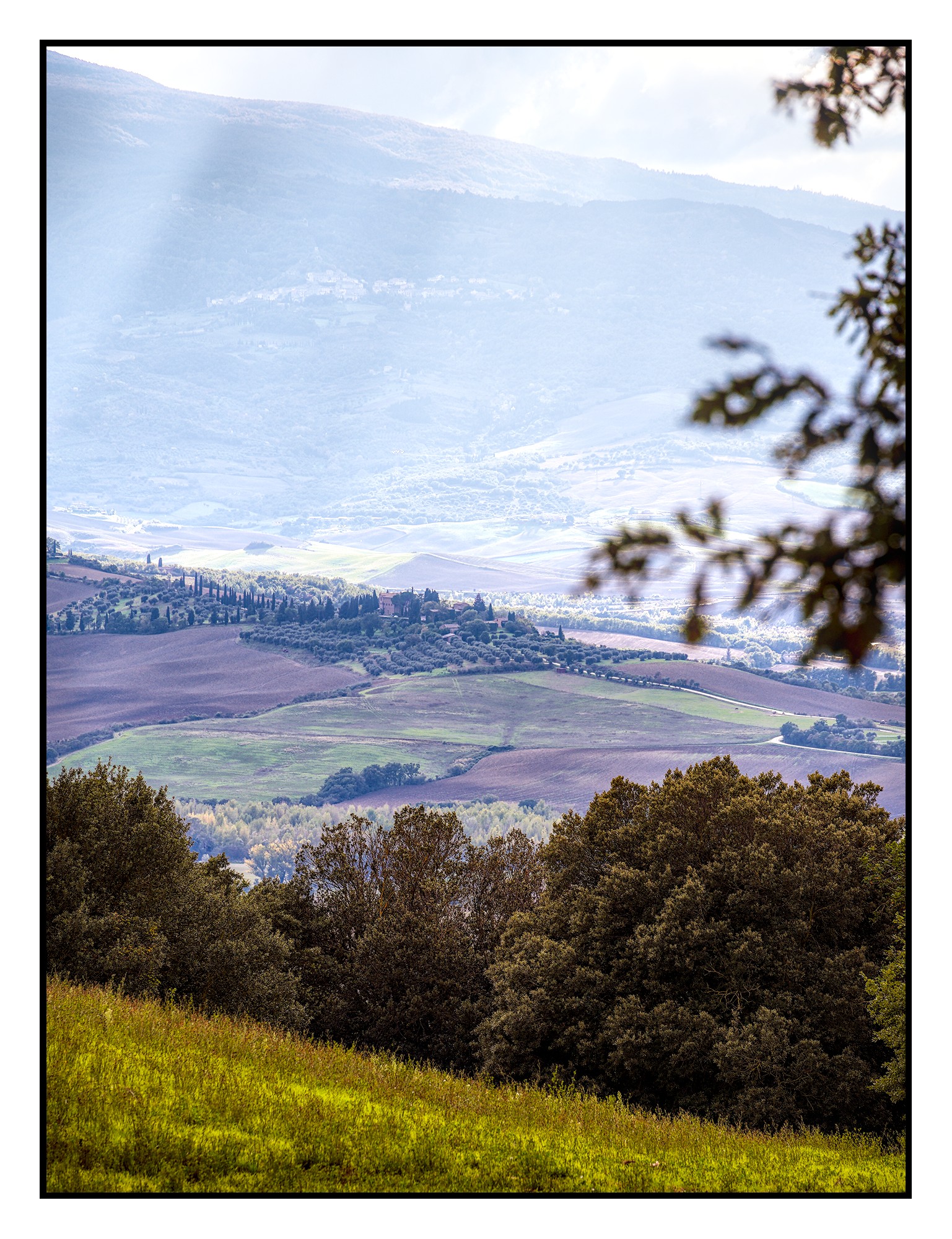
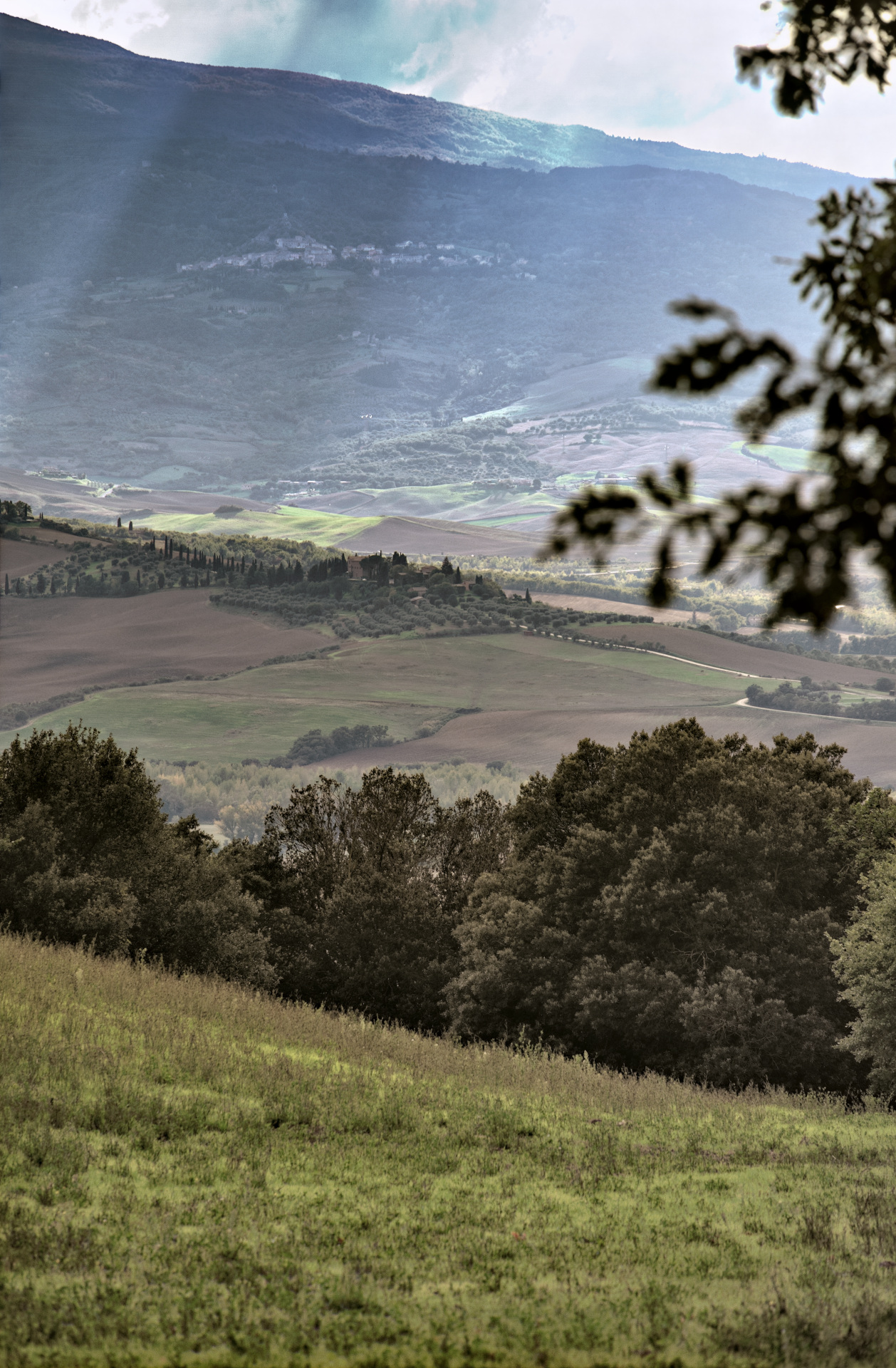
here you go a more reddish version:


DSC_8708.NEF.xmp (10.7 KB)

1 Like

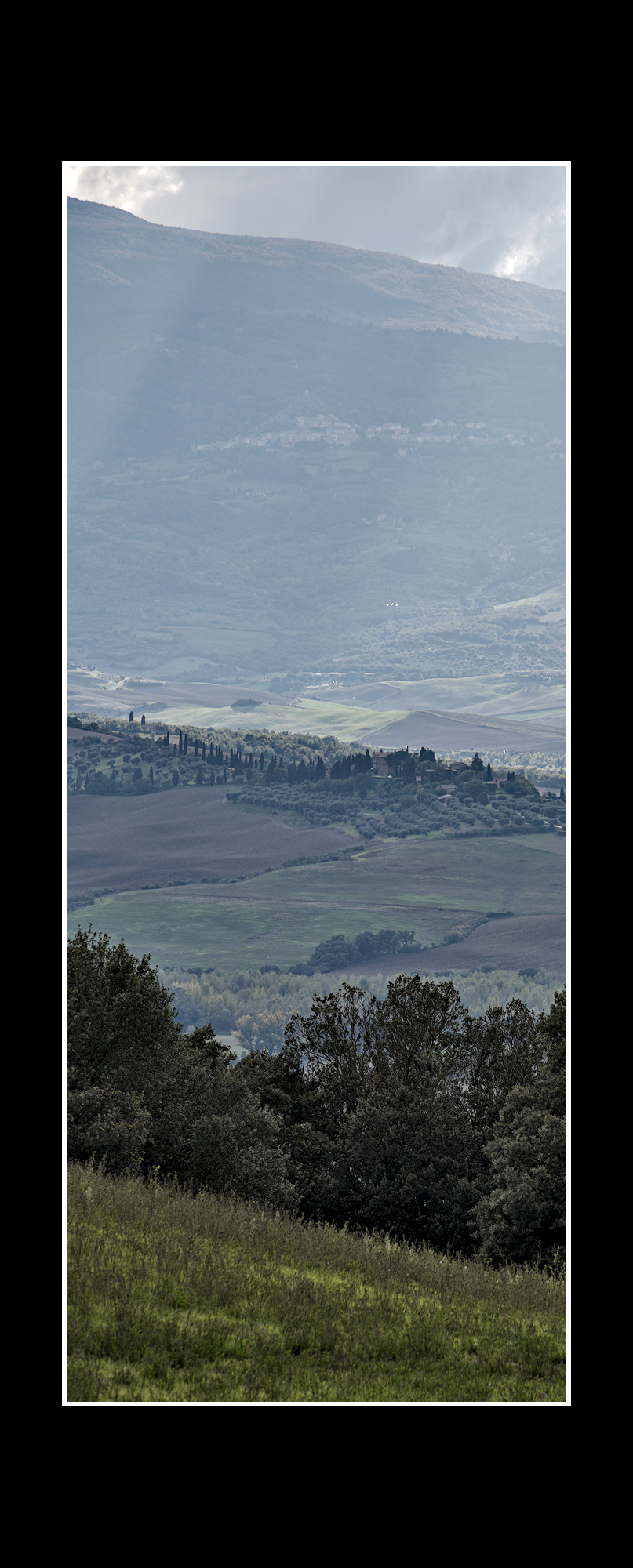
I think your photo does not need any edit other than getting some of the clouds. Tone equalizer is your friend.
Look at my quick edit in xmp. Just turn off the “color balance rgb” module and you get the green back. I will not sharpen it and will keep the haze to at least convey a colder temperature of the autumn. Make sure to have a glass of red Tuscany wine. :yum:

1 Like

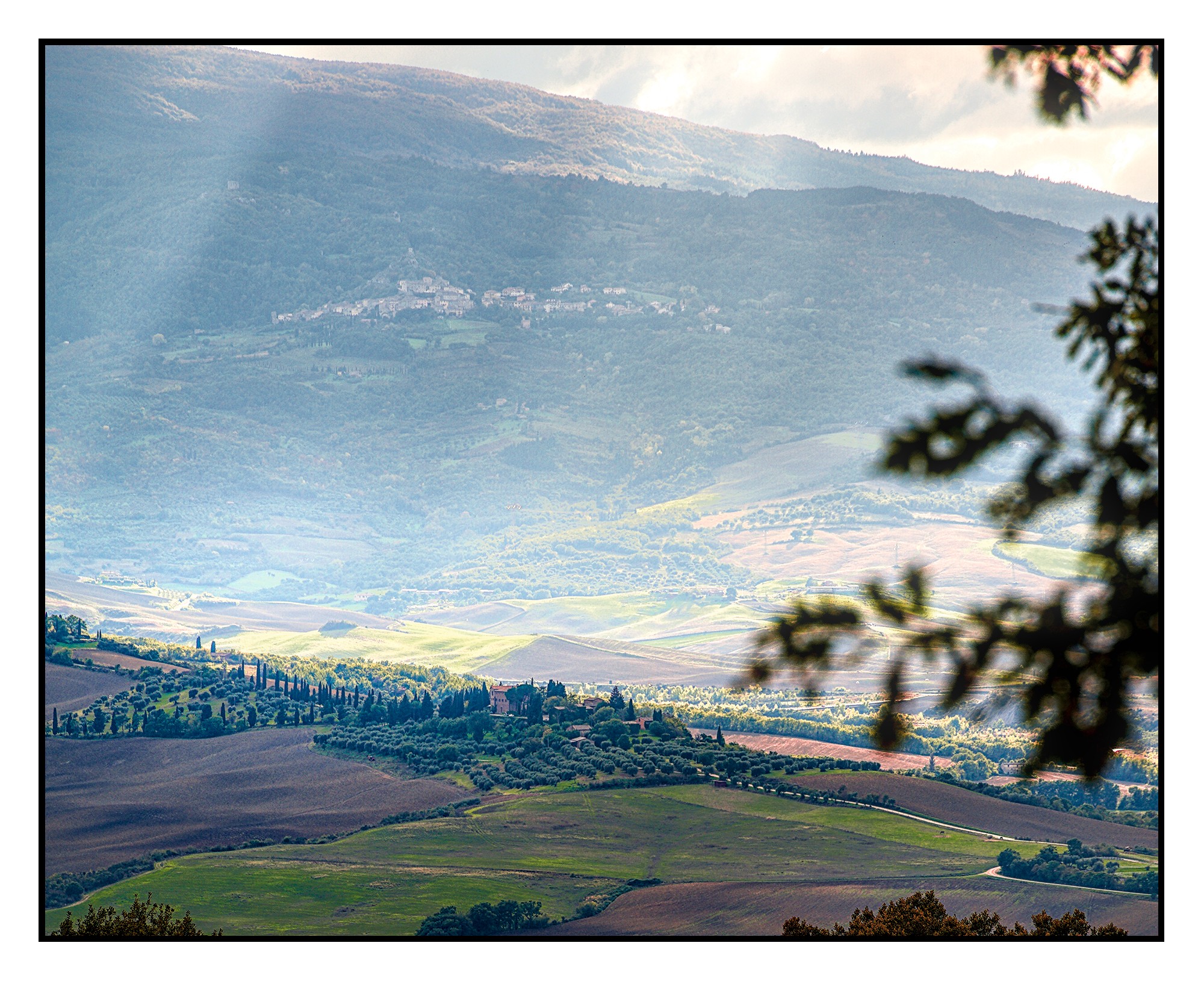
My bad…I don’t like out of focus foreground objects in landscapes so I went for a severe crop. :confused:
DSC_8708.NEF.xmp (11.4 KB)

1 Like

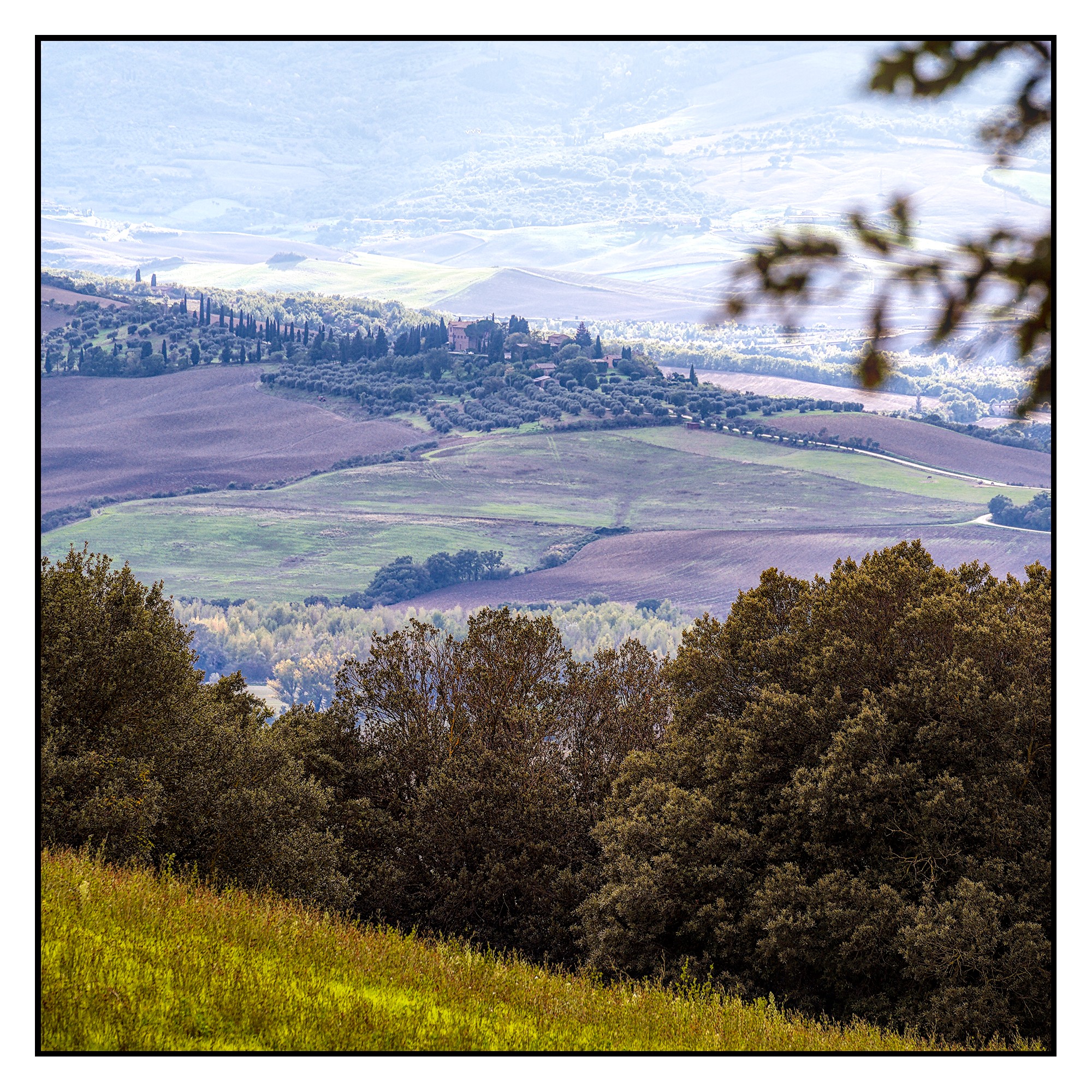
One edit two crops:


DSC_8708.NEF.xmp (24,1 KB)

1 Like

My version…

DSC_8708.NEF.xmp (42,0 KB)

4 Likes

ART with OpenDRT:


DSC_8708.NEF.arp (50.0 KB)

1 Like

Now that I see this version I’m thinking maybe the foreground isn’t really adding anything meaningful to the scene. I like your crop!

2 Likes

And the editing as well of course. It’s wonderful!

1 Like

ART with the kodak 2383 lut from Juan Melara and a lot of post-processing from ART’s tools.

The image has been first converted to cineon log with a CTL script


DSC_8708.NEF.arp (16.9 KB)

Thank you for the play,

With ART, GIMP and G’MIC:

2 Likes

I like that! Can you share what you did with those tools to get this look?

1 Like


DSC_8708.NEF.xmp (24,7 KB)

2 Likes

Yes, but not exactly. I started with ART:
DSC_8708.NEF.arp (15.6 KB)
I produce a flat image with ART, so that I can increase the dynamics with GIMP and G’MIC.

Then in GIMP I used Colors>Tone Mapping>Stress. I combined it, in Layers probably 70%, with the ART result. Then I took the ART result to G’MIC, there I used Colors>Transfer Colors [PCA] (CMYK) combined with the layer result.

Thereafter G’MIC>Colors>Normalize Brightness (YCbCr).
Everytime I mixed the result in GIMP layers with the last result to my liking.

After GIMP Stress I often use G’MIC>Repair>Unpurple. Not to defringe in this case, but to make the purple disappear in the whole image, but in such a way that the blue does not disappear.

I always use G’MIC>Testing>Iain Fergusson>Repair>MS Patch Chroma (Chroma denoiser). And G’MIC>Testing>Iain Fergusson>Details Pyramid Processing.

G’MIC>Colors>Curves, Tune HSV Colors, Mixer[PCA]

G’MIC>Details>DCP Dehaze, Local Variance Normalization, Magic Details and Tone Enhance.
These edits provide dehaze, sharpness and local contrast.

I always combine one of these edits with the previous layer in GIMP.

It might not all have to be in this exact order, but it does give an idea of ​​the filters I used. I might use Color Transfer [PCA] again during this process. For example, if I’ve used “Curves,” I’ll then try “Color Transfer [PCA]” to see if it comes very close to the Curves operation. If so, I’ll use the latter result, as it produces less noise.

The only denoiser used here is in ART (chroma) and the MS Patch Chroma in G’MIC.

I can’t make it much clearer. I almost never save my GIMP edit; I consider it a bit like making sandcastles or ice palaces. Hopefully, this has given a little more insight into my working method.