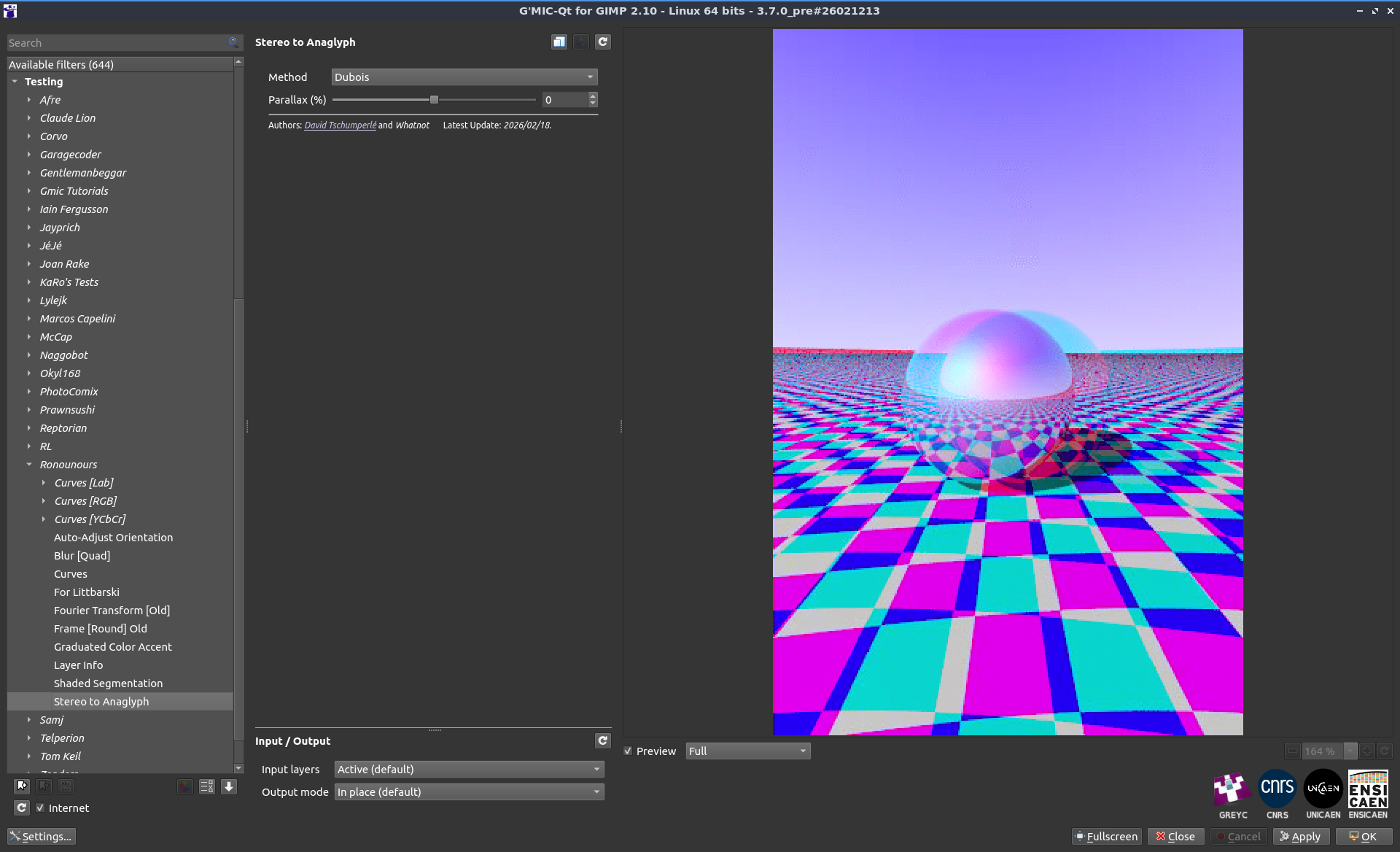
Thank you very much David, excuse the delayed response, I was a bit distracted by some personal drama and forgot to check my post.
Anyway, it seems to give the same output as other software when I compare, but there is the issue that when you merge two images that are slightly offset you are left with some unwanted edges on the side.
Some software uses the ‘mirror edge’ and such to not create a visual disturbance, but one can also crop it of course.
So perhaps something like that can be added.
Also when you zoom on the preview it all goes sour and only the ‘fit’ preview is correct, I’m not sure if that is easily fixable.
Apart from that for me it seems pretty solid, but there are lots of other viewing methods that I don’t personally use but others do.
What you could add though is an option to exchange left and right before doing the anaglyph, because stereo images come in parallel and crosseyed viewing variants and it would be convenient if you could quickly swap left and right before conversion if you have a crosseye image that you want to convert, and it’s easy to implement in GMIC I think.
The standard for such matters in terms of GUI software is StereoPhoto Maker(SPM), which unfortunately is windows/Mac only, and I was planning to go back to Linux soon (it has been a long time) with a new computer, although you can of course use the emulation software to run some windows software.
Anyway that has a lot of other viewing modes (some of which are a bit obsolete).
Link to it (freeware): StereoPhoto Maker(SPM)
There is also other different variants by the same maker,including some android/IOS stuff, but I think SPM is the better package for regular windows use. Main software page of the SPM author
The non-GUI solution is as I said FFMpeg that also has a range of display options.
But keep in mind it’s a bit excessive maybe  and I don’t expect GMIC to support all of it and I think the grey and color and dubois are pretty good choices.
But I’m not sure what versions are most used apart from red/cyan, nor how many people use them.
I suppose you could allow people to pick cyan or blue or green as second color, but as I said I’m not sure how popular those other choices are.
I’ll copy-paste the anaglyph section from the FFMpeg docs for general reference for the reader (excuse the spammy nature, so many options):
‘arbg’ anaglyph red/blue gray (red filter on left eye, blue filter on right eye)
‘argg’ anaglyph red/green gray (red filter on left eye, green filter on right eye)
‘arcg’ anaglyph red/cyan gray (red filter on left eye, cyan filter on right eye)
‘arch’ anaglyph red/cyan half colored (red filter on left eye, cyan filter on right eye)
‘arcc’ anaglyph red/cyan color (red filter on left eye, cyan filter on right eye)
‘arcd’ anaglyph red/cyan color optimized with the least squares projection of dubois (red filter on left eye, cyan filter on right eye)
‘agmg’ anaglyph green/magenta gray (green filter on left eye, magenta filter on right eye)
‘agmh’ anaglyph green/magenta half colored (green filter on left eye, magenta filter on right eye)
‘agmc’ anaglyph green/magenta colored (green filter on left eye, magenta filter on right eye)
‘agmd’ anaglyph green/magenta color optimized with the least squares projection of dubois (green filter on left eye, magenta filter on right eye)
‘aybg’ anaglyph yellow/blue gray (yellow filter on left eye, blue filter on right eye)
‘aybh’ anaglyph yellow/blue half colored (yellow filter on left eye, blue filter on right eye)
‘aybc’ anaglyph yellow/blue colored (yellow filter on left eye, blue filter on right eye)
‘aybd’ anaglyph yellow/blue color optimized with the least squares projection of dubois (yellow filter on left eye, blue filter on right eye)