Unable to copy image coordinates to clipboard

I am geo-tagging images based on gpx-tracks.
For double-checking I would like to simply copy the coordinates of a geotagged image to the clipboard such that I can go to the location in google maps (or another service).

This does not seem to be possible through the GUI, is it?

You might be able to copy and paste out of the image information module on the left hand side.

yes, that’s what I ended up doing, but it is awfully tedious, because I have to copy-paste latitude and longitude one after the other:

grafik

It’d be better to have a field like

location: N 12.3456, W 45.45678

You can view the photo location in the maps module, by clicking the word “map” in the upper right of the application or by hitting the M key in lighttable.

that’s right, but I actually want to view the location in google street view

Are you tagging by hand?

I use my phone to record a GPS log, make sure the camera and phone time match, then DT will add the coordinates. This usually works quite well.

I wrote some time ago a script to handle geo data, perhaps that’s interesting for you: lua-scripts/geoToolbox.lua at master · darktable-org/lua-scripts · GitHub

No I have gpx-tracks that I created with OSMAnd and I have applied offsets to the images’ timestamps to make sure the seconds are right.

But as I have been travelling through time zones I may still make errors when assigning the time zone, so I want to double check.

And I’d want to check where the GPS track was not well captured.

Thanks, I enabled it, but the copy GPS data button does not modify my clipboard. (I must admit I’m still running Windows on my computer for photo editing)

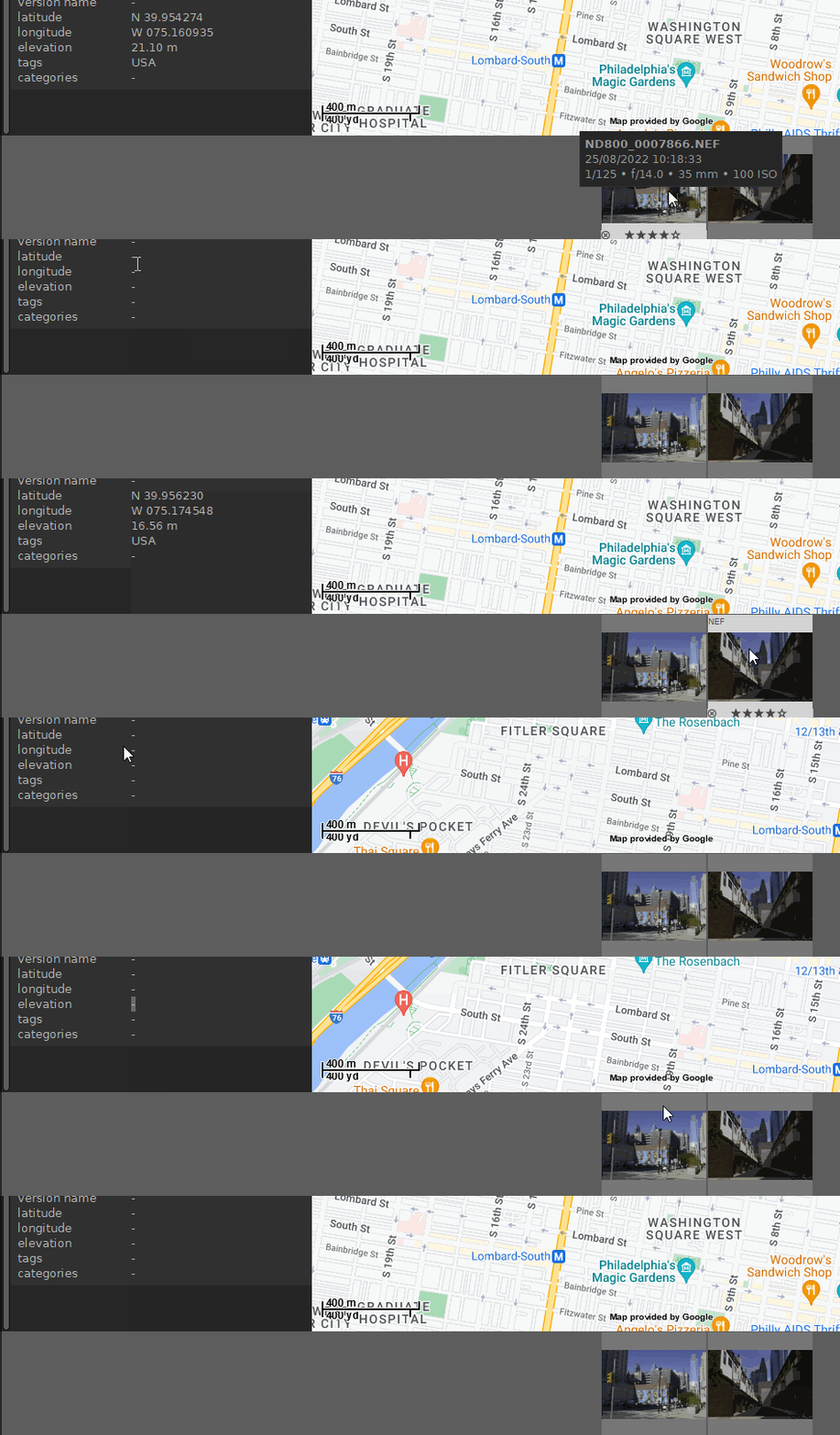
Another cumbersome feature (?) is that one cannot select an image in the map mode.
I can in lighttable, but there I don’t have the map feature which would help me assess if the tagged location is credible.

See for yourself. I have always been wondering if this is a bug or a feature:
221003_dartable_filmstripselect

Select the image thumbnail on the map.

That does not work.
221003_dartable_filmstripselect_2

Must be a with does thing, the information persists on Linux.

mh ok

That’s right. It’s only for “internal” copying in darktable. But perhaps you can improve the scripts for your needs. There is for example the “open in Gnome-Maps” button, perhaps you can change it to “open in Google-Maps”. or you can find a way how to fill the data into the Windows clipboard.