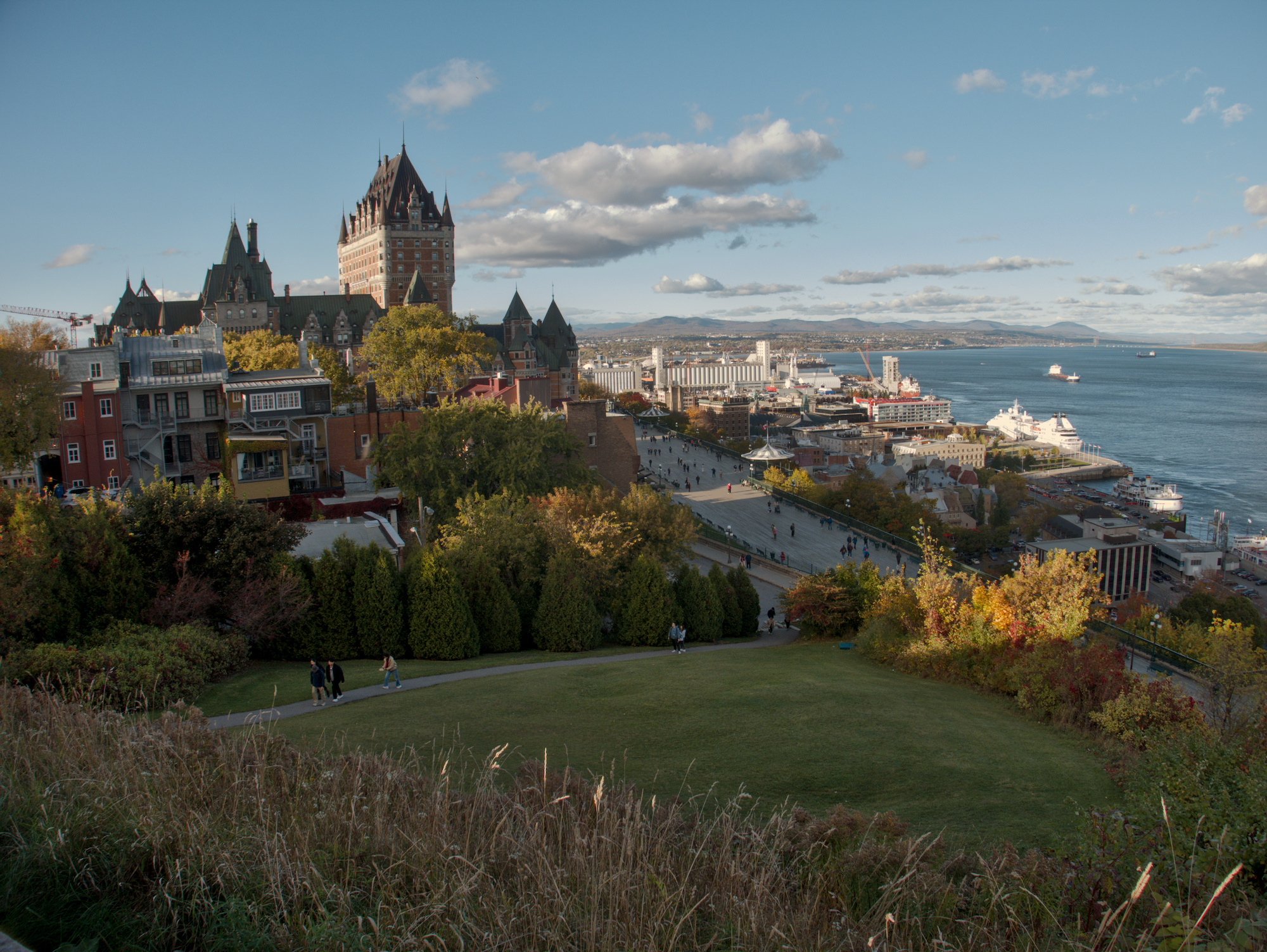
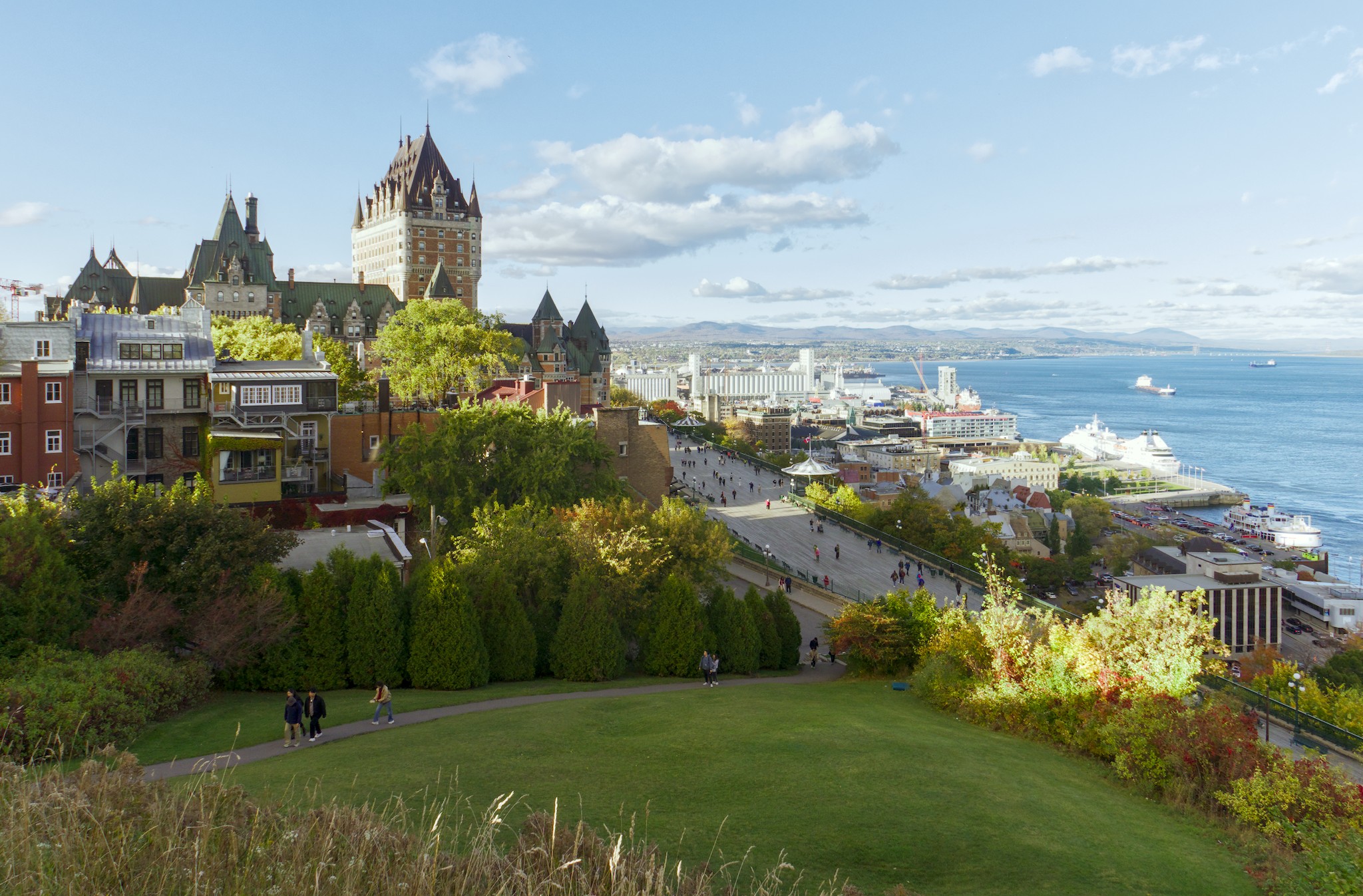
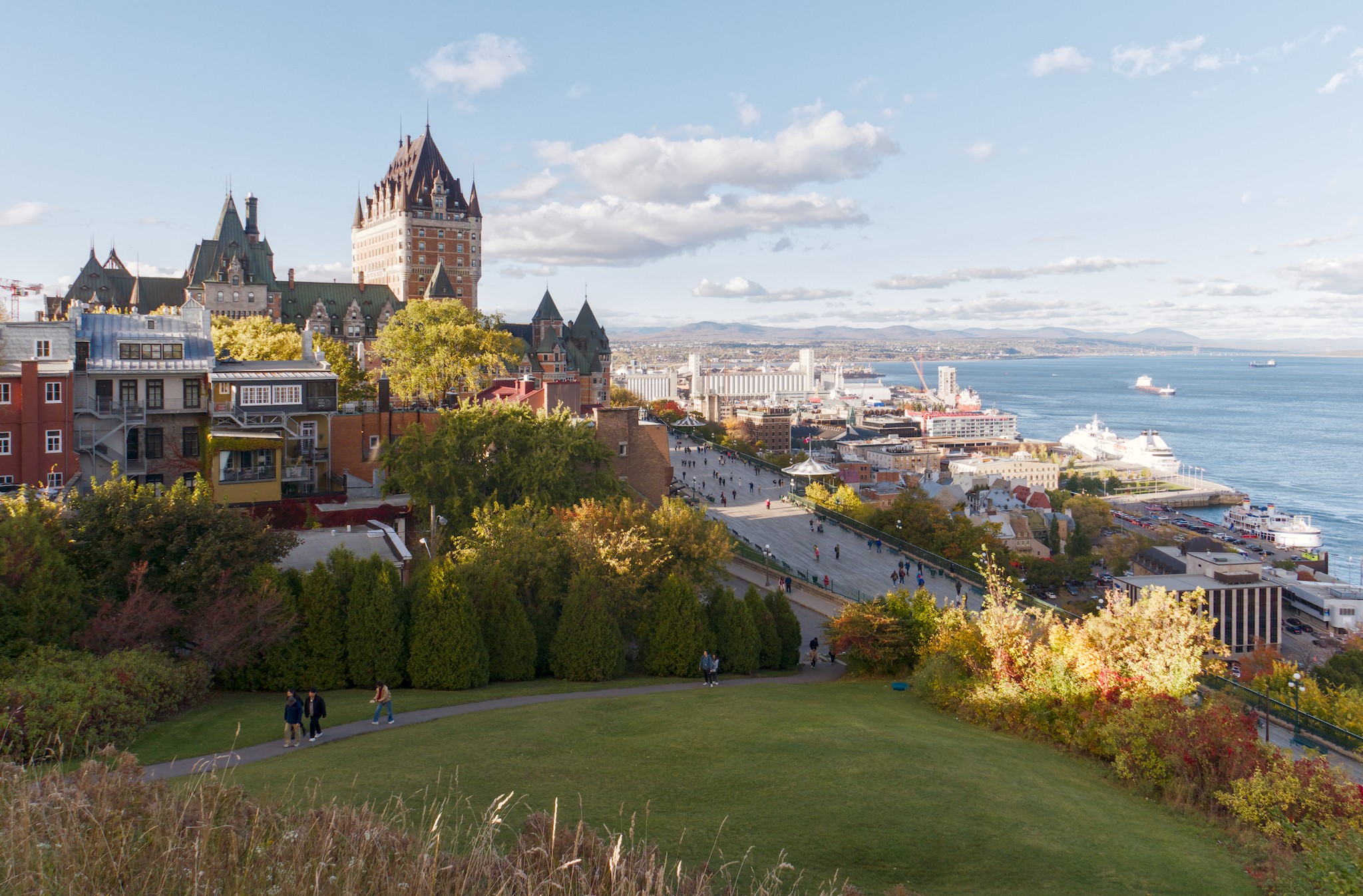
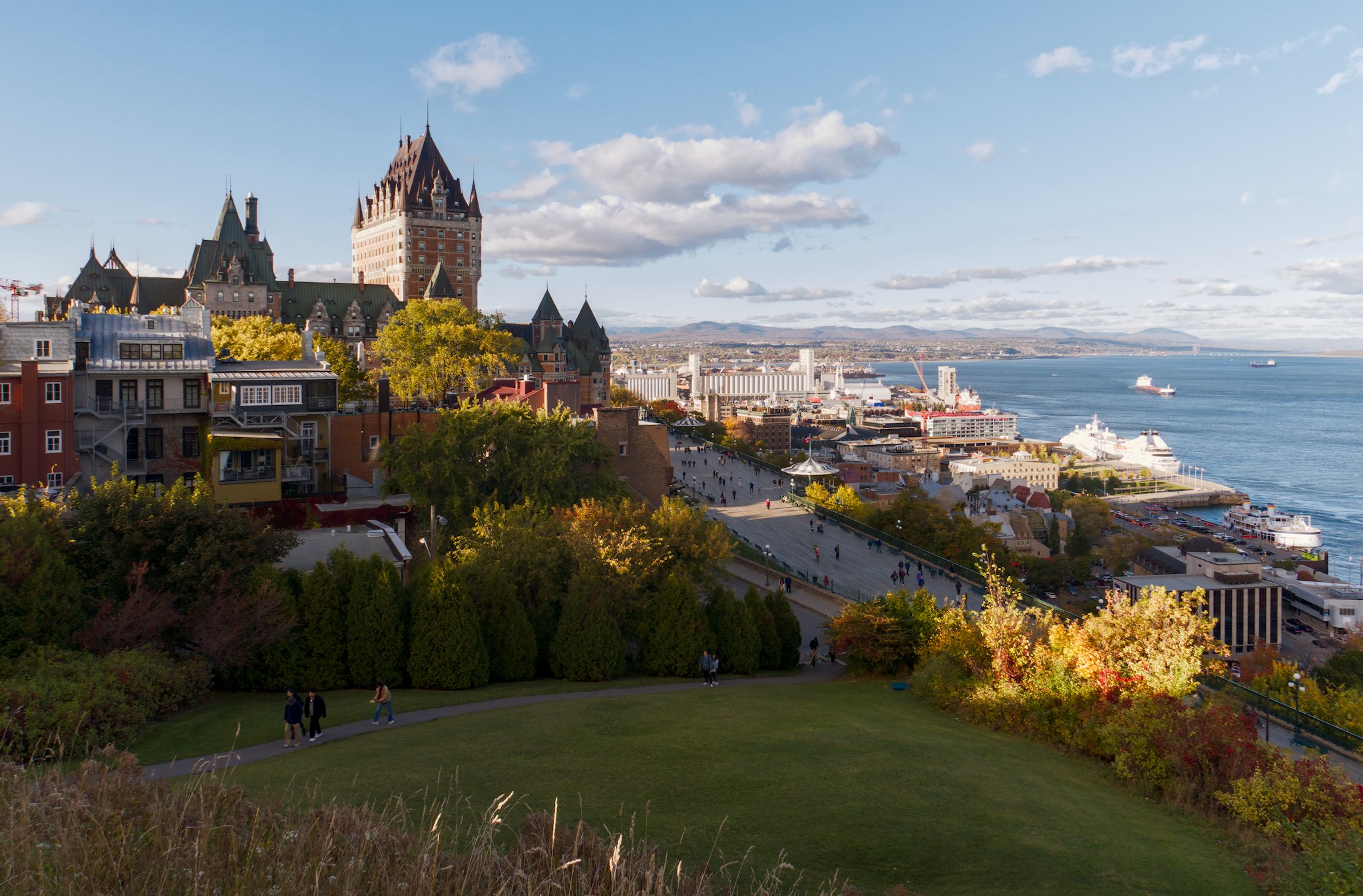
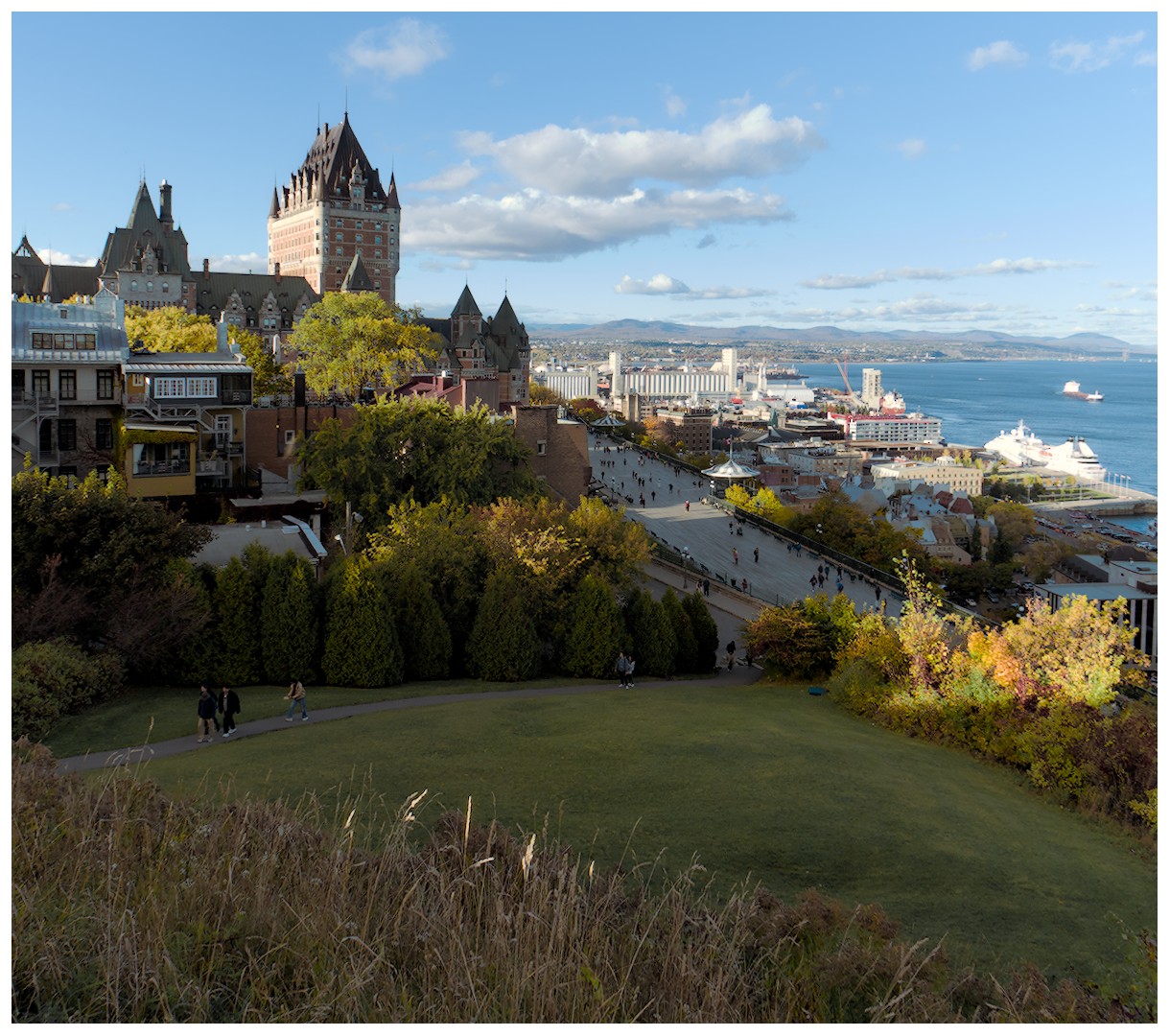
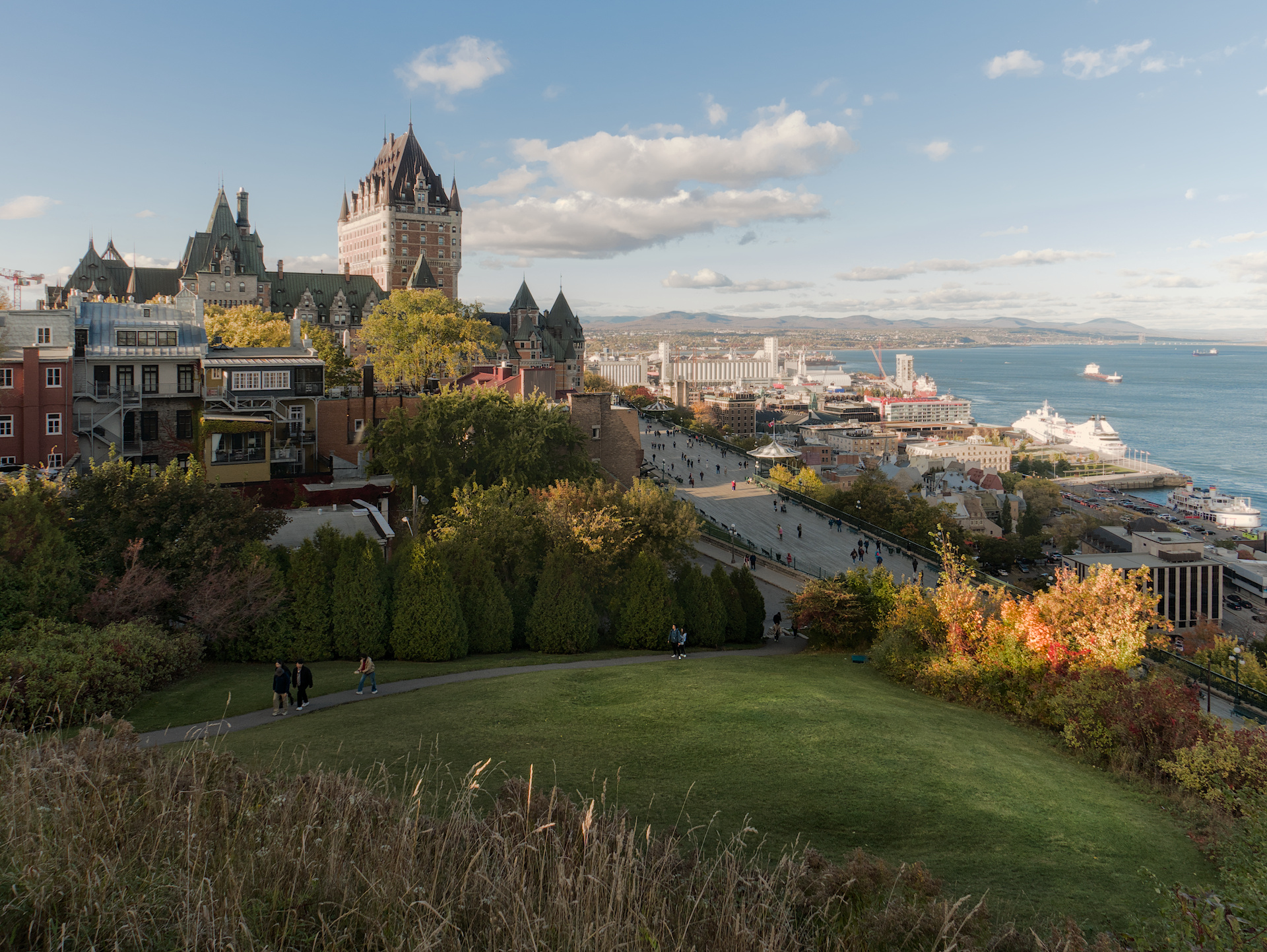
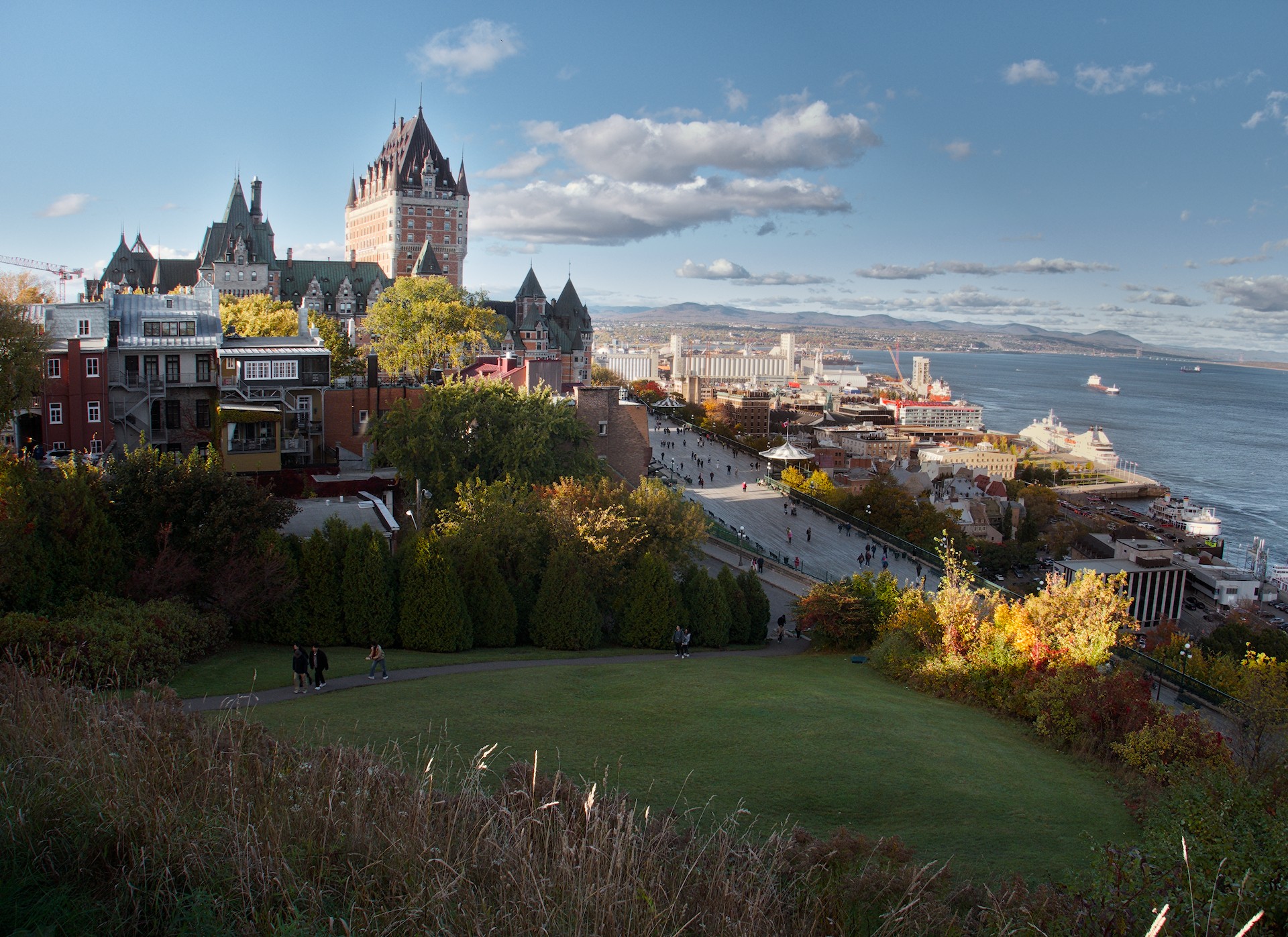
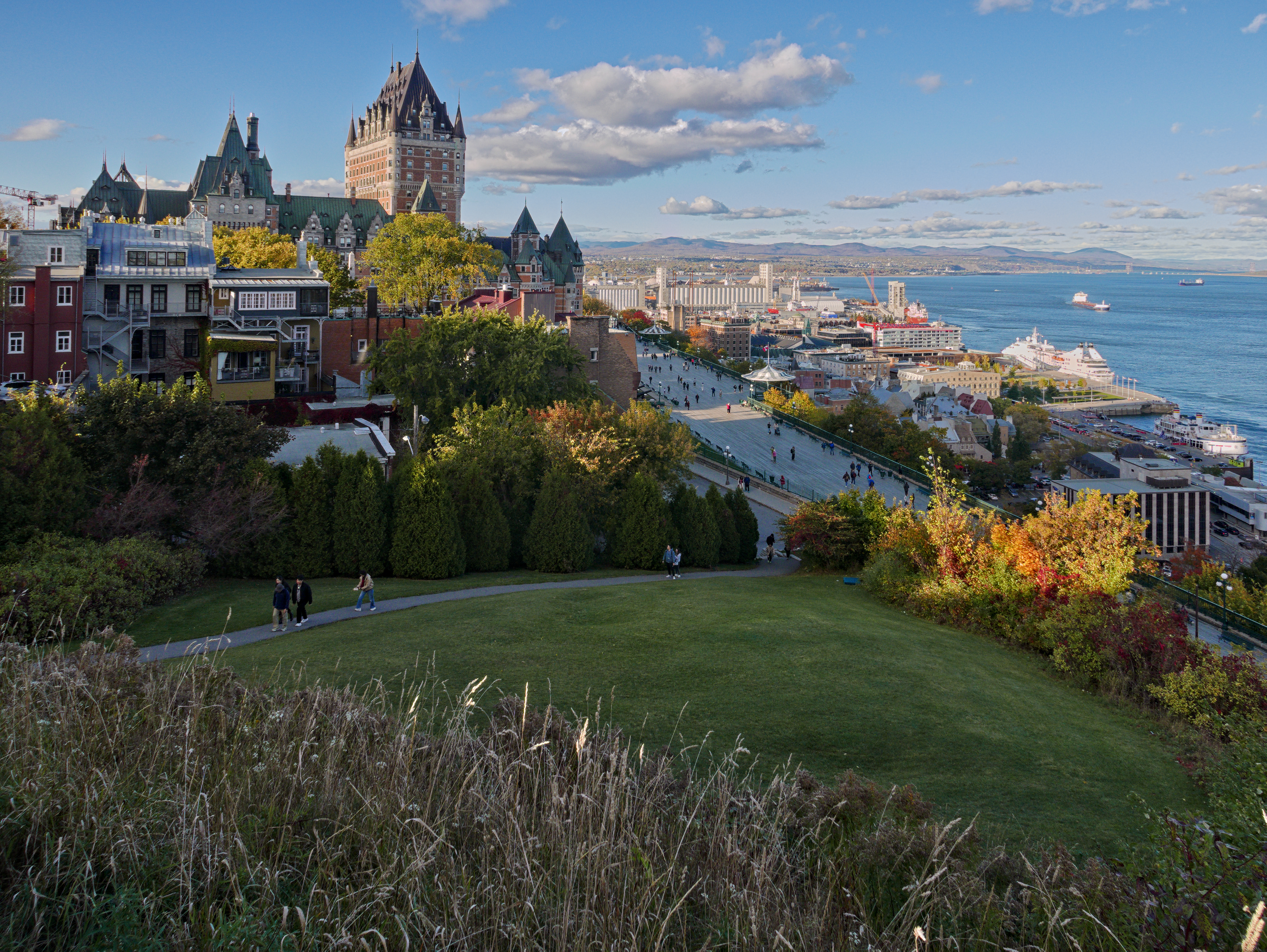
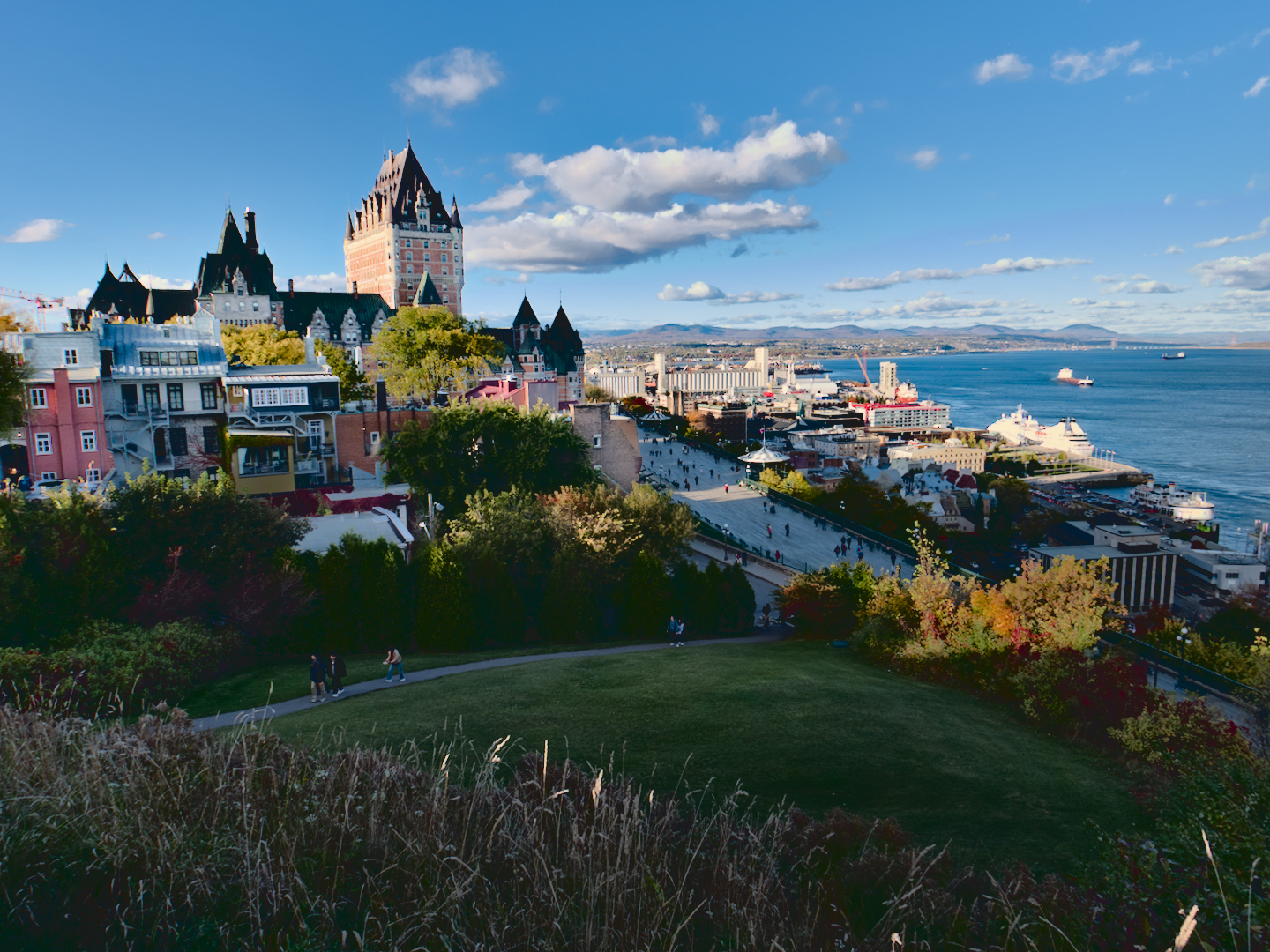
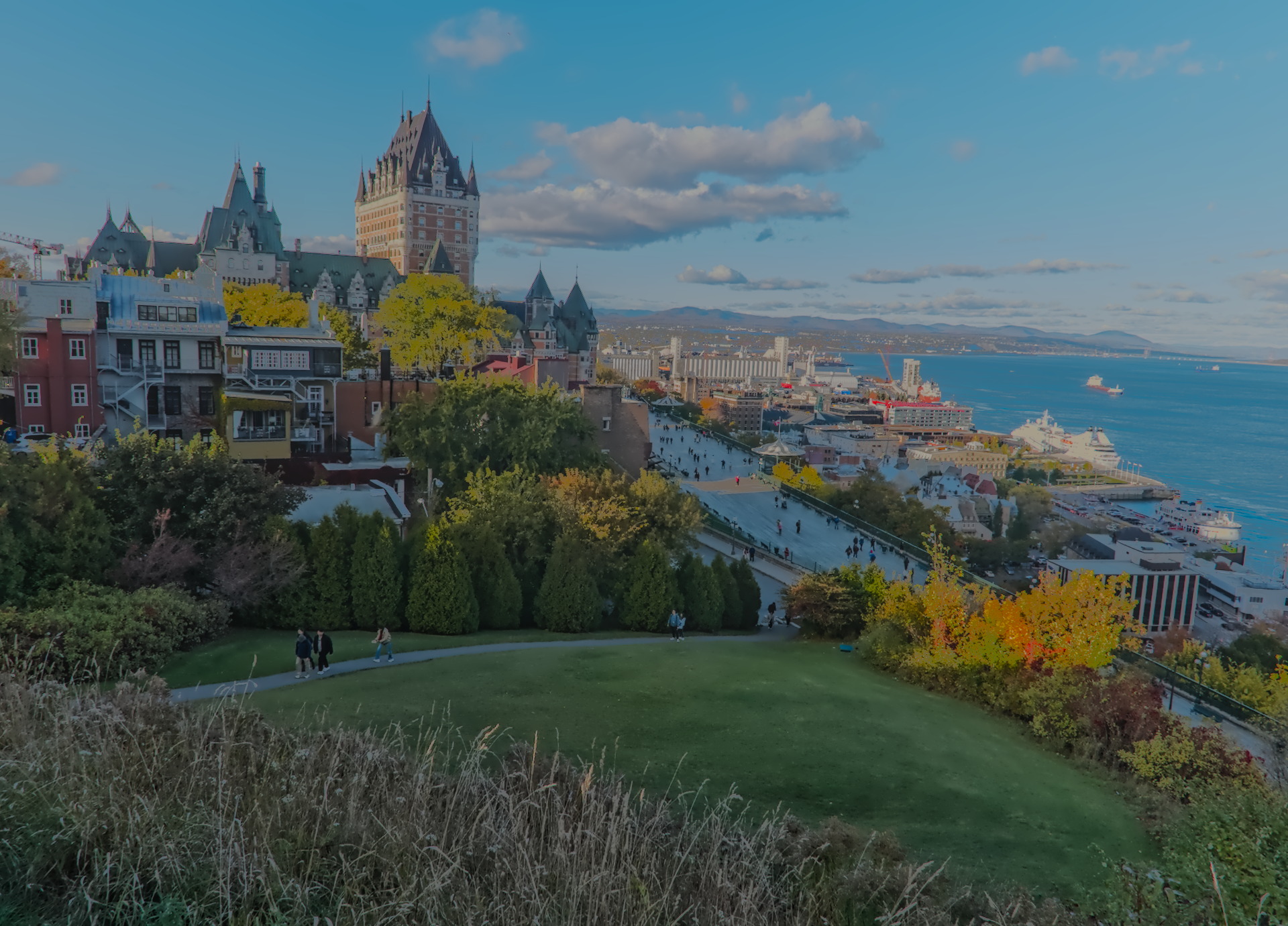
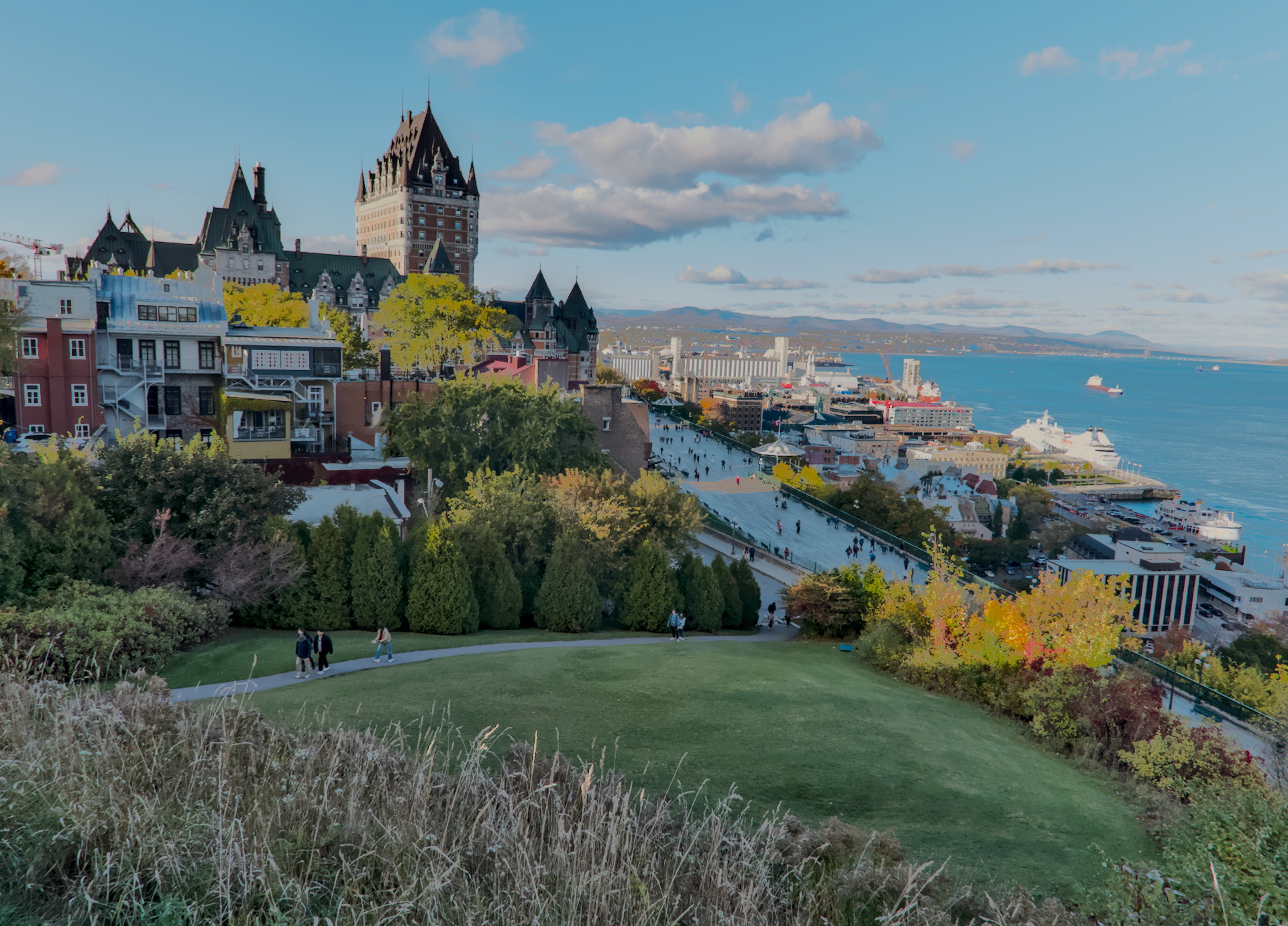
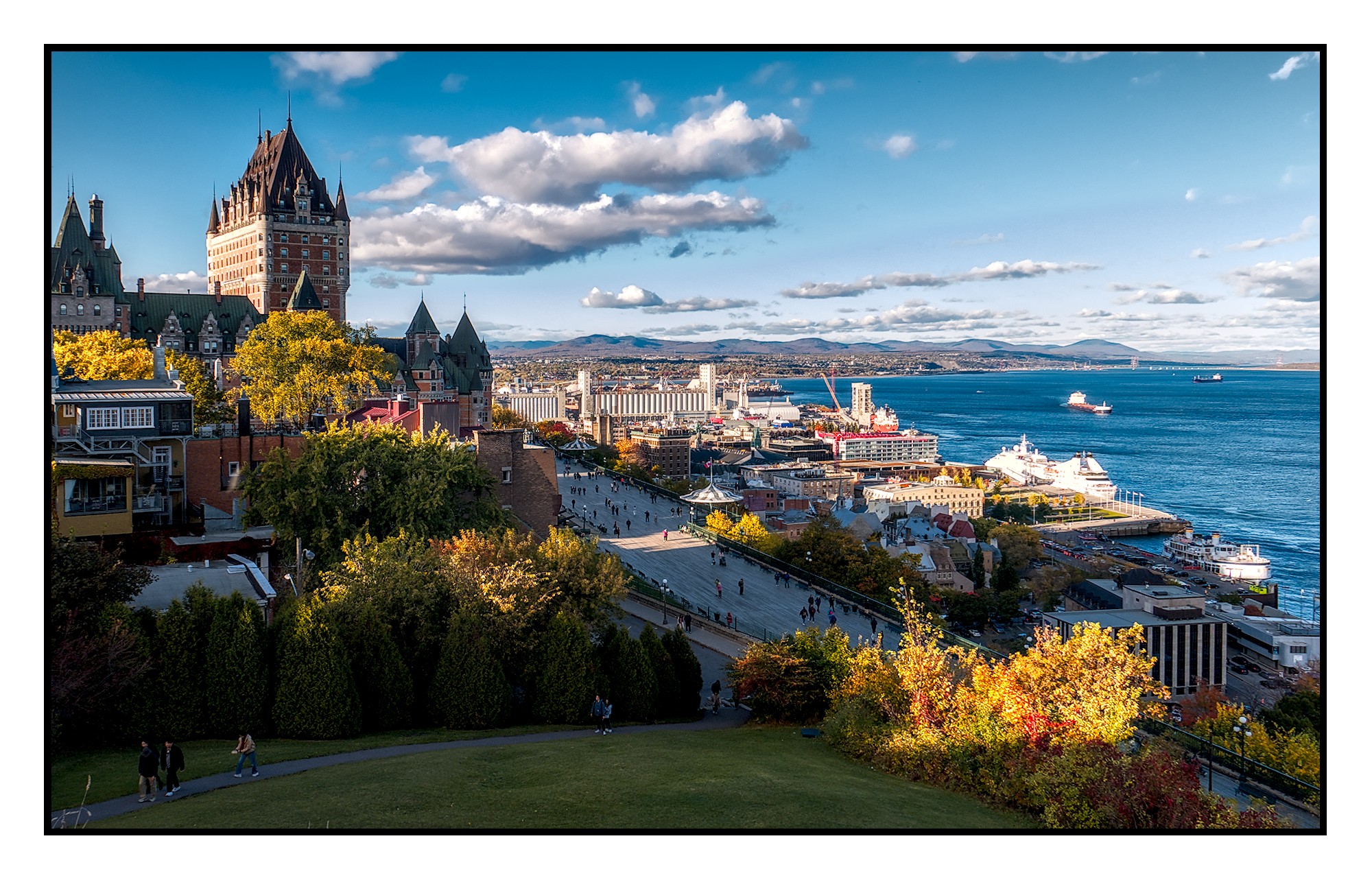
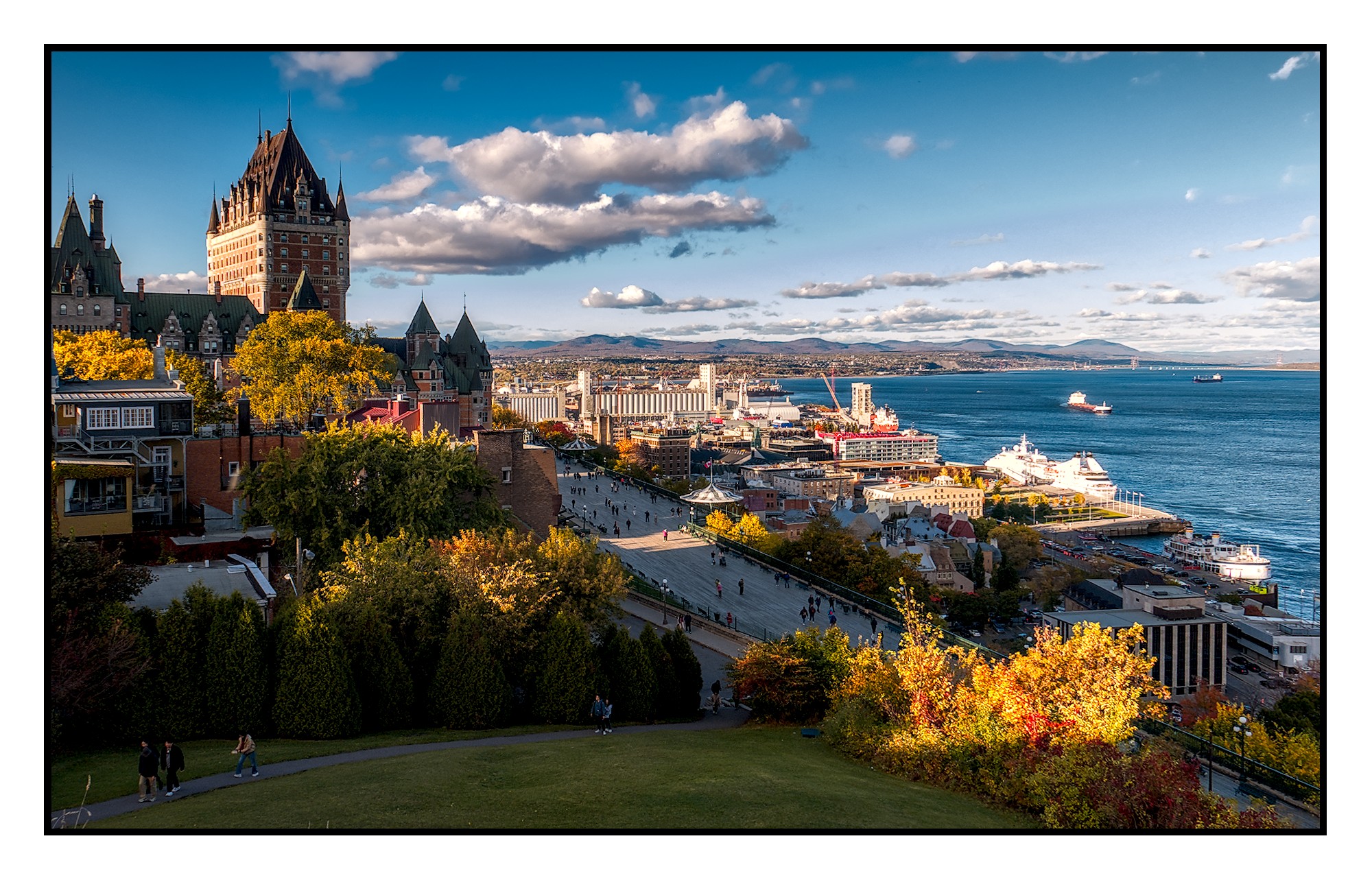
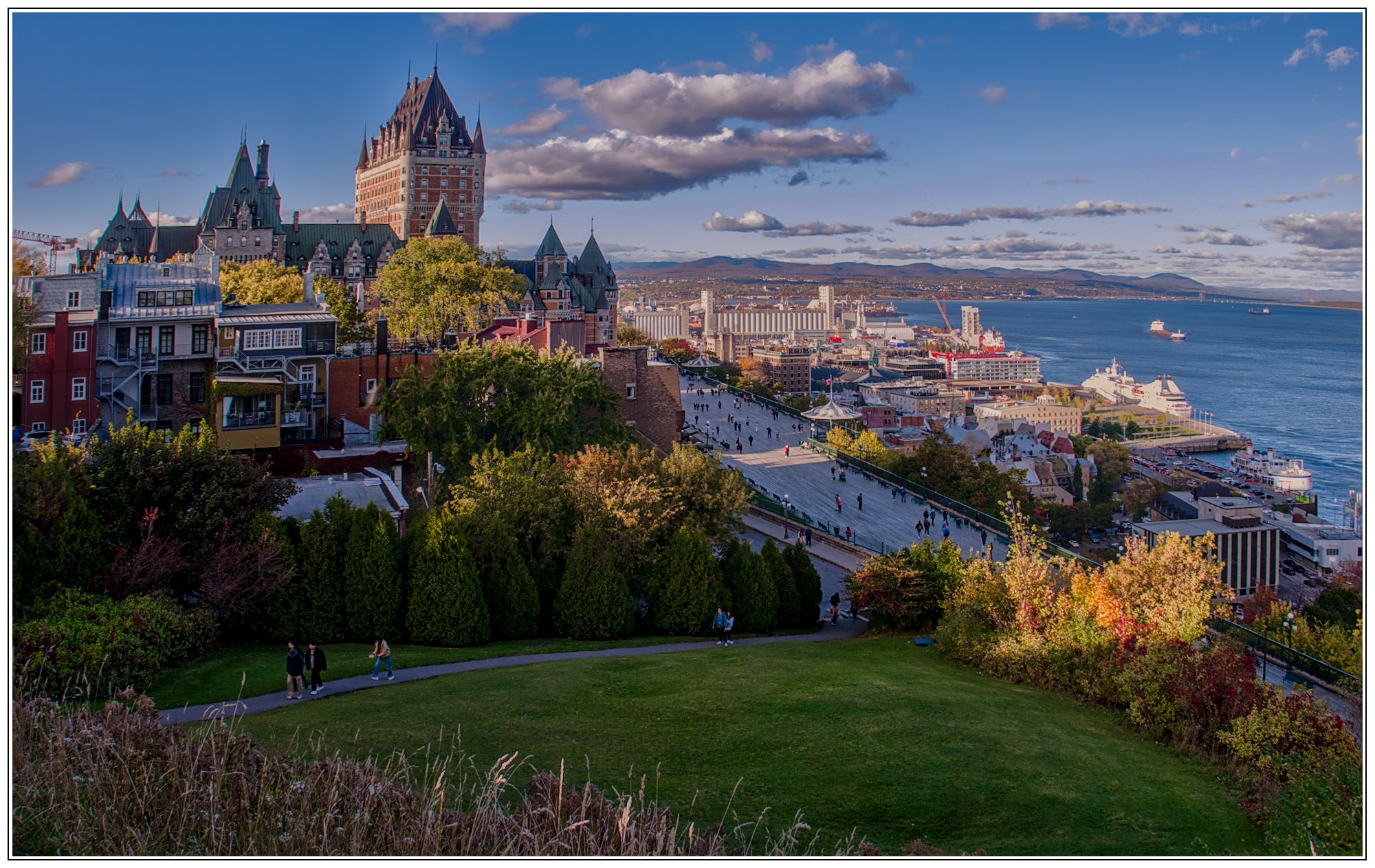
I’m trying to adapt to a darktable-only workflow - with some success - but had a lot of trouble processing this file in a way I was happy with . Thought it would be fun to see how others approached it. If you can explain your workflow, I’d be very grateful. I’ll share my version in a bit after folks have had a chance to give it a whirl. (Though I will add that I was working in color, not b&w.)
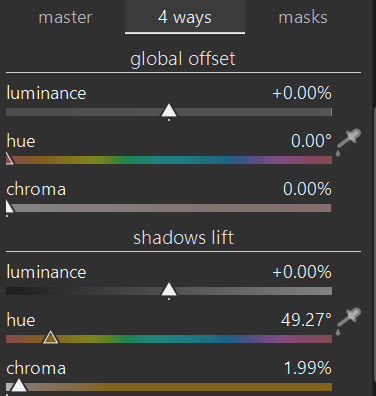
I used DT5.3 with AgX. I white balanced in the cc module by sampling the cloud. The as shot in camera and daylight options looked tinted. Was there a filter on the camera such as a skylight? I then brighten the shadows using shadow and highlights module as well as tone equalizer. I didn’t really notice mixed lighting but I used the 4 ways tab options in the color balance rgb module to warm the shadows slightly
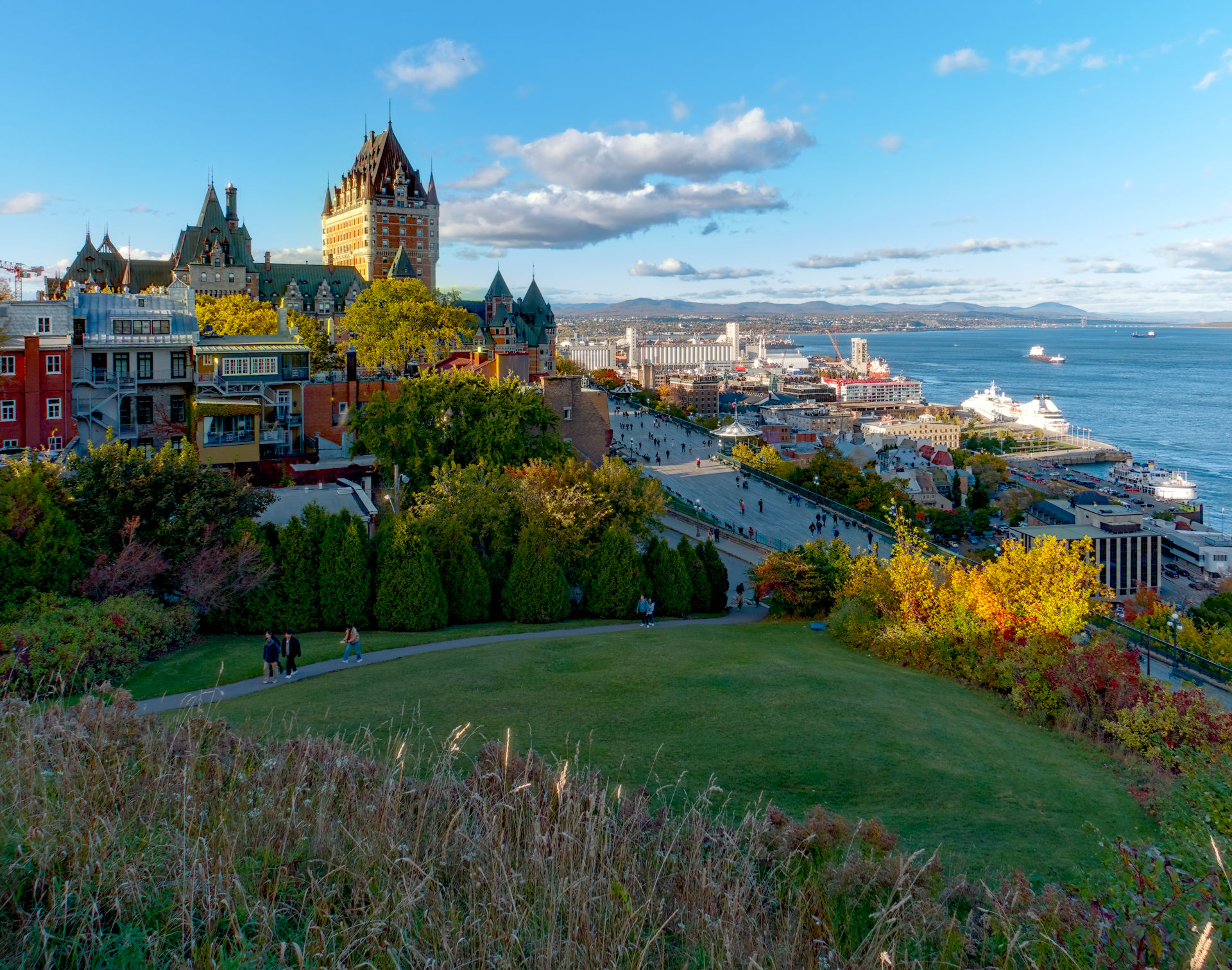
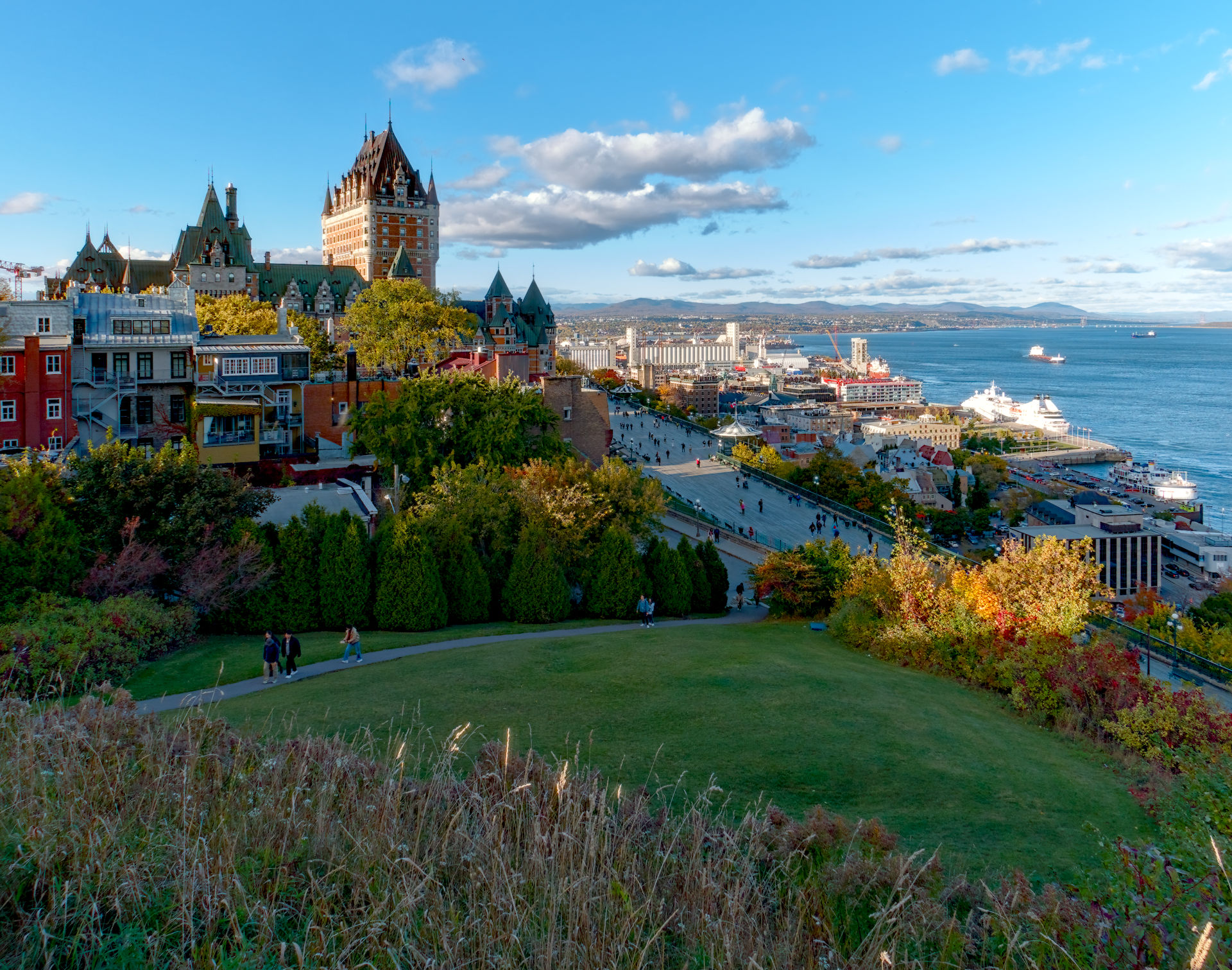
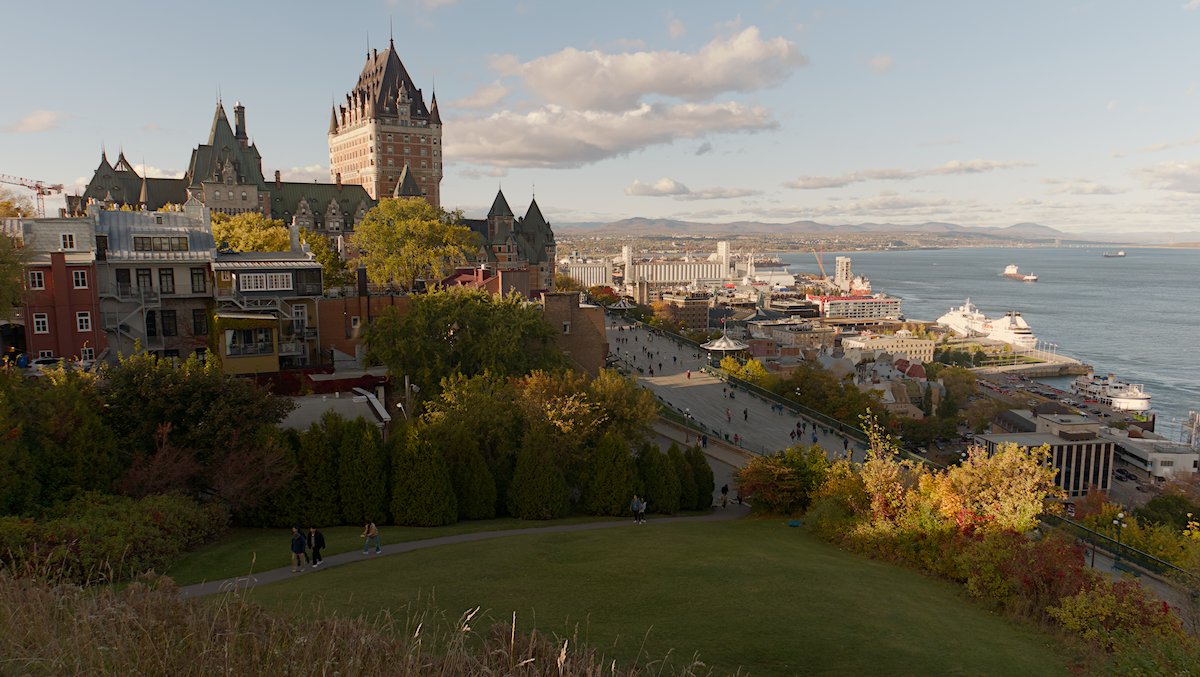
I did the first edit mostly with AGX to taste (lower one). I used the punchy preset and then adjusted tonal settings and tweaked the look. Otherwise just a few modules to finish out the processing. As mentioned the lower image was my first run and then I went back and tried to add some warmth to the areas hit by the sun…just very quickly…I am sure others will exploit and improve this well beyond my simple offering but anyway its the beauty or raw …so many possible outcomes…
THis is a great image and I am sure a craftsman will do a great job with the light that it offers…that no being me…
2 instances of color calibration, one white balance picked from the sunlit side of the building in the background, one from the shaded pavement, masked by the Jz channel (“brightness”).
This image was taken close to sunset, so i expect some yellow tones to it. You can tell via the exif plus the direction of the shadows (west is to the left). I think this is standing at The Citadelle of Québec facing the Château Frontenac.
OP. The image is overexposed in the sky/chateau/ship, so I first addressed that. The rest was pretty standard approach. I imaged being at that location at that time. This avoids the temptation of trying to lift the darker areas too much.
Very nice! What software did you use? Can you share the sidecar, or (if there is no sidecar, e.g. with Gimp), describe the process? Sharing the sidecar is generally encouraged, so you play, and others learn.
I don’t think I ever contributed in this way before!
I should have been in bed an hour ago: this seemed like a worthwhile procrastination! It’s a bit of a quickie, and I don’t do much landscape. But… for what it’s worth…
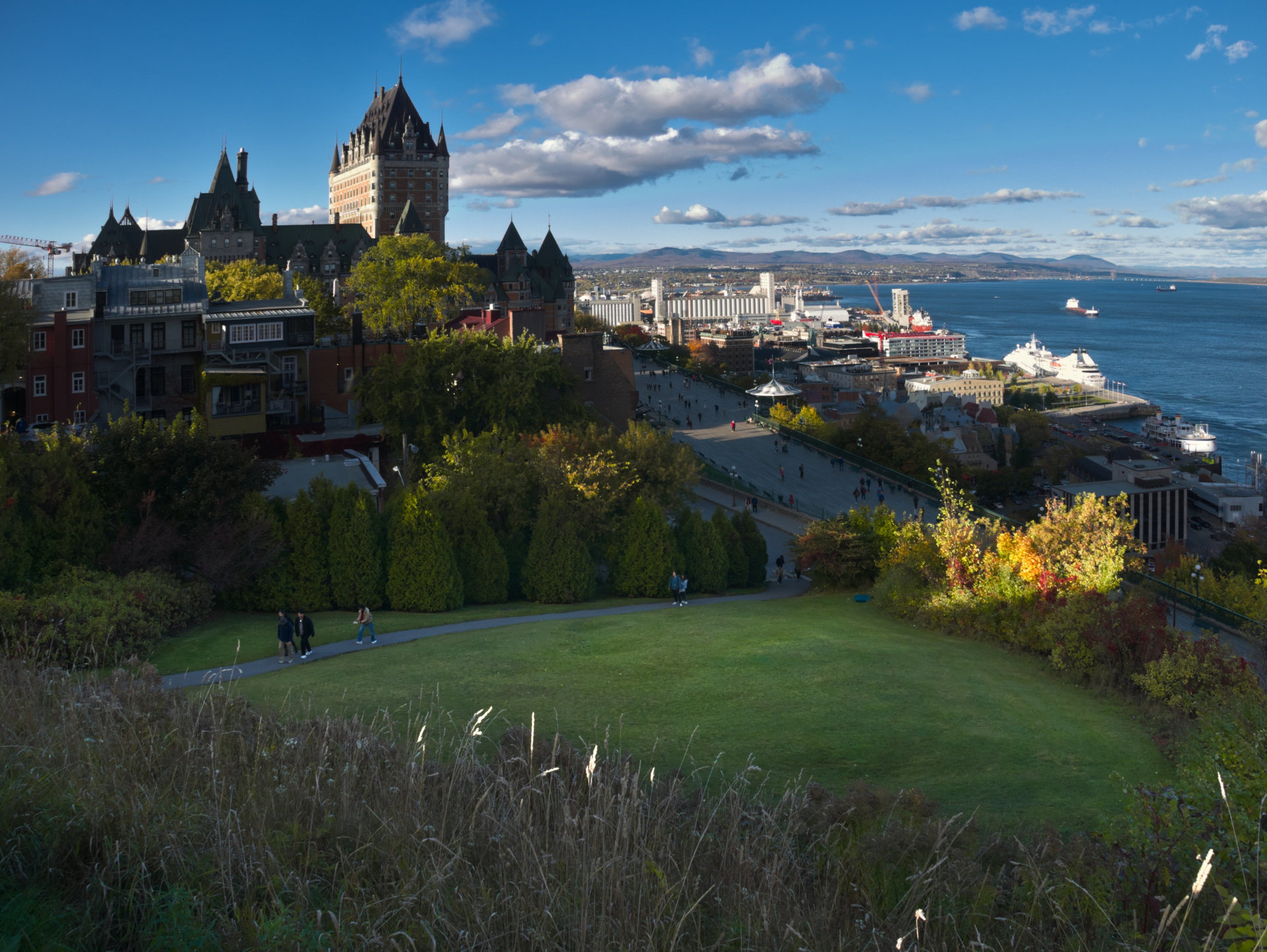
I found I wanted to see the buildings to the left of the scene. I’ve bumped them up a stop and a half or so (this might have been a bit too much). I’ve also tried to make some of the other elements which were competing for attention less competitive (the lawn in the foreground, the sky, the trees in the foregound), and otherwise just made the colours a bit more punchy