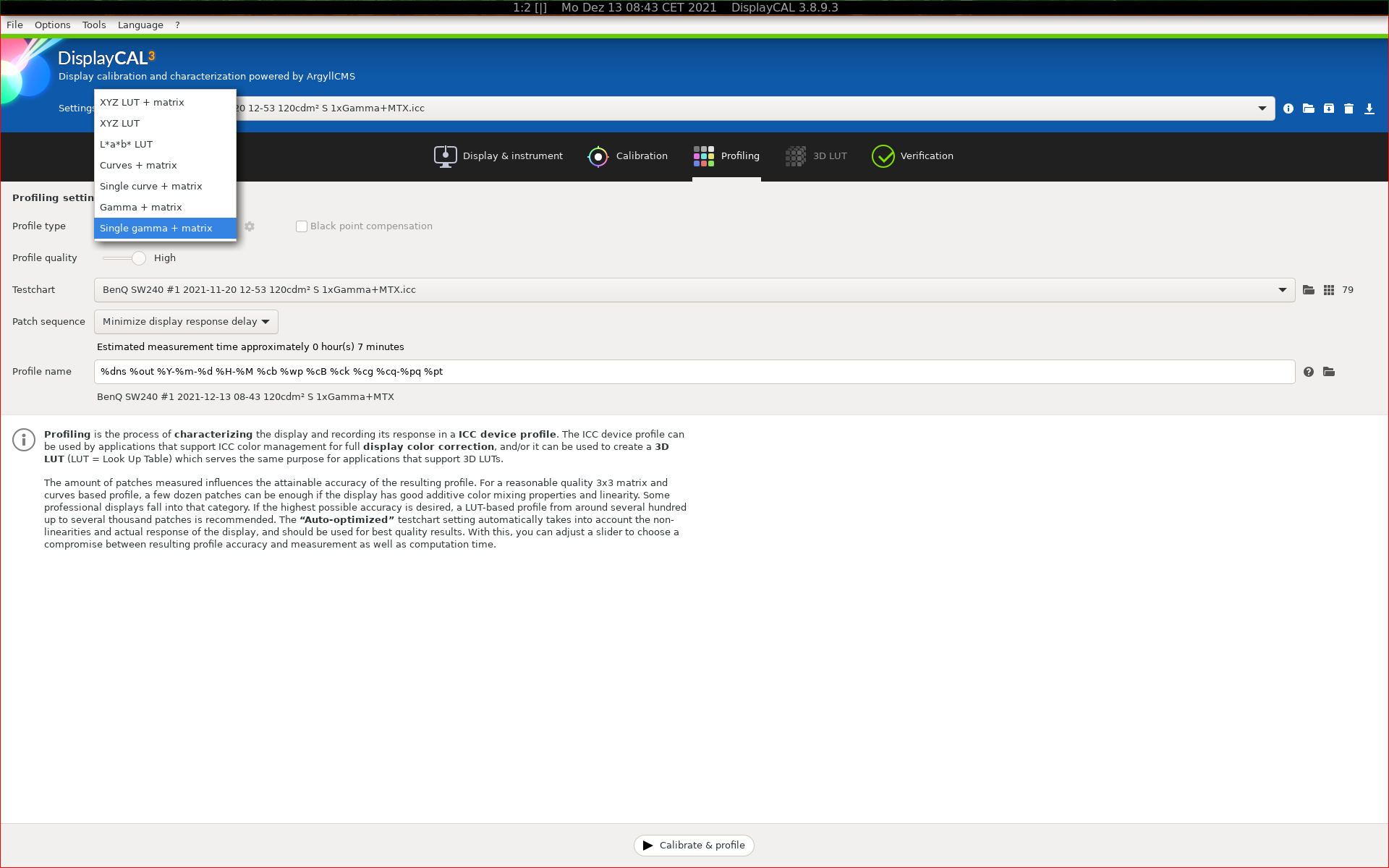
@betazoid & @hanatos , Thanks for the reply, but I’m lost, even after reading again the doc.
Do you mean that the videoLUT should not be used ?
Dispcal seems to try to use it by default.
I’ve tested with the simple command (for “simple matrix/shaper display profile”): dispcal -v -b 100 -gs -t 6500 -o profilename with the same result.
Thanks in advance for any tip
I installed the most recent amdgpu driver, so I’d expect it to have support for the latest & greatest vk features, but I’d need to double check first. can you give me some hints on what to look for?
maybe it helps to narrow down the problem: processing jpg files works, so I’d expect the issue coming from a raw-only operation.
Okay, maybe the issue was due to the inconsistencies between the vulkan driver version (1.2.198) and the SDK vulkan version. Now I made sure they both are consistent at version 1.2.198.
When I try to process a RAW file this time, I get a segfault with the following backtrace: vkdt-bt-15551.txt (170.0 KB) @hanatos which vulkan API version are you currently using on your machine?
@darix I won’t just upgrade my whole distro for testing out a single program. I suppose the problem might be with different vulkan API versions and vulkan implementations on the driver side. Upgrading to Ubuntu 21.04 wouldn’t change anything for the amdgpu driver on my side.
Is anybody else using an AMD GPU who can successfully use vkdt?
#1  0x000055eb5a3a77d1 in dt_sigsegv_handler (param=11) at ./core/signal.h:51
#2  <signal handler called>
#3  0x00007f787bd290ce in ?? () from /opt/amdgpu/lib/x86_64-linux-gnu/amdvlk64.so
#4  0x00007f787bd2d311 in ?? () from /opt/amdgpu/lib/x86_64-linux-gnu/amdvlk64.so
#5  0x00007f787dcd1eb0 in ?? () from /opt/amdgpu/lib/x86_64-linux-gnu/amdvlk64.so
#6  0x00007f787bcc8c19 in ?? () from /opt/amdgpu/lib/x86_64-linux-gnu/amdvlk64.so
#7  0x00007f787bb7eebe in ?? () from /opt/amdgpu/lib/x86_64-linux-gnu/amdvlk64.so
#8  0x00007f787bb80b59 in ?? () from /opt/amdgpu/lib/x86_64-linux-gnu/amdvlk64.so
#9  0x00007f787bb80ef6 in ?? () from /opt/amdgpu/lib/x86_64-linux-gnu/amdvlk64.so
#10 0x00007f787bad41f1 in ?? () from /opt/amdgpu/lib/x86_64-linux-gnu/amdvlk64.so
#11 0x00007f787bb67e41 in ?? () from /opt/amdgpu/lib/x86_64-linux-gnu/amdvlk64.so
#12 0x00007f787bb42d15 in ?? () from /opt/amdgpu/lib/x86_64-linux-gnu/amdvlk64.so
#13 0x00007f787bb2b045 in ?? () from /opt/amdgpu/lib/x86_64-linux-gnu/amdvlk64.so
#14 0x000055eb5a45f454 in alloc_outputs (graph=0x55eb5a4be7e8 <vkdt+33280>, node=0x7f77acab3968) at pipe/graph.c:481
sigh and when it finally goes back into my code all it does is create a compute shader pipeline. not sure my psychic powers are large enough to know what this computer is trying to tell me.
since you’re compiling, could you try with validation layers? uncomment this line:
and remove the one below?
then make clean && make debug in the bin/ directory and try again? i think i temporarily disabled the validation layers because there was a bug in one of their revisions and never put them back.
fwiw i’m using 1.2.189.0.
people have done that in the past, yes. not sure about the setup/driver that was used then or whether something changed in the meantime.
good to have those asserts in place
those tell me:
[rawspeed] load /tmp/DSC09742.ARW in  48ms
[qvk] validation layer: Validation Error: [ VUID-VkComputePipelineCreateInfo-layout-00703 ] Object 0: handle = 0xeab5ab0000000f84, type = VK_OBJECT_TYPE_SHADER_MODULE; Object 1: handle = 0xa5ed40000000f83, type = VK_OBJECT_TYPE_PIPELINE_LAYOUT; | MessageID = 0xe63c2d8b | Push constant is used in VK_SHADER_STAGE_COMPUTE_BIT of VkShaderModule 0xeab5ab0000000f84[]. But VkPipelineLayout 0xa5ed40000000f83[] doesn't set VK_SHADER_STAGE_COMPUTE_BIT. The Vulkan spec states: layout must be consistent with the layout of the compute shader specified in stage (https://vulkan.lunarg.com/doc/view/1.2.198.0/linux/1.2-extensions/vkspec.html#VUID-VkComputePipelineCreateInfo-layout-00703)
vkdt: qvk/qvk.c:96: VkBool32 vk_debug_callback(VkDebugUtilsMessageSeverityFlagBitsEXT, VkDebugUtilsMessageTypeFlagsEXT, const VkDebugUtilsMessengerCallbackDataEXT *, void *): Assertion `0' failed.
[1]    137170 abort (core dumped)  ./vkdt -d all
let me also add my vulkaninfo output here: vulkaninfo.txt (52.5 KB)
btw.: should we take the bugfix session off-line because I feel like spamming the forum?
great, thanks for running this. new sdk, new validation layer errors
and yes feel free to open an issue on github with this so i won’t lose it. this output seems descriptive enough for me to fix it, but i also need to find time…
edit: i’m lying, i don’t understand the message. the compute bit is totally set just a couple lines above this, and very generally so (setting all bits). i’d probably need to know which shader is that, maybe the shader has a stale block for a push constant and the cpu doesn’t serve it?
… and now in git (not in the packages, because not tested well enough) in the debug build there are debug markers added, so i should be able to read the name of the shader module from your output. not sure it works but can’t hurt.
also i found that the denoise module (raw only, not used on jpg by default) used a wrong size for the push constants it uploaded (or well, size differing from the one declared in the shader). may be unrelated but your driver might have taken offense on that.
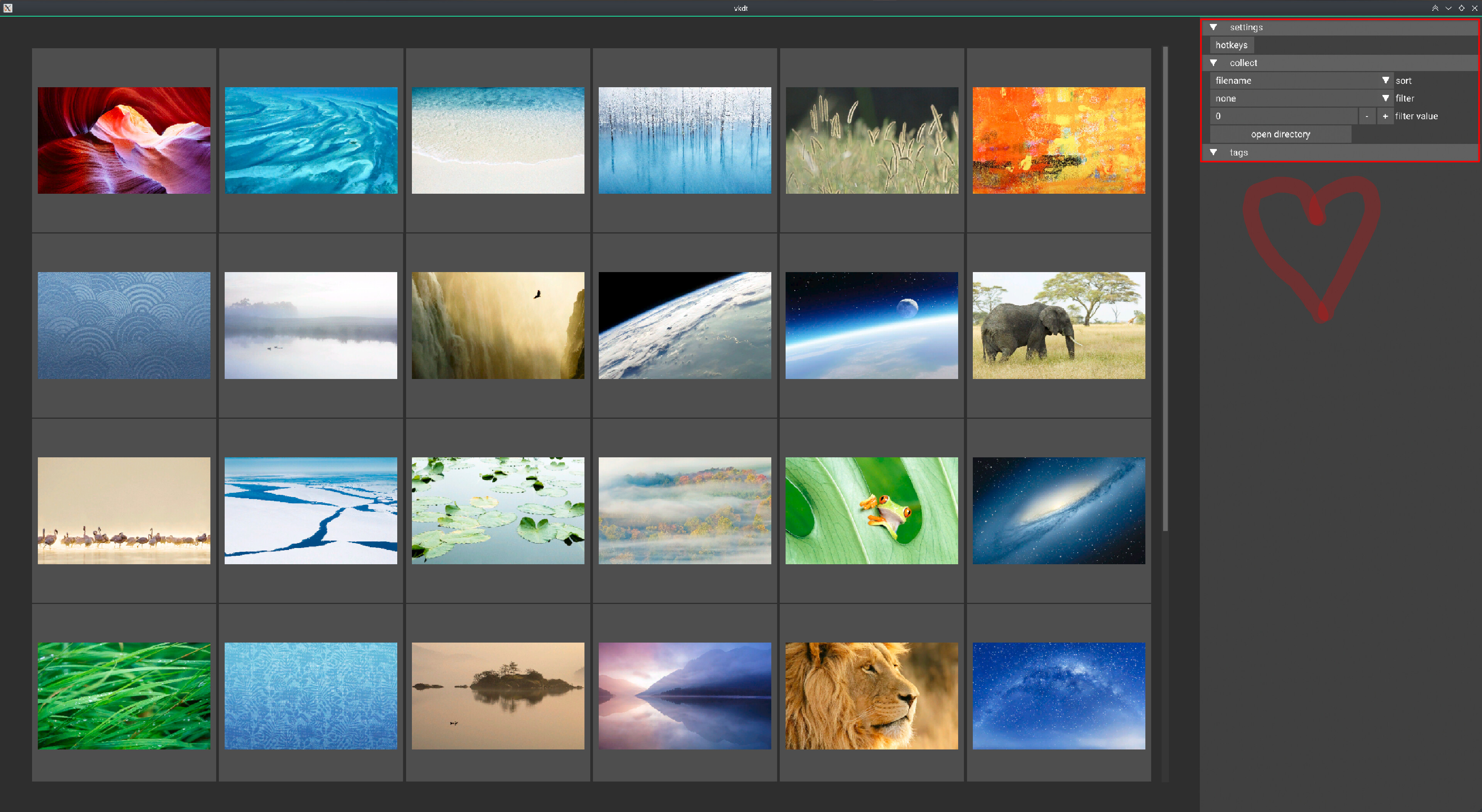
Wow! Such a lot of new features since last time I’ve played with it (I’m only starting).
I like the possibilities to open a directory and to add a module in the pipeline. Module’s readme files are also very welcome.
Trying the contrast module I don’t see any change related to radius, except if I set a value well outside the slider range (1 for example). Do I need to change my glasses ?
… i think i broke the blurs. some take integers as radii, some floats, some work on pixels and some on fractions of screen width. i think that’s what results in the weird zone module behaviour mentioned above, and i think that’s also what’s going on in the contrast/usm module. i did test it only a few days ago, must have broken it recently. will clean up.