double click on the pic in the retouch module could get back to the gallery module, the same way the opposite work: double clicking on a gallery pic opens the retouch module
have a before / after split, to better see the effect of what you are doing
no opinion on that. i think the ‘e’ shortcut works the same both ways, and it’s ‘x’ on gamepad to enter and ‘o’ on gamepad to leave, so it’s not perfectly symmetric.
there’s the ab module for that. of course there’s no convenient/simple way to wire it from the gui (other than excessive clicking). this is on my list of streamlining-gui-things.
Thanks @hanatos
I wasn’t aware of any of the 2 solutions. Case closed for these 2
Is there any way to completely reset the pipeline config … I ususally break it 99% of time I play with vkdt, and my only solution is to close vkdt and delete the cfg, even tho the correction I did were OK !
There is a reset-button in lighttable mode, I think under selected images. I already asked for a shortcut for this, it should be some complicated shortcut with 3 keys or so.
@hanatos
I’m really excited about the the amount of possibilities this computation DAG enables us in vkdt, hence I wanted to try out how a DAG with multiple input sources (alignment workflow) would work.
After quickly skimming through your JCGT paper (really cool!) I’ve become curious and wanted to tinker around with the align module and seem to have not understood it yet.
I wanted to see the align outcome from 2 handheld frames which I created from a exposure bracketing set.
This is one of the frames:
haha brilliant. may have to do with the blurs too. to match a region around a pixel, i’m blurring a difference image. also i found a fairly embarrassing bug in the motion reconstruction yesterday. if you could (privately?) share the source images too i can have a look at exactly your case. but i’m suspecting i’ll need to fix something in general first.
(never mind i can reproduce here and i think i also fixed it with a fixed blur. unfortunately that one breaks other functionality, so i’ll hold back pushing for a bit… sorry)
this should now be fixed in git master. do you still have a checkout you can easily build to verify? i didn’t push an obs build yet because it was a rather invasive/intricate change, blurs are everywhere! on the other hand it probably doesn’t get more broken than now…
With another pair of images, which has almost no difference in exposure it worked better, but there are still plenty of artifacts visible.
I’ll PM you the images, then you can try to reproduce.
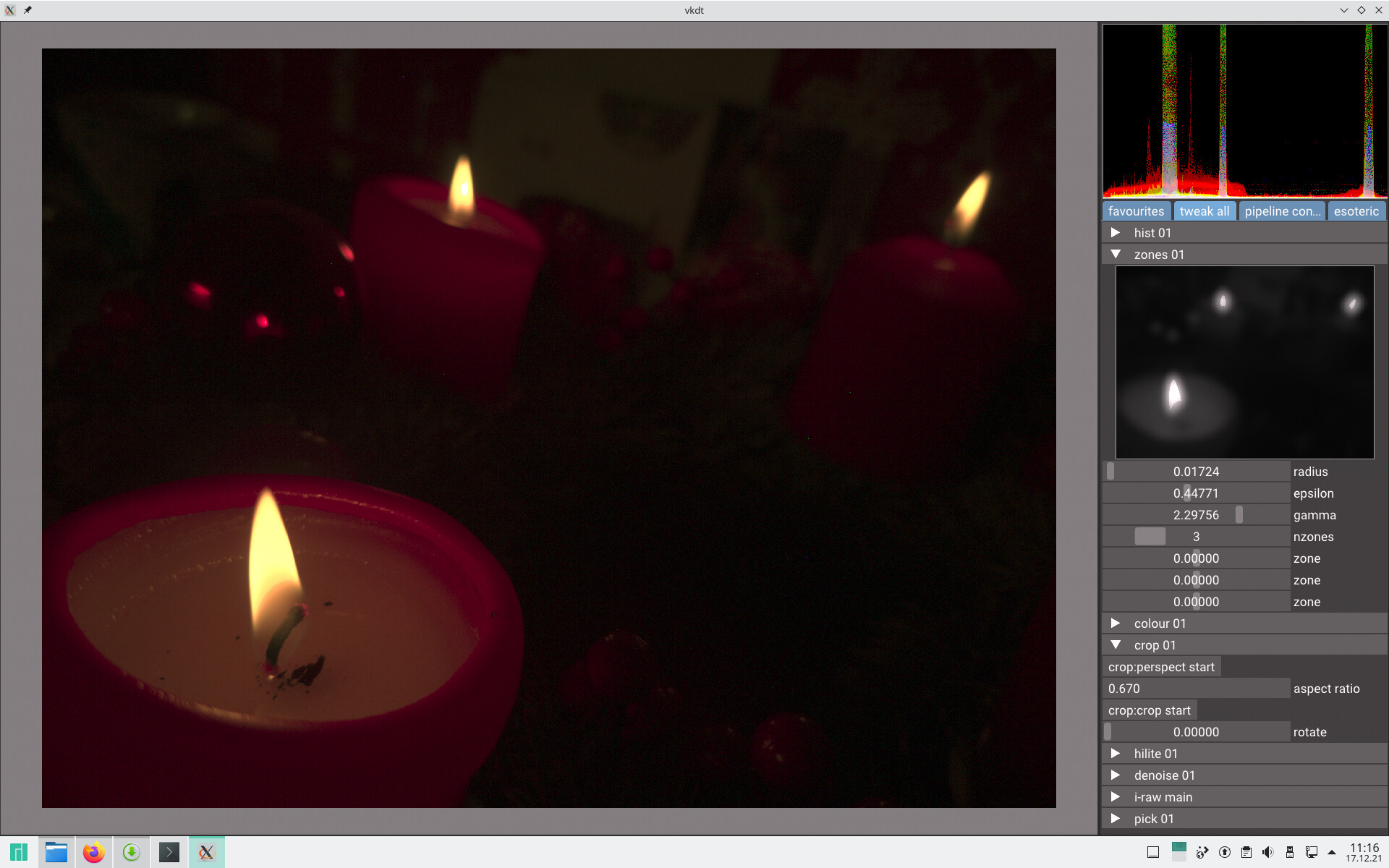
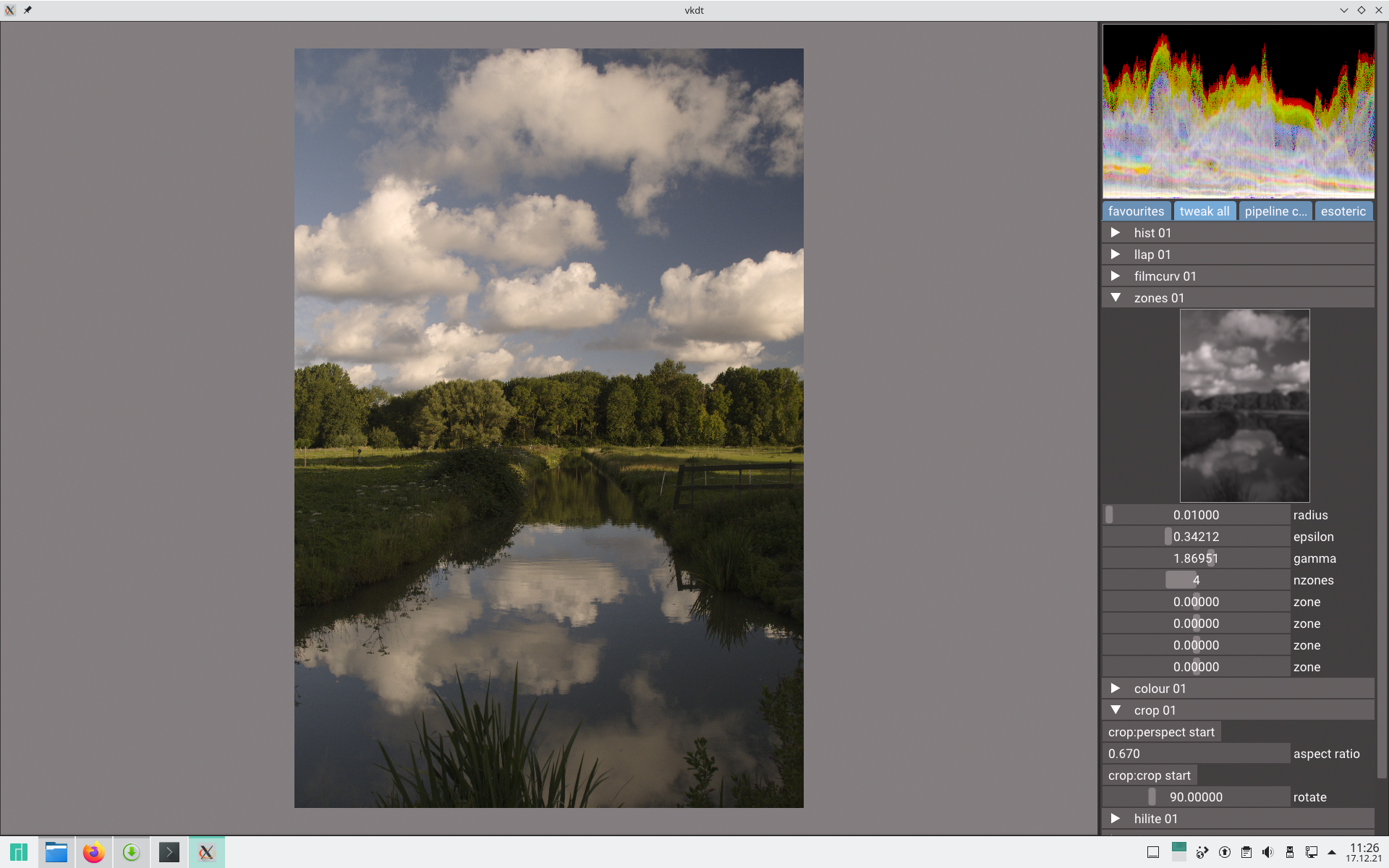
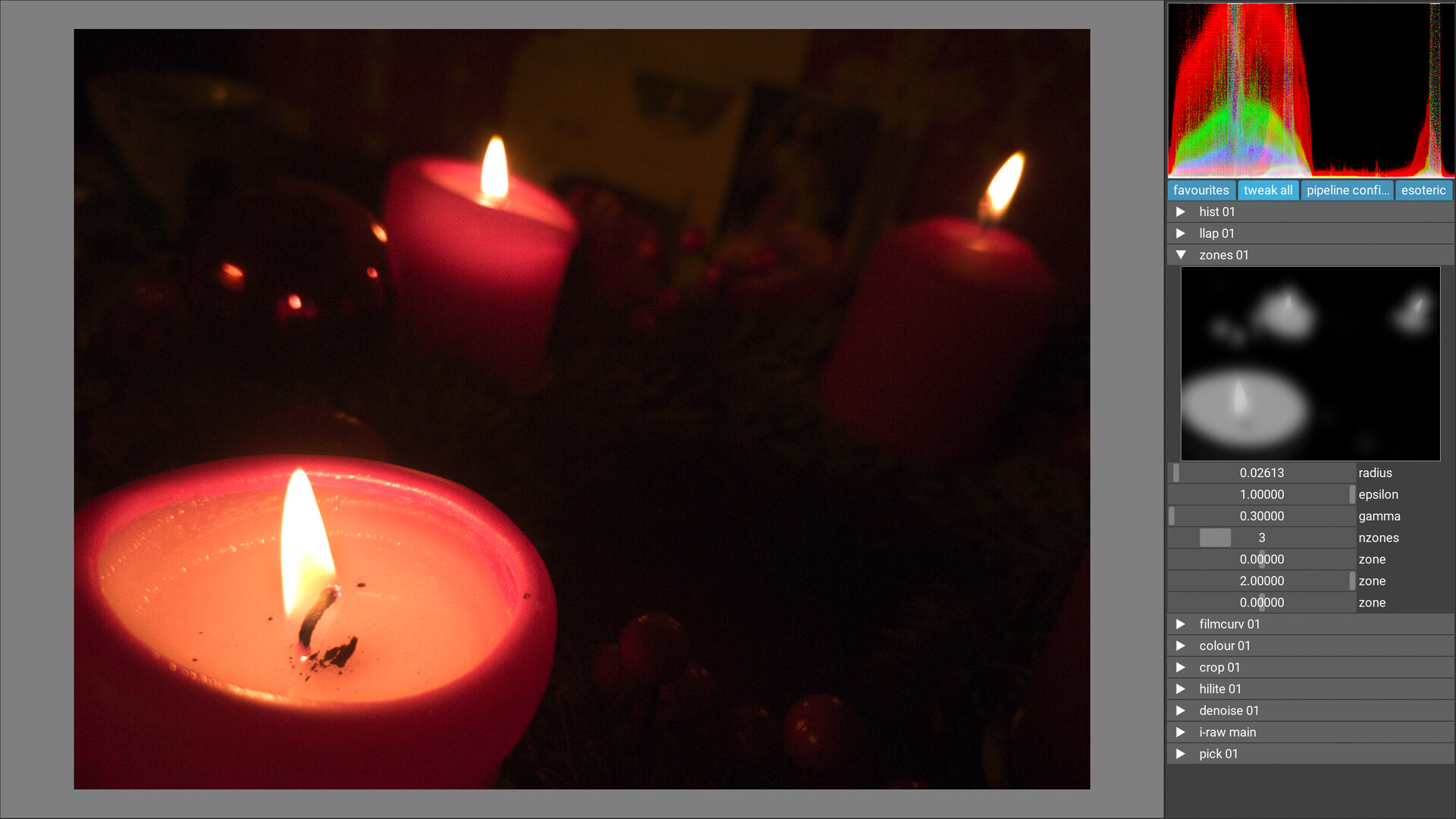
I just compiled vkdt on Manjaro and tested the zones module. Something is still wrong with it, I think it is something with the gamma slider. But it is hard to describe for me what it is. I tested it with two different photos.
I will upload the raw of the candle pic so maybe I can explain it better.
I would like the area of the candle to be a brighter grey or even white. But basically, no matter where I pull the gamma and the epsilon slider, apparently, I cannot change the shades of grey. So, if I make the darkest zones darker, the brighter zone where the candle is also gets darker. This used to work well before the fix - except that the picture changed when I went to lighttable mode and/or exported. Something seems to be very broken now.
The area around the flame always has the same middle grey colour, no matter how I change the sliders.
Here too, apparently it is impossible to change the shades of grey. I would like to make the zone where the foreground is much darker (in the zones visualisation), maybe even completely black but that’s not possible.
Or I don’t know, maybe it’s supposed to be like this? I think it did work well before the fix in the preview.



 (but also only in git currently)