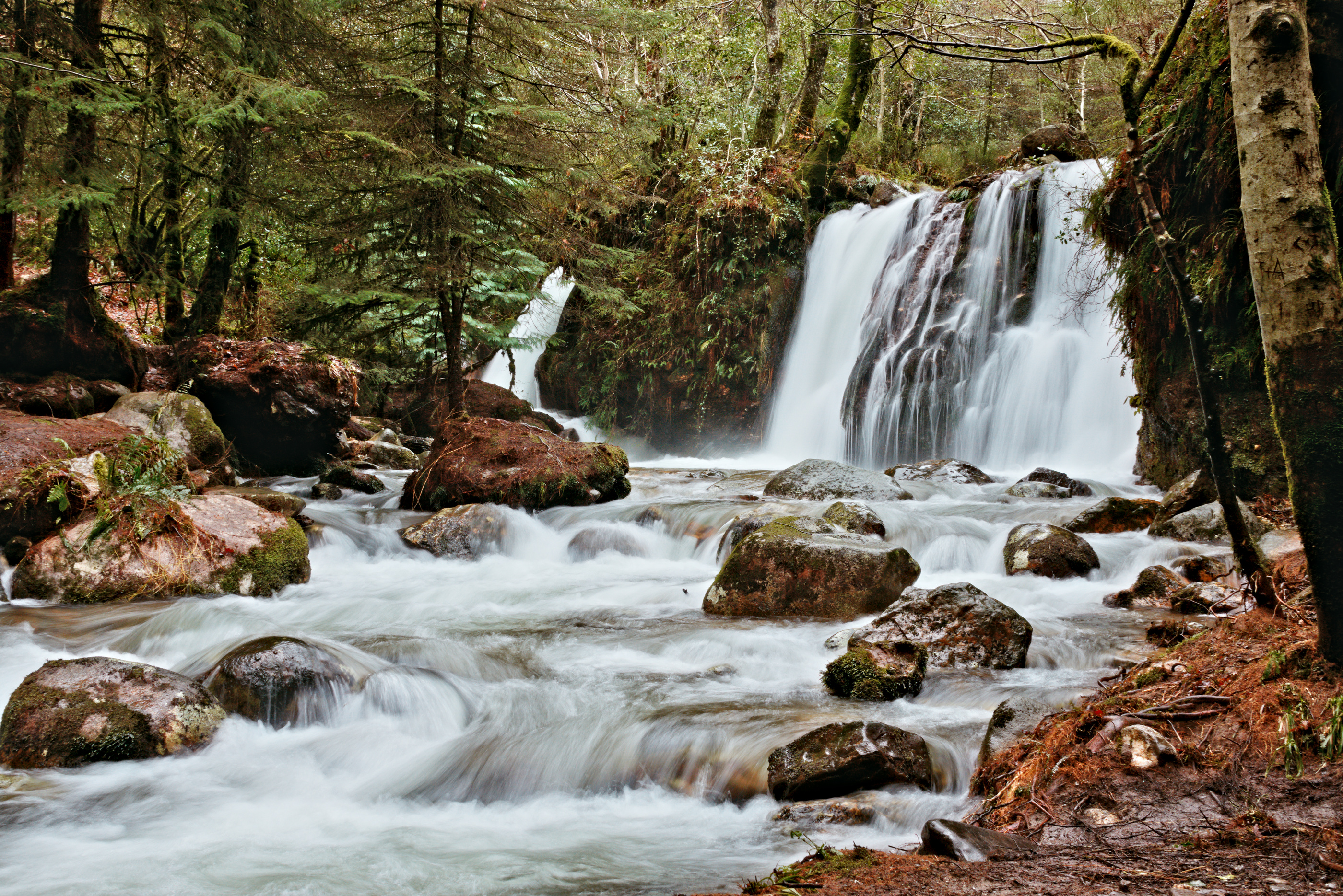
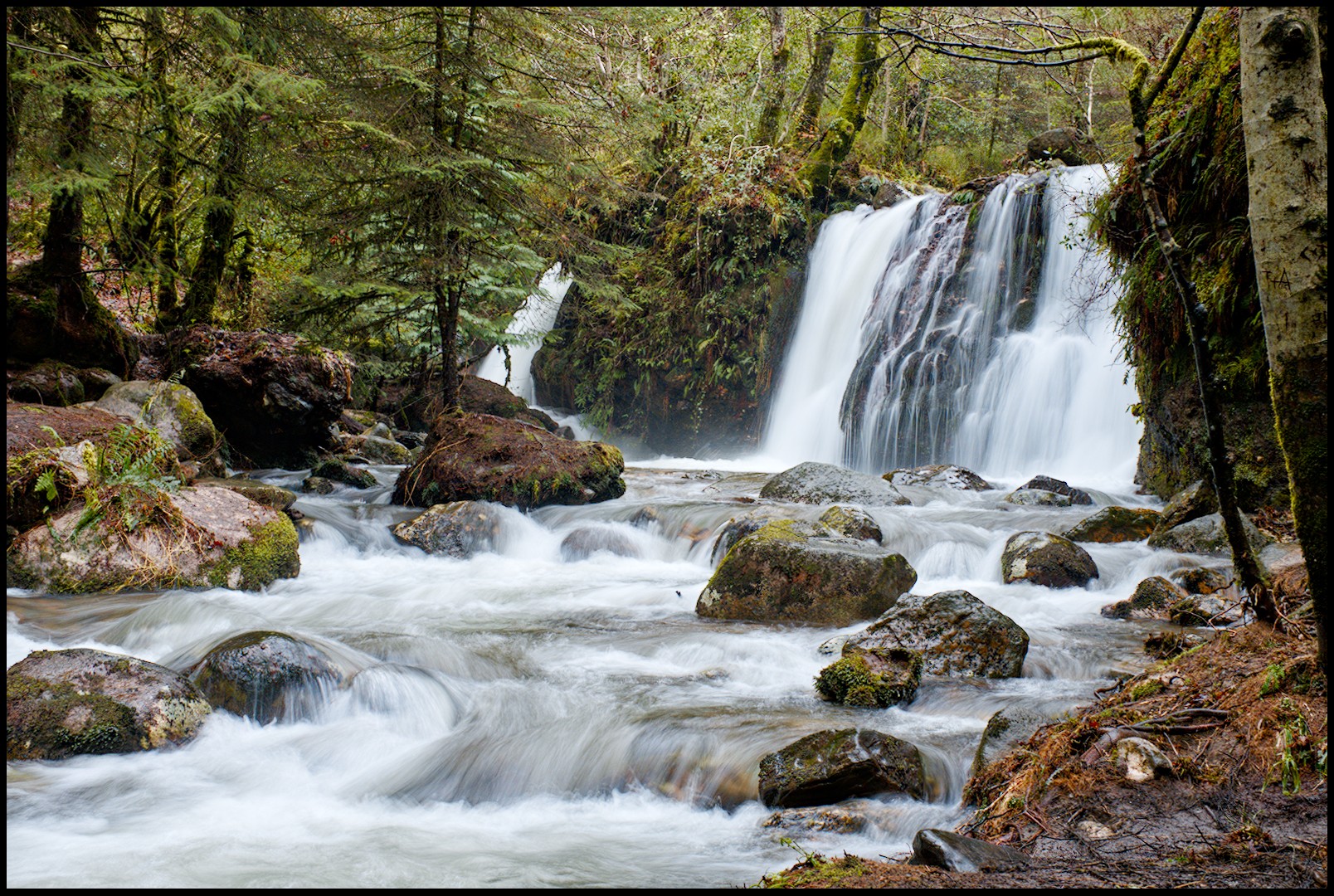
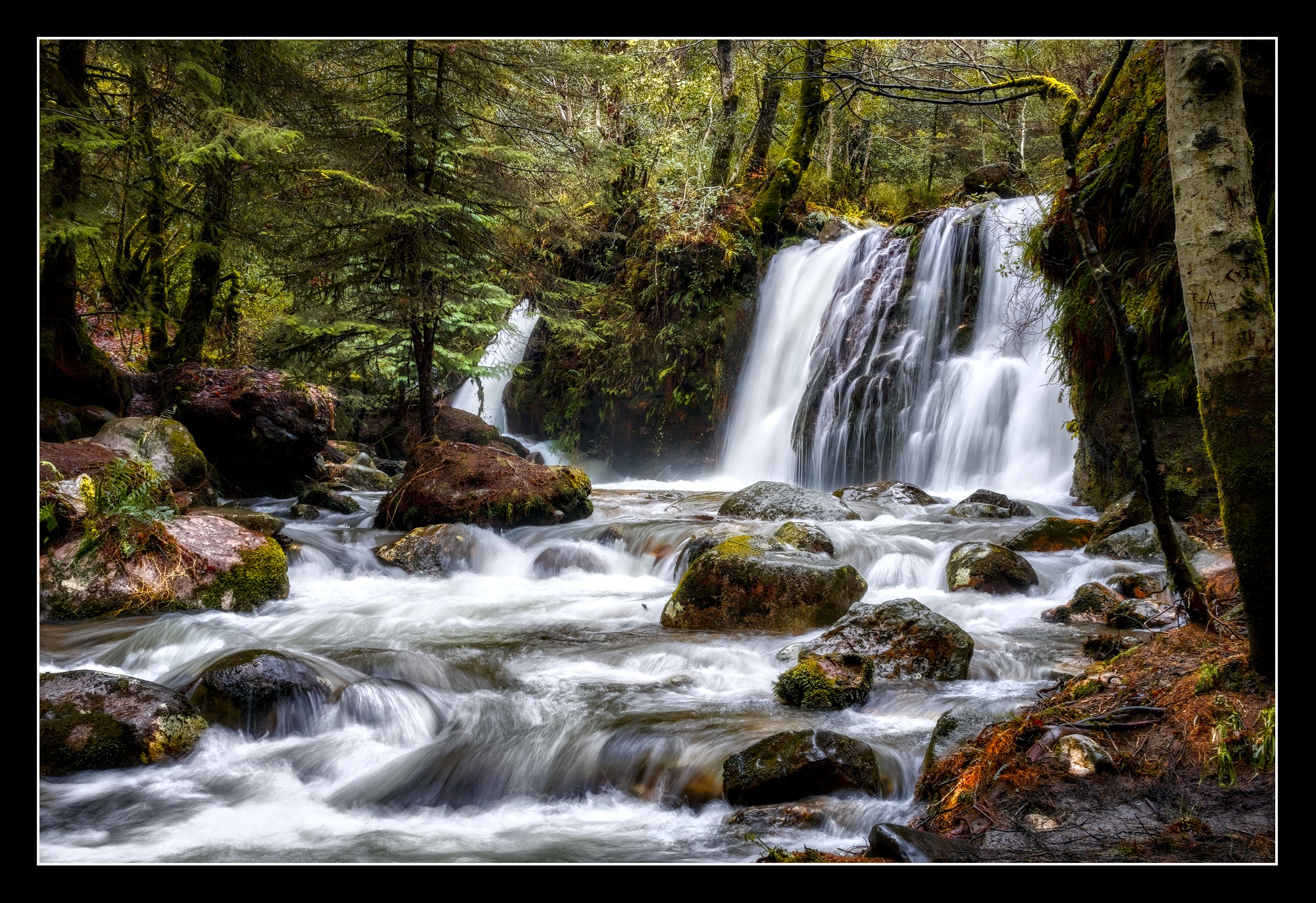
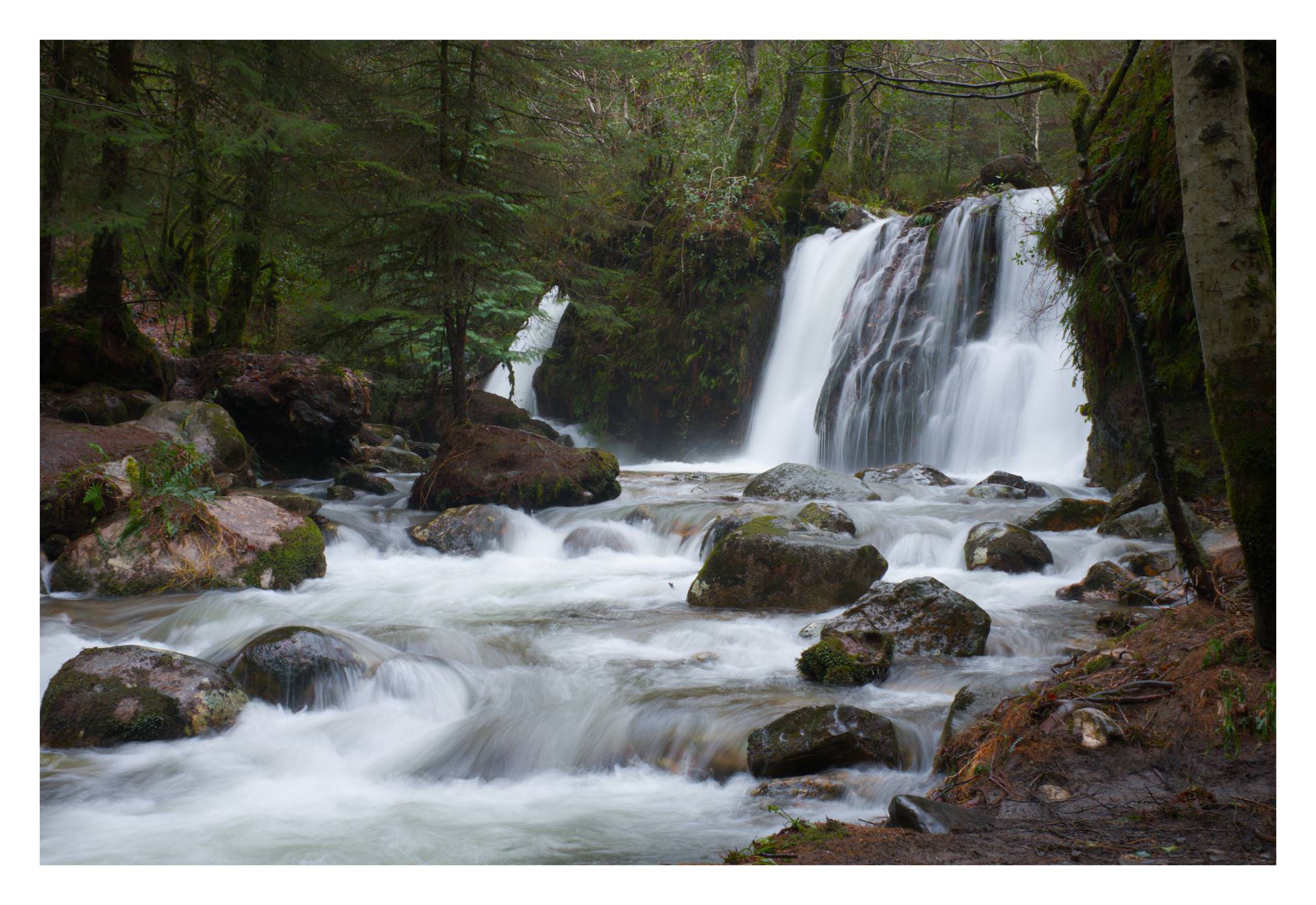
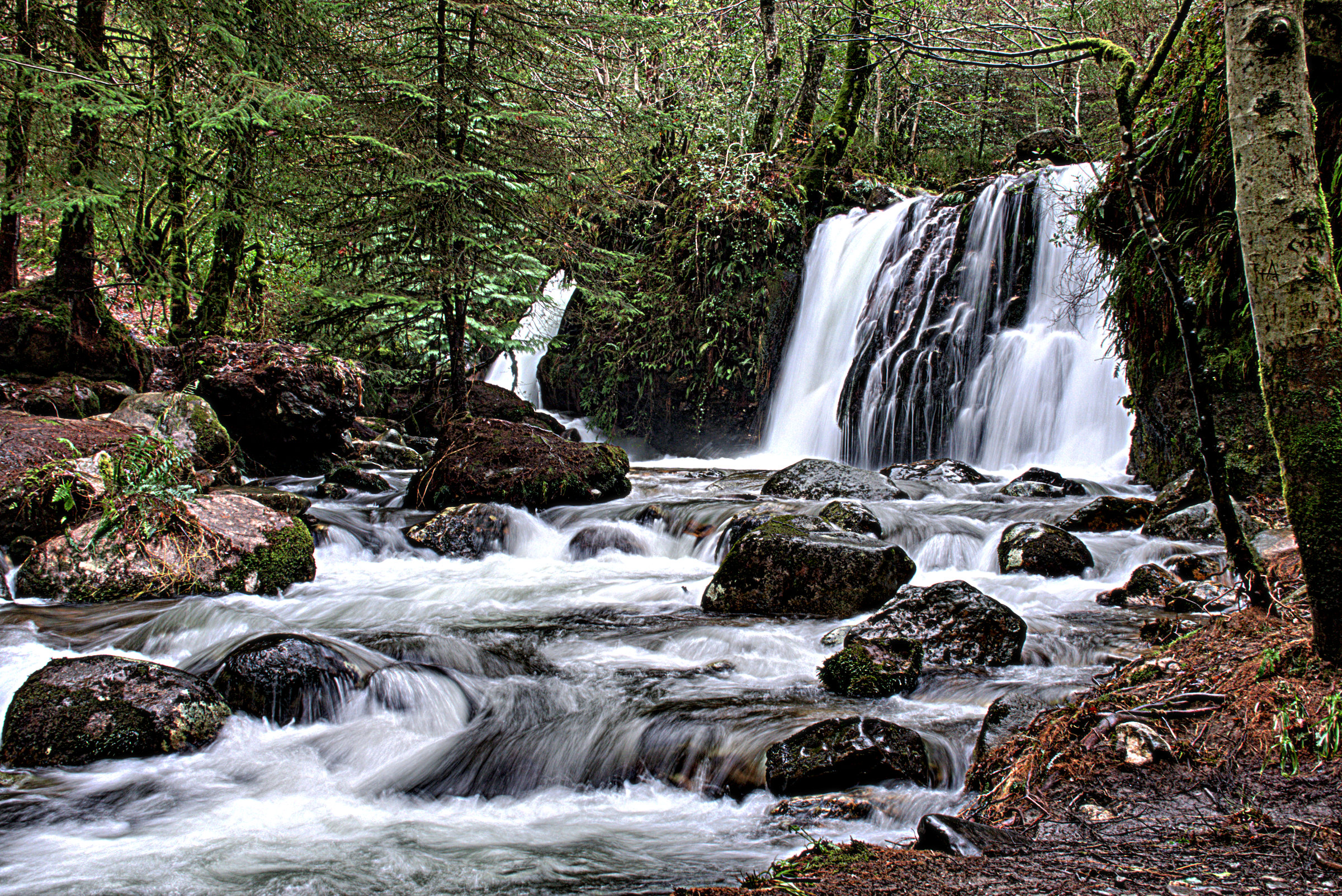
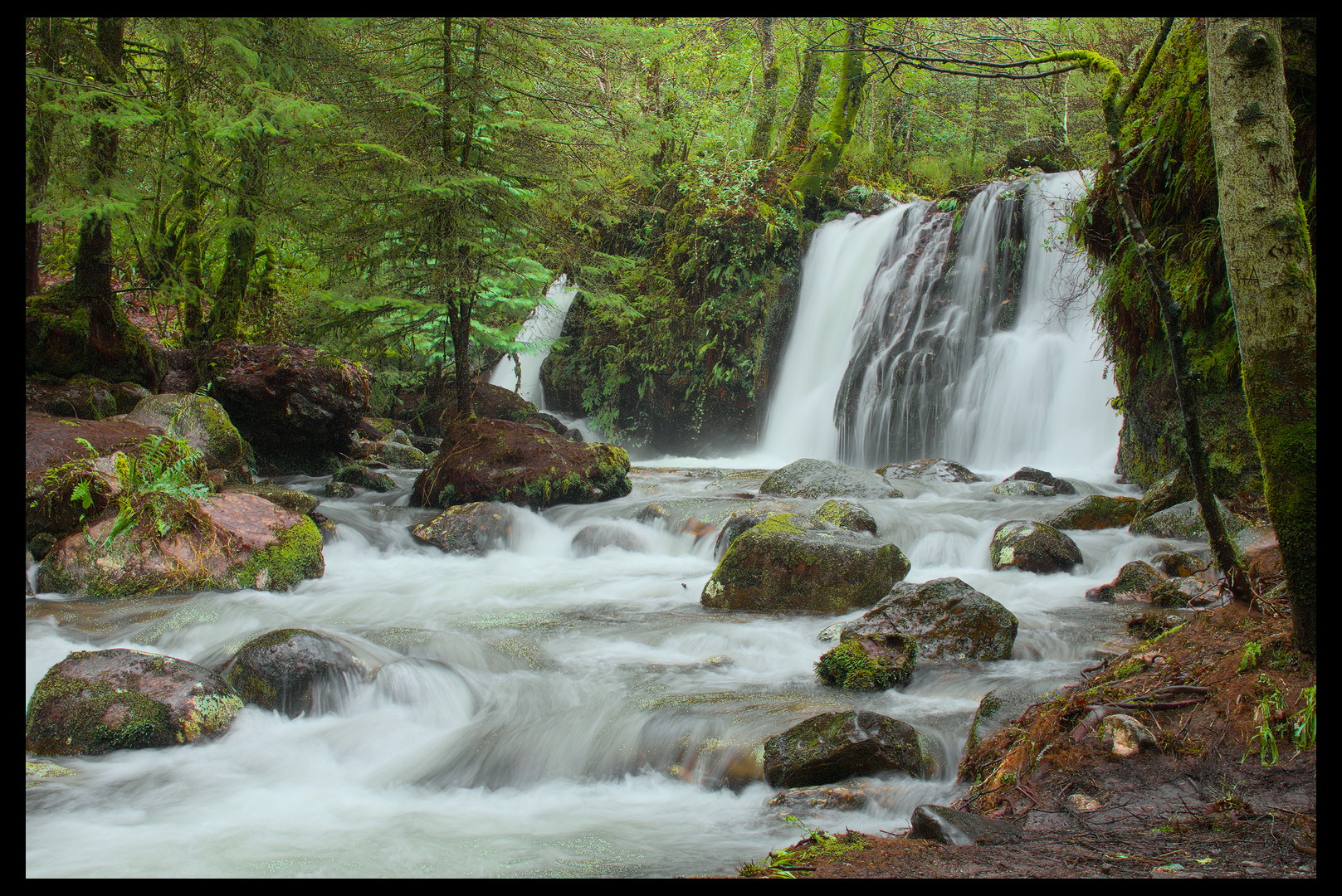
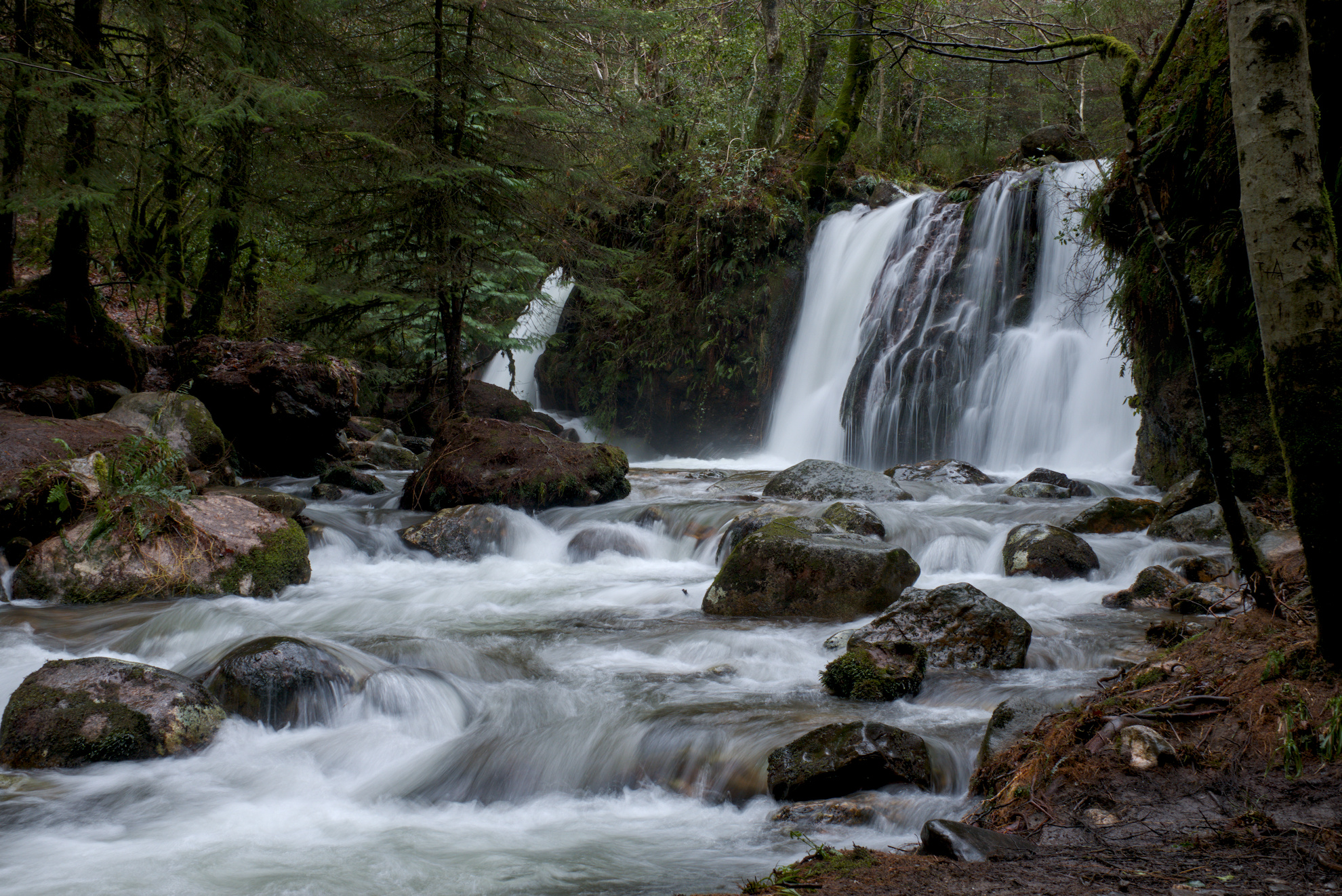
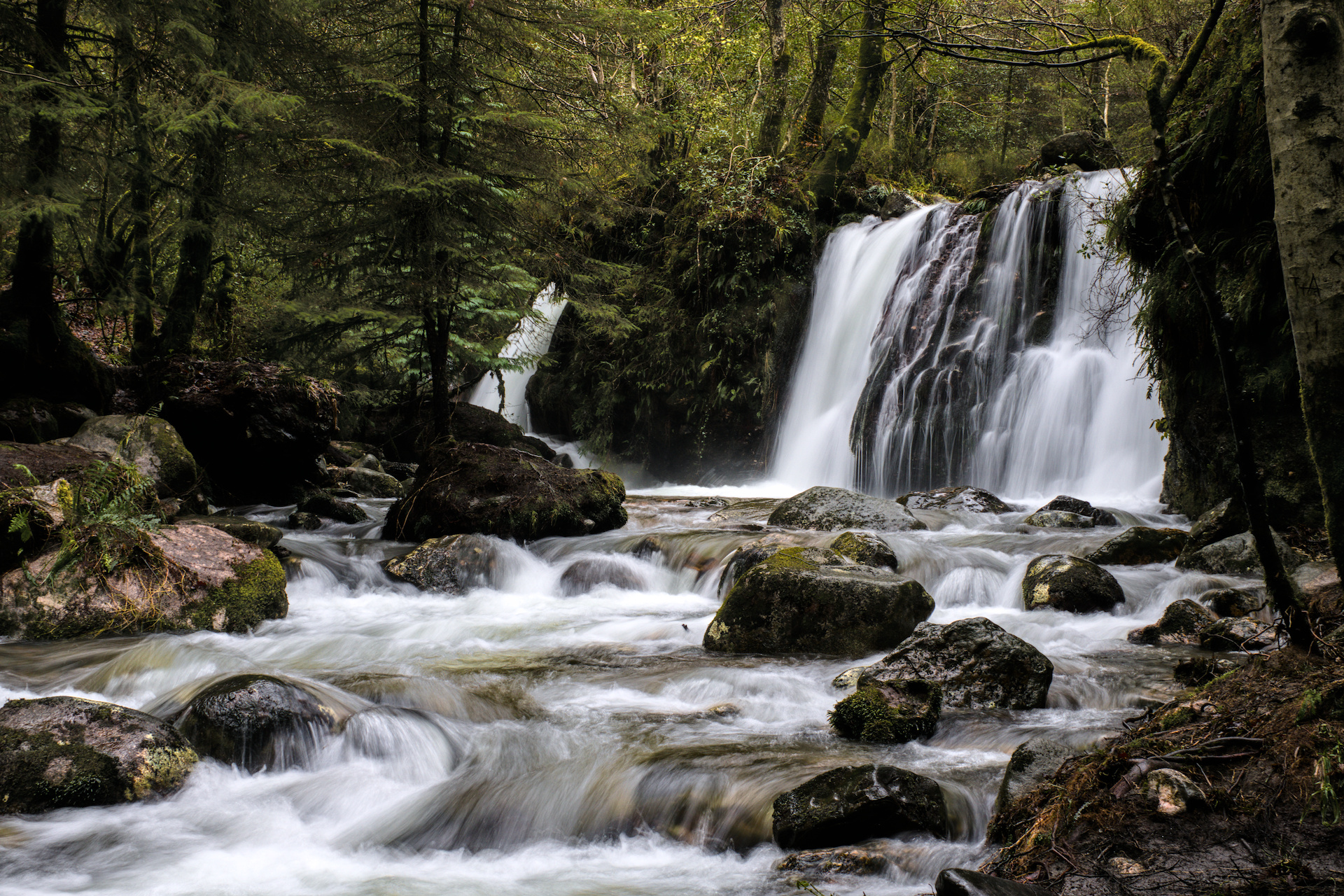
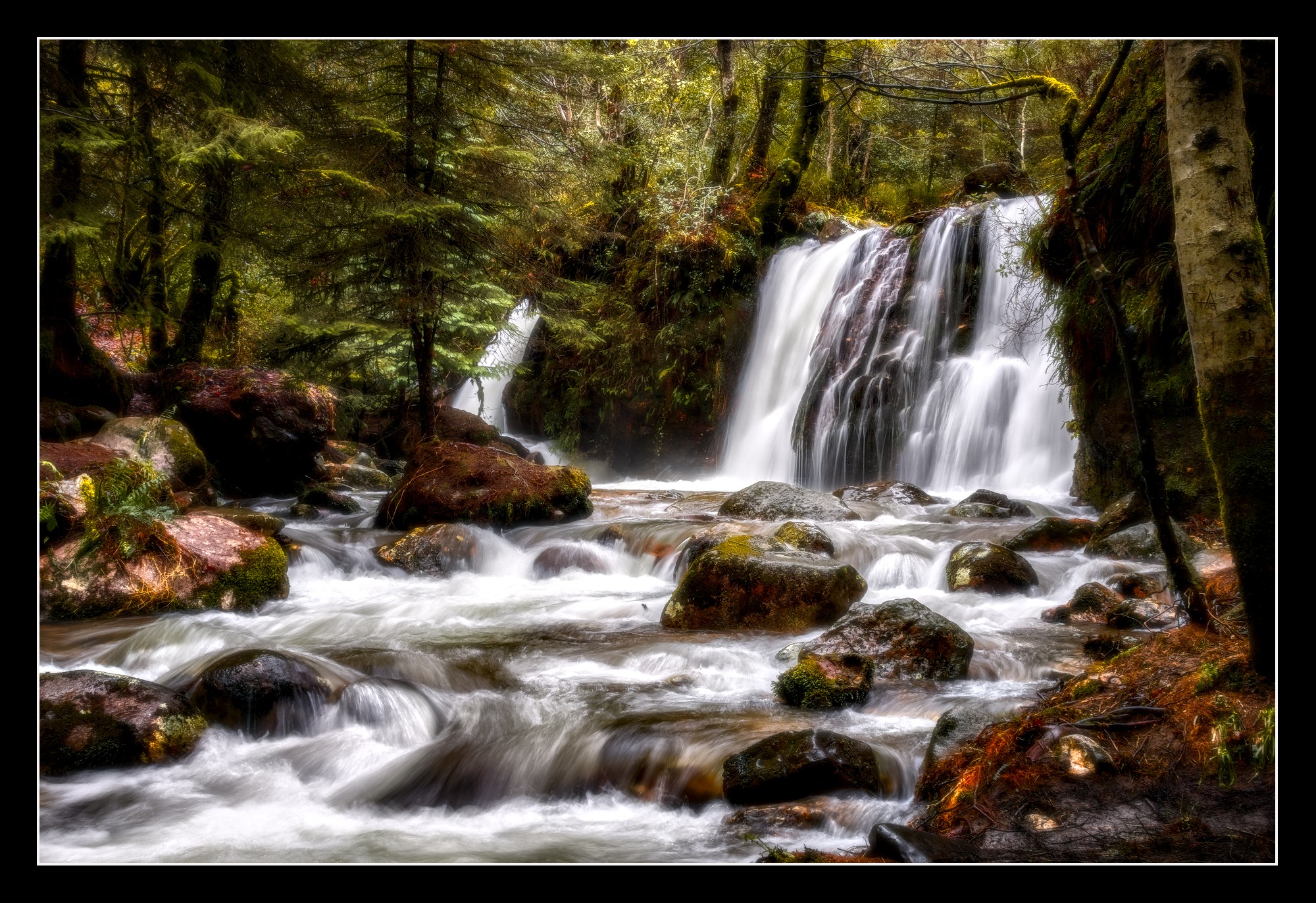
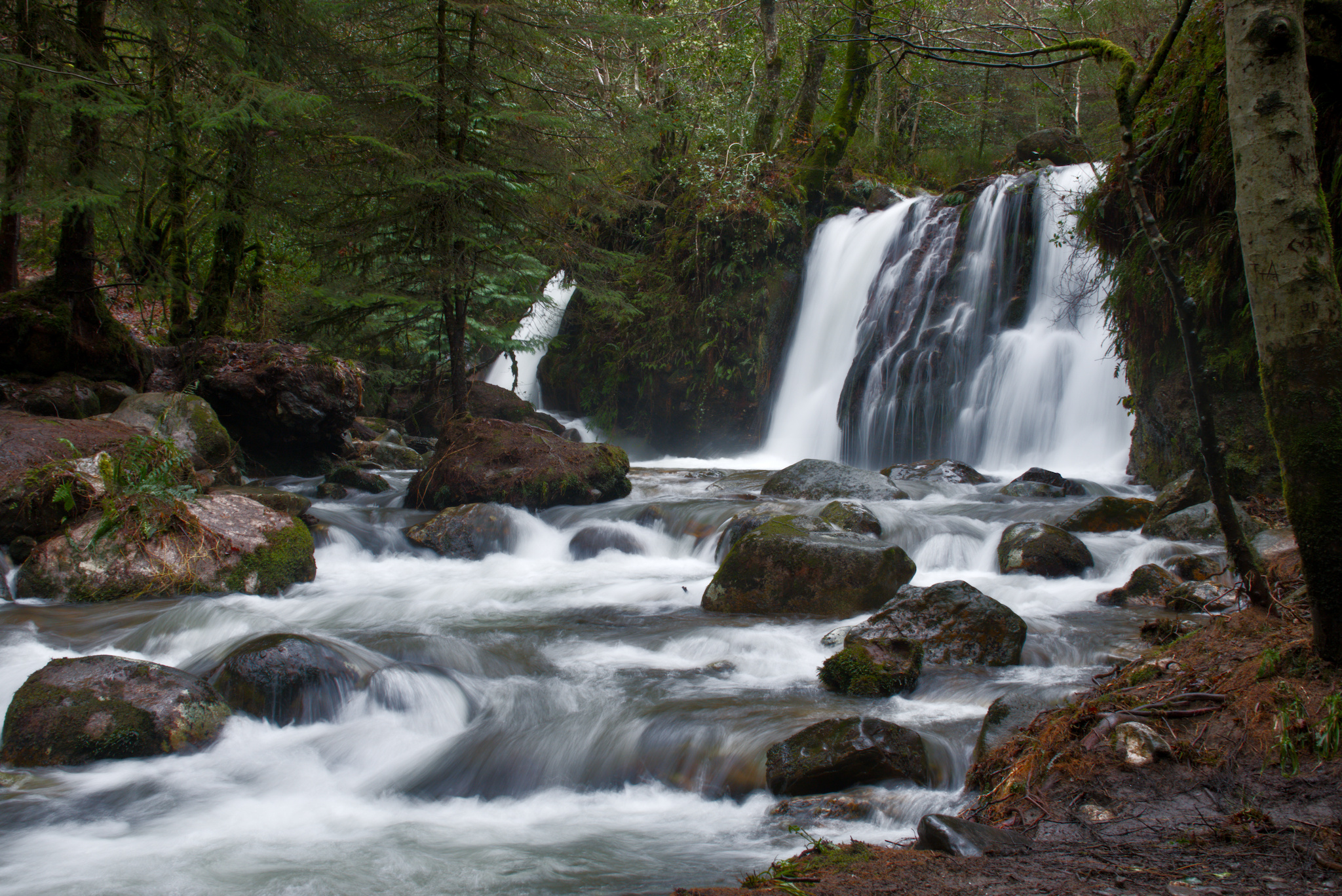
Really happy with this photo taken yesterday in Ireland after what feels like weeks of rain!! Please have a play and see what you come up with. I’ve had a go but need help emphasising the waterfall and the silkiness of the water. Think I got the exposure correct using shutter speed of 1/4sec.
Many thanks
Haha that’s the same for me. I find it the easiest to use the Unmodified primaries preset and then use “Auto tune levels” from image area, followed by some contrast boost to get a good starting point.
The modified primaries are actually part of the secret sauce of the module. From there you can decide if you restore rotation and or purity and by how much with the master sliders…of course you can tweak the individual ones all you like for a custom result but using them unmodified and then trying to land on something might be counter productive or extra effort rsp for someone new to the module
What’s the best way to download the xmp files and look at other peoples edits?
Best to duplicate the original raw file outside darktable - rename, import and sideload the xmp? The renaming could indicate the person whose edit the xmp belongs to?
Or create an original within the Darkroom and then load the xmp. Could this be done for multiple xmp files and if so can the xmp files be numbered to make them unique?
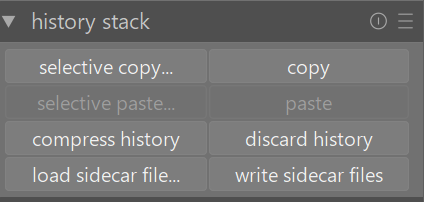
For me I download the xmp file into a separate folder called xmp files Then in darktable I use the duplicate manager to make a duplicate as original and the history stack module in lighttable view allows me to load sidecar file. I sometimes like the presets they have created in modules and save these presets to my system while looking at their editing steps.
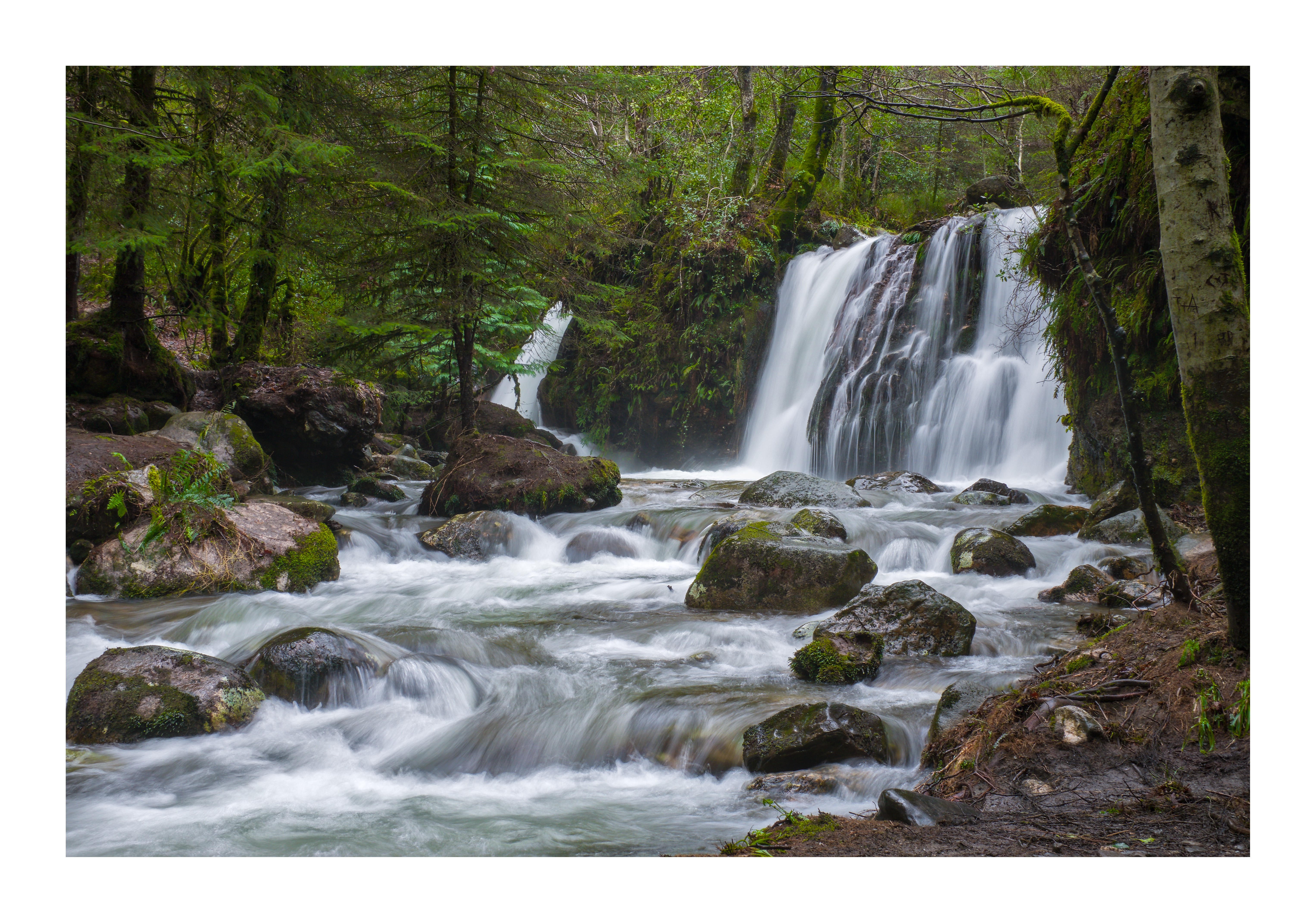
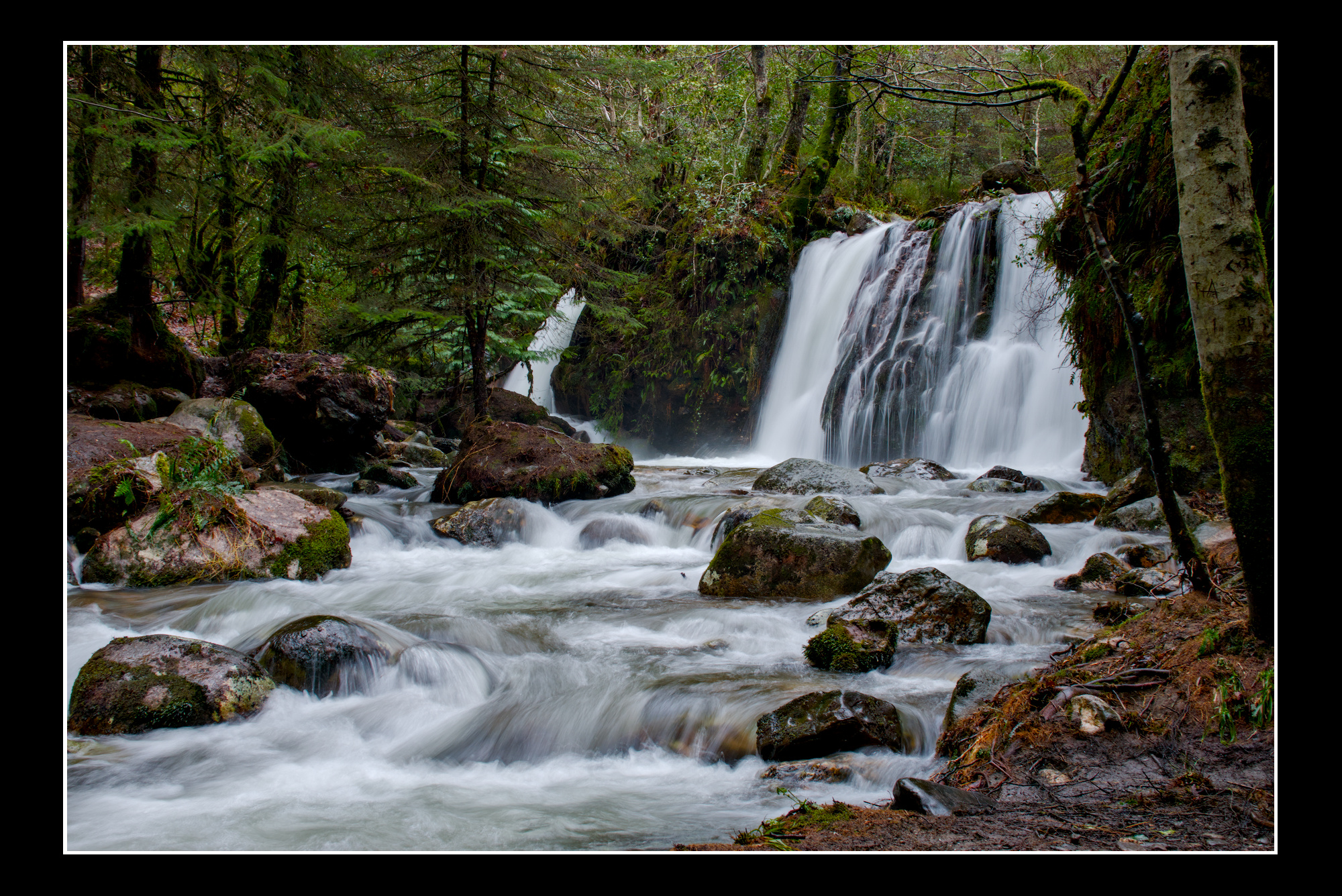
I love your edit Uli. In my edit was too conservative in retaining highlight details in the bright parts of the water and this makes my water a little dull. I will revisit my edit later and and keep the highlights brighter.

 Then in darktable I use the duplicate manager to make a duplicate as original and the history stack module in lighttable view allows me to load sidecar file. I sometimes like the presets they have created in modules and save these presets to my system while looking at their editing steps.