This is the way. People should spend more money on displays and less on new camera bodies. I’ve always used hardware-calibrated displays at work, but never at home. macOS at work and Linux at home.
Should probably get a hardware calibrated display for Linux use at home too (considering the Wayland situation). What did you settle for?
Note that Darktable didn’t implement it correctly yet. What they did merely happens to work on older Gnome versions (which didn’t support full color management), but it’s limited to sRGB on Plasma 6.0 and Gnome 50+ (that’s assuming Gnome removed colord support, if they did not, then it will have completely wrong colors).
(works in sway git)
and then writing bt2020 data to a A2R10G10B10_UNORM_PACK32 buffer, for hdr using a PQ transfer function. i can use my colorimeter to check a few colour patches for plausibility. this is good except for the colours that are outside the monitor’s gamut (it speaks bt2020 but it doesn’t span the whole space, it’s not OLED).
hdr is good fun, not sure i want it as my daily driver. has weird halos around bright spots.
OLEDs don’t span the entire 2020 colour gamut either. You’d need a set of single wavelength LASERs to do that (and I’ve only seen one such projector in the entire UK).
There are reasons you wouldn’t want to span the entire gamut, it makes viewer metamerism worse.
The main issue is that there’s no consistency in how out of display gamut colours are mapped in to gamut.
Krita 6.0 was just released with support for Wayland color management. As customary release notes focuses on HDR. But they also say:
the Wayland Color Management Protocol will provide us with all the information we need to provide color managed views of images, including everything we need to know for HDR display
But support for Qt6 isn’t the only thing Krita 6 brings. It also comes with Linux Wayland support, in particular a full featured implementation of the Wayland Color Management protocol. This finally brings HDR support to the Linux version of Krita!
The Wayland Color Management Protocol is still very young. It was the key feature we have been waiting for all these years: where on the older X11 display servers we could always figure out on which monitor we were on and which color profile to associate with that monitor, Wayland’s architecture is designed around not giving away that information so easily.
This is a problem for a painting application which core feature is fully integrated color management. Now, the Wayland Color Management Protocol will provide us with all the information we need to provide color managed views of images, including everything we need to know for HDR display. Because this part of Wayland is still very young, using it means you will need an up-to-date window manager that supports it. We ourselves recommend the manager the code has been written against: KWin 6.4.4 and above.
I just noticed something interesting: I set my monitor profile in KDE Plasma display settings and set srgb color intensity to 100% - so the colors are oversaturated on my wide gamut screen and I can do the color management inseide darktable etc. There is also a calibration curve inside my profile because that’s how the colors look best. However, inside Chrome, the colors are correct, and the difference between srgb and adobergb is clearly visible. Even though color management in Chrome is not enabled resp. in set to default. I knew that wcmp is fully implemented in Chrome, but I did not know that this even works when the colors are oversaturated everywhere outside of Chrome.
last week it took me almost an hour to figure out why my icc profile wasn’t applying on my desktop, and this was the culprit!
The problem with this approach is that, from my testing, KDE seems to split the profile into two parts. it provides simplified information about the color space to the application, and still applies some brightness or gamma adjustments on the whole desktop… one would have to strip out that adjustment from the monitor profile for it to be correct when using it in an application and trying to “bypass” KDEs color profile
Its is vibecoded, but its only ~ 900 LoC… On my system it seems very stable, and my testing has yielded promising results… dE average of 0.25 between kdes pipeline with cm-shim, and Wayland color management turned off and display .icc applied in application.
If anyone is interested in testing it, I’m very interested to hear if it works as expected for other people, and if it works with your application of choice!
also, in hyprland discussions theres a really good suggestion to add a color management passthrough window rule. It needs upvotes so the devs can know that people yearn for better color management options in wayland!
Reading the darktable issue, so for darktable to support color managing its surfaces under wayland it needs to finish its conversion to gtk4 first? There are no ways to do this under gtk3?
Yesterday I created an ICC profile with my colorimeter for my new laptop with an IPS display in Plasma on Fedora.
I had to install the unsupported plasma-workspace-x11 and log into an X11 session to perform a calibration using the DisplayCAL (Flathub) Flatpak.
Back in the Wayland session the generated profile loads fine from System Settings → Display Configuration → Color profile.
Should darktable and all my other applications now be color managed using the ICC profile? Or is it not that easy yet with Wayland?
Wish I could just use the X11 session, but it seems to come with with its own problems (being unsupported and all). System Settings → Display Configuration → Scale does not work, as an example.
it depends on how you created the profile, and what you expect out of darktable.
the profile must be built without a VCGT. heres instructions for how to do that:
if its built with a vcgt it will expect that the gpu is also doing some corrections. Wayland has no way of sending those corrections to the gpu, so the profile has to have those corrections also baked into itself.
if the icc is built without a vcgt table darktable colors will be correct, if its using sRGB. darktable has no way of telling KDE what color space its outputting, so kde will assume that it is outputting sRGB.
[/quote]
That post doesn’t mention VCGT, but I suppose a VGCT free ICC will be the result if it is followed. What would make a VCGT end up in the ICC?
Regarding the post. It says “the package on Flathub is really old and broken”, but the package there is only 2 months old now, so I guess that doesn’t apply any longer.
If what is using sRGB? darktable? If so, how do I configure color management the right way in darktable.
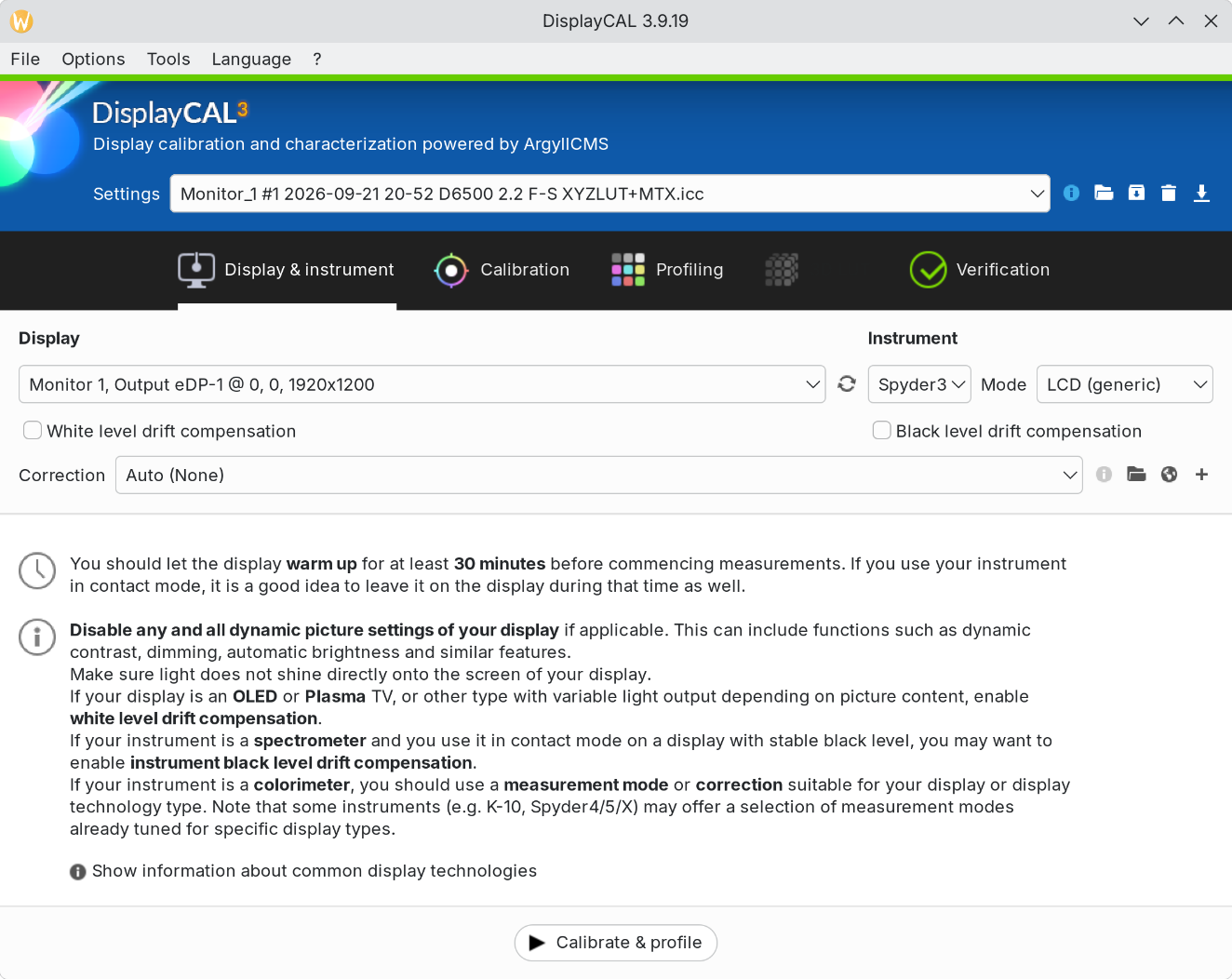
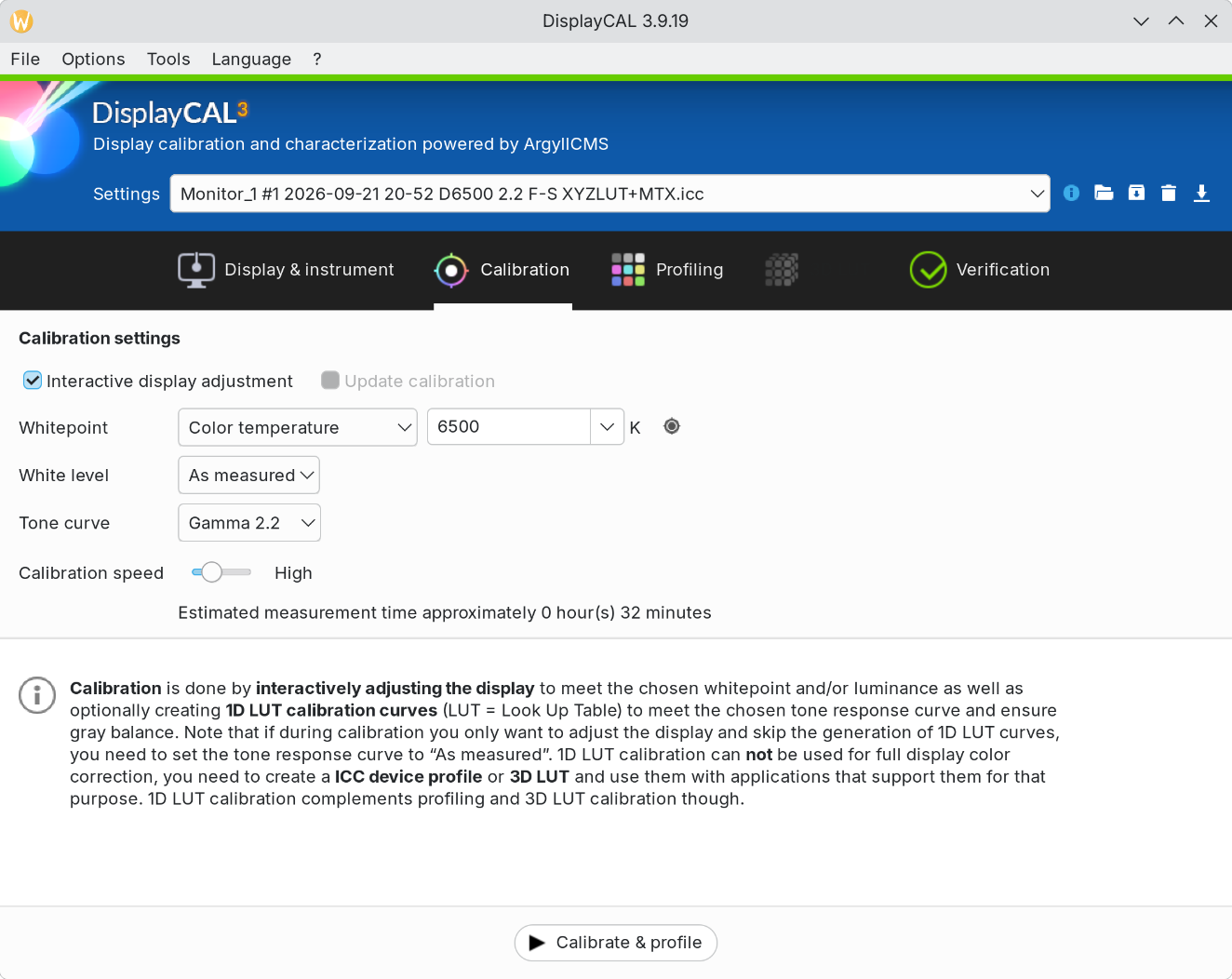
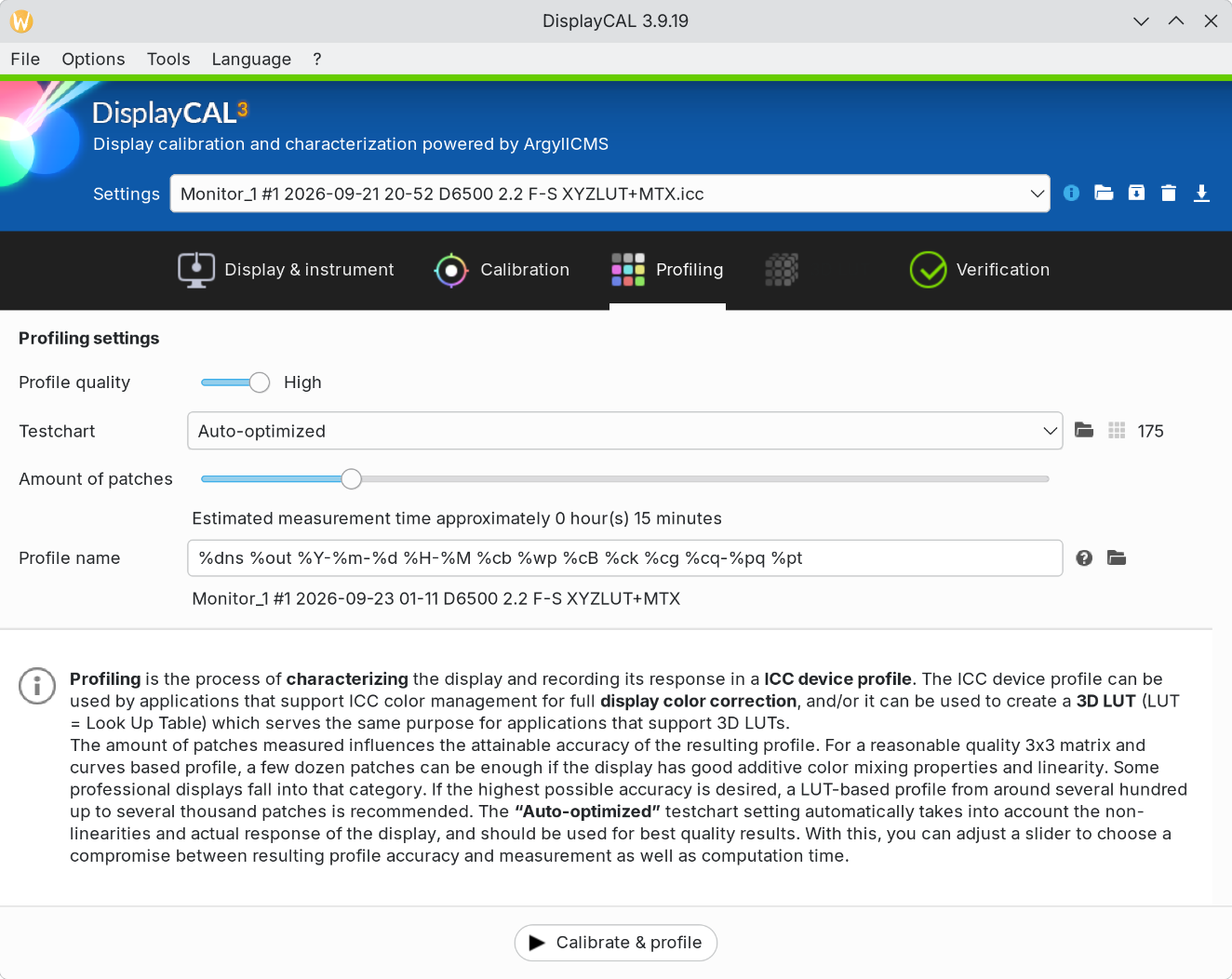
These were my settings in DisplayCAL (so I guess I might have to redo the profile):
 I’ve always used hardware-calibrated displays at work, but never at home. macOS at work and Linux at home.