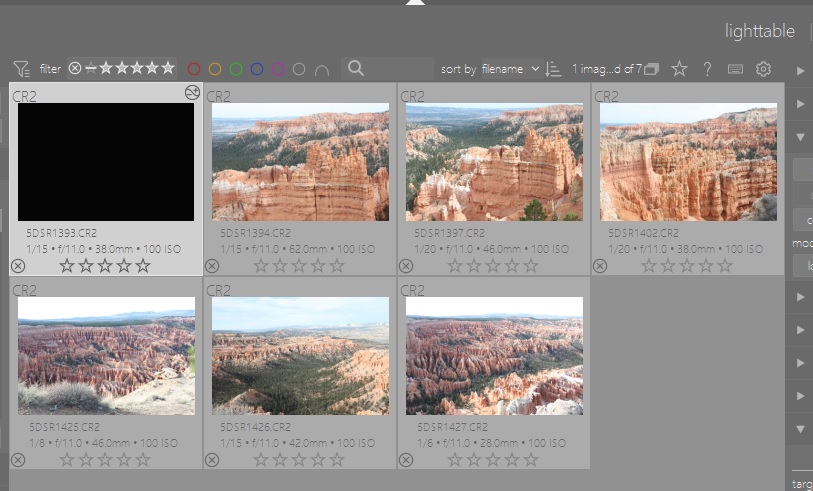
This issue applies to DT Version 4.6.1 running on Windows 10. I just added a new collection of image files, these are Canon .CR2 format raw files, and a screenshot of what gets displayed follows:
The picture has been edited. could a later version of DT have been used for the edit? I am just guessing that could cause this problem. Sorry for the noise.
Yes but I have yet to find a printable (i.e., .pdf format) user manual for any later version than 4.6. I prefer printing the user manual. Also, I really don’t notice improvements in what I’m doing when migrating to more current versions.
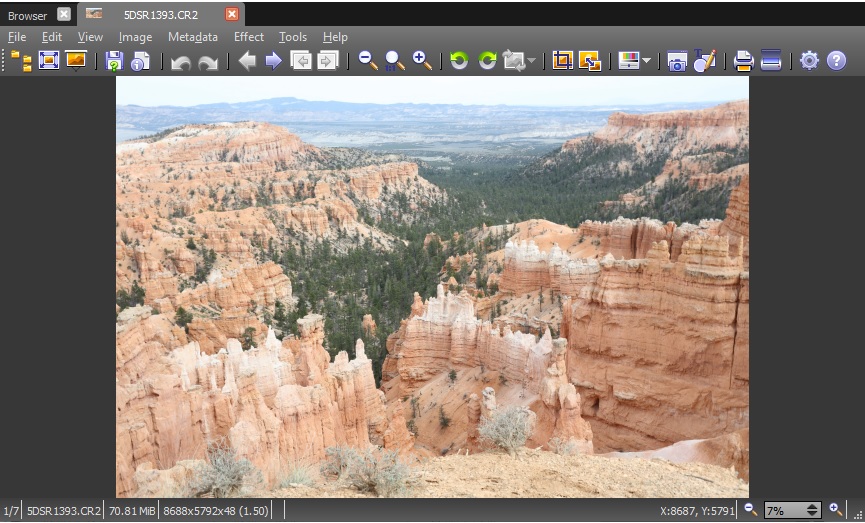
It still looks all black in Darkroom. However, I when doing that again, per your suggestion, I did notice that there was development history. When I reset the history stack the problem was solved. I do run DT in portable mode and have my own setup that allows me to use different versions. My startup script maintains separate libraries for each version. However, the .xmp file would not be effected. It is possible that I processed it with DT V5.