Congratulations to the 3d Mesh Viewer! Including the rendering and mouse handling.
Just the notices could be in the image display area.
1 Like
Really nice progress in 3d volumetric and mesh display.
Be careful, this is endless, like drinking and smoking it becomes difficult to terminate!
Two things:
- Any estimation on progress%?
- How was GRETSI’2023?
Hunger comes with eating!
What about shifting the section positions in the 3d volumetrical mesh view?
And what means “‘PAGEUP’ or ‘PAGEDOWN’: Increase/decrease base channel”?
I’m assuming this has to do with images with 5 or more channels. You can’t see them as colors. So, this shifts channels I think. Never tried.
Hi,
Any chance to toggle the background checkerboard when using alpha and have it reflect the “alpha over color”? I mean, there is alpha over white for example, but the background outside of the image is a checkcekrboard. So it’s a little hard to see if a faint blur on the edge of an image is going “out of bounds”.
4 or more I think. It seems to show the alpha channel overlayed when not using alpha view (A).
Exactly, helps even with 4 channels, thanks @Reptorian and @prawnsushi
I’m not sure I understand the request. Could you provide an image that causes an issue with the current visualization ?
I now have a pretty clear idea of what’s left to do, and it’s not much 
This should result in a new release next week, if all goes well.
1 Like
In the image below (in the “alpha over white mode” ) it’s a little hard to see if the blur is clipped at the edge or not. If the background could be toggled to the color of the alpha mode ( board, black, grey, white) it would be easier to see, even though you could lose sight of the image boundaries (that’s why i say “toggle”). But maybe you ahve other ways to check it.
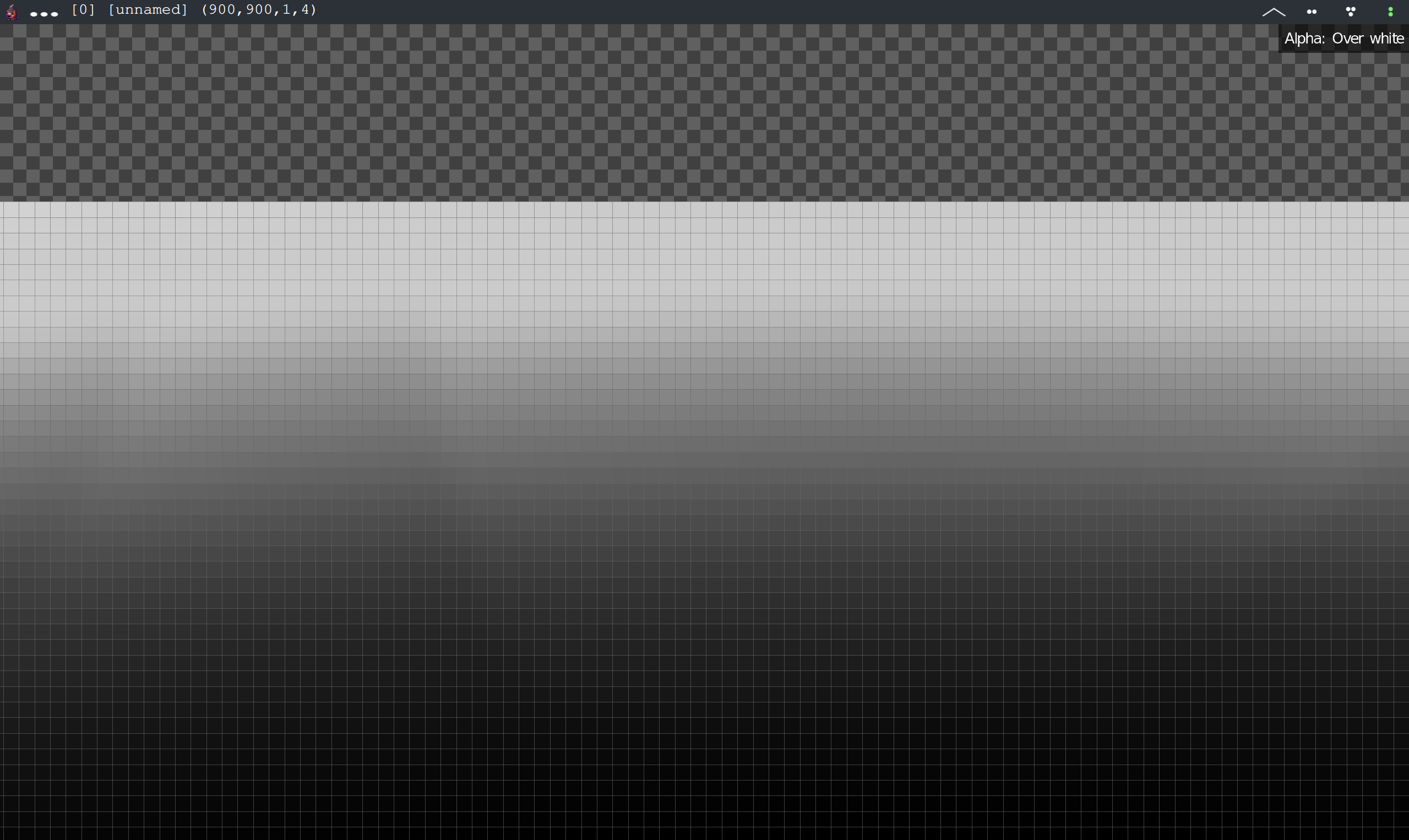
I think it was something like this :
gmic 800,800,1,4 circle. 50%,50%,30%,1,255,255,255 erode 30 b 20
Sorry, I still don’t get it.
I try to understand. Do you consider for instance an image with pure black color, but with an increasing alpha, such as the one generated by:
$ gmic 256,256,1,4,[0,0,0,y]
?
Perhaps I’m a bit tired (I’m still at the GRETSI conference, with quite interesting but long days), but I don’t really see the problem.
Sorry didn’t ssee your reply, I added a command in my previous answer :
Maybe it’s just me, but I find it hard to see wether the blur is going out of the image or not.
Don’t mind the erode, I don’t remember why it’s there 
@prawnsushi Suggestion, modify the custom command I give you to have a bit more options. I will leave it to you as a exercise of G’MIC coding.
@Reptorian What do you mean? The whole window background can be modified?
Like creating a new image to get around the problem. Think of it as a workaround as it’s difficult to implement everything possible.
But what would a colored out-of-image background would give you in that case ? A slight “jump” in the white color ?
Speaking of this, I do wonder if it were possible to add a even more extended version of windows with tabs and so on like a regular Windows/Linux/Mac program. A lot more possibility would be easier to do with this. And context menus and other things with sub-windows. The things I would do whenever I start making a new Isometric tiler tools with this, but I’m dreaming at that point.
Well, yes, I guess. You would immediately see if the blur is cut at the image’s edge because the BG would be pure white.
With this image, even if I use max zoom i can’t really tell if it’s cut or not.
But if i can modify my .user file to make it easier for me that’s ok too, maybe my eyes are just getting old.
OK, but that would work only for an image with a “white” blur, right ?
Any other color would require that the same color is used as the out-of-image background, to be useful ?
If so, it’s a bit annoying : I cannot add a new feature just to solve the issue with very particular images (those with pure black, white or grey backgrounds)
I’m not sure, might be useful for a very strong blur and very faint alpha? here if you switch to 1:1 mode It’s barely visible if it’s cut or not:
gmic 800,800,1,4 circle. 50%,50%,30%,1,255,255,0 b 33
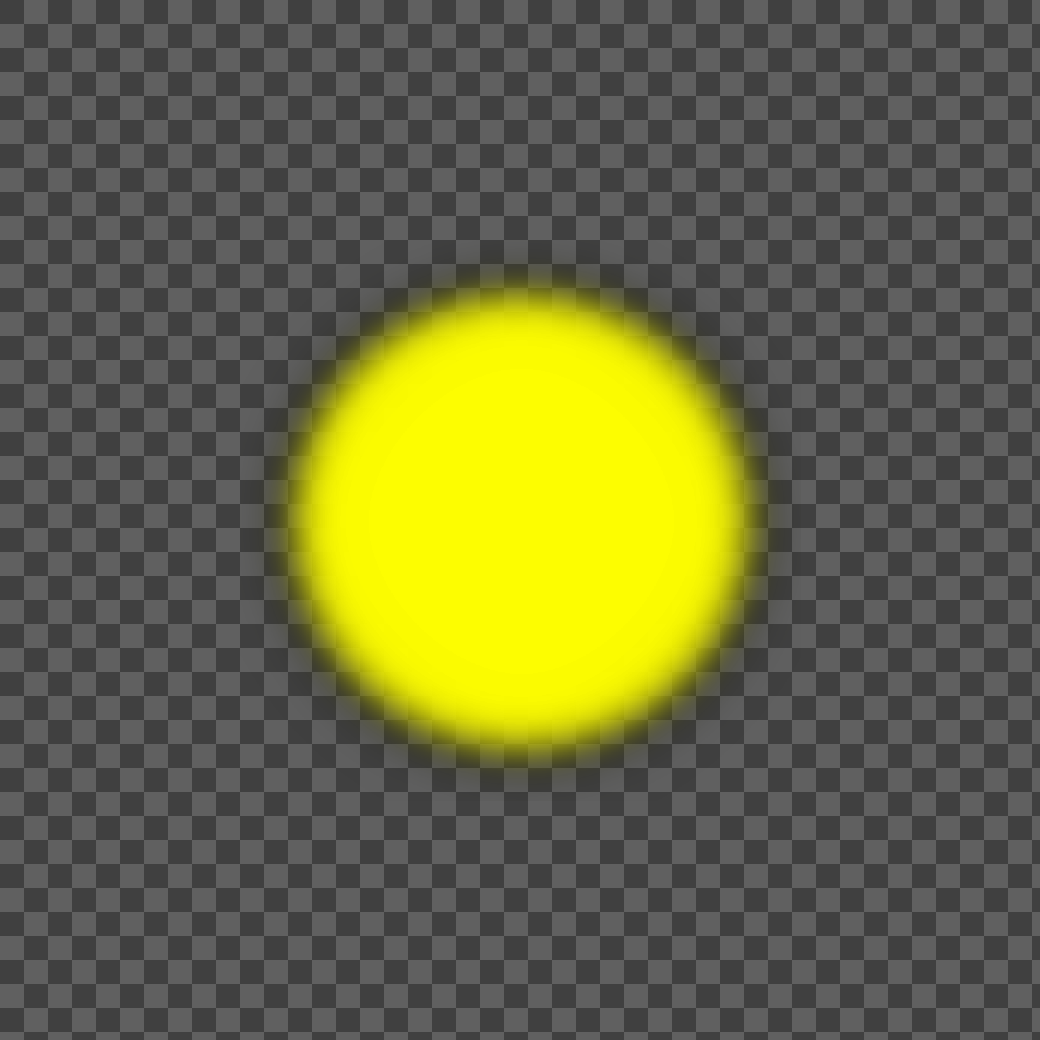
Here is a simulation of a white BG :

1 Like
I see.
It’s now implemented, with key K to switch between backgrounds.
Thanks for the suggestion.
1 Like