Spektrafilm Grain vs. Real Scans: Getting the Kodak Gold 200 Look
Hi everyone,
I’m new to the forum and just started processing my digital RAWs with Spektrafilm on macOS.
I shoot mostly 35mm film, but digital still makes up about 20-30% of my volume. I’ve been trying to get my digital files to accurately match my home-scanned negatives.
The Test:
I shot the exact same scenes in 2023 with the same lens:
Film: Kodak Gold 200 (scanned at home on a Plustek Opticfilm 8300).
Digital: Matched RAW file processed in Spektrafilm.
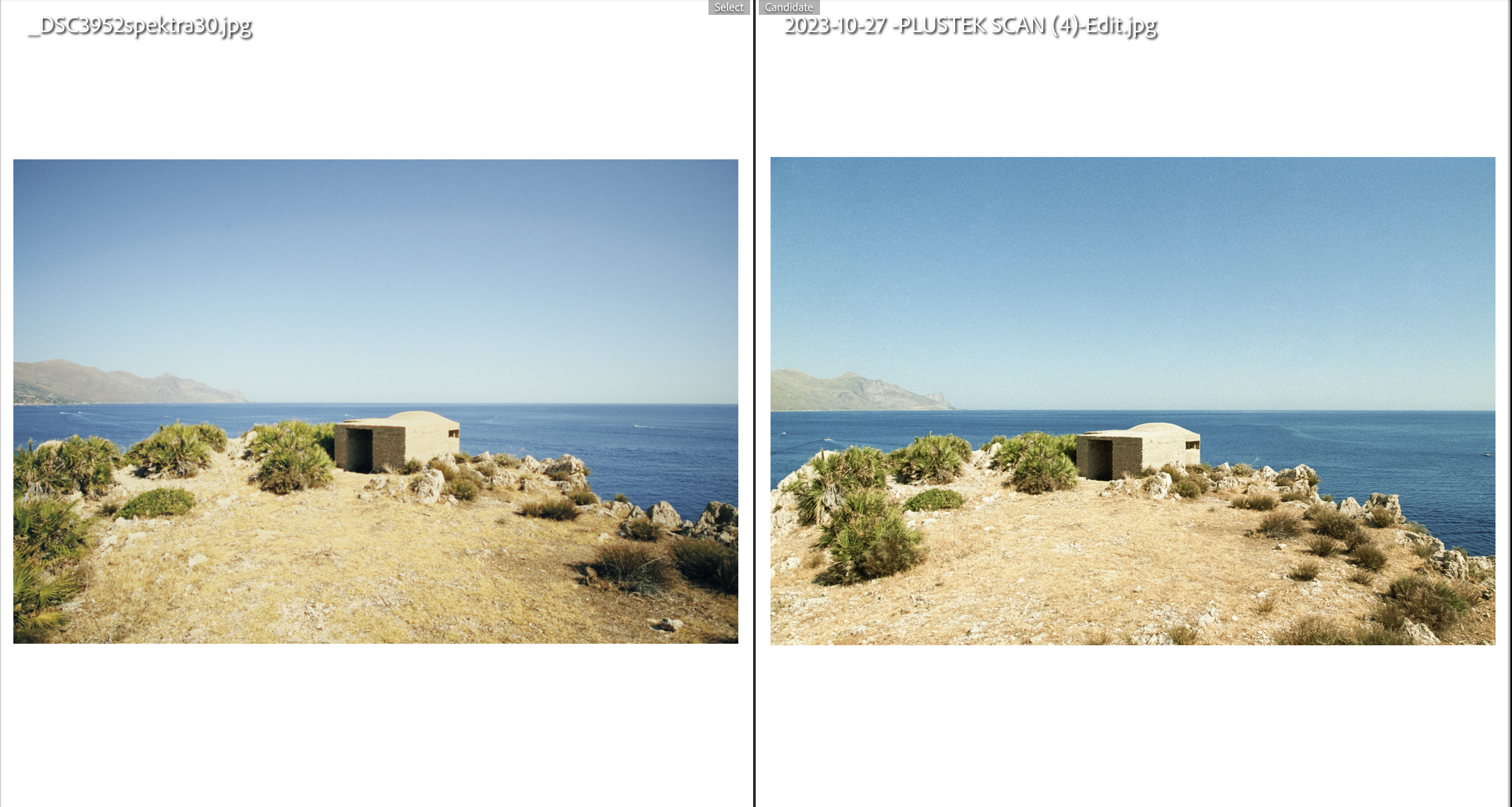
(Note: Both images are completely uncropped and maintain the original 2:3 ratio, so the grain size comparison is 1:1).
The Problem:
I’m struggling hard to emulate the physical grain structure.
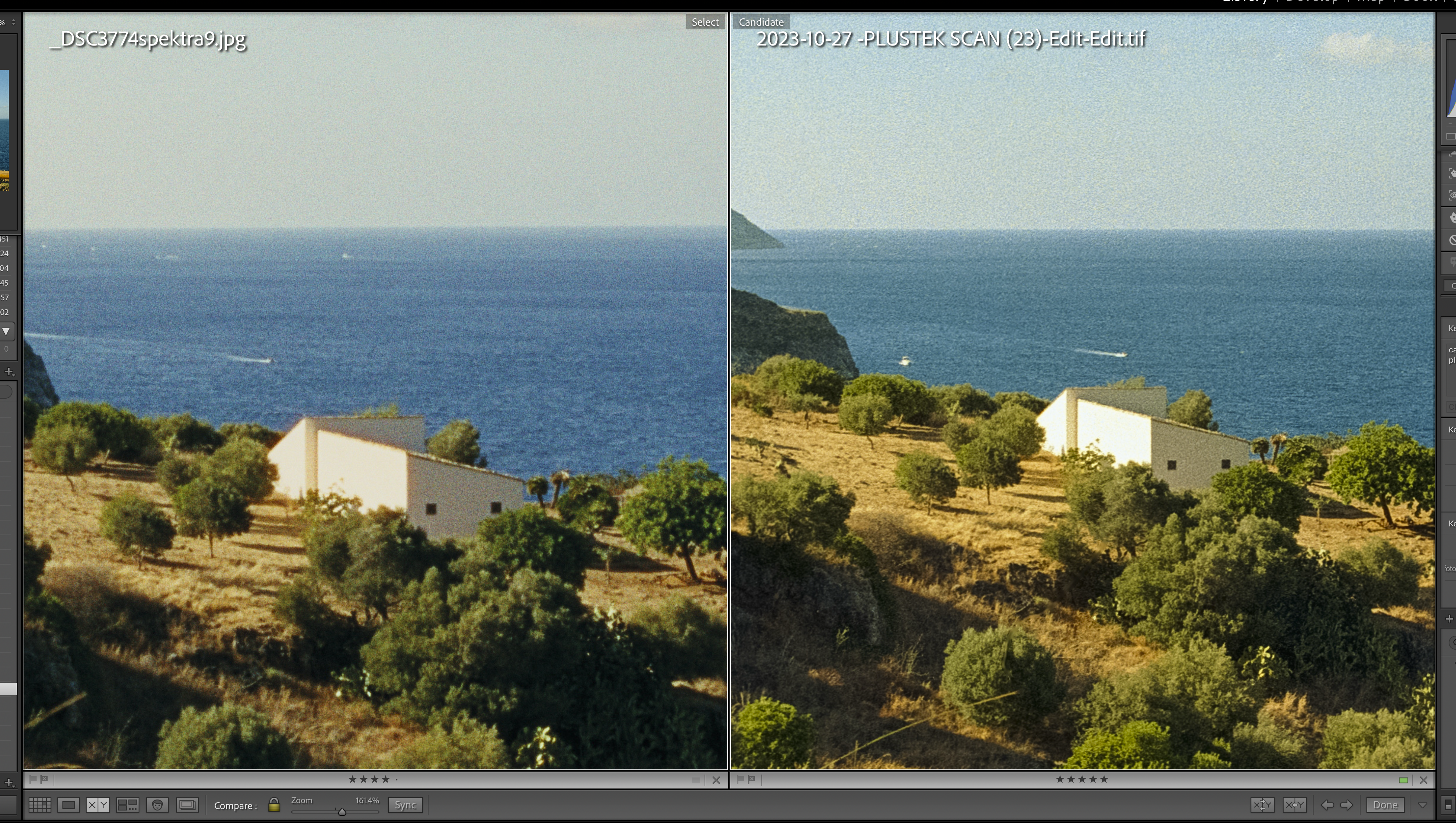
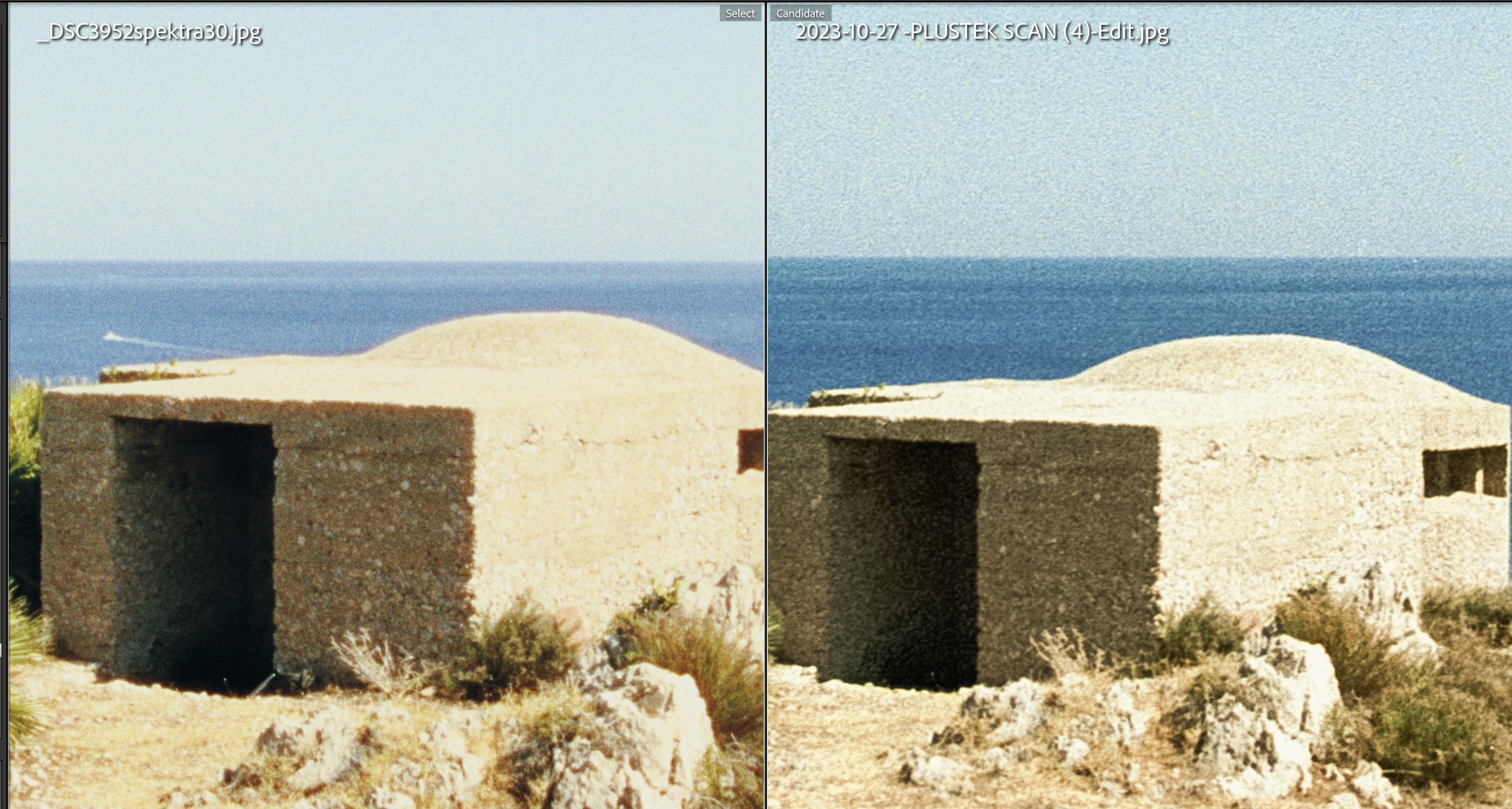
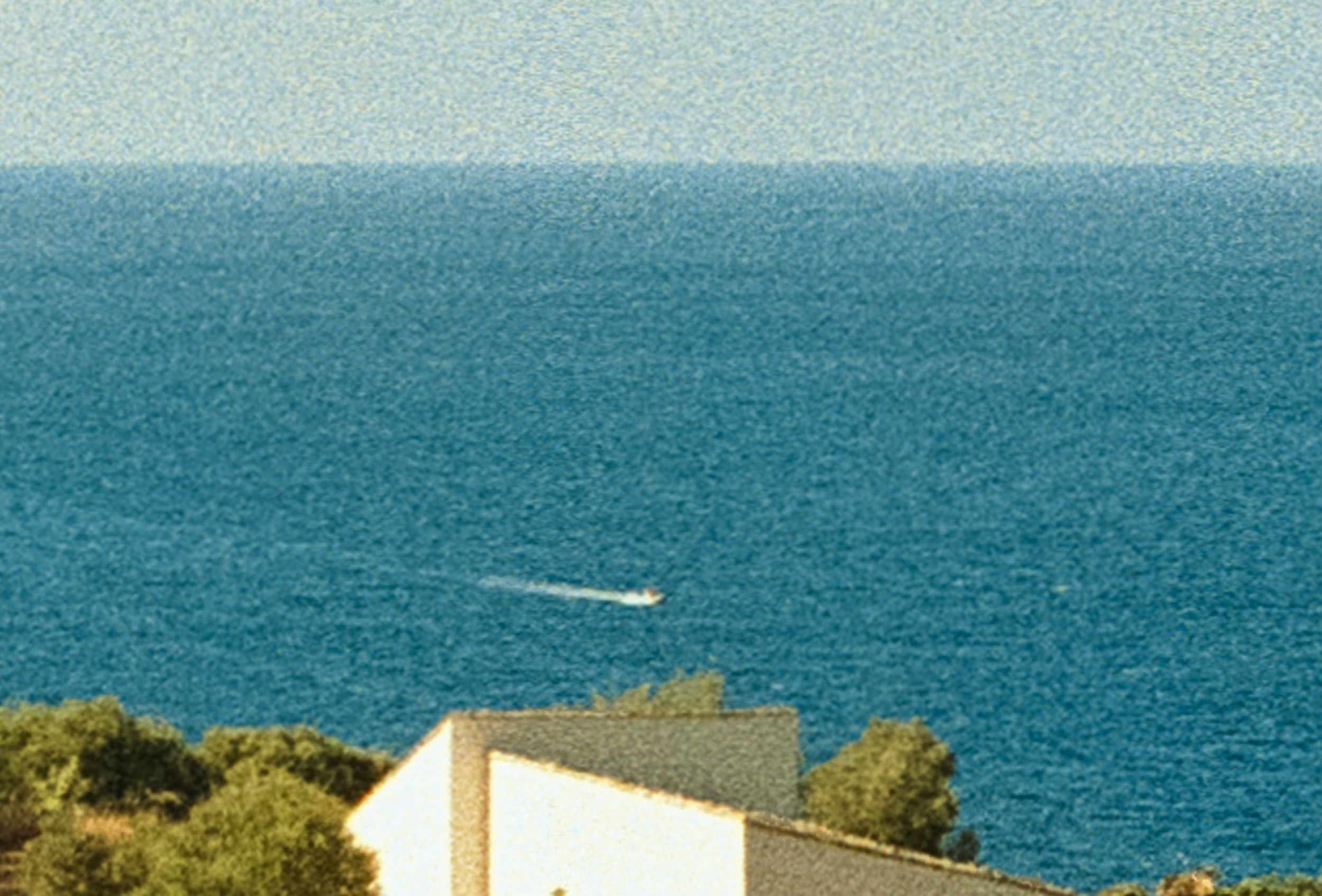
The grain produced in Spektrafilm feels like a layer sitting on top of the image. It looks smaller, harsher.
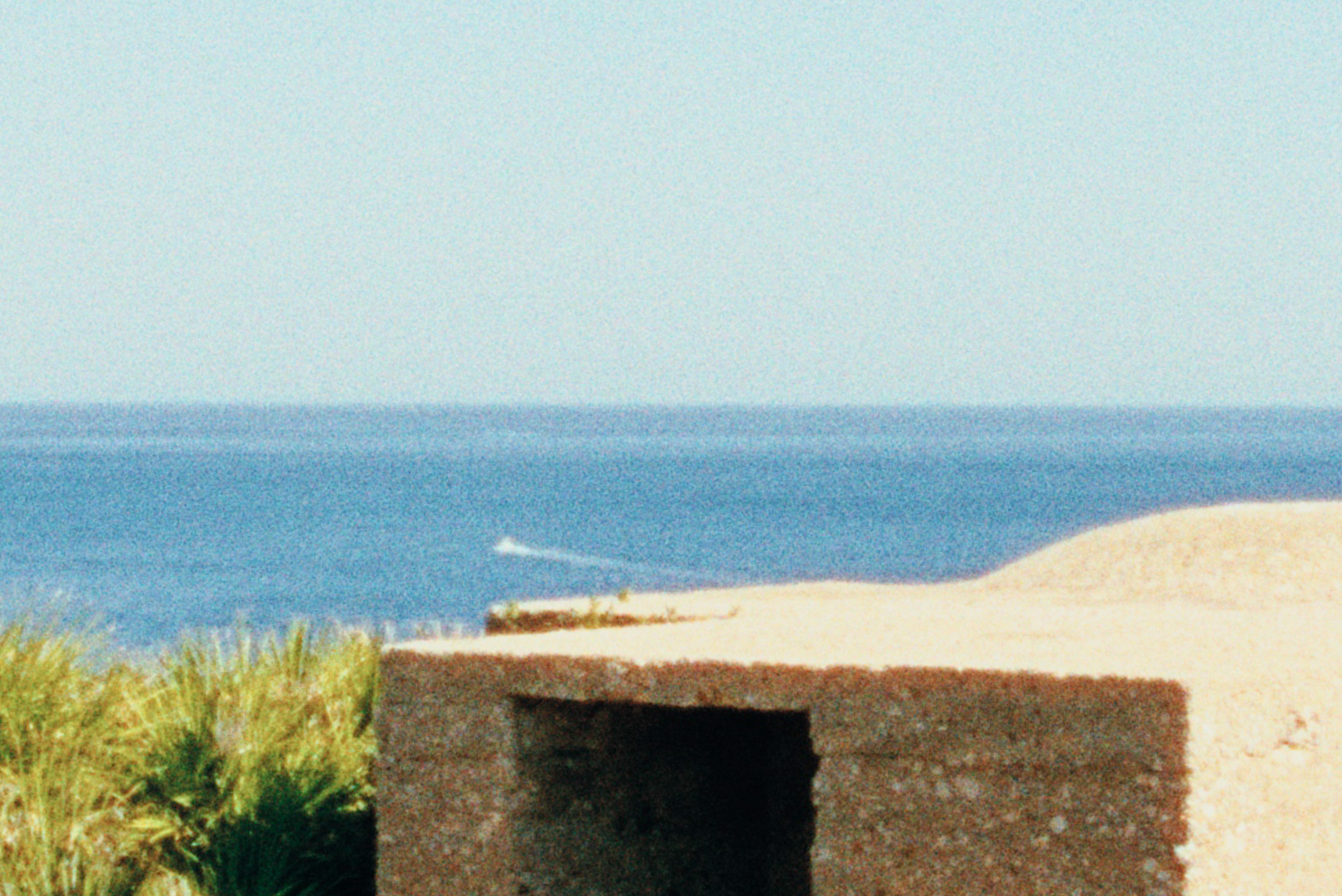
On the Plustek scan, the grain looks smoother but somehow sharper—like it’s physically part of the actual shapes in the image itself.
Also: the film image is always sharper. I haven’t selected any promist filter effect or lens blur. Scanner lens blur is also set to 0.
My Settings:
I know the particle area um2 parameter is tied to film ISO (e.g., sitting at 0.4 for a 400 ISO film). For this Gold 200 emulation, I currently have it set to 0.2
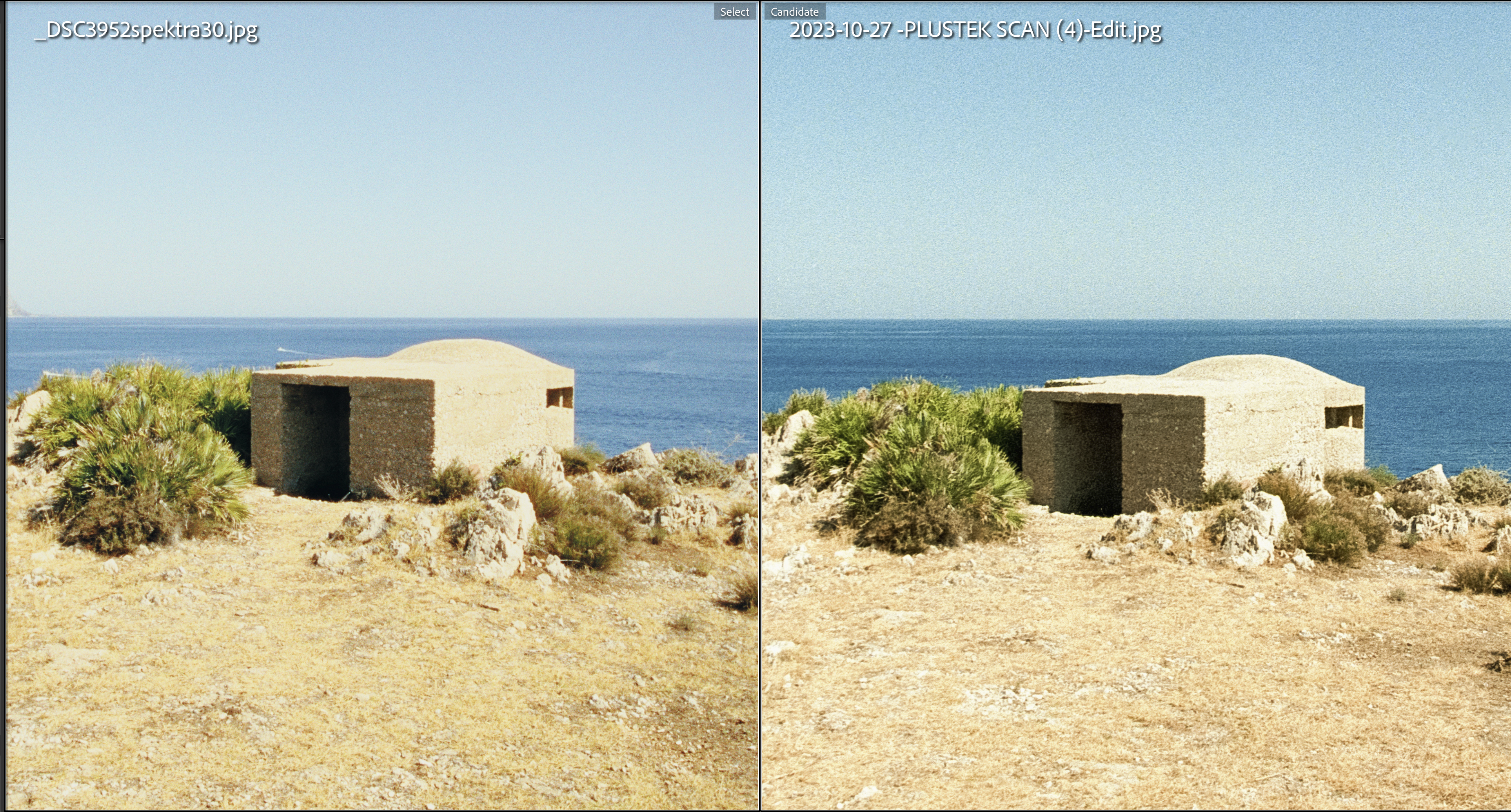
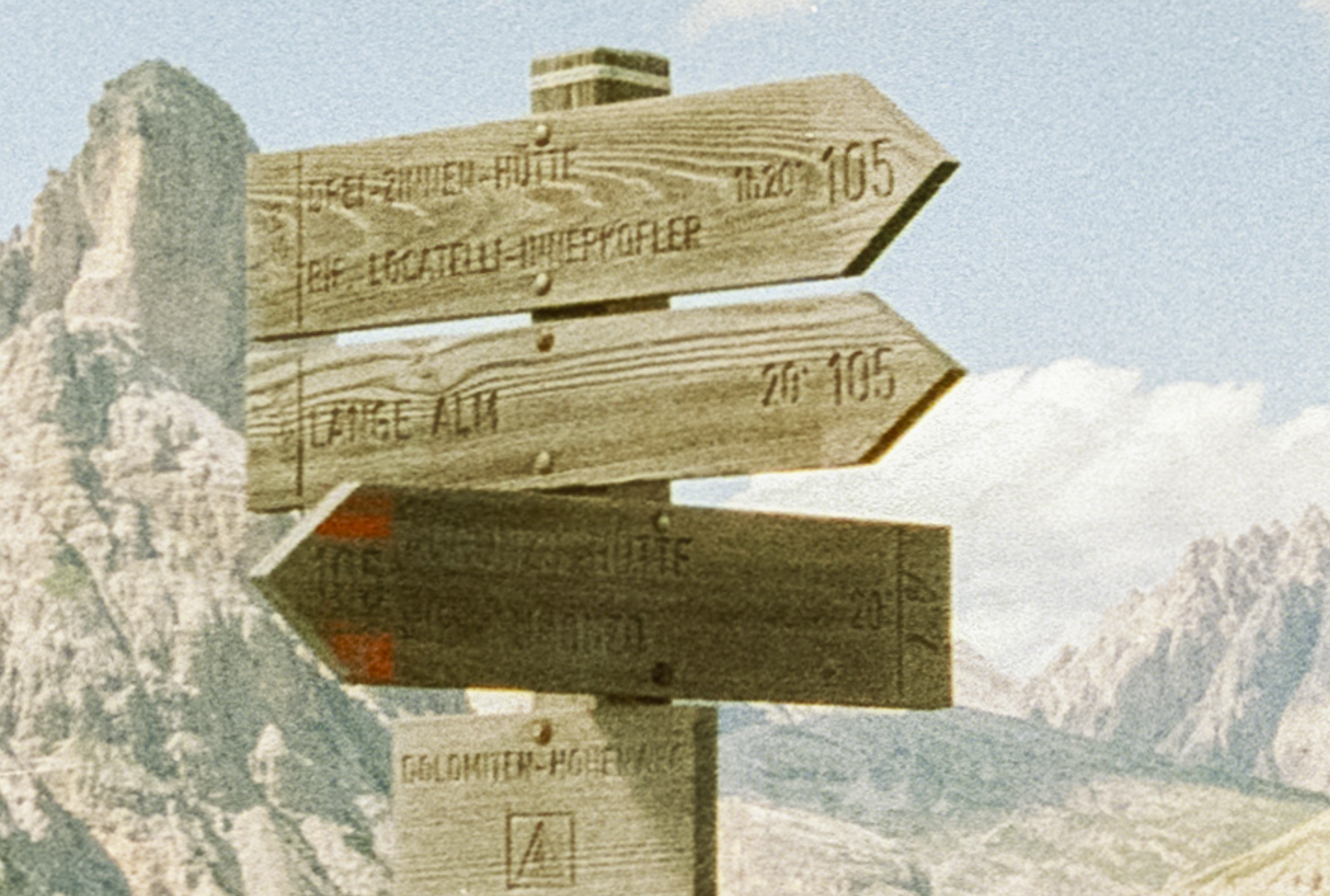
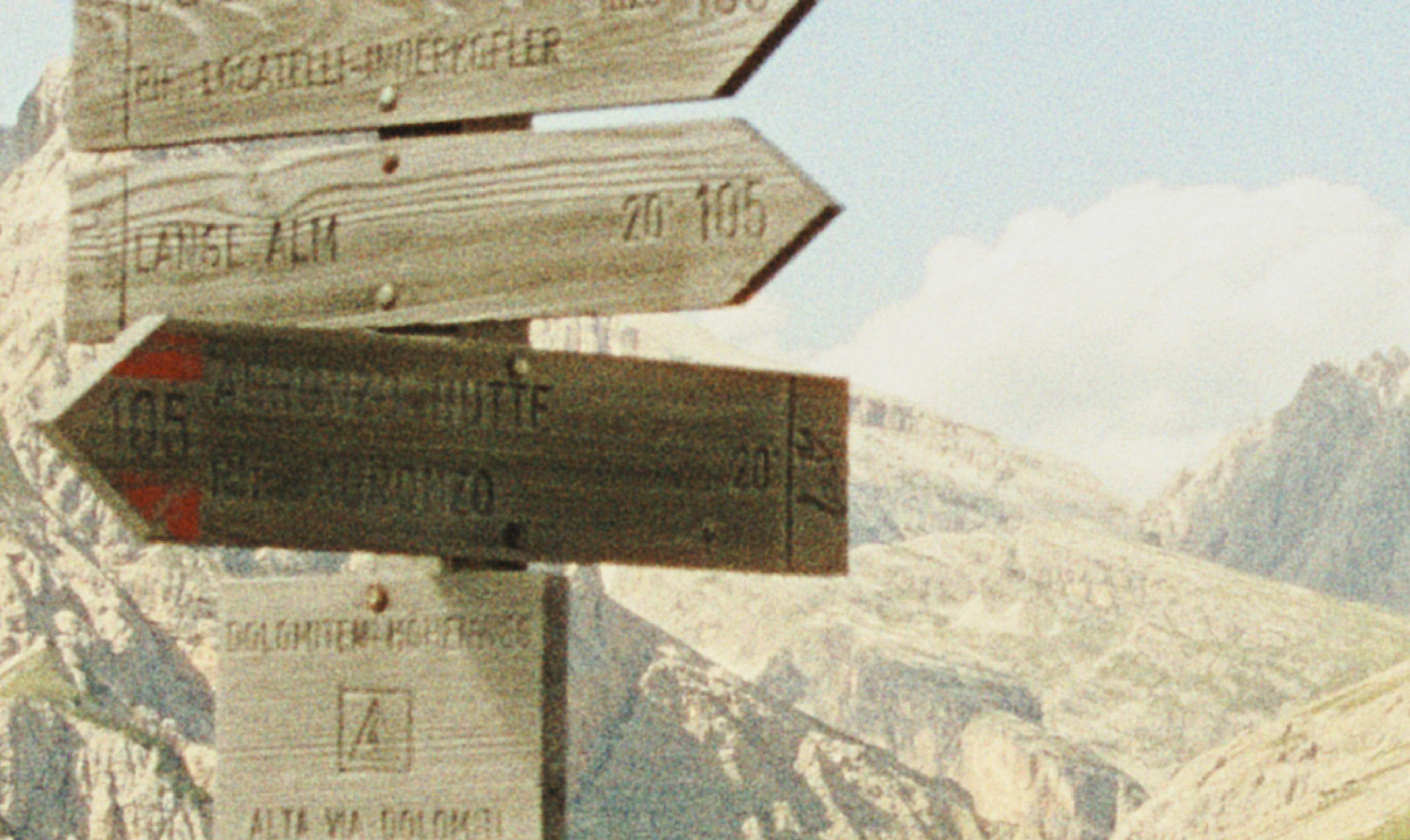
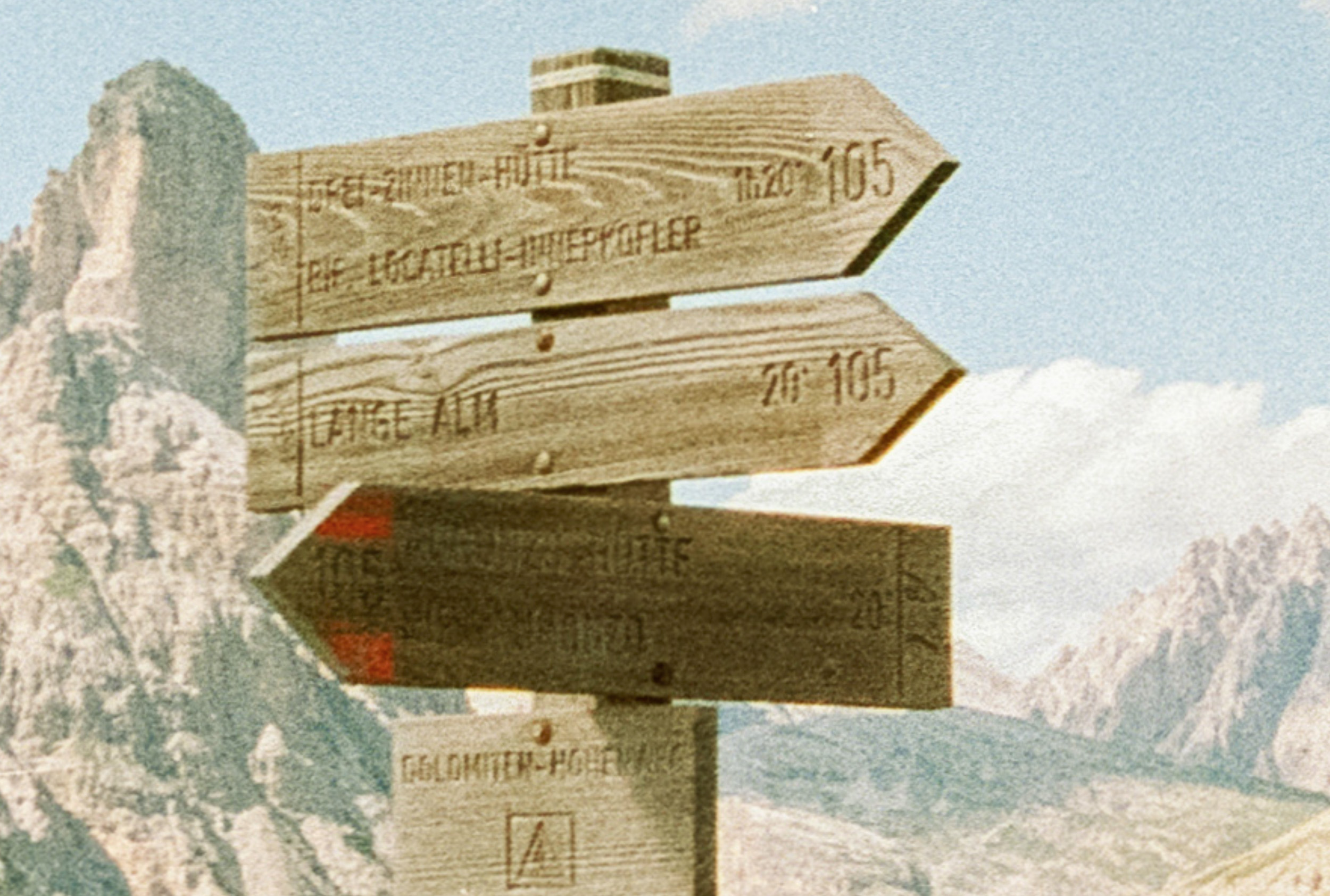
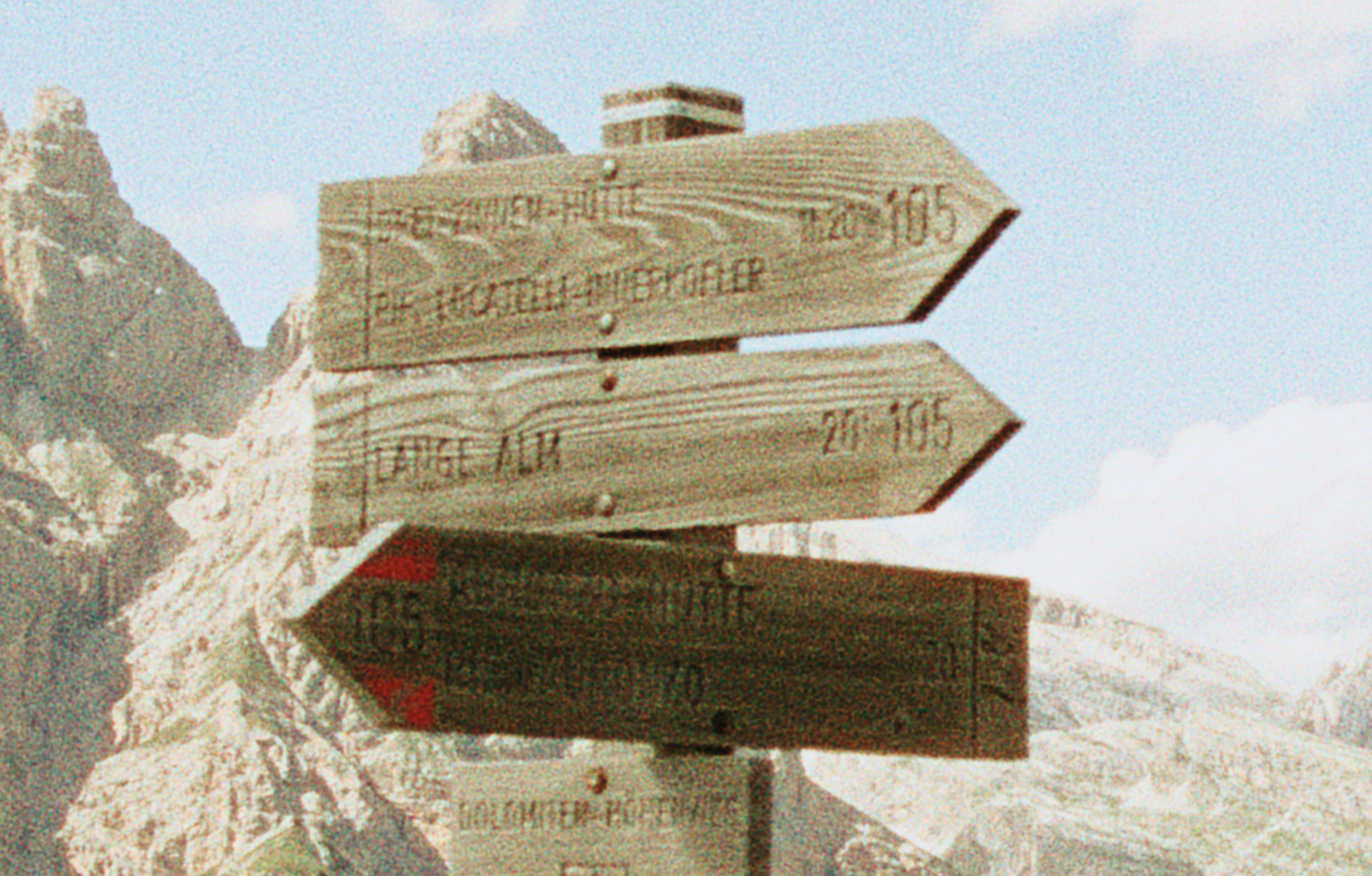
(Attached: Film scans vs. Spektrafilm exports and zoomed in details)
Yes please reduce the size of your images. Since we’re talking about grain, its probably better to show some specific, cropped areas at 100%, since the screenshots I can’t even see any grain hardly.
You’re right they’re too big. But I don’t know how to edit that post, I don’t see any menu. Sorry, just a first time user here.
So I’ll just upload new screenshots here below.
I have uploaded new ones, a bit more zoomed in. As you can notice, the film scans have bigger, different grain structure. Also, they seem to be sharper in general, or to have some sort of higher contrast.
Any idea how to work on that grain structure to get it to look closer to those scans?
Working in Lr, it seems that I can get closer to that look by using a high grain level (i.e. 50), alongside the same as high “size” and a bit lower “roughness” setting (say, 35/40).
But I was wondering if I can get there in Spektrafilm directly, since I assumed it’d be a better simulation in general, given the excellent color it provides.
The “issue” is that you are comparing 35mm film scans to software that emulates print scans.
I recommend unticking the scan print button (or whatever it is called - you want to make spektrafilm skip the print part and spit out a negative image), save that as tif, process that the same way you would process your negative film scan. Maybe also consider trying the experimental branch, theres some extra grain controls.
The scanner definitely adds its own sharpening, possibly even color noise reduction, which makes the grain look sort of like the grain in lightroom(?).
thanks. The option “scan for print” is already unticked. Uploading: _DSC3774spektraforNLP-2.jpg…
I have tried producing a negative in Spektrafilm, and converting it in Lr using NegativeLabPro. The result is the same.
Where and what are exactly those extra settings for grain you’re referring to?
Yeah sorry, I havent used the main release in quite some time so the scan for print button might act the opposite way to what I remember. The extra options are in a different branch of spektrafilm on github (GitHub - andreavolpato/spektrafilm at experimental · GitHub - download the code from here, replace your spektrafilm install with the three folders in /src/), the grain is measured in RMS and theres an extra unsharp mask setting for the grain, that could help you get the grain more visible.
The thing is - youre trying to get the grain looking essentially unrealistic to what it physically is - color film doesnt produce ‘black and white’ grain, its a splatter of colored particles - you can try and increase the grain amount in spektrafilm, convert in NLP, then open in camera raw, set luminance noise reduction to zero, color noise reduction to like 25, and then sharpen with a 1.5-2px radius.
And regarding the overall lack of sharpness - try and decrease the scatter amounts in film/halation.
Thanks! I’ll try these steps.
As for the grain color, I know it’s not bw, as a matter of fact I also get it pretty colorful in my scans. It just seemed a bit too much in Spektrafilm. But maybe it’s just me.
Thanks again. Will post an update.
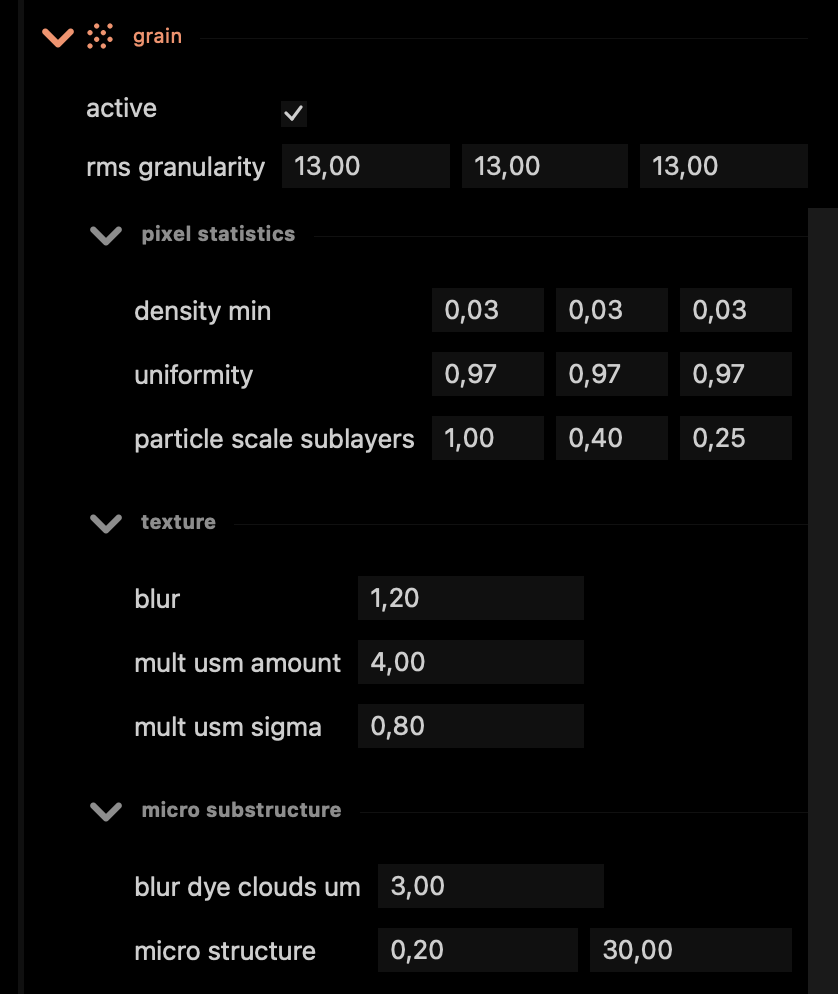
Sure, these in the grain section seem to produce results that are the closest to what I see when I scan 35mm film.
I have been trying with different rms granularity values but I see that the 12-17 range works best to emulate this type of film stock.
A lower blur value will make the grain too harsh.
I still haven’t tested higher usm amount values.
I’m not sure how to handle the usm sigma one.
Blur dye clouds um seems to give similar results around 2-3.
However I find myself giving a little bit of clarity to the image in Lr (+3 / +5), to make the grain a bit more crunchy. But I can say I’m pretty satisfied as of now.
What I still can’t figure out is why the spektrafilm image will always end up being softer than the film scan, despite the use of the same class lenses (Canon L).
I tried changing the halation scatter settings but it didn’t do much. No ProMist filter is activated.
The fact that there is even a legitimate discussion about how close the digital Spektrafilm-processed image is to the scan is genuinely miraculous in itself.
My personal opinion is that you’re never going to 100% match your particular scan’s level of sharpness or bluriness using just Spektrafilm itself, because the scanning process is a different workflow, prone to a million different variables and issues (scanning technique, film flatness, resolution, scanner technology, etc etc)
My advice: apply an appropriate level of blur to your image before handing it over to Spektrafilm. That way, you get to control the softening process precisely, to your particular tastes.
Hey thanks for the reply.
To go that way I’d need to understand where it is that Spektrafilm applies the blur, because I’m not aware of any blurring setting I activated with any intentionality. I’m not using a pro mist effect nor the scan lens blur function. The halation scatter settings are reduced by 10% but maybe I should go further that way. Thing is I also do not want to reduce halation too much because I think Spektrafilm renders it so well.