hi everyone, newbie here. i see that when people do edits in ‘play raw’ a .xmp file is added underneath. where do i send this and how can i read this file to access the history stack and follow the edit process? thanks in advance for your consideration.
james…
The way I handle playraws is I have a folder called Photodownloads that I download people’s playraws to. In that folder I have a sub-folder called xmp. I download the xmp into that folder for easy location.
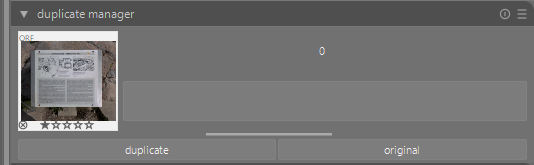
In DT darkroom view I use the duplicate manager to make an original duplicate.
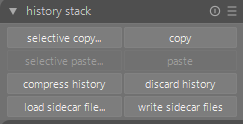
Then in lighttable view I use the history stack module to load the sidecar file (xmp) to see how another person has edited the image.
Of course if you download the original posted image and xmp file together when the image opens in DT it will included the OP’s edits.
Other users may suggest a better way of handling the xmp files, but this works for me.
1 Like
thank you Terry, i’ll try your method and see if my limited tech knowledge can fiure it…