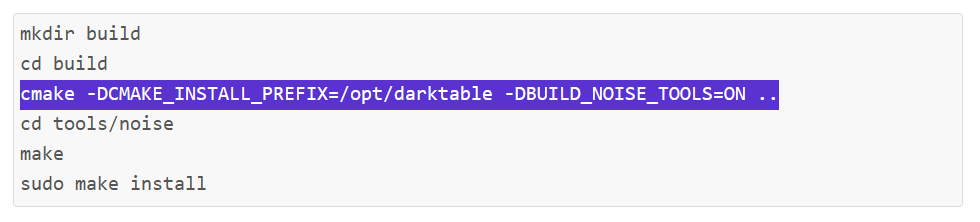
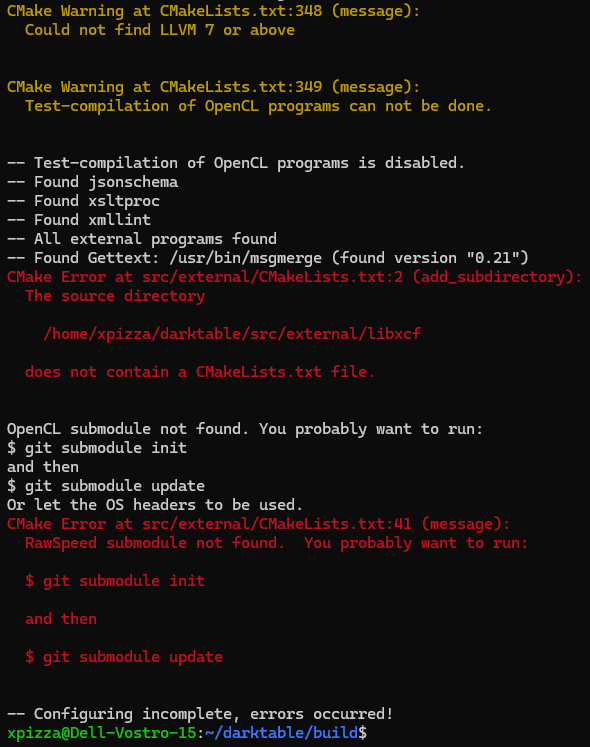
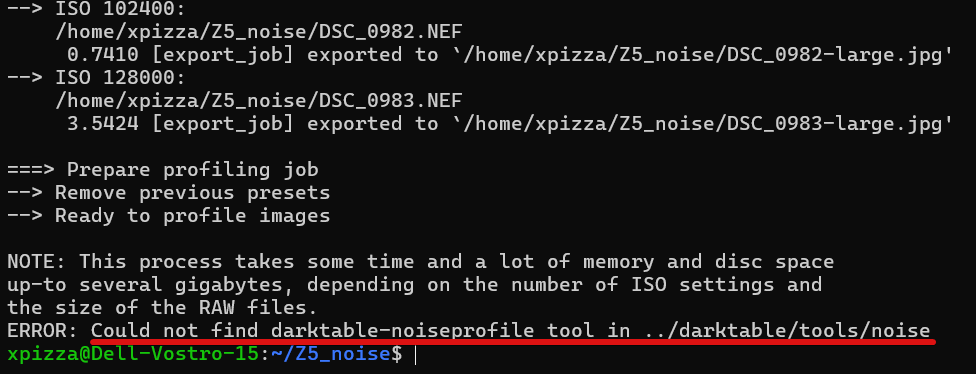
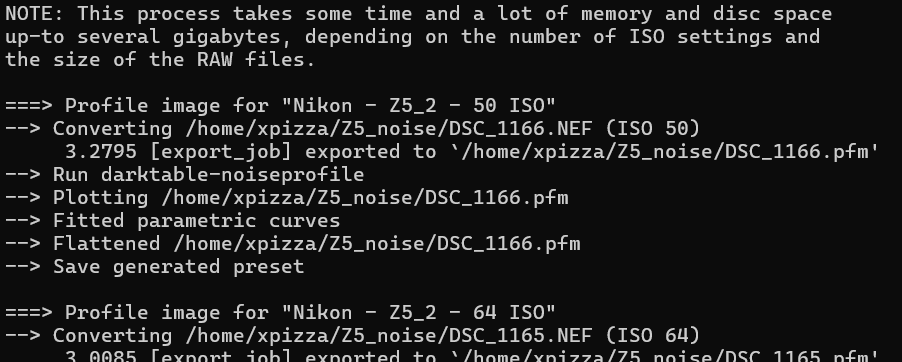
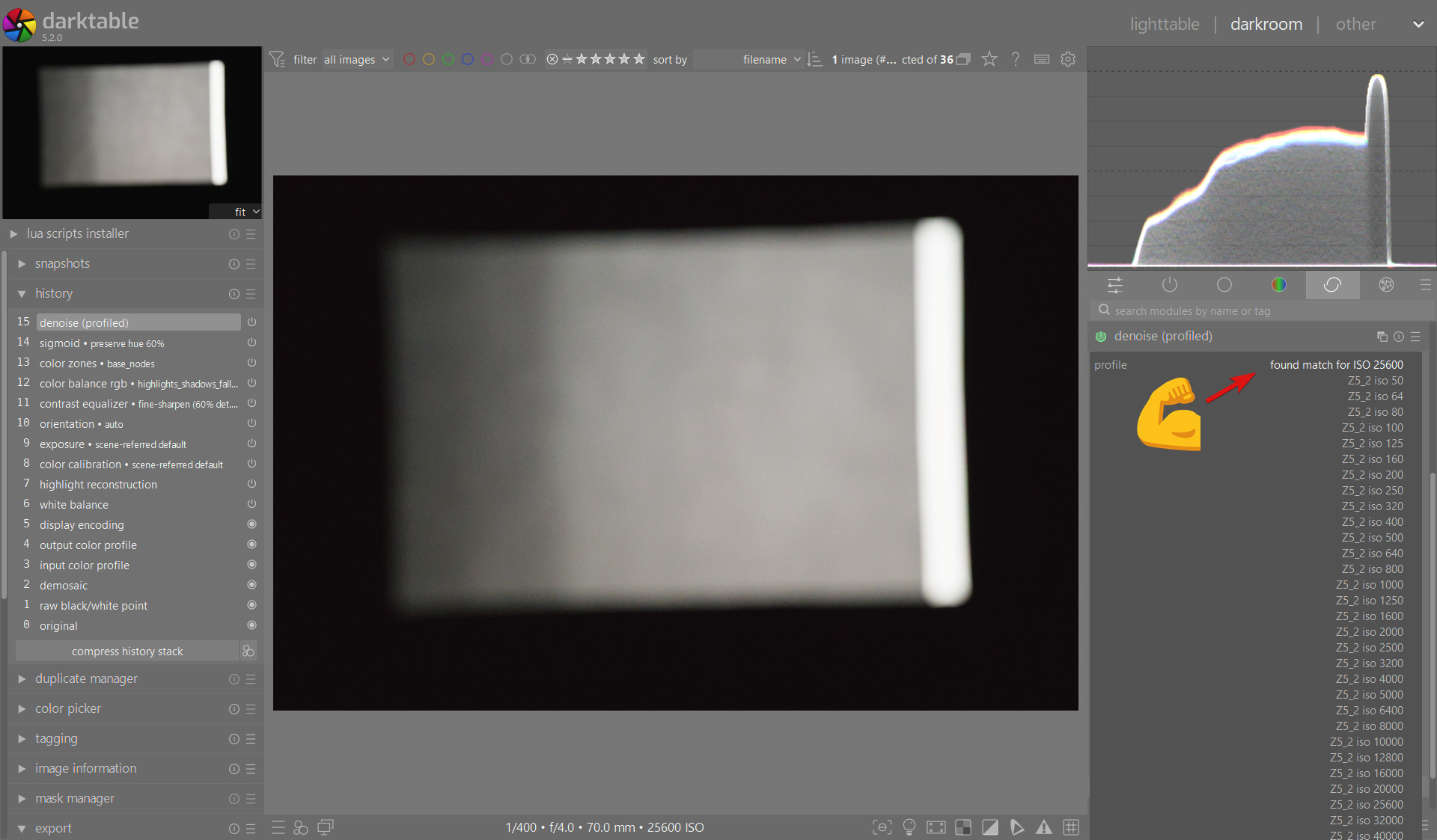
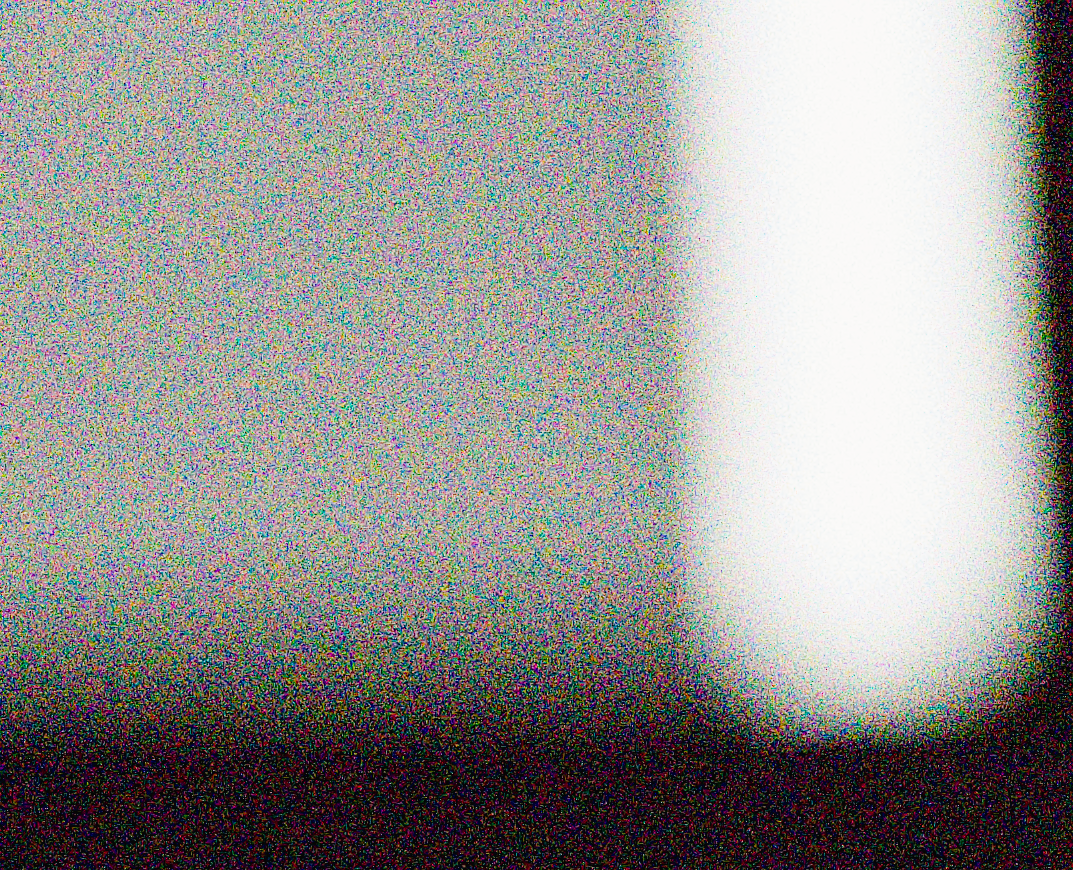
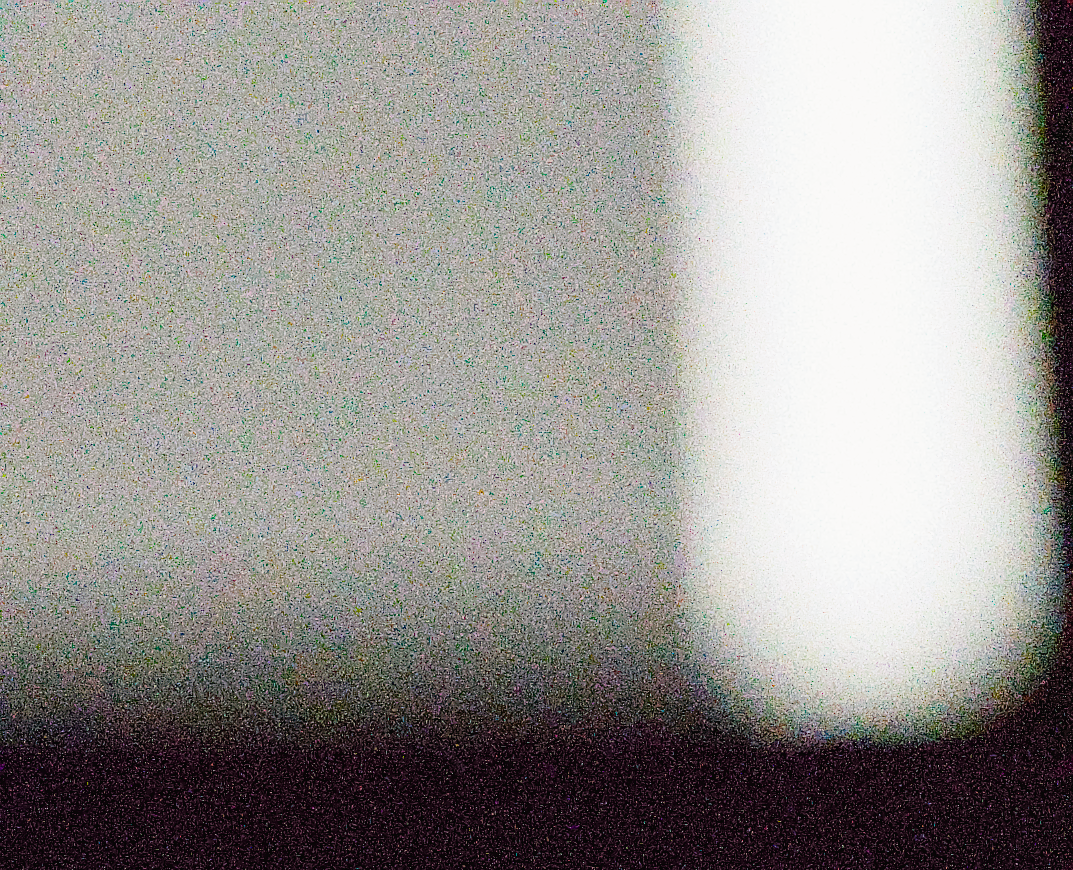
Since I already own the Z5 ii, I decided to finally get to work and create the noise profiles for darktable, using this tutorial. However, I ran into a problem during the compilation of dt from source and I have no idea how to solve it… do I need to run this from somewhere else or…?
at least for the OBS rpms we ship those tools in a package. and if you use the obs debs for ubuntu they also have a subpackage for darktable-tools-noise which should have all the tools you need. HTH
The help doesn’t mention anything related to the noise tool:
xpizza@Dell-Vostro-15:~/darktable$ ./build.sh --help
build.sh [OPTIONS] [-- [additional cmake configuration options...]]

Options:
Installation:
   --prefix         <string>  Install directory prefix
                              (default: /opt/darktable)
   --sudo                     Use sudo when doing the install

Build:
   --build-dir      <string>  Building directory
                              (default: /home/xpizza/darktable/build)
   --build-type     <string>  Build type (Release, Debug, RelWithDebInfo)
                              (default: RelWithDebInfo)
   --build-generator <string> Build tool
                              (default: Unix Makefiles)

-j --jobs <integer>           Number of tasks
                              (default: number of CPUs)

   --asan                     Enable address sanitizer options
                              (default: disabled)

Actual actions:
   --skip-build               Configure but exit before building the binaries
                              (default: disabled)
   --install                  After building the binaries, install them
                              (default: disabled)

Cleanup actions:
   --clean-build              Clean build directory
   --clean-install            Clean install directory
   --clean-all                Clean both build and install directories
-f --force                    Force clean-build to perform removal
                              ignoring any errors

Additional cmake configuration options:
Options passed as is to the cmake configure command

Features:
By default cmake will enable the features it autodetects on the build machine.
Specifying the option on the command line forces the feature on or off.
All these options have a --disable-* equivalent.
    --enable-camera
    --enable-colord
    --enable-graphicsmagick
    --enable-imagemagick
    --enable-jxl
    --enable-kwallet
    --enable-libsecret
    --enable-lua
    --enable-mac_integration
    --enable-map
    --enable-opencl
    --enable-openexr
    --enable-openmp
    --enable-unity
    --enable-webp

Extra:
-h --help                Print help message
I wonder, would it be possible to do it using a supplied virtual machine with all the software installed? … that would make it a bit easier for the contributors. But I feel like my struggles with the darktable-noiseprofile tool are probably an anomaly and doesn’t justify making a vm for this purpose
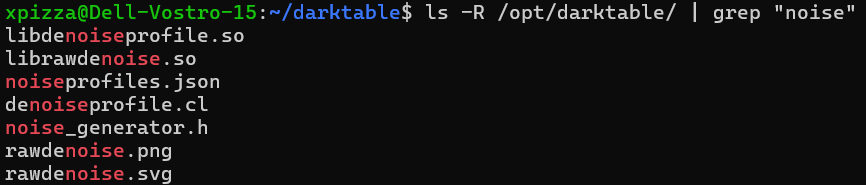
I tried to repeat the install process on a Linux Mint laptop that’s laying around, but the same happened – darktable-noiseprofile nowhere to be found and darktable-gen-noiseprofile only exists in the directory where I have cloned darktable.
Alternatively, could anyone please generate the noise profile for me if I supply the images? I have no idea how to get this running or how others do it…
Unless the problem is in installing the submodules somewhere, I feel like it didn’t install what it should have.
Any way to verify this has worked? It doesn’t output anything so it should be good, but idk… git submodule update --init
They are in the same directory and placed in /opt, which makes sense… I’ll try that once I take images at ISO 50, 64 and 80, 'cause of course I didn’t take those
Genius, I didn’t think of that, works perfectly. I could even drag that into the taskbar – hopefully it doesn’t break. In the next update it won’t be needed, but for now it will be a lot easier.
Oh, and I almost forgot - thanks everyone for help!