Ah OK, found it:
In the clipping indication, the mode any rgb channel checks if any channel exceeds the upper threshold, but only triggers the lower bound warning, if all channels are below the lower one:
      if(img_tmp[k + 0] >= upper || img_tmp[k + 1] >= upper || img_tmp[k + 2] >= upper)
      {
        copy_pixel(out + k, upper_color);
      }
      else if(img_tmp[k + 0] <= lower && img_tmp[k + 1] <= lower && img_tmp[k + 2] <= lower)
      {
        copy_pixel(out + k, lower_color);
      }
      else
      {
        copy_pixel(out + k, in + k);
      }
So, the name is misleading. @dterrahe , @hannoschwalm, @Pascal_Obry : do you think this is an oversight, or intentional?
gamut checking does a few things; if I understand correctly:
- it asks LCMS to do a conversion to the display space, with an extra conversion to the soft-proofing space sandwiched between input and output. Normally, LCMS would mark pixels that don’t fit inside the soft-proofing space, but this does not work very reliably for matrix profiles, as I understand. (But darktable tries to get LCMS to quantize the soft-proofing profile, which, if I understand correctly, turns it into a LUT profile?) Based on the demo images below, it works fine for the built-in sRGB, as, even if the display profile is set to AllColors, we still get the out-of-sRGB pixels marked.
- we then do a negative RGB component check in monitor space (which is the final result of the LCMS conversion).
Some demos:
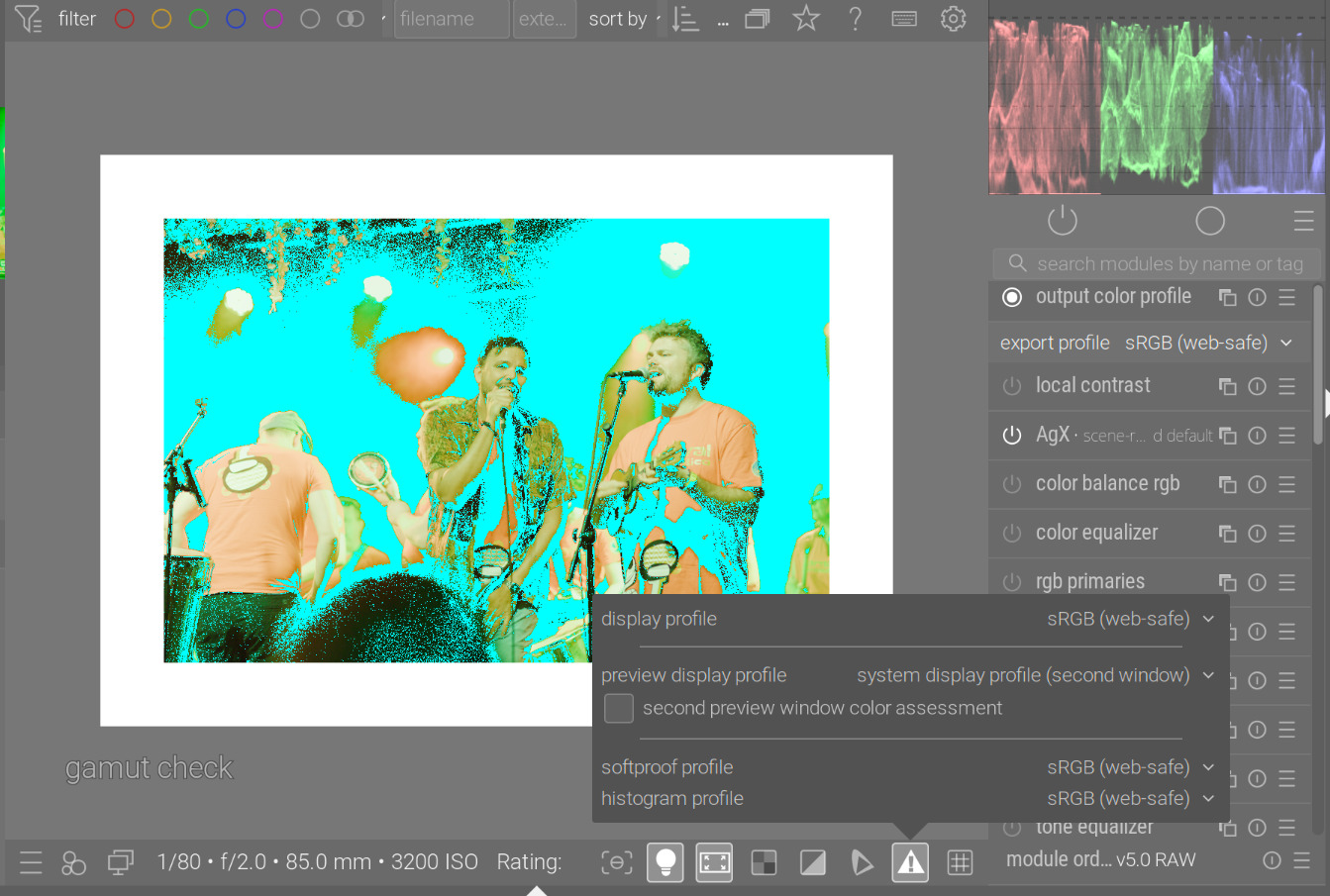
gamut check with everything set to the built-in sRGB profile:
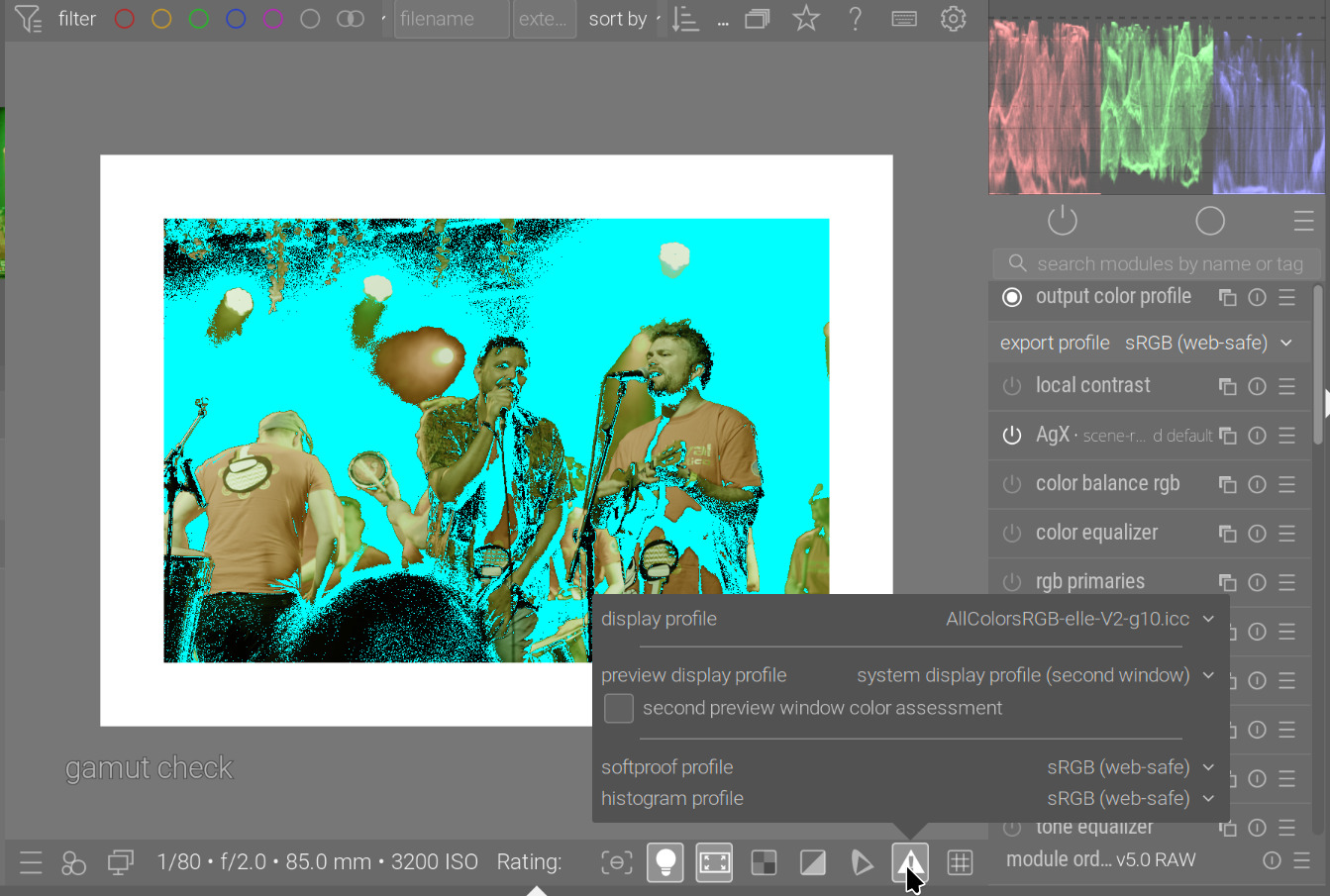
display-profile: ‘AllColors’ from Elle; soft-proofing: sRGB
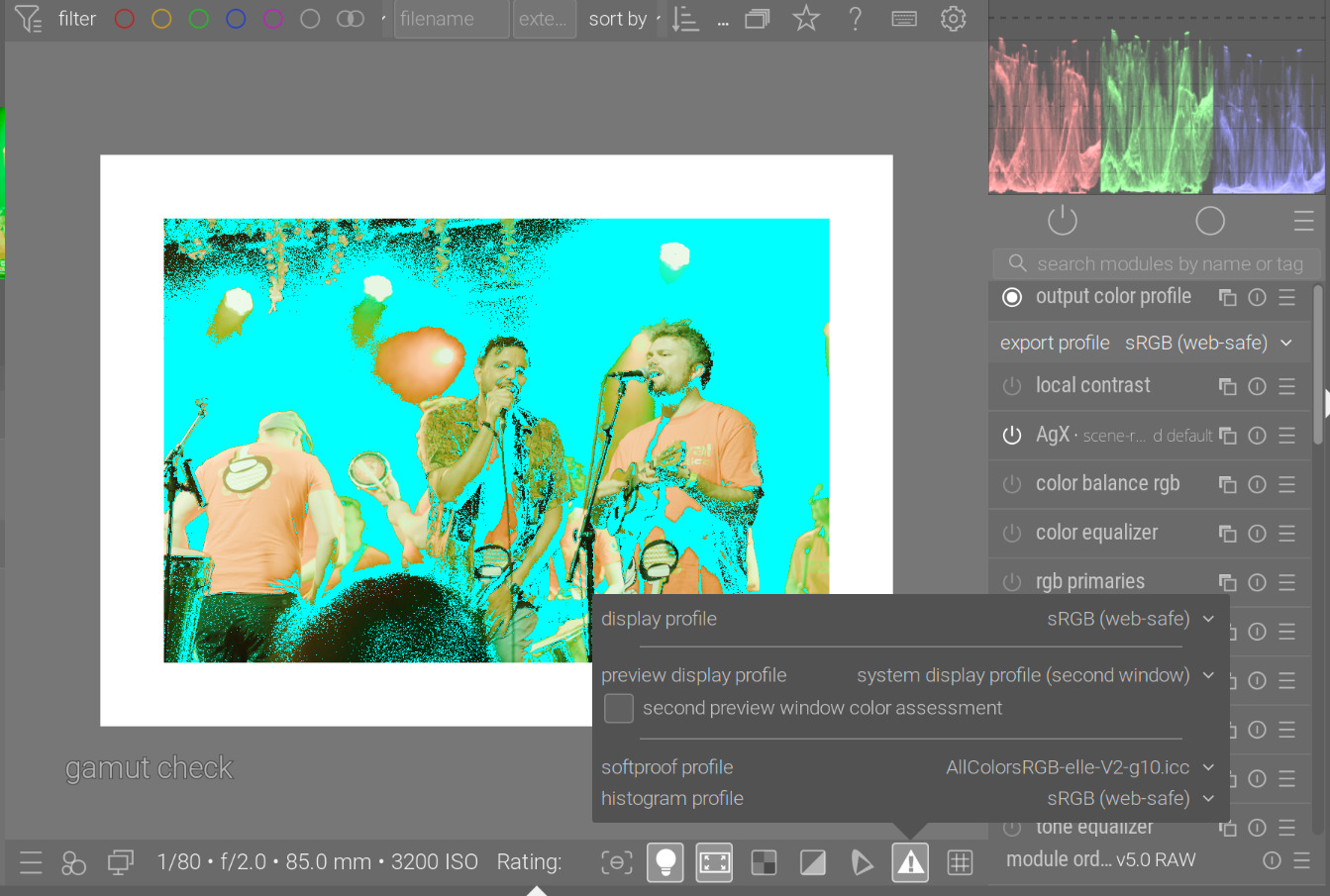
display-profile: sRGB; soft-proofing: AllColors
both set to AllColors (which really fits everything, so no pixels are marked as out-of-gamut):
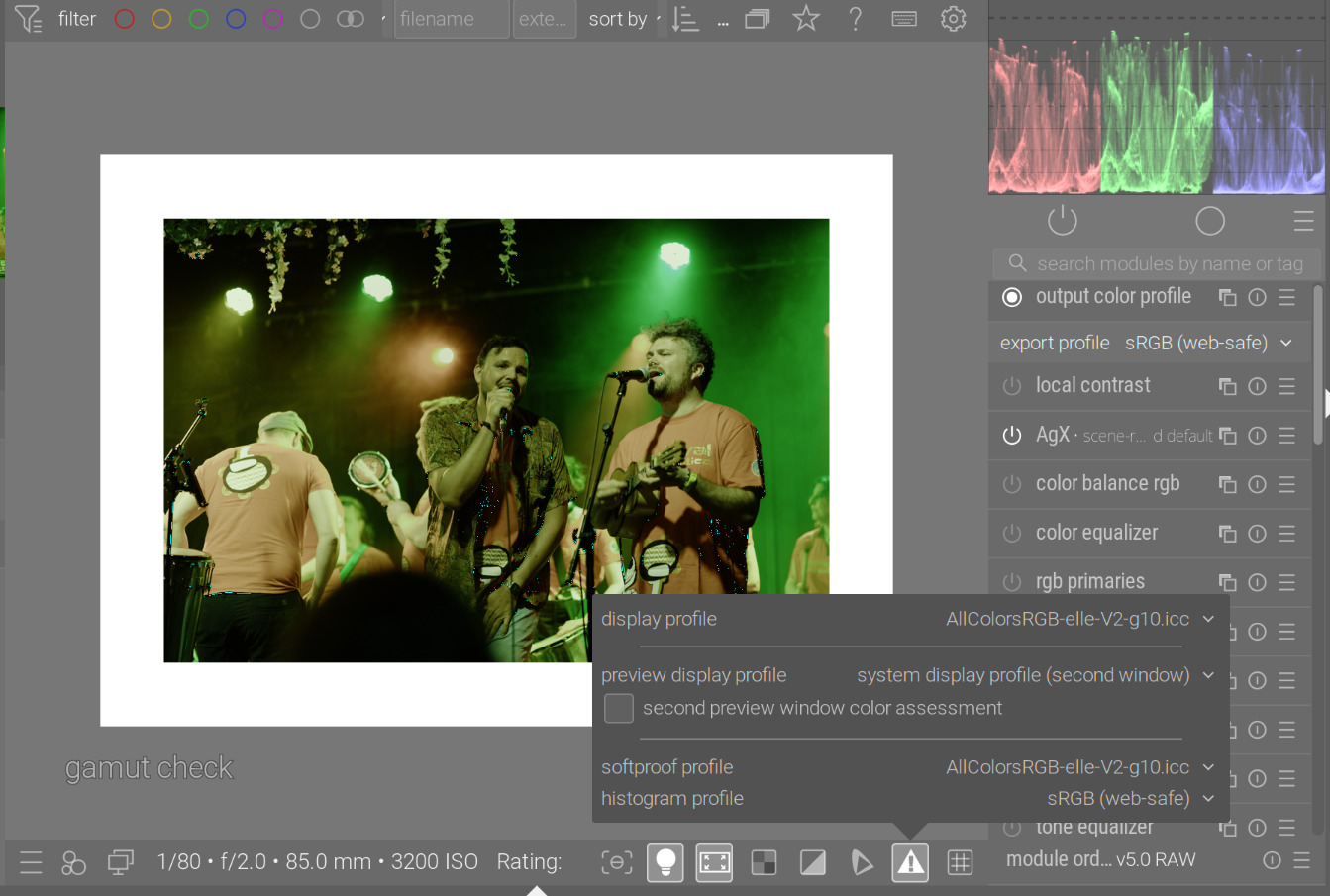
Based on this: for gamut check, as long as your display space is larger than sRGB (or you temporarily set something like Rec 2020), the gamut check works if the soft-proofing space is set to sRGB. If the display space is small, you get extra pixels marked as out-of-gamut.
The clipping indicator’s ‘saturation’ mode (which is also part of ‘full gamut’), can mark very saturated in-gamut pixels as clipped.
My advice: in very dark areas, gamut issues are invisible. I usually watch out for bright areas, which become ‘flat’, losing details, or show weird colour shifts.
(Again, my understanding:) There’s also an overlap between the various checks, I think (and also between gamut check and clipping check); and the logic of which space is used when is somewhat confusing. If I read the code correctly:
- output color profile ignores the intended output profile in darkroom mode, and uses the display profile instead, so then the gamut check is performed against the display profile, not the selected output profile (darktable/src/iop/colorout.c at 522c2998f57eedcd6ad7414cdcfa808e474e883b · darktable-org/darktable · GitHub and below)
- the clipping indicator uses the histogram profile (darktable/src/iop/overexposed.c at 522c2998f57eedcd6ad7414cdcfa808e474e883b · darktable-org/darktable · GitHub)
- but, as the module comes after output color profile, pixels are first converted to the display profile, which, it it uses LUTs, may cause clipping
- and the histogram profile is overridden with the soft-proofing profile (darktable/src/common/iop_profile.c at 522c2998f57eedcd6ad7414cdcfa808e474e883b · darktable-org/darktable · GitHub), if either soft-proof or gamut-check are active