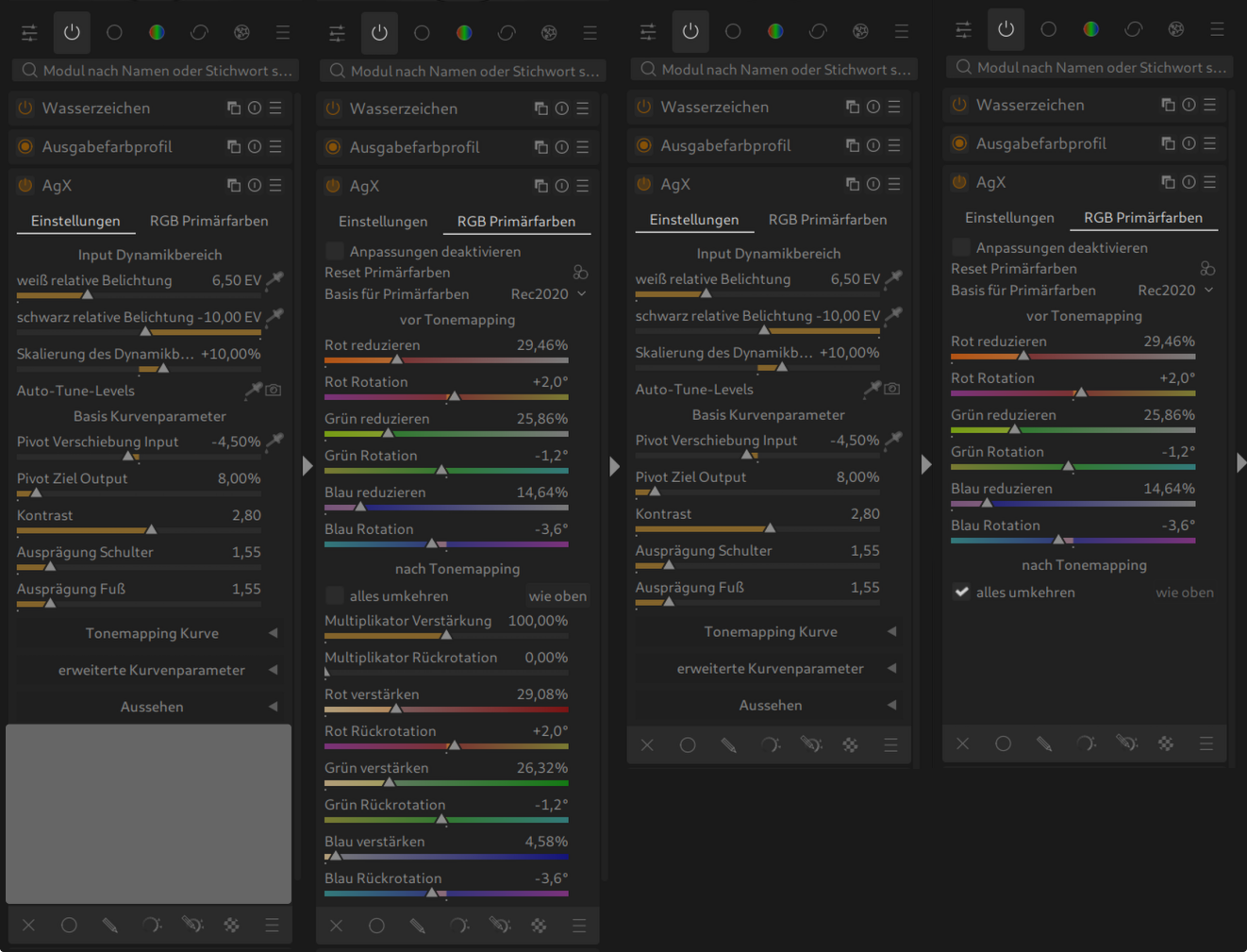
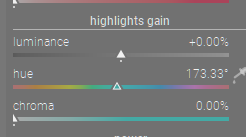
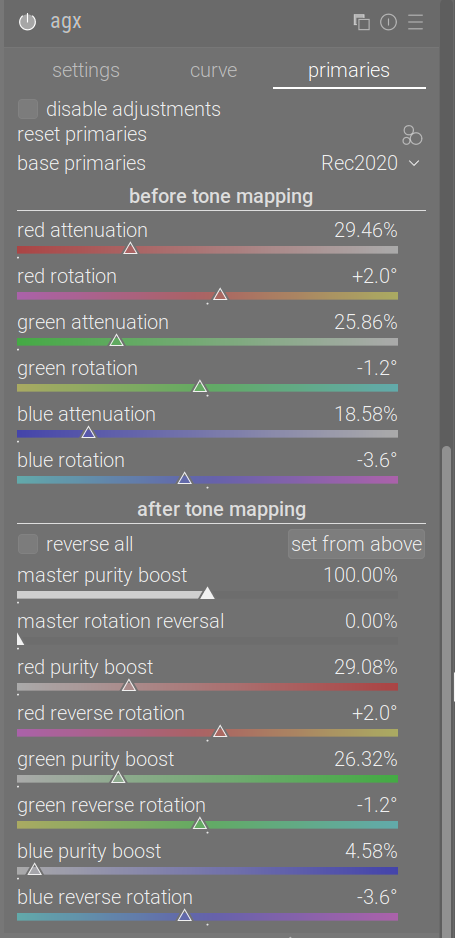
Hi @kofa, Resently, started to customize the theme for my own use.
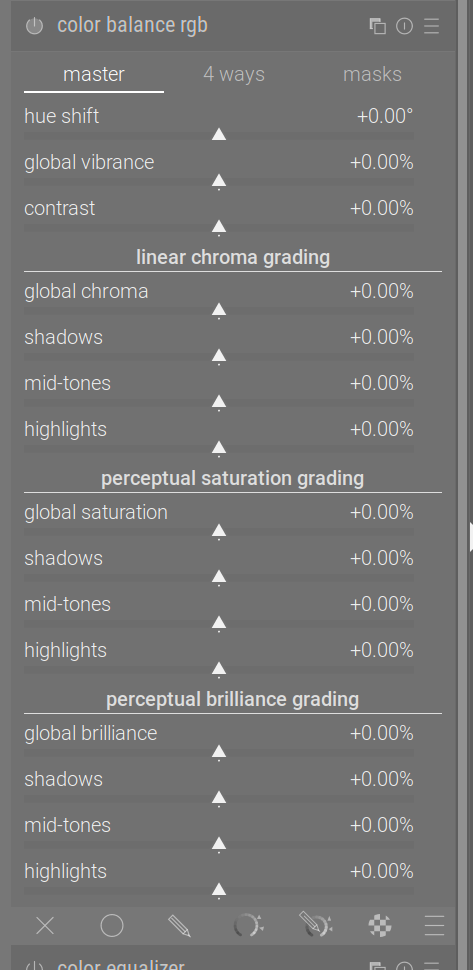
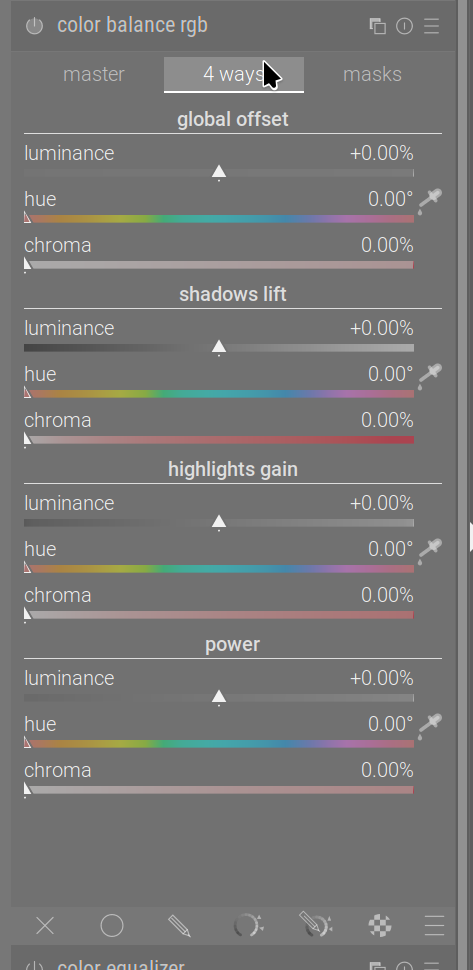
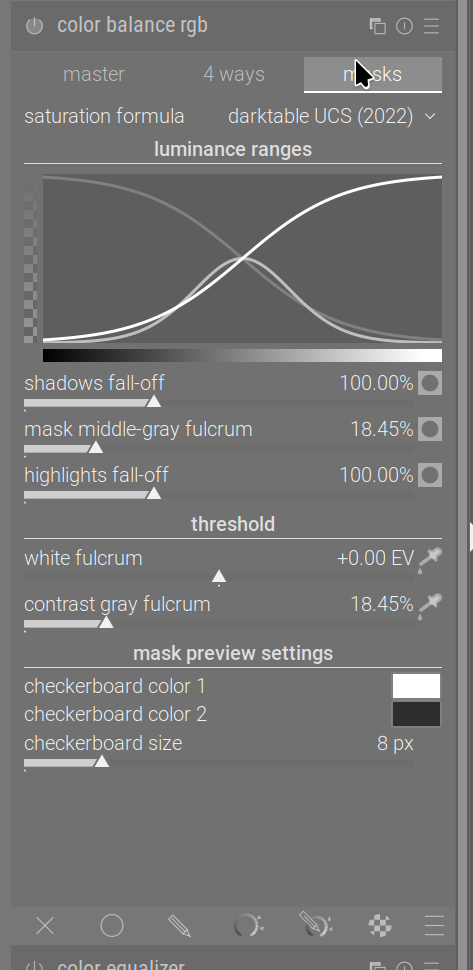
While doing that, notice that there will be an issue with customizing the sliders. The Agx primary sliders seems was designed similar to the primary modules. Unlike the sliders in the Color Balance RGB 4-way section where their position is only defined by the location of the triangular marker and not also a white bar along the sliders. So when I try to change the color for the sliders where there is no underlaying color to something other that white the sliders will look confusing in the primary and Agx primary modules. Except in the color balance RGB 4 way section where there is no bar in the sliders and thus no issue with introducing new color for the sliders.
I hope I could explain it clearly.
Now, I do not know how difficult would be to redesign/code the Agx primary sliders same as color balance RGB ( I think similar redesign maybe will also be desirable for primary, possibly sigmoid --but that is not for here to request).
I know it does not add to performance and functionality of the modules itself, but will add more flexibility to the future customization of it.
Visually it looks like the color related sliders in rgbCB just are set with no fill maybe. The triangle on those sliders is open so that what makes me think that…if so it shouldn’t be too hard to replicate if you so choose.
I did a bit check, that may be true with hue but not with luminance and chroma. Hopefully, in GTK4 conversions, developers will go through all these older modules and do consistency check and cleanup.
Some may like the visual indication provided by the bar, esp on a laptop. I understand if it obscures the hues that are place on the slider but for the other sliders its not really obscuring anything so it may come down to how people view this…
Actually, it does, even a white color does obscure the underlaying colors. e.g. check luminance slider and the relative position of the slider. Your point is valid in case of only blank sliders, where can be resolved by assigning a darker/lighter color for unfilled sliders variables in css file for the themes (that variable already exist and being used in the themes’ css files.
Ya I get your point I guess but its a level of detail that personally I don’t care about at all if a luminance slider has a grey scale ramp for visual impact great but the white bar blocking that doesn’t in any way impact how I would use or percieve the nature of adjustment…same for chroma more right less left… but a slider showing or attempting to show the hue range I get… that’s what I mean if I understand you about personal taste and of course I am just one opinion others can of couse comment if they see fit …
Yes, the only time that becomes an issue when one decides to customize the theme with different color. Also, in some sliders even current white color is misleading.