anry
March 17, 2026, 3:11pm
72
I posted a guide this detailed instructions how to setup and use AI object masking in Darktable 5.5.0.
Please, check it here Testing AI Object Masks in darktable nightly builds
2 Likes
mikae1
March 17, 2026, 8:32pm
73
Thanks @Pascal_Obry . My plan was to only use the something like the exposure module to carry over the mask.
Any updates on the denoising part?
1 Like
anry
March 19, 2026, 11:40am
75
AI denoise as well as upscale implementation is in progress.
master ← andriiryzhkov:neural-restore
opened 08:10PM - 14 Mar 26 UTC
This is a third and improved part of the original PR #20322.
## Summary
- … Add a new lighttable/darkroom utility module (`neural_restore`) that provides AI-based image restoration using ONNX backend models
- Supports two operations via a tabbed notebook UI: **denoise** (e.g. NIND UNet) and **upscale** (e.g. BSRGAN at 2x/4x)
- Includes an interactive split before/after preview with draggable divider, on-demand generation (click to start), and a detail recovery slider that uses wavelet (DWT) decomposition to recover fine texture lost during denoising
- Batch processing runs as a background job with progress reporting, cancellation support, tiled inference with overlap to avoid seam artifacts, and memory-aware tile size selection
- Output is written as 32-bit float TIFF and automatically imported into the library, grouped with the source image
- Register denoise-nind and upscale-bsrgan models in the AI model registry (`ai_models.json`)
## Details
- Built only when `USE_AI=ON` (cmake option, default OFF)
- Preview thread uses atomic sequence counter for cancellation and is joined before cleanup to avoid use-after-free
- Pixel pipeline: linear Rec.709 → sRGB before inference, sRGB → linear after; planar NCHW layout for ONNX models
- Detail recovery: extracts luminance residual (original − denoised), applies per-band wavelet thresholding to separate noise from texture, blends filtered detail back at user-controlled strength
<img width="267" height="340" alt="denoise" src="https://github.com/user-attachments/assets/454ada9c-2b94-428f-a2f0-fe8db36b8a06" />
<img width="267" height="340" alt="upscale" src="https://github.com/user-attachments/assets/167afa0d-d408-42c1-a845-713a14664795" />
Fixes: #19310
1 Like
Thanks! that looks promising. Maybe in a week we’ll get to play with it with the nightly.
Fenny
March 19, 2026, 12:52pm
77
Marvelous work.
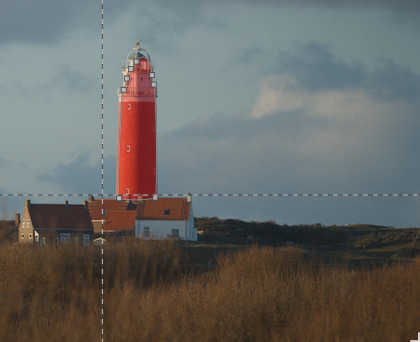
I got it ‘working’ but extending the selection (to also cover the houses) does not seem to work. Only a cross appears, but no brush appears
I’m using a M1 macbook air
anry
March 19, 2026, 8:28pm
78
Use positive and negative clicks to extend object or remove some parts from it.
This also happened to me. It is not until I click to apply that I get the message that no object has been detected
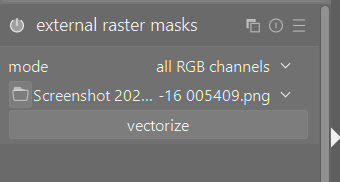
@anry Question, will it also be possible to import and vectorize a rastermaks using a lua script?
anry
April 15, 2026, 4:06pm
81
There’s a module for that. Lua scripts do not work with IOP modules.
I don’t full get what you are saying… Do you mean that it is not possible?
anry
April 15, 2026, 4:26pm
83
Not possible with Lua script. Use external raster masks module instead.
Thanks… for my perspective, I would be awesome if the path of external raster masks module could be said and then the vectorize button could be pressed.
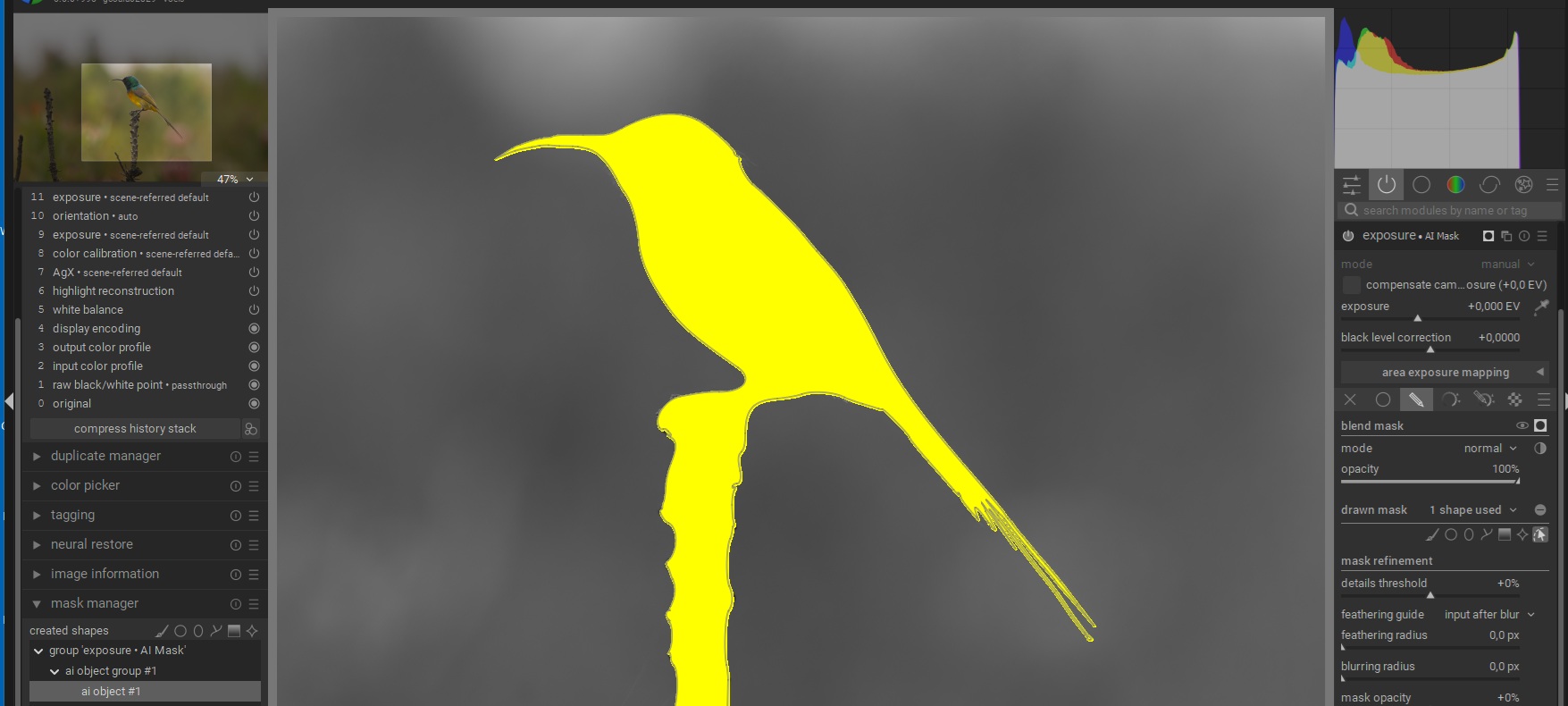
Used the AI mask sam2.1 option in settings. Did a reasonable job in creating the mask. Beak and tailfeathers it struggled with, I’m sure that will improve. Adjusted the mask for beak and tail feathers by hand. Good for now.
5 Likes