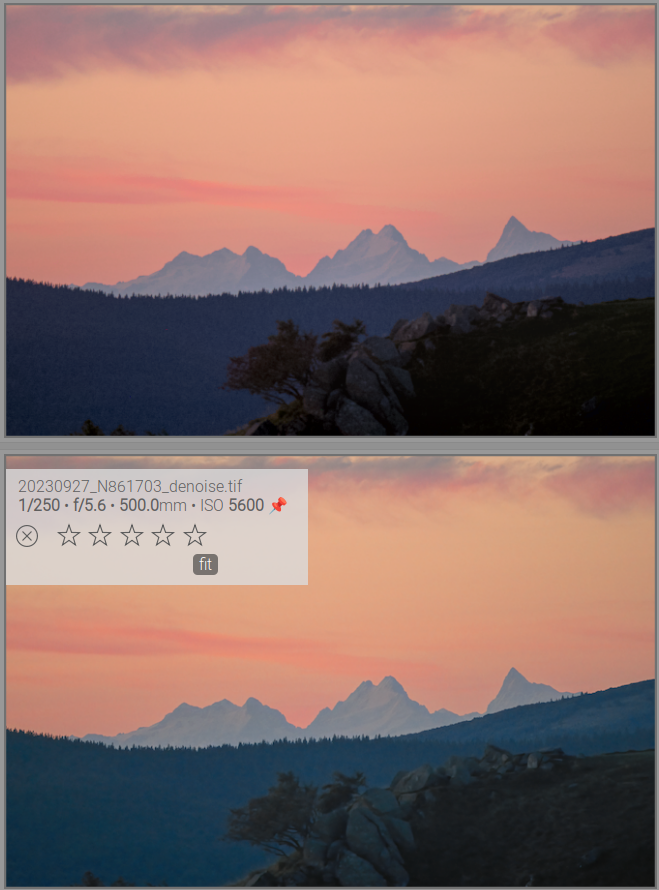
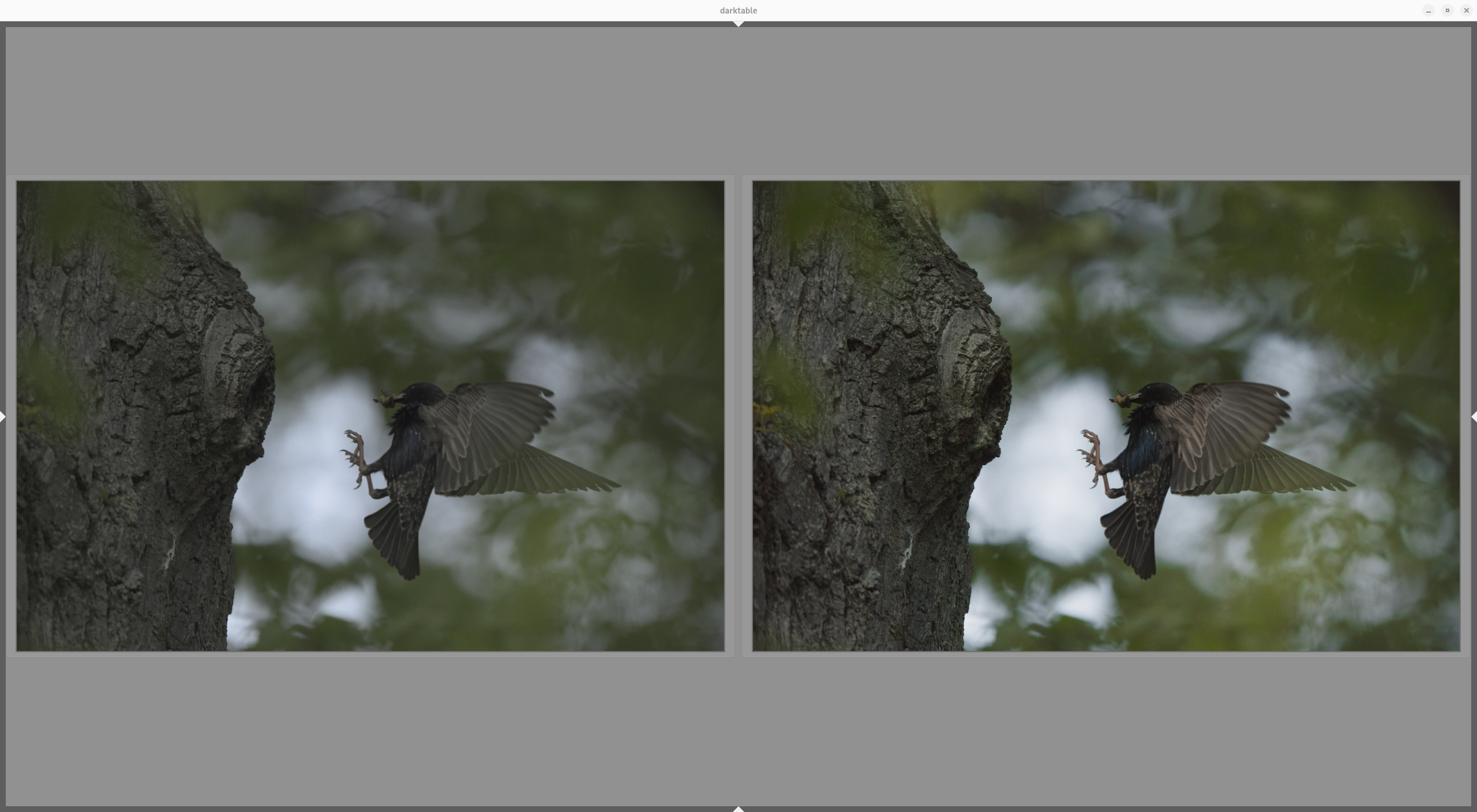
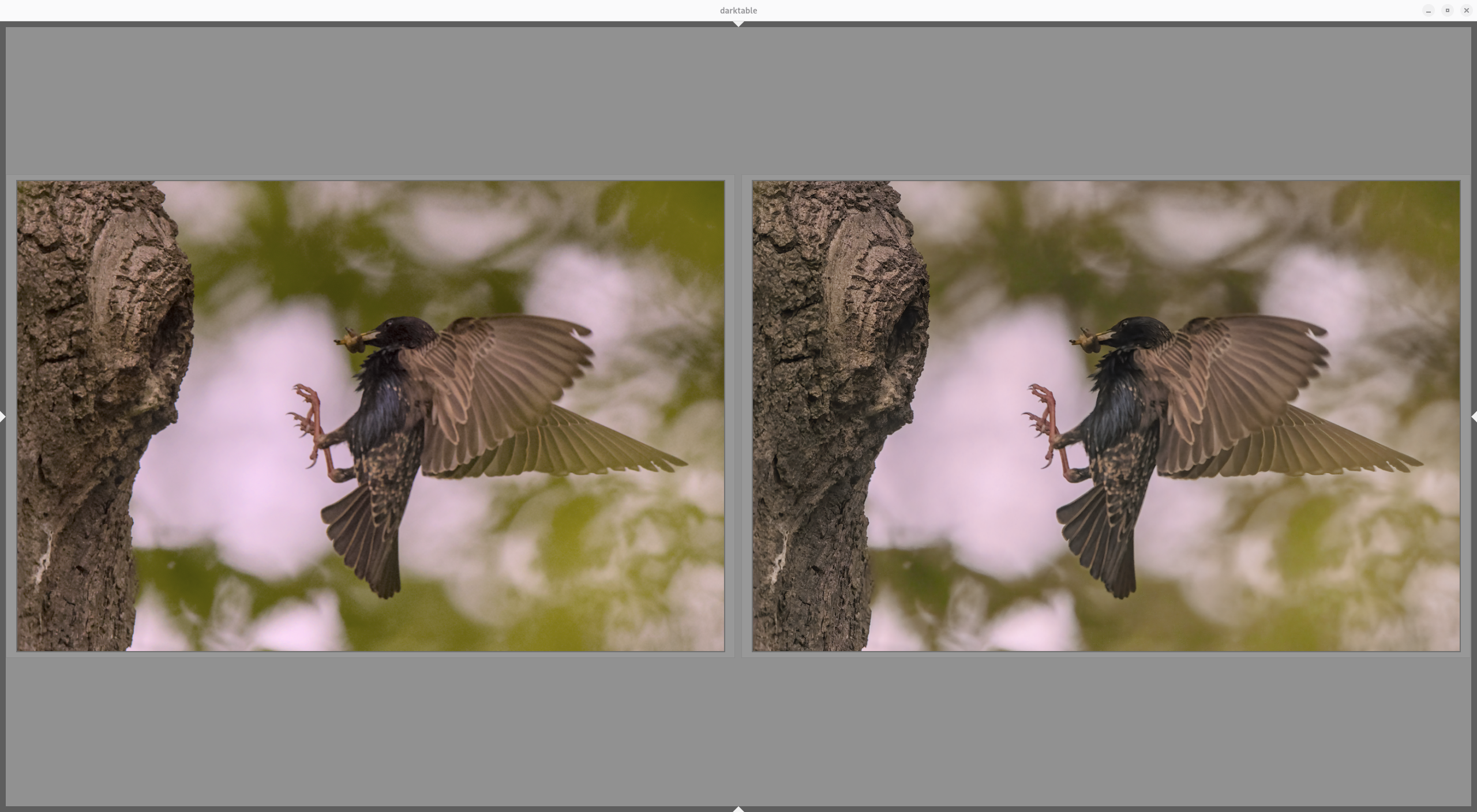
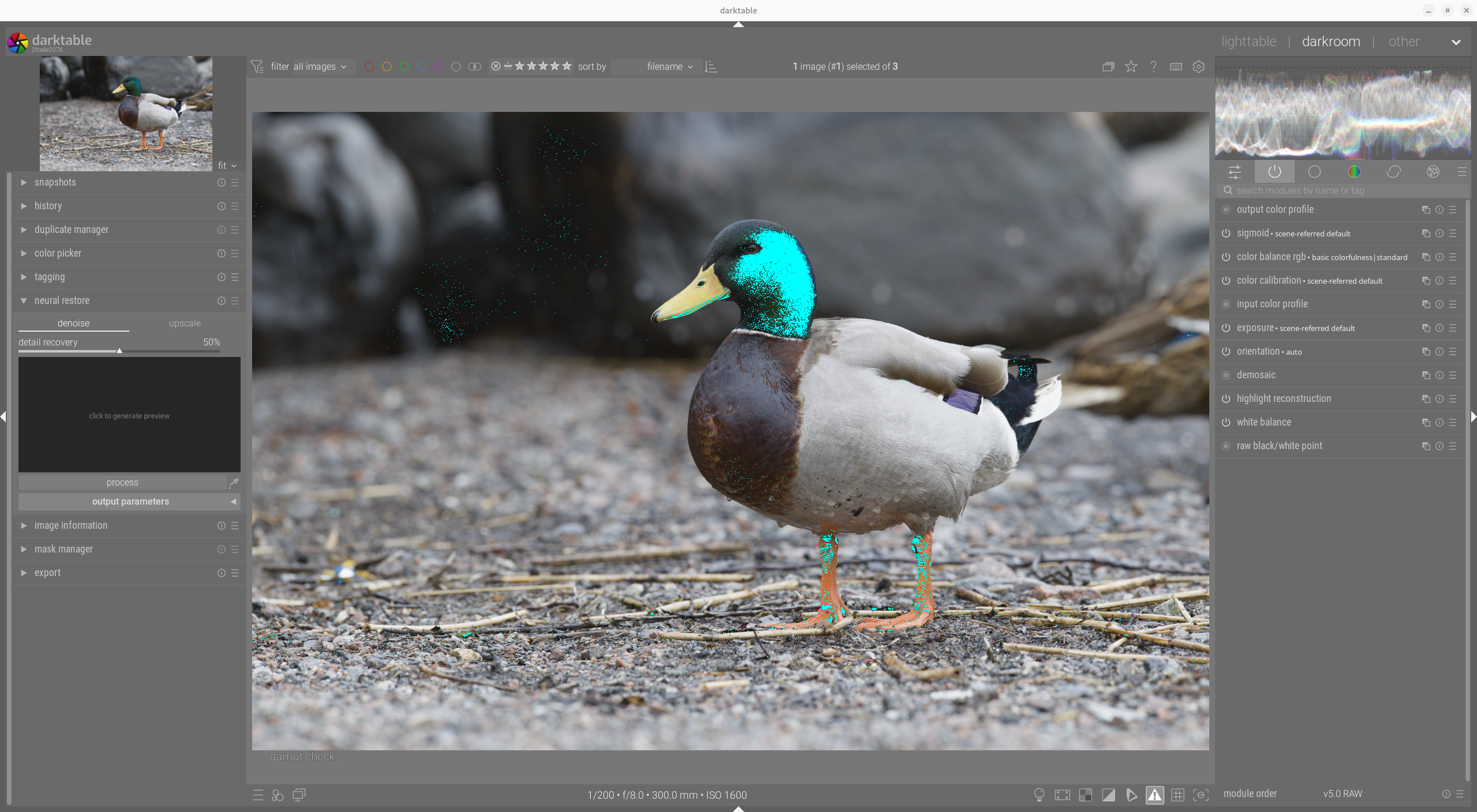
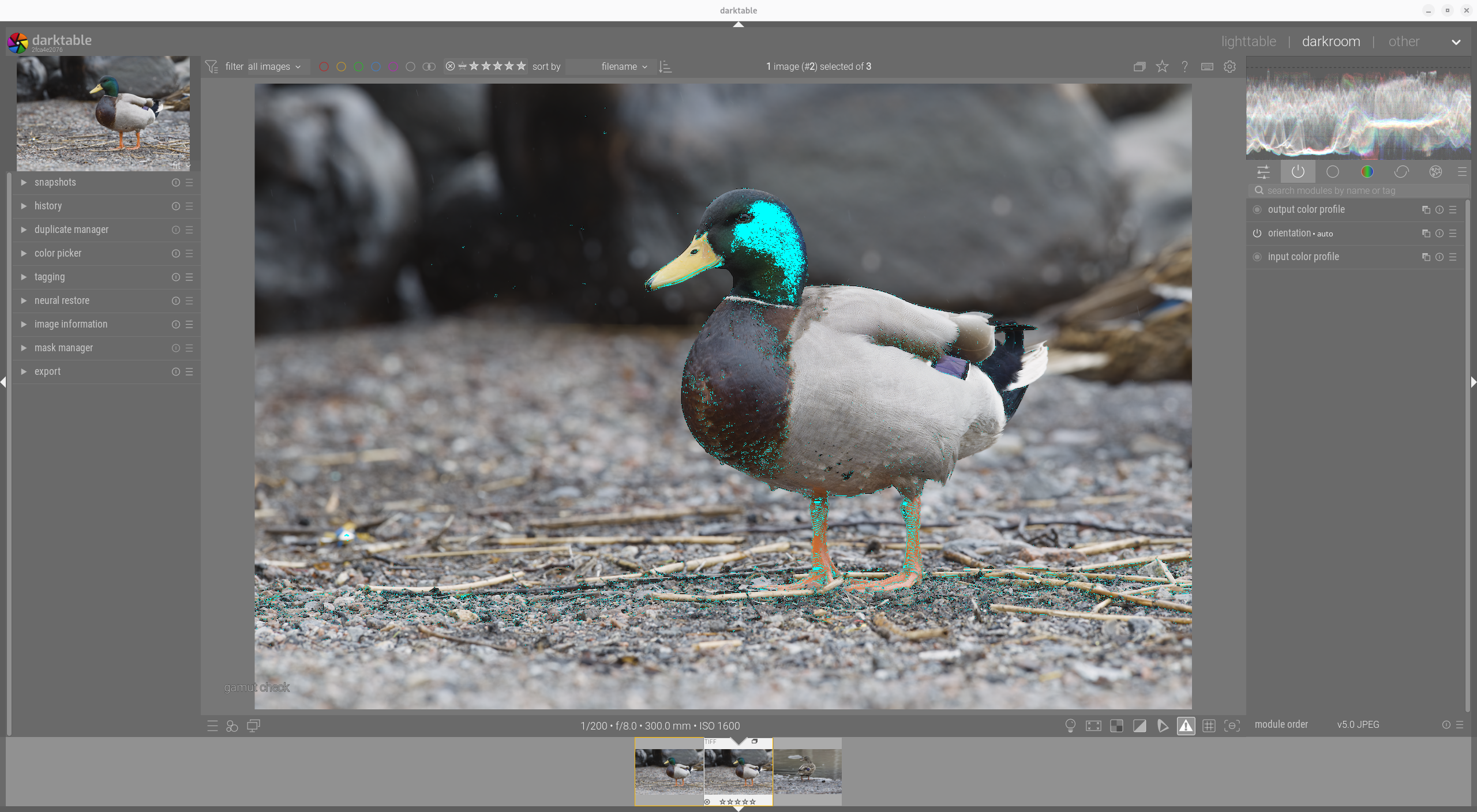
Thanks. That is the default for neural restore denoise, to use the working profile color space for the denoised output. I though the viewer was the issue, but that is probably not the case.
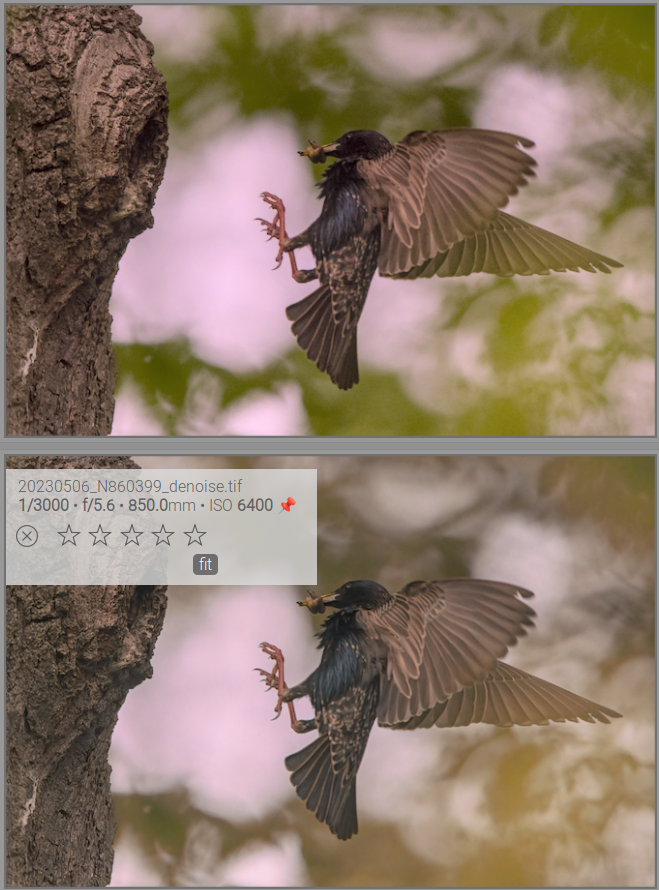
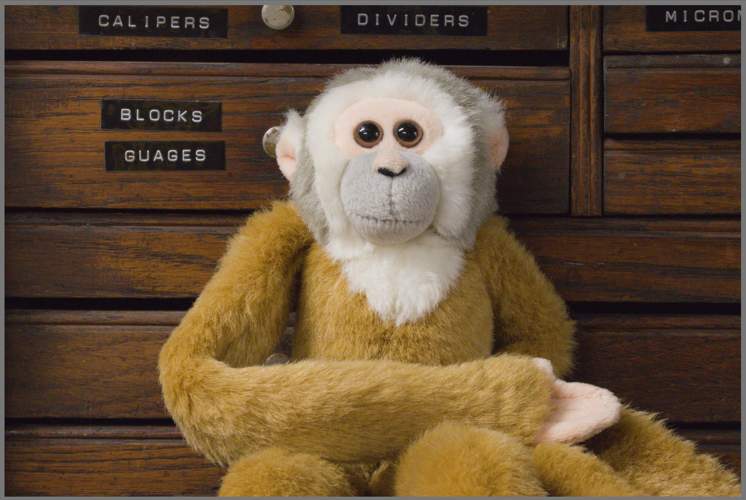
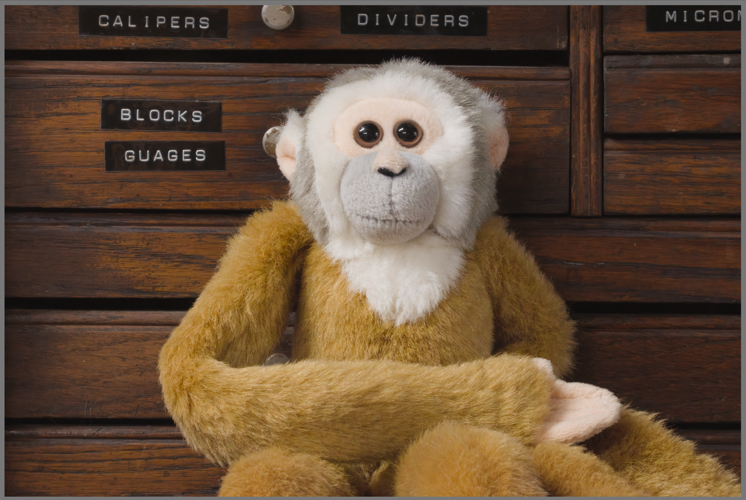
green leaves in the background completely “washed out”, some slight color differences in the feathers of the bird also.
RAW and .xmp of the second image attached. 20230506_N860399.nef (55,9 MB) 20230506_N860399.nef.xmp (12,6 KB)
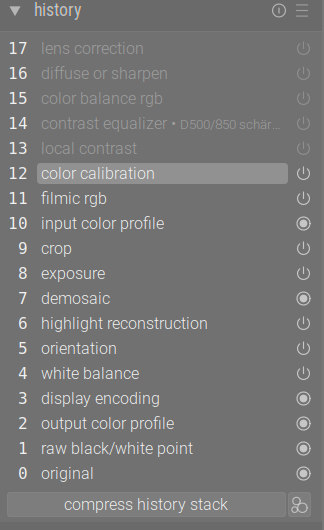
For input into NIND I deactivated the two instances of profiled denoise and removed them from the history by compressing.
Edit. I am also on Debian Linux. I notice that the png from the screenshot function of GNOME does not embed a color profile and it seems colors are limited to sRGB gamut only.
would be happy to have such results.
I also switched off lens correction, diffuse/sharpen, color balance rgb, contrast equalizer, local contrast for the bird photo and the result is still the same.
I have limited experience of AI denoise, but I apply the function early in my process (darktable default import) and then continue to do the rest or the processing on the tif from neural restore → denoise. This means that I loose demosaic -> capture sharpen, for instance and I have to recover sharpness later with other tools (diffuse and sharpen).
EDIT2: If I use your xmp I get the same color shift as you do (EDIT3: Maybe a little bit less pronounced compared to your screenshot, but it is there).
Good point! The latest version of DxO takes into consideration both low and high frequency areas, thus limiting loss off sharpness on the subject, for example.
OK, thanks for your help with comparing the results.
That means I have to change the workflow totally when applying this.
One final question: Does this
include something like filmic or agx (preferences, processing tab) and color calibration also or is it pure demosaicing, white balance, black/whitepoint and profiles etc.?
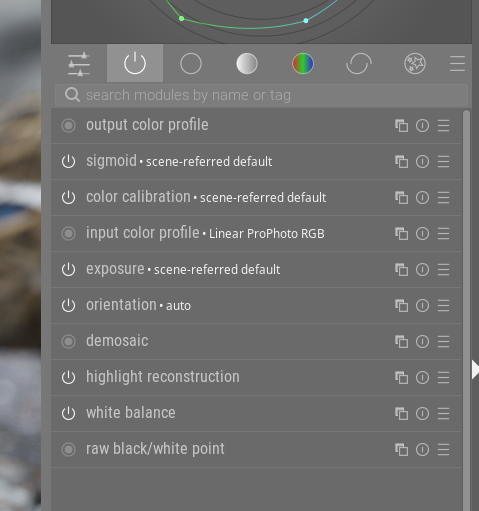
With darktable default import, I mean lighttable -> import -> add to library and nothing more. I get sigmoid scene refered default, since sigmoid is my setting in preferences.
EDIT: The only non-standard setting I have is input color profile->working profile = Linear Pro Photo RGB instead if Linear Rec2020 RGB, but that does not matter here.
The green leaves in the background are out of sRGB gamut when I select darktable sRBG (web safe) as soft proof profile and they are affected the most. I do not know if it matters.
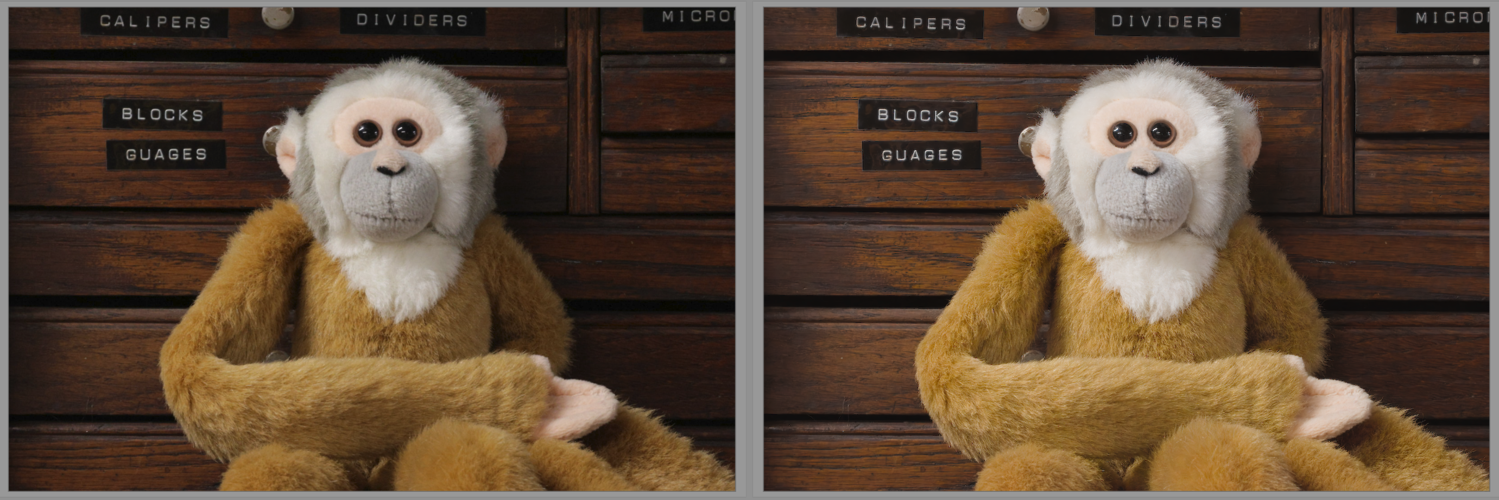
I have noticed slight color changes as well, in some cases. Strangely, I noticed this in more muted brown/gray cases of less saturated colors.
Is there a way to recover wide-gamut colors then, like going back to separating out of sRGB gamut colors from AI processing and put them back later?
I have not checked references for NIND denoise in out of sRGB (Rec 709) gamut cases. I am aware it is trained on Rec 709 only. Is restricting to Rec 709 the only safe option?
I wonder whether it would be worth creating a special ‘profile’ for images that require noise reduction, by using an output profile with a wide colour gamut in combination with darktable’s standard import modules?
I used files you provided and denoised them in neural restore module. I don’t see any significant colorshift. There could be some barely noticeable differences, which I can justify by model processing itself.
What I also noticed, is that sometimes, especially on freshly imported images, comparing in lighttable culling layout is not very accurate. Images may look very different here. But if I open them in darkroom, they look the same.
Right now full wide-gamut is sent to the model. Which might be not what model was trained on, was did not raise concerns fore this discission.
I am testing improved approach . It only extracts what the model changed (noise removal) and apply that change to the original pixels. Original colours are preserved - the mode’s colour bias cancels out in the subtraction.
Theoretically this approach is more sound. It may help with very saturated colours or high ISO heavy noise. On the bird image it does not make visible change, though.
I tested improved approach. It limits to something close to sRGB or Rec709 color space EDIT it seems to work. I will test some more. Sorry for the noise.
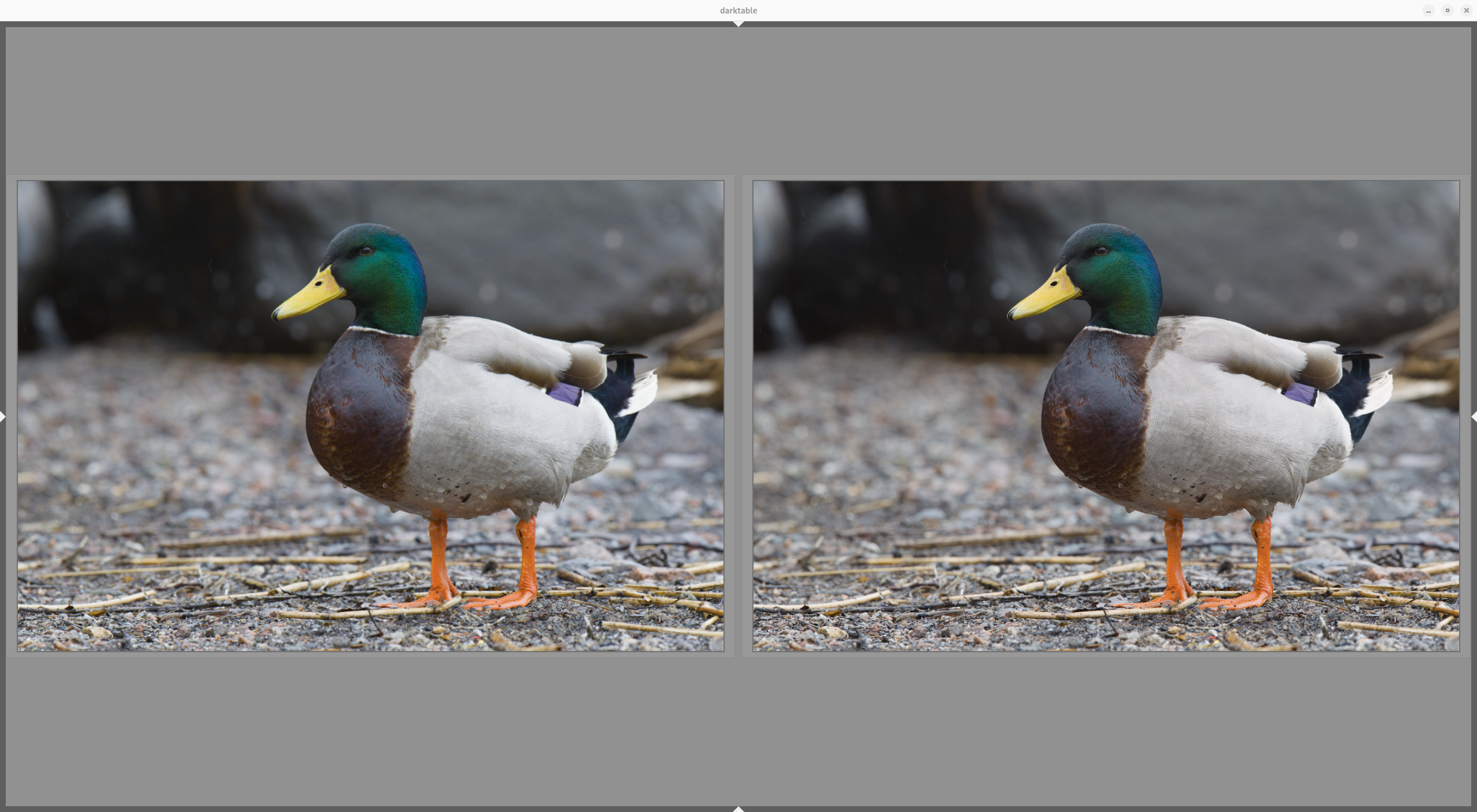
EDIT: If I export raw CR3 and TIFF files and compare in Geeqie viewer (using Pro Photo RGB profile and relative colorimetric intent) I can detect a change in saturation of the mallard’s head on my AdobeRGB 99% monitor
CR3 export and TIFF export using Pro Photo RGB profile and relative colorimetric intent looks fine in Geeqie. Minimal changes for this particular picture.
What does the denoise work from ? I guess the ideal would be to work on the RAW data directly with the camera and sensor details being an input to the model. Getting a training data set for that would be challenging though.
The NIND denoise model works on the processed RGB image – after demosaicing, white balance, and the rest of the darktable pixelpipe. It sees the exported pixel data in the working color profile, not the raw sensor data.
You’re right that working on raw data directly would be ideal – the noise characteristics are cleanest there, before any non-linear processing amplifies or correlates it. But raw denoise models need to be specific to the sensor type – a model trained on Bayer data won’t work on X-Trans, and vice versa. There isn’t good coverage of all sensor types yet with pre-trained models and publicly available weights. So it’s not a substitute for the current approach, but a further development path.
For experimentation, I’ve prepared a Lua AI API that enables running raw denoise models via Lua scripts – that could be a way to test sensor-specific models before committing to a full C implementation. The Lua AI API is currently in PR #20716 waiting for review.