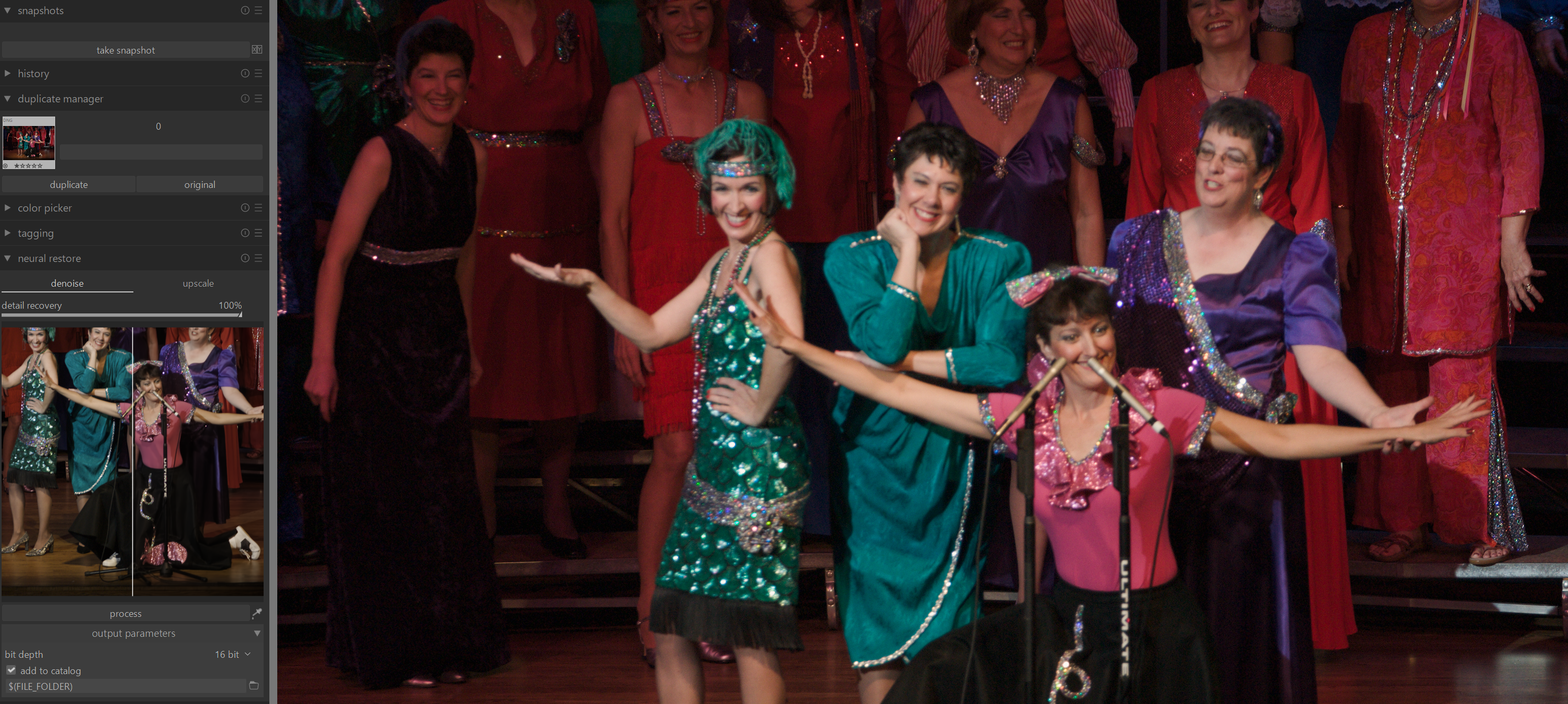
After I had some problems with the one-click nind-denoise lua plugin by @rengo (LINK) I decided to work on it a bit myself.
The main idea remains the same: Integrate the process presented by @sillyxone in this thread into a darktable plugin. The main change lies in the way the different stages are handled. I introduced a new option called “Only denoise + import & stack image”, which (as the name suggests) doesn’t process the second stage immediately, but instead imports the denoised image with the history of all operations of the second stage back into darktable.
This allows for the following workflow:
Edit the original image in darktable
Export the image through the nind denoise plugin
The denoised image is now imported into darktable and grouped with the original image
Continue working on the denoised image with all operations from the previous edit copied over
When finished, export the image just like one would a regular one
Do note that this workflow does not include the RL algorithm.
However, if the previous process is desired, it is still supported by not selecting the mentioned option. Additionally, some more work is required to get the plugin to work, as the venv has to be setup manually (in comparison to the plugin by rengo).
Yes, I’ve seen that and I’m looking forward to using this once it’s fully integrated into darktable. But from what I’ve seen this is not in a state that it can be easily used right now.
Apologies in advance to discuss about another product.
The RapidRaw is working towards getting this NIND denoise included. I did the initial code changes. It seems to have picked up some speed.
PS: If this post is not acceptable, please delete. Thanks
Hi Andrii … not sure if this might be a stupid question , LOL, but is the " neural restore " light table window / module already available in the nightly builds ?
At least i cannot see it … on latest build !
That would be full processing you got when you click “process button”. The idea of preview is to provide you with small and fast way to look into expected result. That’s why it is only small crop of original image.

 Thanks!