Brejon is actually on here and should probably be pinged — ping @ChrisB 
He linked to a thread in a different forum in the below post. It was a very worthwhile read and watch:
Brejon is actually on here and should probably be pinged — ping @ChrisB
He linked to a thread in a different forum in the below post. It was a very worthwhile read and watch:
Here’s an actual link to the post in that forum. ACES 2.0 BREJON looks a lot better than “pure” ACES 2.0, IMO.
EDIT: Actually, looking at those samples yet again, I think I’m in love.  But as I said here, it’s heard to compare to AgX as I haven’t put them head to head.
Yes, absolutely, but since I didn’t implement it fully, I should really refer to it as “ACES-like,” so I changed the title accordingly.
I think I’ve found a solution, in rec2020 based on luminance and combined with a UCS contrast balance. Since I’m stuck in my chair, I was able to work on it today.
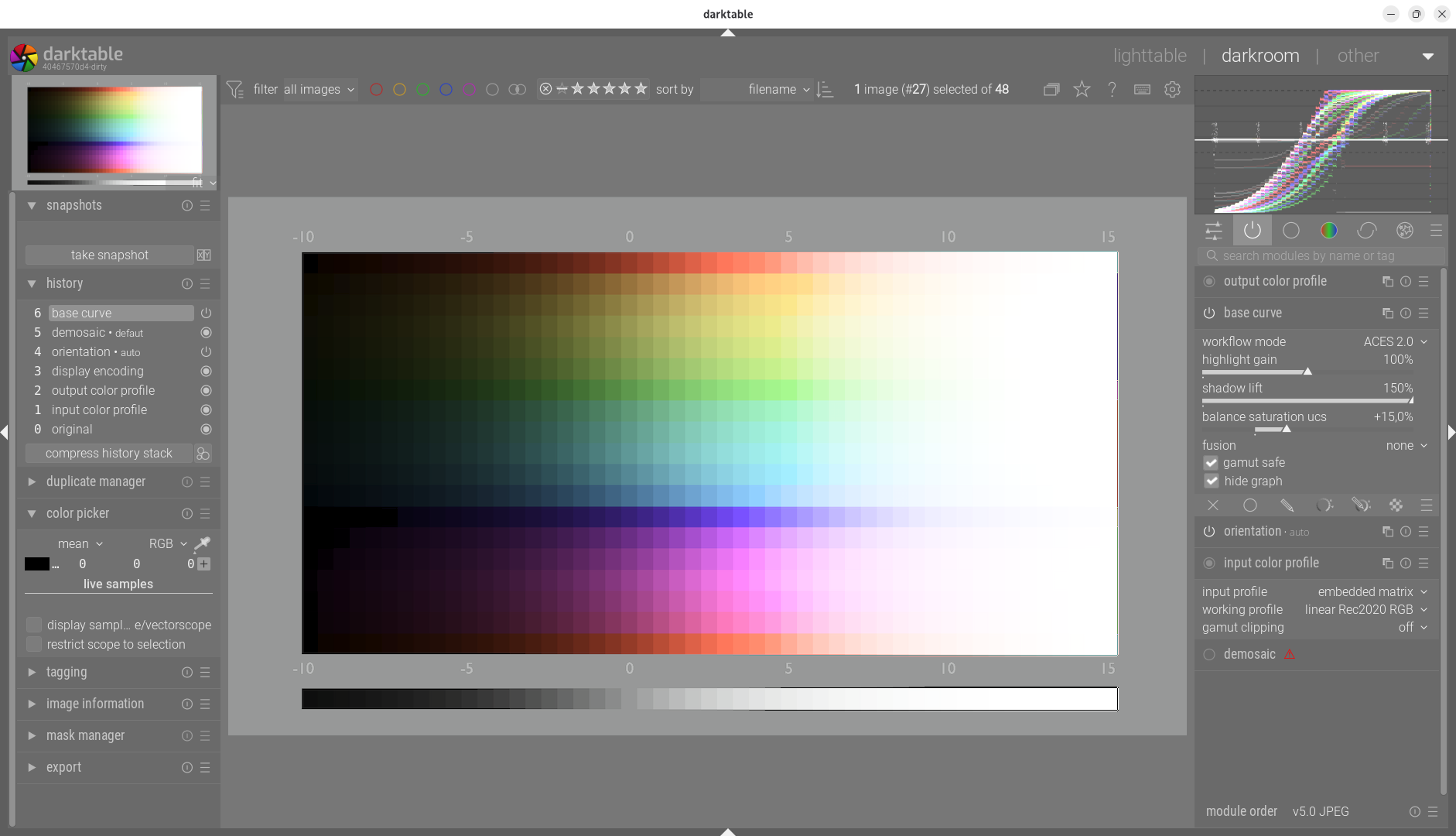
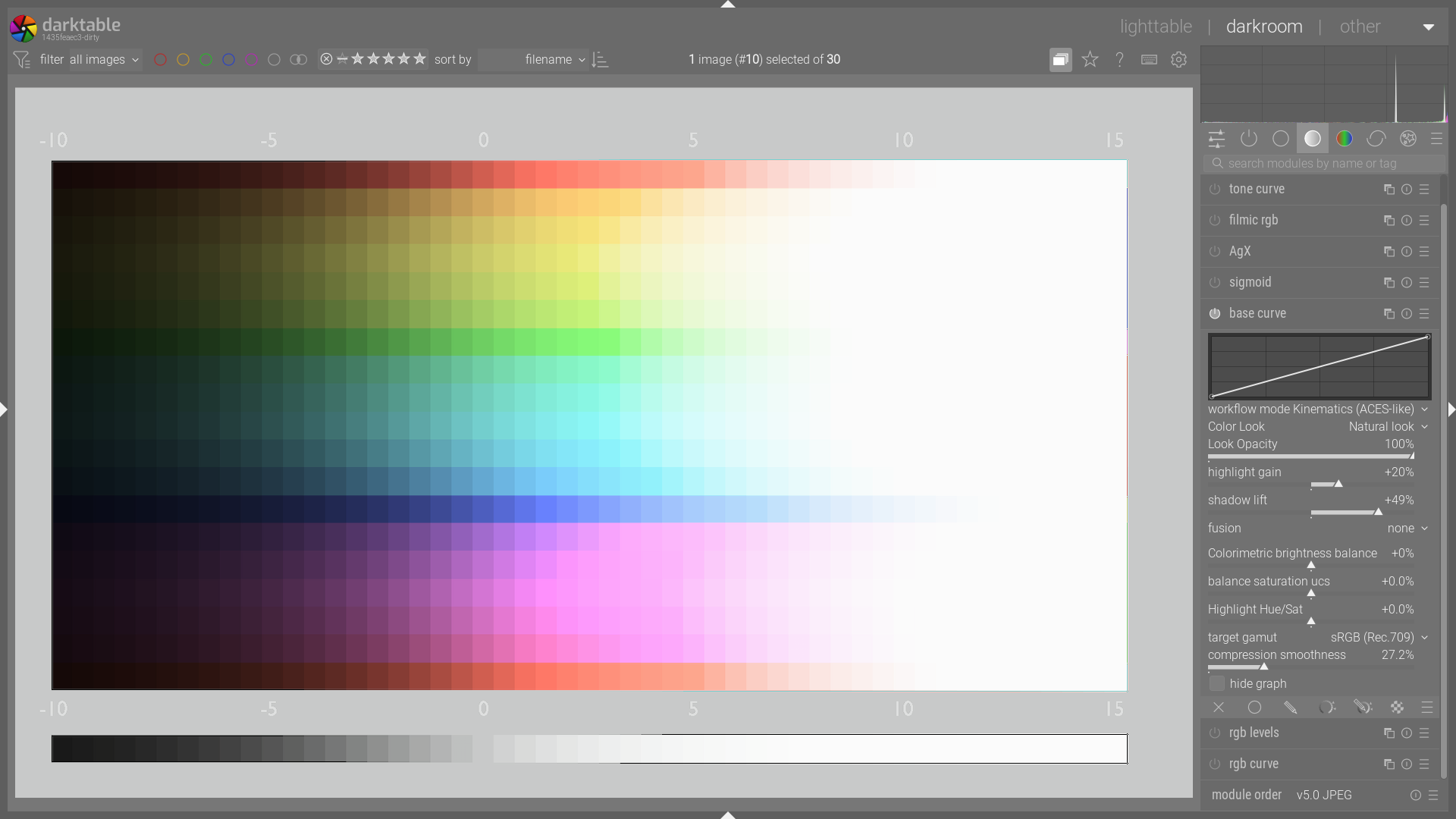
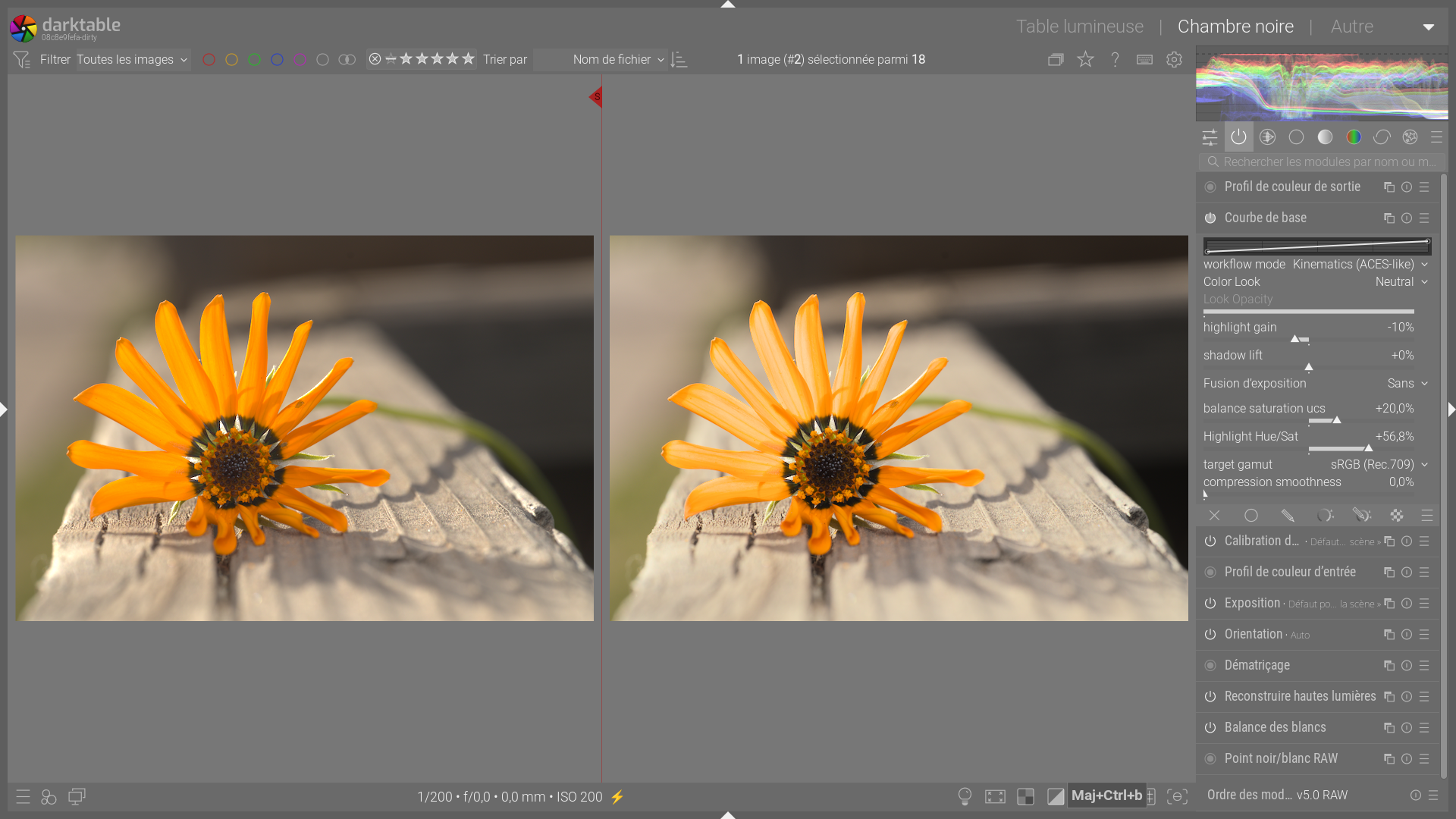
Here are some results that I think are promising.
Hello,
I would like to warmly thank the community for the constructive feedback and links shared in response to my previous post.
Regarding Kofa’s suggestion on the use of primaries, I chose not to implement it for a reason that is important to me: preserving the unique identity of the four tone mappers. For me, it is essential that each algorithm retains its unique rendering. To avoid the “salmon color” phenomenon, I implemented a “UCS Saturation Balance” slider to aesthetically manage these cases (by desaturating the HL) without imposing a change in hue, which can be used in combination with the “gamut compression” slider.
The appreciation of an image is so subjective. My proposal to offer a different rendering (ACES-like, Narkowicz, etc.) is to give the user the freedom to choose the tool that best suits their artistic vision and personal preferences.
Backward compatibility note: For display-referenced processing (classic mode), nothing has been changed to ensure full compatibility with older processing methods.
For scene-referenced processing (ACES-like/Narkowicz modes).
The module follows the following flow:
Input: Norm measurement
• Analysis of the input signal (unbounded).
• Calculation of Y luminance or RGB standard (Rec.2020).
Exposure fusion
• Linear dynamic normalization prior to tone mapping
(not a multi-image exposure HDR merge).
• Moved upstream of the curve to ensure perceptual continuity of the reference luminance before any non-linear compression.
Application of the internal curve (option)
• via lookup/interpolation (basecurve_lut)
• applied to the reference luminance before ACES-like
Tone mapping
• Application of the characteristic curve to luminance.
• Available algorithms:
◦ Tone mapping curves inspired by ACES RRT / Narkowicz perceptual models, not normative ACES transforms. perceptual roll-off.
◦ Kinematics Narkowicz: High-contrast rendering.
• Result: Display-referred luminance Y'.
Kinematic RGB reconstruction
• Preservation of hue and chrominance.
• Compression ratio calculation: k = Y' / Y.
• Vector rescaling: R' = R \times k, G' = G \times k, B' = B \times k.
• Protection against outliers (NaN / inf).
Perceptual UCS Harmonization
• RGB \to JzAzBz conversion (Uniform Perceptual Space).
• Saturation balance: Pivot system that reduces the saturation of highlights while boosting that of shadows (or vice versa) to maintain constant visual density.
Gamut Securing
• Compression: Reduction of out-of-gamut values with a safety threshold of 0.8.
• White cleaning: Progressive desaturation of extreme highlights (Jz > 0.95) to ensure pure whites.
• Progressive Application: The slider acts as a mixer between the original image and the secured image to preserve micro-contrast.
Module Output
• JzAzBz \to RGB conversion.
• Space: RGB Rec.2020 Display-referred.
• Signal bounded [0–1], ready for export or display pipeline.
The code is available HERE,
and the appimage Base curve – Google Drive
Greetings from Brussels,
Christian
Windows version…
Hi Christian, just a quick response.
I haven’t tried it for very long, but I think the problems with gamut still need a little attention.
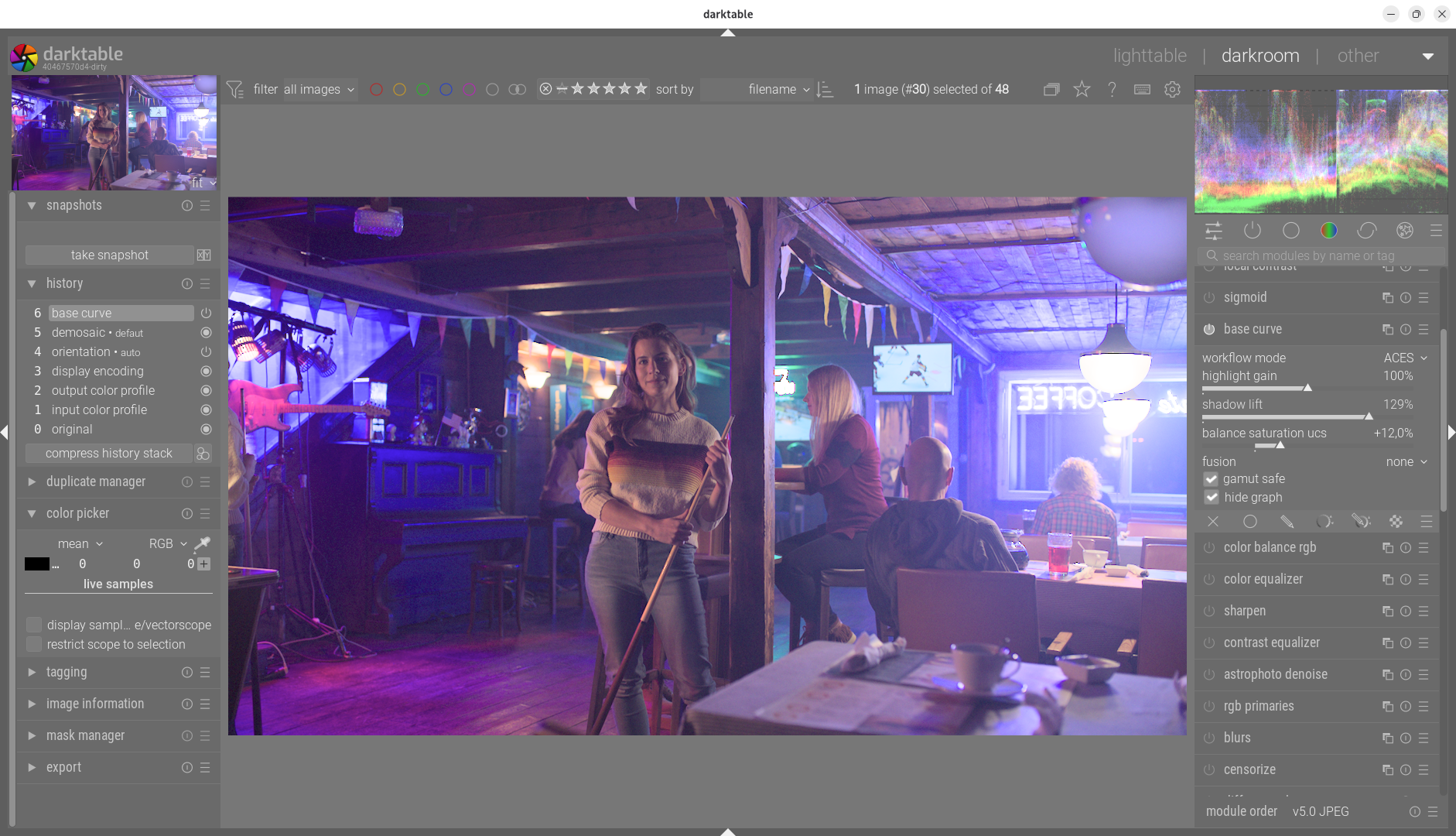
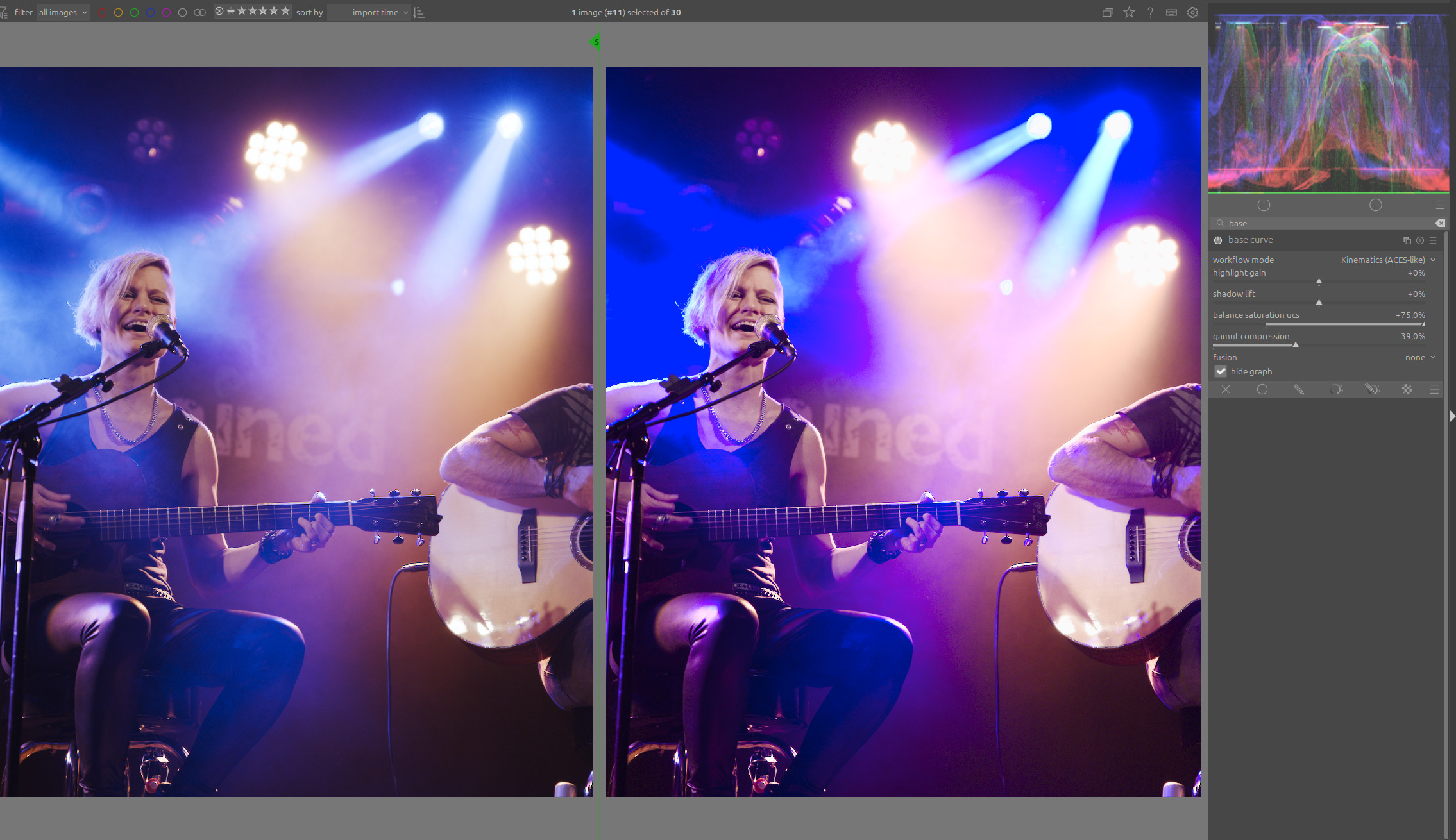
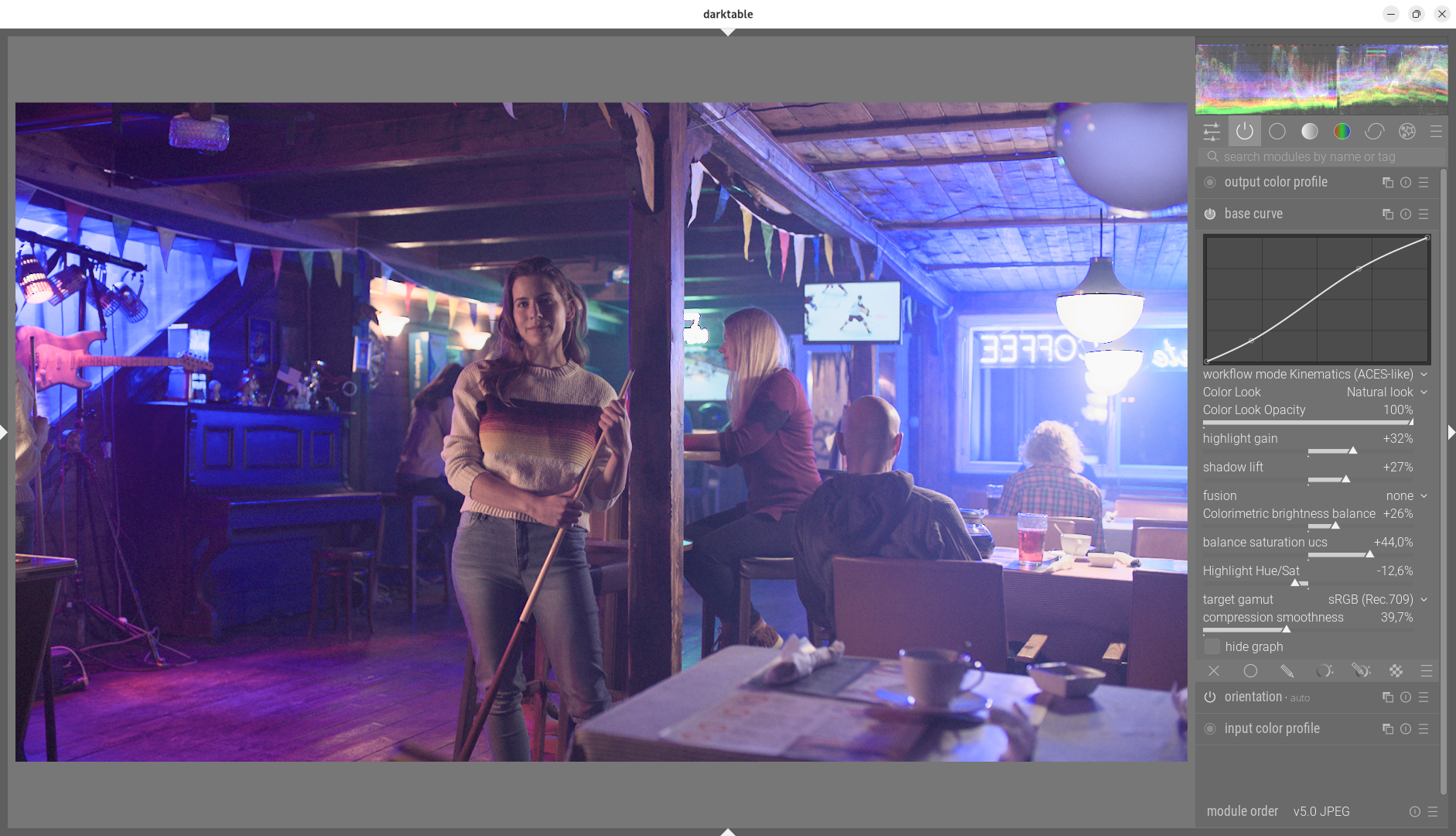
This is the best I could achieve with both ACES like and Narkowitz. On the left is AgX for comparison:
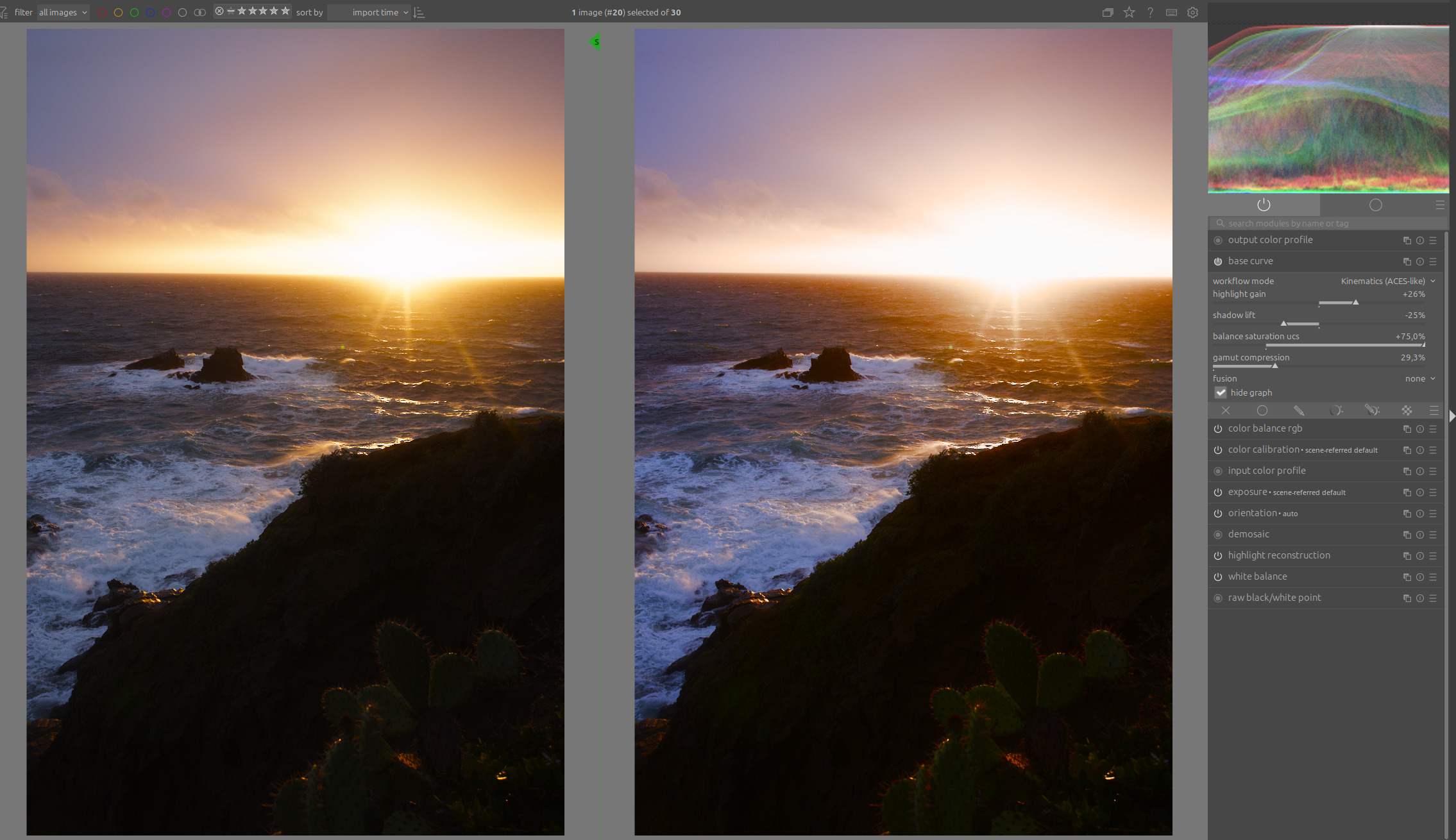
And also with sunset photos, as @kofa already suspected, hue preservation now leads to salmon colors in the sunset area:
Accordingly, I believe the module needs an additional option, similar to AgX, to be able to further adjust the color tones in order to take into account various perception phenomena in highlights, such as the Abney effect or Betzold-Brücke shift.
Hello Boris,
Thank you very much for your feedback. Having seen your tests, particularly the concert photo, I agree: there is still work to be done on saturation and highlight behavior.
Regarding the “salmon” color: this is a real debate between scientific accuracy and aesthetic intent. If all tone mappers tended toward the same standardized result, they would lose their identity. However, I agree with you on the need for better control.
Rather than imposing an automatic correction, I’m thinking of adding a slider to adjust the saturation of the highlights while offering the possibility of applying a hue shift towards yellow or red. This would allow the ‘salmon’ aspect to be corrected in a creative and controlled way. I’ll continue to play around with this idea!
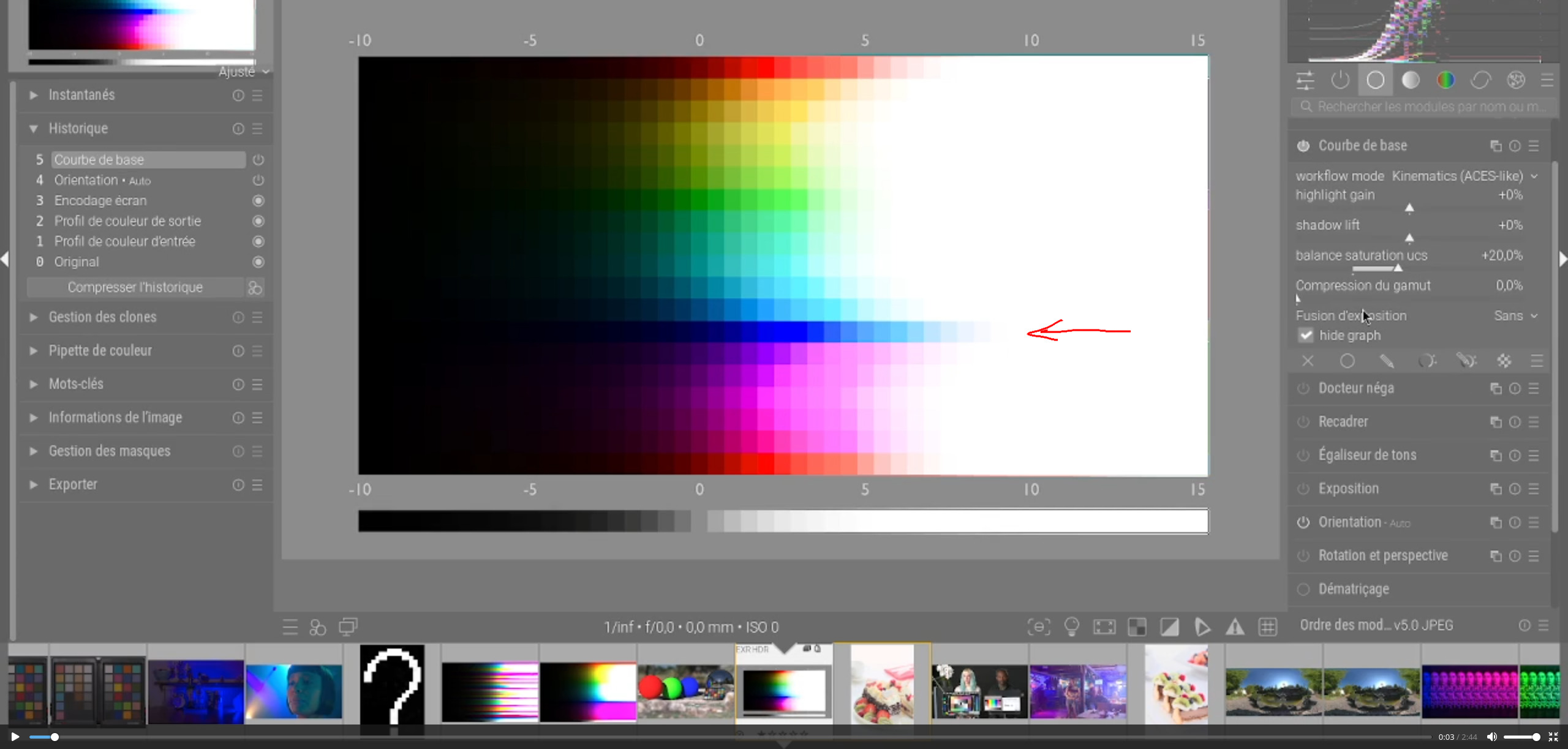
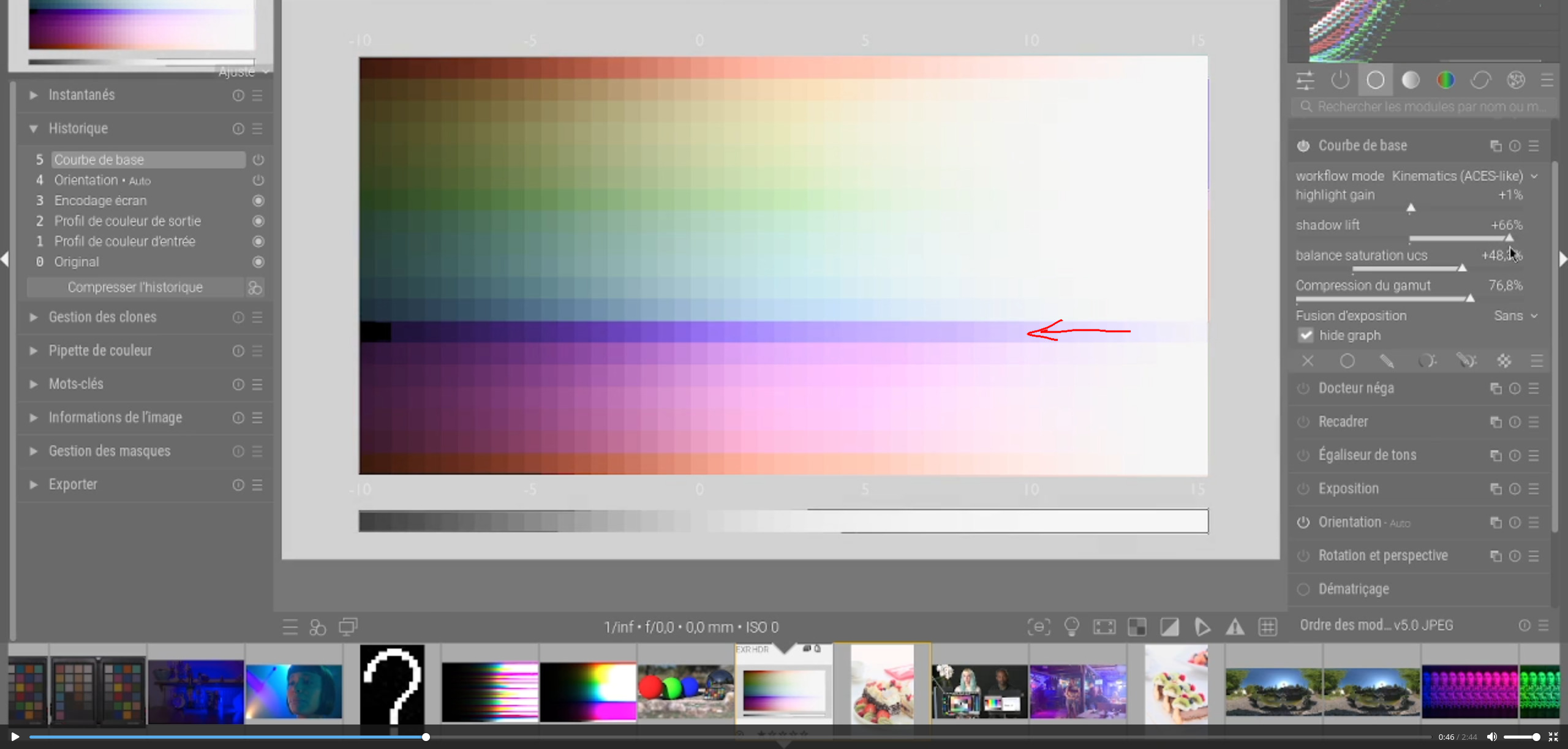
In the meantime, here is a short video of the results with the current version.
Greetings from Brussels,
Christian
Thanks Christian for your great work on this. Watching your video I see you have chosen to have the curve hidden. I wonder if in future videos it might be best to show the curve to see the effect on the curve or maybe you feel not. I defer to you on that.
The curve if I recall is linear…You are free to introduce control points…
Hello Boris,
You’re right, it was intentional (perhaps wrongly so), I left a little magenta in, it’s a very personal choice and certainly not the best one.
If you look closely, the slider is set to 76.8%. This slider acts as a mix between the original image and the gamut correction.
I’m currently working on the module and I think I can come up with a better solution to the various points you raised.
I hope to be able to come back with a new proposal by the end of the day or the end of the week.
Greetings from Brussels,
Christian
Hello Christian,
I think it’s great that you’re looking into this topic and coming up with solutions through practical application, which not only helps you learn, but ultimately benefits us all. Thank you for your efforts!
Hello,
Here are the new features in this version, which I hope will become mature:
Here is an example for managing the color blue
My goal is not to redo what already exists, but to offer the base curve module a different and personal approach.
The code is available HERE,
darktable is an open source photography workflow application and raw developer
and the appimage Base curve – Google Drive
Greetings from Brussels,
Christian
Windows build of the latest updates
Hello,
I tried it out this morning, and I have to say that I really like the “natural look.” I would make it the default setting. What do you think?
Greetings from Brussels,
Christian
Hello,
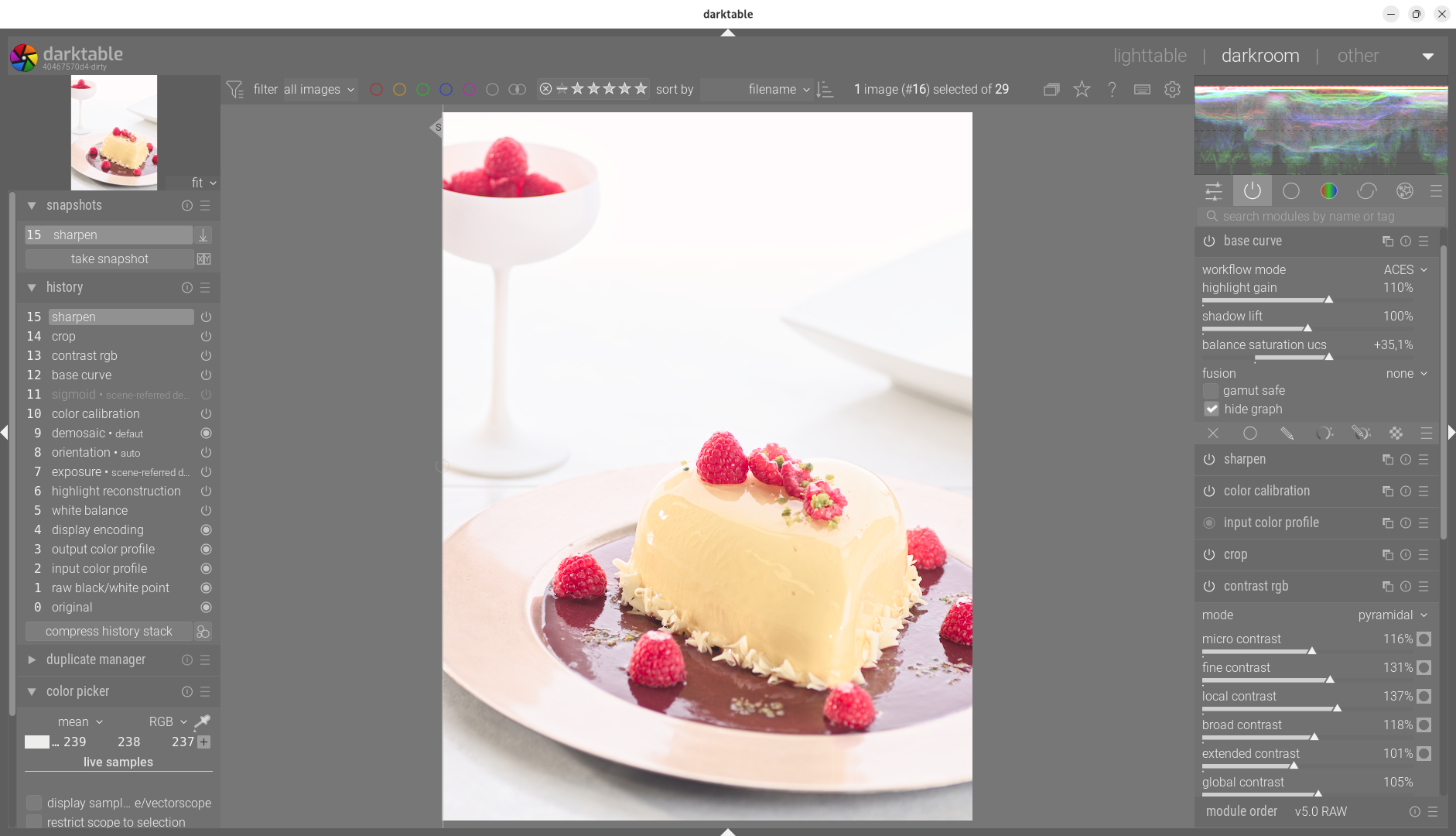
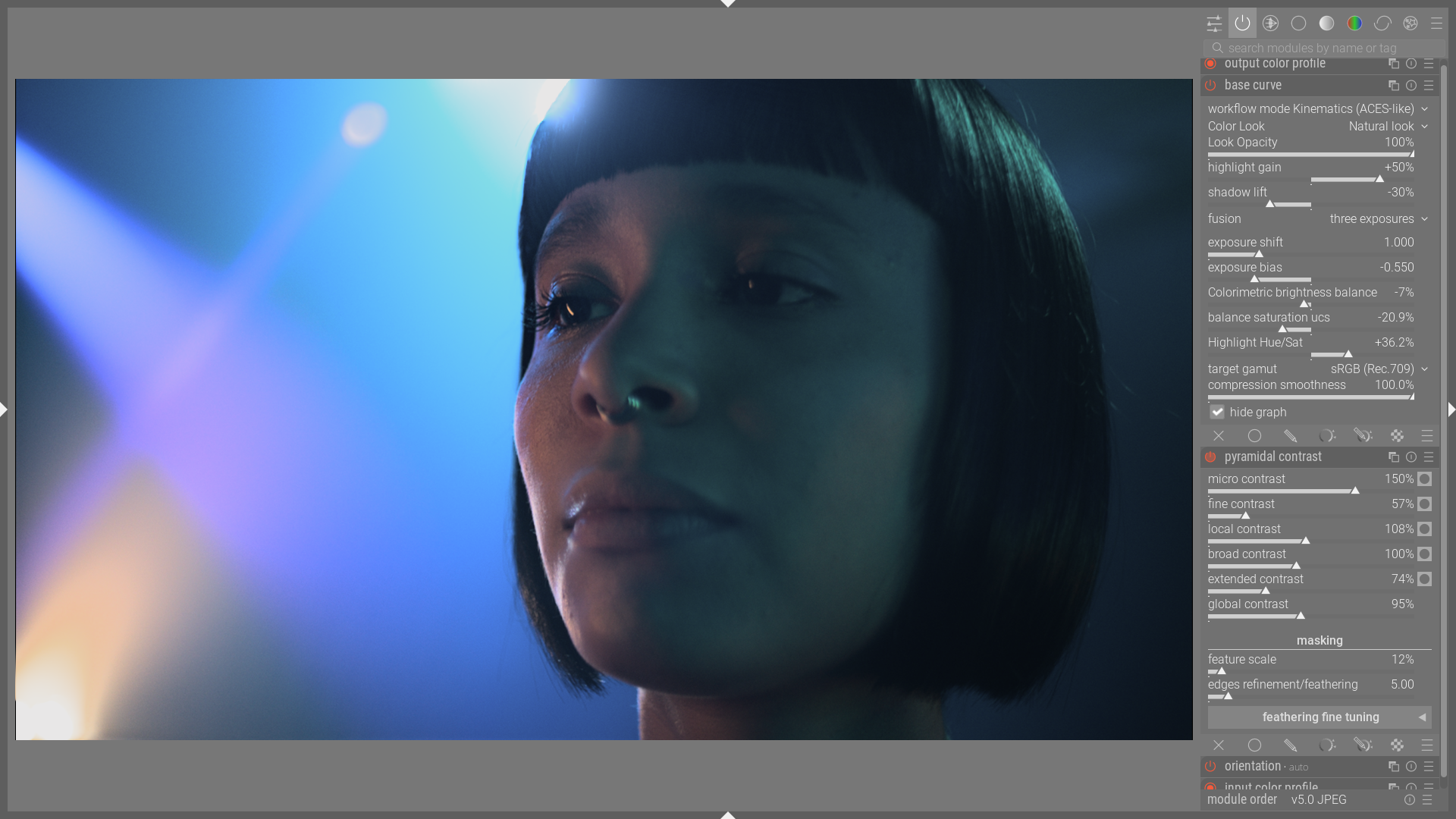
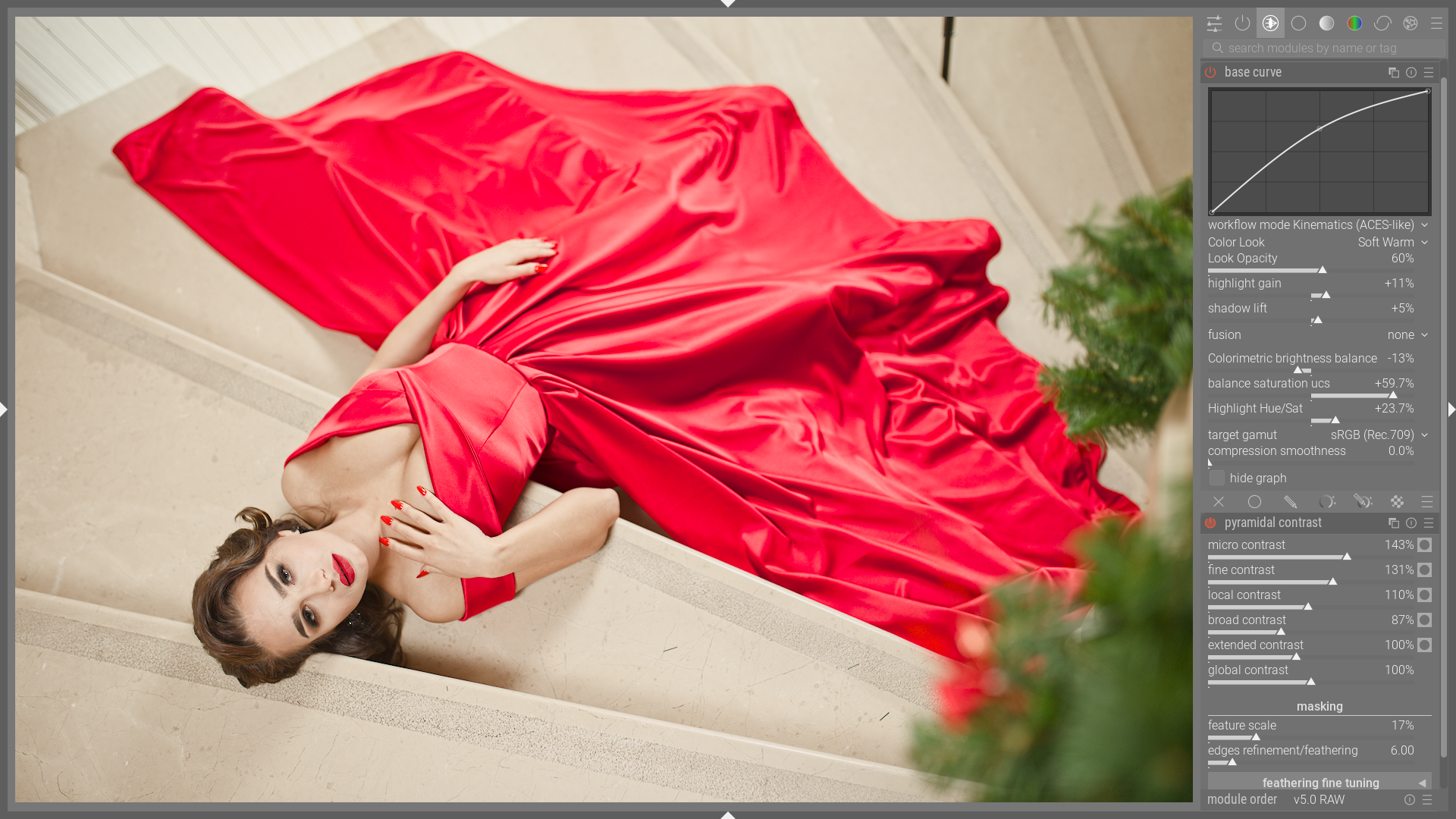
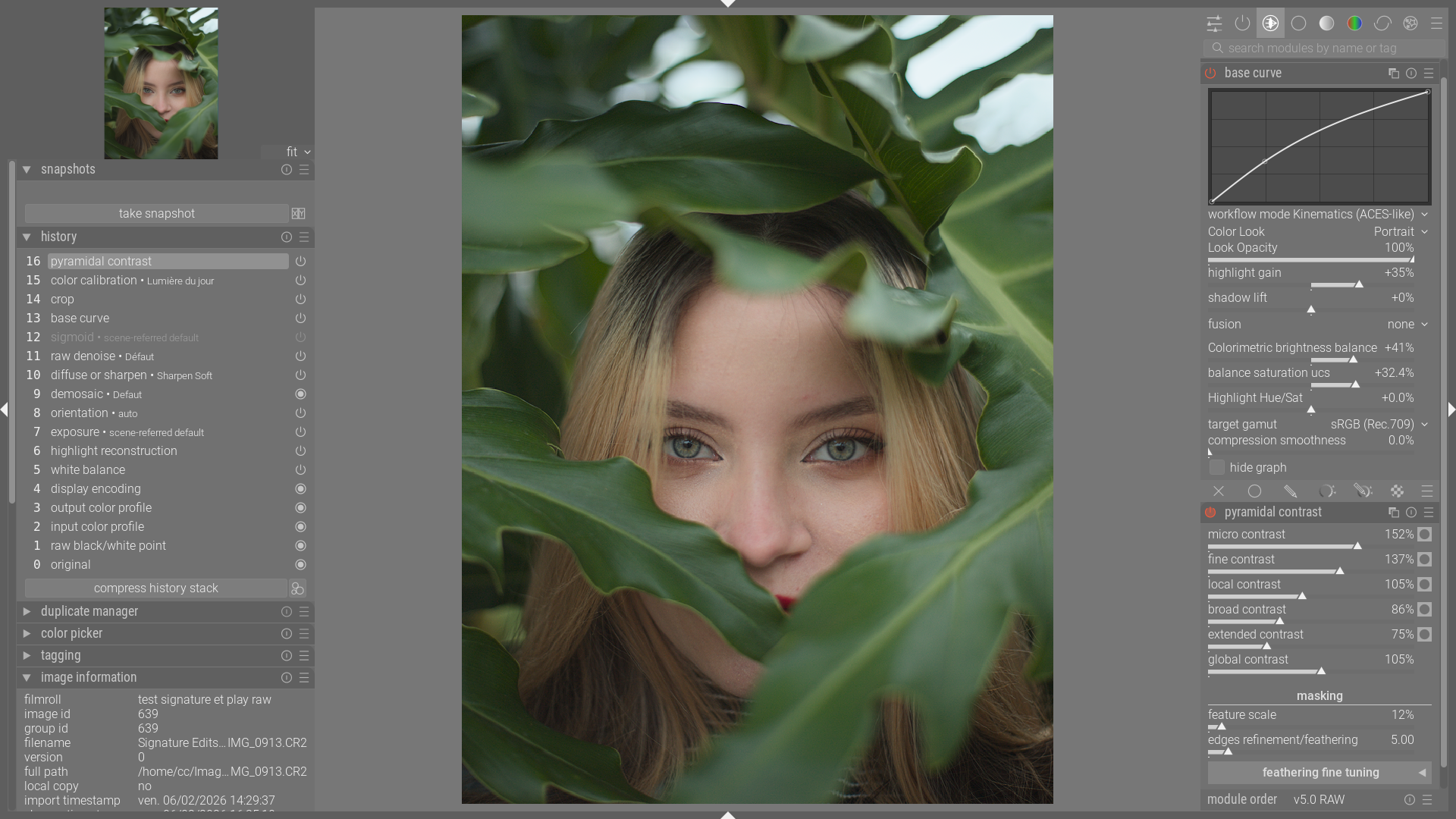
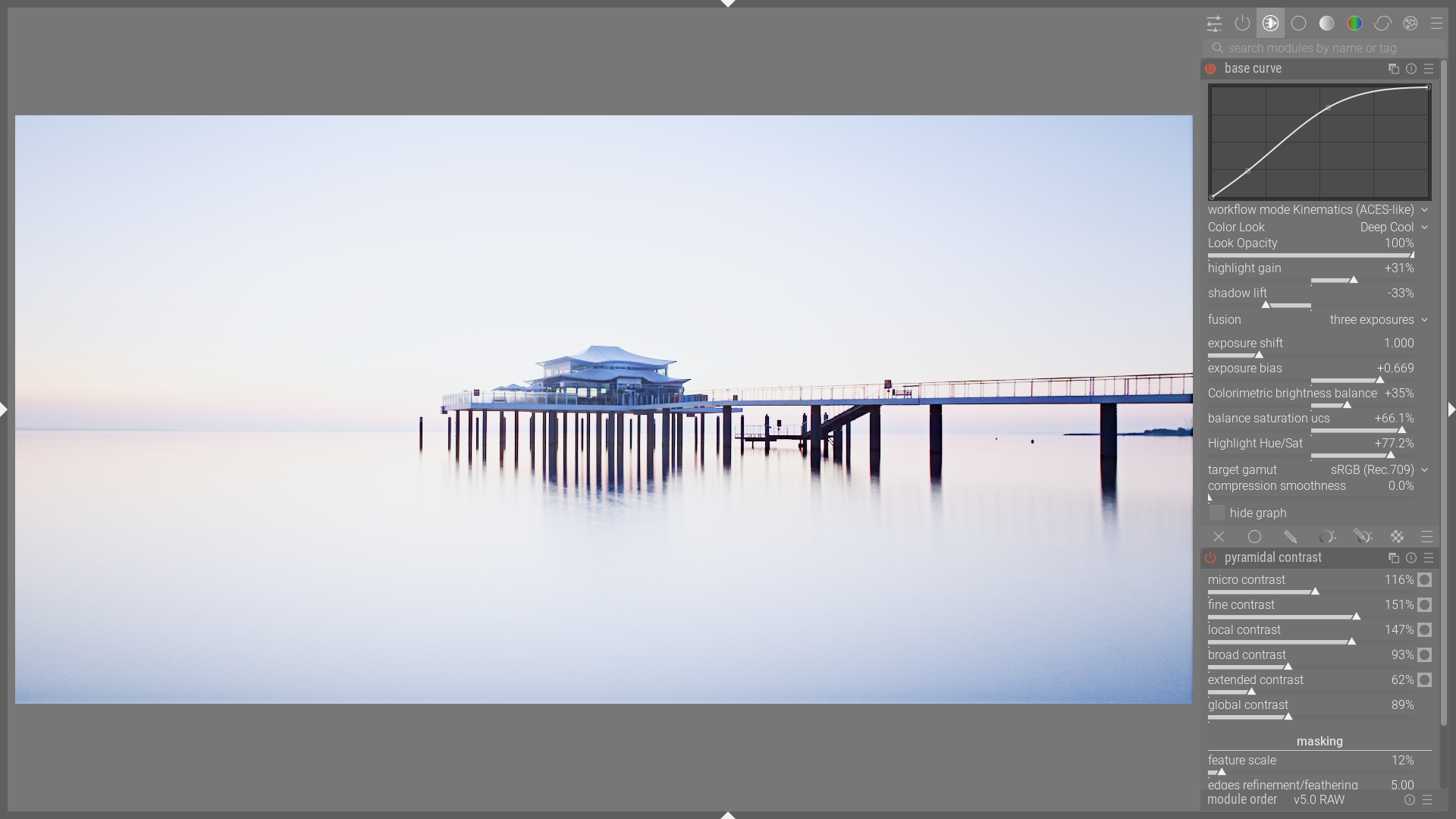
Here are some examples of quick processing using only the basic curve module and pyramidal contrast.
Greetings from Brussels,
Christian
Hi Christian, so hopefully you plan to ask for this to be merged in the master branch. Any idea how far off that might be?
Hello,
Yes, I would like to submit a “PR.” Knowing that developers are very busy, I prefer to thoroughly test the code and make sure there are no bugs. Also, this is my first contribution, and I still need to learn the procedure.
Greetings from Brussels,
Christian
Hello,
I have been working on cleaning up the code and refining the concept of the “modern base curve” based on recent feedback. I wanted to share the current status before submitting a formal pull request.
Changes to streamline the interface:
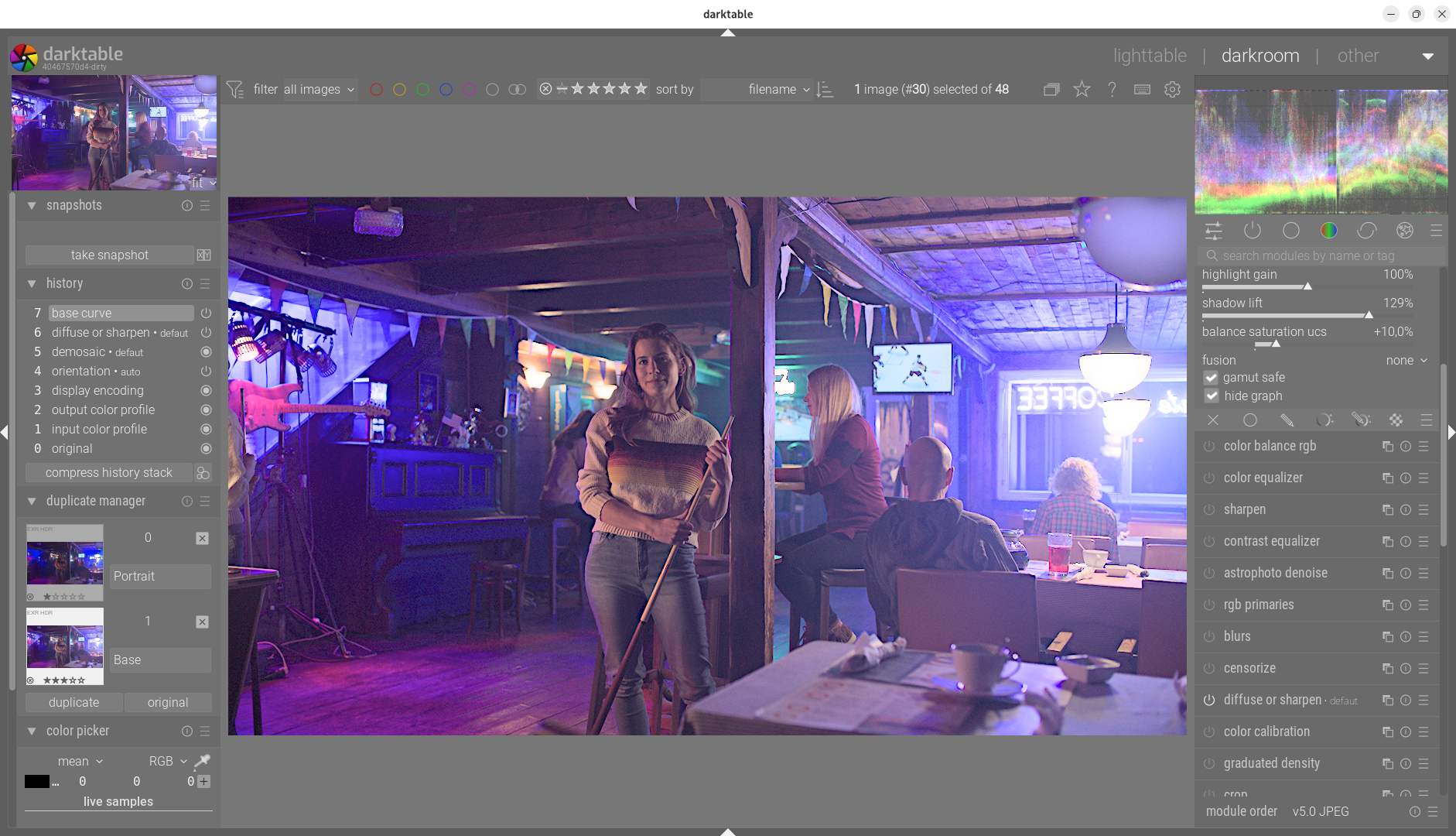
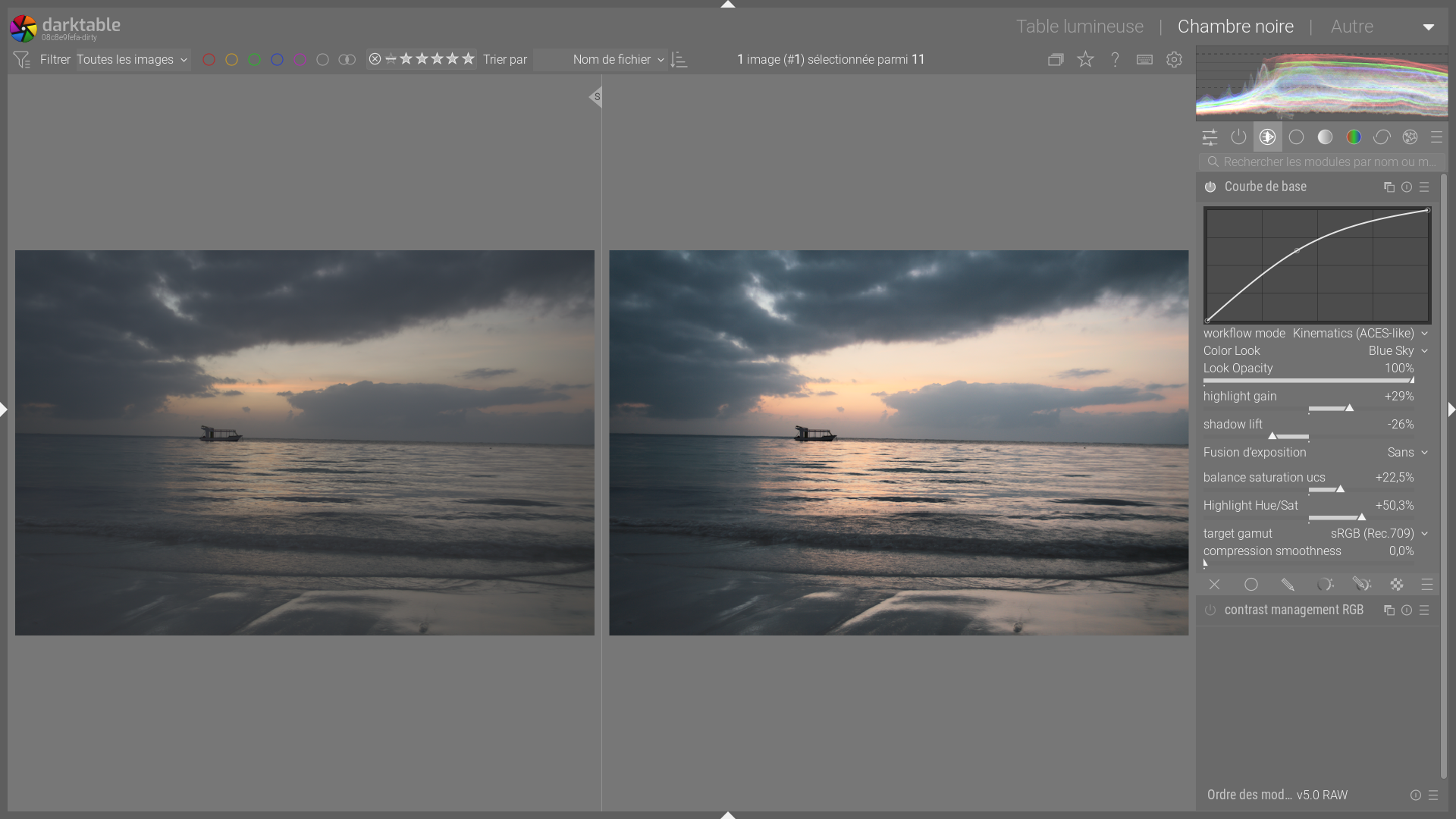
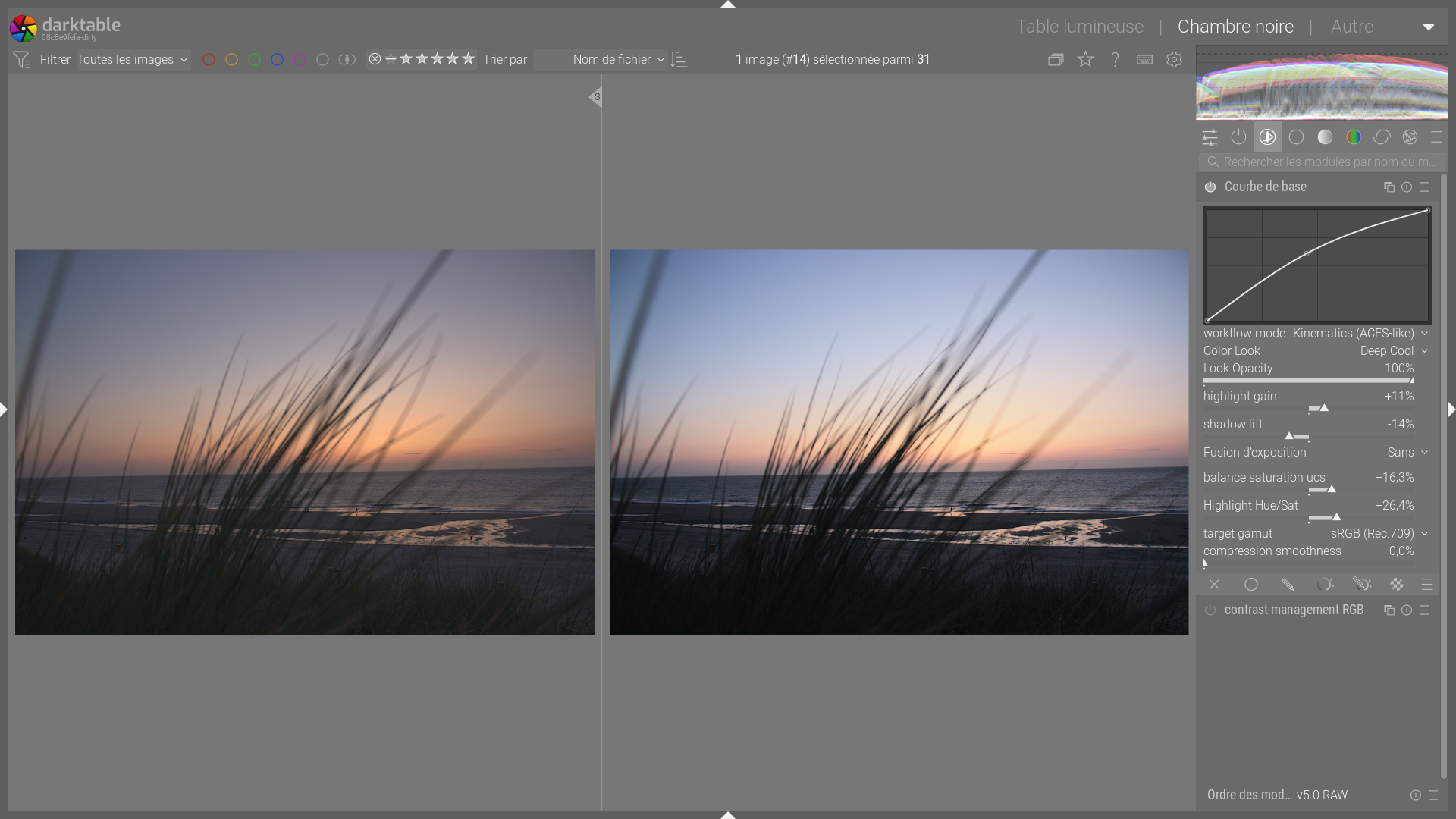
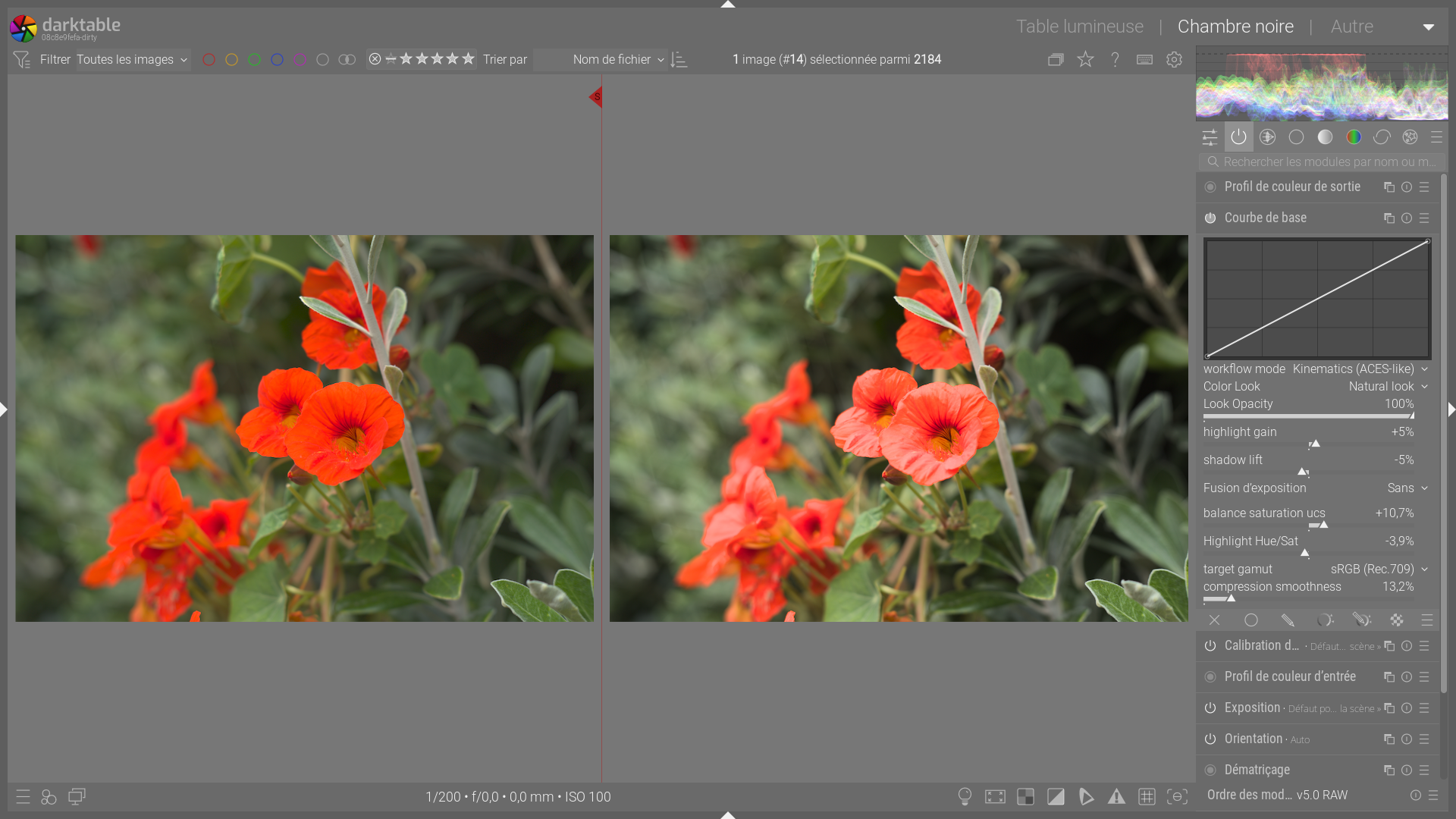
Here are some screenshots with only the base curve corrected. Obviously, the processing is not complete.
I think the module is now much cleaner and strictly focused on its main mission.
I have integrated this version into a new branch on GitHub, which also contains my proposed module for contrast management.
and appimage : Base curve – Google Drive
Greetings from Brussels
Christian
Portable version…use the bat file to run…just disable xmp writing before starting… delete the folder that you unzip to when done…