OK … thx for sharing your thoughts .
You might know that … but i just discovered , that the two new additional options in base curve are only working on original raw files .
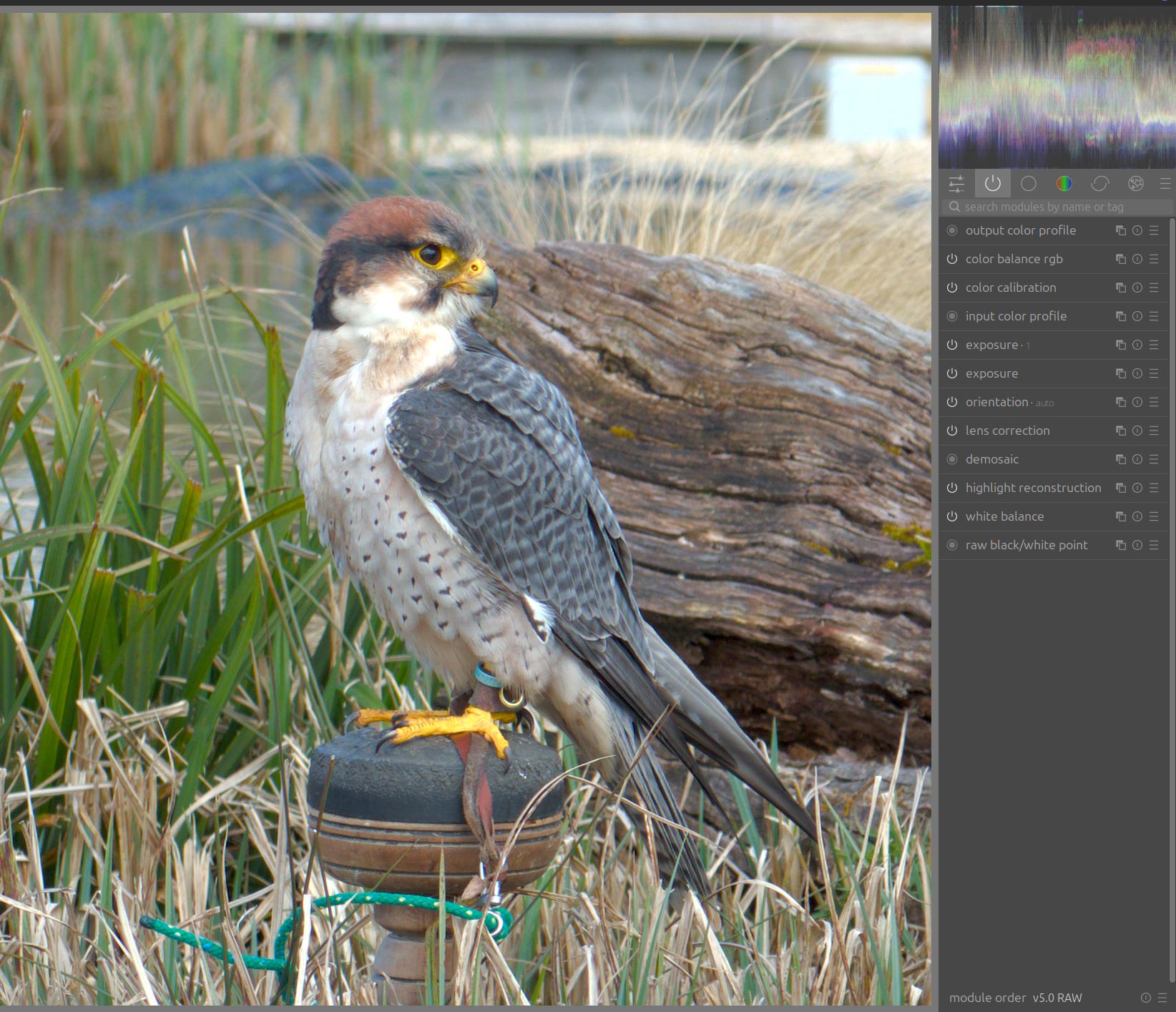
I just tried to use them with DNG created by DXO or the RawForge AI denoise plugin … i do get a error mesage popping up , saying that there is no " embedded thumbnail found in this raw file ".
Works fine with my cr3 files …
The fact does bring up a denoising issue for me … as i have to go the tif route to add denoising … something that i do not want in my workflow .
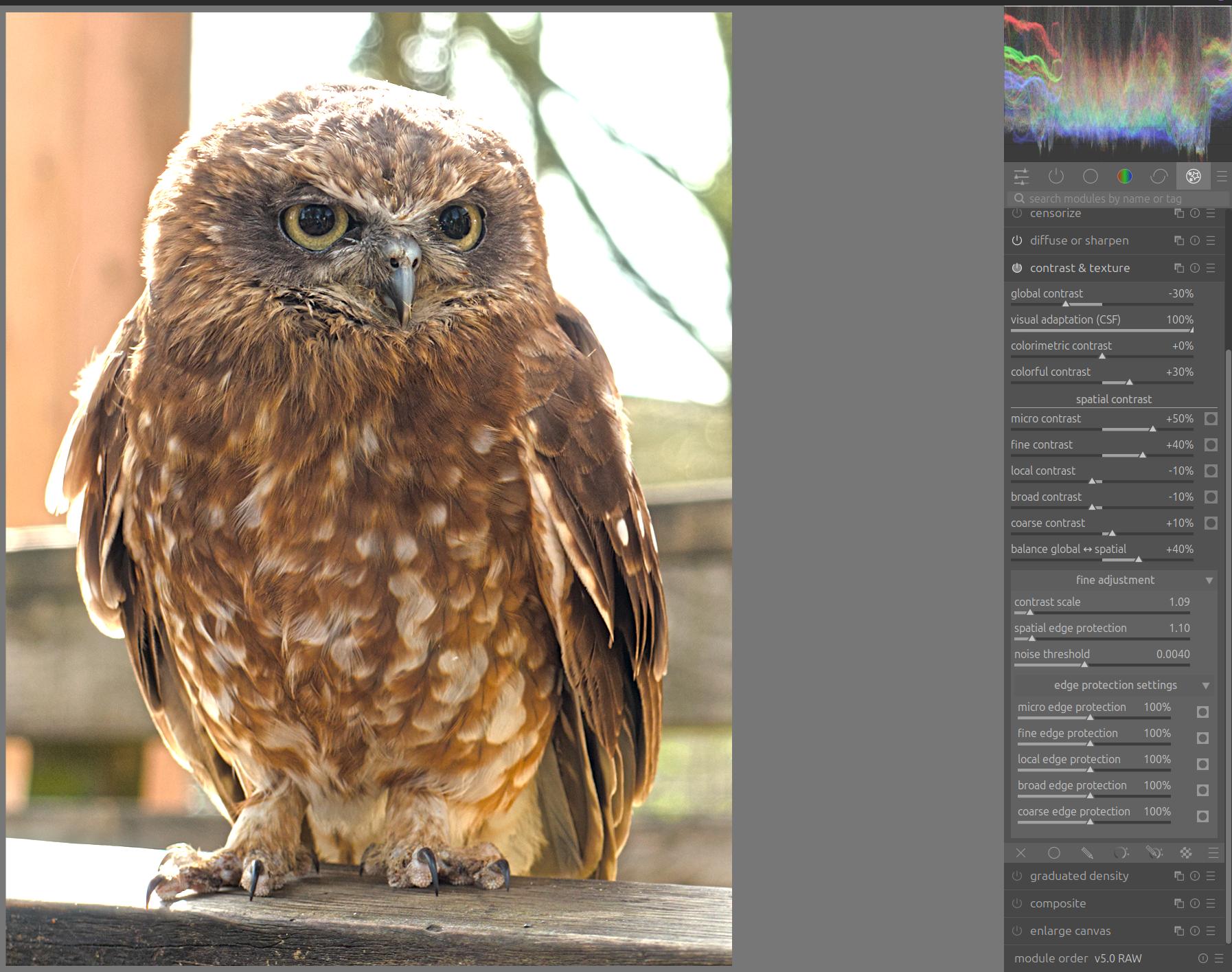
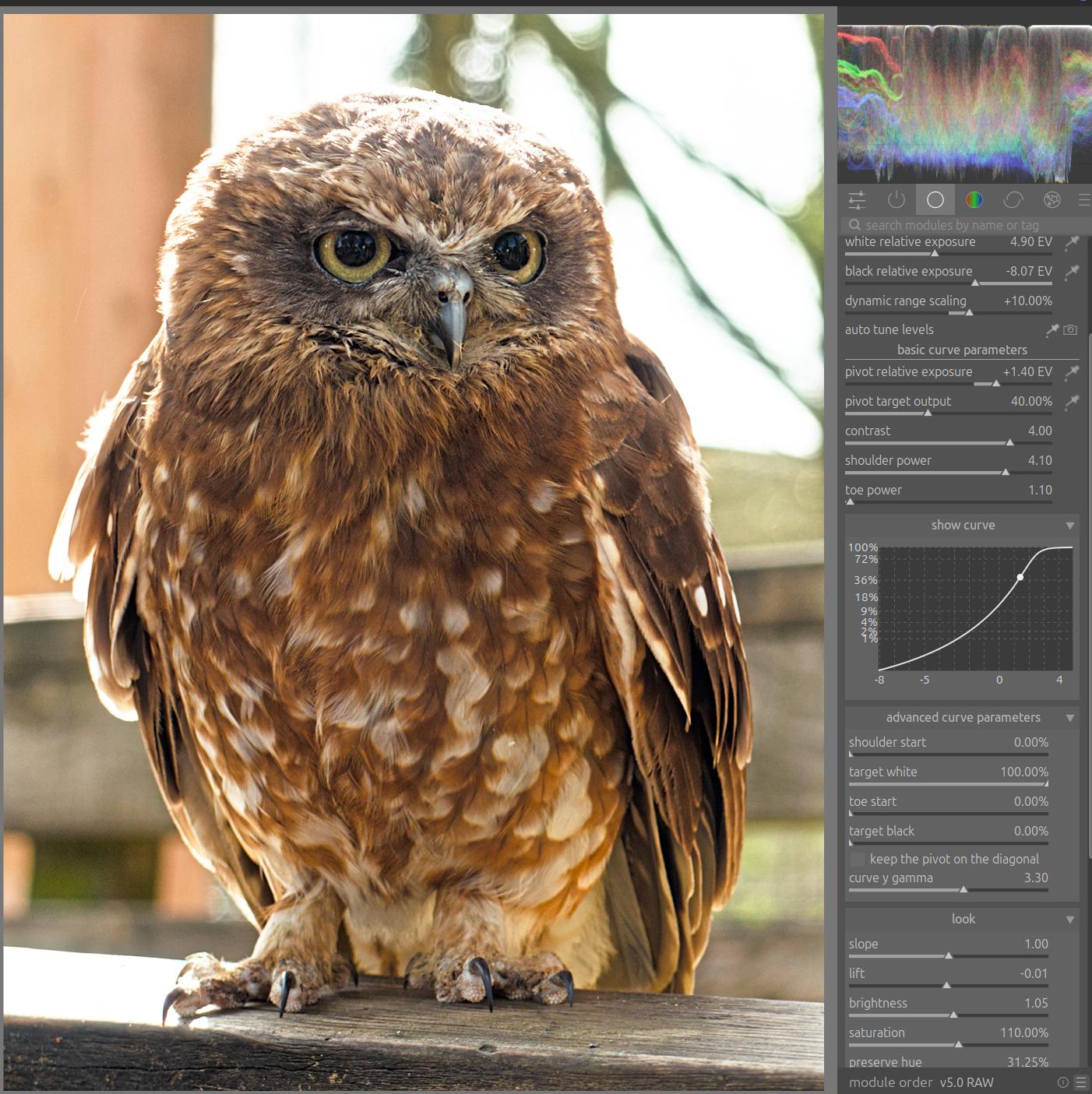
I’ve done some simple testing of both modules. Can’t quite wrap my head around how the curve translates to actual image values, but I managed to get the contrasts I wanted on the owl with the base curve after a bit of fiddling. AgX version of the owl is included.
I edit with ‘auto apply workflow’ at ‘none’ then keep a tonemapper off until quite late (depends on what the highlights are like to begin with!); so I kept base curve off while doing standard adjustments.
Sorry if this is a really long line of images; I’m not sure how to get them a bit more efficiently placed in the message window.
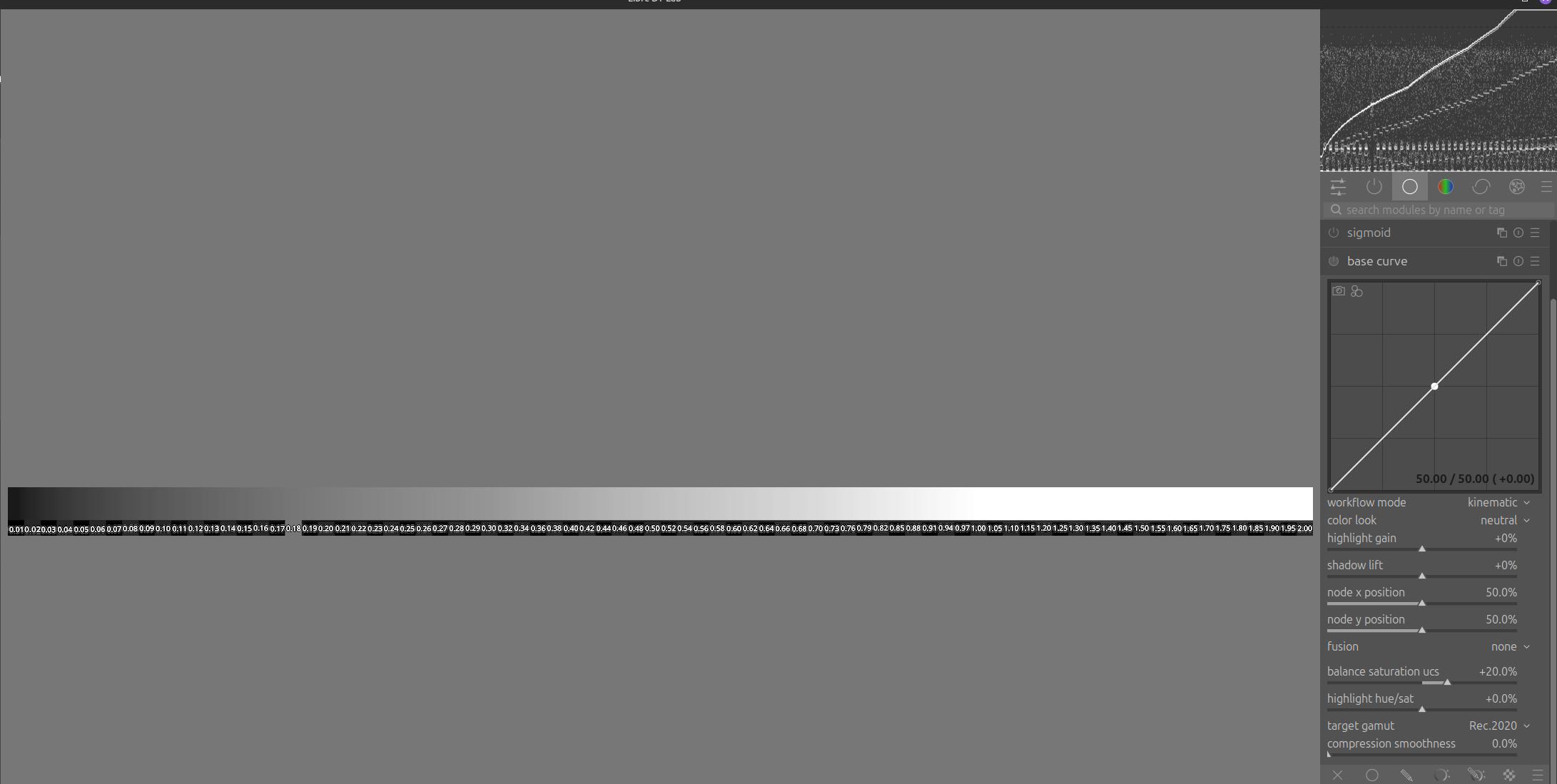
Chistian, what are the “two modes”…I likely should know…I see one consistently give a much brighter starting point… If you have some notes I am happy to read them if you point me there rather than have you have to explain it… Display is the old BC correct?? Again can you remind me about kinematic and dynamic?? Also happy to look at any existing explanation or notes if you could share the best place…Do you have sufficient comments in the code… I will go take a look when I get a free moment…
I had a little play last night and the tool works pretty nicely and combined with your contrast and texture you can get some nice results…to my eye anyway…
no, camera manufacturers puts a lot of more secret sauce into their jpg processing engines. If that would be just a curve then this would have been reverse engineered a long time ago …
Yes, you are right. I was expecting about an approximation like the preinstalled base curves but not created manually and getting also the colors.
Actually, my question was because this weekend I tested some jpeg looks in my camera because I didn’t want to spend a lot of time editing a bunch of raw photos (just crop & rotate) then I had the naive idea that this could work. Then I realized that I was not possible because the style plays with color too among other things. A naive, naive idea
Hello,
Thank you very much for sharing your experiments; it’s very interesting to learn about a different workflow. I’ve tried a few things myself, and they’ve shown me that I can improve how I handle highlights.
Personally, I’ve gotten into the habit of starting with the Base Curve module in combination with the Exposure module.
Greetings from the Luberon,
Christian
Hello Todd,
Here is some documentation I had already started; I need to update it now that I think this module is almost finished. basecurve_scene_mode_EN.pdf (110.0 KB)
It’s possible that the code comments aren’t complete yet or that there are still some parts in French.
Thanks for your support,
Christian
Hello Andreas,
Yes, that’s normal because the curve is calculated based on the histogram of the embedded thumbnail in the RAW file.
I also work with PureRaw 3 for my high-ISO files only because I have to use a Windows machine. For this type of file, I plan to add standard curves
Greetings from the Luberon,
Christian
Hello,
That’s not really the goal, but it does serve as a starting point, ideally combined with an RGB “color look” matrix that gives us a preview.
Greetings from the Luberon,
Christian
Hello,
Just to let you know, I’ve uploaded a new version.
The updates focus on color management and color accuracy in highlights.
All the best,
Christian
Hi Christian
Any new changes in latest version , as of today ?
I slowly getting my head around the base curve module , but do struggle to get decent highlights at times … specially when the scene is really contrasty !
I do mostly shoot ETTR …
Thank you for your interest in my experimental work.
Indeed, I’ve also noticed some issues with the highlights; I’ve been working on them, as well as on a third curve loosely based on OpenDRT.
I still need to finalize a few adjustments, but I hope to have more to share by the end of the week.
Cool Christian … I am definitely VERY much interested in your experimental work .
I have no idea about the math or other crazy stuff what is going on behind the scenes of a module , nor do I have any idea about coding .
I just see it from a user perspective …
Good luck with your work , may your thoughts pay off
Hey bad news about the latest build … for Mac OS on M1 Mac Studio running latest Tahoe .
As soon as try to activate the Base Curve module ( turned off by default ) … DT does crash .
Just to, let you know .
Went back to previous build of yours … luckily I have saved it .
Hi Christian …
tried the latest version of your build .
Just downloaded …
The same issue with the base curve module is still present .
Once I do activate the module … DT crashes .
Hope you find the reason for this .