Hi Christian … not sure if it allowed to say something to your edit here ?!
I hope you do not mind that I do share my thoughts about this demo …
For me personally … this demo has " three issues " purely from the technical side , I just guess down to different tastes and purely subjective from my side !!!
You have very strong darks or blacks , being clipped and no detail at all visible .
Overall the image is quite " blue " … to personally the blossoms are " cold " in color … but you might been after that grading . Blue and red channel are " clipped " in the highlights … if I can trust the PS histogram ?
Slight haloing … along the very dark twigs , any idea where they do come from ?
Not sure if I have done the right thing … with my honest sharing of thoughts ?
No problem, the colors look right to me on my screen compared to what I was going for. Maybe I should check its calibration?
Yes, the color of the Salignan Mill in the background is out of gamut. I took advantage of the bright sunlight to create an orange-hued background. For this type of shot, my priority isn’t to have a technically perfect photo, but simply for it to look nice.
For this example, I used only three modules, Base Curve, Contrast & Texture, and ColorEq, without any masks, and I admit I pushed the saturation sliders “pretty far.”
Just a heads-up: I’ve uploaded a new version that includes a new slider called “Contrast Correction” within the Base Curve module, specifically for UCS Cinematic mode (Mode 3).
What is this? Until now, Kinematic mode used a fixed value (1.10) to process “brilliance” (perceptual contrast) within the uniform Oklab color space prior to the tone mapping stage. This new slider now allows you to adjust this value within a range of 1.0 to 2.0.
How does this affect your images? This setting affects the vector norm of the image’s energy. By adjusting it, you can choose to achieve a “softer” rendering (close to 1.0) or, conversely, add more “bite” and punch to the contrast before the final rendering curve is applied.
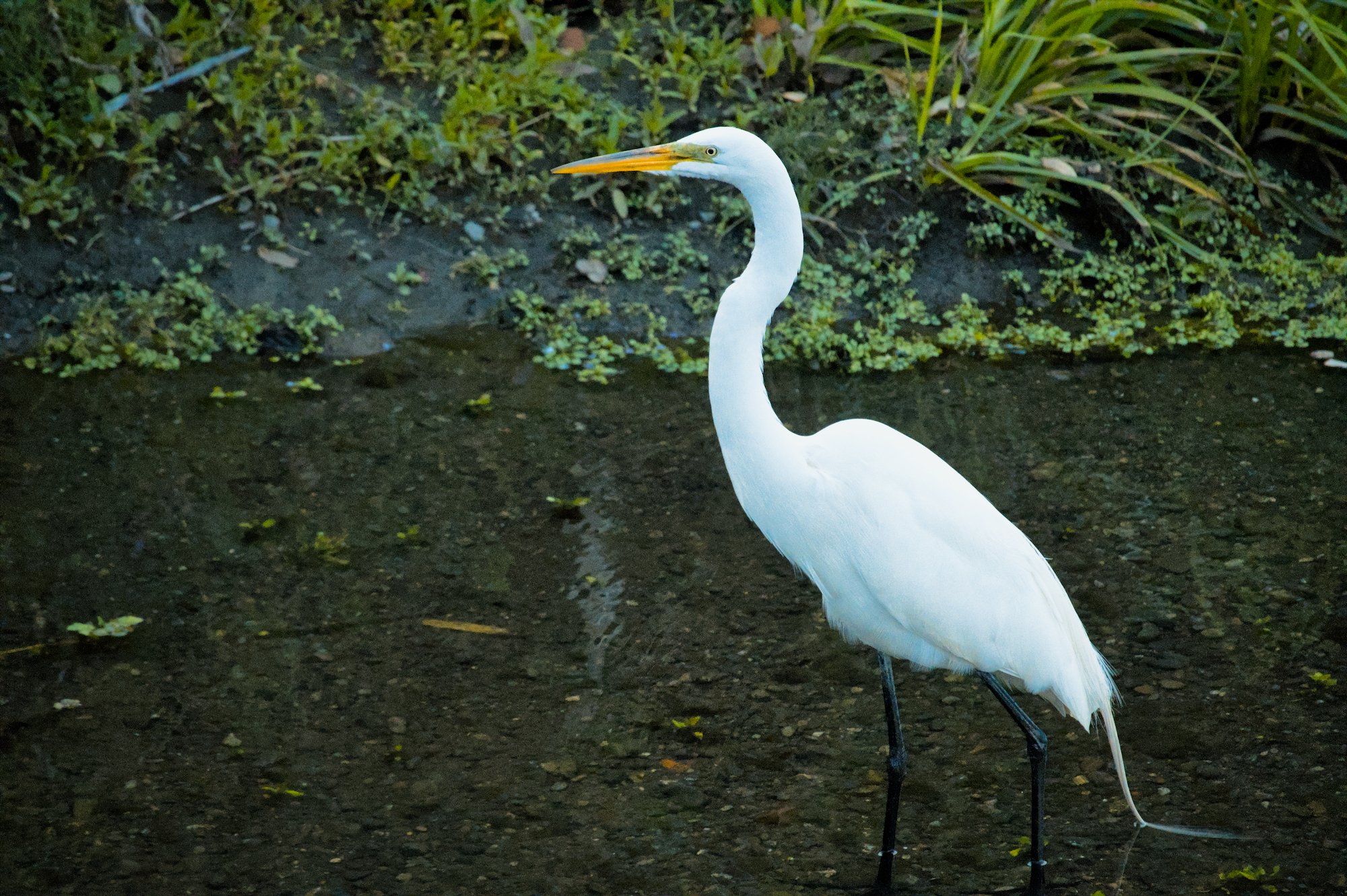
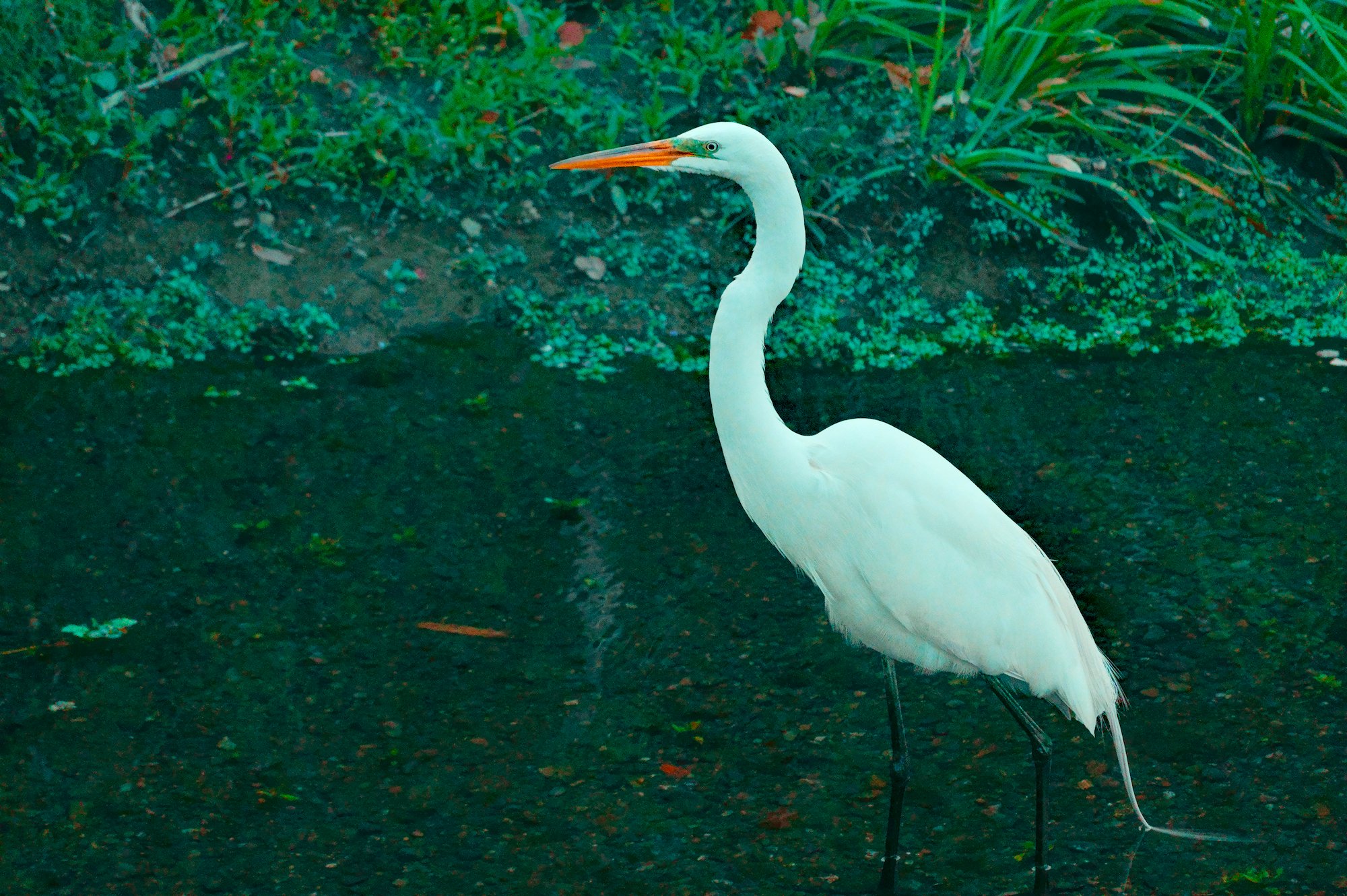
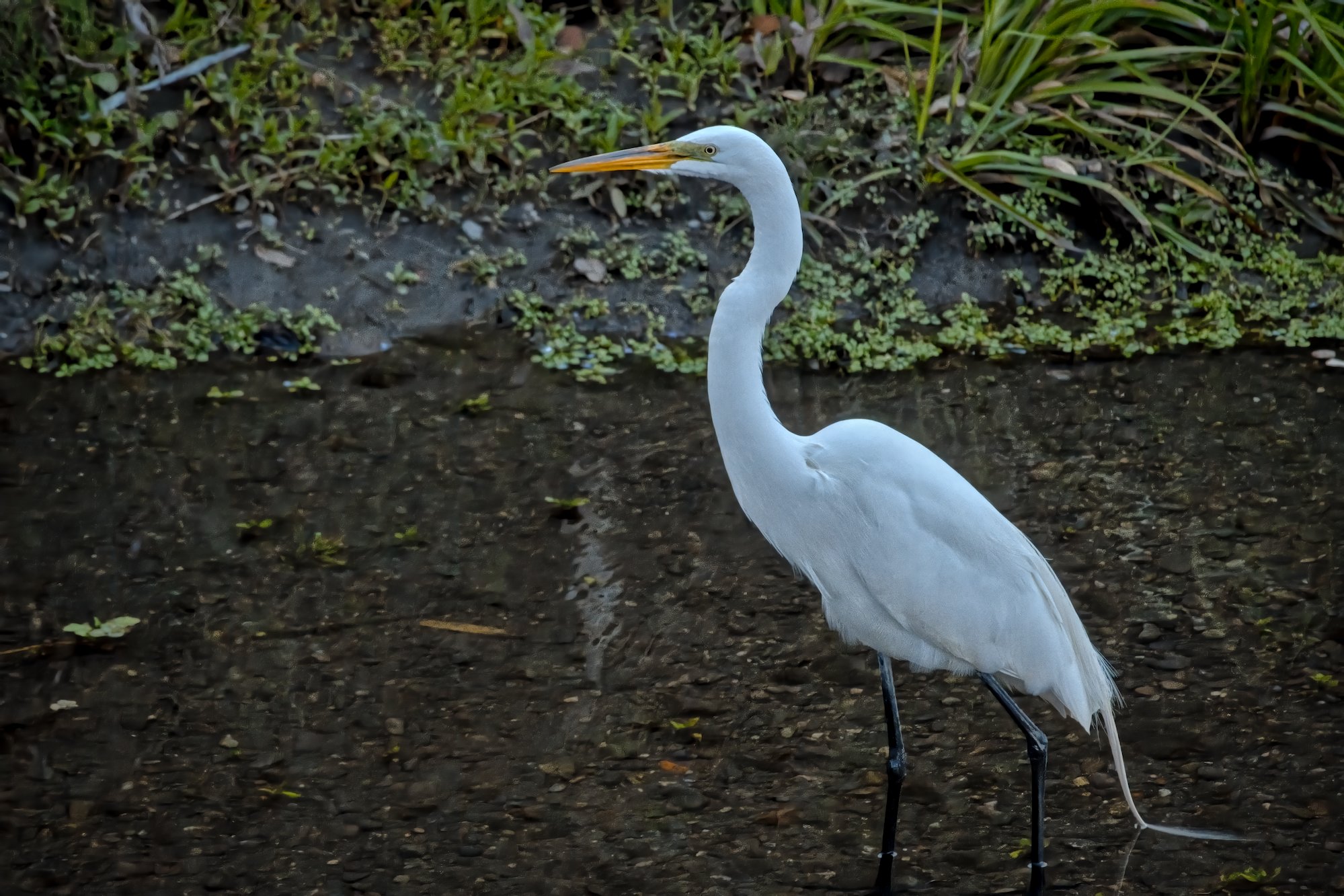
First two with your basecurve module and the third after running the neural retouch and then a few modules and your contrast and texture module… no tonemapper…